
Simple Modpack Update Checker Mod (26.3, 1.21.1) – Always Play on the Latest
 84
 0


Simple Modpack Update Checker Mod checks if your modpack has a newer version every time you launch Minecraft. It compares your current version with a Modrinth project or a custom URL and shows a notification toast when an update is ready. With a Modrinth project ID, this mod also filters updates by Minecraft versions and follows release, beta, or alpha channels. All settings stay in one lightweight JSON config file for your modpack.

Features:
- Automatic Update Checks: Checks your modpack version every time you start Minecraft and displays a notification toast on screen when a newer version is out.
- Modrinth Project Tracking: Pulls version info straight from the Modrinth API using a project ID, with support for Minecraft version filters and release channels.
- Custom URL Tracking: Reads plain text from any URL you choose and scans for a version line written as
version = "String", which works with packwizpack.tomlfiles. - Compares your installed modpack version string against the online source so you always know when a newer release exists.
- Ignores Minecraft version filters and release channels when using a URL source, checking only the version string from that file.
- Saves all options inside a single config file located at
config/simple-modpack-update-checker.json.
Release Channels (Modrinth Only):
"release"(default): Tracks stable releases only. For example, if a project has2.1.0-alpha(newest),2.0.5(release), and2.0.4-beta, this channel shows2.0.5."beta": Tracks both beta and stable releases while skipping alpha builds. In the same example, it shows2.0.5because that stable release is newer than2.0.4-beta."alpha": Tracks alpha, beta, and stable releases together. In the same example, it shows2.1.0-alphaas the newest version of any type.
Configuration:
All settings are stored in config/simple-modpack-update-checker.json. For most setups, only the three required keys below are needed:
configVersion: Required. Sets the config file version, defaults to2, and is filled in automatically.localVersion: Required. Sets the current version of your installed modpack using any text string, such as"3.3.3".identifier: Required. Sets either a Modrinth project ID (such as"KmiWHzQ4") or a URL to a text file containingversion = "String", such as a packwizpack.tomlfile.minecraftVersions: Optional (Modrinth only). Lists specific Minecraft versions to track, such as["1.21.4", "1.21.5"]. Defaults to all versions and is ignored when using a URL.releaseChannel: Optional (Modrinth only). Picks the update level to follow:"release"(default),"beta", or"alpha". Ignored when using a URL.
Basic Modrinth Project ID Example:
{
  "configVersion": 2,
  "localVersion": "3.3.3",
  "identifier": "KmiWHzQ4"
}
Custom URL Example (packwiz pack.toml):
{
  "configVersion": 2,
  "localVersion": "3.3.3",
  "identifier": "https://raw.githubusercontent.com/SkyblockerMod/Skyblocker-modpack/main/packwiz/pack.toml"
}
Modrinth with Beta Release Channel Example:
{
  "configVersion": 2,
  "localVersion": "3.3.3-beta.5",
  "identifier": "KmiWHzQ4",
  "releaseChannel": "beta"
}
Modrinth with Multiple Minecraft Versions and Alpha Channel Example:
{
  "configVersion": 2,
  "localVersion": "3.3.3",
  "identifier": "KmiWHzQ4",
  "minecraftVersions": ["1.21.4", "1.21.5"],
  "releaseChannel": "alpha"
}
How to Use:
- Open the config file at
config/simple-modpack-update-checker.jsonto set up update tracking for your modpack. - Enter your current modpack version in
localVersion(for example,"3.3.3") so the mod has a version to compare against. - Set
identifierto a Modrinth project ID to check updates through the Modrinth API, or paste a direct URL to a text file with aversion = "String"line such as a packwizpack.tomlfile. - If you use a Modrinth project ID, add
minecraftVersionsto filter for chosen game versions and setreleaseChannelto"release","beta", or"alpha"to control which builds trigger alerts. - Save the config file and start Minecraft; Simple Modpack Update Checker Mod checks your chosen source automatically on startup.
- Check your screen for a notification toast banner, which pops up automatically whenever a newer matching modpack version is found.
Screenshots:
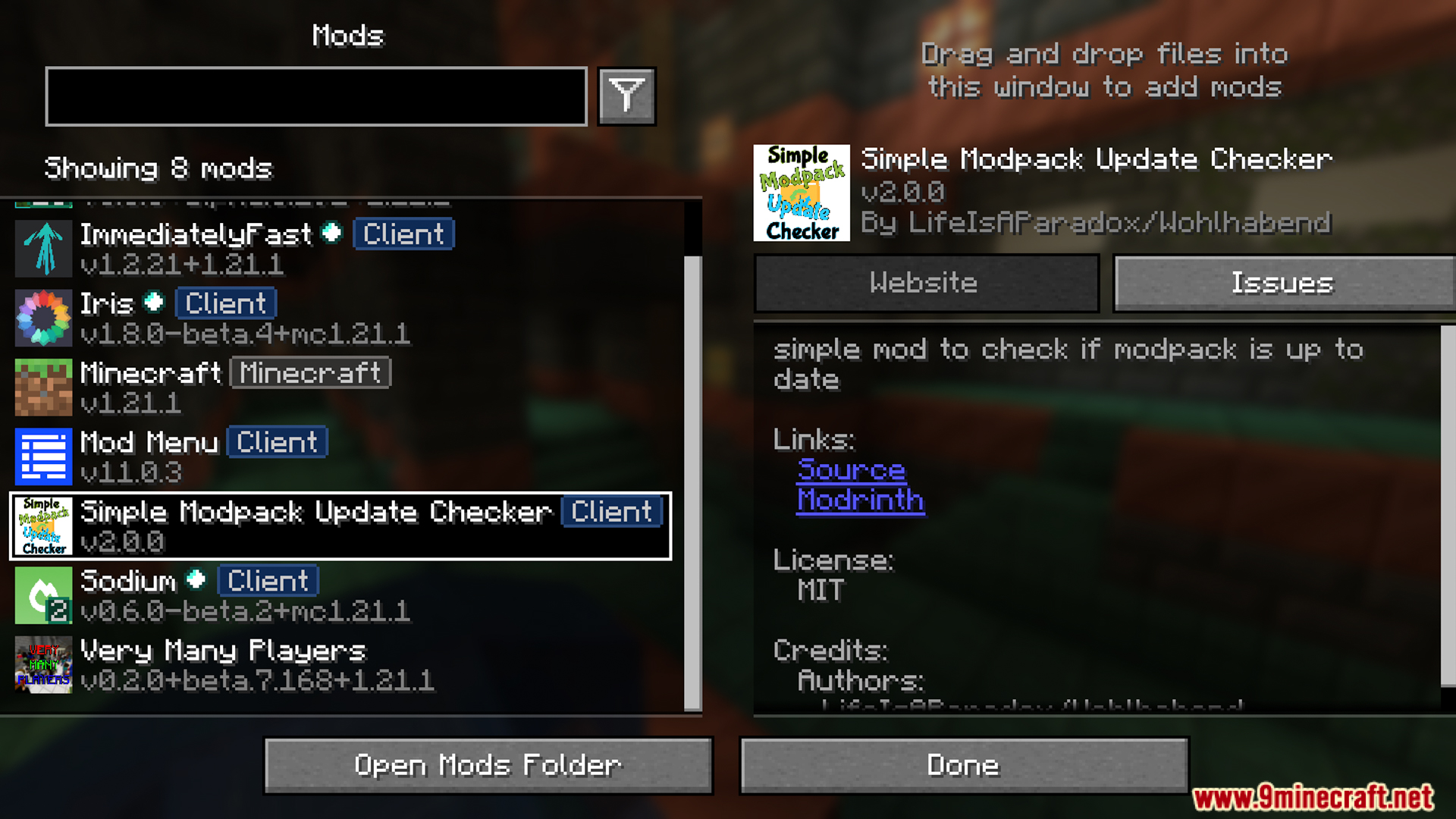
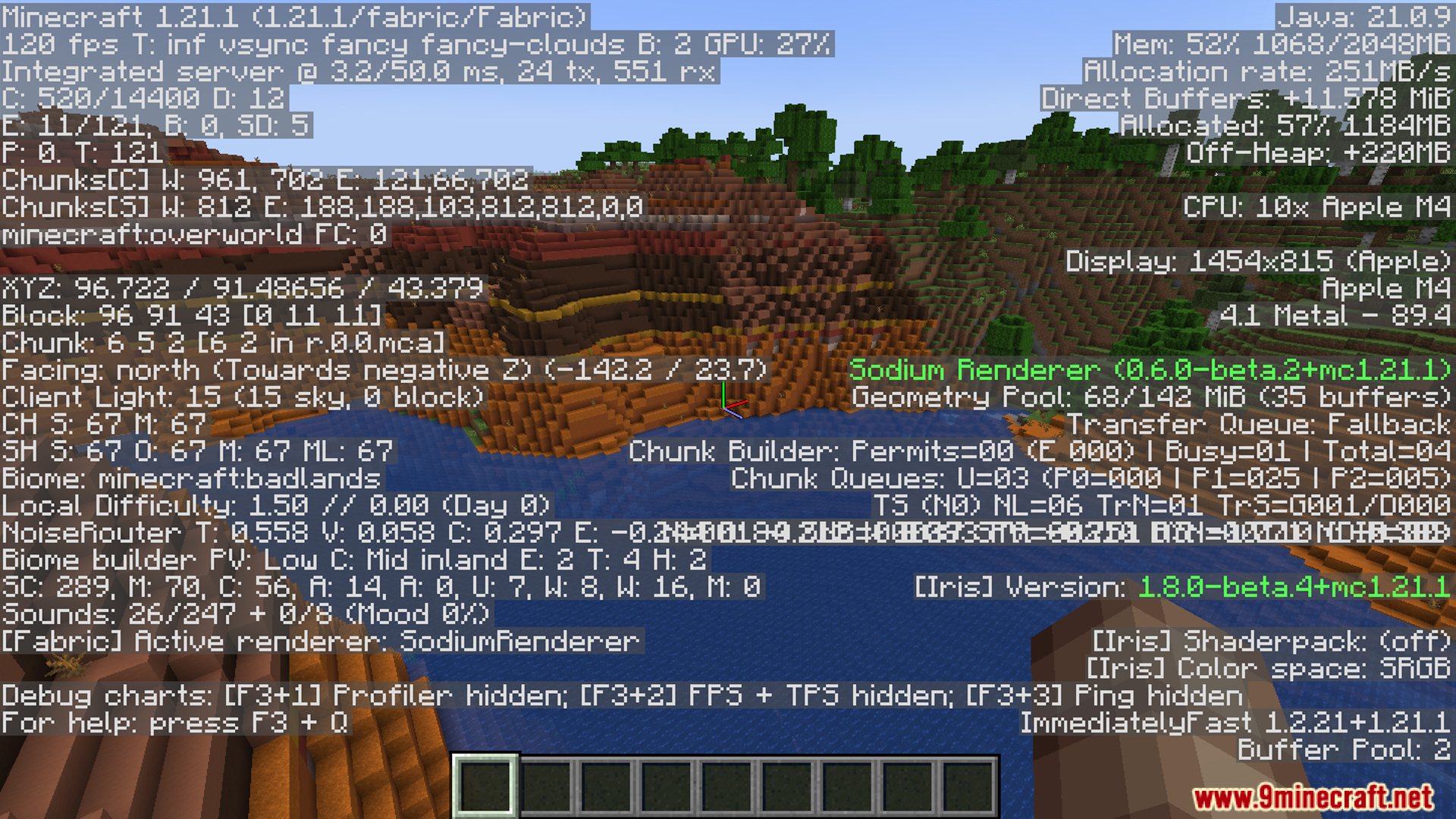




How to Install:
New to Minecraft? Follow our step-by-step guide to install Mods on your PC.View Guide
Requirements:

Simple Modpack Update Checker Mod Download Links
For Minecraft 26.3, 26.2
For Minecraft 26.2
For Minecraft 26.1.2, 26.1.1, 26.1
For Minecraft
1.21.11,
1.21.10,
1.21.9
All Versions Covered
1.21.11
1.21.10
1.21.9
1.21.8
1.21.7
1.21.6
1.21.5
1.21.4
1.21.3
1.21.2
1.21.1
1.21
How much RAM do you usually allocate to a modded Minecraft profile?
1 responses · See the full results →
You May Also Like
Picked for this page
 Pickle Tweaks Mod (26.1.2, 1.20.1) – Never Break Your Tools Again
 Litematica Printer Mod (26.3, 1.20.1) – Redstone-Aware Fast Block Auto Placement
 Toro’s Auto Mine Mod (26.3, 1.20.1) – Automatically Mine While Being AFK
 Day Count Mod (26.3, 1.20.1) – A Day Counter HUD
 Adaptive Performance Tweaks (Bundle) Mod (26.3, 1.20.1) – Support Server Performance
 Variants-CIT Mod (26.3, 1.21.1) – Makes Item Variants Easier with CIT
 Oth3r’s Sit Mod (26.3, 1.20.1) – Sit Back And Relax
 CTD Mint Mod (26.3, 1.20.1) – Simple Minecraft Currency System
 Player Particles Mod (26.2, 1.21.1) – Make Players Emit Particles
 Spell Engine x Open Parties and Claims Mod (26.1, 1.20.1)
 Ducky Updater Lib Mod (26.3, 1.20.1) – Check Mod Updates From Modrinth
 Lighterend Mod (26.3, 1.21.11) – Adds New Biomes To The End
Most viewed in Mods over the last 7 days
 Ala Industrial Mod (26.3) – Run Electric Power Grids and Automated Factories
 PleasureCraft Mod (26.3, 1.21.1) – Jenny Mod Remake for Fabric
 Jennycraft Mod (26.3, 1.20.1) – Virtual Girlfriend in Minecraft
 Fapcraft Mod (26.3, 1.12.2) – Comprehensive and Detailed Content
 Jenny Mod (Fapcraft) Official Complete Guide – How to use, Tutorial
 BangCraft Mod (1.20.1) – Jenny, Ellie and Elliot
 Fabric Loader (26.3, 1.20.1) – Fabric Installer for All Minecraft Versions
 Meteor Client Mod (26.3, 1.20.1) – Xray, HUD, Fly
 The Shooting Star Demo Mod (26.3, 1.20.1) – Vaporize Terrain From Orbit
 OptiFine HD (26.3, 1.20.1) – Run Faster, FPS Boost, Shaders Support
 Aristois Client Mod (1.21.4, 1.20.1) – World Class Minecraft Utility
 SchnurriTV Mod (1.12.2) – Characters and Features
More from Mods
 Tre’s Tack Library Mod (1.20.1) – Outfit Your Horses with Fully Detailed Tack
 YDM’s coreX Library Mod (1.20.1) – Loot RPG Gear with Random Names
 Gunpowder Recipe Mod (26.3, 1.20.1) – Gunpowder is Craftable
 Villager Timetable Mod (26.3, 1.20.1) – Master Villager Schedules
 Giacomo’s Fishing Net Mod (1.20.1) – Catch Fish and Treasure While Away
 Ender Portal Stone Mod (1.22) – Fast Travel to Distant Biomes and Dungeons
 Chat Spellcheck Mod (26.2) – Never Send Embarrassing Typos to Friends Again
 NovaUtils Mod (26.1.2) – Locate Buried Ores and Inspect Chests Through Walls
 In-Game Account Switcher with Cookies Mod (1.21.11) – Swap Your Alts Without Relaunching
 CrewX Mod (1.8.9) – Dominate Competitive Server Matches Without Lag
 Vanilla Refit Mod (1.21.1) – Build Thinner Walls with Vertical Slabs
 IZeMod Mod (26.2) – Helpful Survival Tools for Everyday Fabric Adventures

This post has no comments yet. Be the first — your comment will appear here.