


SK’s Launcher
 604
604
 1
1

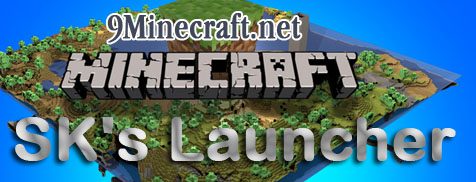
This is a custom Minecraft launcher that allows you to one-click install mods, letting you enable and re-order them at any time. It is small and just as easy to use as the official launcher, and it’s really clean.
So what’s this about mods?
- Install both ModLoader and non-ModLoader mods easily, both the same way, by clicking “Install” and choosing the file.
- Never touch META-INF or minecraft.jar. Just click, select the mod .zip, and then install.
- You don’t need a custom mod made for the launcher. The launcher tries to be smart and figures how the .zip is organized on its own.
Wait! There’s more to it:
- Easily change Java RAM usage options and other game-related settings.
- Switch between multiple Minecraft accounts and remember their passwords.
- Switch between different configurations, each with different settings.
- Switch between different .jar files to run, each with different lists of mods.
- Quick to load, clean news display. Can be disabled anyway.
- Quickly connect to servers you use by right clicking the Play button*.
- Supports updating Minecraft, downloading only files that were updated.
- Having problems? Open the console and view error messages. It won’t close if Minecraft dies.
- Supports digital signature verification for everything, making sure all the files you download with the launcher were not tampered with.
- More options to be found in the options dialog.
- Open source! Don’t trust some Internet person giving you a launcher? Compile it yourself.
*Currently requires manually editing the configuration file.
Click to rate this post!
[Total: 1 Average: 4]
You May Also Like


This post has no comments yet. Be the first — your comment will appear here.