


Create Goggles Mod (1.21.1, 1.20.1) – See Machine Stats in Armor
 167
167
 0
0


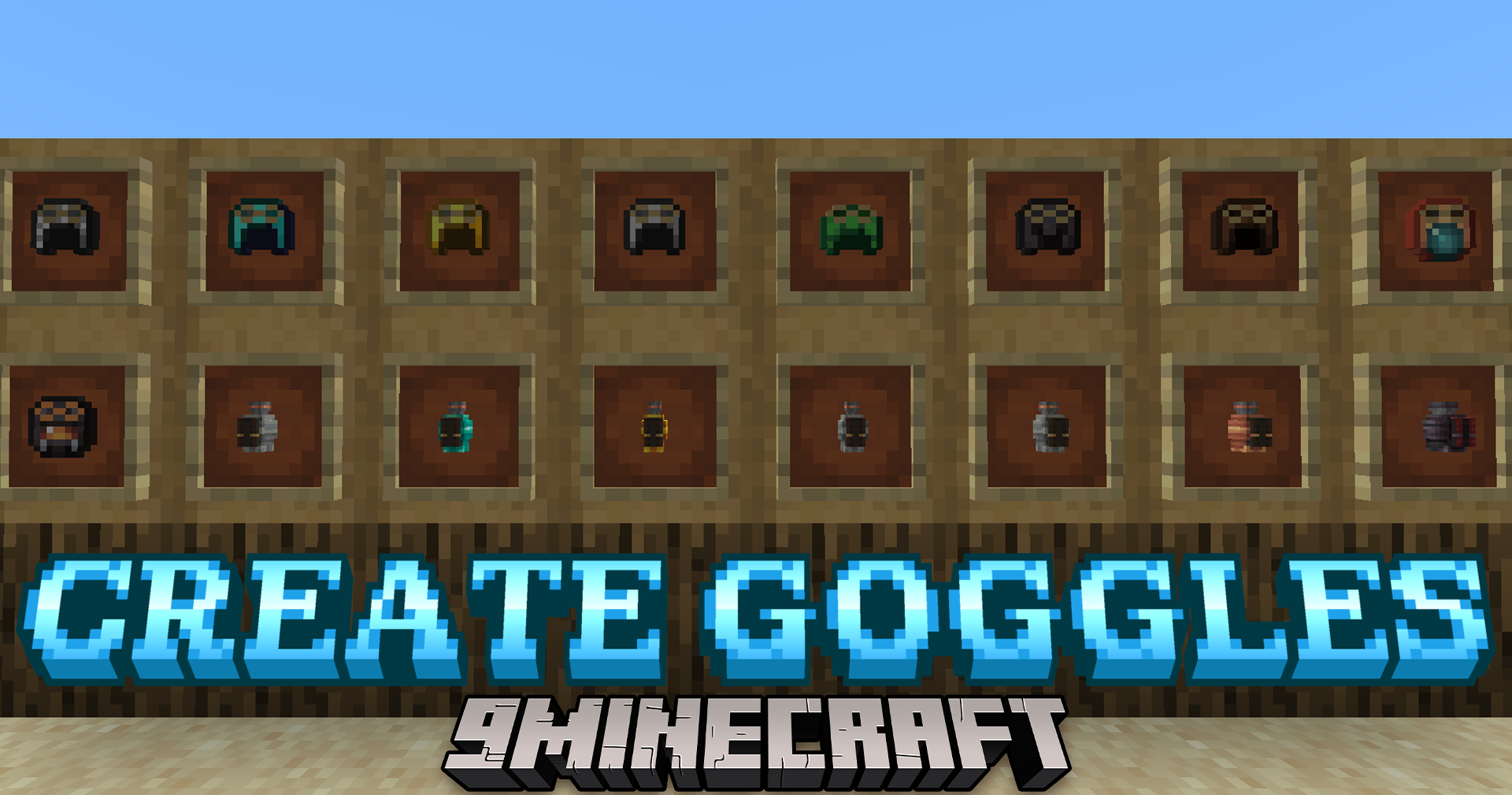
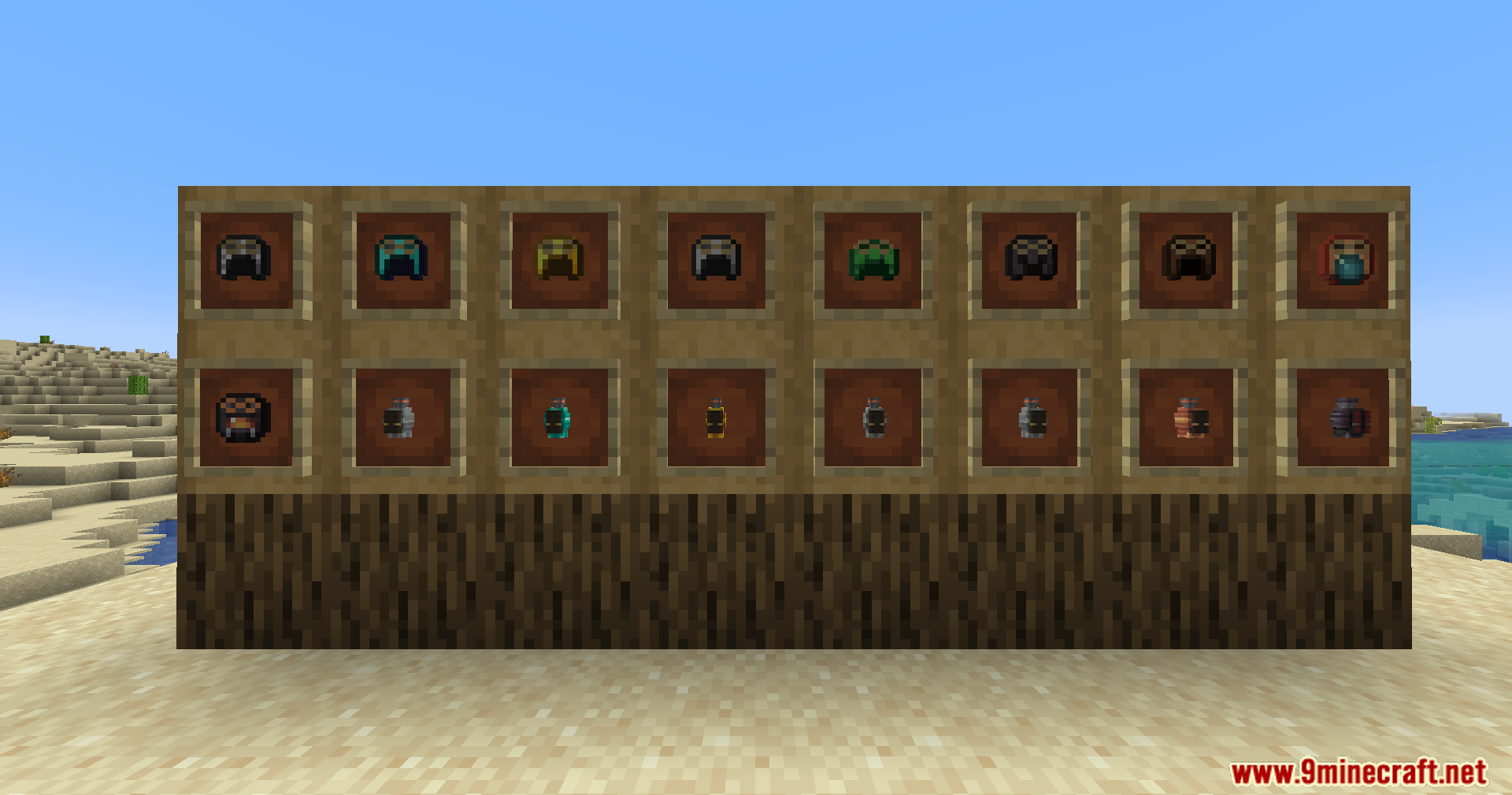
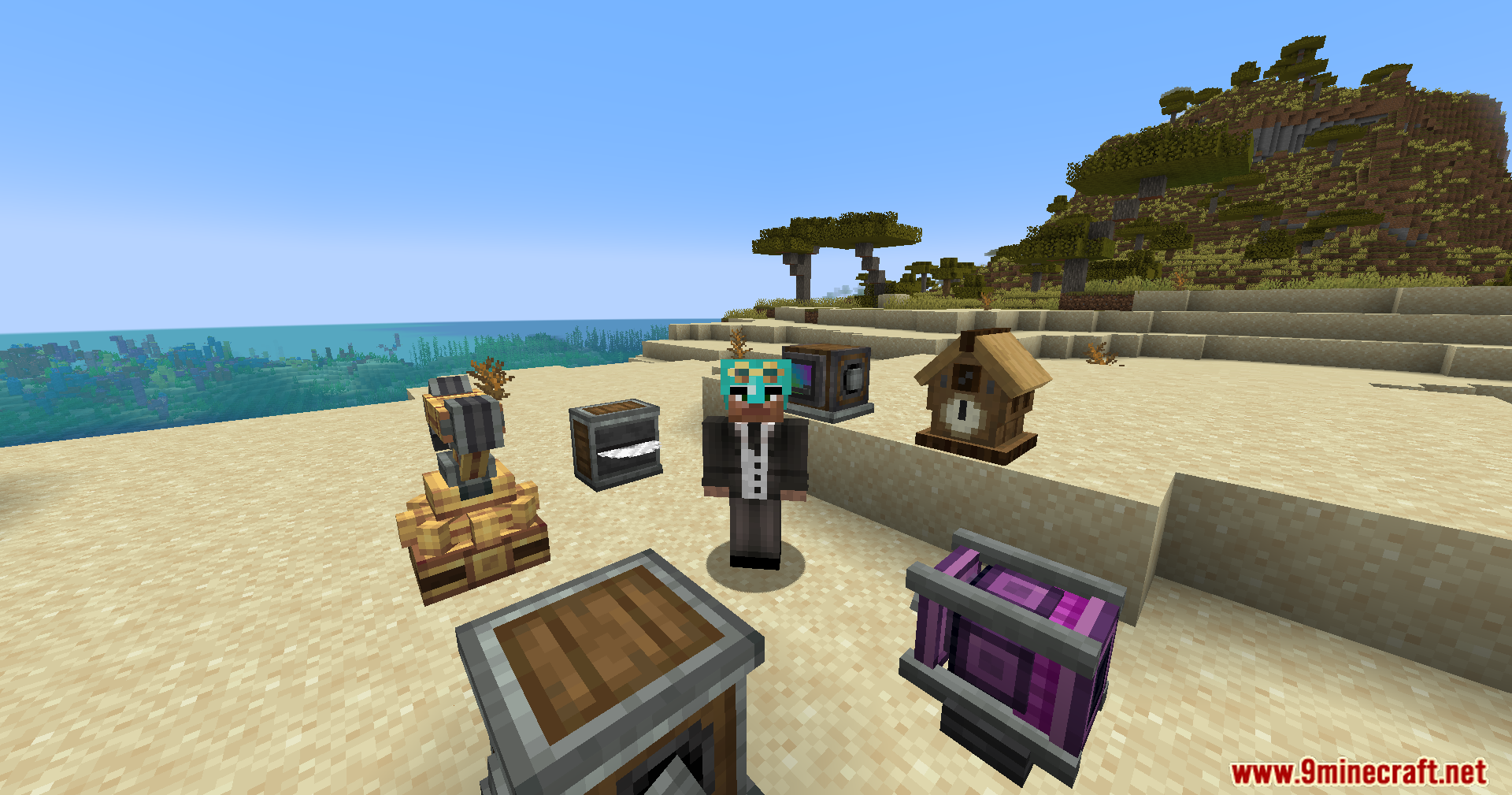
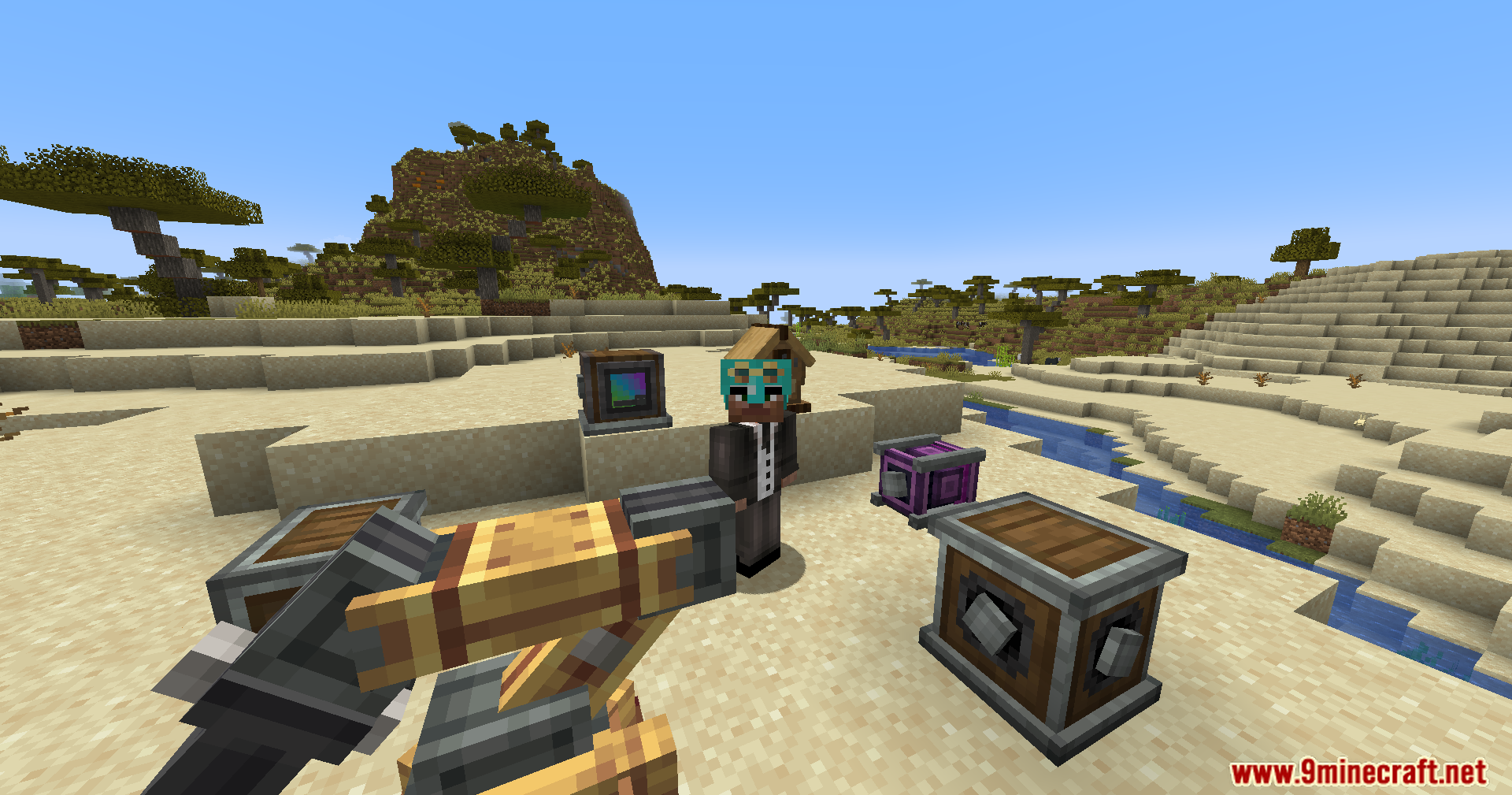
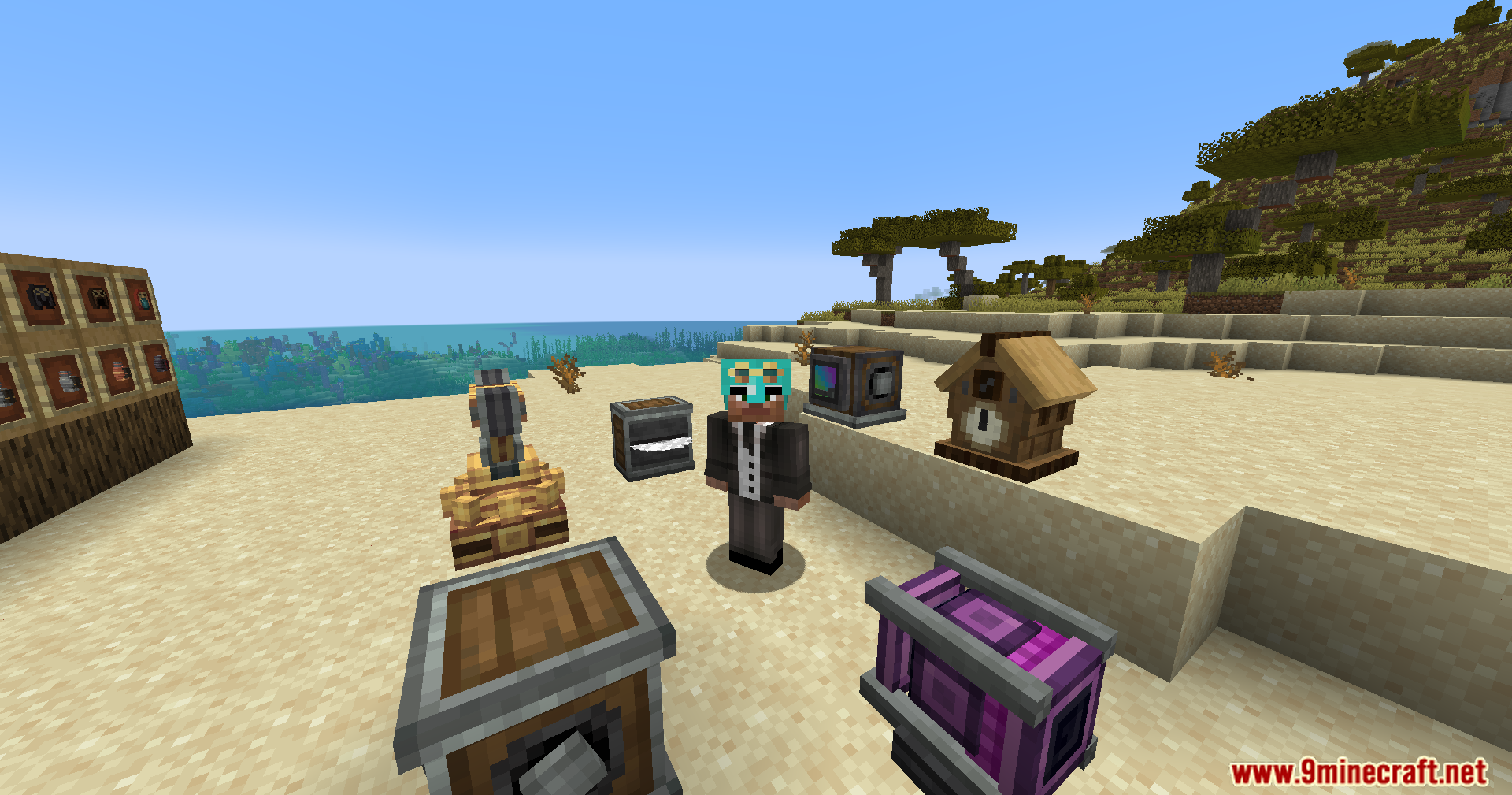
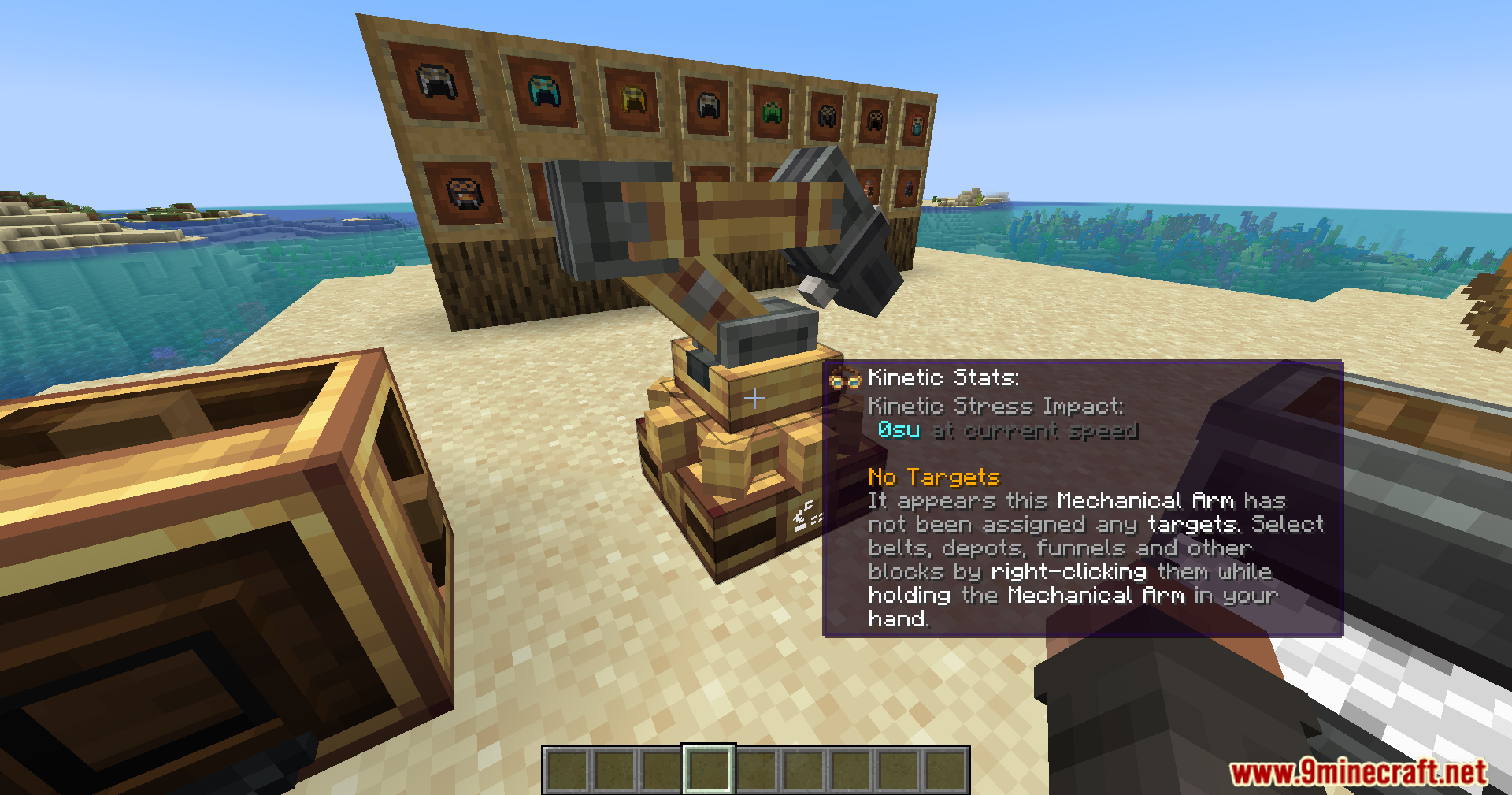
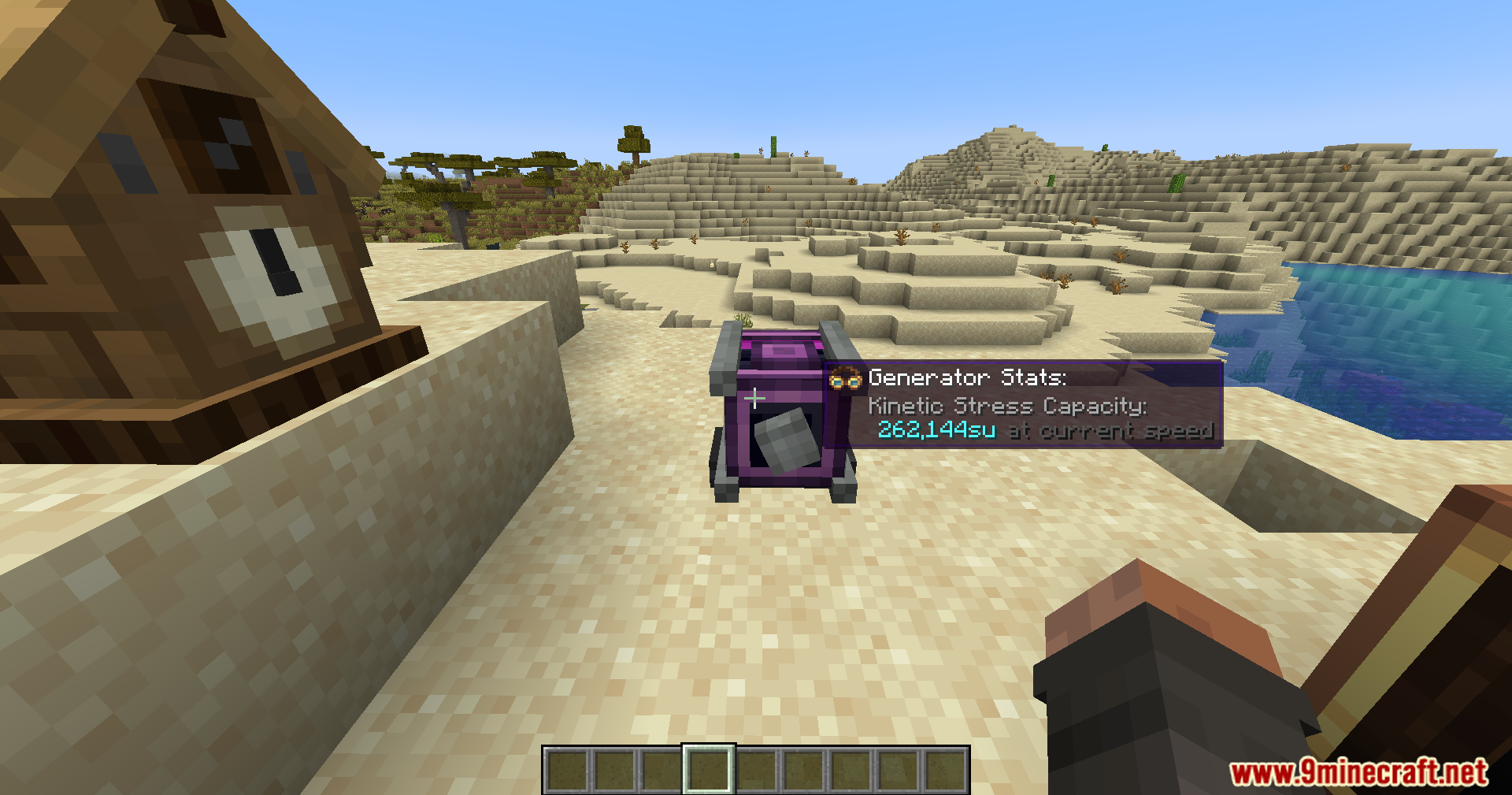
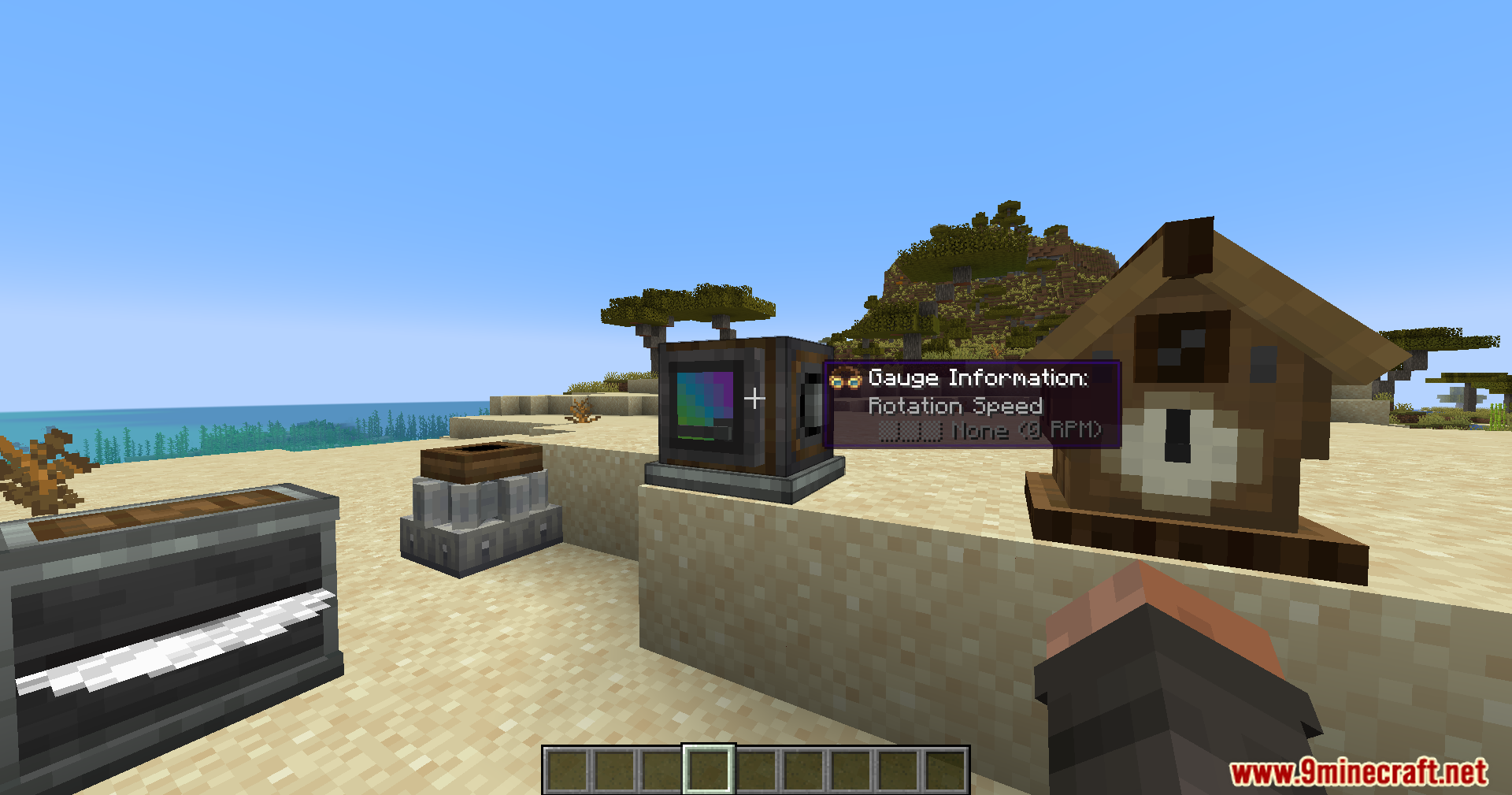
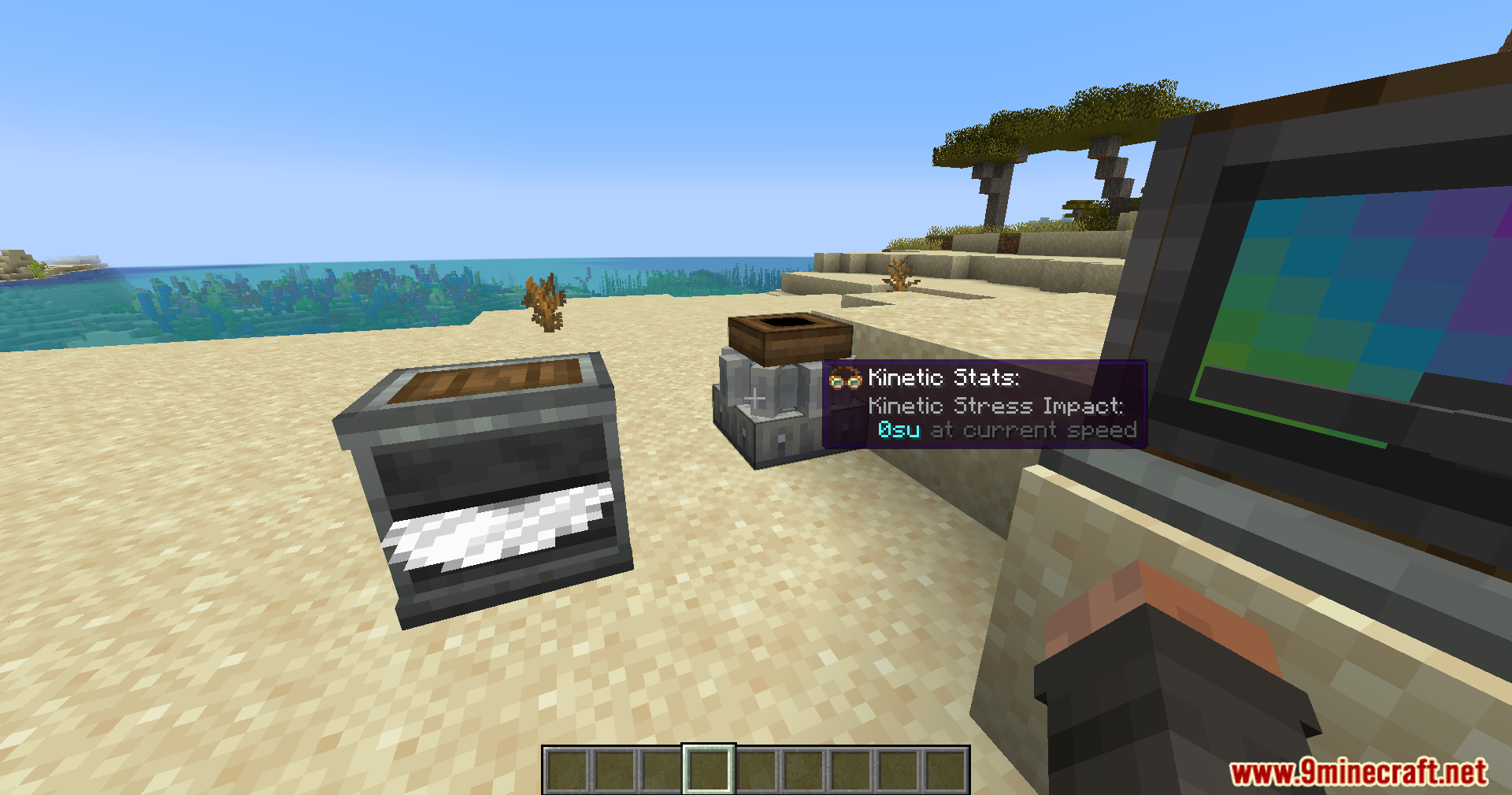
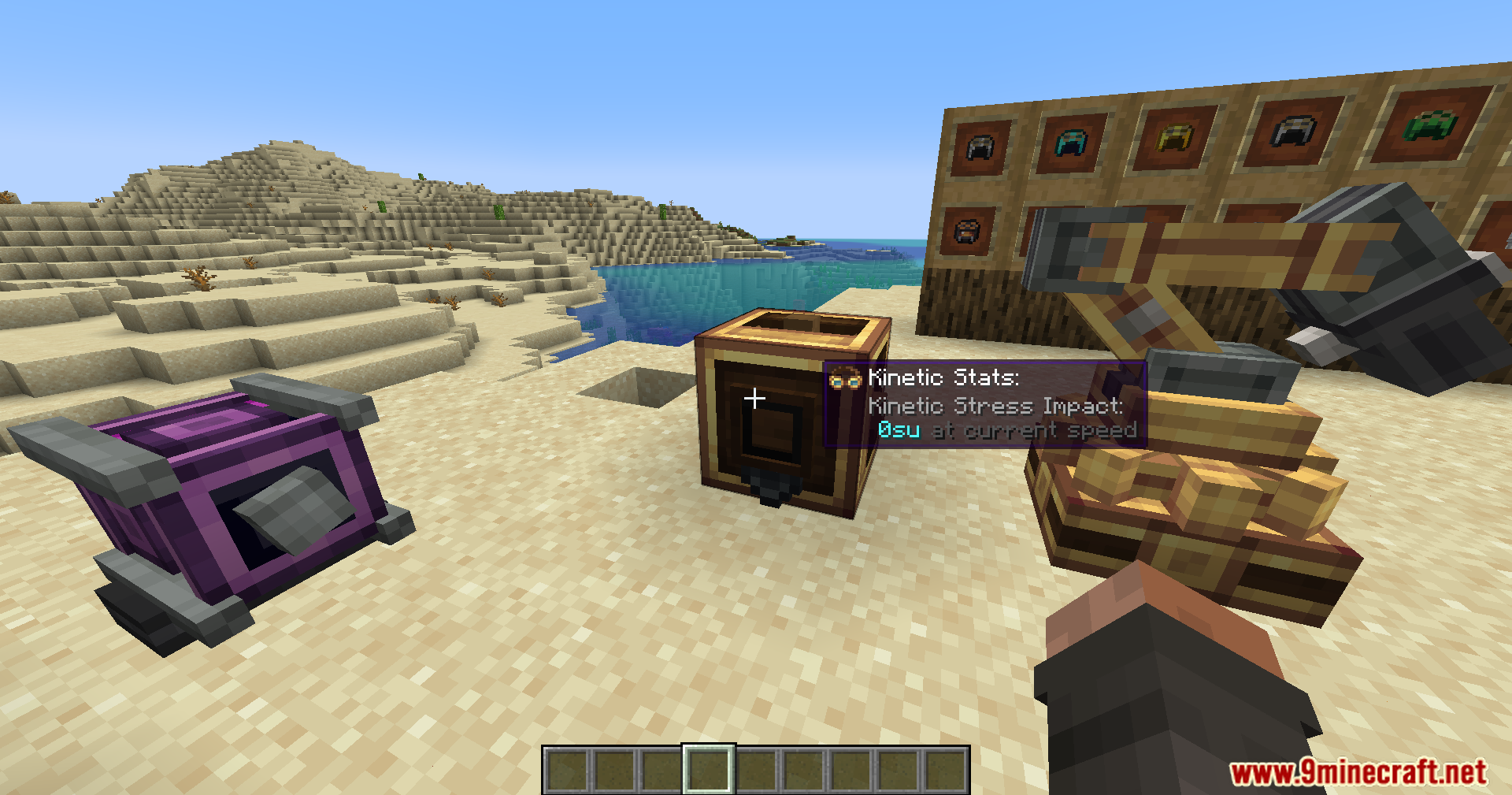
Create Goggles Mod adds a way to combine any helmet with goggles from the Create mod. This lets you wear a full set of armor, like netherite, while still seeing all the helpful information about your machines. The mod also adds support for wearing armored backtanks, so you don’t have to choose between protection and functionality.
Features:
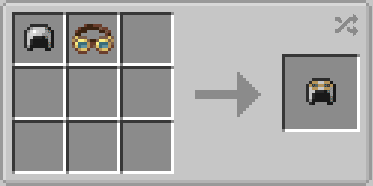
- Combine any vanilla or Create helmet with goggles to get armor stats and goggle readouts in one item.
- Allows you to see information about your Create machines without sacrificing an armor slot.
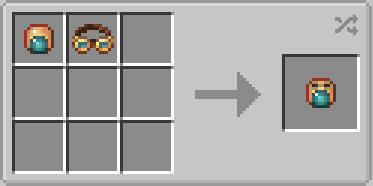
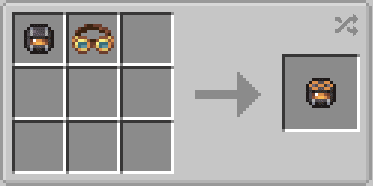
- Adds support for armored backtanks, letting you wear them with your armor.
- Works with the Curios mod (Forge only) to add a dedicated goggle slot and improve backtank support.
- Includes a Goggle Unit for players who also use the Mekanism mod (Forge only).
How to Use:
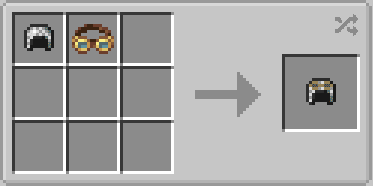
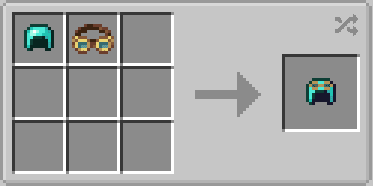
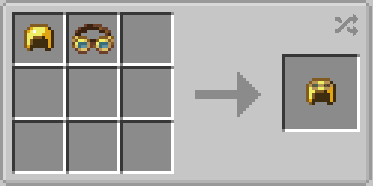
- Shapeless Crafting: To create a goggle-helmet, place any helmet and a pair of goggles together anywhere in a crafting grid. To remove the goggles, you must put the helmet in a Create crusher, which will also destroy its enchantments.
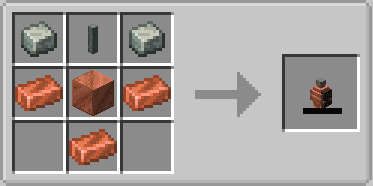
- Smithing Table: You can also upgrade a helmet by combining it with goggles at a smithing table. To remove the goggles from this version, combine the helmet with a Modifier Remover in the smithing table. The Modifier Remover is crafted like shears but with brass.
Crafting Recipes:
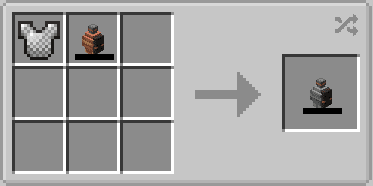
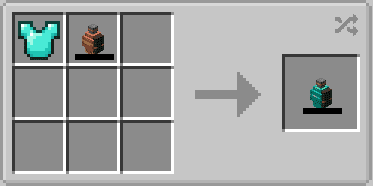
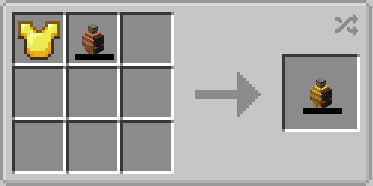
Screenshots:
How to Install:
New to Minecraft? Follow our step-by-step guide to install Mods on your PC.View Guide
Requirements:

Create Goggles Mod Download Links
For Minecraft 1.21.1, 1.21
NeoForge Version: Download from Server 1 – Download from Server 2
For Minecraft 1.20.1, 1.20
Forge Version: Download from Server 1 – Download from Server 2
Fabric Version: Download from Server 1 – Download from Server 2
For Minecraft 1.19.2
Forge Version: Download from Server 1 – Download from Server 2
Fabric Version: Download from Server 1 – Download from Server 2
For Minecraft 1.18.2
Forge Version: Download from Server 1 – Download from Server 2
Fabric Version: Download from Server 1 – Download from Server 2
You May Also Like

This post has no comments yet. Be the first — your comment will appear here.