


Decay 2012 Mod (1.21.1, 1.20.1) – Cut Off Decay to Save Your Food
 78
78
 0
0


🌐 Read this article in your language! Choose your preferred language below.
Or pick the one you like:
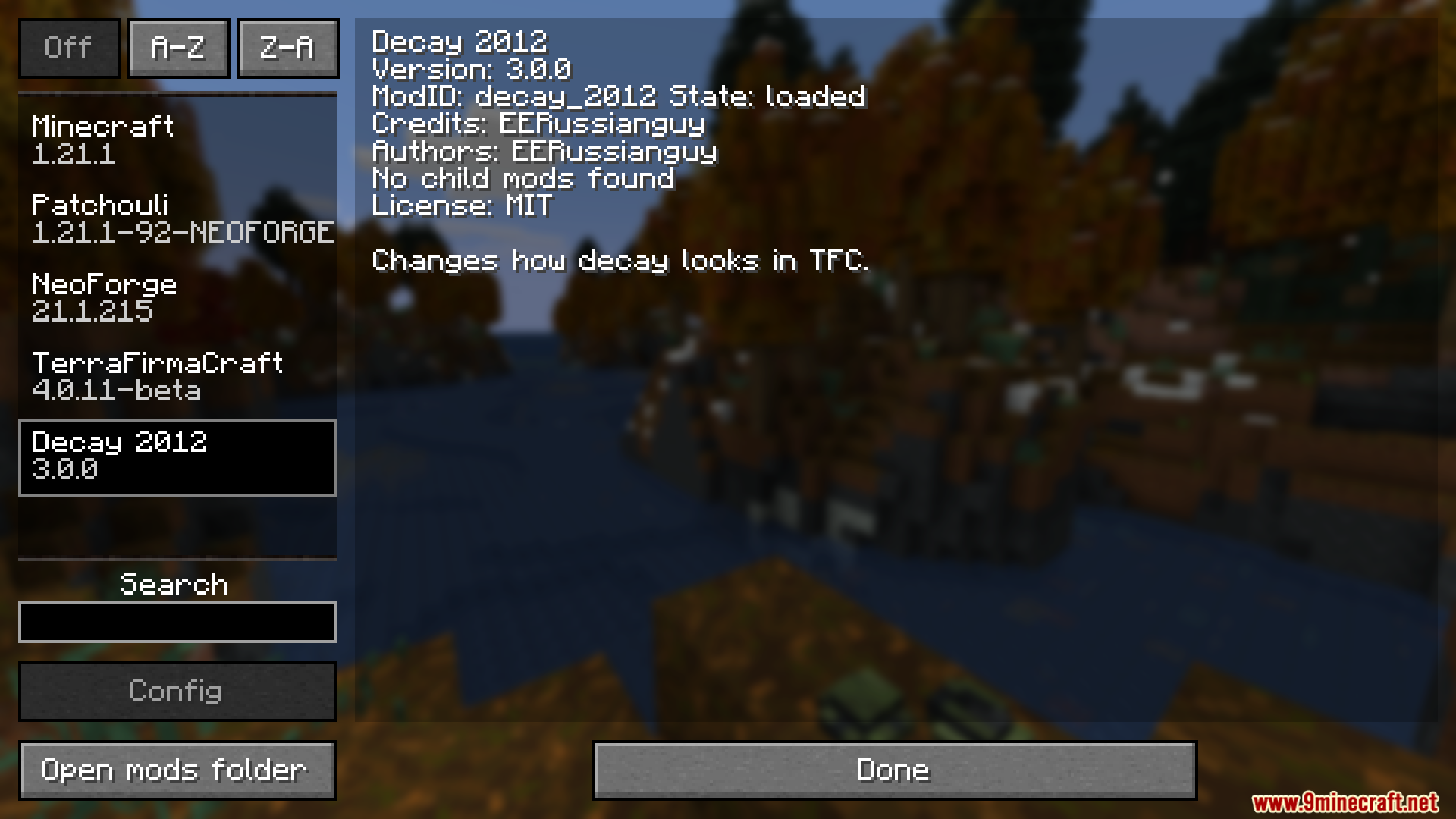
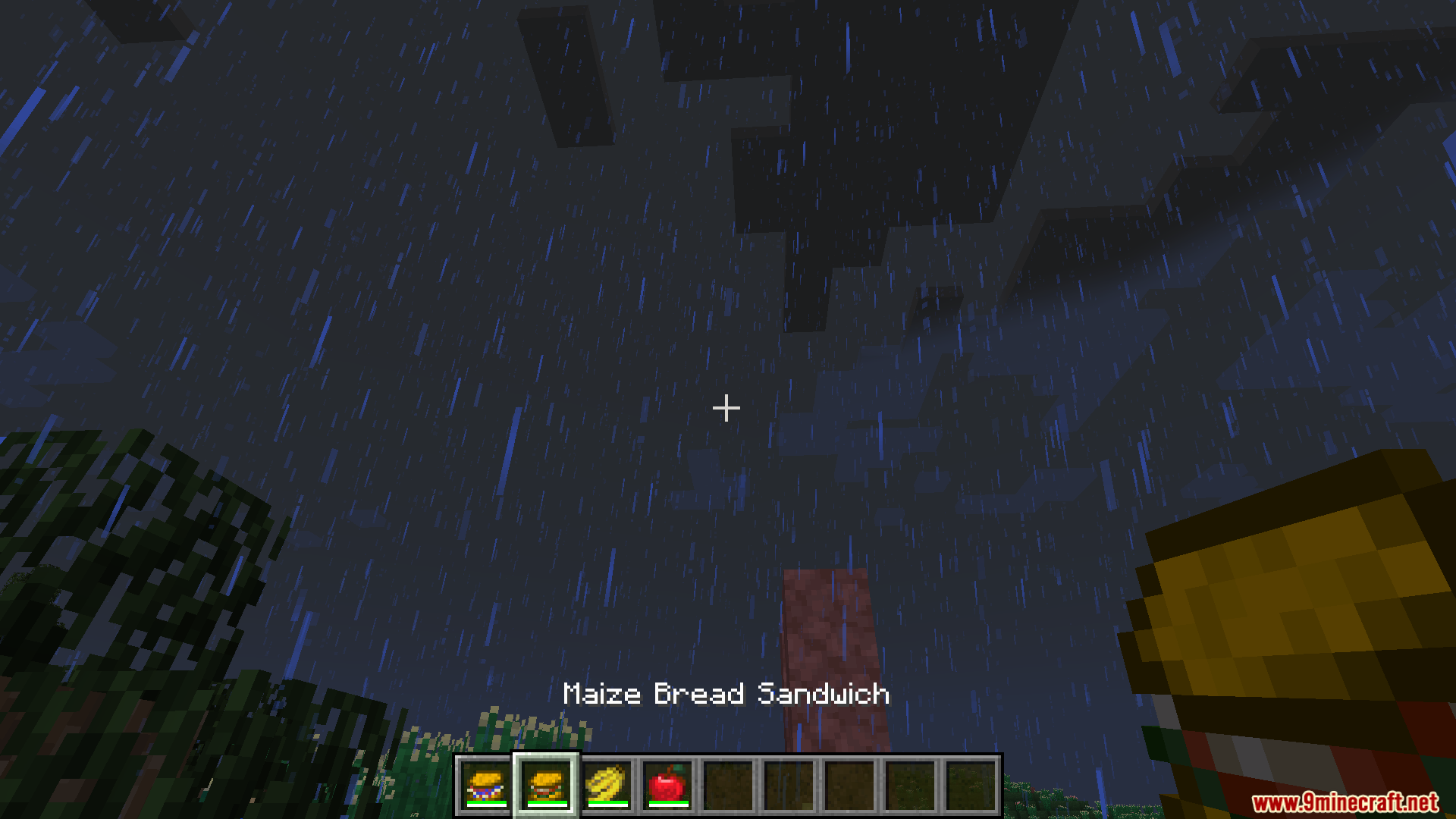
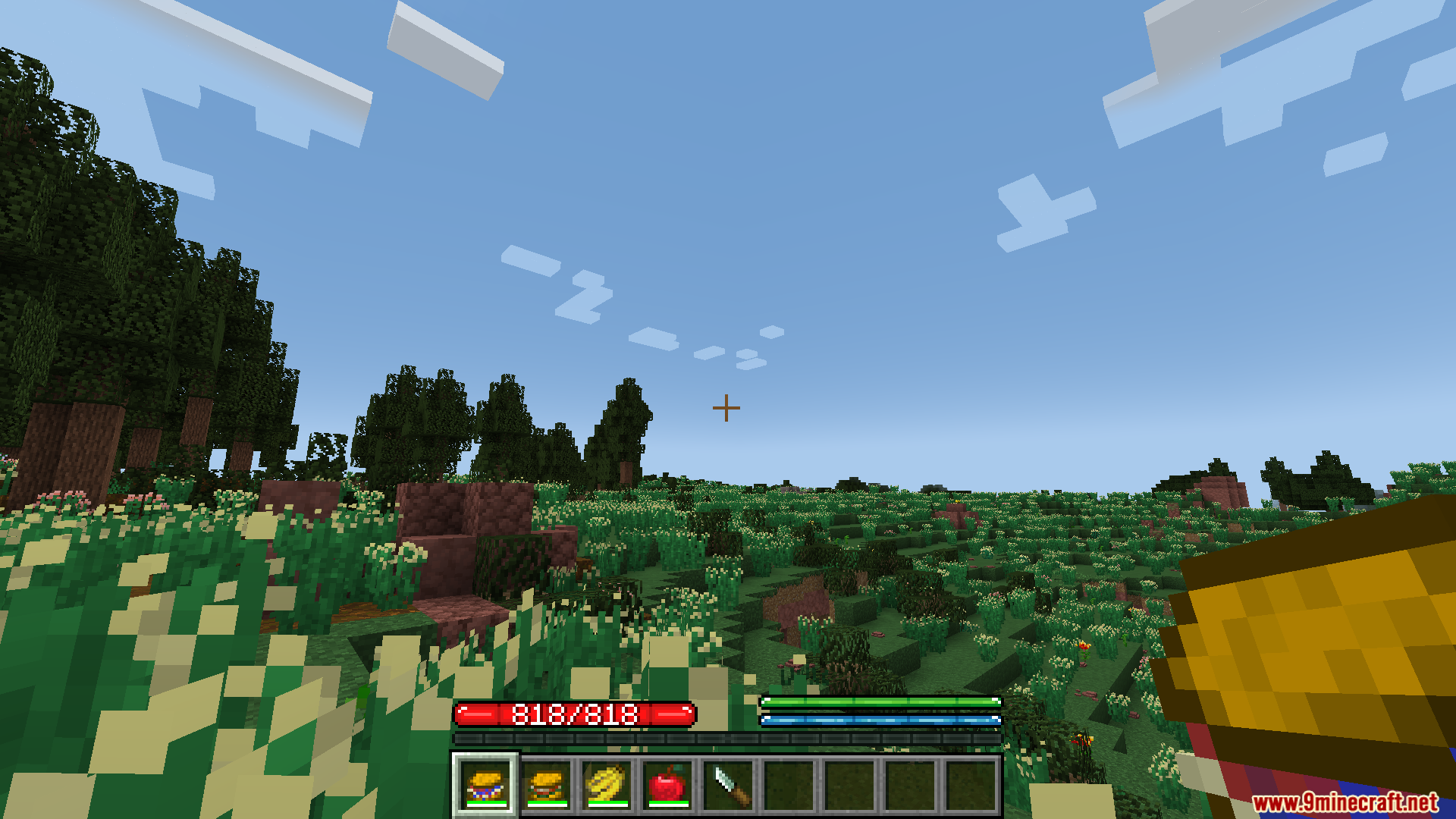
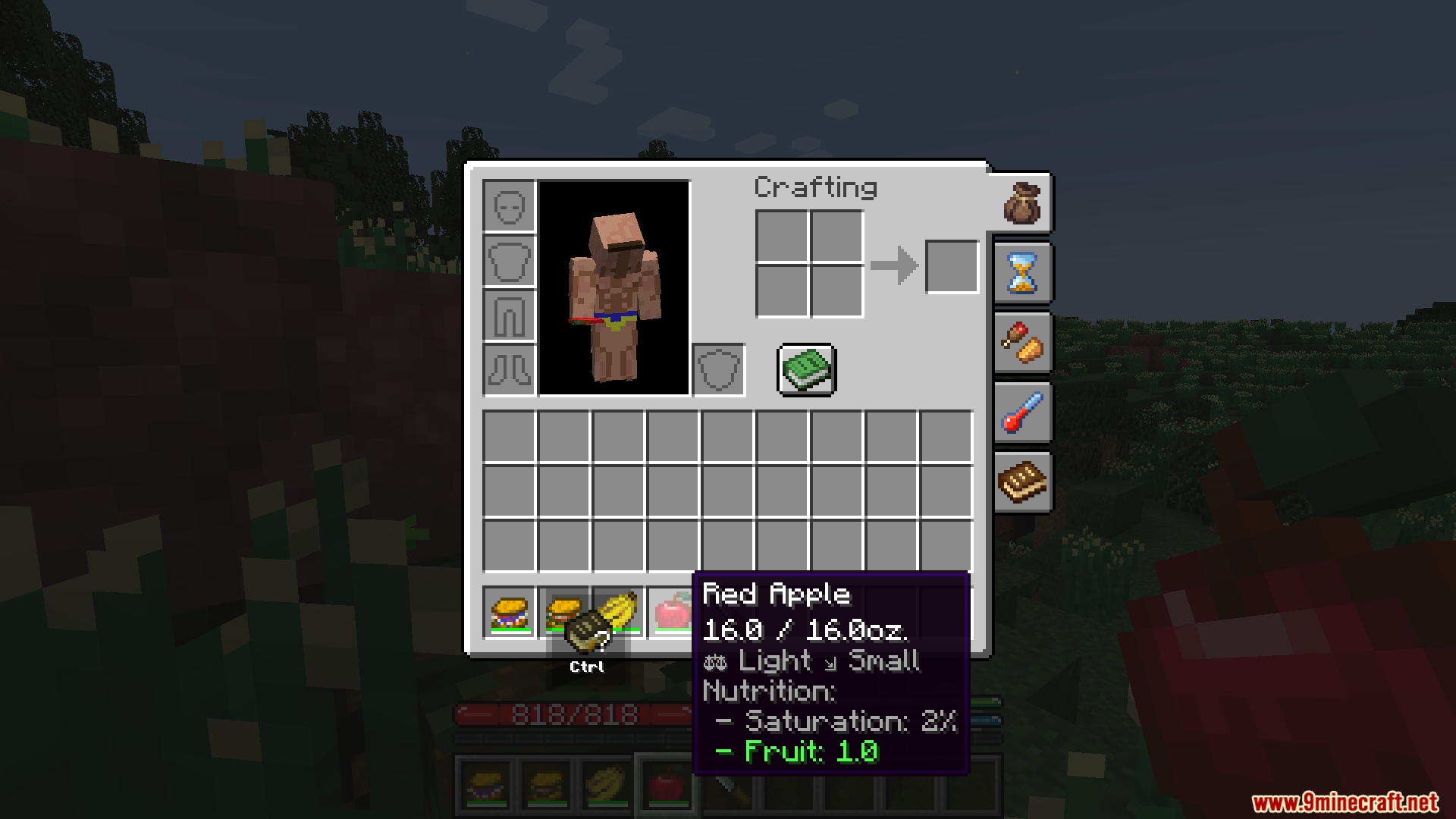
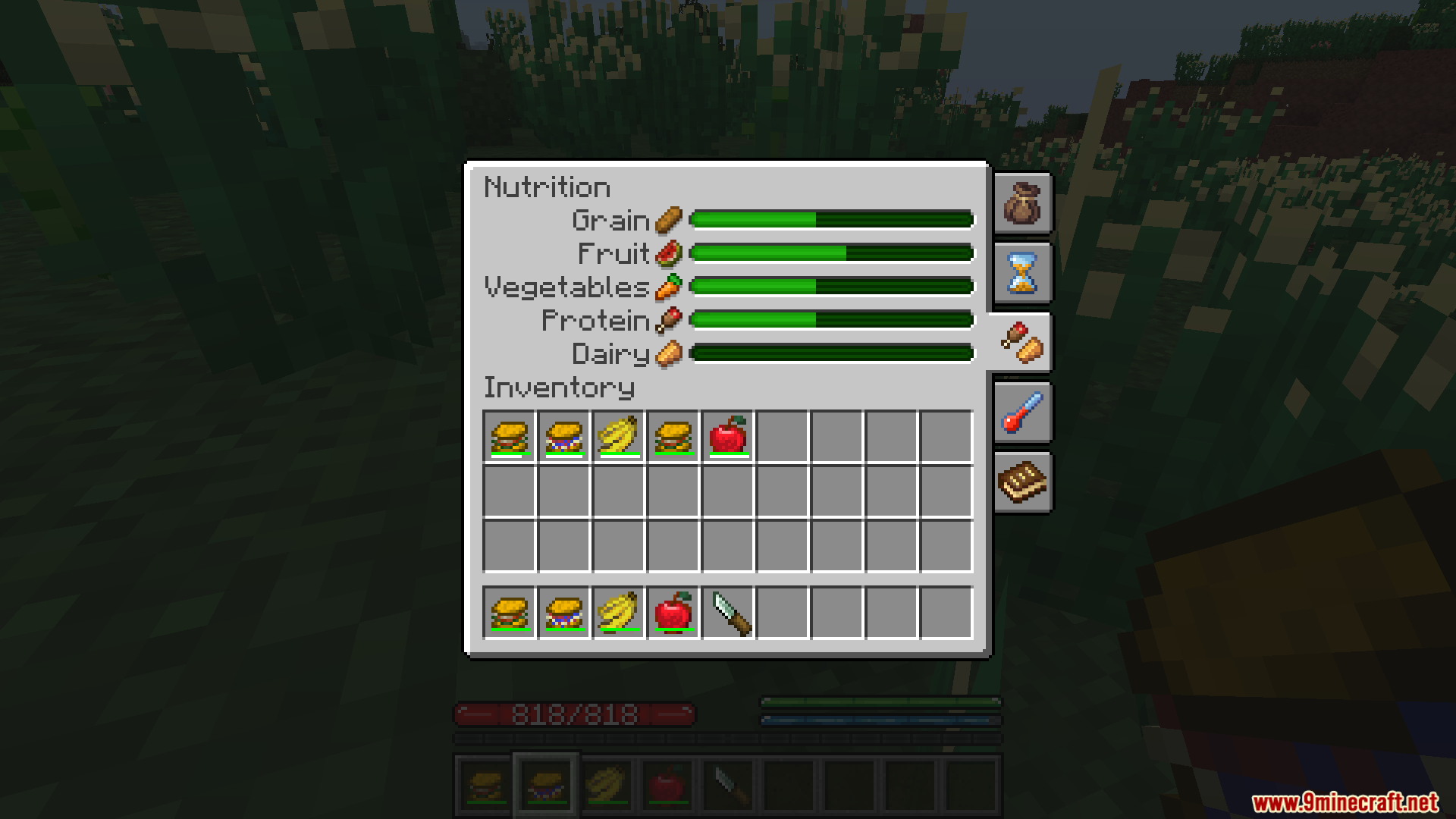
Decay 2012 Mod adds the classic food system to the TerraFirmaCraft mod. Instead of just text, this addon shows food weight and decay as simple bars on each item. This makes it easy to see how fresh your food is at a glance. You can also use a knife to cut away the spoiled parts of your food, saving the rest to eat later.

Features:
- Adds two new bars to your food items: one for weight and one for decay.
- The decay bar starts green and slowly goes down for the first 10% of decay.
- After the green bar is gone, a red bar appears and goes down much faster until the food rots.
- You can use a knife to cut off the spoiled part of any food that is between 10% and 90% decayed.
- Cutting the food resets its decay timer back to fresh, but you will lose a piece of the food stack.
How to Use:
- Make sure you have a knife in your inventory.
- Find a food item that is between 10% and 90% decayed.
- Right-click the decaying food item.
- This will cut off the bad part. The decay on the remaining food will be completely reset.
Screenshots:





How to Install:
New to Minecraft? Follow our step-by-step guide to install Mods on your PC.View Guide
Requirements:

Decay 2012 Mod Download Links
For Minecraft 1.21.1, 1.21
NeoForge version: Download from Server 1 – Download from Server 2
For Minecraft 1.20.1, 1.20
Forge/NeoForge version: Download from Server 1 – Download from Server 2
For Minecraft 1.18.2
Forge version: Download from Server 1 – Download from Server 2
Click to rate this post!
[Total: 1 Average: 5]
You May Also Like






This post has no comments yet. Be the first — your comment will appear here.