


Reflex AntiLag Mod (26.2, 1.20.1) – Gain a Split-Second Edge in Combat

 0
0 

🌐 Read this article in your language! Choose your preferred language below.
Or pick the one you like:
Reflex AntiLag Mod reduces rendering lag by smartly managing when your computer draws new frames. It uses a method similar to Nvidia Reflex but works with any kind of graphics card, not just Nvidia. This helps make the game feel more responsive to your controls. The mod also adds a simple settings menu to turn the feature on or off and fine-tune the timing for the best results.
Features:
- Lowers the delay between your actions and what you see on screen.
- Automatically locks your framerate based on your computer’s CPU and GPU speed.
- Works with any brand of graphics card, not just Nvidia.
- Includes a simple on/off switch in the mod’s settings.
- Lets you change a “wait time” value to fine-tune performance.
- You can increase the wait time to make your GPU work harder, closer to 100% usage.
- Allows using negative numbers to fix lag when too many frames are lining up to be rendered.
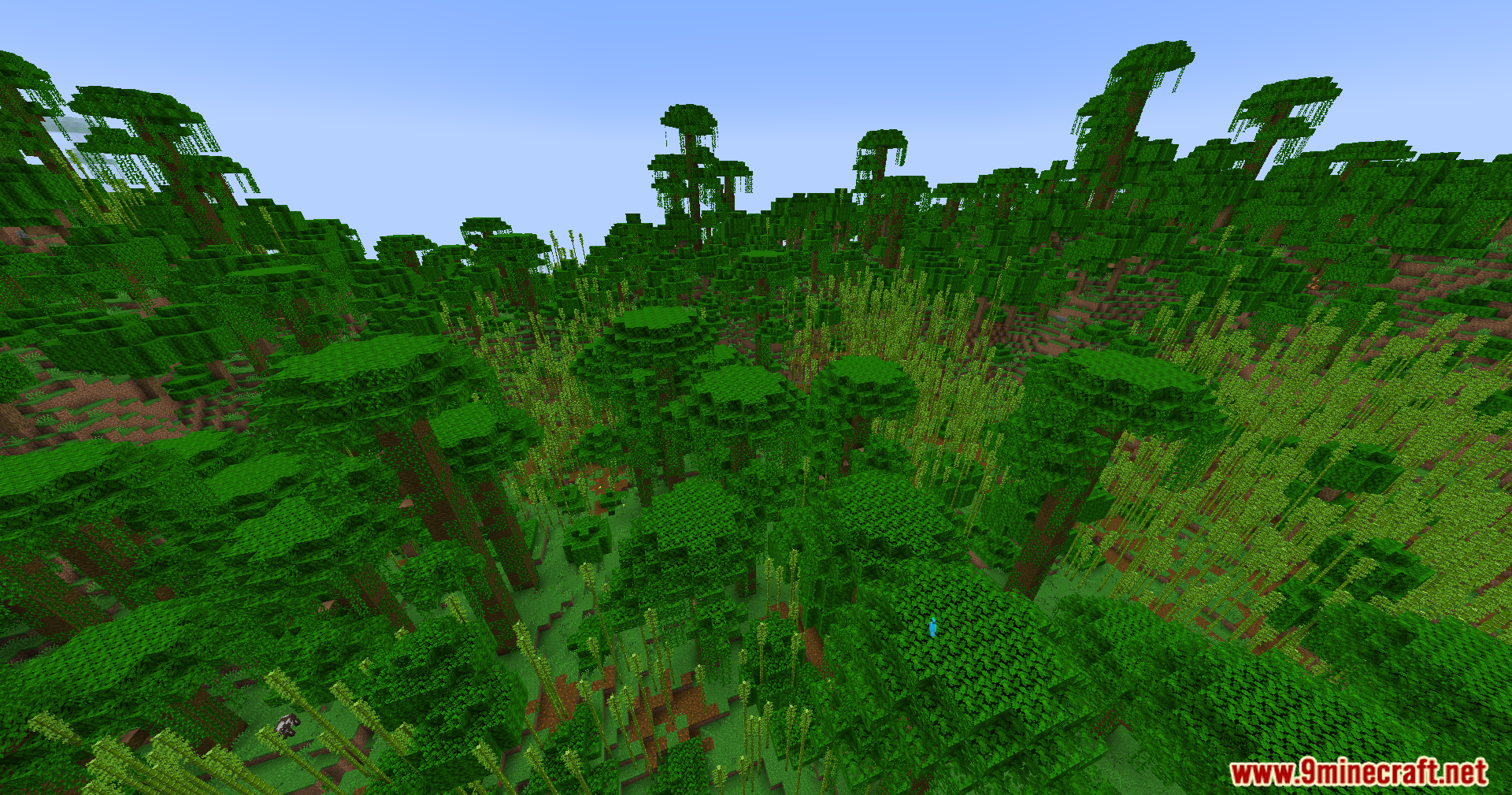
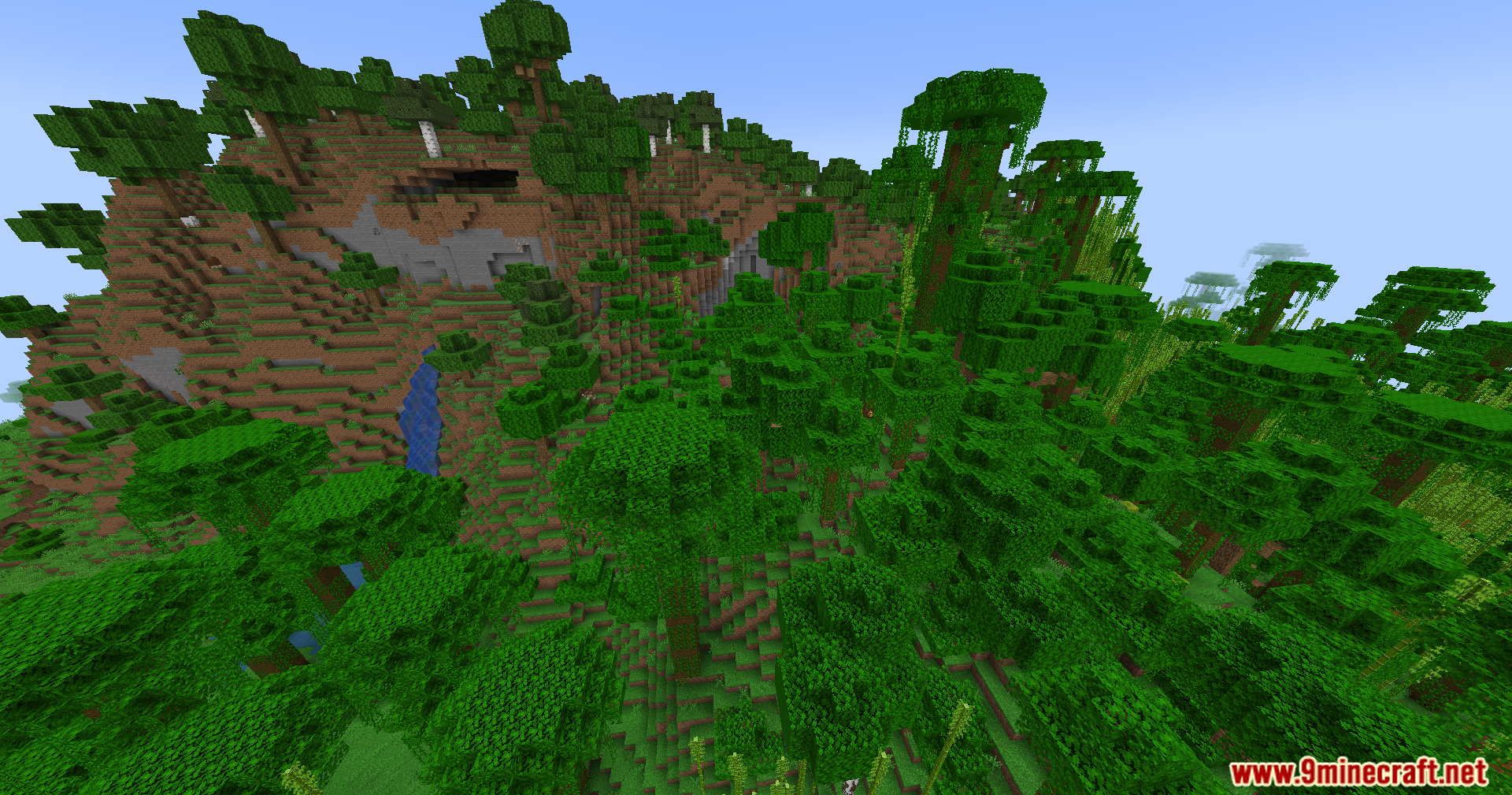
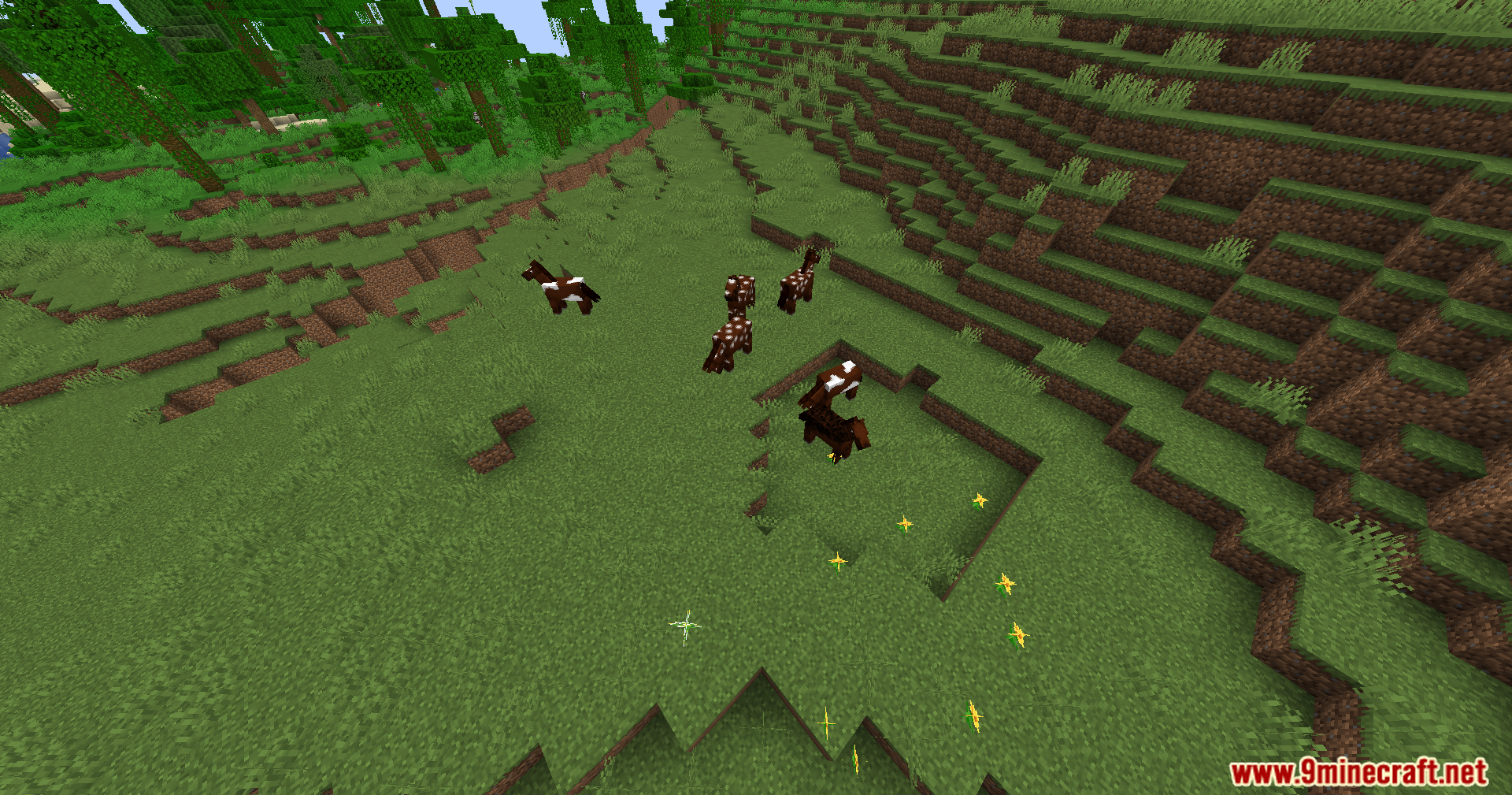
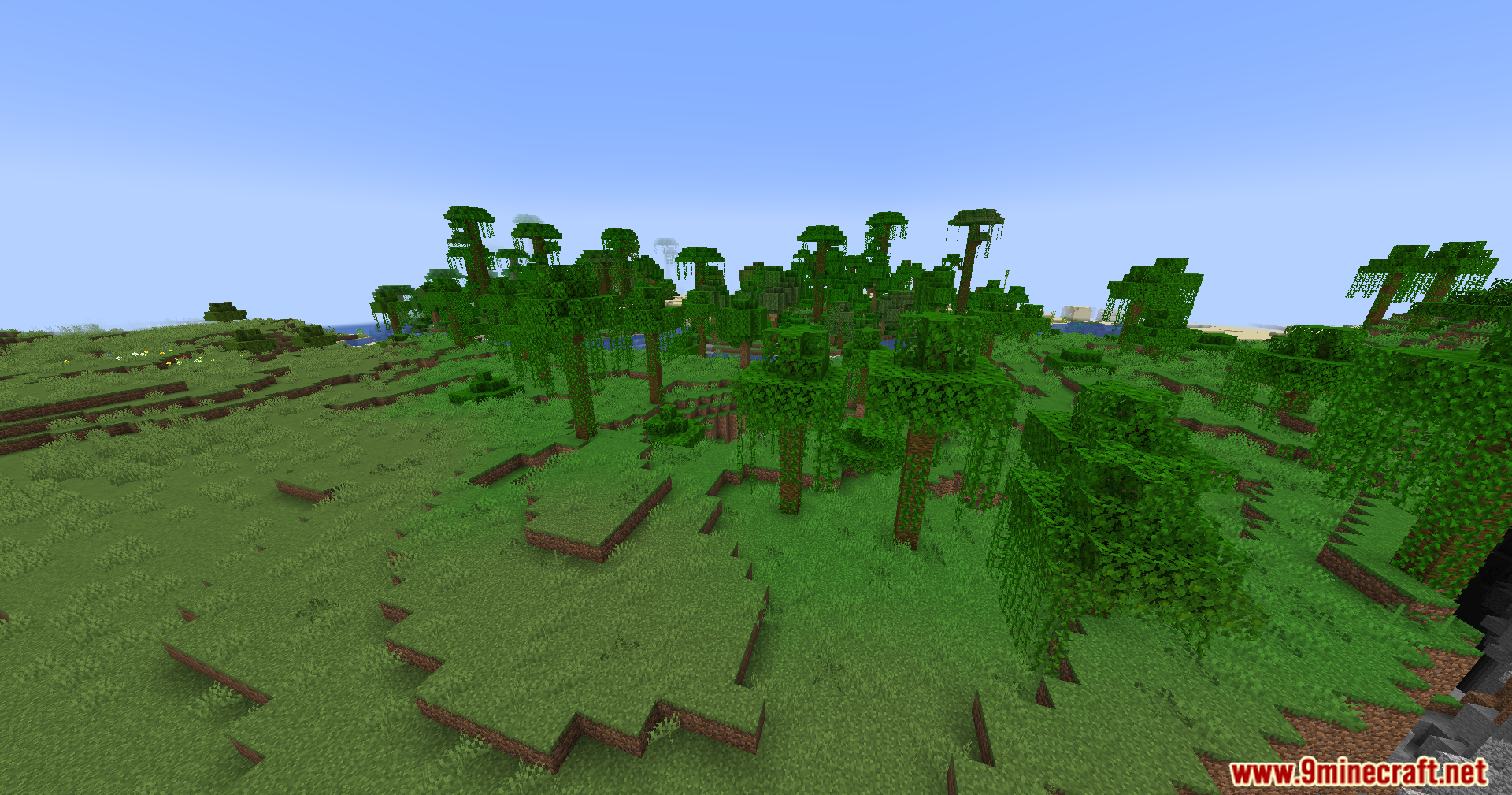
Screenshots:




How to Install:
New to Minecraft? Follow our step-by-step guide to install Mods on your PC.View Guide




Reflex AntiLag Mod Download Links
For Minecraft 26.2
For Minecraft 26.1.2, 26.1.1, 26.1
For Minecraft
1.21.11,
1.21.10,
1.21.9
All Versions Covered
1.21.11
1.21.10
1.21.9
1.21.8
1.21.7
1.21.6
1.21.5
1.21.4
1.21.1
1.21
All Versions Covered
1.21.11
1.21.10
1.21.9
1.21.8
1.21.7
1.21.6
1.21.5
1.21.4
1.21.1
1.21
For Minecraft
1.21.10,
1.21.9,
1.21.8
All Versions Covered
1.21.10
1.21.9
1.21.8
1.21.7
1.21.6
1.21.5
All Versions Covered
1.21.10
1.21.9
1.21.8
1.21.7
1.21.6
1.21.5
For Minecraft 1.21.4
For Minecraft 1.21.1, 1.21
For Minecraft 1.20.1, 1.20
Click to rate this post!
[Total: 2 Average: 5]
You May Also Like








This post has no comments yet. Be the first — your comment will appear here.