


Thermite Mod (1.20.1, 1.20) – Your Biggest Threat Is the Weather
 409
409
 0
0


🌐 Read this article in your language! Choose your preferred language below.
Or pick the one you like:
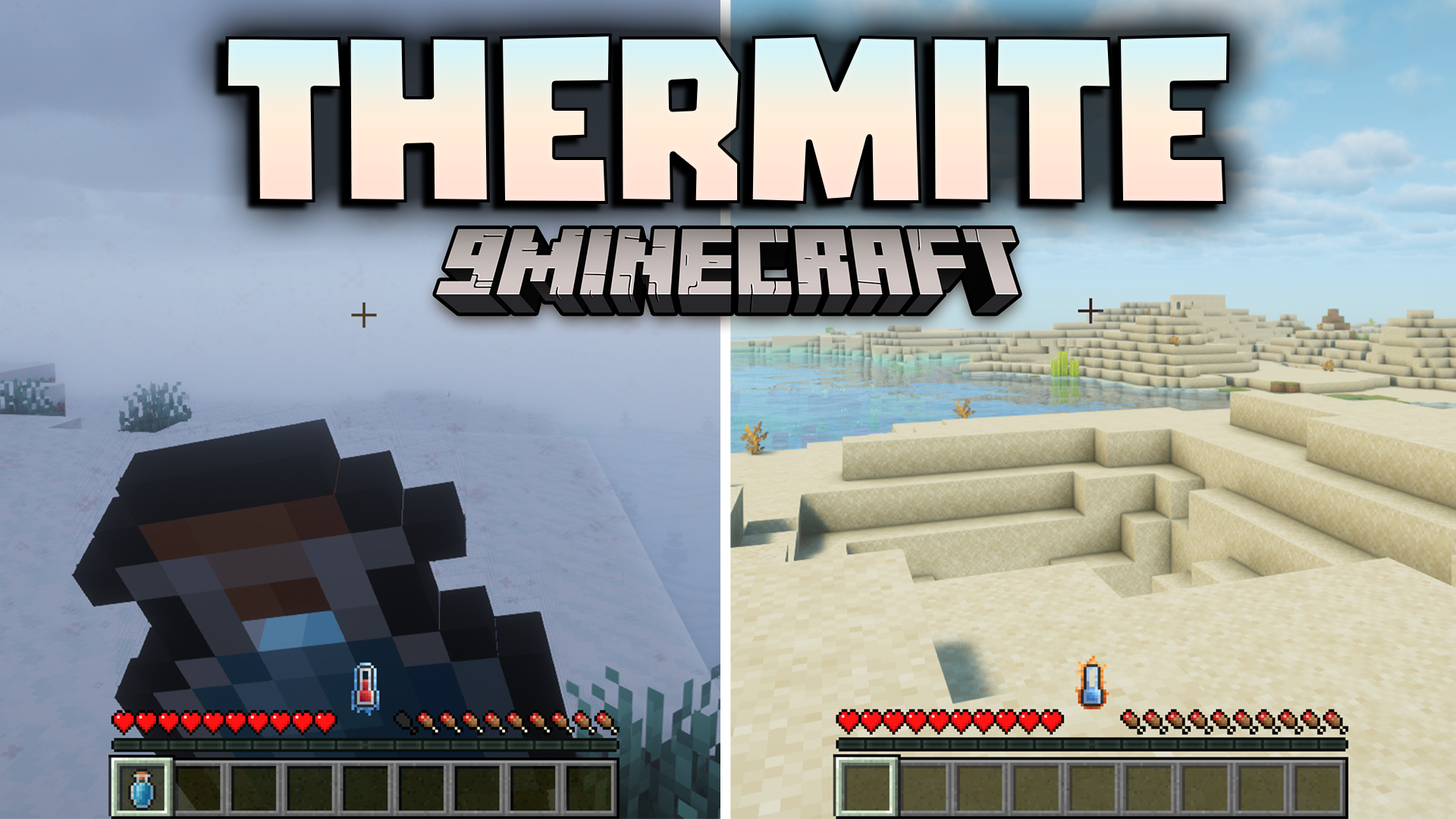
Thermite Mod adds a new survival challenge to Minecraft based on your body temperature. You now have to manage how hot or cold you are to stay alive. The biome you explore, the current weather, and even the time of day will change your temperature. If you get too hot or too cold, you will begin to take damage.
Features:
- Your body temperature now changes based on your surroundings. Hot biomes make you warm, cold biomes make you chilly, and even the weather can affect you.
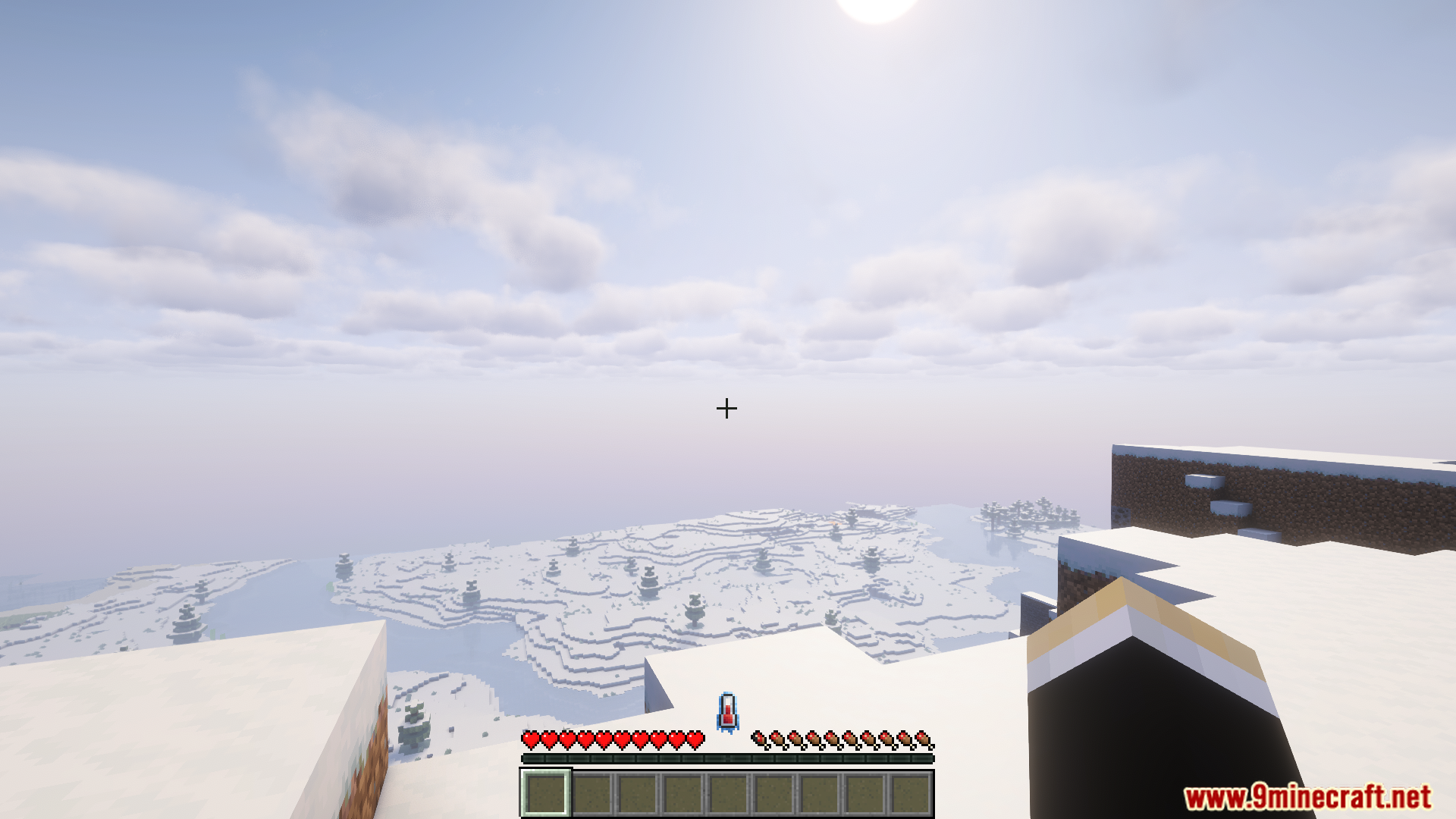
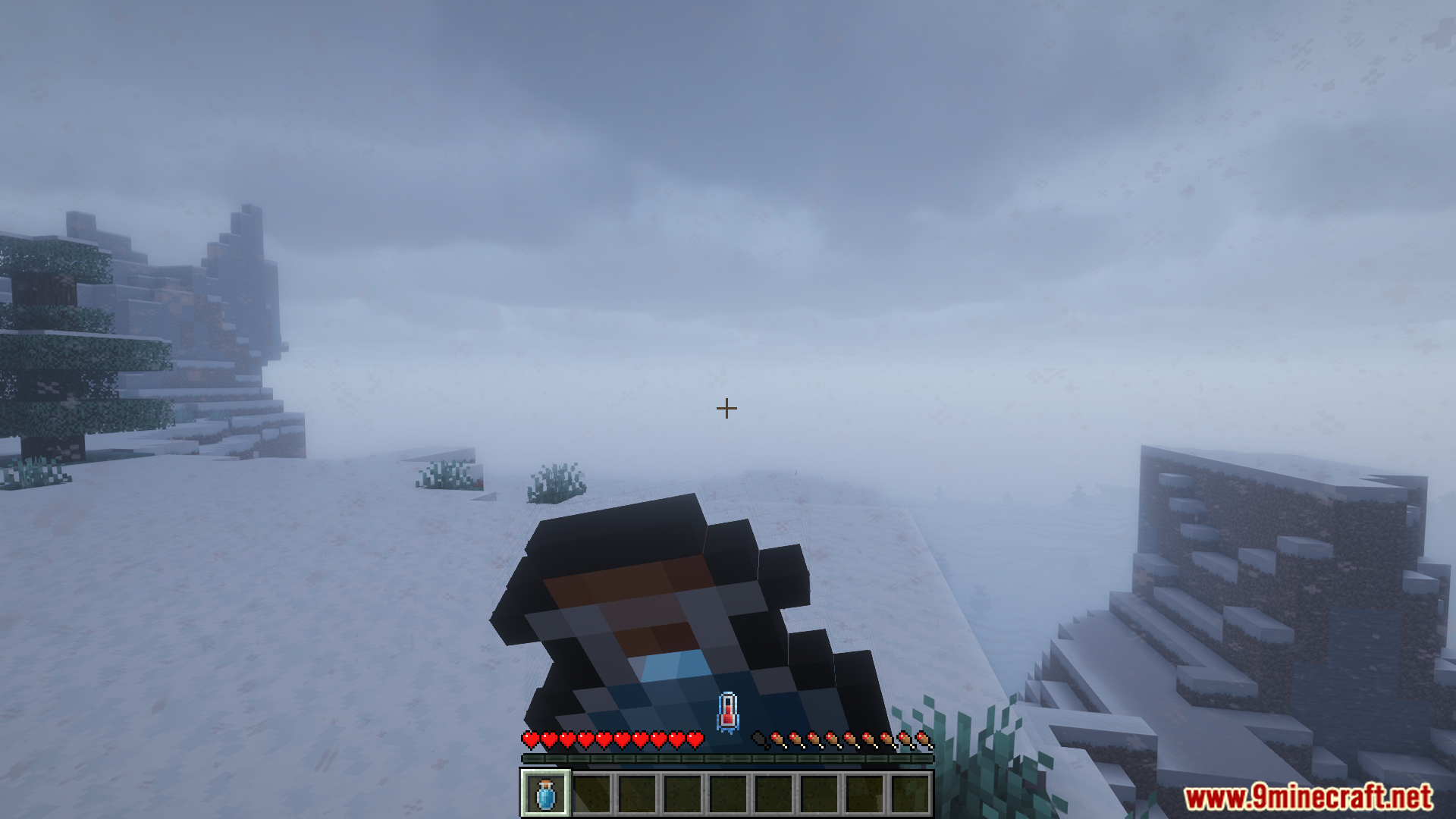
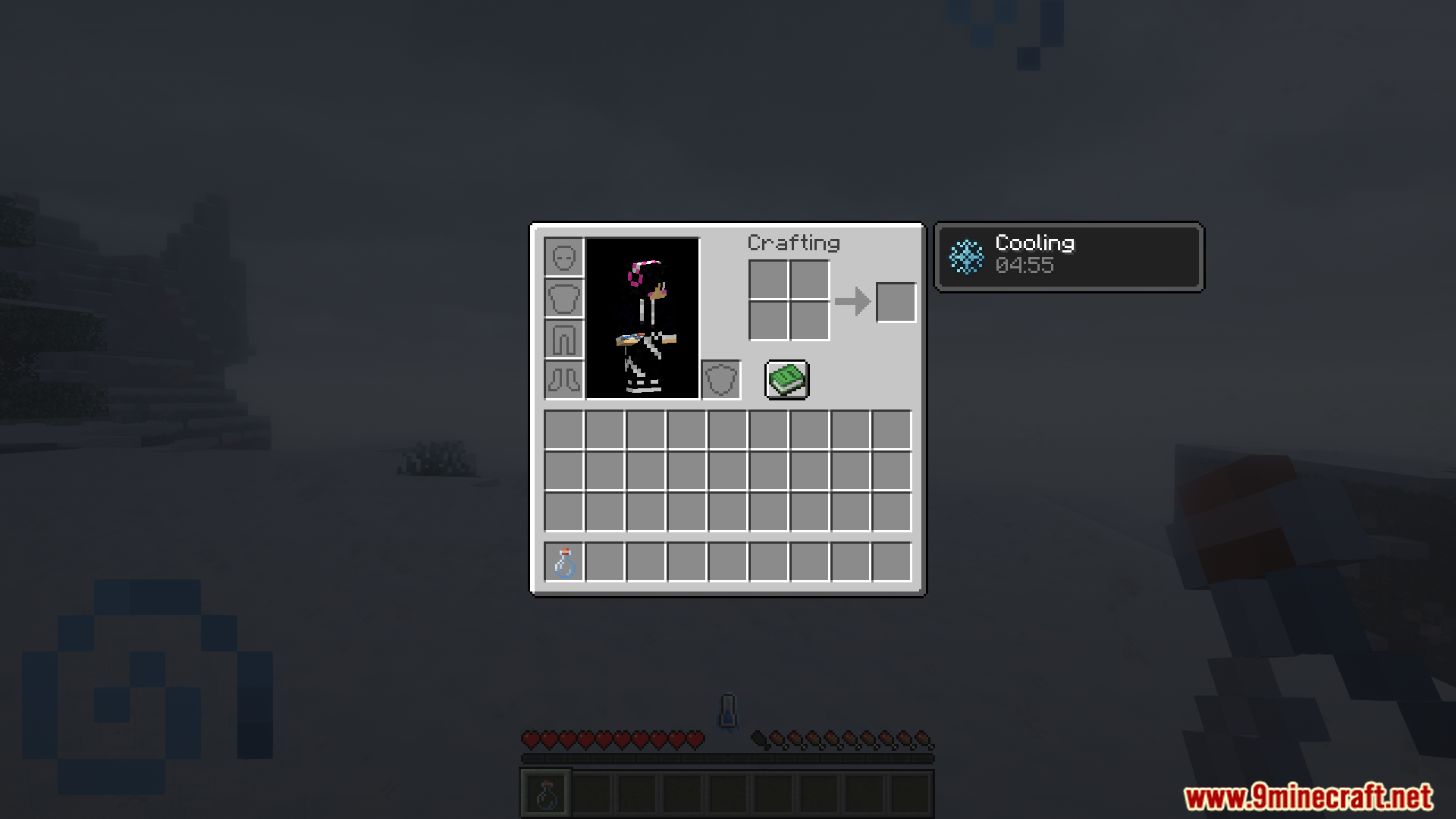
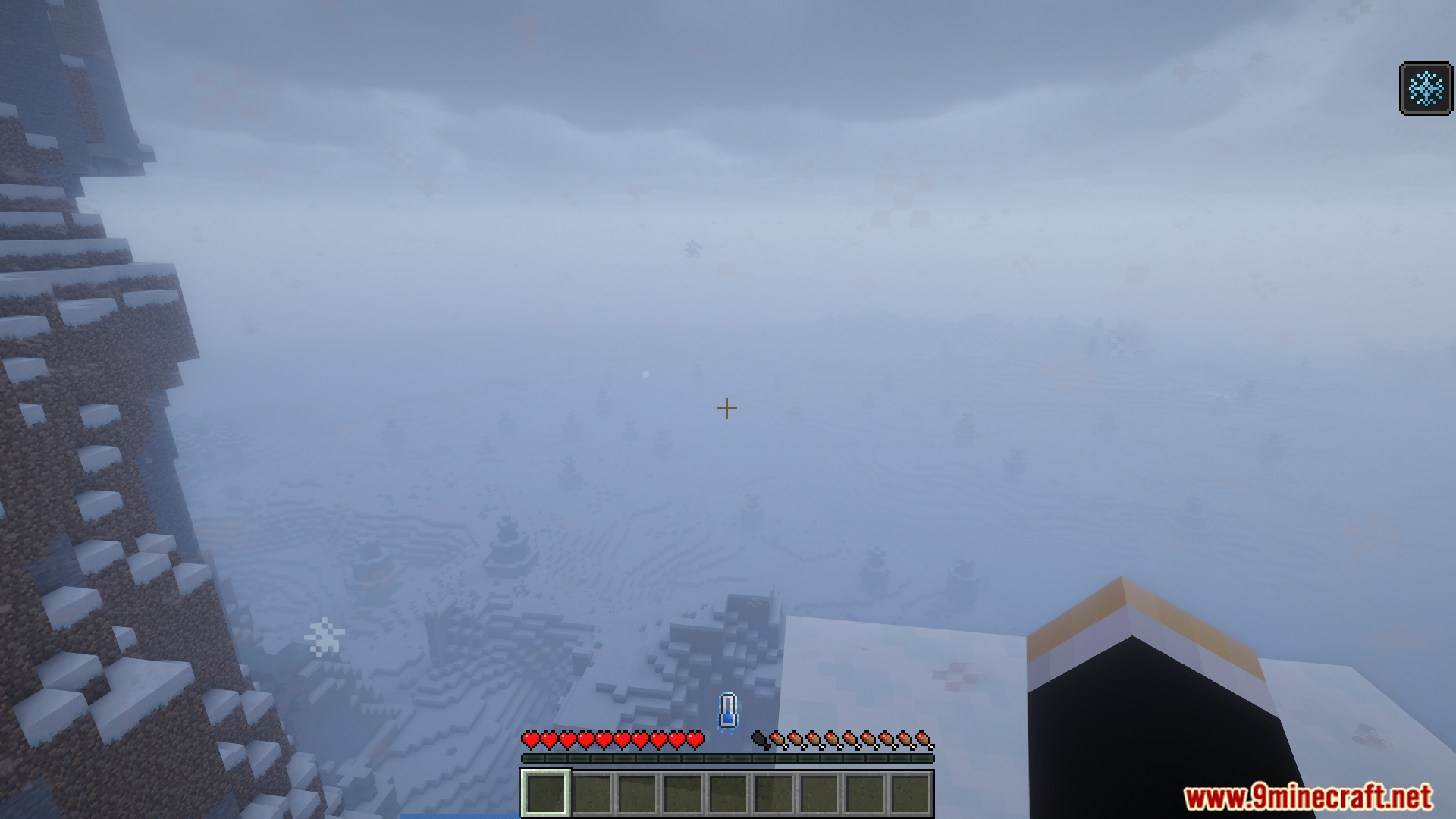
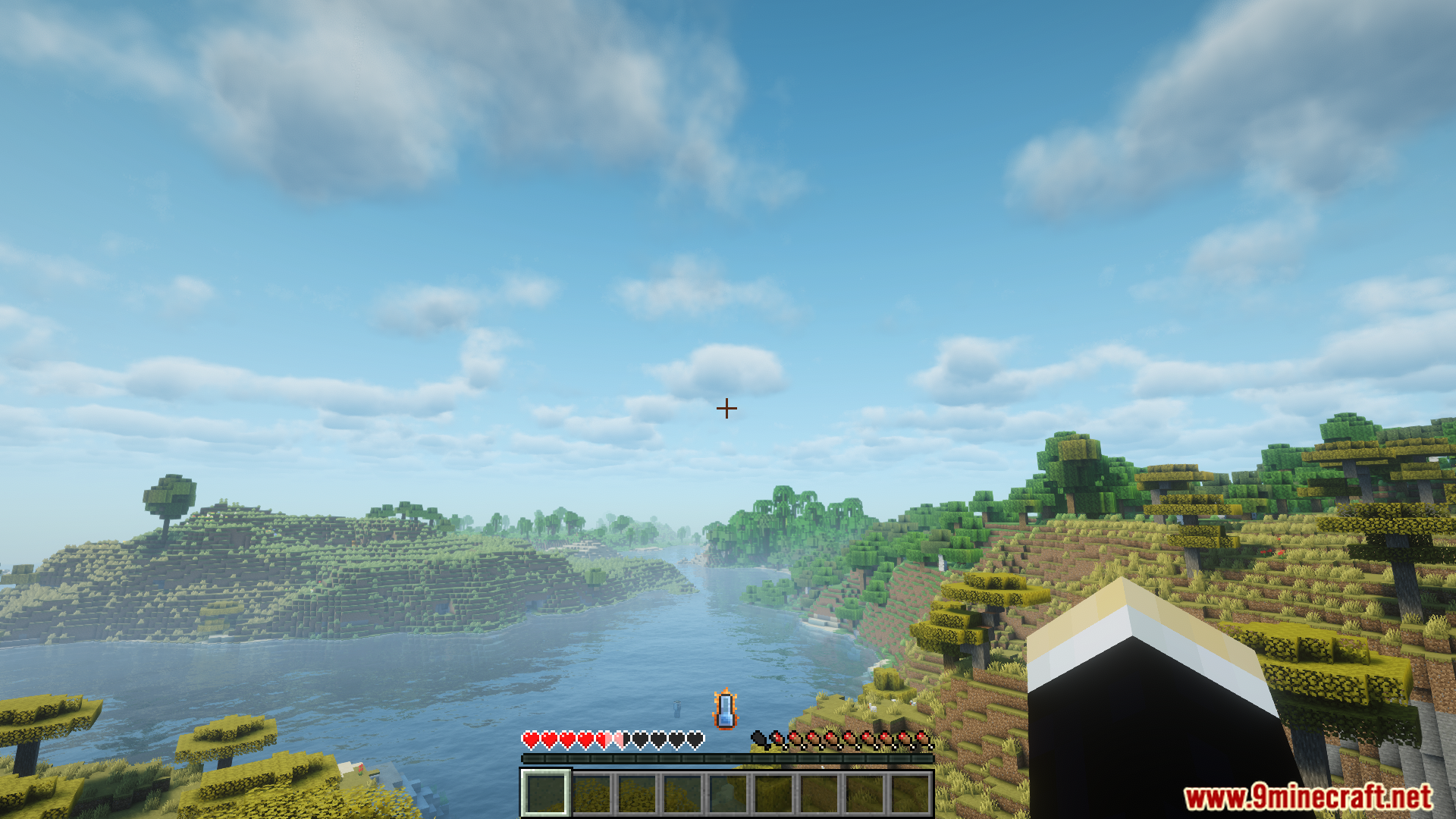
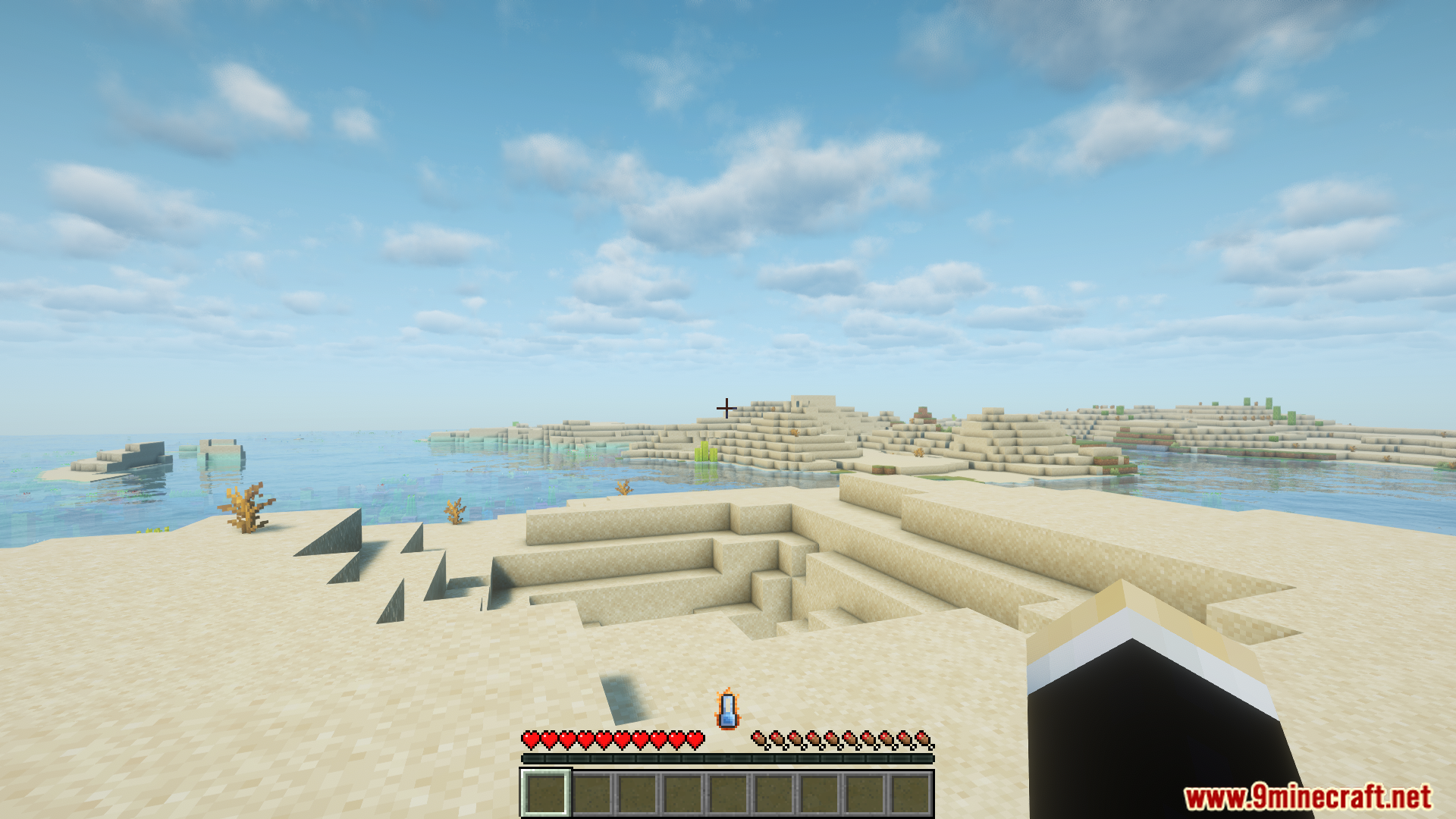
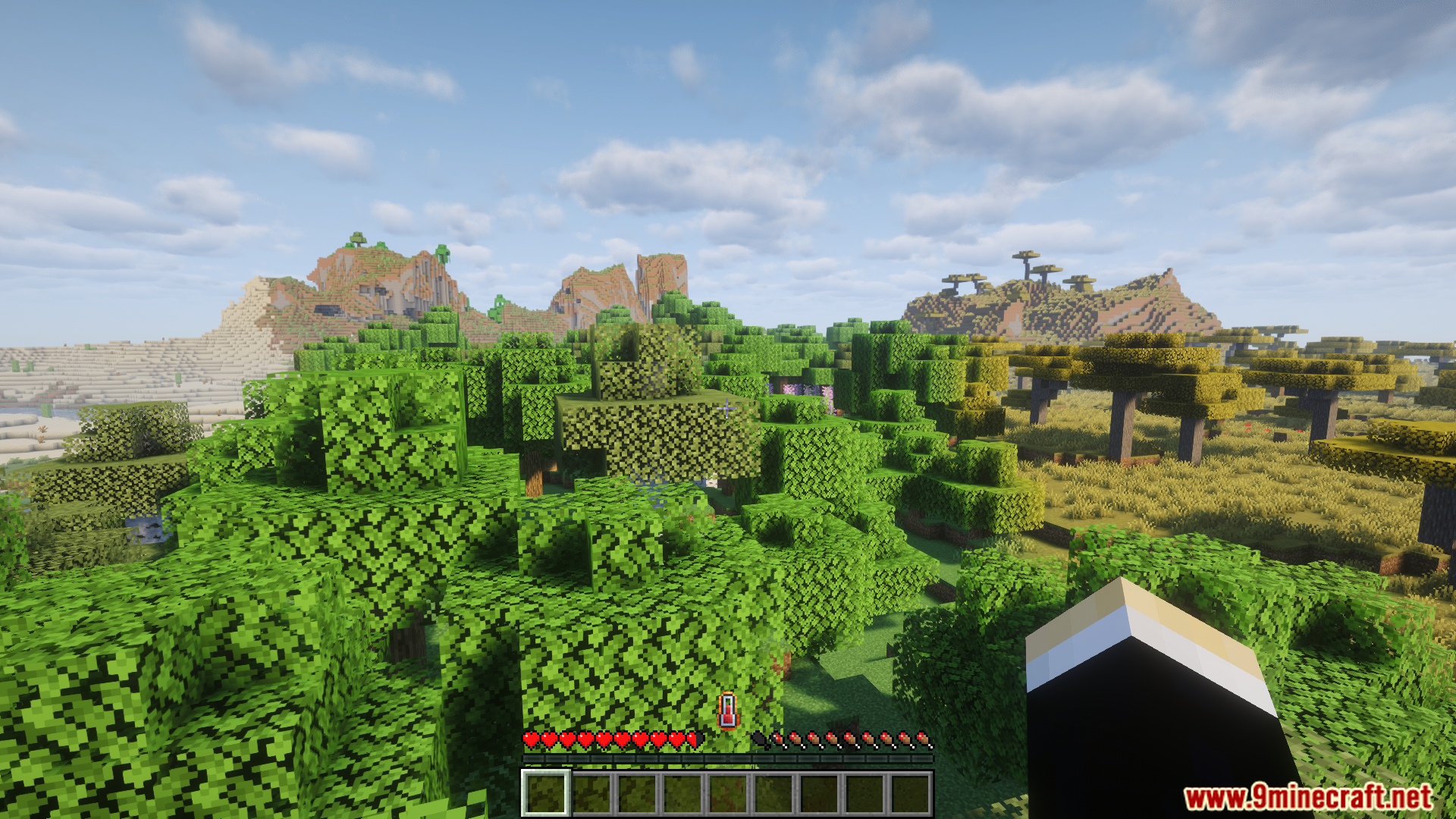
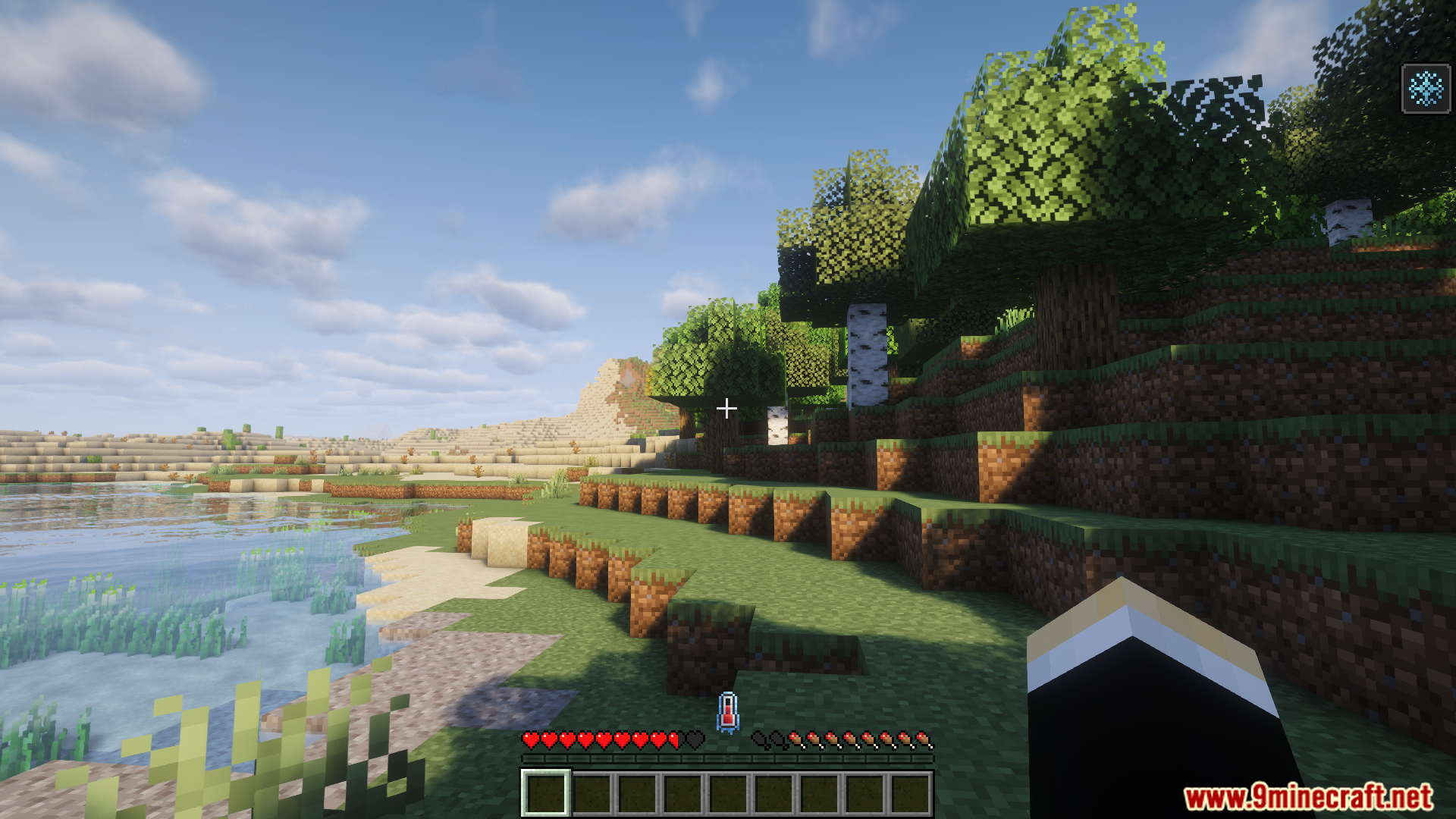
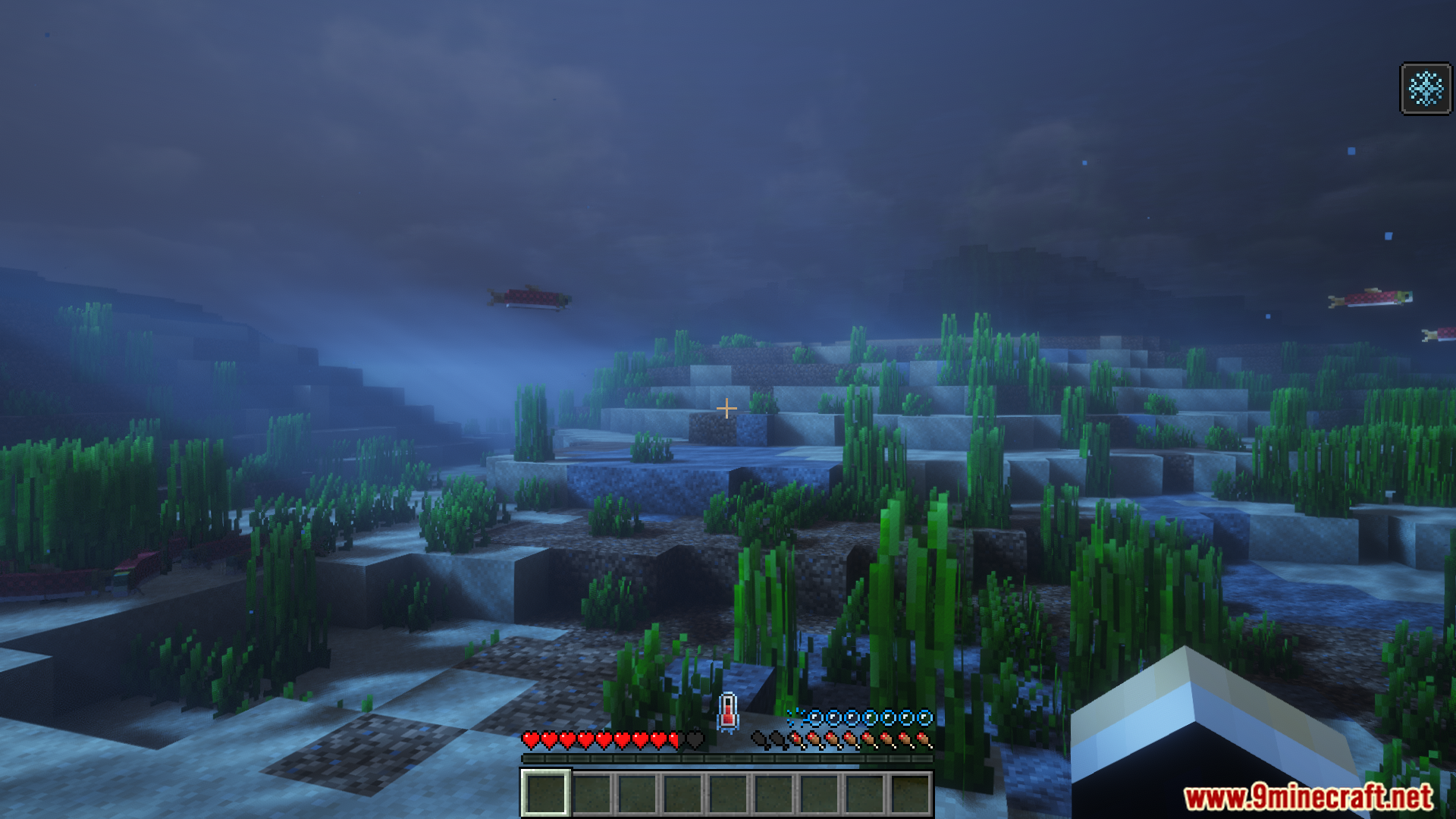
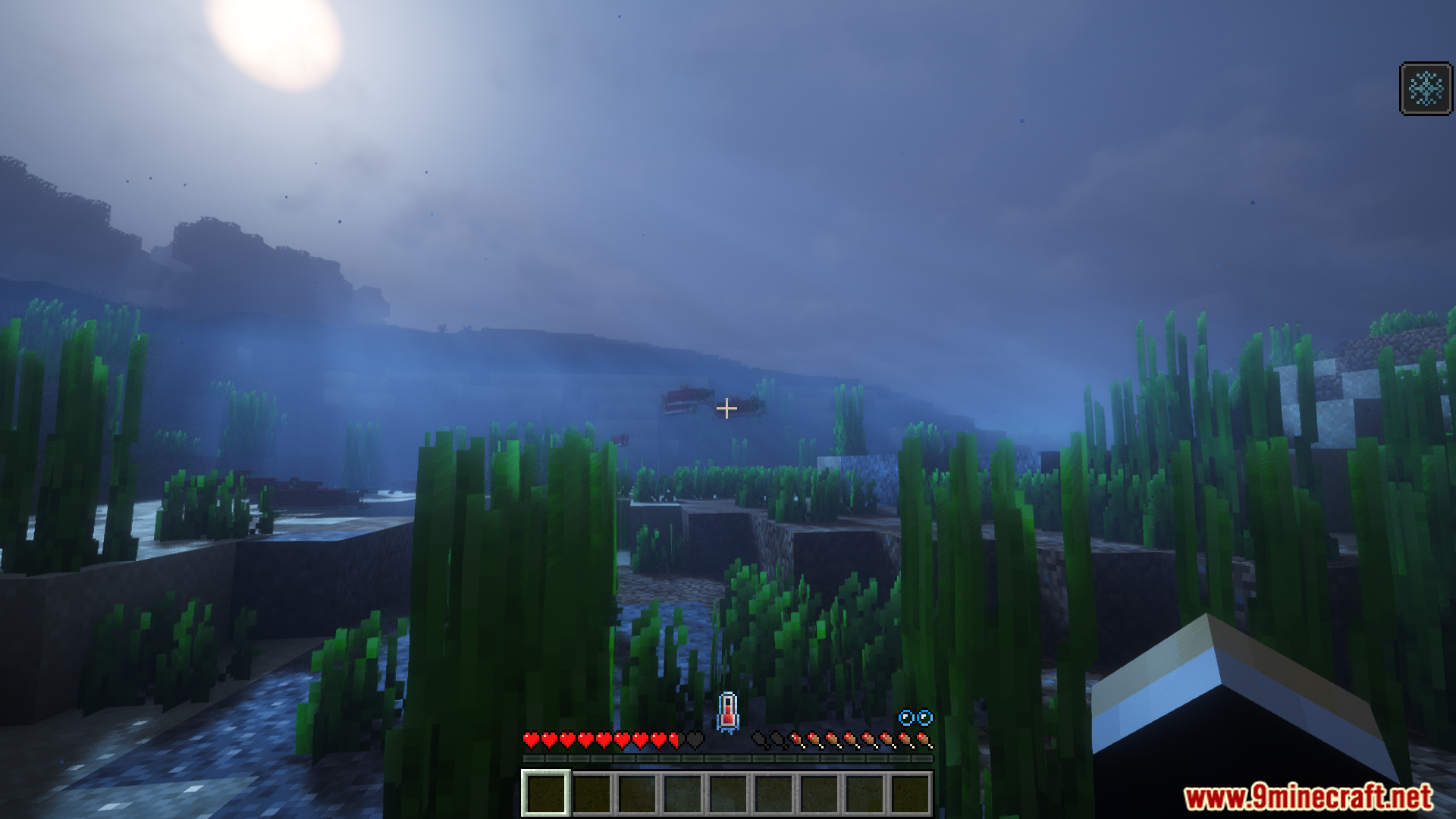
- Adds a new thermometer display above your hotbar. It turns orange when you’re hot and blue when you’re cold. It will shake if you are about to take damage.
- You can stay warm by standing near heat sources like torches, campfires, lava, or fire.
- To cool down, you can stand near blocks of ice. This is useful for surviving in hot places like deserts or the Nether.
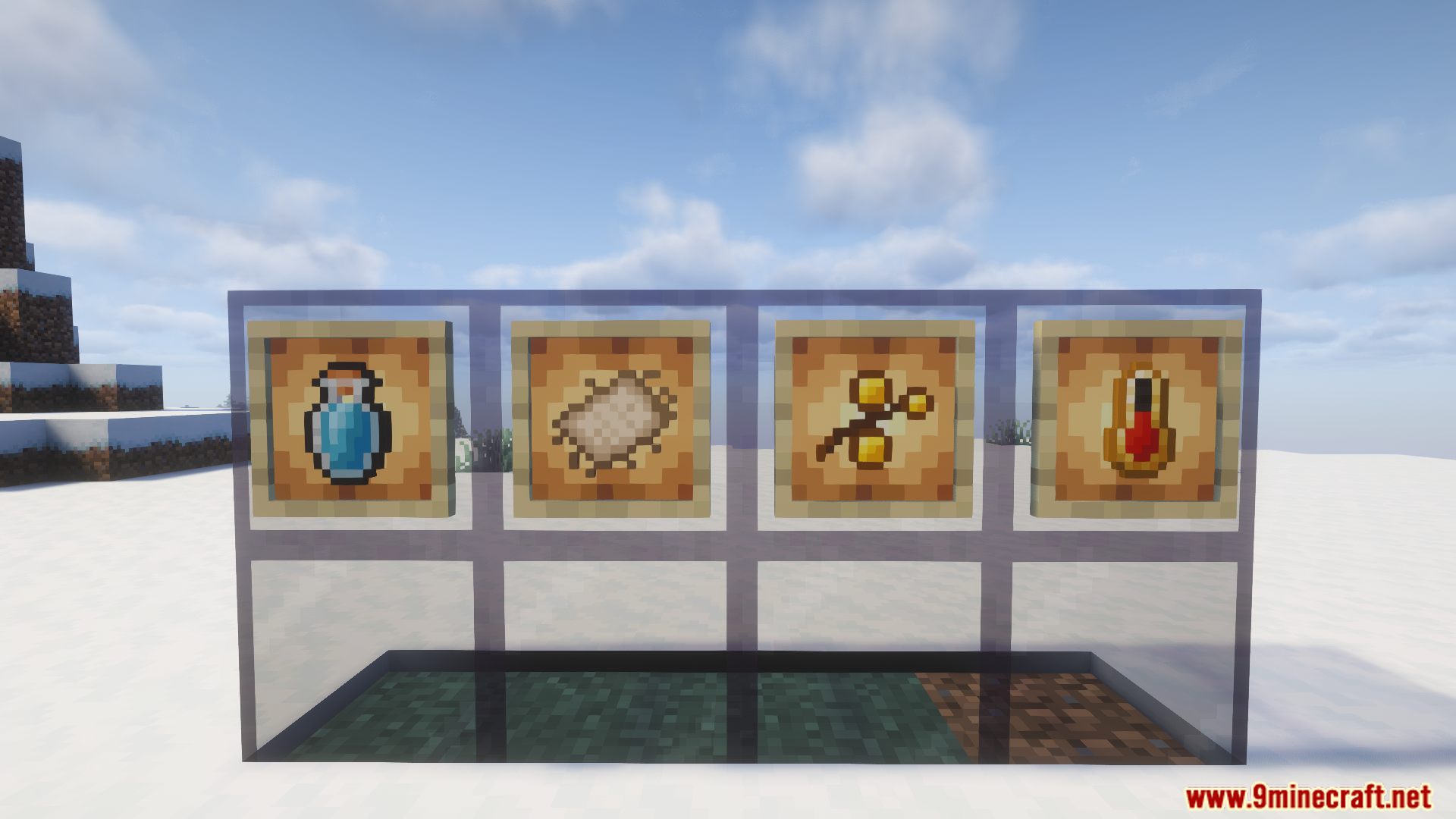
- Wearing leather armor provides some warmth. You can also add wool to it in a crafting grid to make it even warmer.
- Getting wet in rain or water will cool you down. Standing in the snow or being exposed to wind at high altitudes also lowers your temperature.
- Craft and drink Ice Juice, a new item that helps you cool off when you get too hot.
- Build an Ice Box to create ice without needing a Silk Touch pickaxe. Just add water in a cold biome and wait for it to freeze.
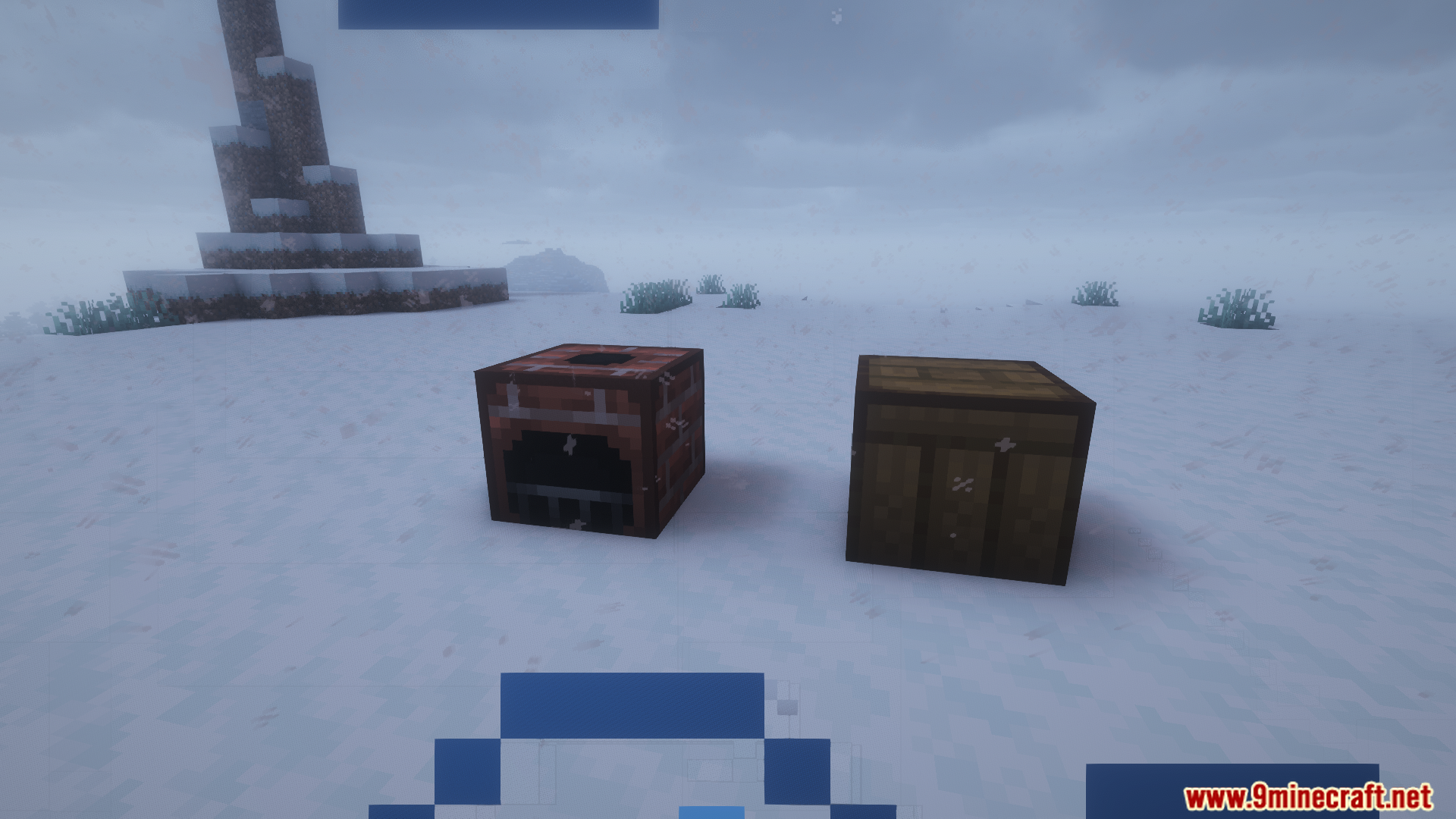
- The new Brick Fireplace block is a powerful heat source for your base. You can even build a chimney on top of it using wall blocks.
- Existing items like the Fire Resistance potion and the Fire Protection enchantment help protect you from taking damage from overheating.
How to Use:
- Watch Your Temperature: A new gauge appears on your hotbar. It turns blue when you get cold and orange when you get hot. If the gauge shakes, you are taking damage from the temperature.
- Stay Warm: To warm up, stand near heat blocks like torches, fire, lava, and campfires. Wearing leather armor also keeps you warm. You can make it even warmer by combining it with wool cloth in a crafting table.
- Cool Down: Stand near cold blocks like ice to cool down. You will also get colder if you are in the rain, snow, or water. Nighttime and windy weather will lower your temperature too.
- Make Ice with an Ice Box: Craft an Ice Box to get ice. Right-click it with a water bottle to fill it up. Place the box in a cold biome, like a taiga, and wait for it to freeze. Right-click the frozen box to get 3 ice blocks.
- Use the Brick Fireplace: The Brick Fireplace gives off a lot of heat in a large area. Light it by right-clicking with fuel like coal or sticks. If you put wall blocks on top, the smoke will go up like a chimney.
- Check the Exact Number: To see your exact temperature number, hold a thermometer in your off-hand. A new display will show up on your screen with the number.
Configuration:
- The config file can be found at:
config/therm.conf.
Screenshots:
How to Install:
New to Minecraft? Follow our step-by-step guide to install Mods on your PC.View Guide


Thermite Mod Download Links
For Minecraft 1.20.1, 1.20
Fabric version: Download from Server 1 – Download from Server 2
Click to rate this post!
[Total: 2 Average: 5]
You May Also Like










This post has no comments yet. Be the first — your comment will appear here.