
Emotecraft Plugin (26.3, 1.21.1) – Make Every Hangout Lively
 3,007
 0


Emotecraft Plugin adds character emotes to Minecraft so players can perform built-in actions like waving or play custom emotes in the game. Players can design their own emotes with Blender or Blockbench and bring them straight into Minecraft. On multiplayer servers, this plugin syncs emotes with other players automatically, so nobody needs to share emote files by hand. Both the server and the client need this plugin for emotes to work together, and it supports cross-modloader play across Forge, Fabric, and Bukkit servers. Players can still join vanilla servers as usual, though emotes stay off there.
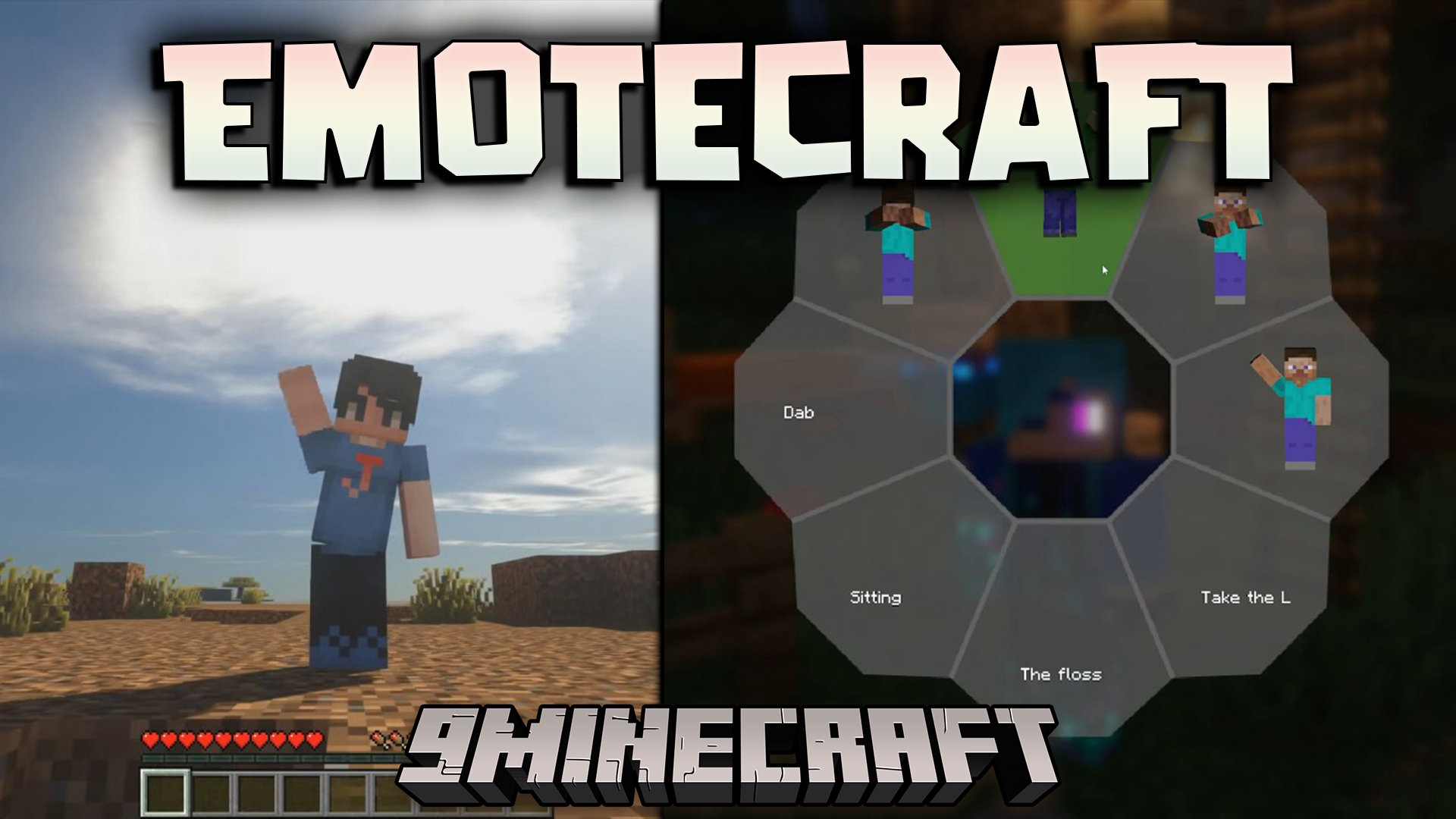
Screenshost:
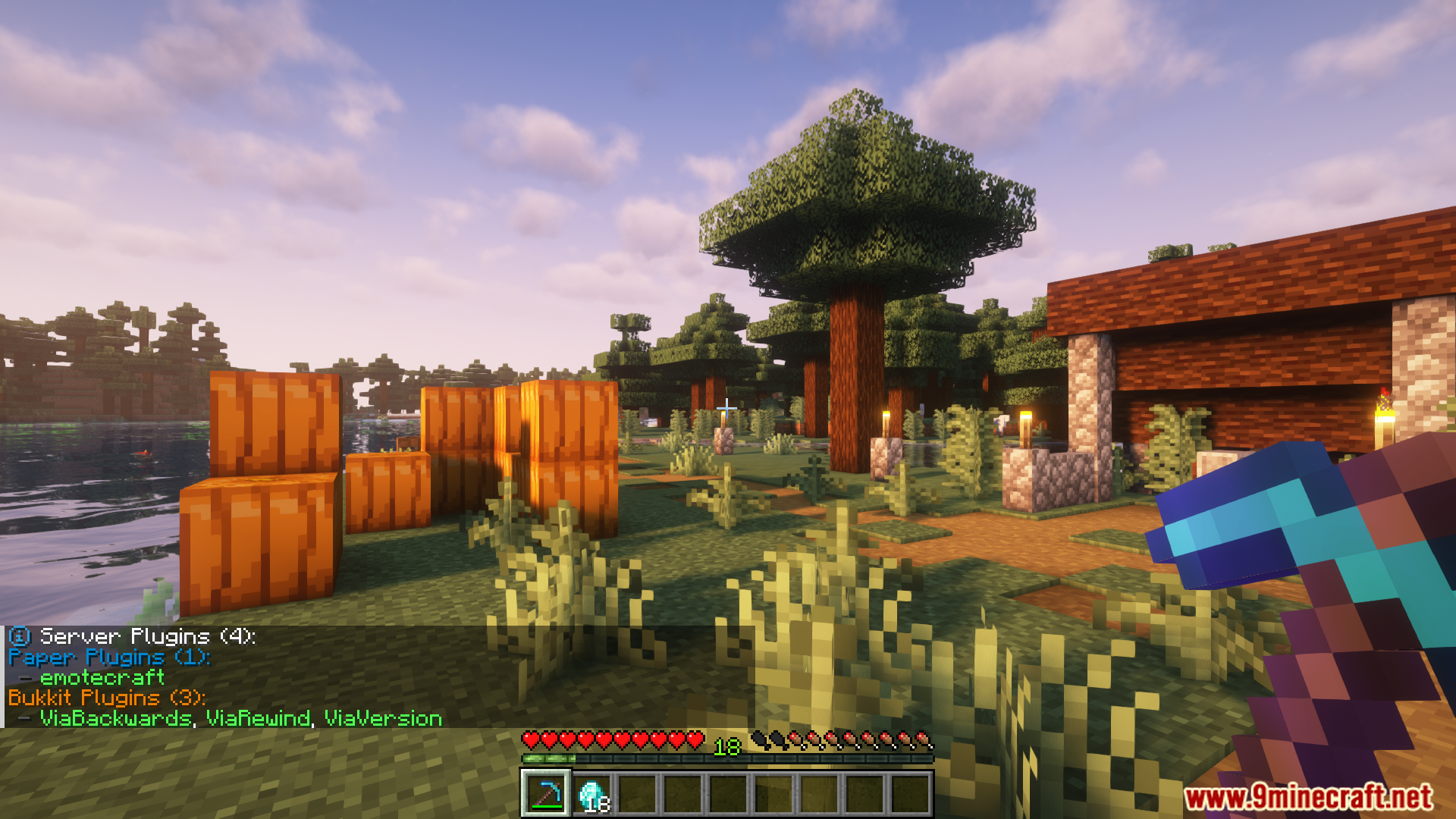
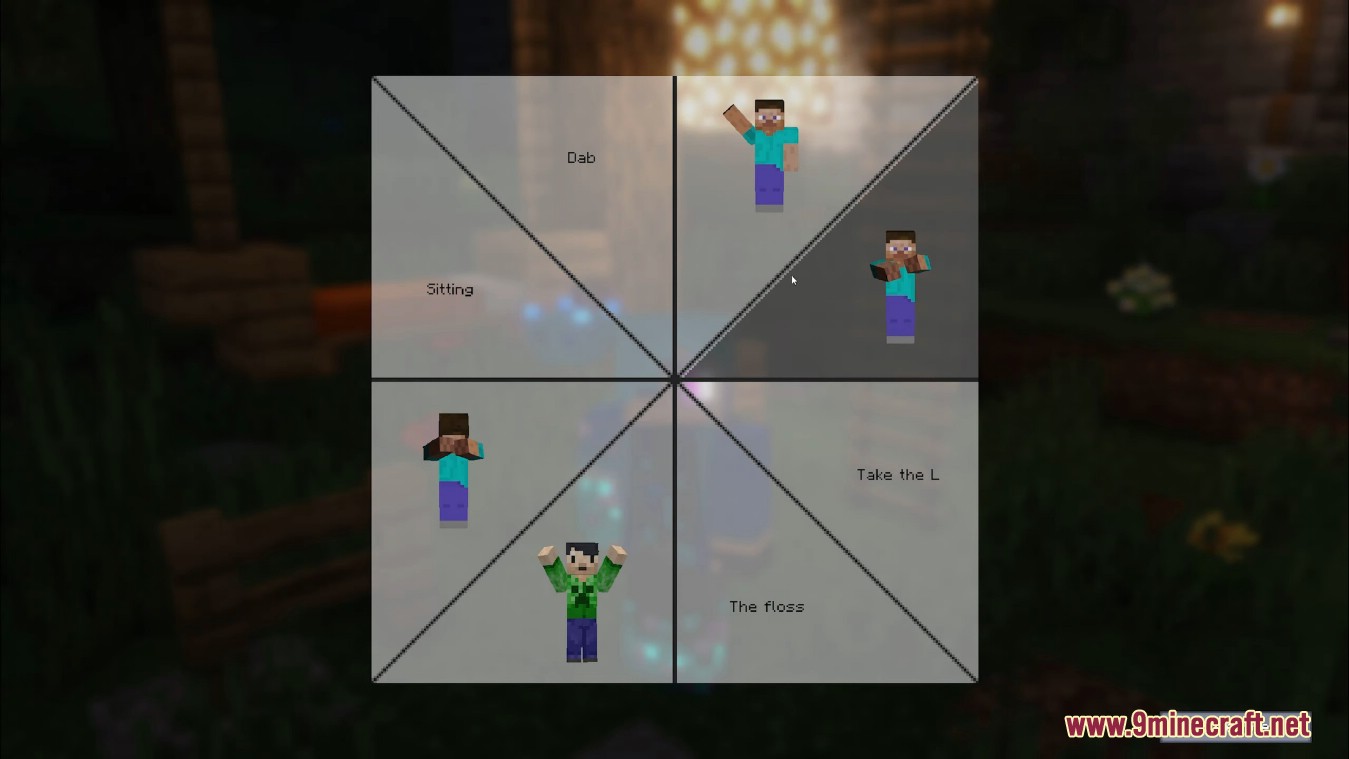
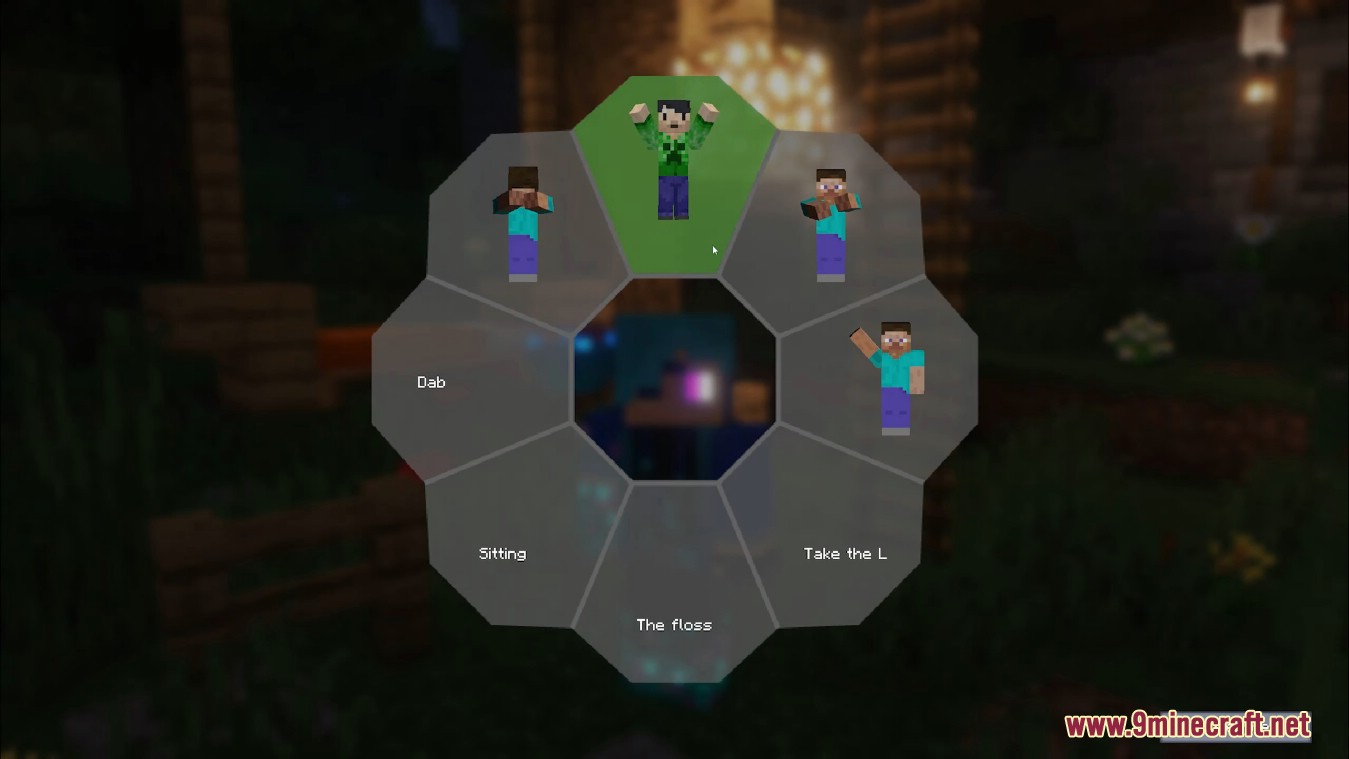
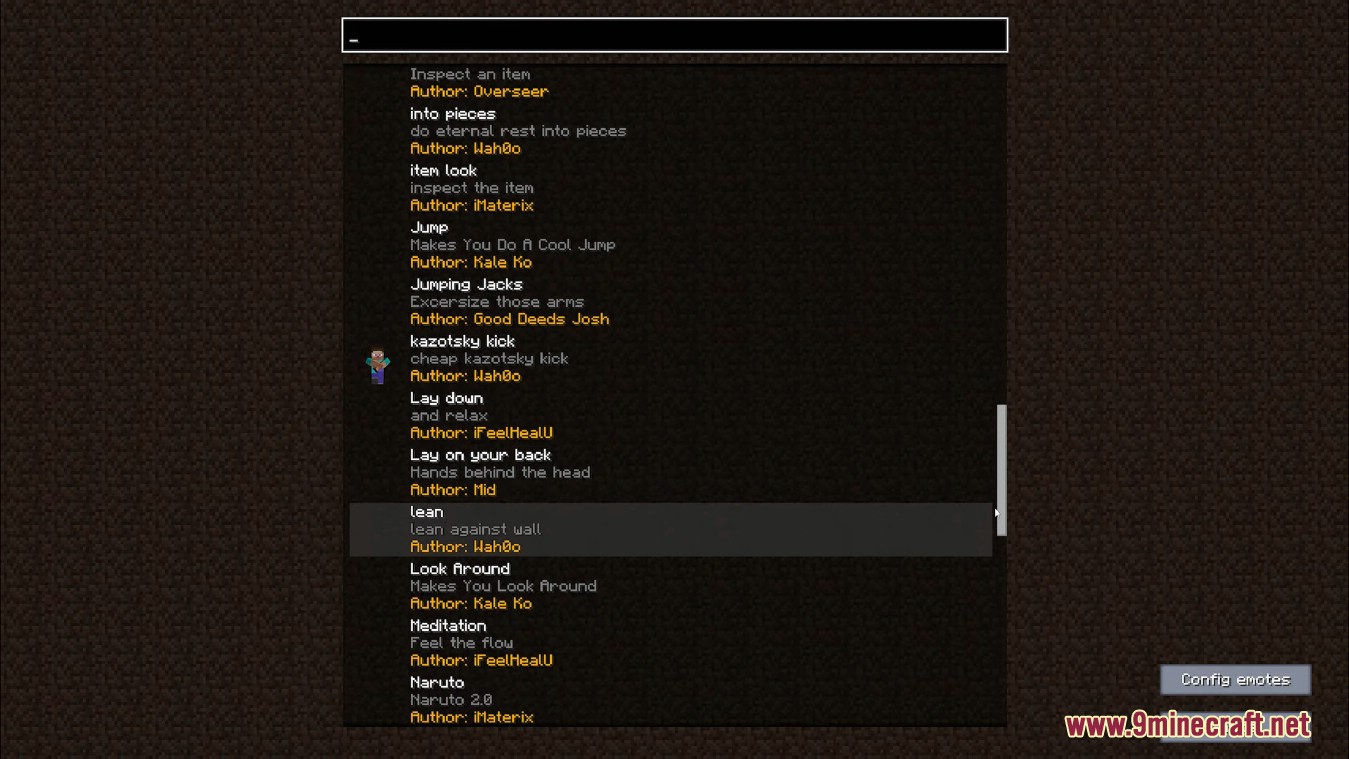
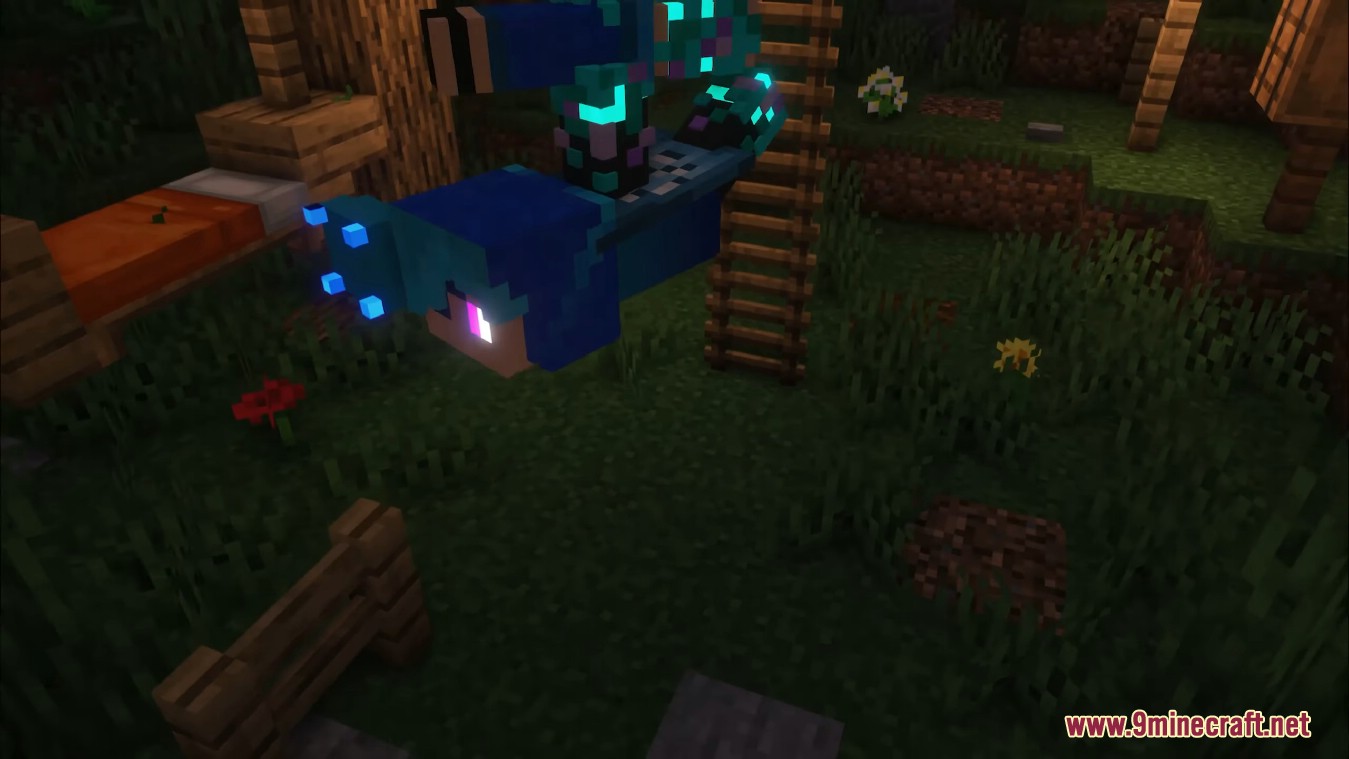




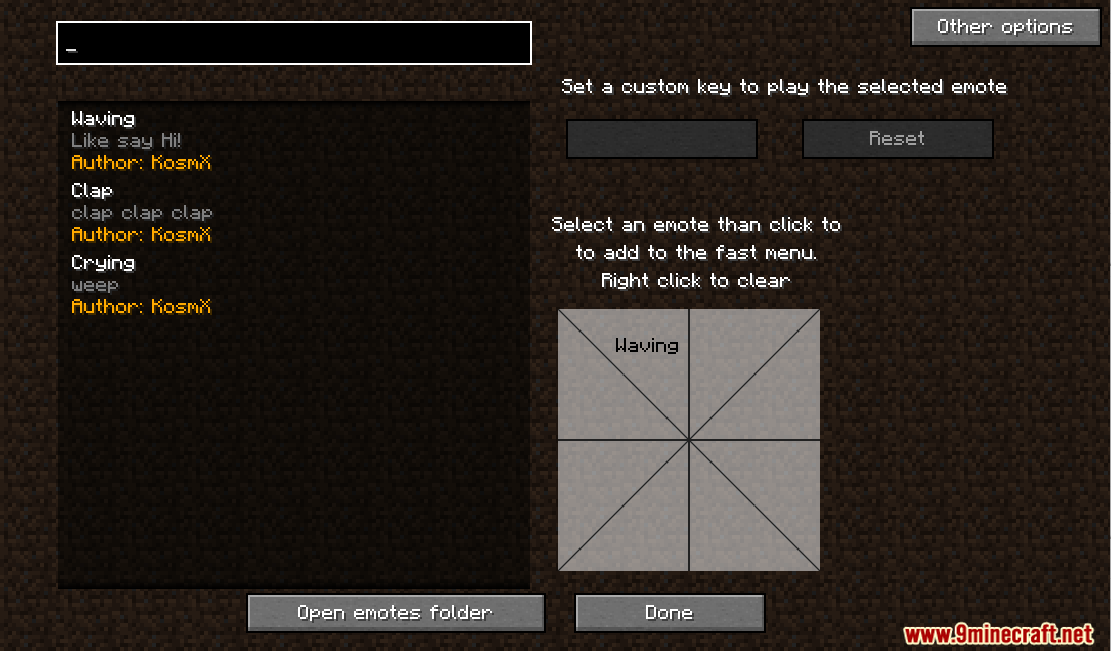
Features:
- Includes built-in default emotes, such as waving, that work right away.
- Lets players create custom emotes and play them in Minecraft.
- Works with Blender and Blockbench tools for designing custom emotes.
- Adds an emote selection wheel so you can pick an emote in the game.
- Syncs emotes with other players on the same server automatically, with no need to share files by hand.
- Supports cross-modloader play between clients and servers, including a Forge client on a Fabric server and Bukkit servers.
- Allows players to join vanilla servers with emotes turned off, or pair it with online-emotes to play emotes on vanilla servers.
How to Use:
- Press B in the game to open the emote selection wheel and pick an emote.
- Place custom emote files into the
.minecraft/emotesfolder so you can use them in the game. - You can also open the config screen and click “Open emotes folder” to open that folder directly.
How to Install:
New to Minecraft? Follow our step-by-step guide to install Plugins on your PC.View Guide
Requirements:




Emotecraft Plugin Download Links
For Minecraft 26.3
For Minecraft 26.2
For Minecraft 26.1.2, 26.1.1, 26.1
For Minecraft 1.21.11
For Minecraft 1.21.10, 1.21.9
For Minecraft 1.21.8, 1.21.7, 1.21.6
For Minecraft 1.21.5
For Minecraft 1.21.4
For Minecraft 1.21.1, 1.21
You May Also Like
Picked for this page
 Simple Voice Chat Plugin (26.3, 1.20.1) – Hear Players Around You
 WorldGuard Plugin (26.1.2, 1.20.1) – Bukkit, Spigot, Paper
 Quests Plugin (26.1.2, 1.20.1) – Bukkit, Spigot, Paper
 Orebfuscator Plugin (26.1.2, 1.20.1) – Bukkit, Spigot, Paper
 TAB Plugin (26.3, 1.20.1) – Make an Awesome Animated Tablist
 ValhallaMMO Plugin (26.1.2, 1.20.1) – Bukkit, Spigot, Paper
 Fancy Holograms Plugin (26.1.2, 1.20.1) – Spigot
 SuperVanish Plugin (26.2, 1.20.1) – Bukkit, Spigot, Paper
 Interaction Visualizer Plugin (26.1.2, 1.20.1) – Spigot
 Grim Anticheat Plugin (26.3, 1.20.1) – Realtime Cheat Detection Plugin
 Multiverse Netherportals Plugin (26.3, 1.20.1) – Fixes Portal Links Across Worlds
 Multiverse Portals Plugin (26.3, 1.20.1) – Create Custom Teleportation Portals
Most viewed in Plugins over the last 7 days
 Vulcan Anti Cheat Plugin (1.21.8, 1.20.1) – A Powerful Shield Against Cheating
 Dynmap 9minecraft Plugin (26.3) – A Live Google-Maps-Style View of Your Whole Server
 Citizens Plugin (1.21.10, 1.20.1) – The Best NPC Plugin
 Displaymotion Plugin (1.21.4) – Amaze Players with Custom Animations and No Client Mods
 WorldEdit Plugin (1.21.11, 1.20.1) – Easy In-Game Minecraft Map Editor
 Citizens2 Plugin (1.21.8, 1.20.1) – Craft Unique NPCs
 Ultimate Donut SMP Plugin (26.3, 1.20.1) – Build Teams Trade Goods
 MMOItems Premium Plugin (1.21.8, 1.20.1) – Create Stunning Custom Items
 MythicCrucible Plugin (1.21.8, 1.20.1) – Addon for MythicMobs
 MythicMobs Premium Plugin (1.21.9, 1.20.1) – Craft Epic Custom Mobs And Bosses
 L Claim Plugin (26.3, 1.20.1) – Build Protected Towns and Trade Peacefully
 Fish Rework Fishing Plugin (26.3, 1.21.1) – Turn Simple Fishing
More from Plugins
 Item Customizer Plugin (1.20.1) – Unique Weapon Perks and Armor Dyes
 Chunk Pre Loader999 Plugin (1.21.11, 1.21.1) – Keep Journeys Smooth
 Wonder Events Plugin (26.3, 1.20.1) – Add Fresh Community Activities
 Simple Global Chat Plugin (26.3, 1.21.1) – Chat with Nearby Friends
 Origins999 Plugin (1.21.11, 1.21.1) – Let Players Pick Custom Powers
 HuskHomes Plugin (26.3, 1.20.1) – Advanced Teleportation System
 Server Suite Plugin (1.21.11, 1.21.1) – Keep Multiplayer Worlds Fair
 Zero Inventory Problems ZIP Backpacks Plugin (26.3, 1.20.1)
 Eternal Core Plugin (26.2, 1.20.1) – Give Players Fast Travel and Handy Server
 Enhanced E Chest Plugin (26.3, 1.21.11) – Massive Storage So Players Stop
 Fast Async World Edit Plugin (26.3, 1.20.1) – Shape Massive Worlds
 Simple Voice Radio Plugin (26.3, 1.20.1) – Broadcast Music and Chat

This post has no comments yet. Be the first — your comment will appear here.