


Small View Model Mod (1.21.11, 1.20.1) – Stop Held Items Blocking Your View

 0
0 

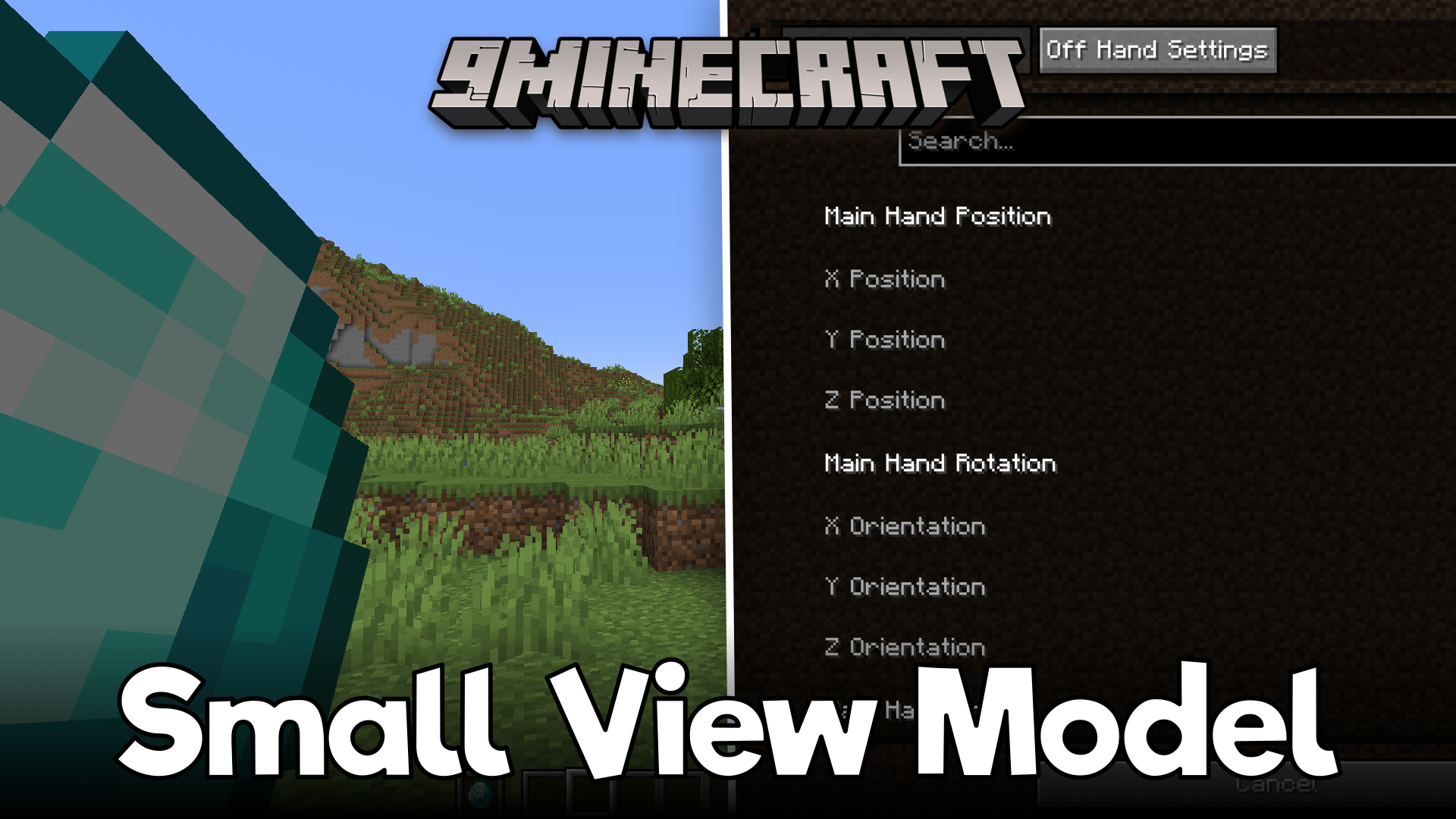
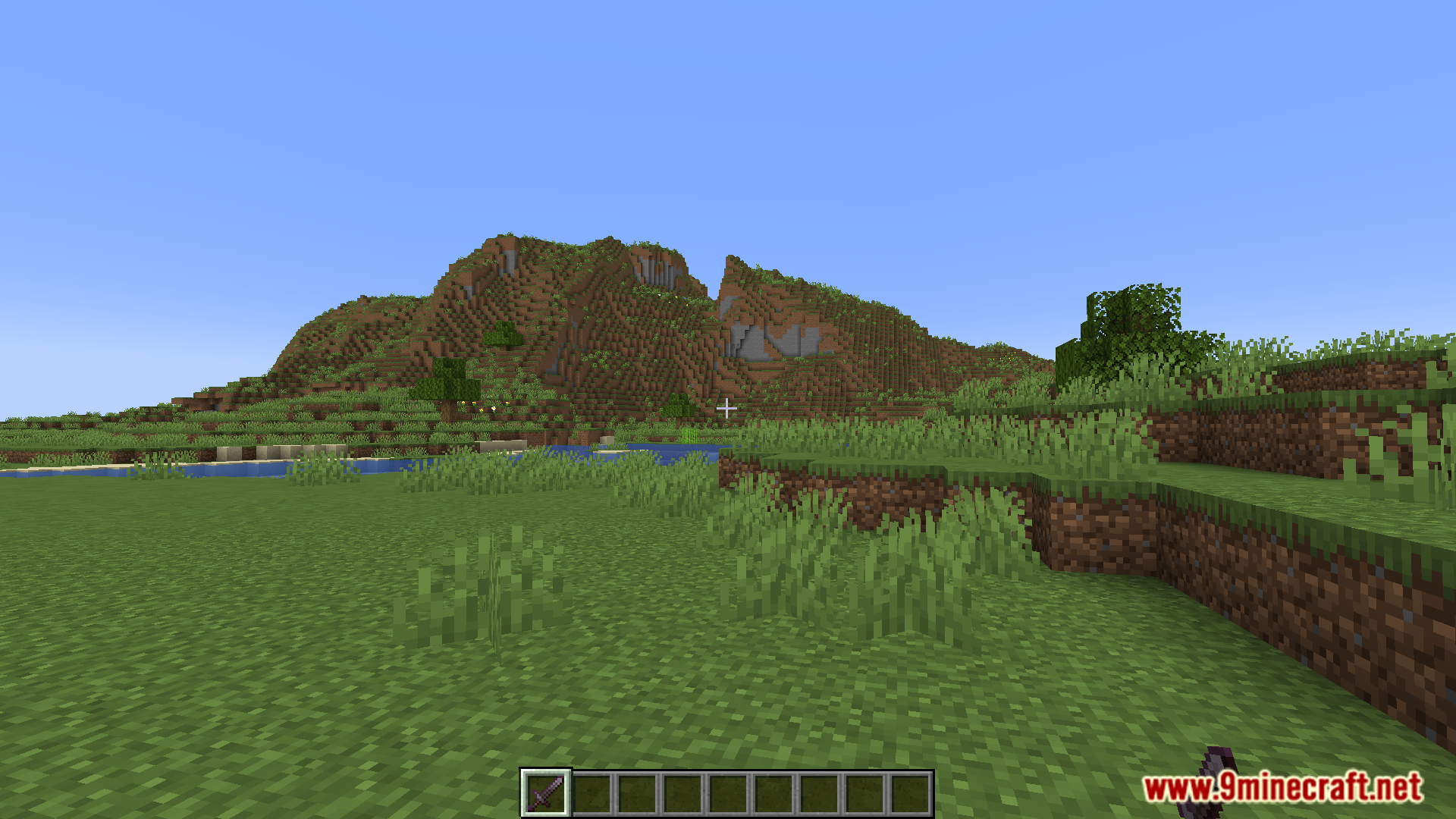
Small View Model Mod lets you change the size, position, and rotation of the items you hold in your hands. Big weapons or blocks often get in the way and block your screen while you play in first-person view. This mod fixes that problem. It shrinks your held items or moves them to the side so you can see better. You can adjust the settings for both your main hand and your off-hand. It gives you a clear view of the world, making it a great choice for PvP fights.
Features:
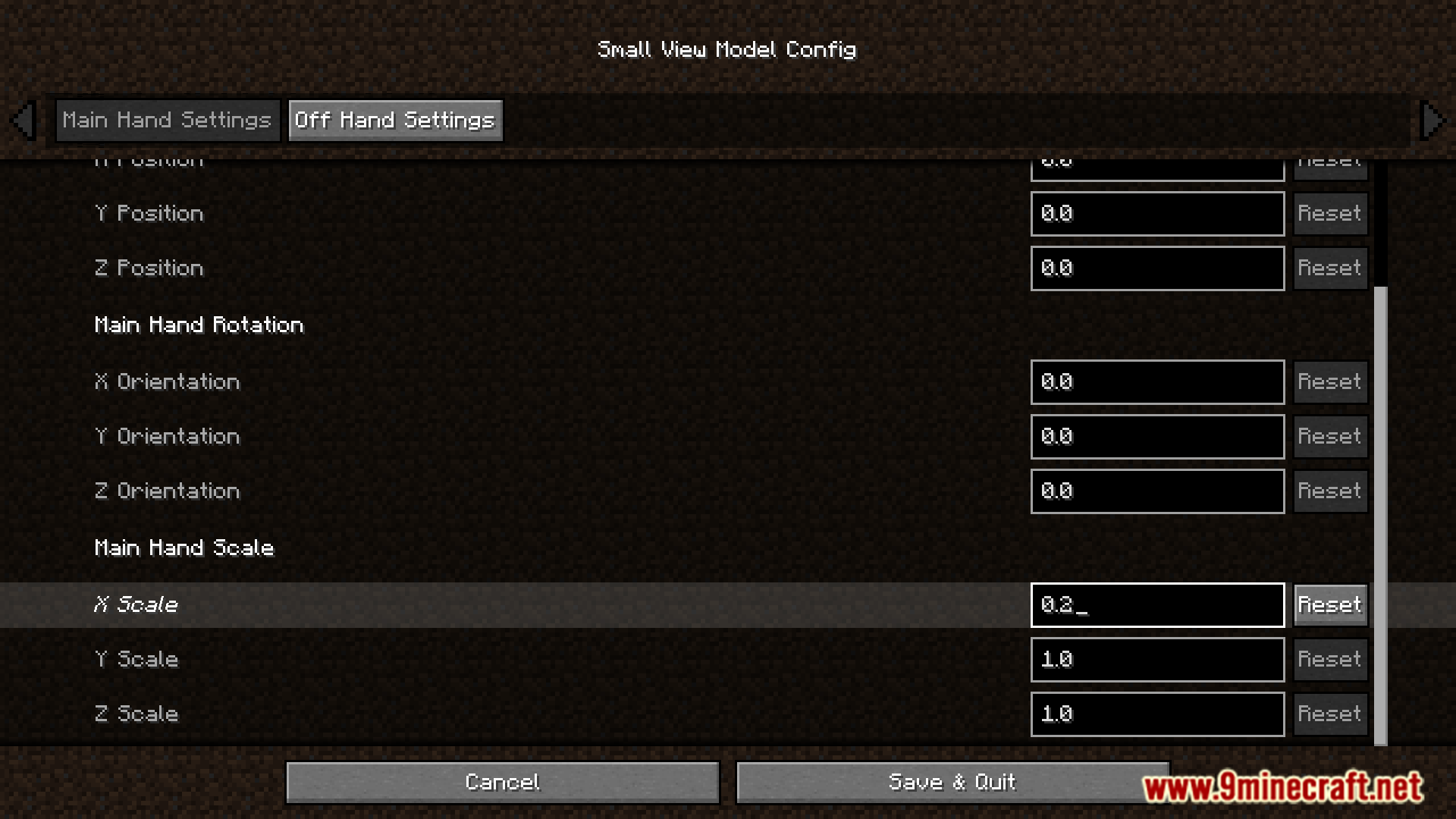
- Full Item Control: Small View Model lets you change the position, rotation, and scale of any item you hold in first-person view.
- You can change the settings for your main hand and off-hand separately.
- Shrinks down big weapons or blocks so they do not cover up your screen while you play.
- Gives PvP players better visibility during fights by moving held items out of the way.
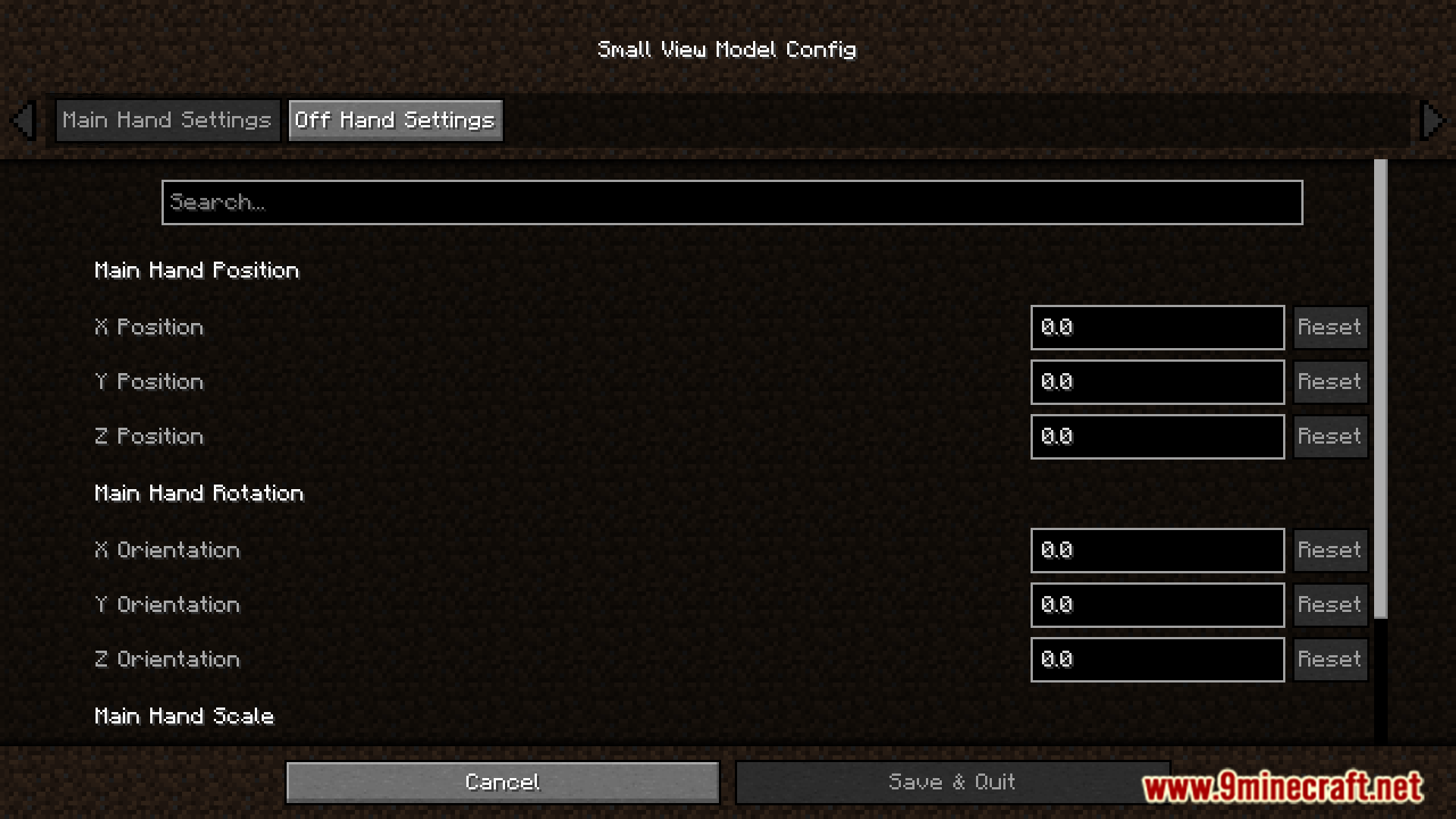
- Requires the ModMenu mod to open the settings screen, where you adjust the numbers for the X, Y, and Z axes.
Screenshots:
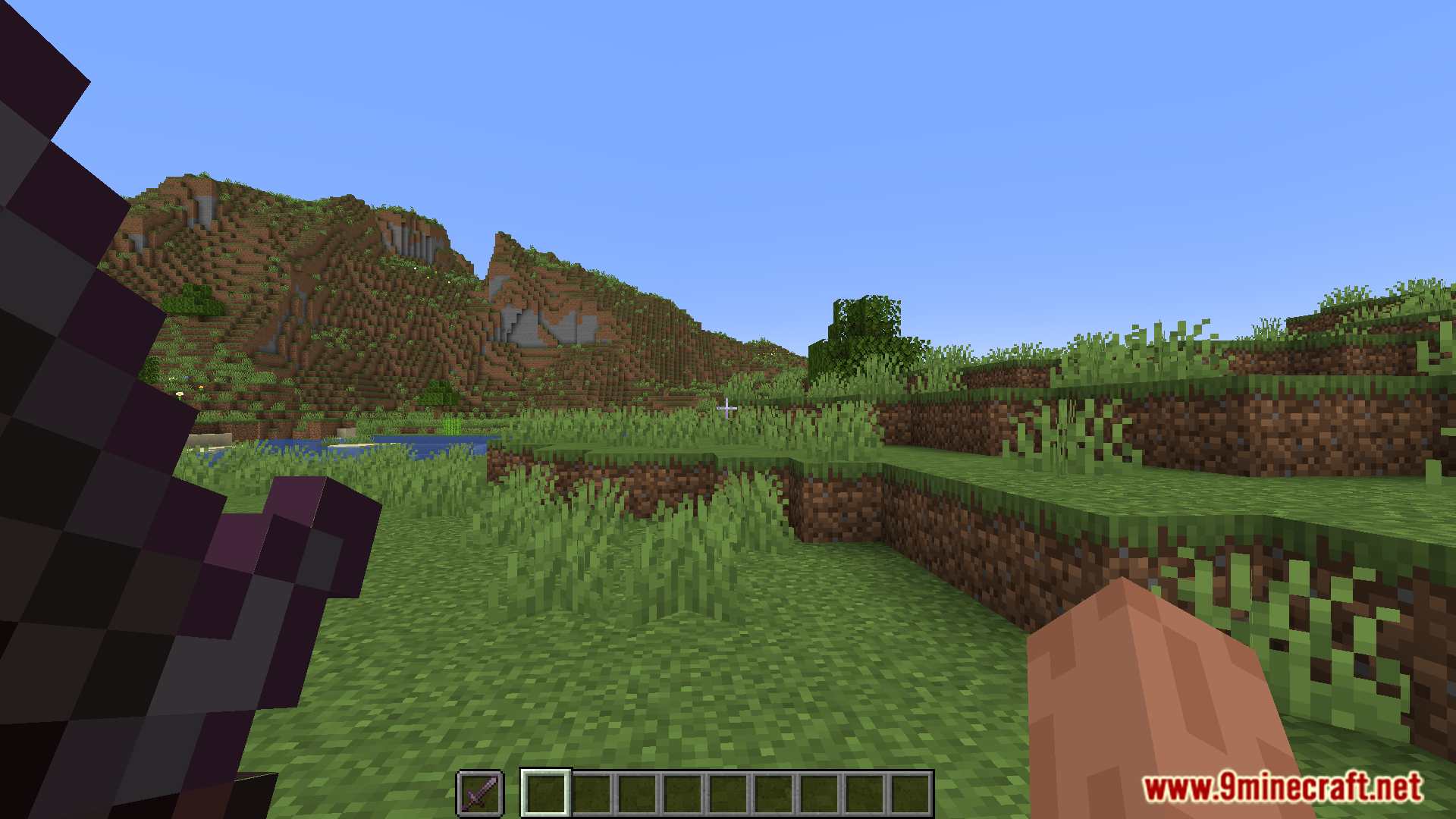
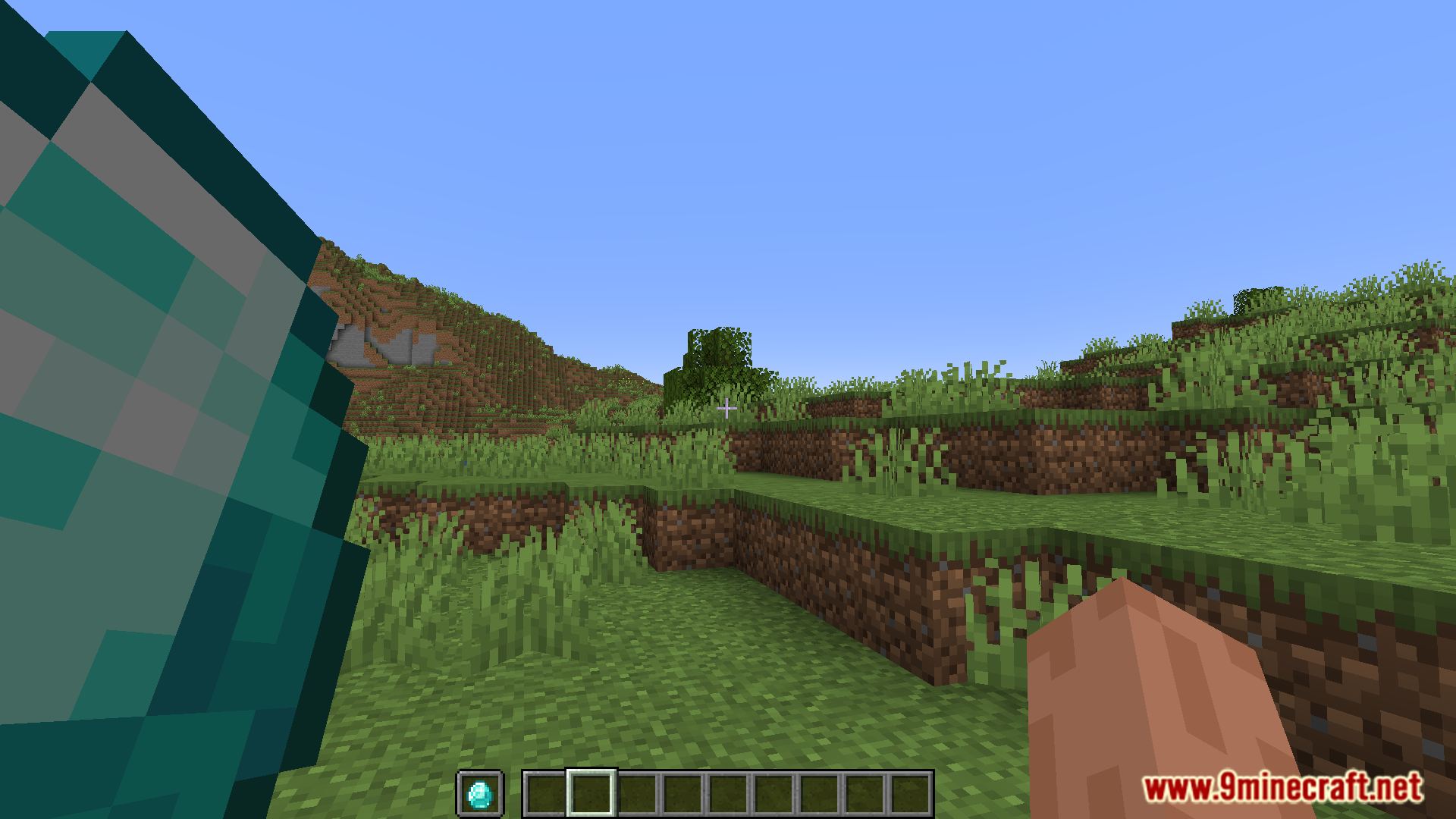
How to Install:
New to Minecraft? Follow our step-by-step guide to install Mods on your PC.View Guide
Requirements:

Small View Model Mod Download Links
For Minecraft 1.21.11, 1.21
Fabric version: Download from Server 1 – Download from Server 2
For Minecraft 1.21.10
Fabric version: Download from Server 1 – Download from Server 2
For Minecraft 1.21.8, 1.21.7, 1.21.6
Fabric version: Download from Server 1 – Download from Server 2
For Minecraft 1.20.4
Fabric version: Download from Server 1 – Download from Server 2
For Minecraft 1.20.1, 1.20
Fabric version: Download from Server 1 – Download from Server 2
For Minecraft 1.19.4
Fabric version: Download from Server 1 – Download from Server 2
You May Also Like

This post has no comments yet. Be the first — your comment will appear here.