


MalisisAdvert Mod (1.12.2, 1.11.2) – Put Real Images In-Game
 2,870
2,870
 0
0

🌐 Read this article in your language! Choose your preferred language below.
Or pick the one you like:
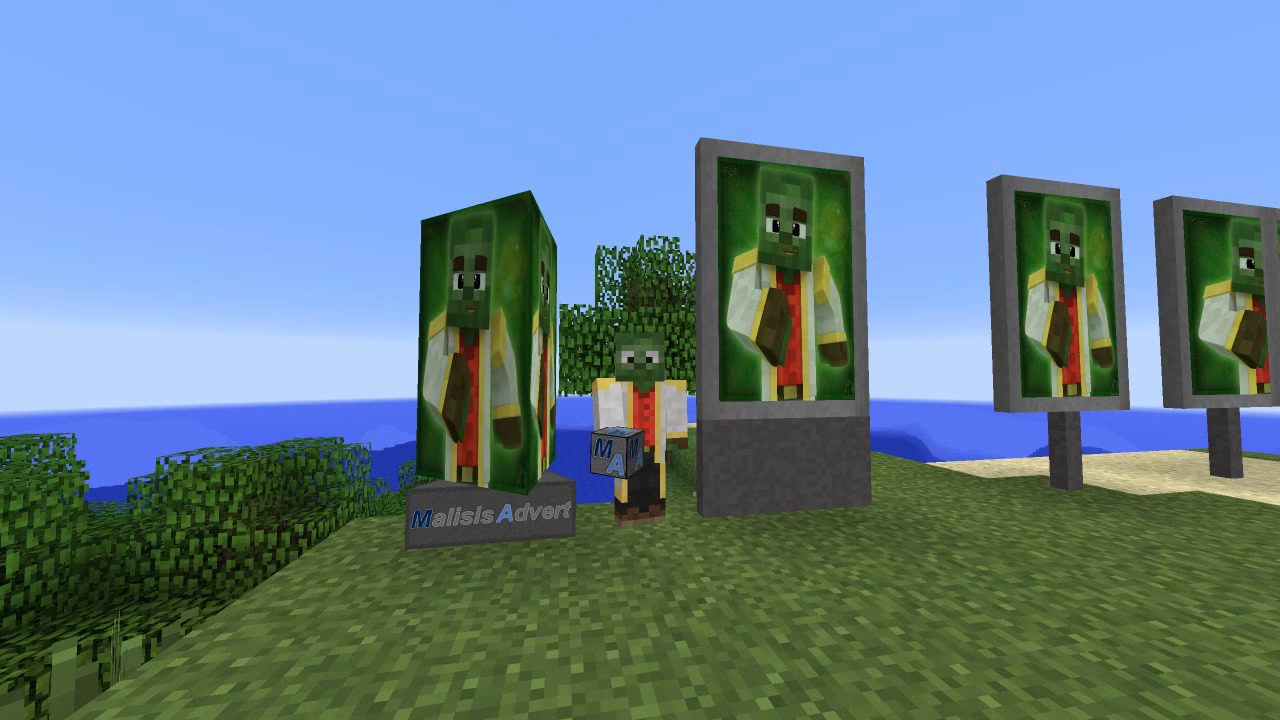
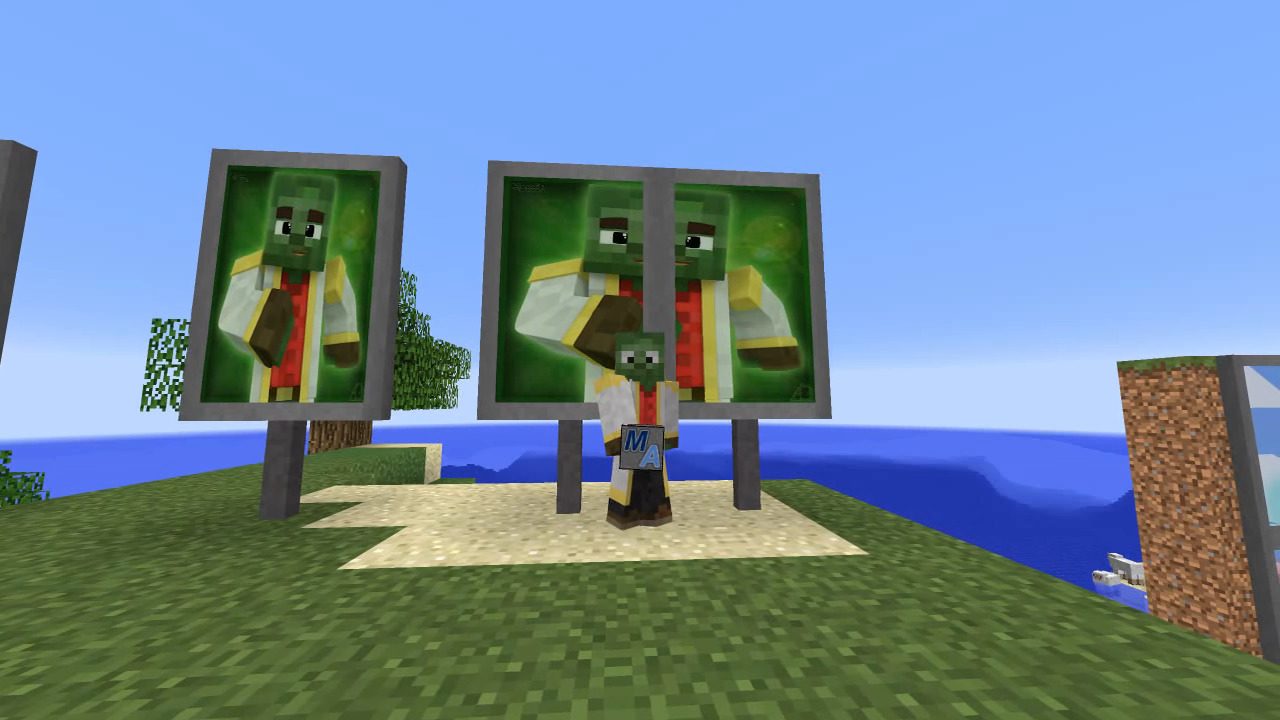
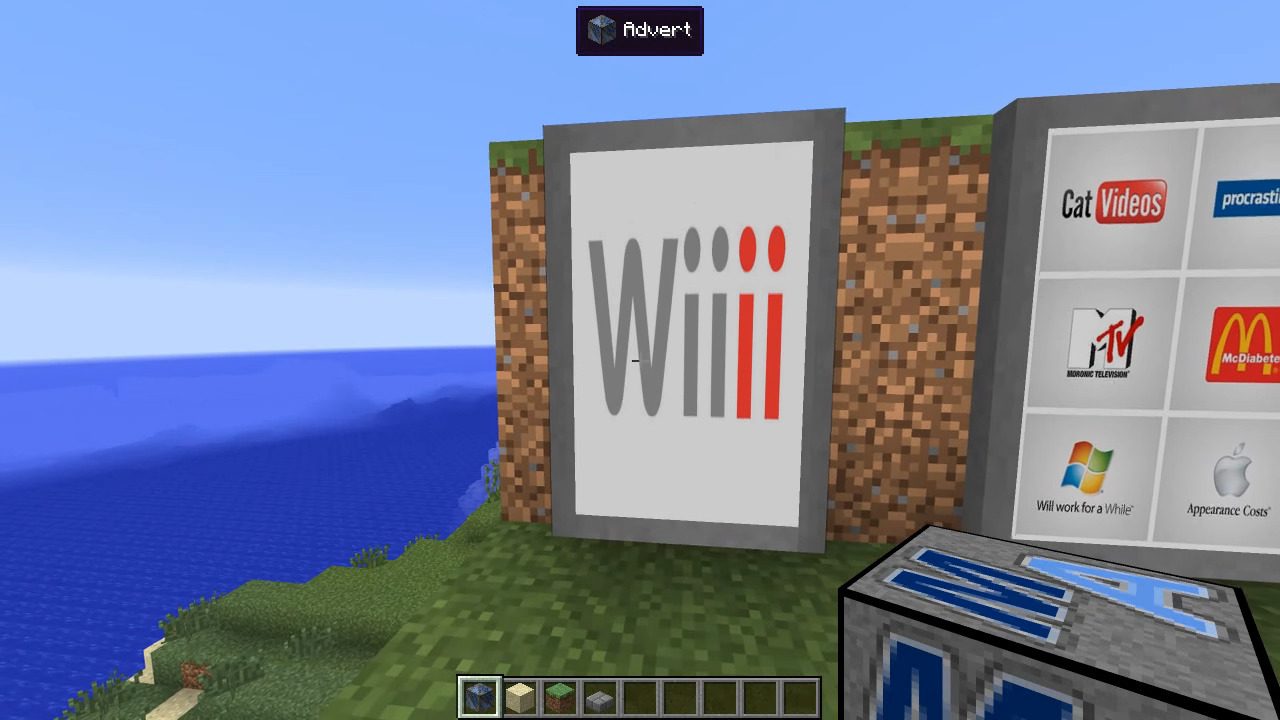
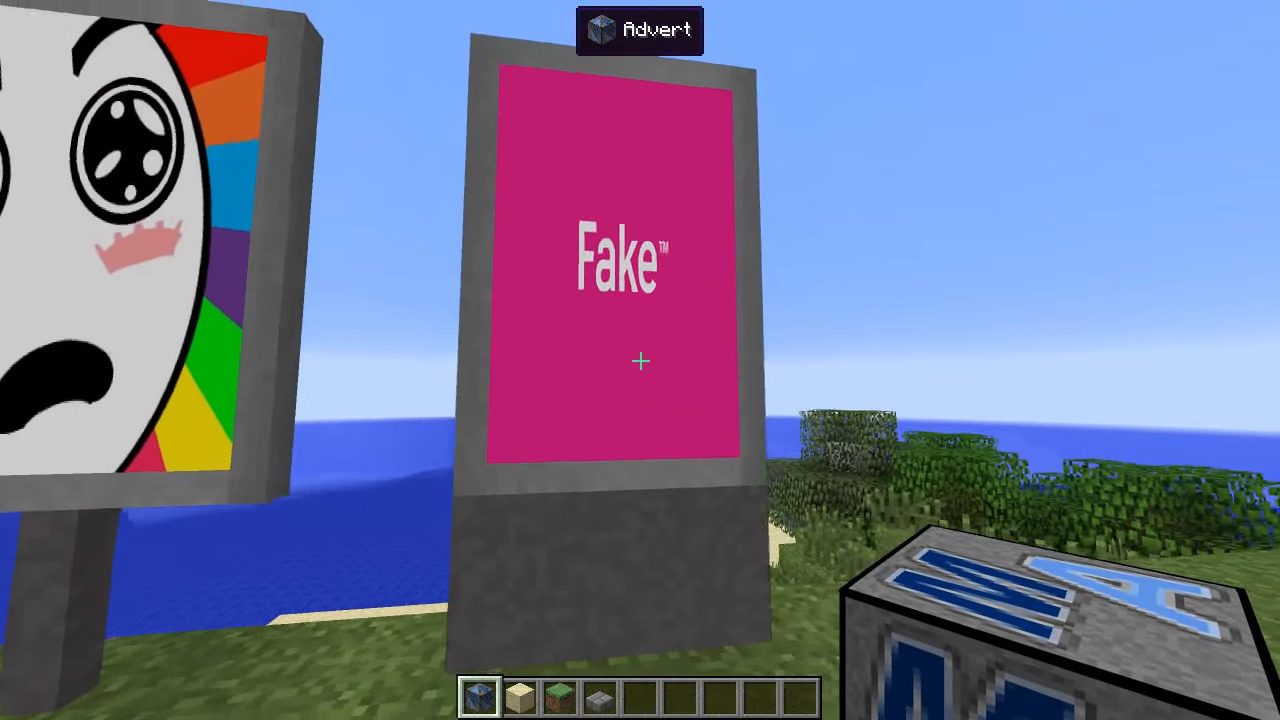
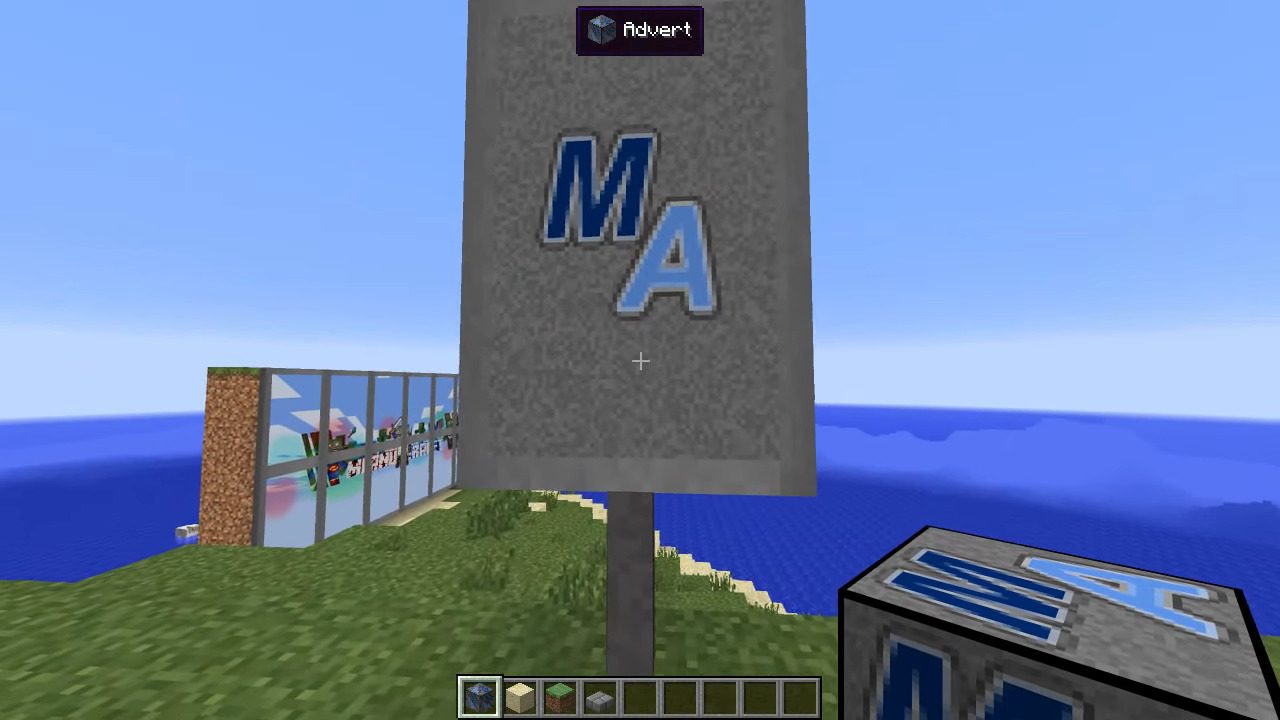
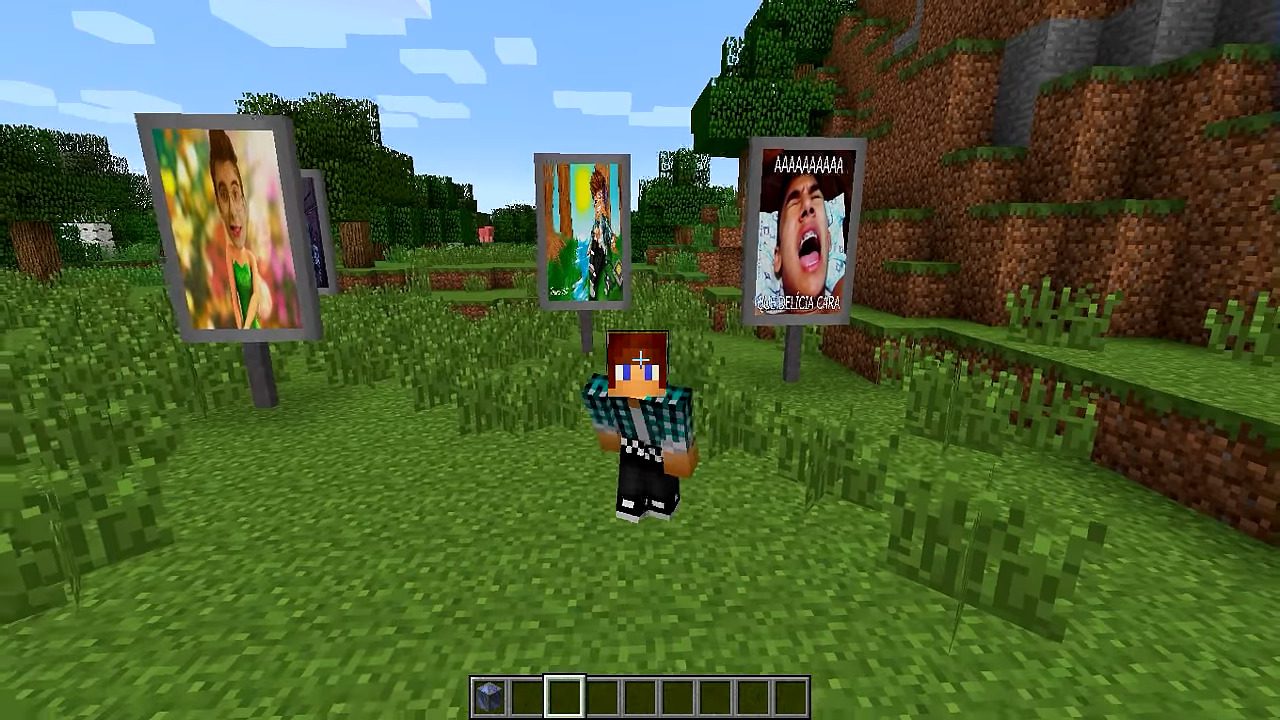
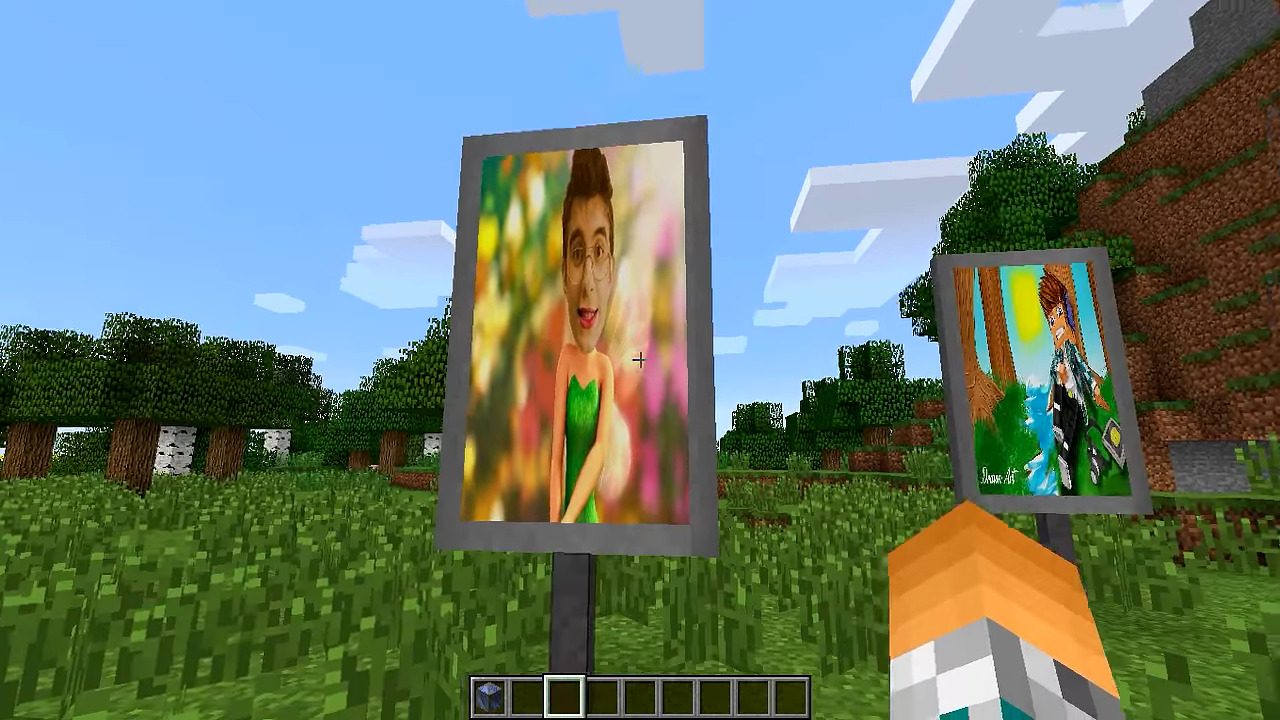
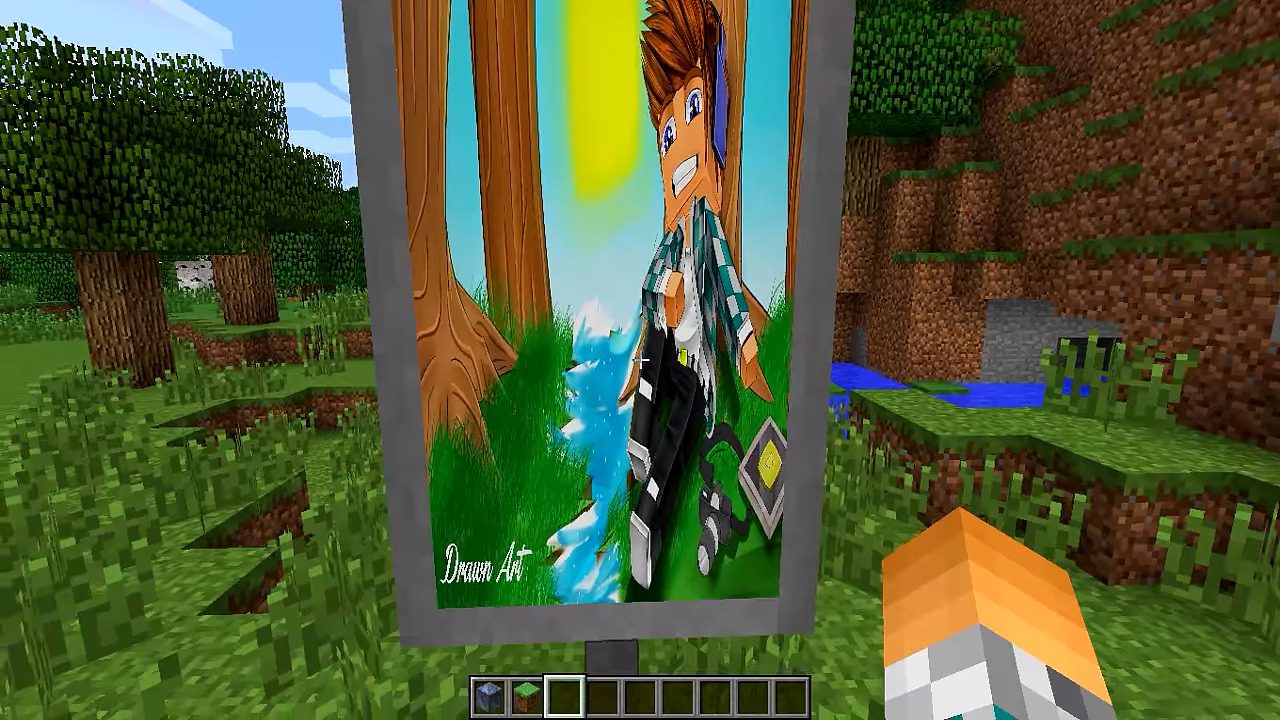
MalisisAdvert Mod lets server owners put advertisement banners inside their Minecraft world. This mod adds a special block that can display any image from the internet. All you need is a link to a picture to show it on a panel in the game.
Features:
- Display any image from the internet on special advertisement blocks.
- Adds a simple, non-craftable block for server admins to place.
- Manage all advertisements through an easy-to-use in-game menu.
- Choose from different models for the advertisement panel to fit your style.
- Add new ads by simply providing a name and a URL to an image.
Commands:
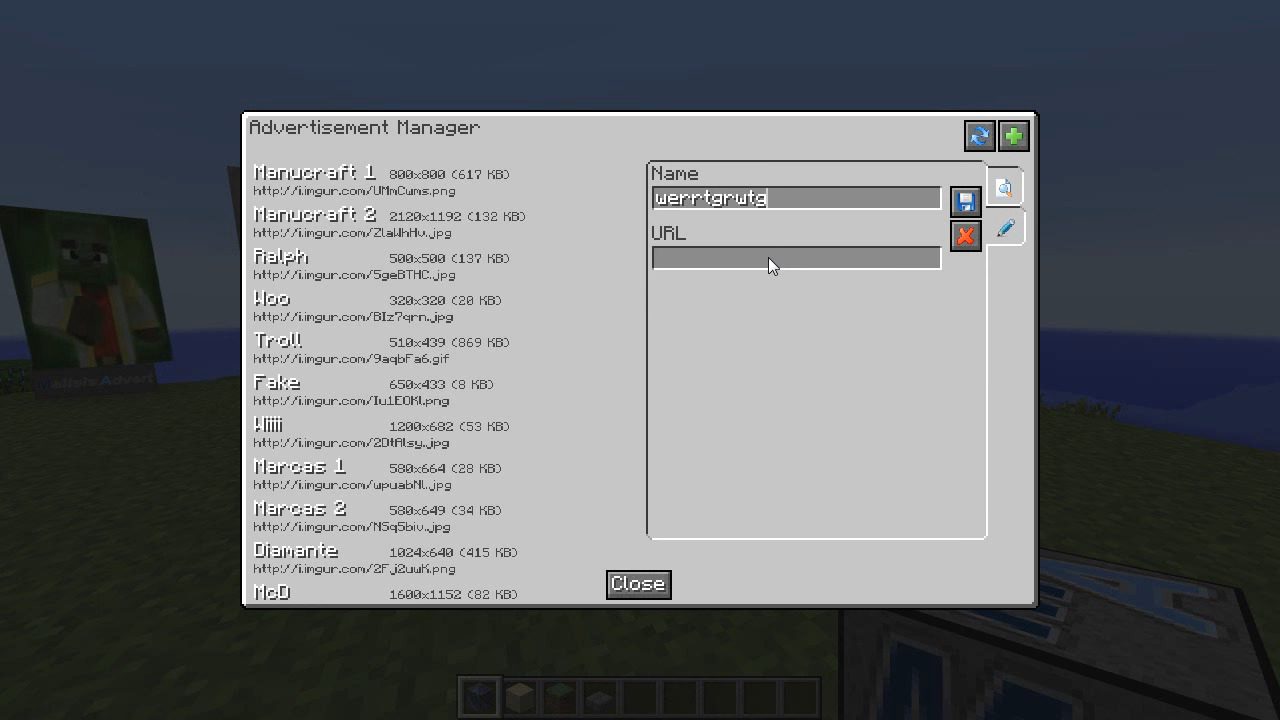
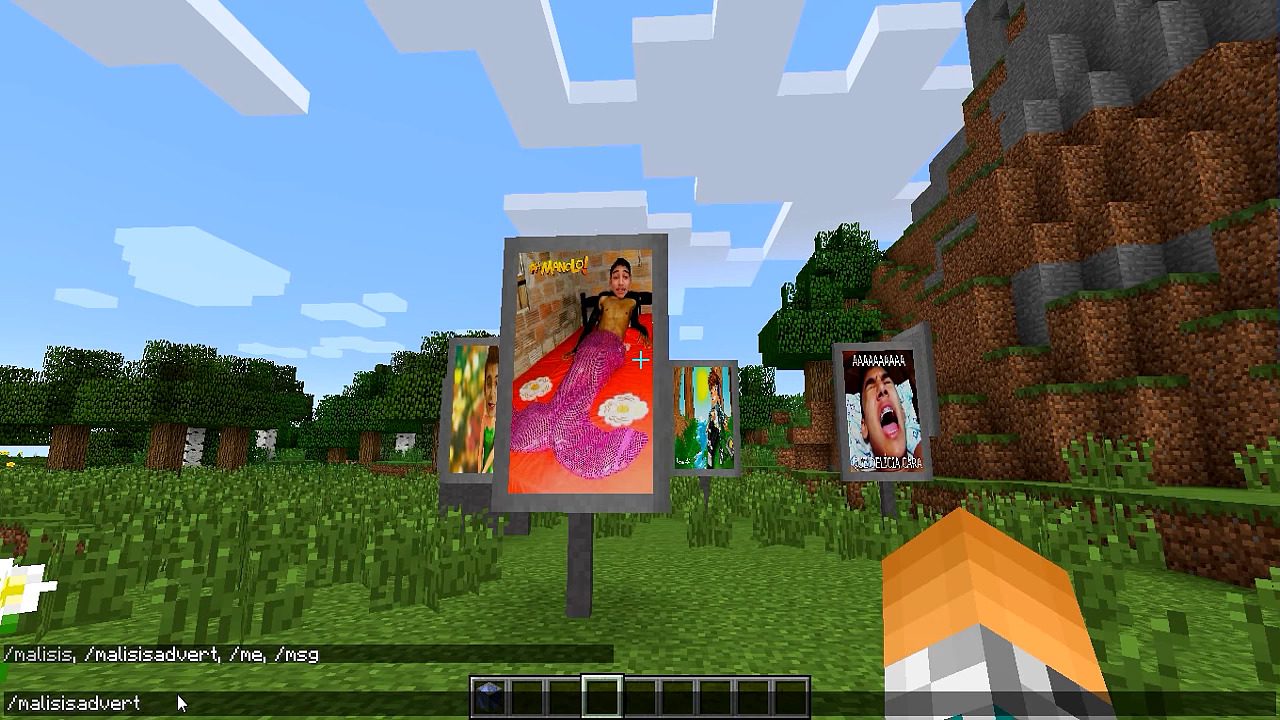
/malisisadvert: Opens the main menu for managing advertisements. Admins can use this to add new images by name and URL.
How to Use:
- As a server admin, type the command
/malisisadvertto open the management menu. - In the menu, add a new advertisement by giving it a name and the image URL. The server will then download it.
- Place the advertisement block anywhere in the world.
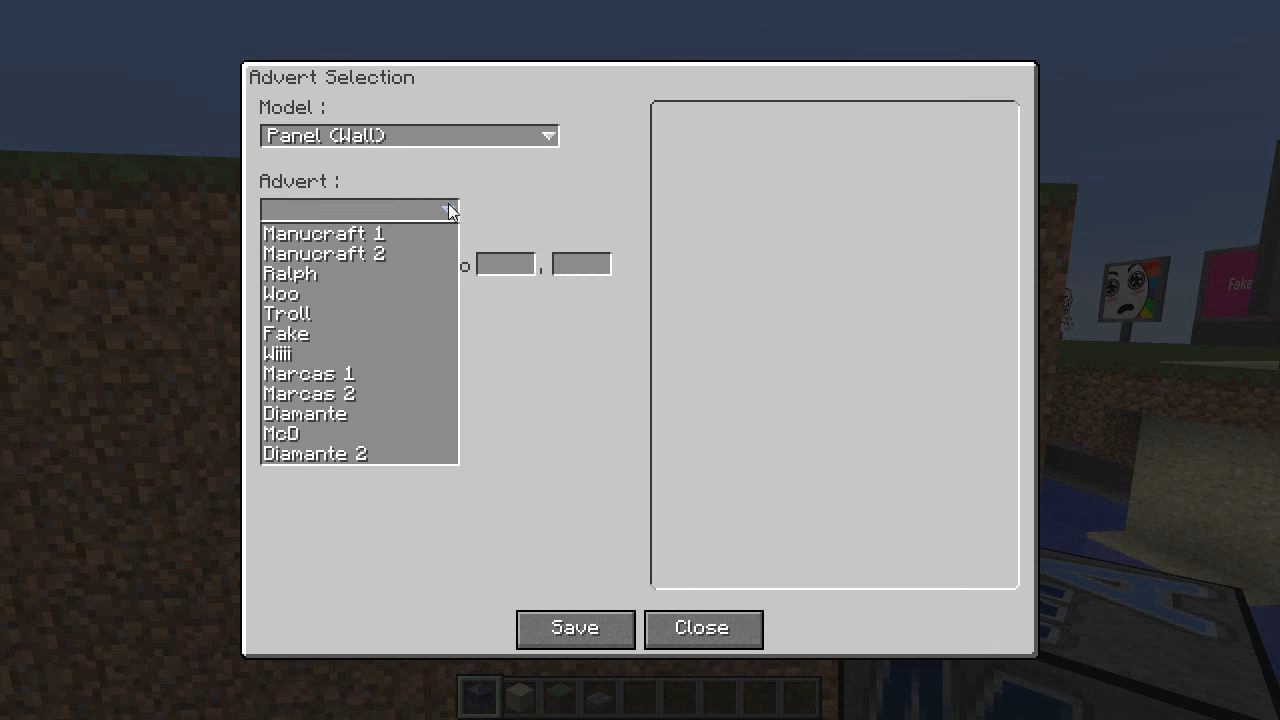
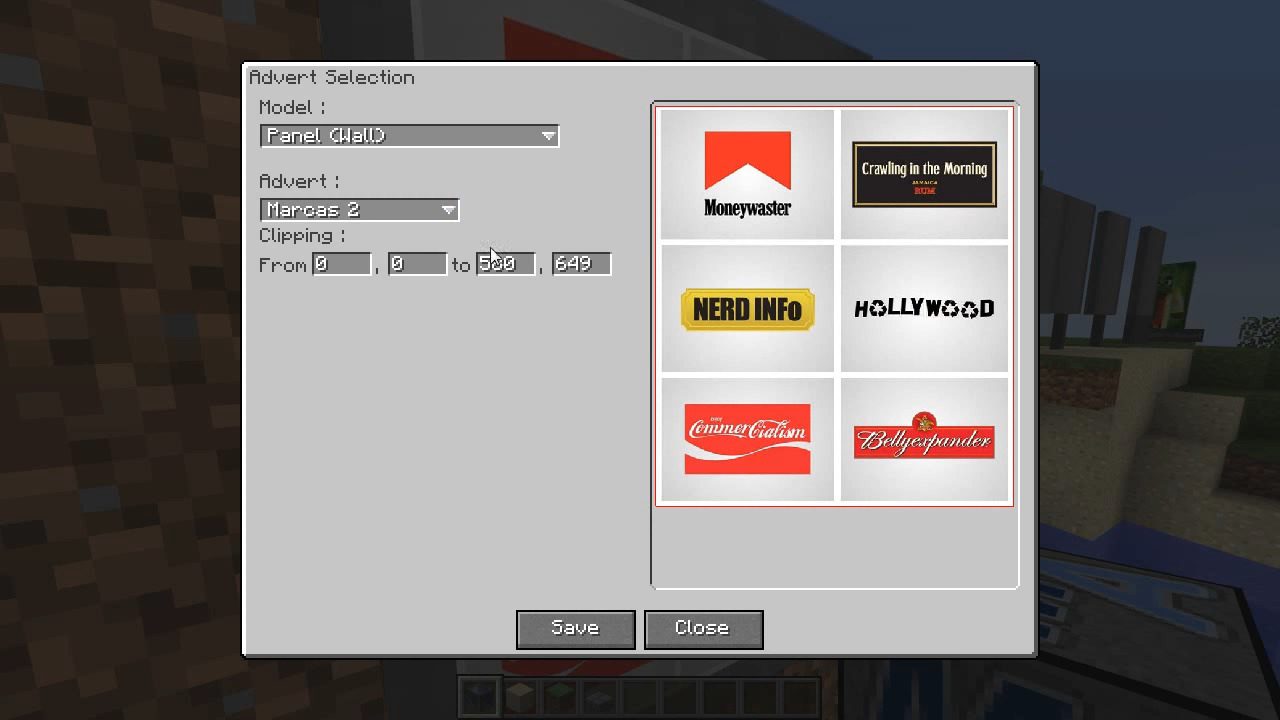
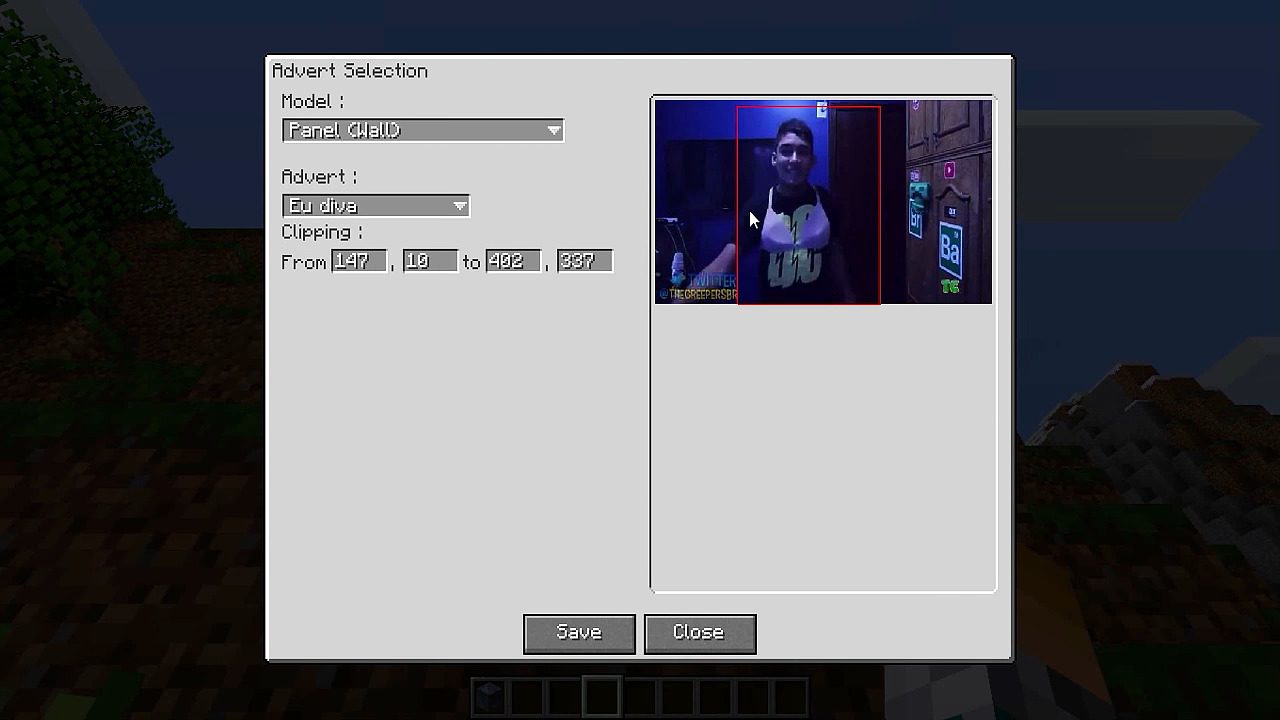
- Right-click the block to open another menu. From here, you can choose which saved advertisement to display and select a model for the panel.
Screenshots:
How to Install:
New to Minecraft? Follow our step-by-step guide to install Mods on your PC.View Guide
Requirements:

MalisisAdvert Mod Download Links
For Minecraft 1.7.10, 1.7.2
For Minecraft 1.8.0
For Minecraft 1.8.9
For Minecraft 1.9.0
For Minecraft 1.9.4/1.10.2
For Minecraft 1.11.2
For Minecraft 1.12
For Minecraft 1.12.2
Click to rate this post!
[Total: 3 Average: 5]
You May Also Like



This post has no comments yet. Be the first — your comment will appear here.