


Light Level Overlay Reloaded Mod (1.14.4, 1.12.2) – See Exactly Where Mobs Spawn
 1,384
1,384
 0
0

🌐 Read this article in your language! Choose your preferred language below.
Or pick the one you like:
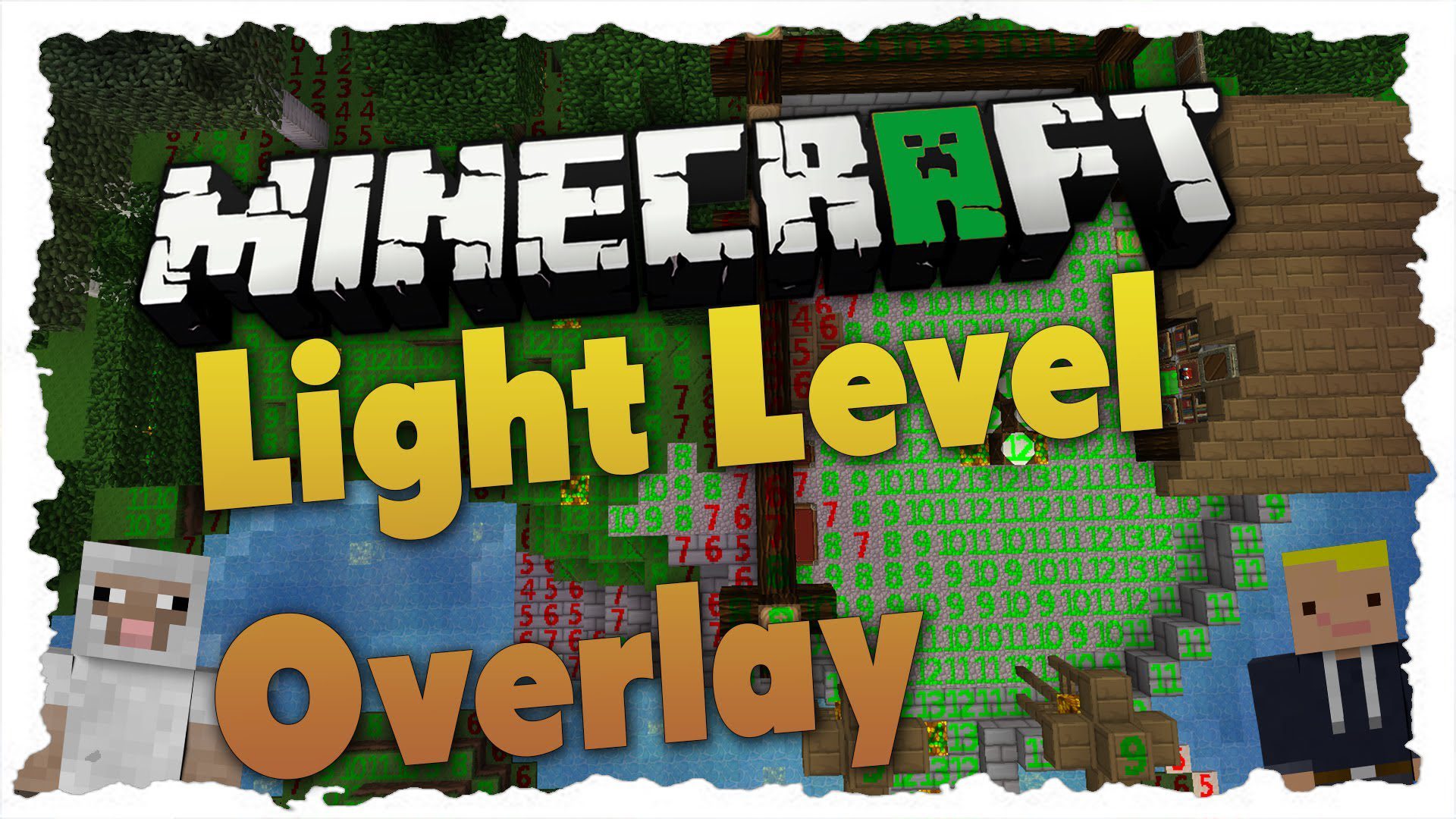
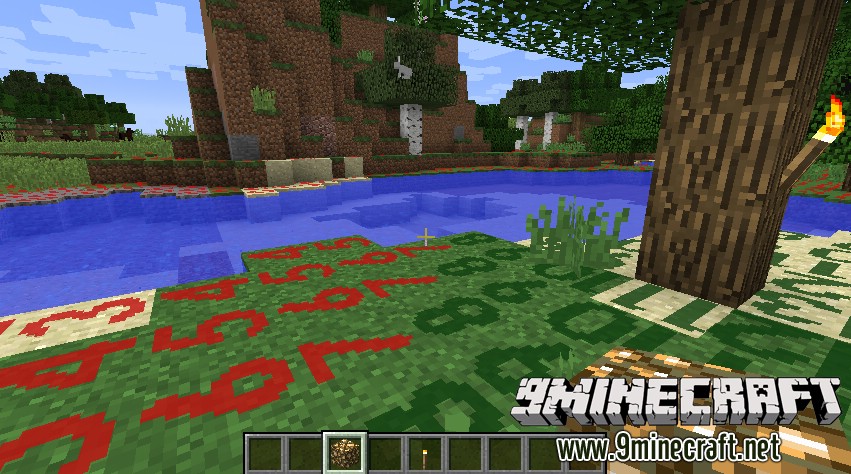
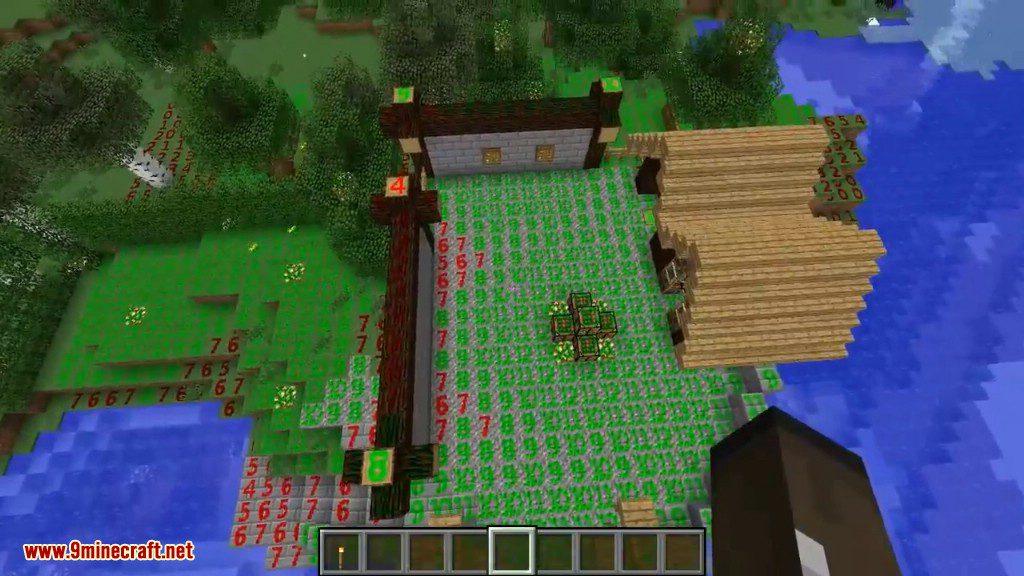
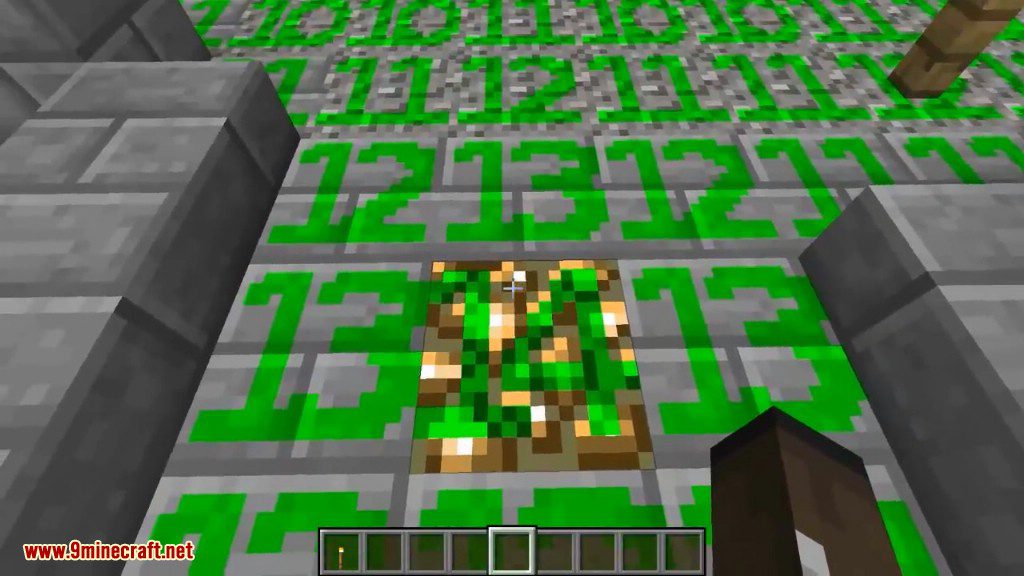
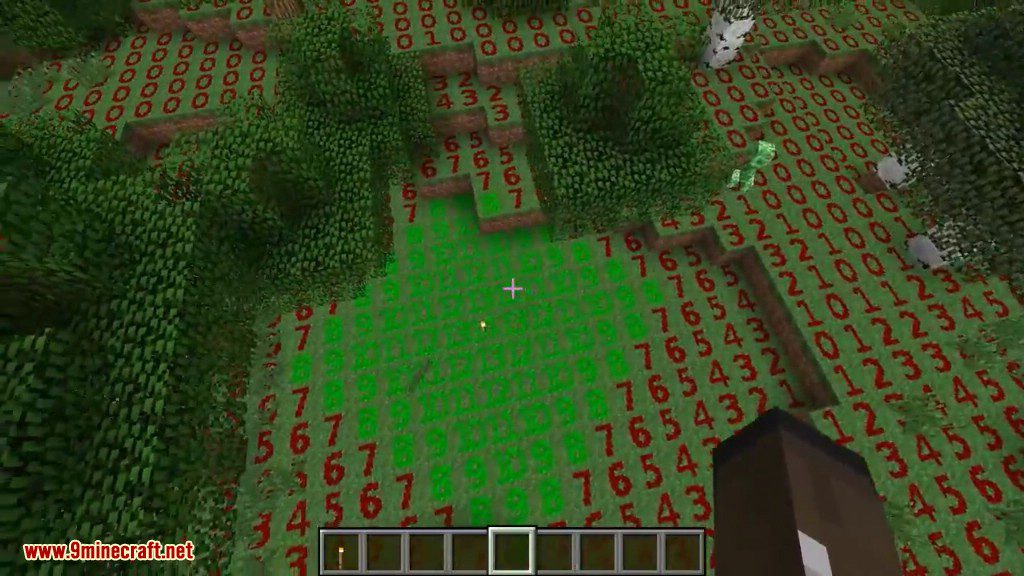
Light Level Overlay Reloaded shows you the light level on top of nearby blocks. This mod displays a number on each block, making it easy to see where monsters can spawn in the dark. You will know exactly where you need to place torches to keep your base safe.
Features:
- Displays the light level as a number on top of blocks.
- Helps you easily find dark areas where hostile mobs might appear.
- Toggle the overlay on and off with a simple key press.
- Switch between different display modes to see the information you need.
- Customize the key bindings in the standard Minecraft controls menu.
- Allows the overlay’s textures and appearance to be changed using texture packs.
How to Use:
- Press the F4 key by default to turn the light level overlay on and off.
- Hold Shift and press F4 to cycle through the different display modes.
- If you want to use different keys, you can change them in the Options > Controls menu.
Screenshots:
How to Install:
New to Minecraft? Follow our step-by-step guide to install Mods on your PC.View Guide
Light Level Overlay Reloaded Mod Download Links
For Minecraft 1.7.10
For Minecraft 1.8.0
For Minecraft 1.8.9
For Minecraft 1.10.2, 1.9.4
For Minecraft 1.11.2
For Minecraft 1.14.4
For Minecraft 1.12.2
For Minecraft 1.13.2
Click to rate this post!
[Total: 0 Average: 0]
You May Also Like
















This post has no comments yet. Be the first — your comment will appear here.