
LeviLauncher APK Android v1.7.1 (26.60, 1.26+) – Best FPS Boost Launcher for MCPE



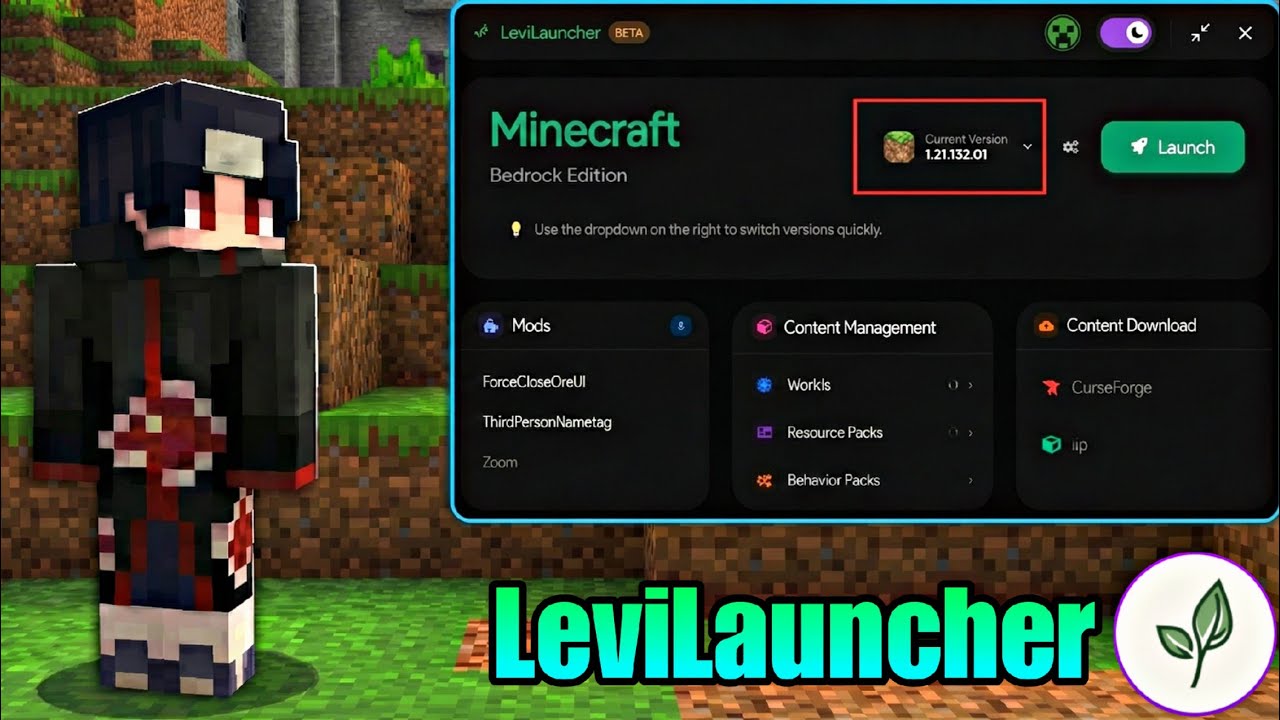
LeviLauncher APK Android 1.26.60.4 is a lightweight launcher for Minecraft Bedrock Edition / MCPE on Android mobile. It allows you to run official Minecraft APK files, manage multiple versions, and use external modules.
Requirements:
- MCPE/Bedrock 1.21.0 – 26.63
all 71 versions
26.63, 26.62, 26.60, 26.52, 26.51, 26.50, 26.45, 26.44, 26.43, 26.42, 26.41, 26.40, 26.35, 26.34, 26.33, 26.32, 26.31, 26.30, 26.23, 26.22, 26.21, 26.20, 26.13, 26.12, 26.11, 26.10, 26.3, 26.2, 26.1, 26.0, 1.21.132, 1.21.131, 1.21.130, 1.21.124, 1.21.123, 1.21.122, 1.21.121, 1.21.120, 1.21.114, 1.21.113, 1.21.111, 1.21.101, 1.21.100, 1.21.94, 1.21.93, 1.21.92, 1.21.90, 1.21.82, 1.21.81, 1.21.80, 1.21.72, 1.21.71, 1.21.70, 1.21.62, 1.21.61, 1.21.60, 1.21.51, 1.21.50, 1.21.44, 1.21.43, 1.21.41, 1.21.40, 1.21.31, 1.21.30, 1.21.23, 1.21.22, 1.21.21, 1.21.20, 1.21.2, 1.21.1, 1.21.0
- Android 9.0 or higher, 64-bit (arm64) device
- An official Minecraft Bedrock APK to import into the launcher
Features:
- APK Management
- Import official Minecraft APK
- Run without installing to system
- Multi-Version Support
- Install multiple versions
- Switch versions easily
- Separate data for each version
- Account Management
- Store multiple Xbox accounts
- Switch accounts quickly
- Content Management
- Manage worlds
- Manage resource packs
- Backup worlds
- Import and export content
- Modules
- Load native modules
- Extend game features
- Improve performance
Example Modules:
- Graphics
- Better brightness
- Rendering improvements
- Interface
- UI modifications
- Extra menus
Changelog:
What’s new in v1.7.1
Includes the v1.7.0 launcher and in-game mod menu redesign, Google Play downloads, lip-compatible package management, and faster startup, plus fixes for the latest Minecraft Beta and network navigation crashes in v1.7.1.
- Fixed a crash when switching from Downloads to Launch while Google Play was slow or unreachable.
- Fixed a launch crash affecting the latest Minecraft Beta.
v1.7.0 – New Features
- Download Minecraft directly from Google Play by signing in with a Google account that owns the game. (#451)
- Added a lip-compatible package manager and a Package Management tab that follows the Windows launcher layout. (#443)
- Added a creator notice and refreshed its dialog.
v1.7.0 – Improvements
- Refreshed the launcher interface to match LeviLauncher for Windows, with a centered top navigation bar that adapts to screen width and stacked pages by default. (#454, #456)
- Improved the home layout and instance icons. The home screen now shows External Mods after LeviMC Mods. (#448)
- Redesigned Settings, Downloads, Mods, Instances, Content Management, and About.
- Redesigned the News and account screens, refined mod actions, and improved the world tools.
- Redesigned the in-game mod menu and updated its themes.
- Sped up the splash screen and reduced runtime overhead in the launcher and mod menu.
- Completed translations for the refreshed launcher interface.
- Applied the GitHub proxy to external mods and aligned the proxy presets with the Windows launcher. The default is now gh-proxy.org. (#447, #449)
- Added an end-to-end launch test with a placeholder game and made the package test handle early process exits.
v1.7.0 – Fixes
- Fixed page titles going out of view and adjusted the appearance options to fit. Downloads now explains why the list is empty.
- Fixed CurseForge access in local debug builds by using the embedded API key. (#455)
- Updated project links after the repository was renamed to LeviLauncher-Android. (#445)
What’s new in v1.7.0
Redesigned the launcher and in-game mod menu, added Minecraft downloads through Google Play and lip-compatible package management, and improved startup performance.
New Features
- Download Minecraft directly from Google Play by signing in with a Google account that owns the game. (#451)
- Added a lip-compatible package manager and a Package Management tab that follows the Windows launcher layout. (#443)
- Added a creator notice and refreshed its dialog.
Improvements
- Refreshed the launcher interface to match LeviLauncher for Windows, with a centered top navigation bar that adapts to screen width and stacked pages by default. (#454, #456)
- Improved the home layout and instance icons. The home screen now shows External Mods after LeviMC Mods. (#448)
- Redesigned Settings, Downloads, Mods, Instances, Content Management, and About.
- Redesigned the News and account screens, refined mod actions, and improved the world tools.
- Redesigned the in-game mod menu and updated its themes.
- Sped up the splash screen and reduced runtime overhead in the launcher and mod menu.
- Completed translations for the refreshed launcher interface.
- Applied the GitHub proxy to external mods and aligned the proxy presets with the Windows launcher. The default is now
gh-proxy.org. (#447, #449) - Added an end-to-end launch test with a placeholder game and made the package test handle early process exits.
Fixes
- Fixed page titles going out of view and adjusted the appearance options to fit. Downloads now explains why the list is empty.
- Fixed CurseForge access in local debug builds by using the embedded API key. (#455)
- Updated project links after the repository was renamed to
LeviLauncher-Android. (#445)
What’s new in v1.6.1
Added Discord Rich Presence and optional microphone permission, with faster startup and content management and improved Indonesian language support.
New Features
- Added Discord Rich Presence to show launcher activity, Minecraft version, and elapsed time. No login required in LeviLauncher.
- Added microphone permission for mod developers creating proximity voice chat mods. Disabled by default; enable it in Android’s app permissions.
Improvements
- Removed the foreground service. Update to BedrockTools v1.5.11 and enable No Disconnect to keep Minecraft running in the background and skip the loading screen when returning to the app.
- Optimised native library extraction and caching to reduce repeated work and speed up Minecraft startup.
- Optimised content management for faster pack imports and deletions, world list loading, and content counts.
- The home screen now shows Skin Packs instead of Behavior Packs.
Fixes
- Fixed Indonesian locale handling and migrated existing language selections (#396).
What’s new in v1.6.0
Added Minecraft 26.60 support, launcher HUD controls, new world tools, and numerous optimisations.
New Features
- Added support for Minecraft 26.60.
- Added an option to hide the launcher HUD and overlay buttons.
- Added a world map and advanced NBT editing.
Improvements
- Made numerous performance optimisations.
Fixes
- Fixed the options editor not working.
What’s new in v1.5.27
Redesigned the CurseForge interface, fixed Microsoft and Xbox login issues, and simplified storage access and permissions.
Improvements
- Completely redesigned the CurseForge interface with a cleaner, more compact layout and better usability on smaller screens.
- Refactored storage access and permissions management, removing the old storage migration system.
Fixes
- Fixed Microsoft and Xbox login issues
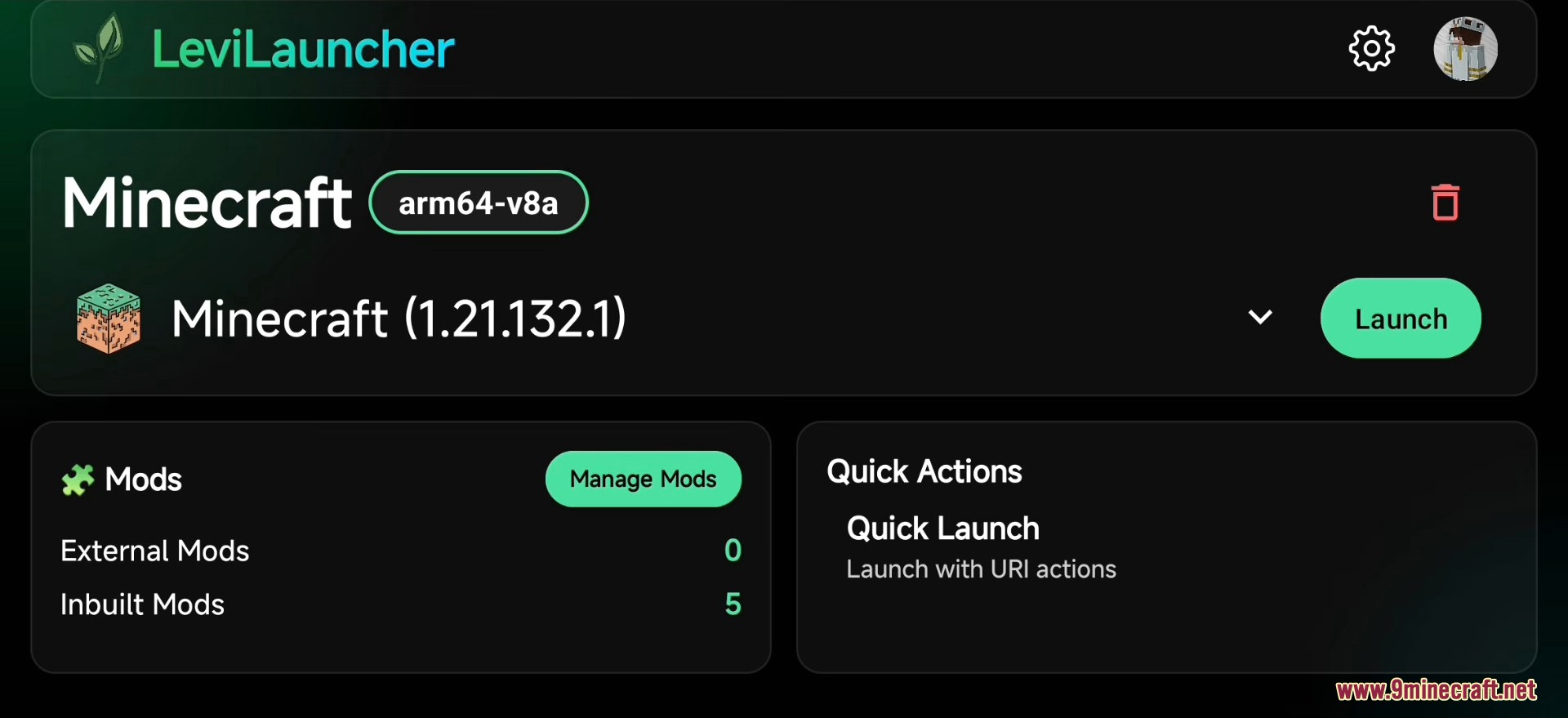
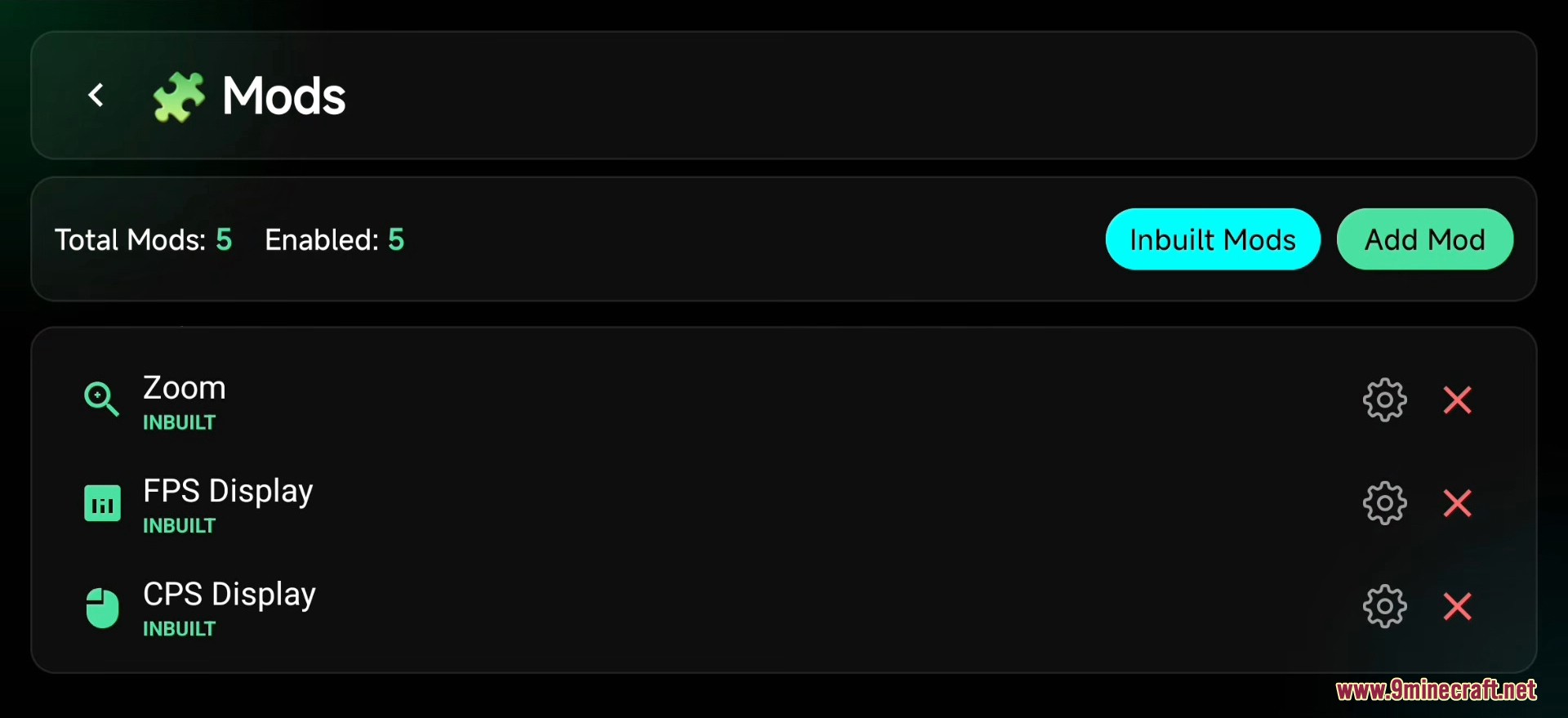
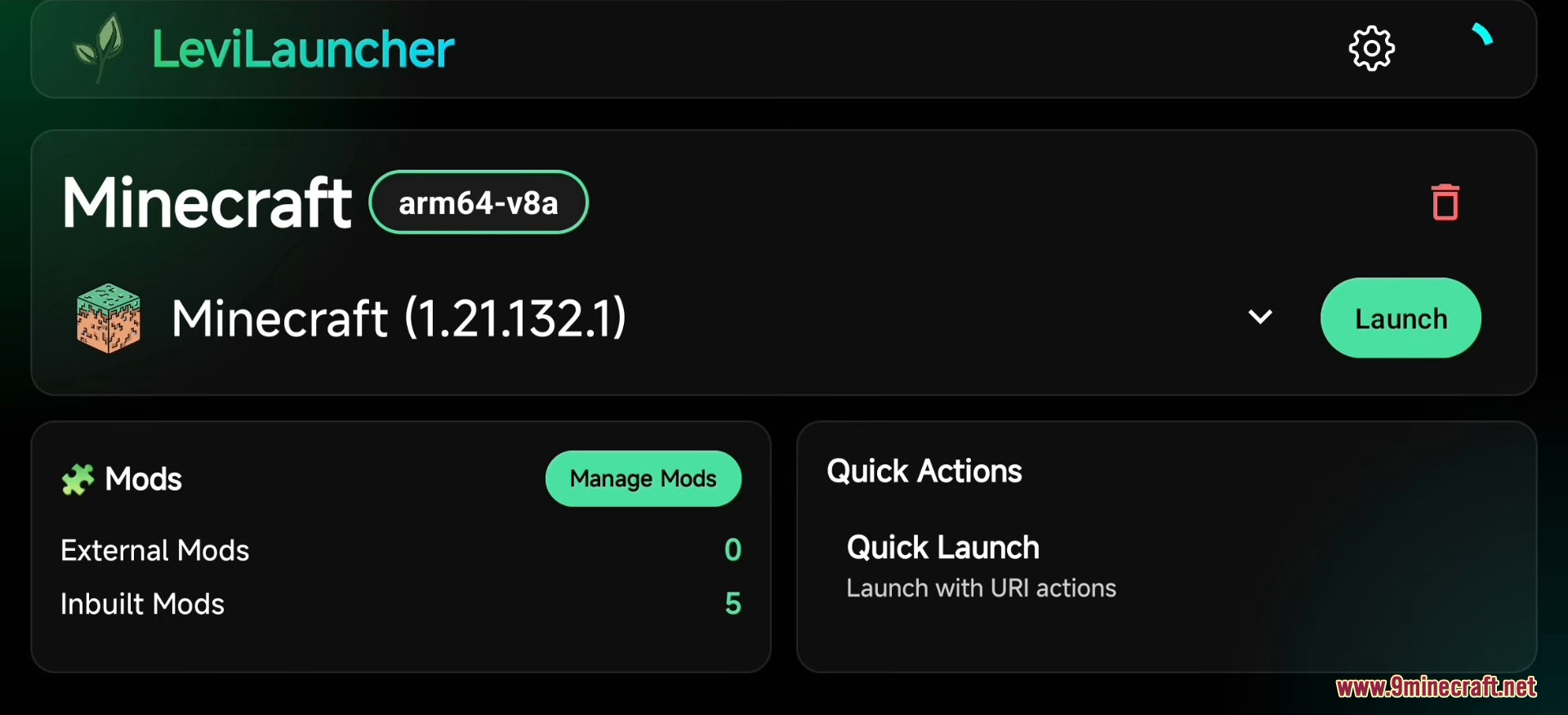
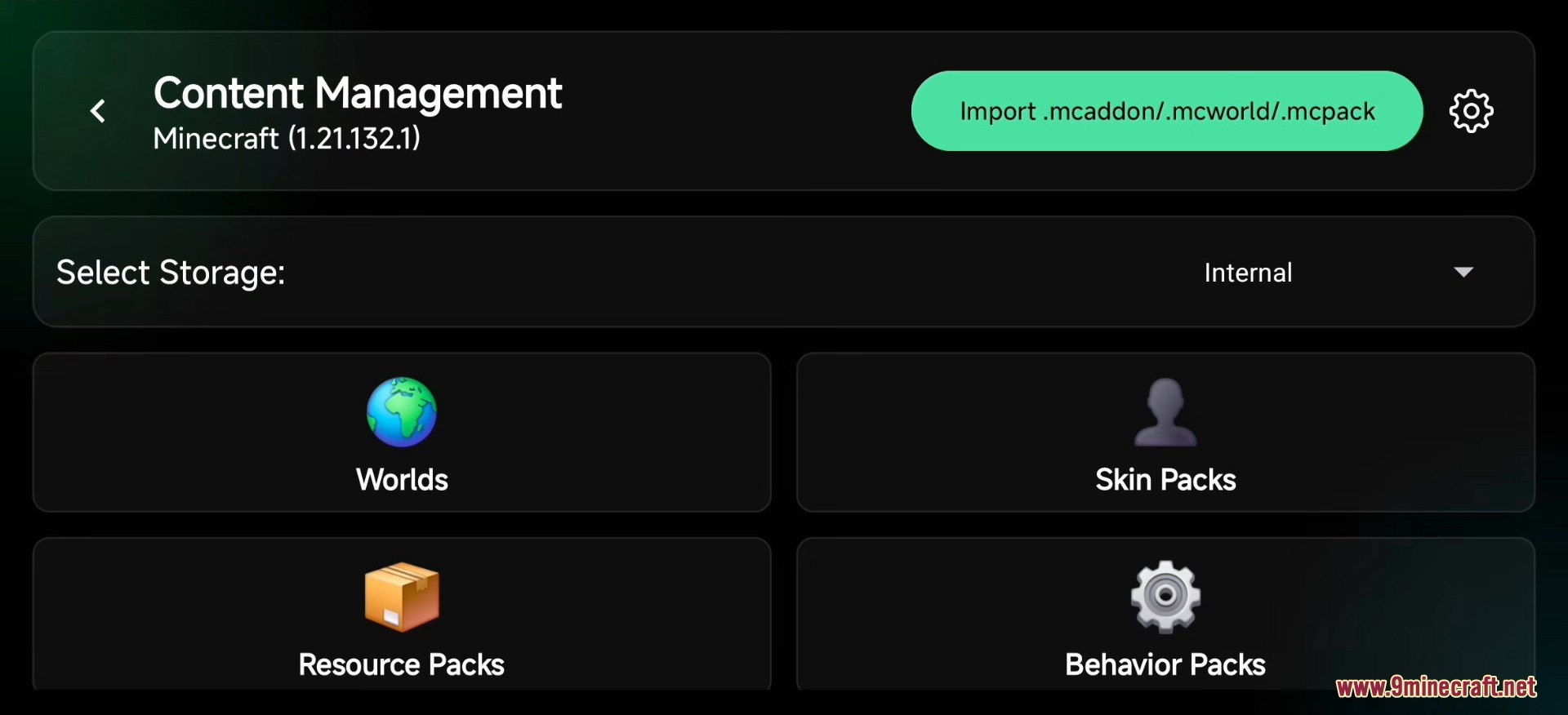
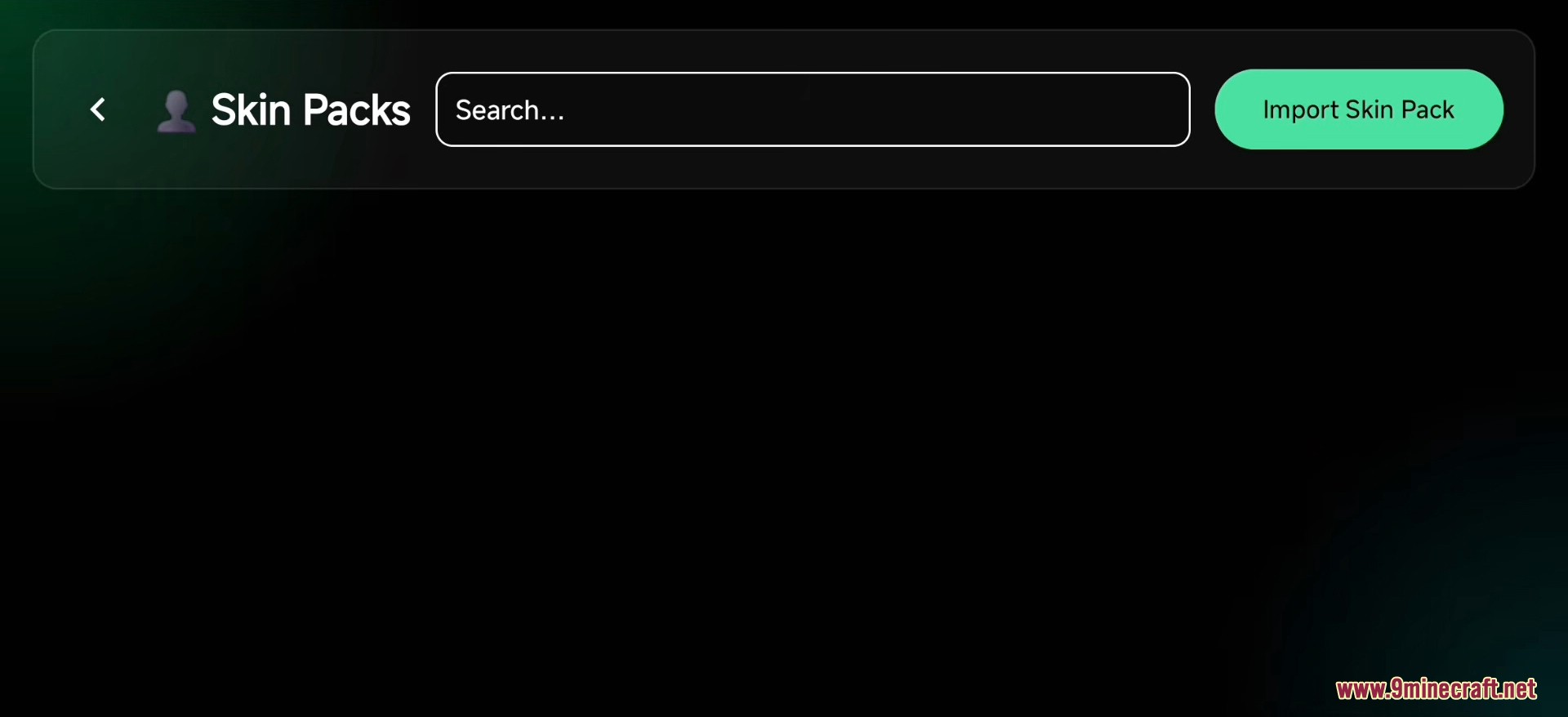
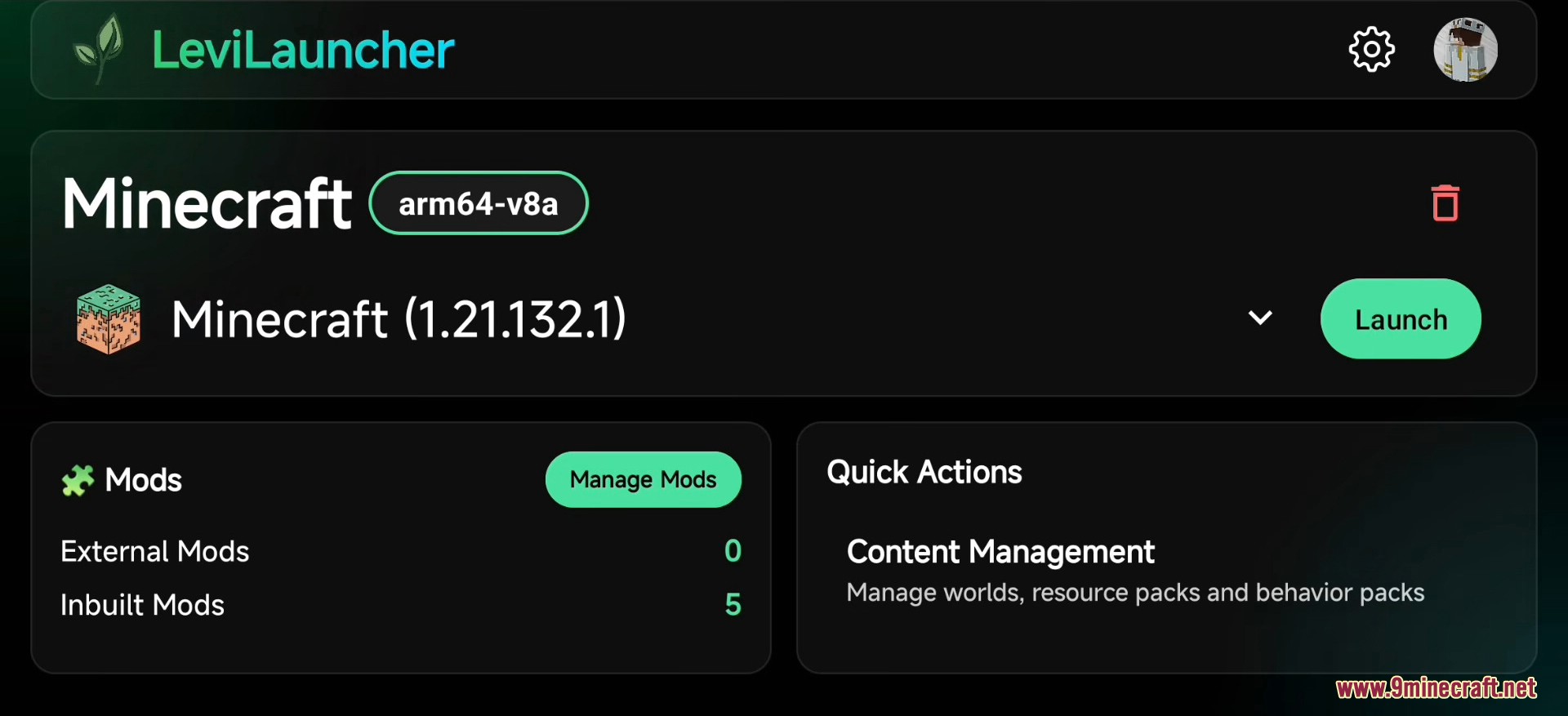
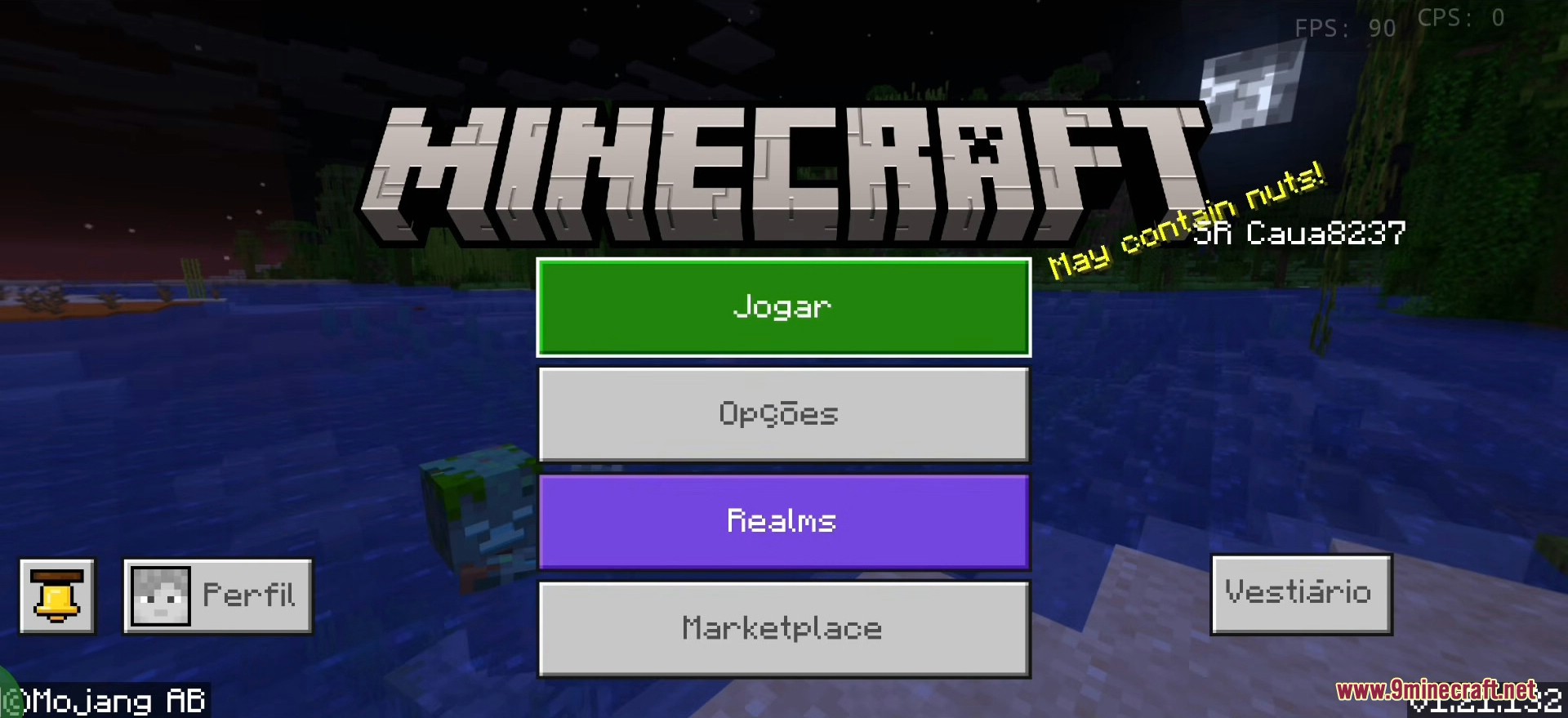
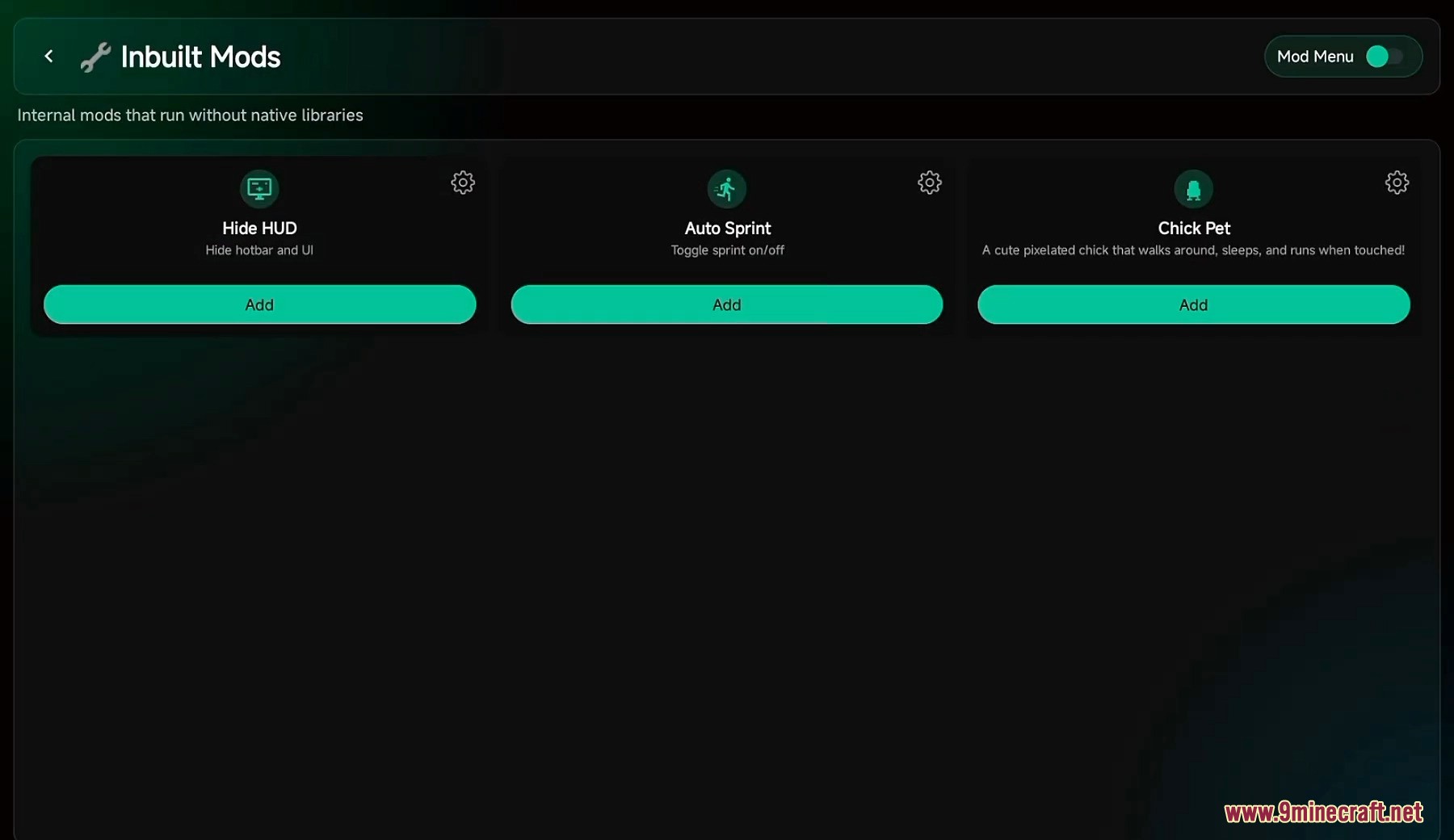
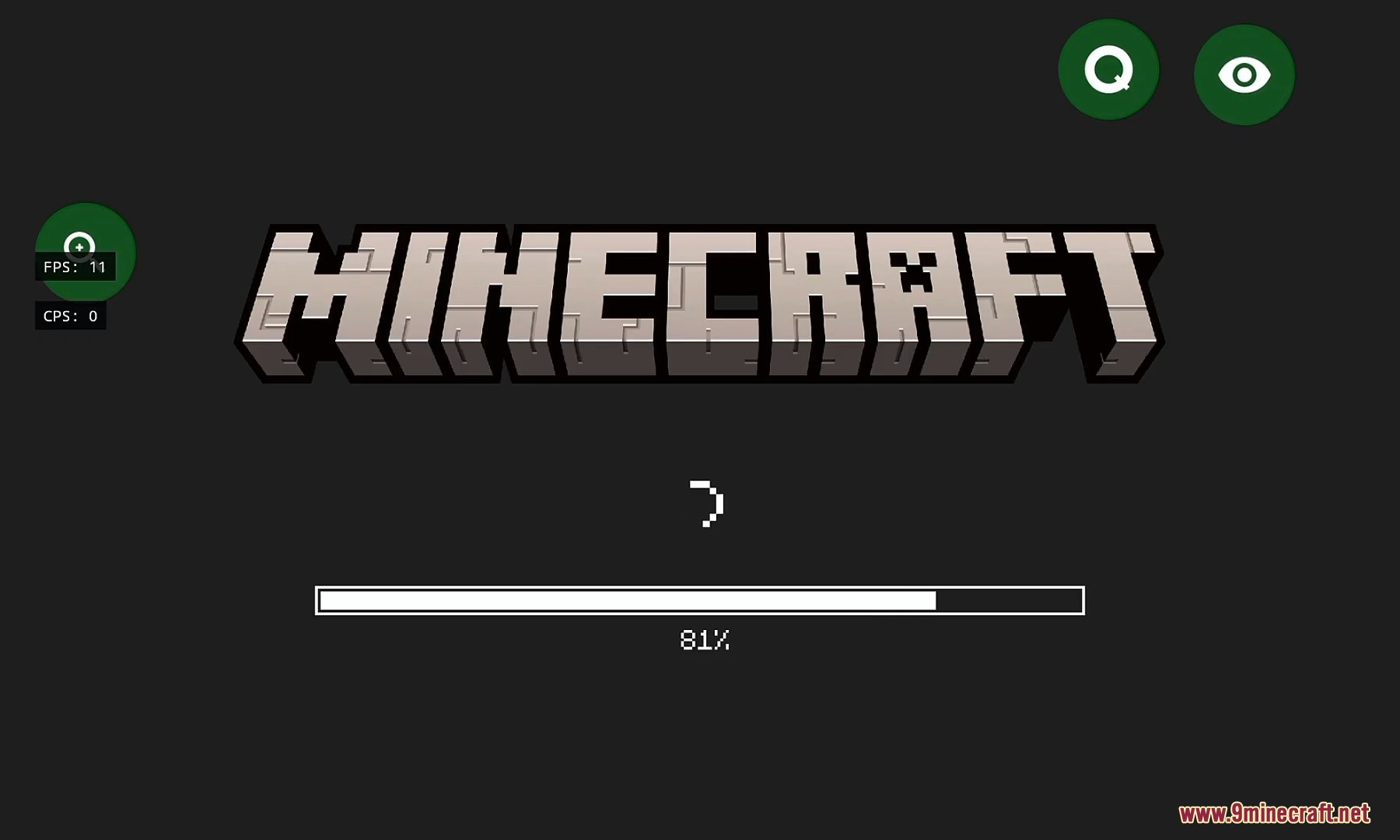
Screenshots:
LeviLauncher APK Android Download Links
Note: If the APK won’t install, uninstall the LeviLauncher already on your device and try again. Back up your worlds and data first.
For All Versions of MCPE
All Platforms (Apk file): Download from Server 1 – Download from Server 2
Which lighting and visual upgrade system do you prefer?
5 responses · See the full results →

7 Comments
 What do you think?
Your opinion means a lot - we'd love to hear from you.
You May Also Like
Picked for this page
 Newb X Legacy Shader (1.26+) – Ported Version for RenderDragon
 Amethyst Android Launcher v1.1.7 (26.3, 1.20.1) – Java Edition for Android and iOS
 HYRD Graphic Shaders (1.26+) – Support RenderDragon, All Devices
 Zalith Launcher (26.3, 1.20.1) – Playing Java Edition on Android
 Oasis [16x] Texture Pack (26.x, 1.19) – MCPE/Bedrock PvP Pack
 Zalith v2 Launcher v2.7.2 (26.3, 1.20.1) – Best Launcher for Android in 2026
 Peacock Shader (1.26+) – Aesthetic Shaders for Render Dragon
 Keys & Crates Addon (26.x, 1.21) – MCPE/Bedrock Mod
 Rise of The Wyverns Addon (1.21, 1.20) – MCPE/Bedrock Mod
 Vanilla x Optimizer FPS Boost Pack (26.x, 1.21) – MCPE/Bedrock
 Sleek Client (1.21.80) – MCPE/Bedrock
 Dragon Shild Addon (26.x, 1.21) – New Dragon Ball Mod
Most viewed in Launchers over the last 7 days
 Bedrock Launcher v2026.10.19.270 (26.60, 1.21) – Minecraft Bedrock for Windows
 Pojav Glow Worm Launcher (26.3, 1.20.1) – Playing Minecraft Java on Mobile
 MB Loader APK Download (26.x, 1.21) – Loading RenderDragon Shader
- Amethyst Android Launcher v1.1.7 (26.3, 1.20.1) – Java Edition for Android and iOS
 Mojo Launcher (26.3, 1.20.1) – Boosting Maximum FPS
 Hello Minecraft Launcher v3.16.4 (26.3, 1.20.1) – Play Minecraft For Free
 Foldcraft Launcher v1.3.4.2 (26.3, 1.20.1) – Minecraft PC Emulator on Android
- Zalith v2 Launcher v2.7.2 (26.3, 1.20.1) – Best Launcher for Android in 2026
 PojavLauncher v4.0 (26.3, 1.20.1) – Free APK, iPA Launcher for Android, iOS
 Axio Client Launcher – Adds Cheat Menu to Bedrock
 DroidBridge Launcher (26.3, 1.20.1) – Play the Full Java Edition on Mobile
 Zalith Reborn Launcher – Play Meteor Client On Mobile
More from Launchers

Как использовать с пиратской версией маинкрафт
Its so good
Mcpe
Henrique
I have minecraft but it still says that my licence is not approved
make it working for pirated Minecraft i dont have the real one
Mmmmmmmm