
Graphene Mod (1.21.8, 1.20.1) – Smooth Modded Adventures

 0


Graphene Mod boosts frame rates, speeds up game startup, and improves server tick times while fixing vanilla bugs. It combines performance tweaks, rendering upgrades, and gameplay fixes in one package that can replace many separate optimization mods. The mod trims background lag, reduces lighting work, and speeds up world generation so gameplay stays smooth. It works well in both small client setups and huge 400-mod packs, with strong results on crowded servers. Every option can be turned on or off in the config file, and a few aggressive tweaks stay off by default for safety.
Features:
- Distant Tick Pause: Stops faraway mobs and tile entities from ticking to save performance, while keeping important ones like TaCZ bullets and the Ender Dragon active.
- Background Throttling: Offers an optional mode that lowers FPS and chunk updates when the game window is out of focus, then brings full speed back right away when you return.
- Faster Startup: Speeds up client launch to shave seconds off startup times.
- Static Chest Optimization: Batches static chest models and skips drawing them from far away, using a distance you can adjust.
- Speeds up world generation while working smoothly with other chunk acceleration mods.
- Cuts down on lighting recalculations with light engine tweaks.
- Adds leaf culling on NeoForge 1.21.1 and older versions.
- Lowers render latency with Reflex for quicker response times.
- Fixes the vanilla boat bug so boats no longer break or deal fall damage from any height.
- Merges dropped items on the ground faster as a configurable replacement for the Stxck mod.
- Turns off bamboo light checks to cut down on lag.
- Applies language switches right away with no need to reload resource packs.
- Includes several memory leak patches ported from standalone mods.
- Lets you toggle every optimization in the configuration file, with a few aggressive options turned off by default.
Configuration:
config/graphene.toml: Main config file where you can turn every optimization on or off, adjust static chest render distance, or enable aggressive tweaks that stay off by default.
How to Use:
- Start Minecraft as usual; the default performance and bug-fix tweaks run right away without extra setup.
- Open
config/graphene.tomlto turn any optimization on or off, adjust static chest distance, or enable optional features like background throttling and aggressive tweaks that start off by default. - If one option feels off or causes trouble in your mod pack, turn that single feature off in
config/graphene.tomlso all other optimizations keep working.
Screenshots:
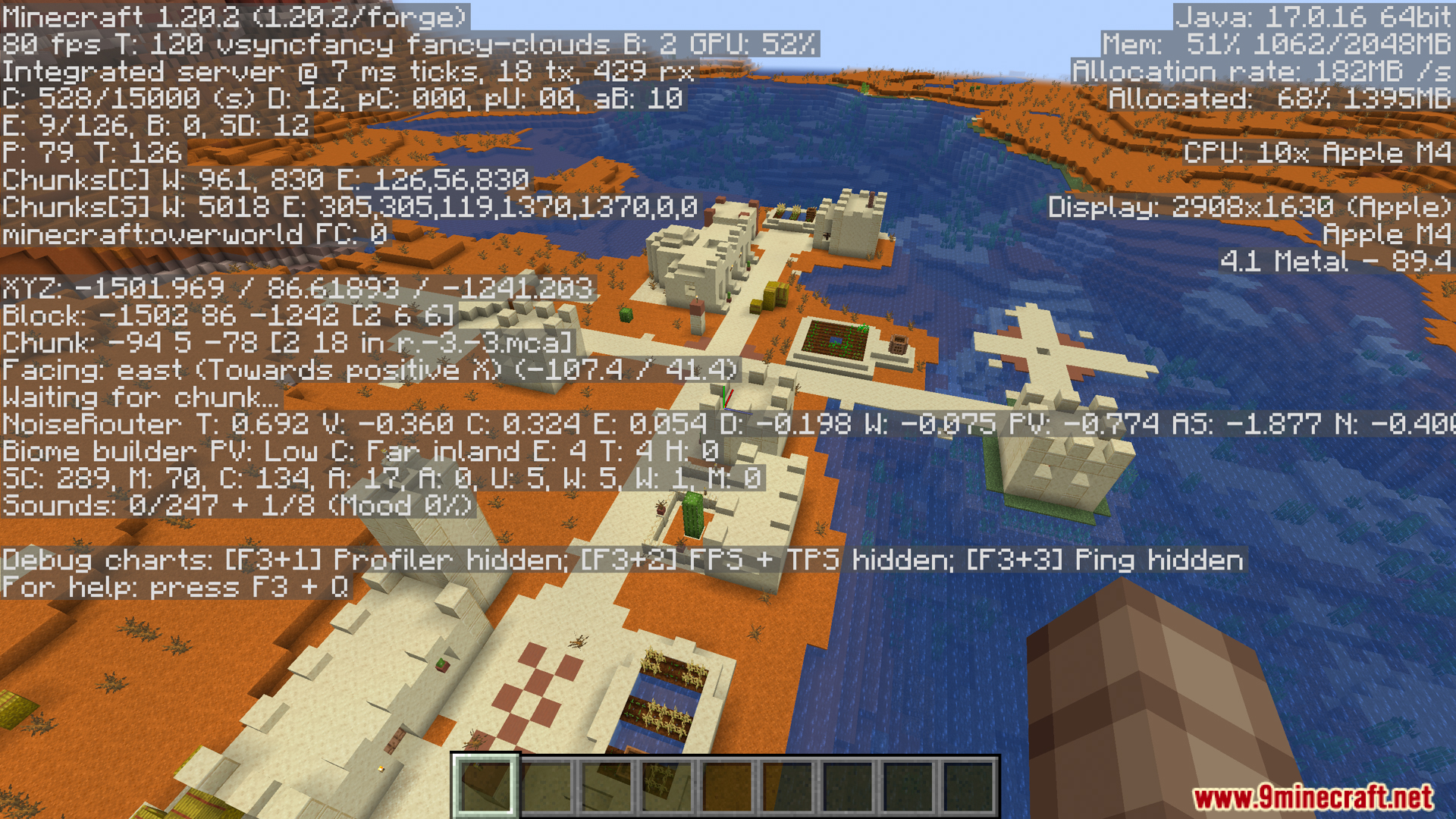
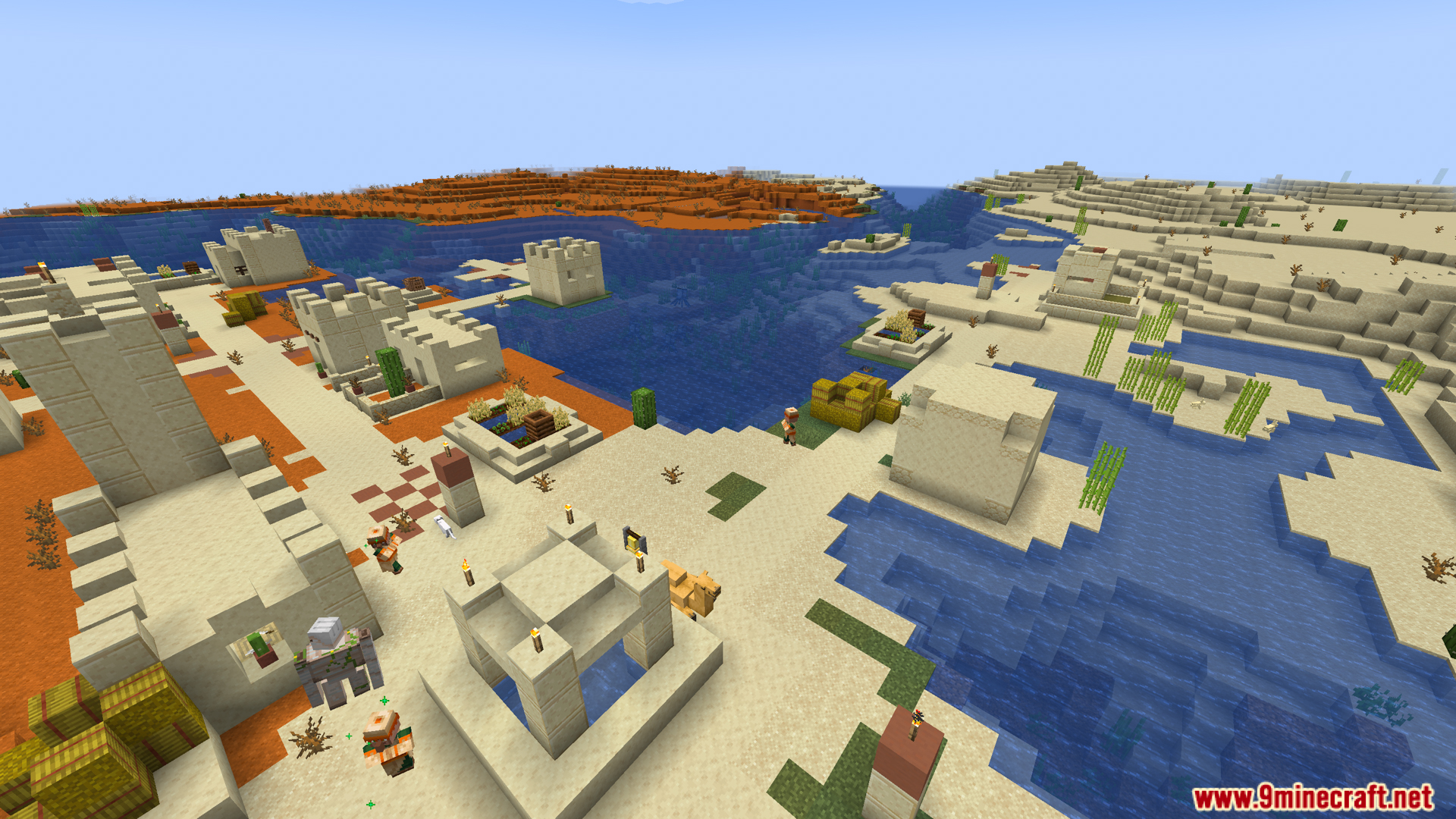
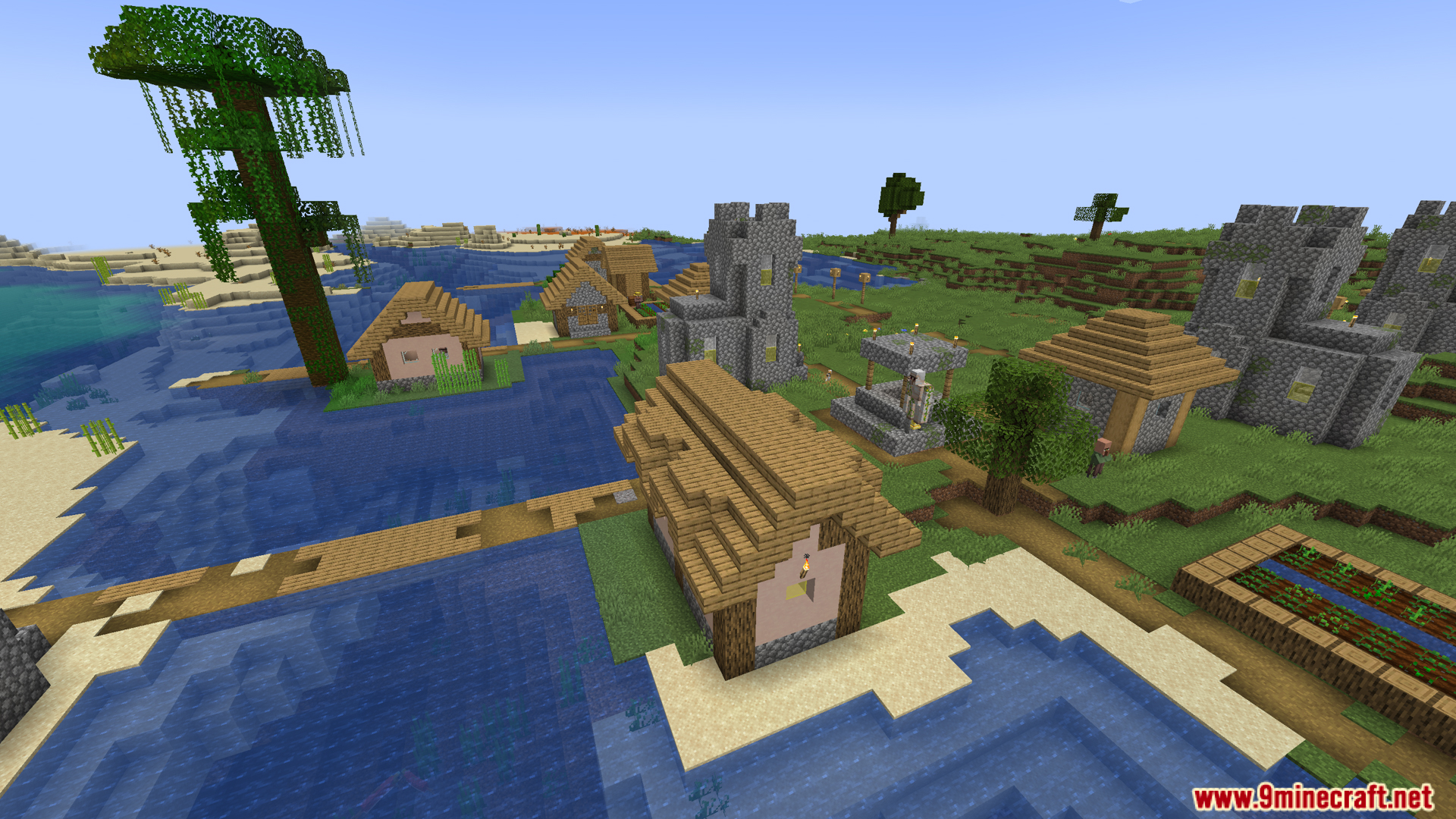
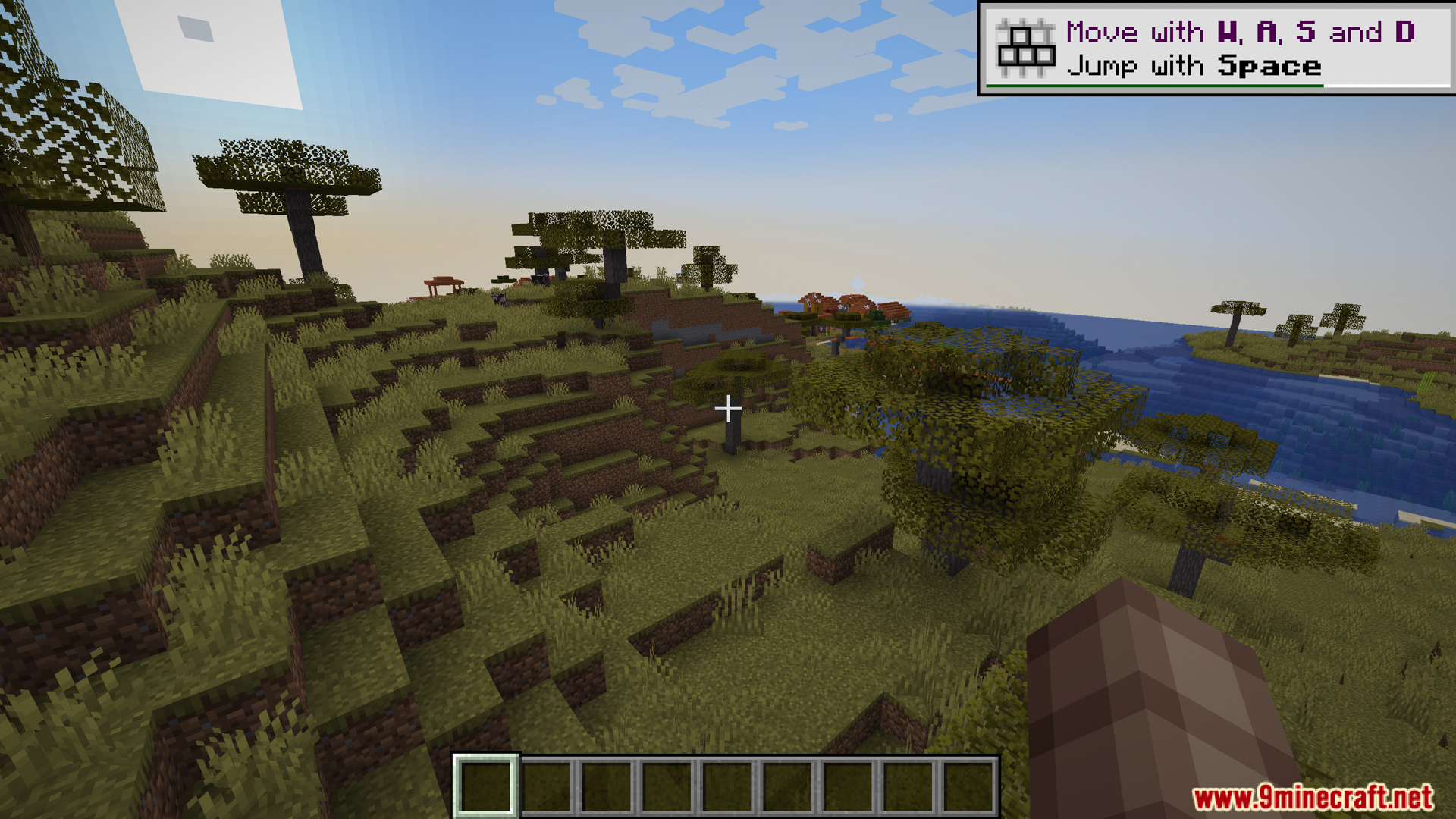
How to Install:
New to Minecraft? Follow our step-by-step guide to install Mods on your PC.View Guide
Requirements:







Graphene Mod Download Links
For Minecraft 1.21.8, 1.21.7, 1.21.6
For Minecraft 1.21.5
For Minecraft 1.21.4
For Minecraft 1.21.3, 1.21.2
For Minecraft 1.21.1, 1.21
For Minecraft 1.20.6
For Minecraft 1.20.4
For Minecraft
1.20.2,
1.20.1,
1.20
All Versions Covered
1.20.2
1.20.1
1.20
1.19.4
For Minecraft 1.20.1
For Minecraft 1.12.2
What graphic style do you prefer for your modded game?
20 responses · See the full results →
You May Also Like
Picked for this page
 Tweakeroo Mod (26.3, 1.20.1) – Hand Restock, Hotbar Swap
 Cristel Lib Mod (26.3, 1.20.1) – Easy Structure Config
 Grindstone Sharper Tools Mod (26.3, 1.20.1) – Increase The Damage of Tools
 Better End Sky Mod (26.3, 1.20.1) – Custom Sky Textures
 Rotted Mod (1.20.2, 1.20.1) – A Zombie-Themed Modification
 Craftable Mod (1.21.11, 1.20.1) – Expanded Crafting Recipes
 JCPlugin Mod (26.3, 1.20.1) – Library for Jomcraft Network
 Better Boat Movement Mod (26.3, 1.20.1) – Allows Boats to Step Up Blocks During Travel
 One Block Mod (26.3, 1.20.1) – Survival Challenge Progressive
 CRZ Client Mod (1.21.4) – Find Hidden Bases and Dominate Anarchy PvP
 Configurable Mod (1.21.11, 1.20.1) – Decentralised Settings in a Mod
 Reflex AntiLag Mod (26.3, 1.20.1) – Gain a Split-Second Edge in Combat
Most viewed in Mods over the last 7 days
 Ala Industrial Mod (26.3) – Run Electric Power Grids and Automated Factories
 PleasureCraft Mod (26.3, 1.21.1) – Jenny Mod Remake for Fabric
 Jennycraft Mod (26.3, 1.20.1) – Virtual Girlfriend in Minecraft
 Fapcraft Mod (26.3, 1.12.2) – Comprehensive and Detailed Content
 Jenny Mod (Fapcraft) Official Complete Guide – How to use, Tutorial
 BangCraft Mod (1.20.1) – Jenny, Ellie and Elliot
 Fabric Loader (26.3, 1.20.1) – Fabric Installer for All Minecraft Versions
 The Shooting Star Demo Mod (26.3, 1.20.1) – Vaporize Terrain From Orbit
 Meteor Client Mod (26.3, 1.20.1) – Xray, HUD, Fly
 OptiFine HD (26.3, 1.20.1) – Run Faster, FPS Boost, Shaders Support
 Aristois Client Mod (1.21.4, 1.20.1) – World Class Minecraft Utility
 Prestige Client Mod (1.21.11, 1.21.4) – Powerful Ghost Features for Crystal & Sword PvP
More from Mods
 Towers of the Wild 9minecraft Mod (26.3, 26.2) – Climb Tall Towers for Loot
 Ender Storage 9minecraft Mod (26.3, 26.2) – Send Loot Back Home From Any Dimension
 Snad 9minecraft Mod (26.3, 26.2) – Build Faster Sugar Cane and Nether Wart Farms
 Together Forever Unofficial Mod (1.12.2) – Share Team Advancements
 GroovyDuvet Mod (1.21.11, 1.20.1) – Run Groovy Scripted Addons Without Game
 Swing Through Grass 9minecraft Mod (26.3, 26.2) – Fight Mobs Without Breaking Tall Grass
 Improved Boss Bars 9minecraft Mod (26.3) – Unique Health Bars for Every Boss Fight
 Cozy’s Improved Wolves Mod (26.3, 1.20.1) – Bond with Loyal Dogs That Never Die
 Cuisine Craft Mod (1.21.11, 1.20.1) – Cook Restaurant Dishes with Fresh Farm
 Nekoro Coins Mod (1.21.1, 1.20.1) – Trade Physical Currency Across Player
 Create Beyond Limits Mod (1.21.1, 1.20.1) – Build Smarter Factories
 Freelook Perspective Mod (26.3, 1.21.1) – Watch Your Back While Sprinting

This post has no comments yet. Be the first — your comment will appear here.