


Lagless FPS Optimizer Mod (1.21.1, 1.20.1) – Play Without Lag on Low-End PCs

 0
0 

🌐 Read this article in your language! Choose your preferred language below.
Or pick the one you like:
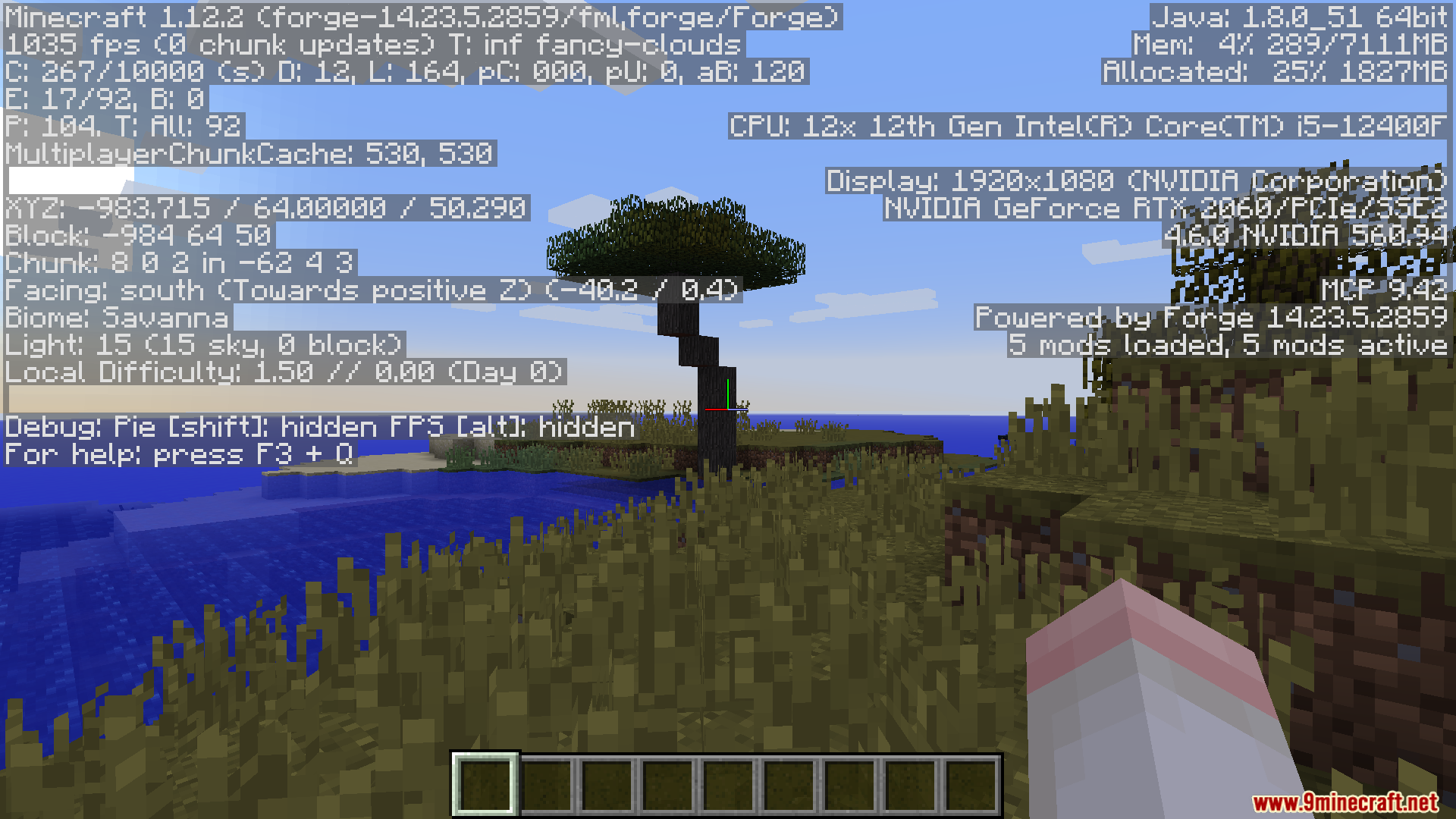
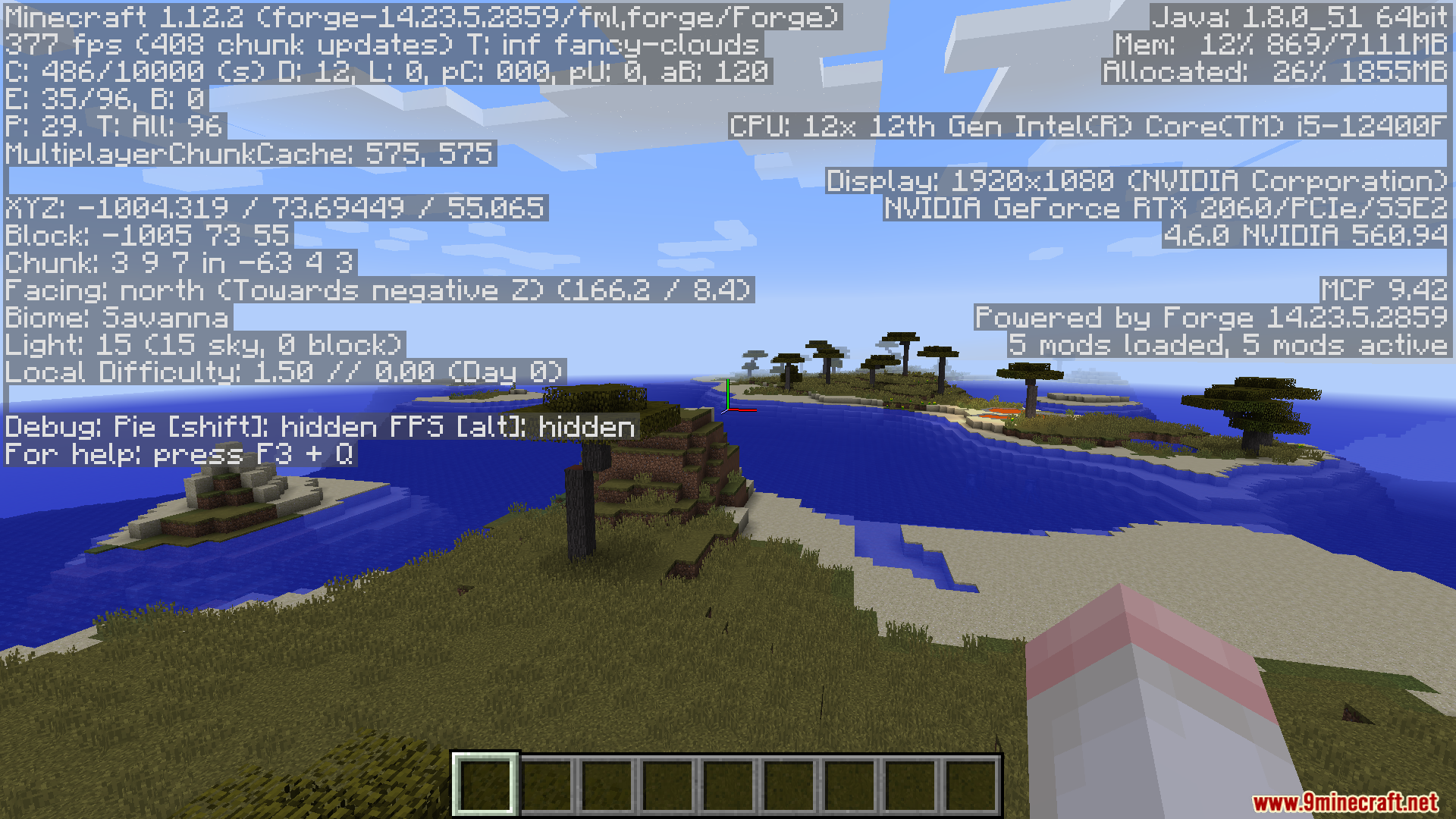
Lagless FPS Optimizer Mod changes how the game processes graphics and calculations to stop lag. This mod helps older or slower computers run the game smoothly. It adds a simple button to your video settings menu. You click this button to switch between three performance modes while you play. The mod stops the game from loading caves and blocks you cannot see. It also cleans up your computer memory automatically to stop random freezes. You get a much higher frame rate without changing complicated settings.
Features:
- Three Performance Profiles: Adds a button in your video settings to switch between Super Fast, Balanced, and Vanilla modes.
- Vertical Culling: Stops loading blocks and deep caves under your feet to save computer power in Super Fast mode.
- Smart Fog System: Uses fog to hide empty spaces when the game stops loading distant areas.
- Aggressive Culling: Cuts the loading distance for mobs and visual effects in half for maximum speed.
- Smart Entity Culling: Stops processing creatures and items that are far away or hidden behind walls in Balanced mode.
- Particle Optimization: Keeps rain, explosions, and redstone dust visible but changes how they load to prevent lag spikes.
- Fast Math: Swaps heavy game calculations with pre-made math tables to speed up background tasks.
- Auto-RAM Cleaner: Clears out unused memory every five minutes to stop the game from freezing.
- Far Particle Deletion: Removes visual effects that are too far away for you to see during storms or fights.
How to Use:
- Open the game menu and go to Options.
- Click on Video Settings.
- Look for the Mode button in the top-right corner.
- Click the button to change between Super Fast, Balanced, and Vanilla profiles.
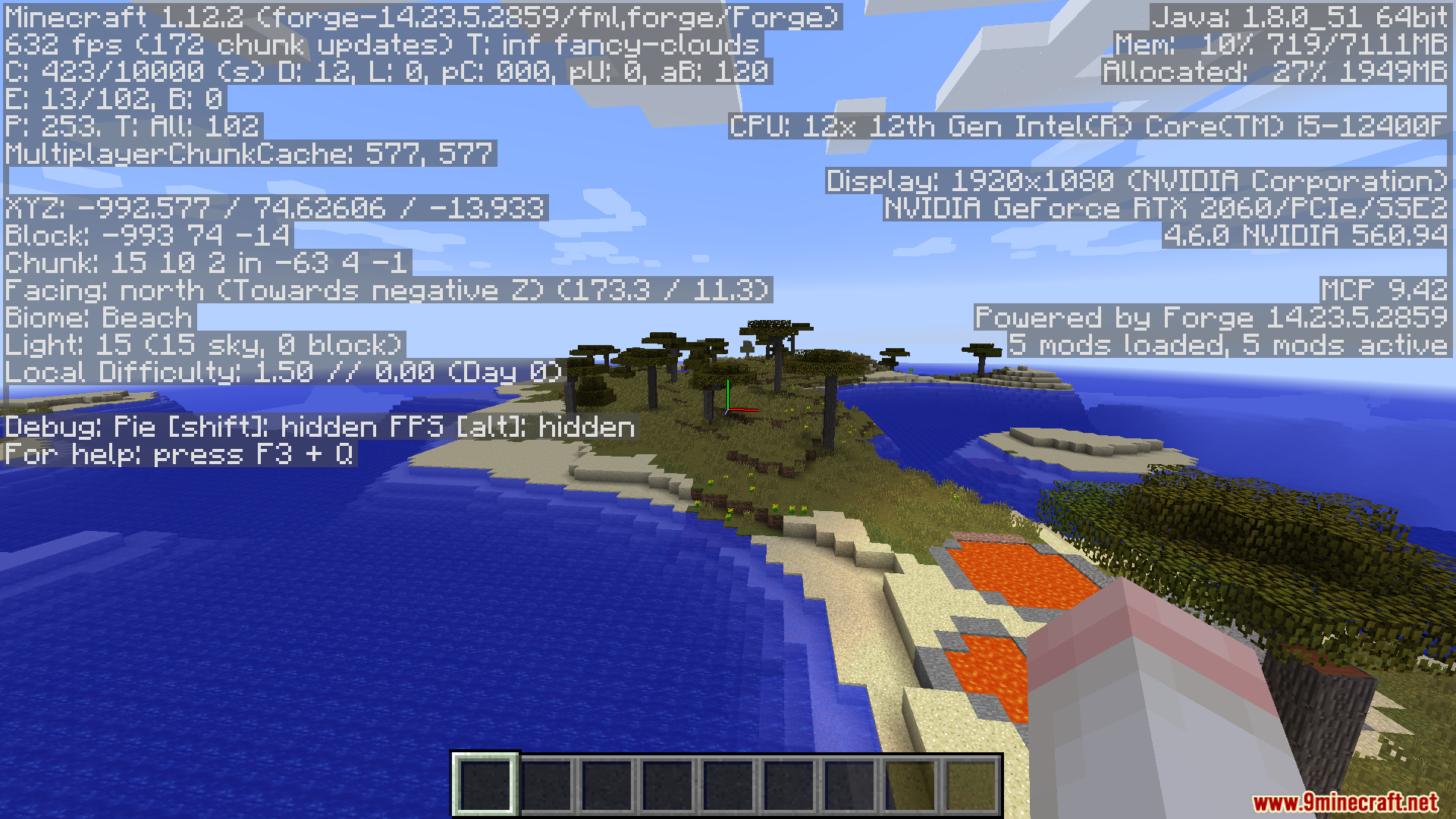
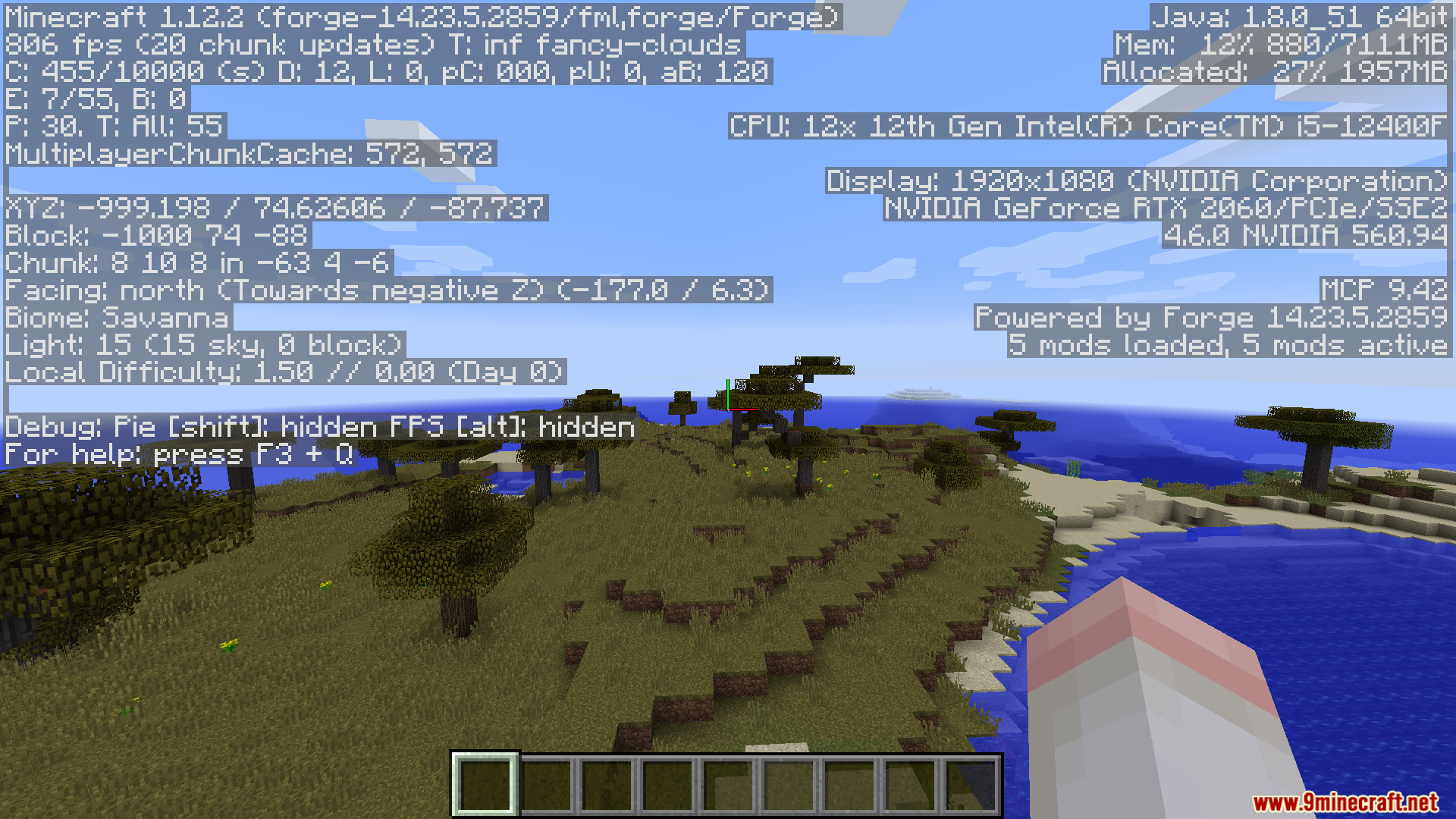
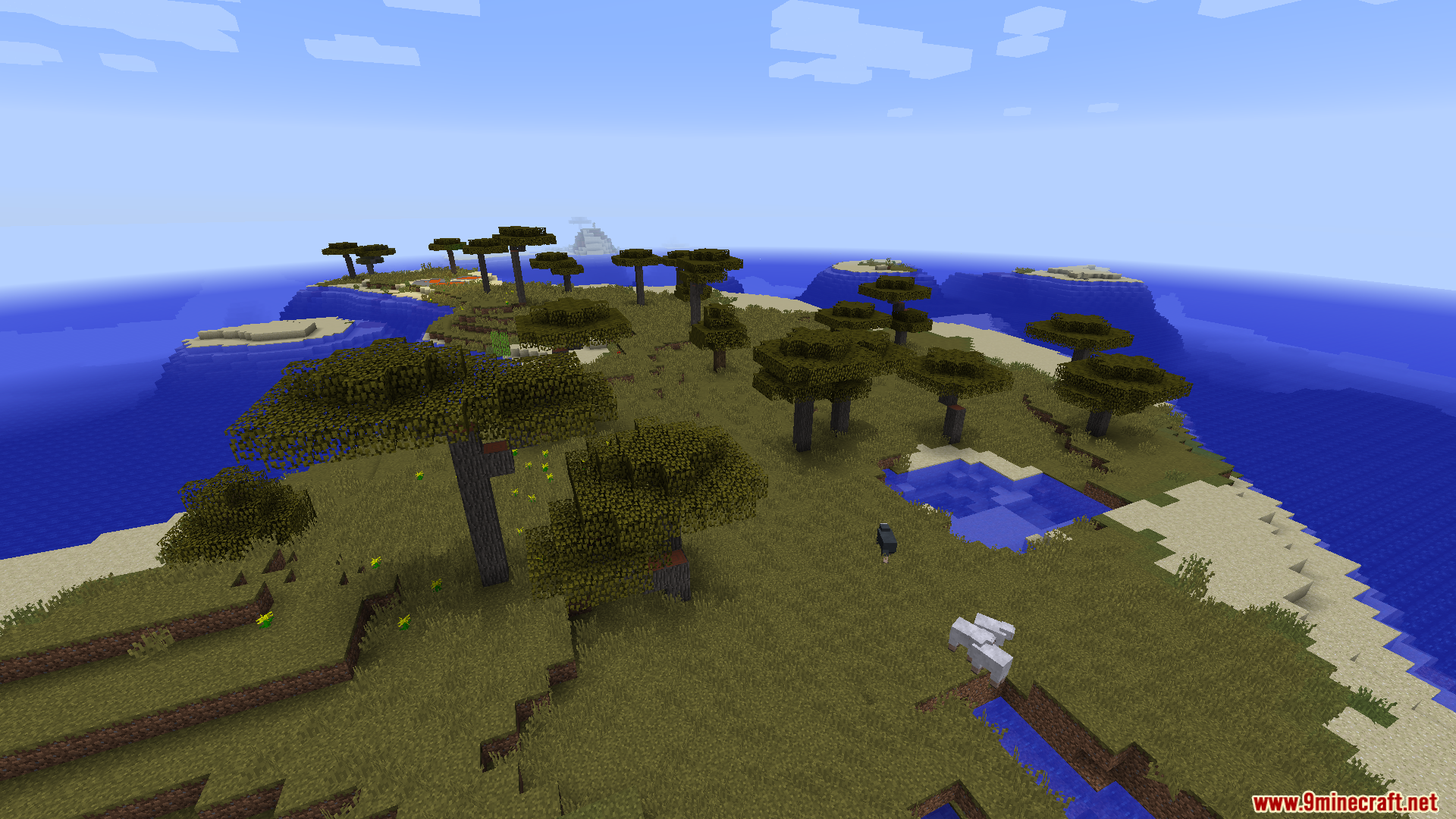
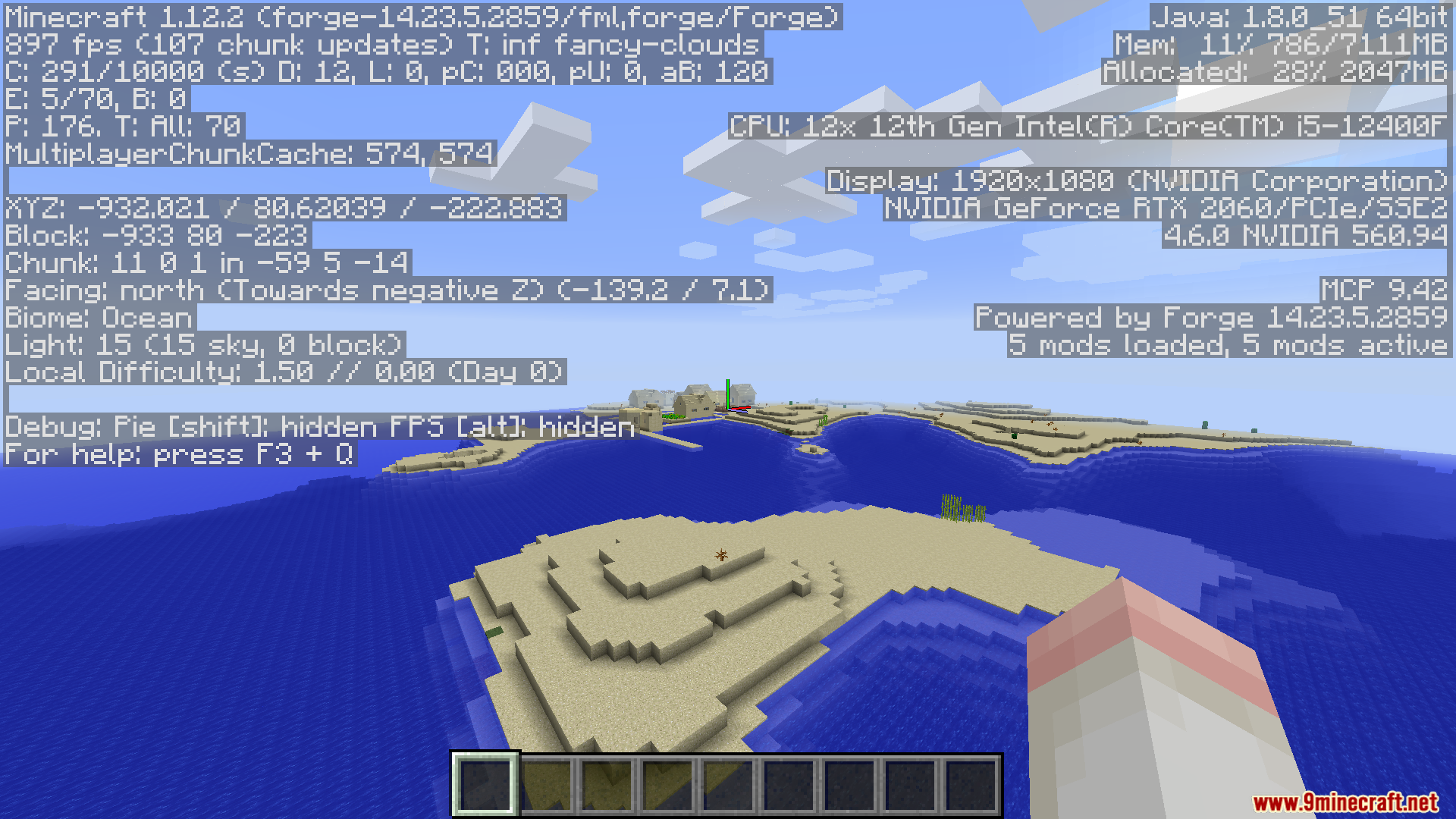
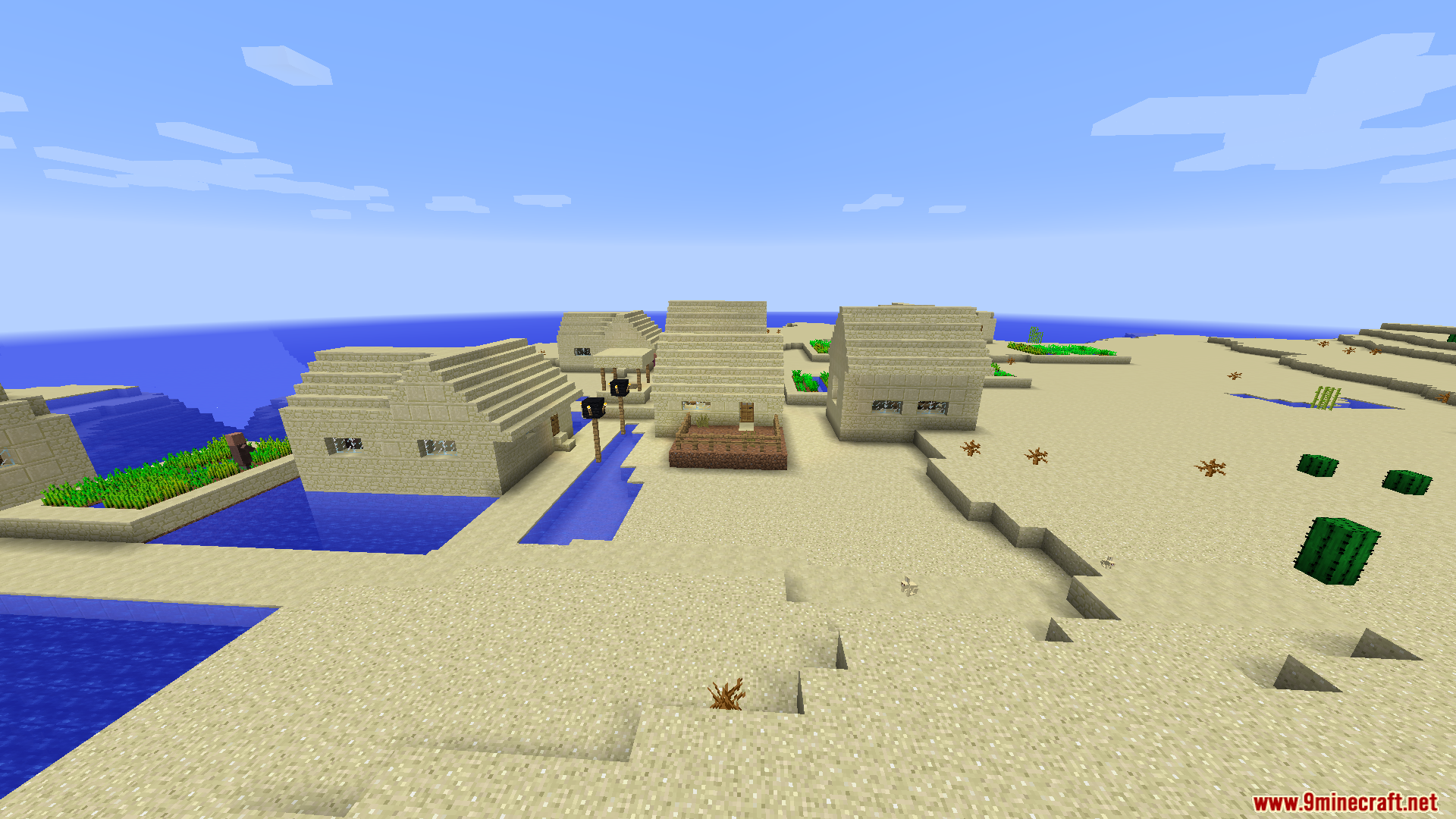
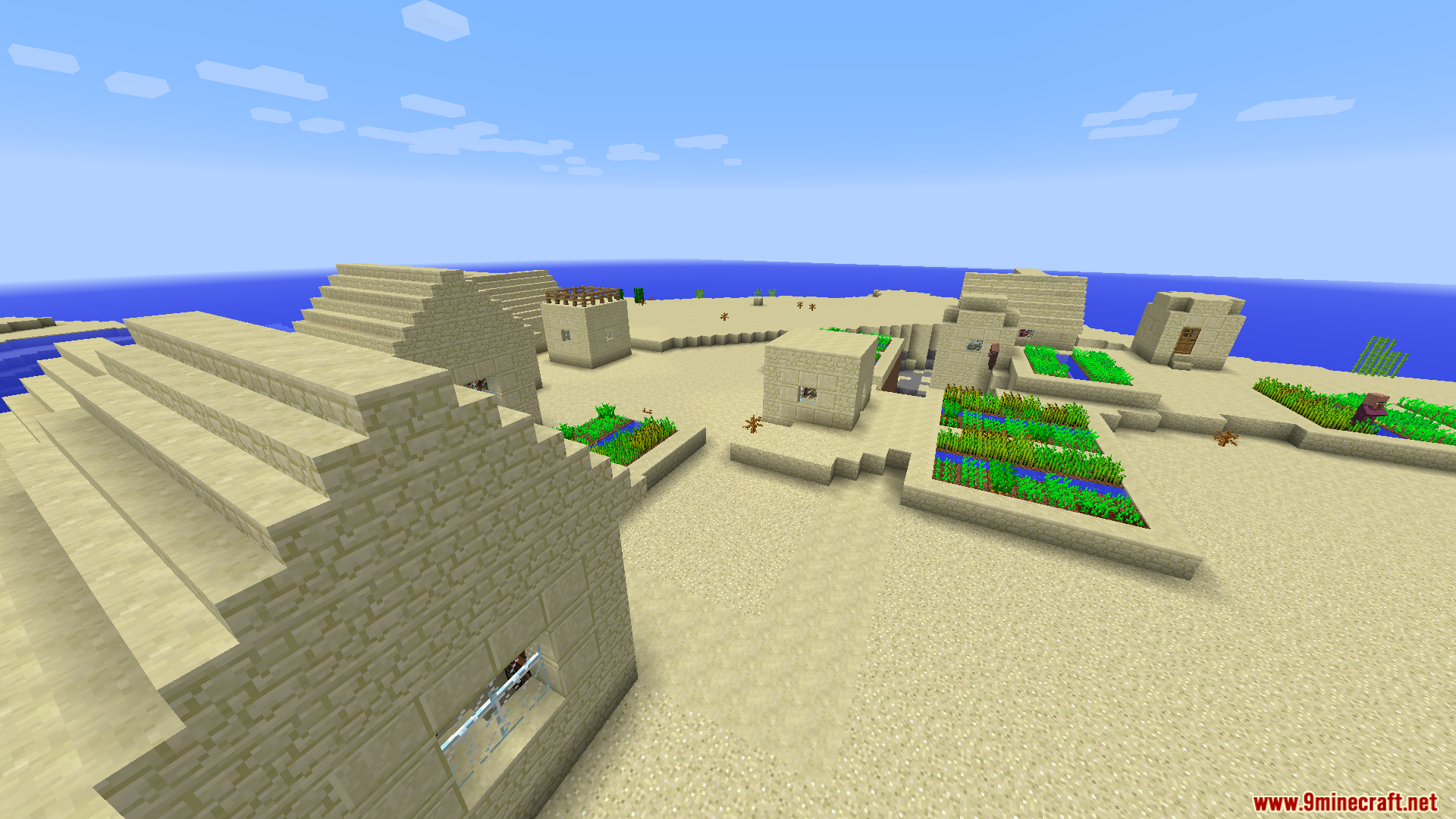
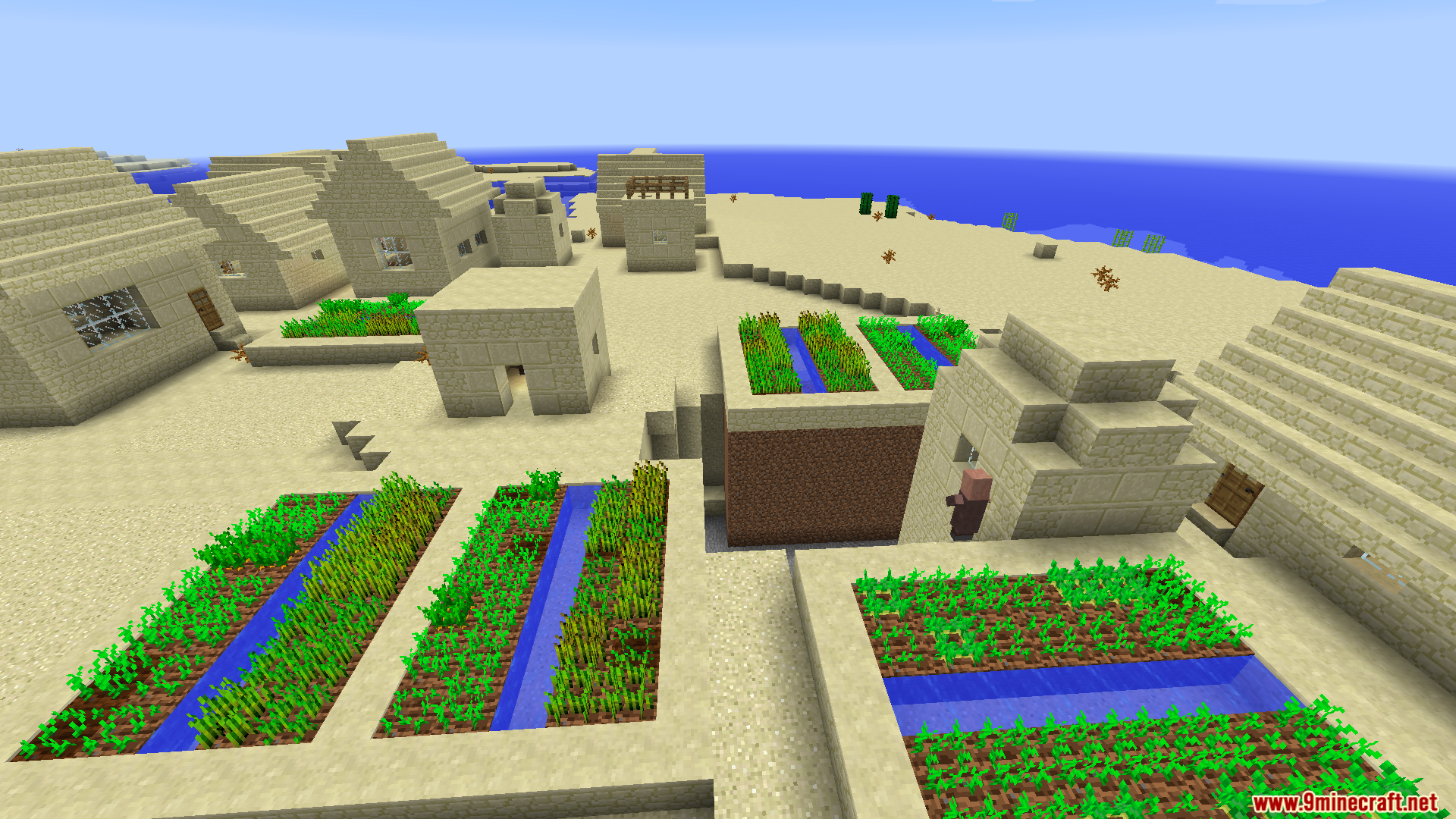
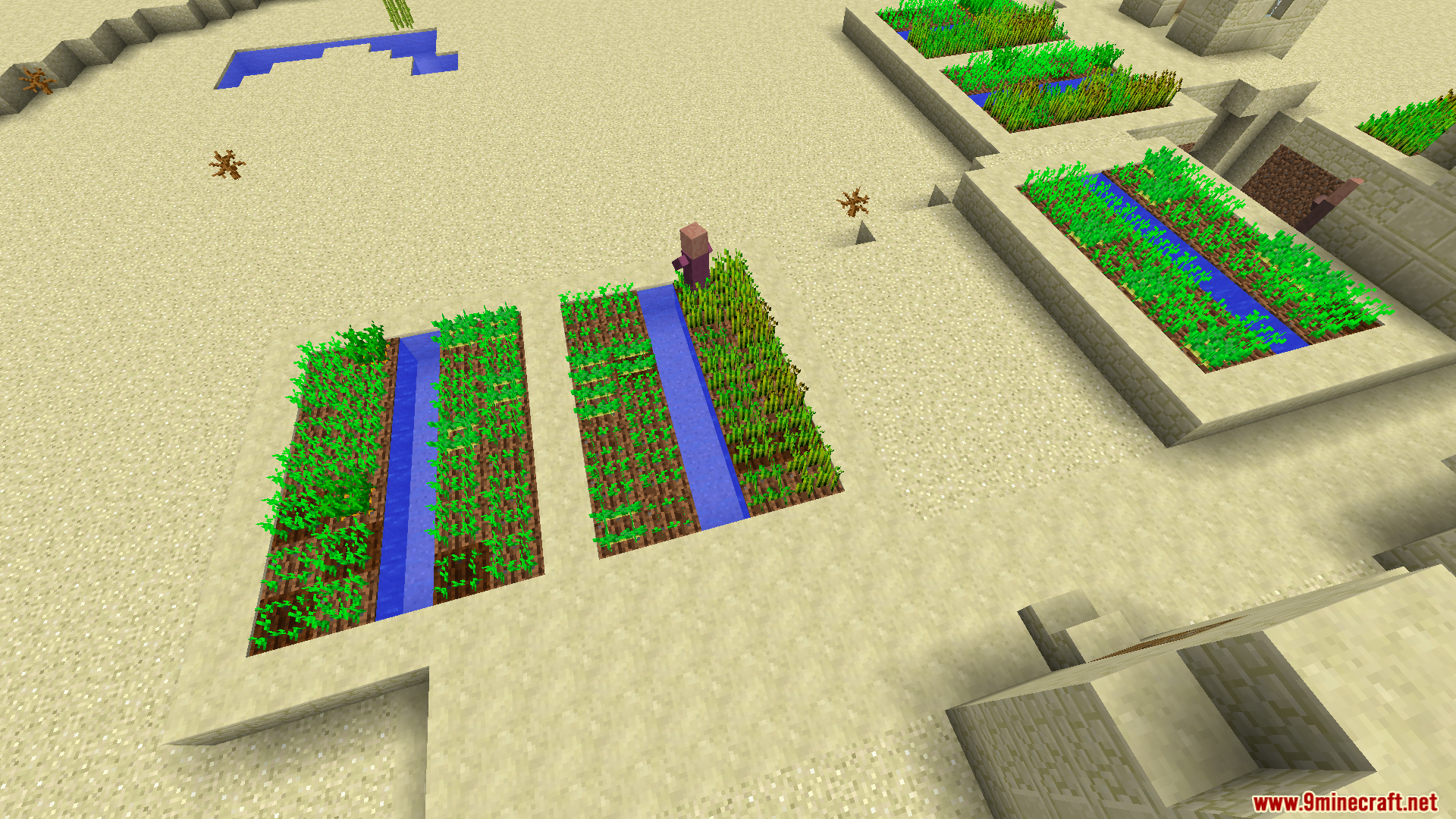
Screenshots:
How to Install:
New to Minecraft? Follow our step-by-step guide to install Mods on your PC.View Guide
Requirements:
Lagless FPS Optimizer Mod Download Links
For Minecraft 1.21.1, 1.21
For Minecraft 1.20.1, 1.20
For Minecraft 1.16.5
For Minecraft 1.12.2
Click to rate this post!
[Total: 1 Average: 5]
You May Also Like





This post has no comments yet. Be the first — your comment will appear here.