


AFK Cinematics Mod (26.2, 1.21.1) – Turn AFK Breaks Into Cinematic Camera
 75
75
 0
0


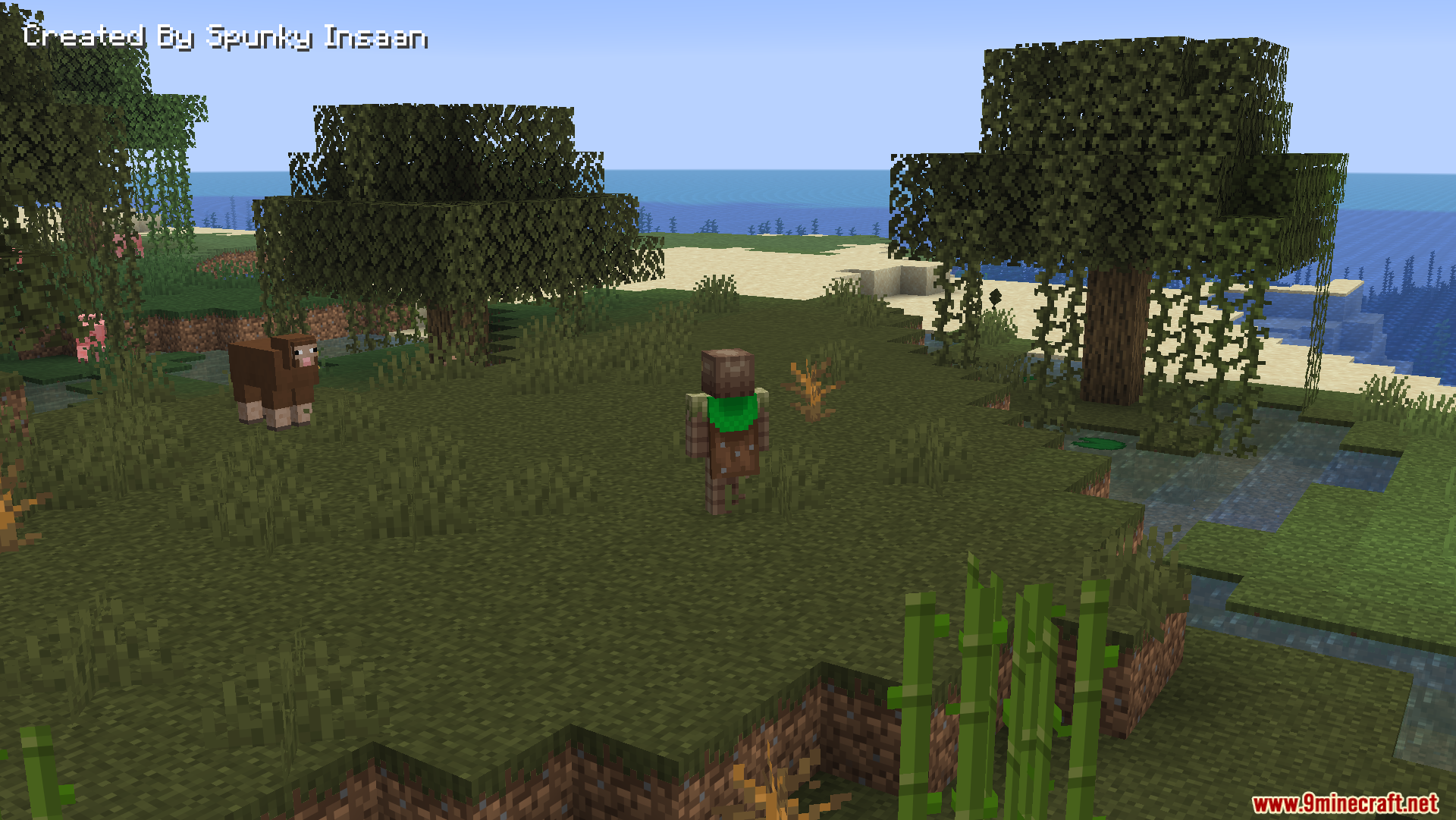
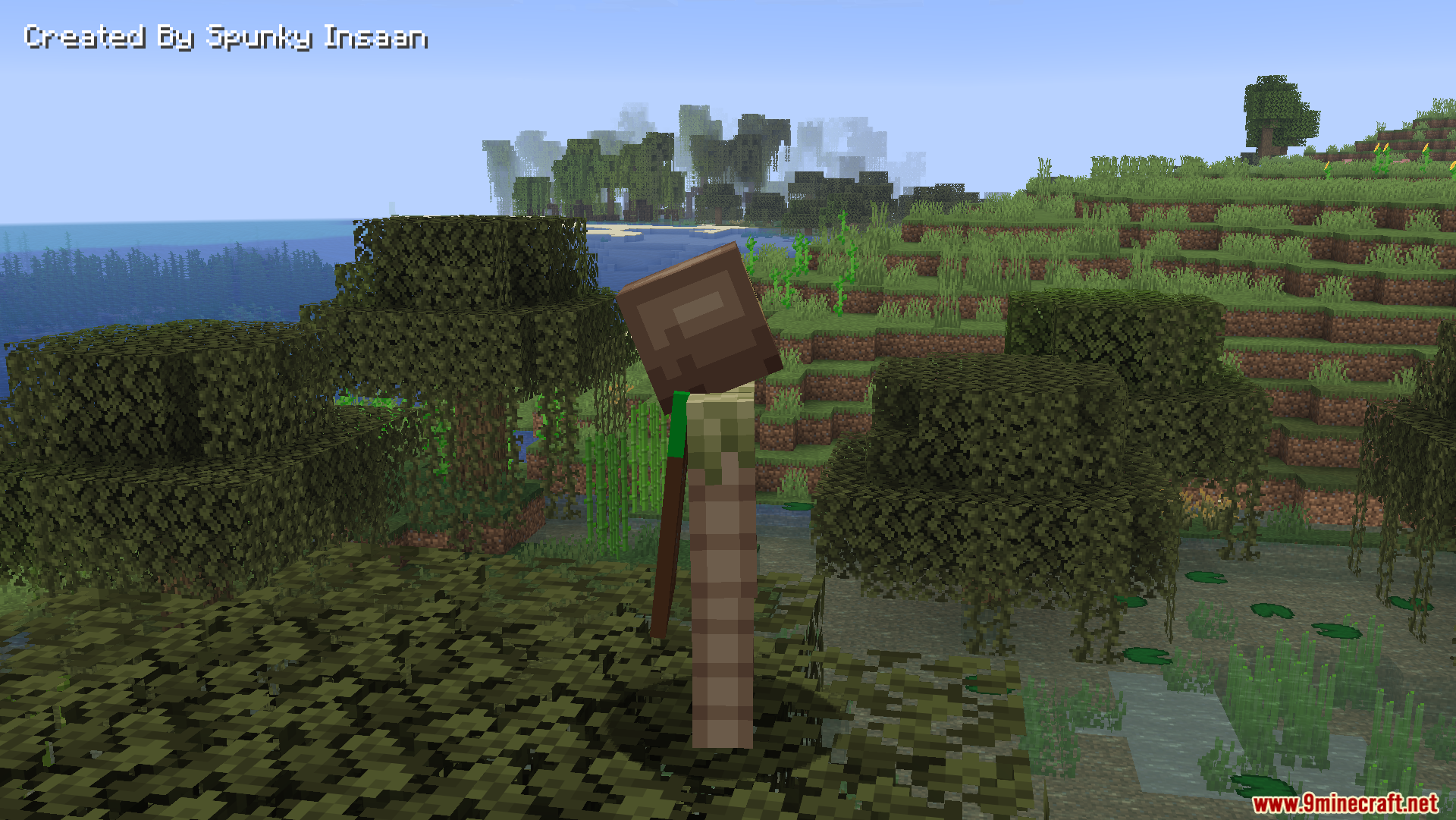
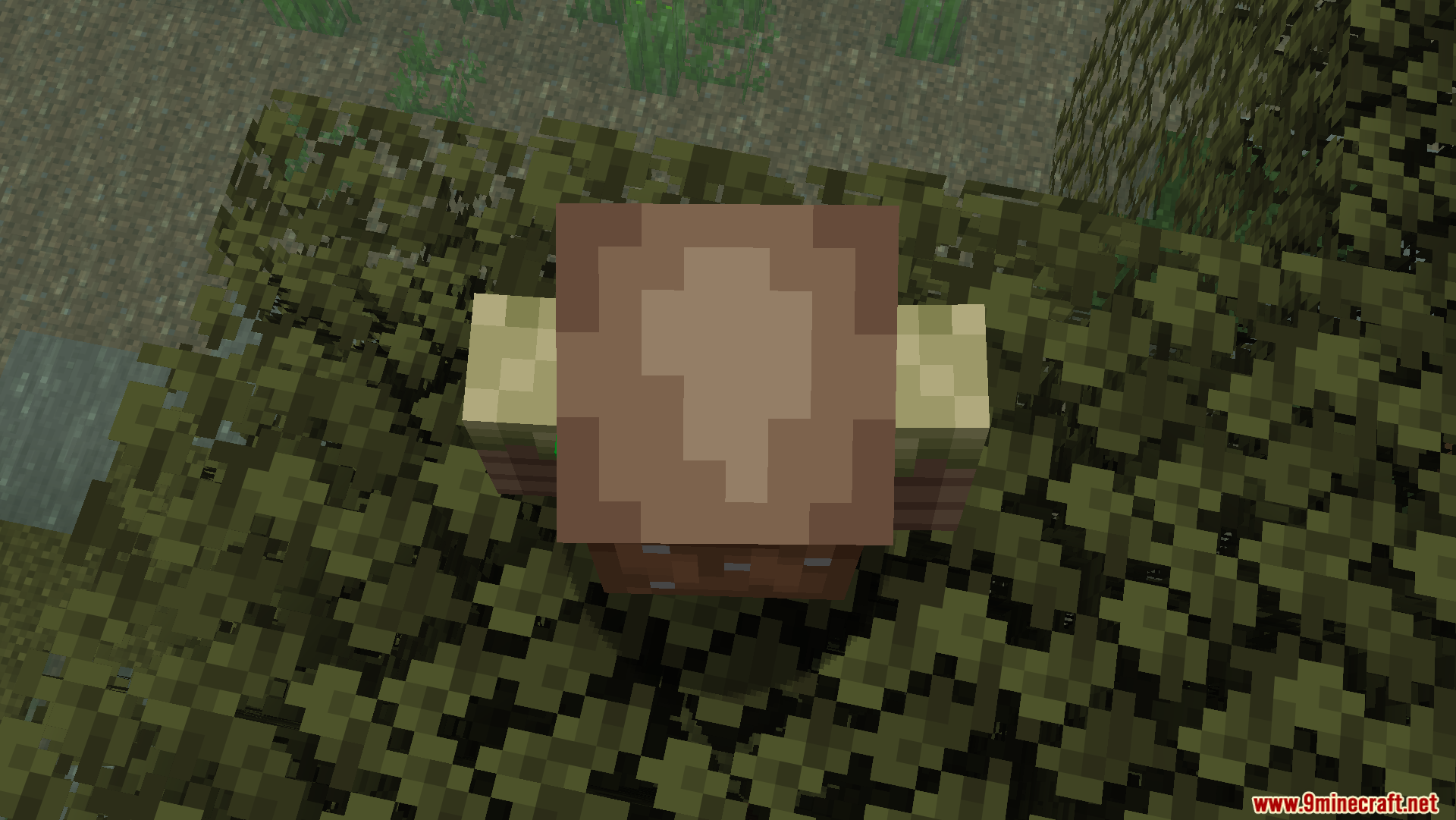
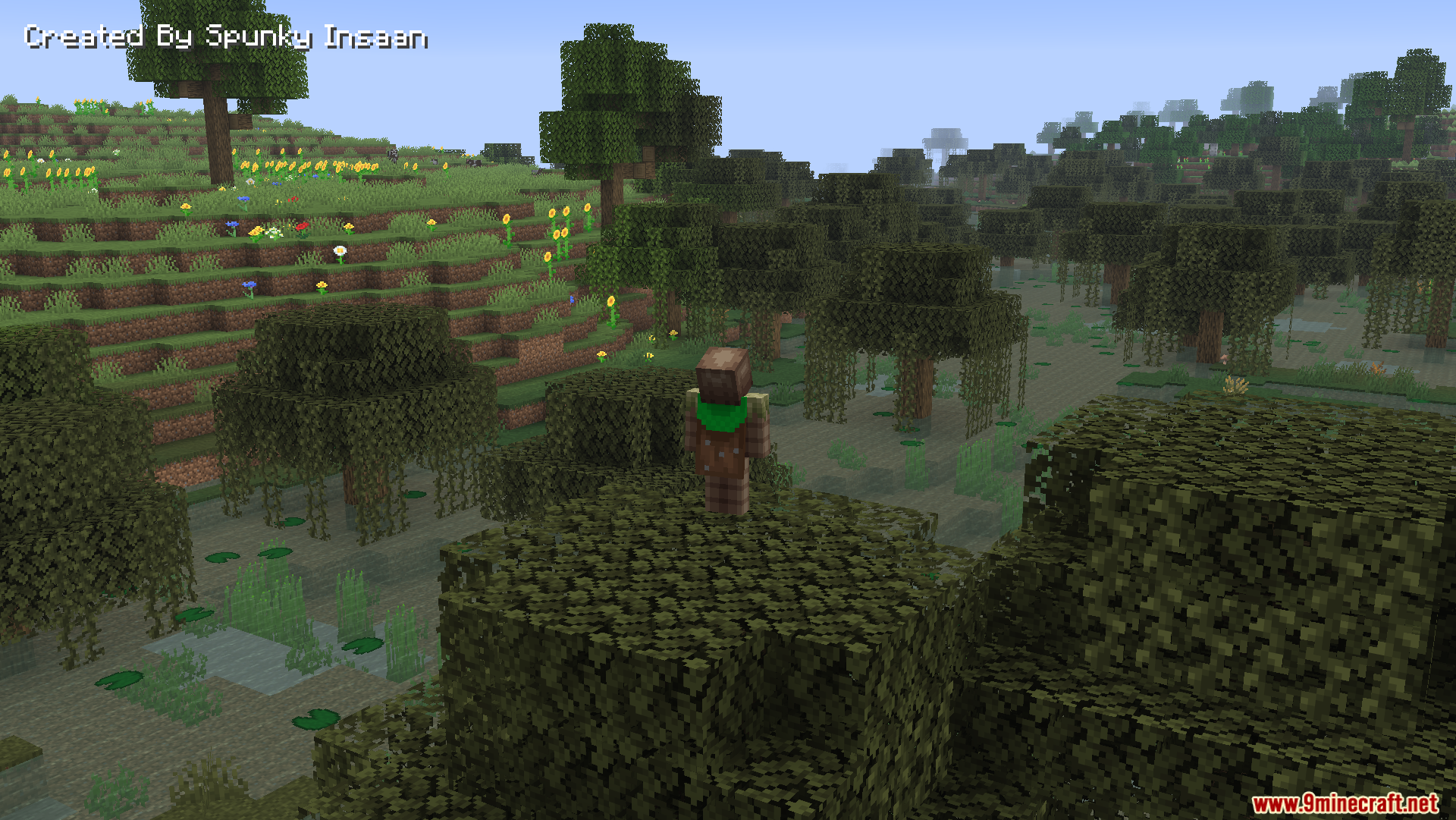
AFK Cinematics Mod creates smooth, movie-like camera views whenever you step away from your keyboard. If you stand still for too long, the camera starts gliding around your character automatically. This makes your game look cool and professional while you take a quick break. You can also start these beautiful views yourself using simple chat commands.
Features:
- Auto Camera: Starts a smooth camera view automatically when you stand still for 25 seconds.
- Lets you change the exact wait time before the camera starts moving.
- Includes an option to play background music during the camera shots.
- Helps you capture beautiful screenshots or record videos of your world.
- Runs lightly in the background without causing lag.
Commands:
/afkc time– Set how long you need to wait before the camera starts./afkc start– Start the moving camera right away./afkc about– Read basic details about the mod./afkc music– Turn the background music on or off.
How to Use:
- Open your game settings.
- Find the option called Reduce FPS when AFK.
- Turn this setting off so your camera moves smoothly while you are away.
Screenshots:
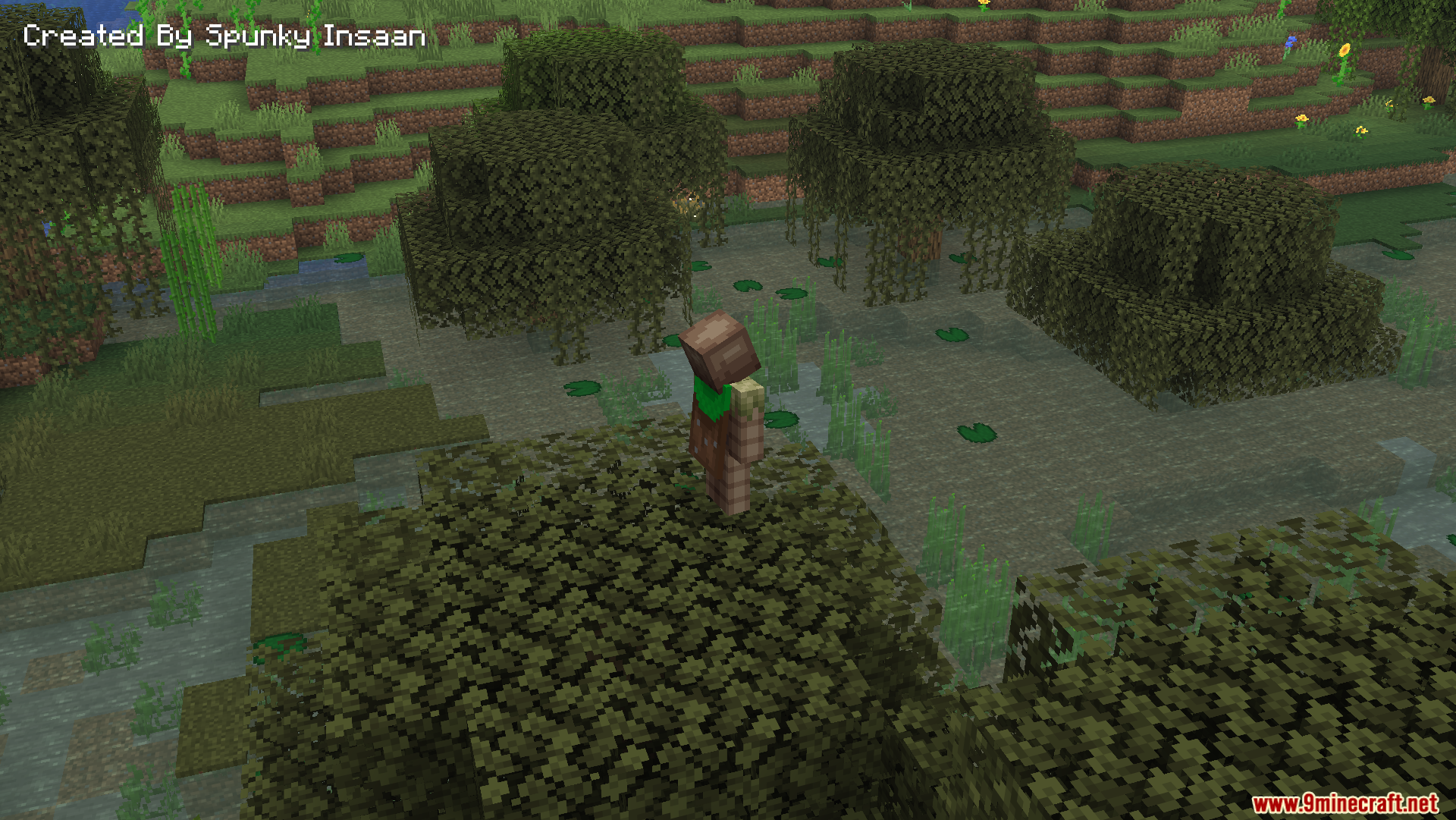
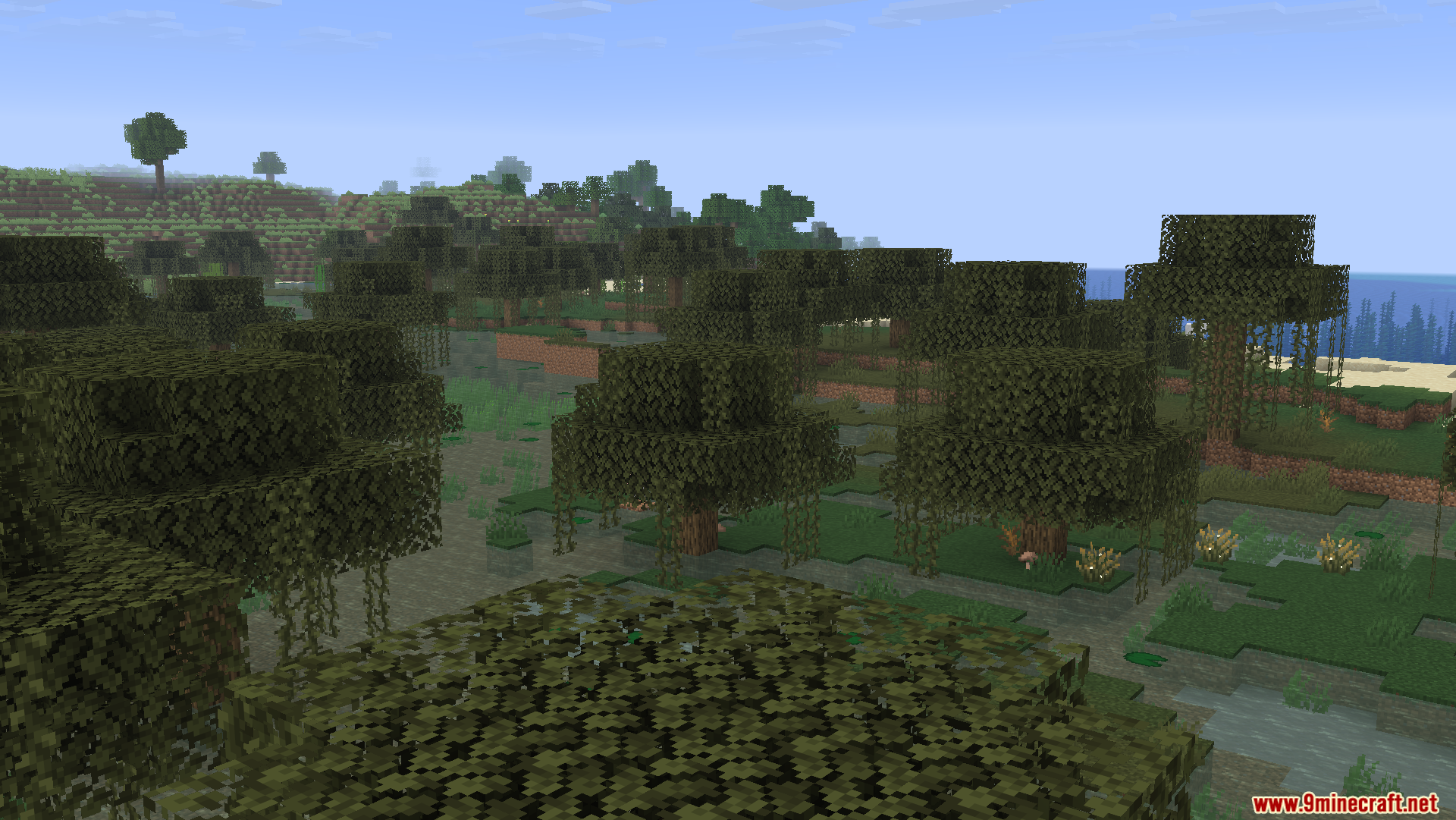
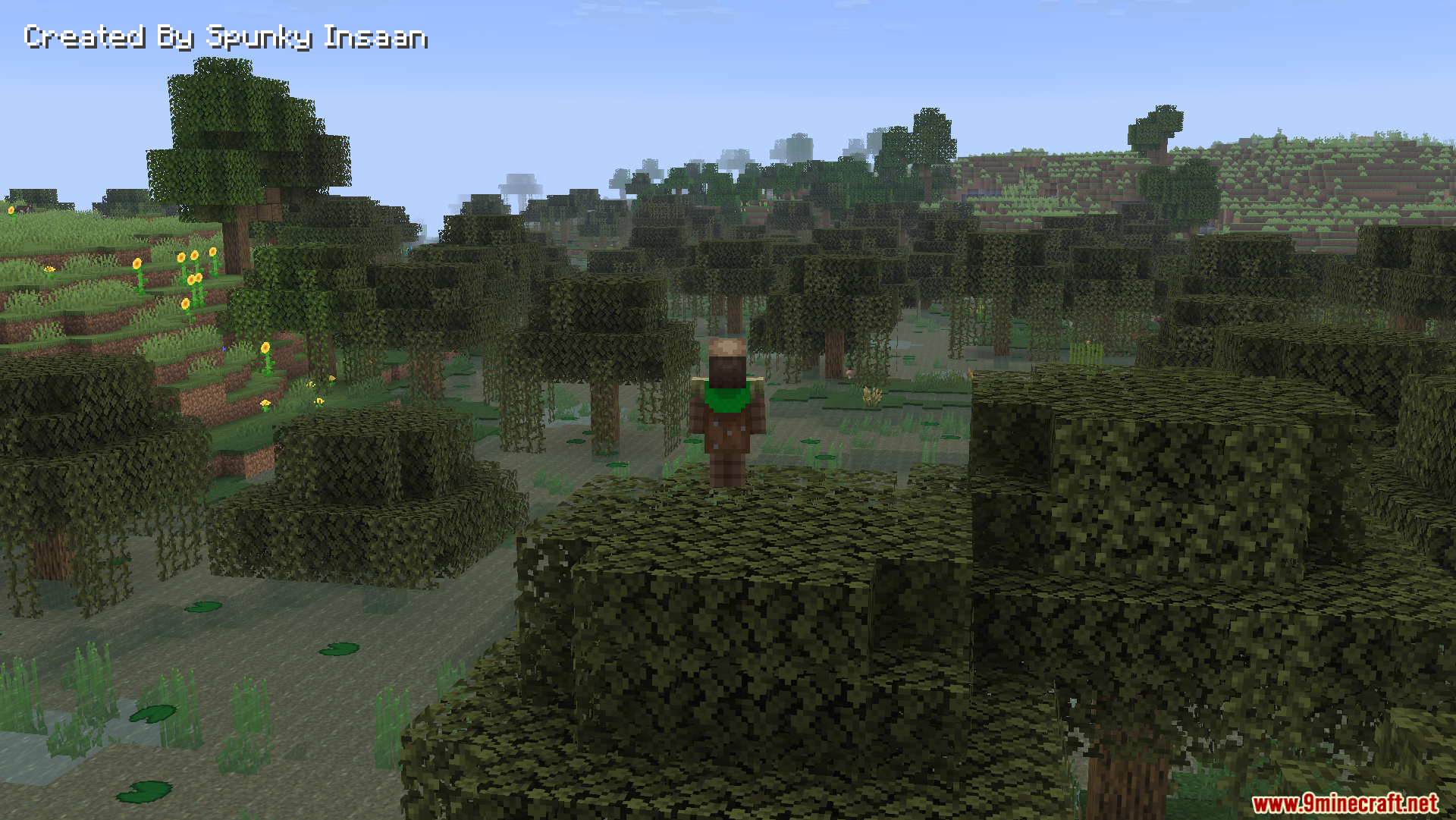
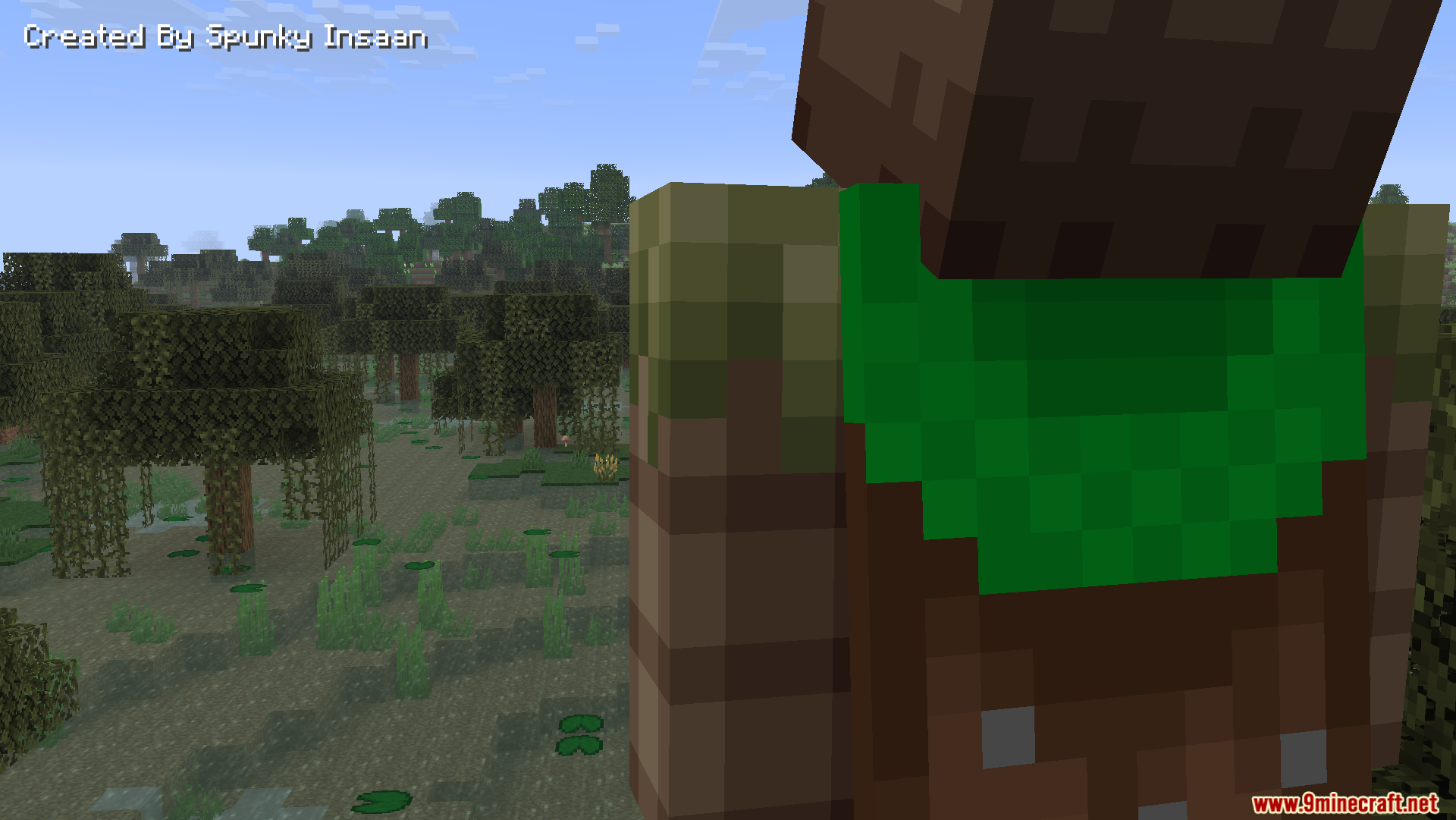
How to Install:
New to Minecraft? Follow our step-by-step guide to install Mods on your PC.View Guide
Requirements:


AFK Cinematics Mod Download Links
For Minecraft 26.2
For Minecraft 26.1.2, 26.1.1, 26.1
For Minecraft 1.21.11
For Minecraft 1.21.10, 1.21.9
For Minecraft 1.21.8, 1.21.7, 1.21.6
For Minecraft 1.21.5
For Minecraft 1.21.4
For Minecraft 1.21.1, 1.21
Click to rate this post!
[Total: 0 Average: 0]
You May Also Like














This post has no comments yet. Be the first — your comment will appear here.