


TaCZ Optimization Mod (1.20.1) – Stop Frame Drops During Multiplayer Gunfights

 0
0 

🌐 Read this article in your language! Choose your preferred language below.
Or pick the one you like:
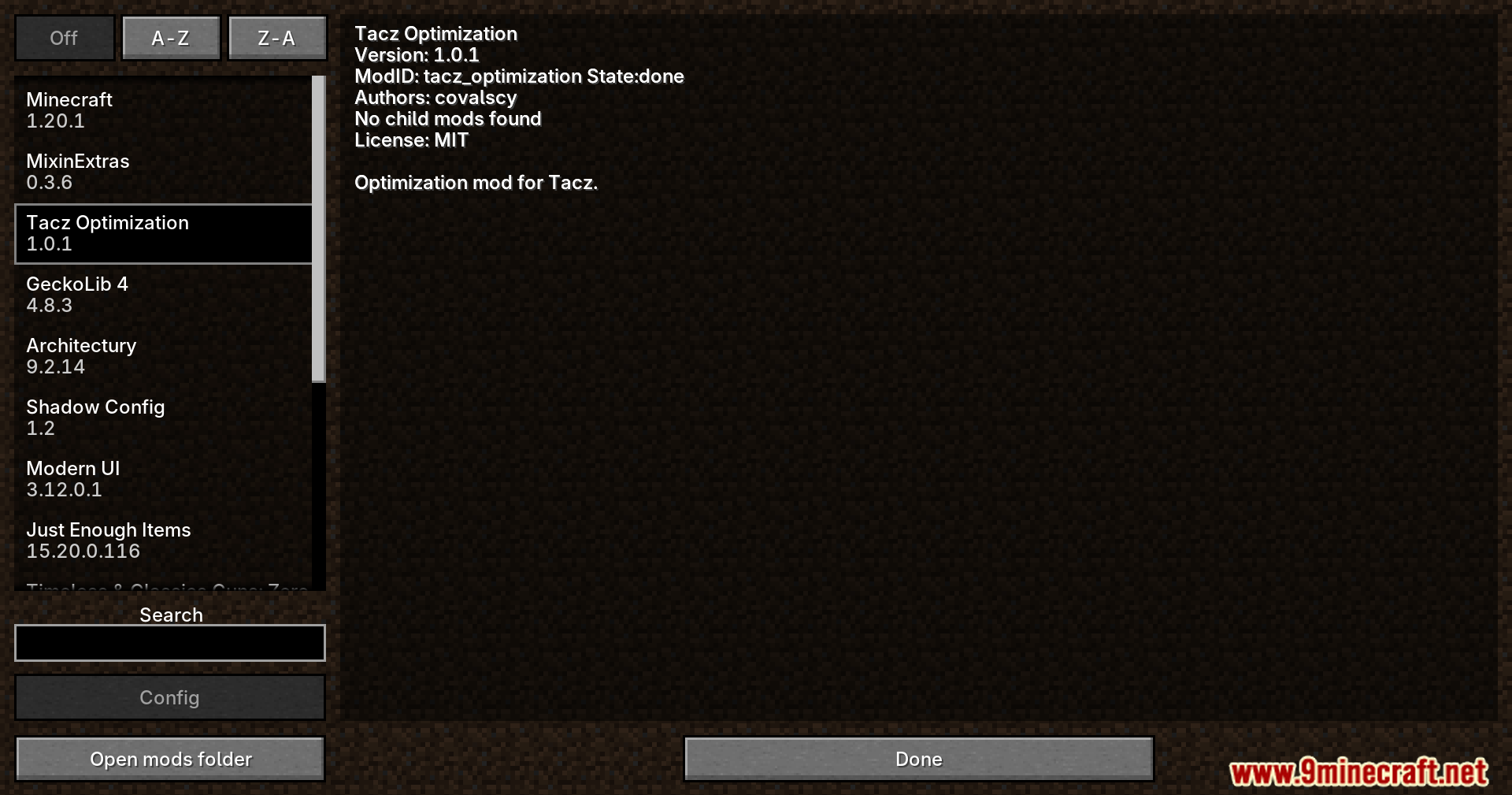
TaCZ Optimization Mod adds helpful performance tweaks for Timeless and Classics Zero. It lets you turn off heavy visual effects so your game runs smoother, especially when playing on crowded multiplayer servers. This addon runs entirely on your own computer, meaning you can join any server and still get better frames per second.
Features:
- Stop Lag Spikes: Hides the guns, attachments, and bullet tracers of other players so your game stays smooth during big fights.
- Clean Up Your Screen: Lets you turn off parts of the user interface like the ammo counter, heat bar, kill feed, and interaction buttons.
- Works safely on multiplayer servers because it only runs on your personal game client.
- Gives you full control over which visual details you want to keep and which ones you want to hide.
Configuration:
- Open the
tacz_optimization-client.tomlfile in your config folder to change settings. - Toggle specific render options like your own bullets, enemy tracers, and other players’ gear.
- Turn off individual screen elements like the Gun HUD or Kill Count to match your personal preference.
How to Use:
- Close your game and open your Minecraft directory.
- Find the config folder and open the
tacz_optimization-client.tomlfile with a basic text editor. - Change the settings from true to false for any visual effect or screen element you want to hide.
- Save the file and start your game to play with better performance.
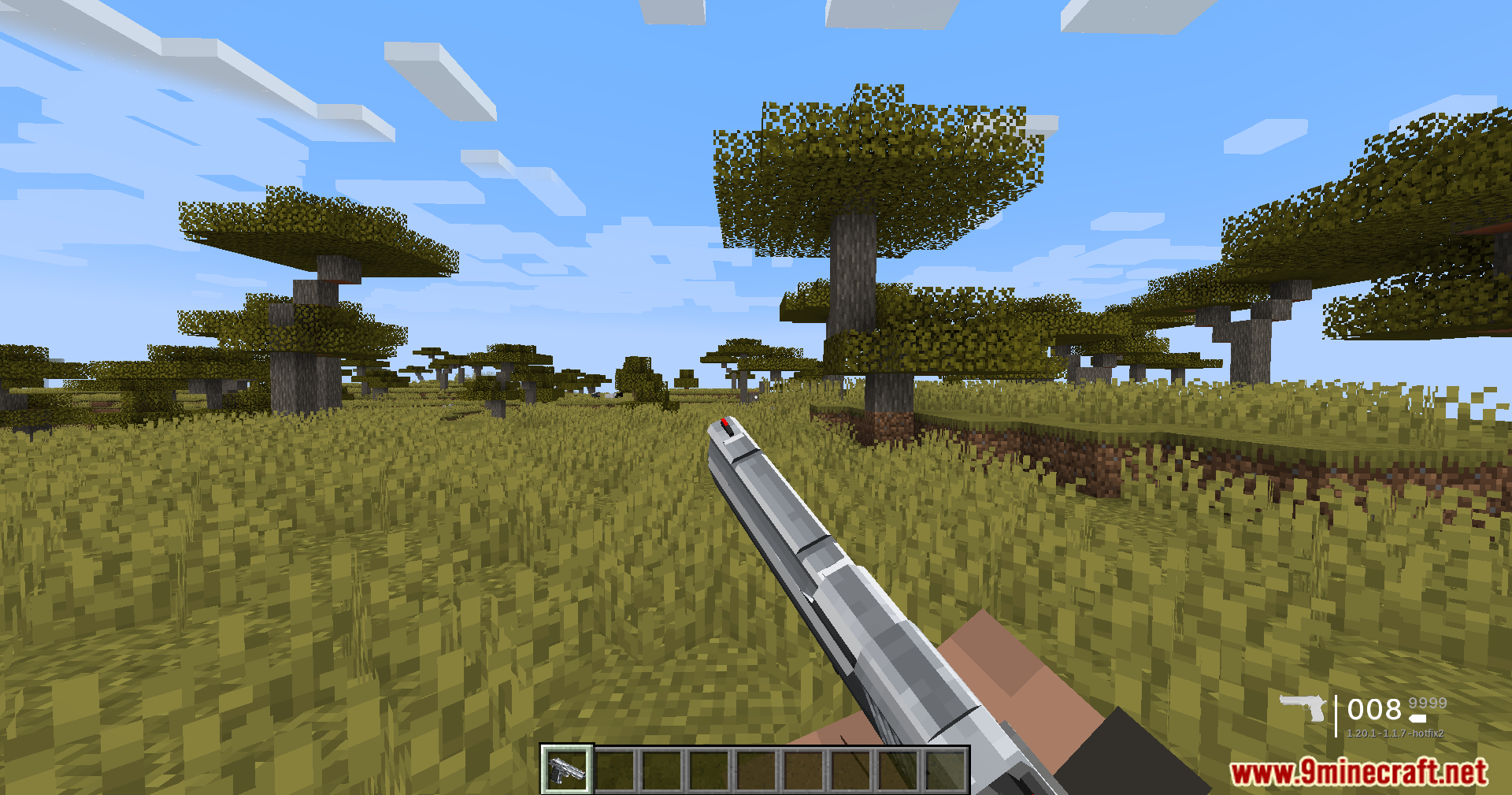
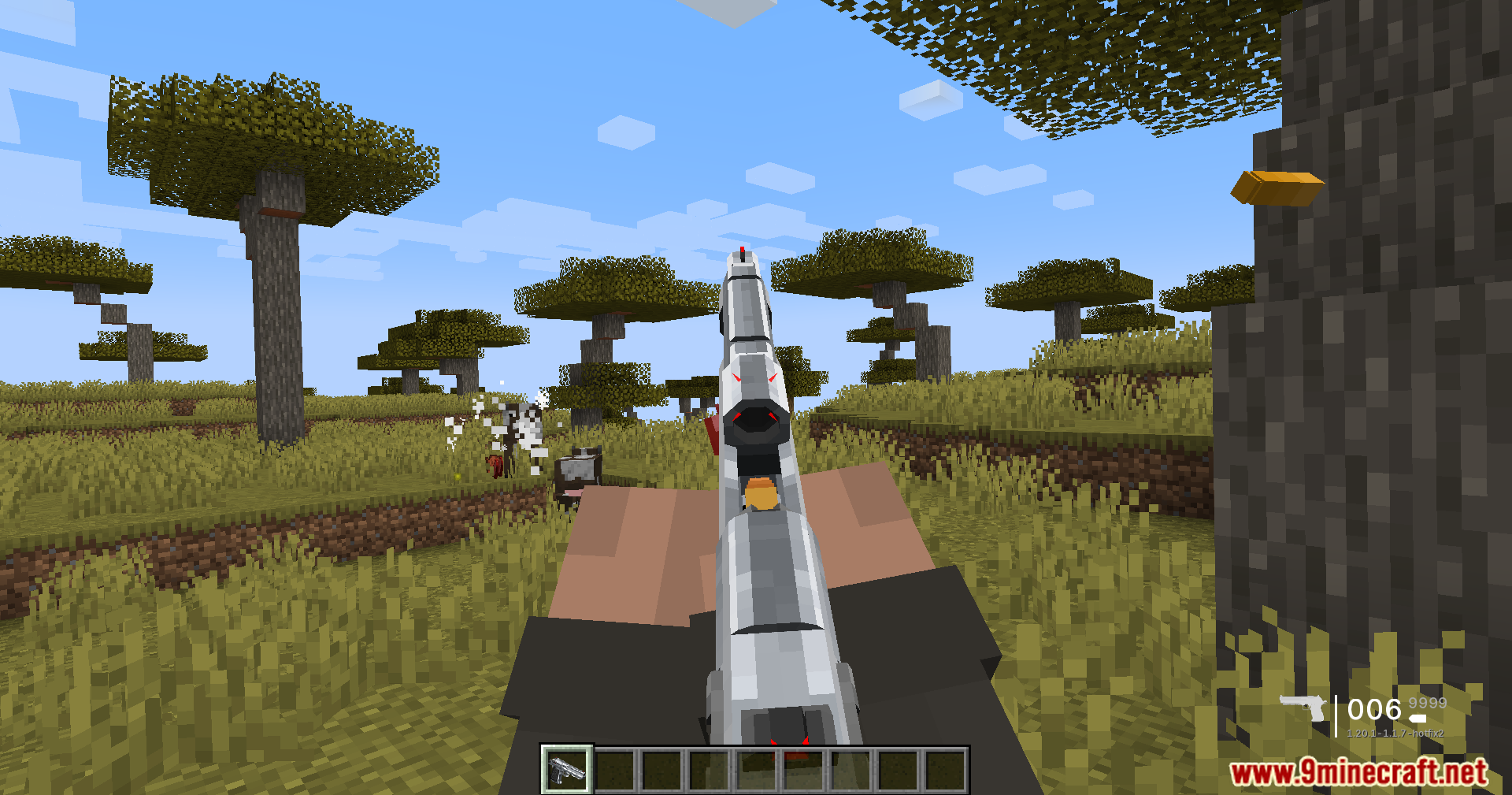
Screenshots:
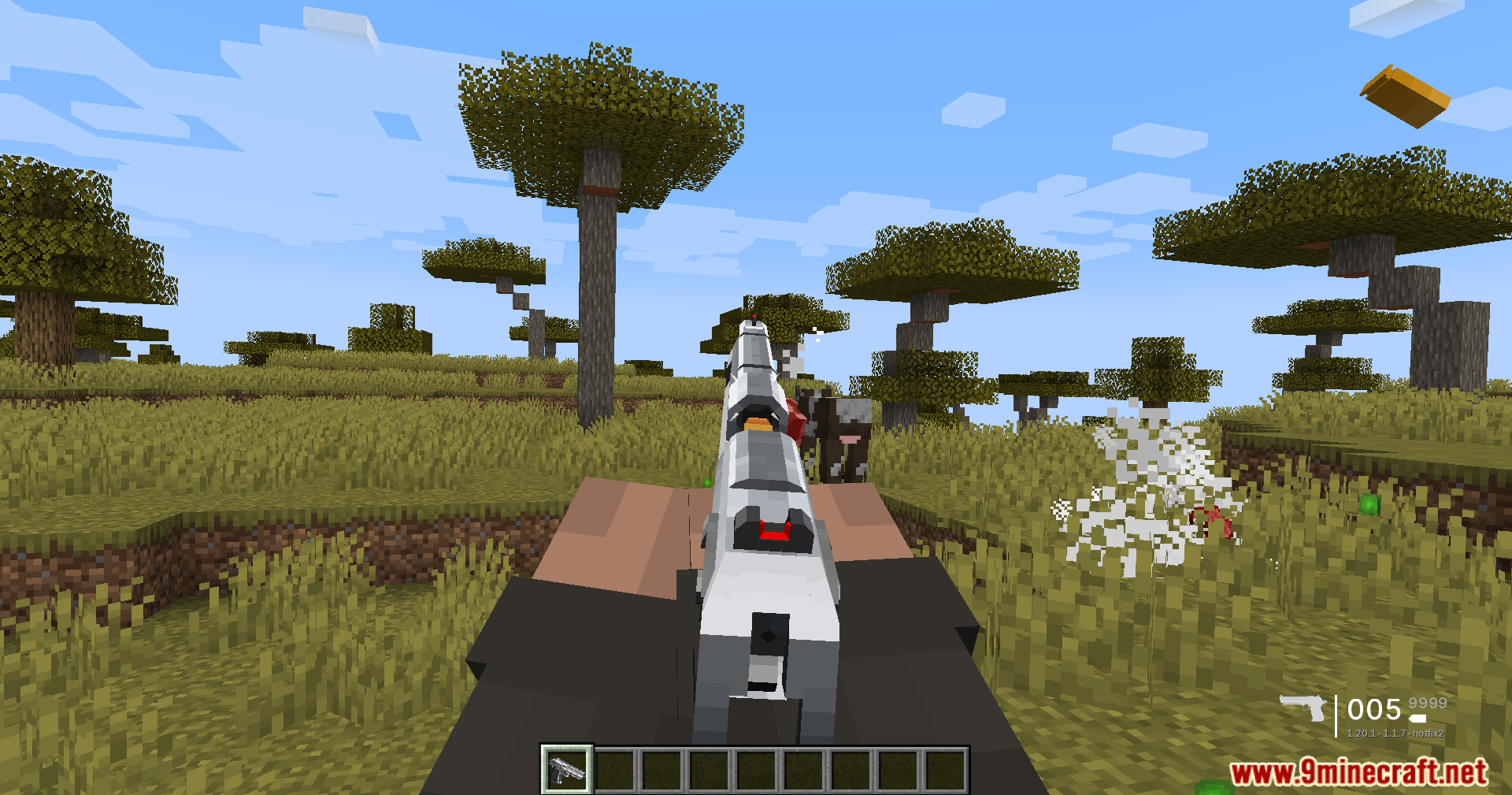
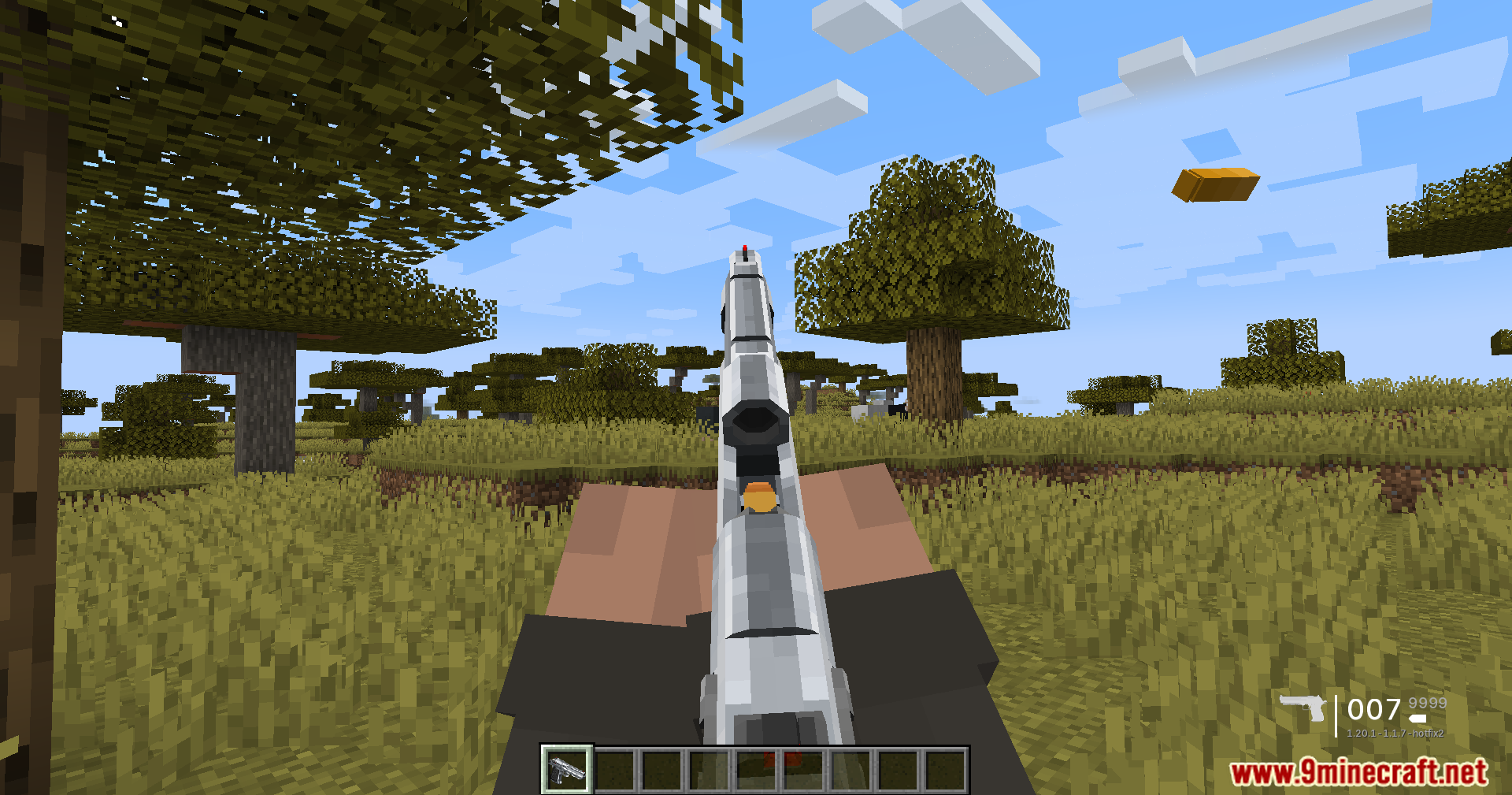
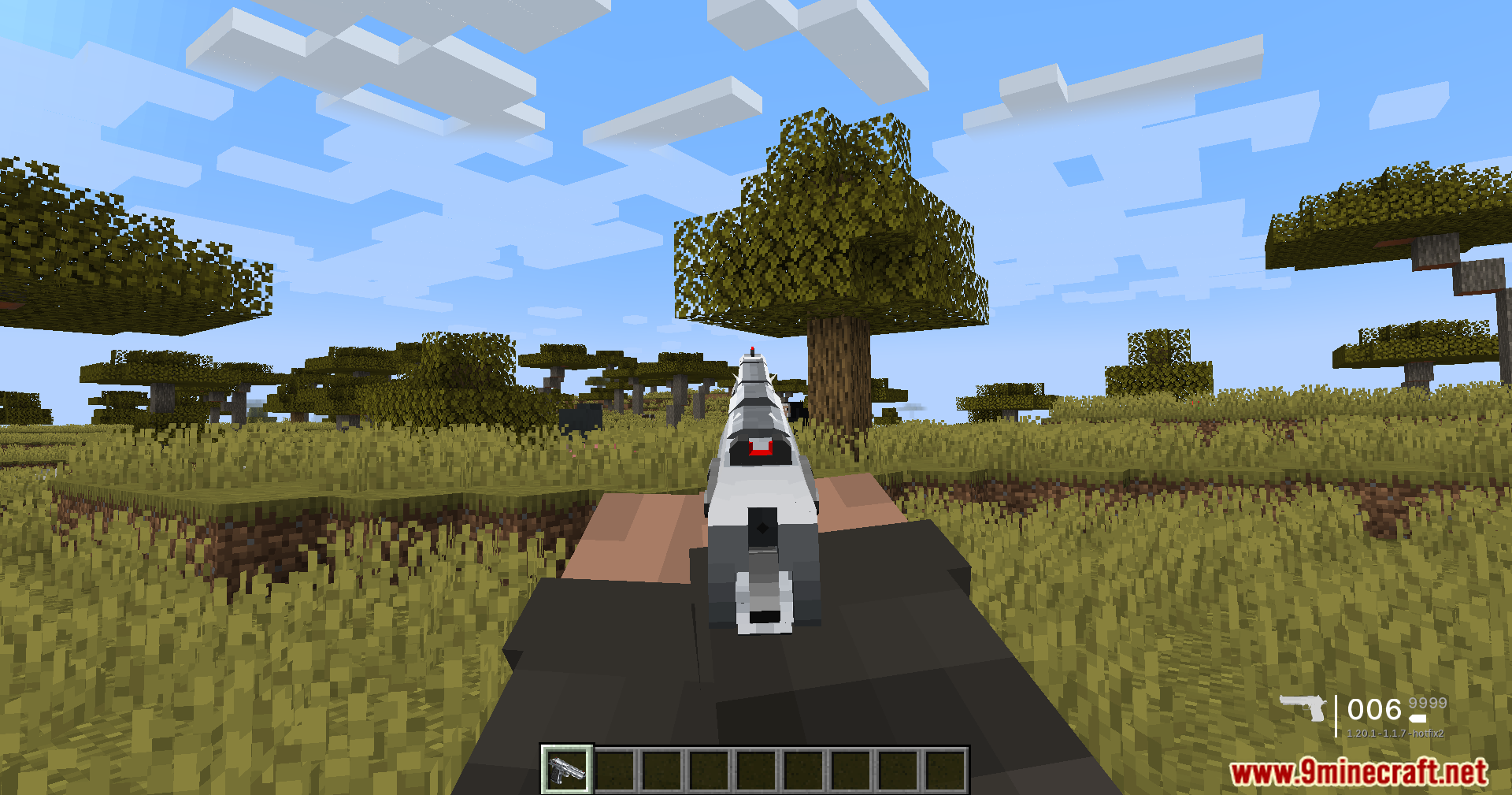
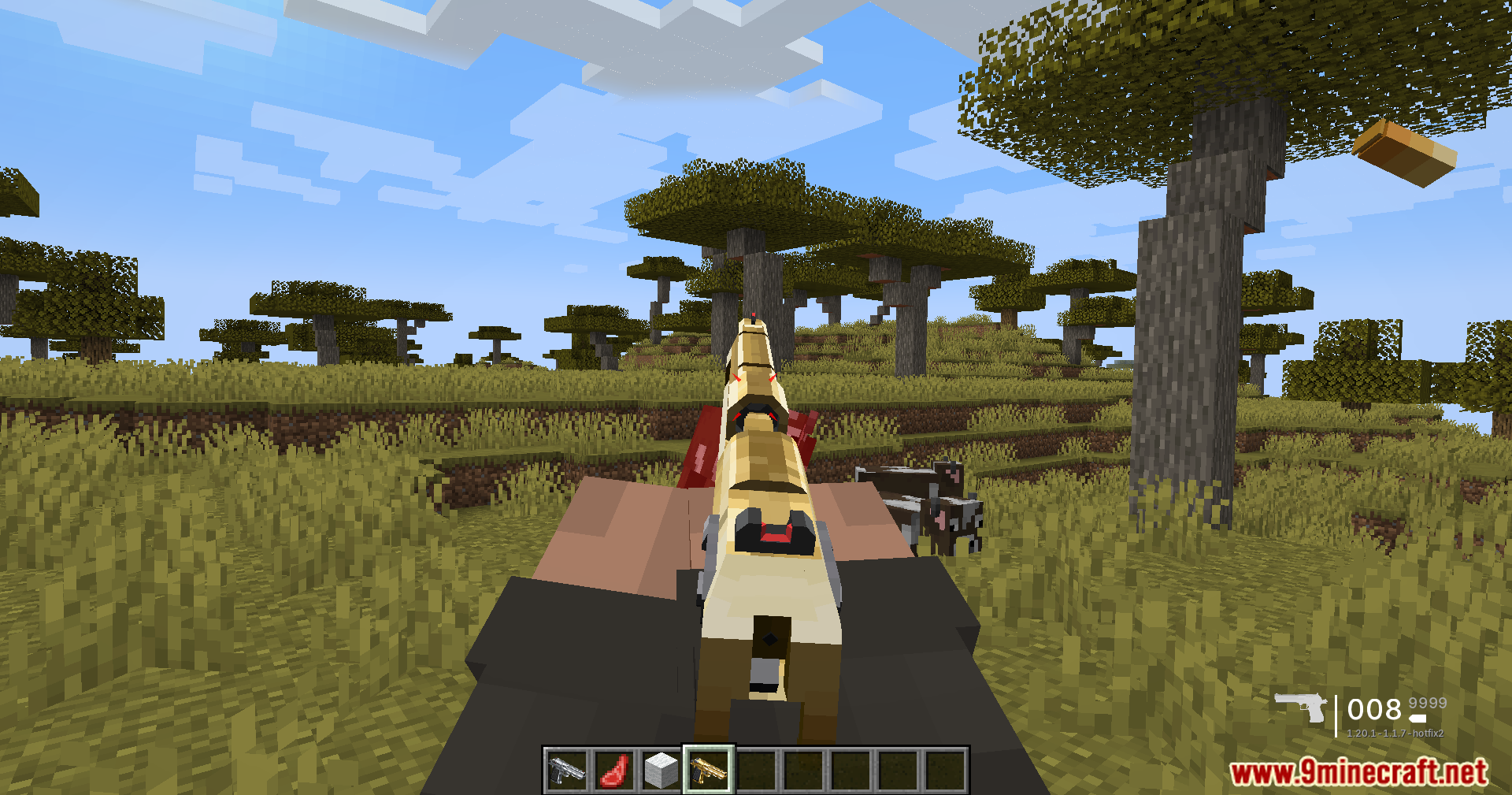
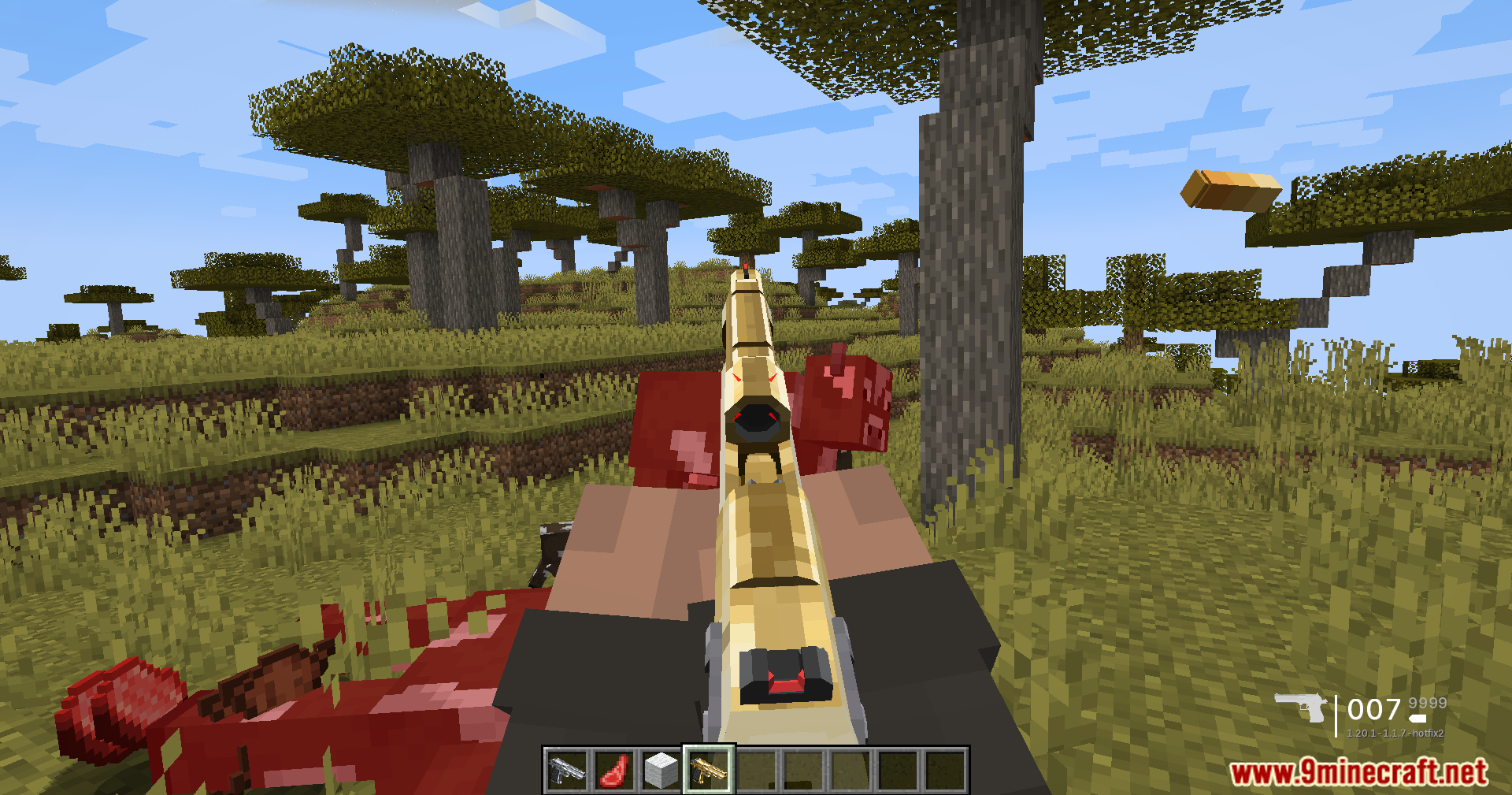
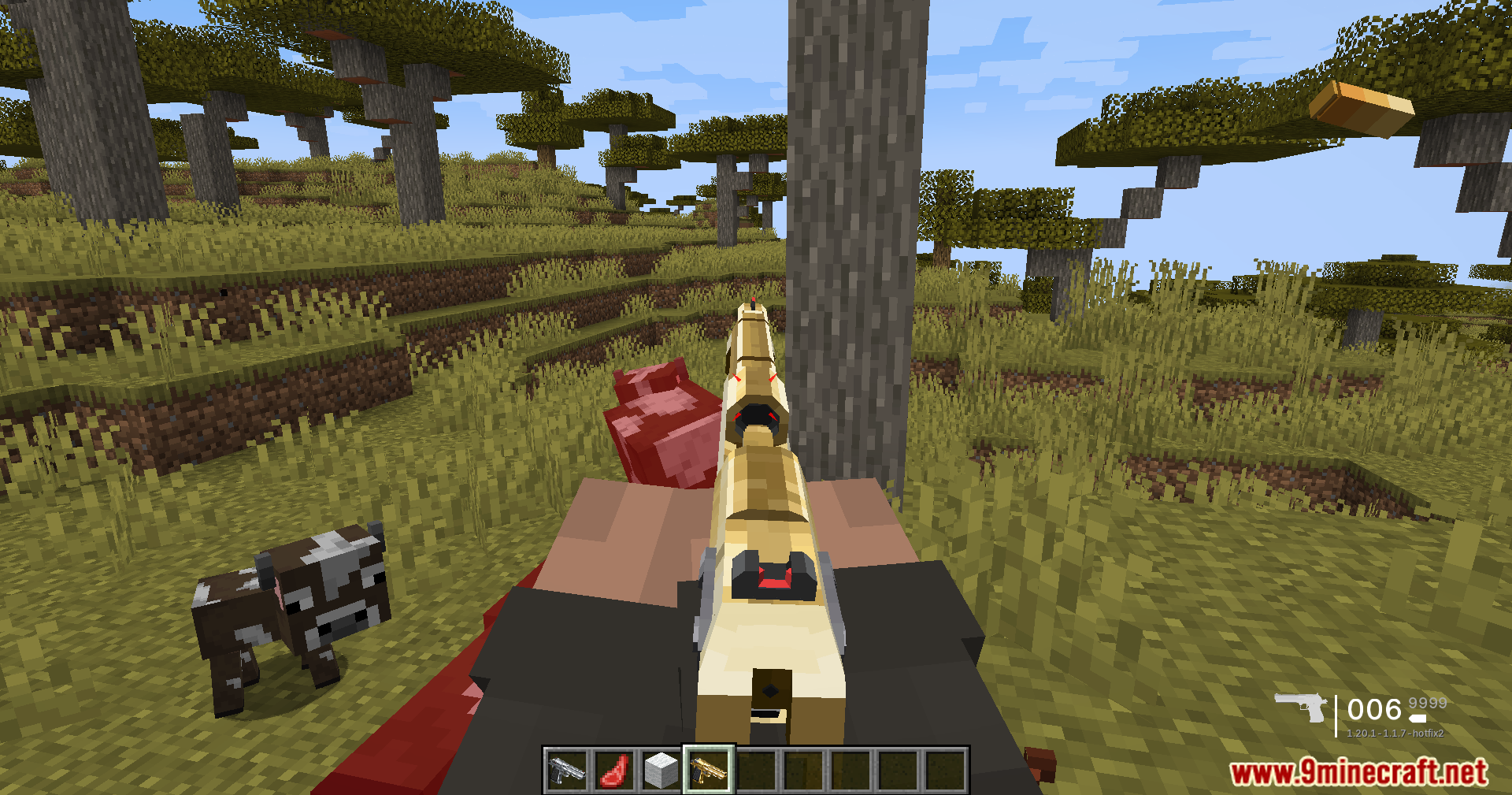
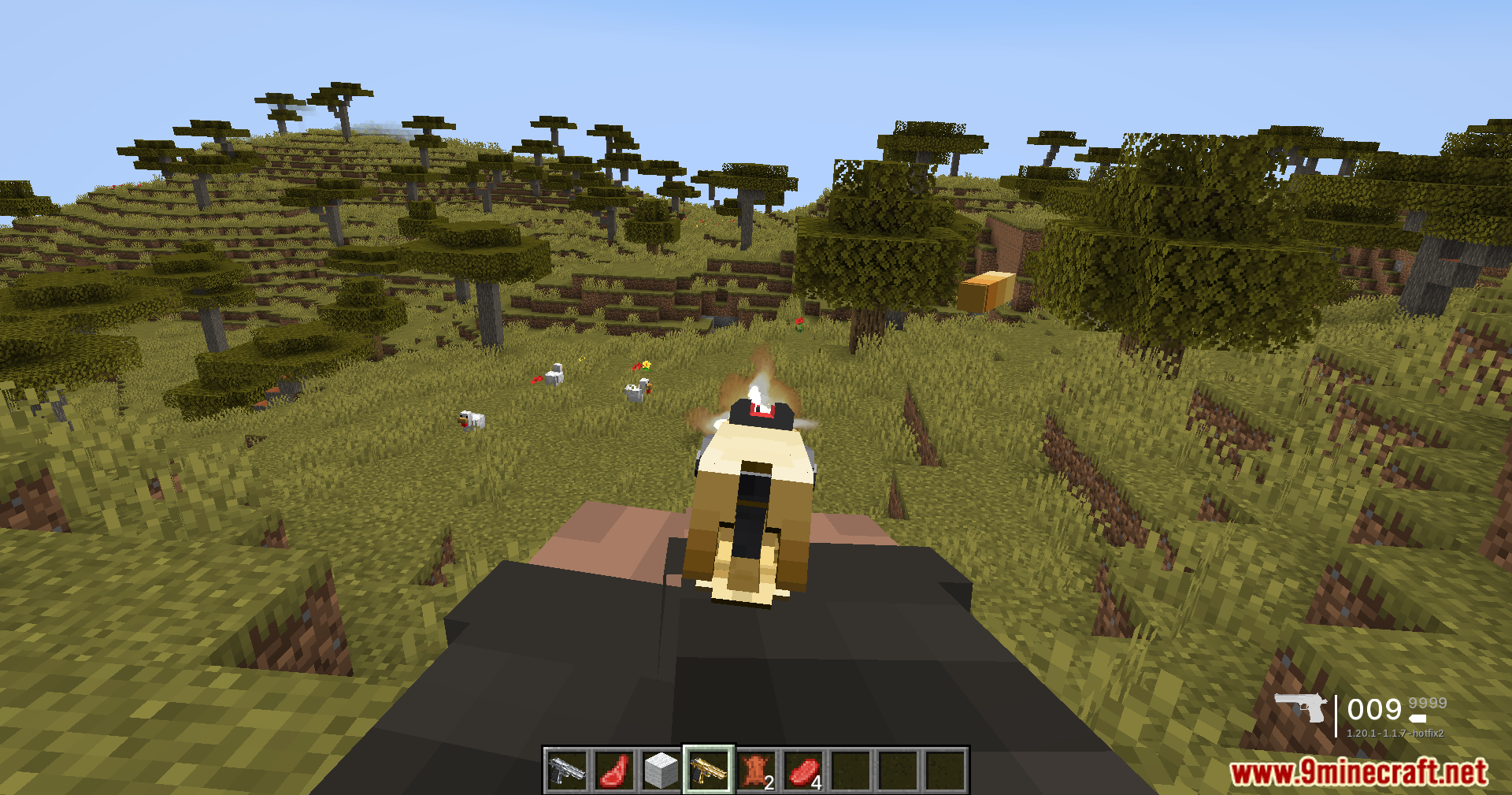
How to Install:
New to Minecraft? Follow our step-by-step guide to install Mods on your PC.View Guide
Requirements:
 Minecraft Forge Required
[TaCZ] Timeless and Classics Zero Guns Required

TaCZ Optimization Mod Download Links
For Minecraft 1.20.1, 1.20
Click to rate this post!
[Total: 3 Average: 4.3]
You May Also Like
















This post has no comments yet. Be the first — your comment will appear here.