


Death Sound Mod (26.2, 1.20.1) – Hear Custom Audio Cues When Players Die
 28
28
 0
0


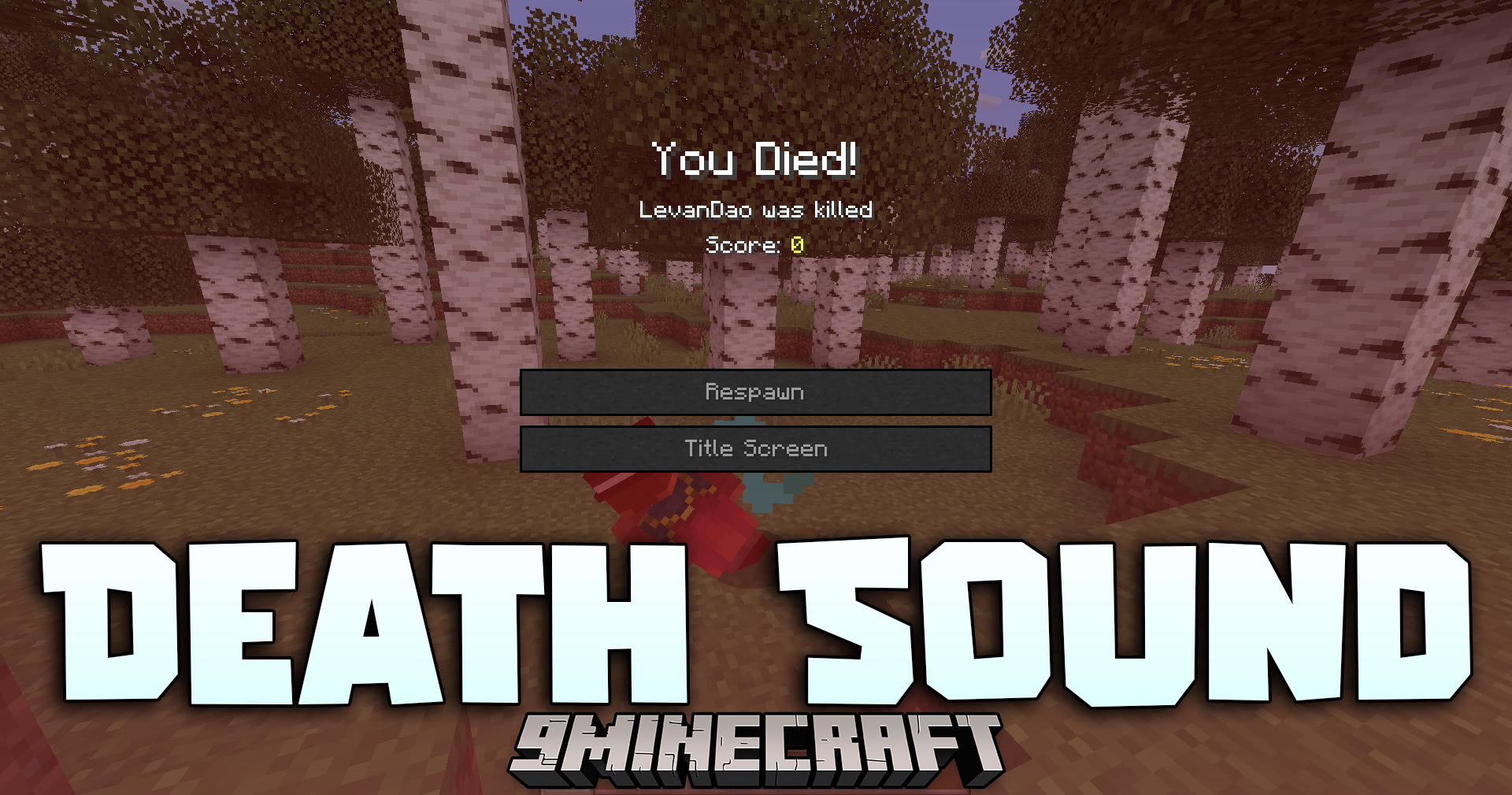
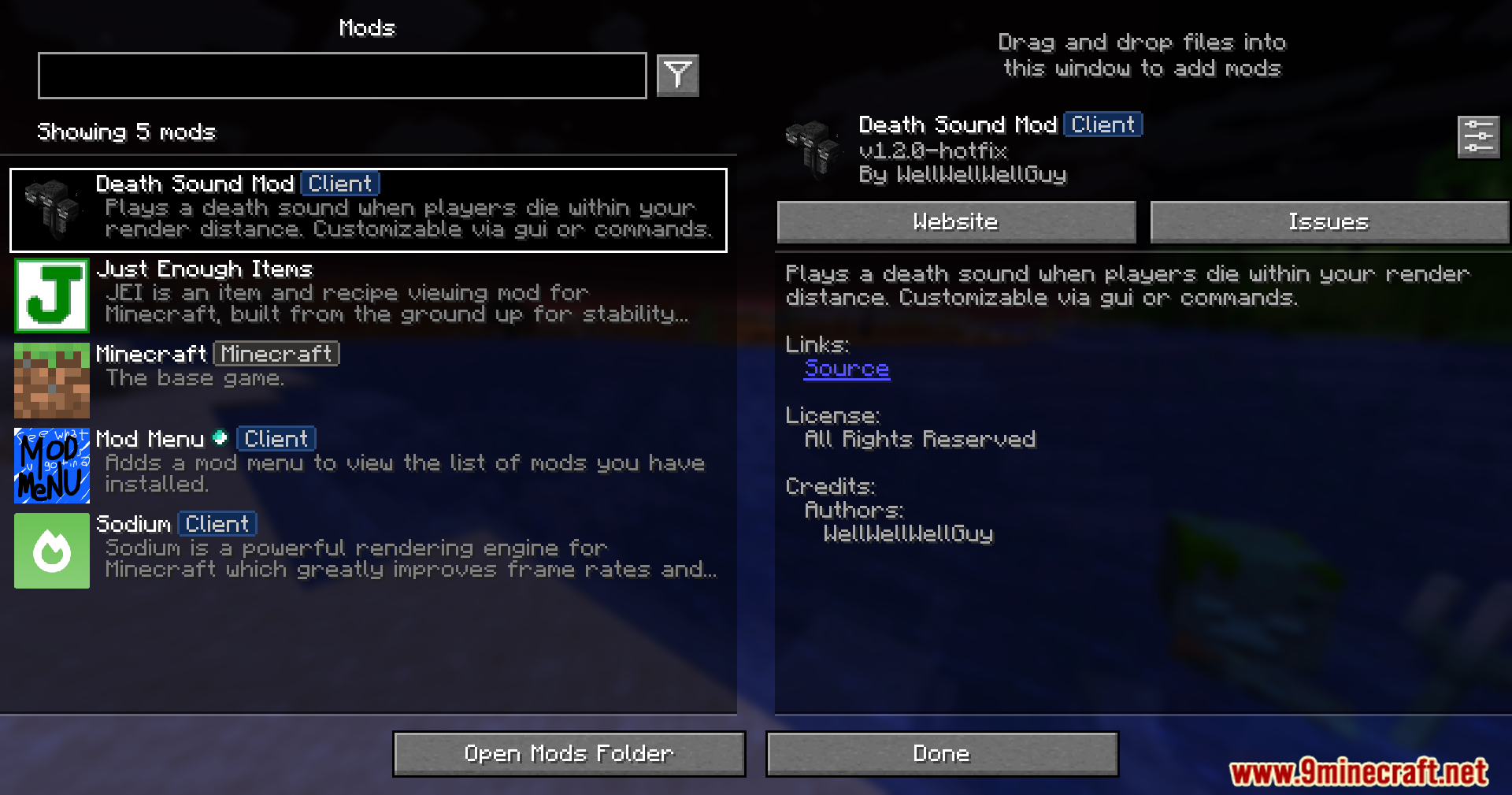
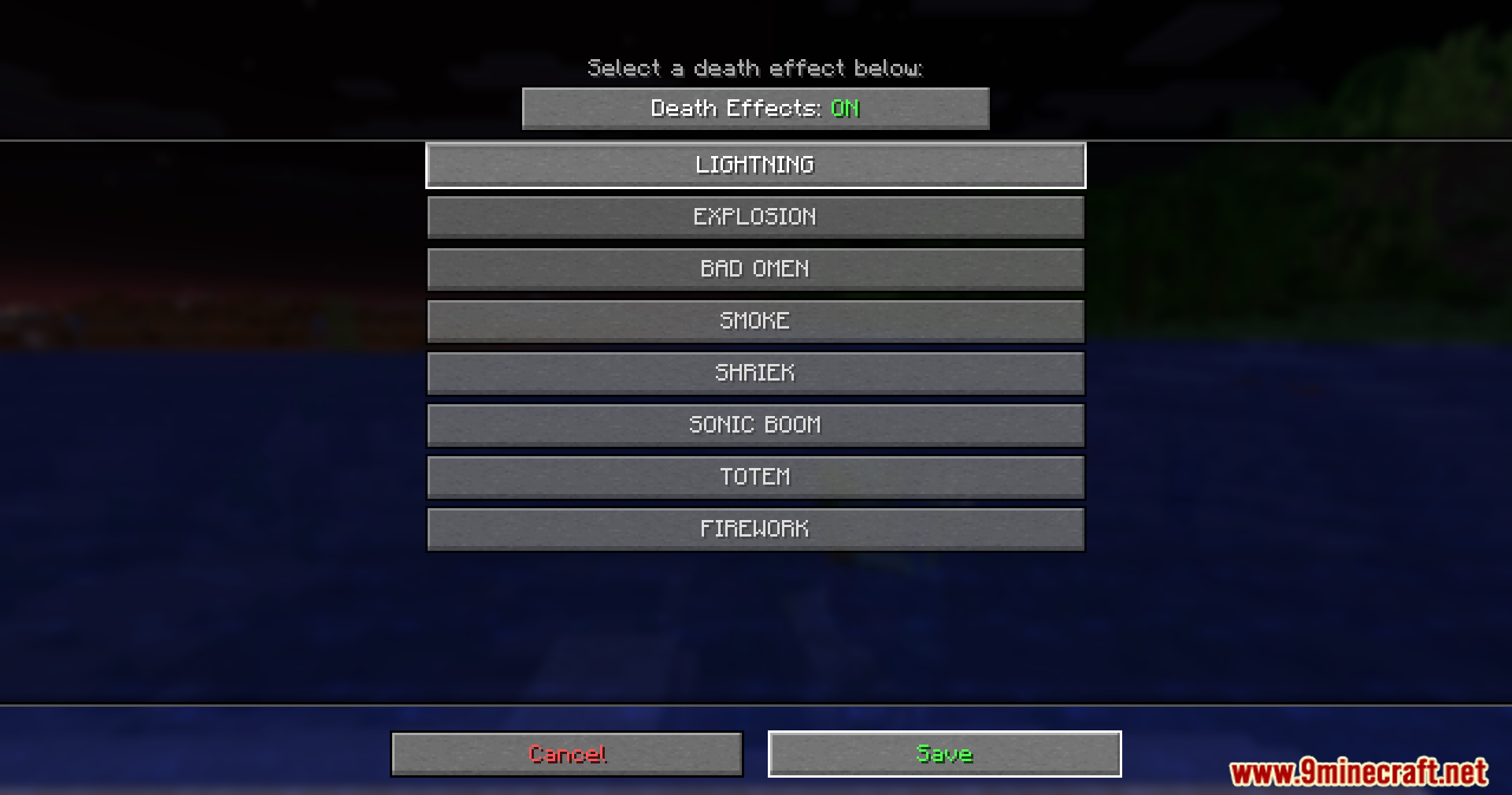
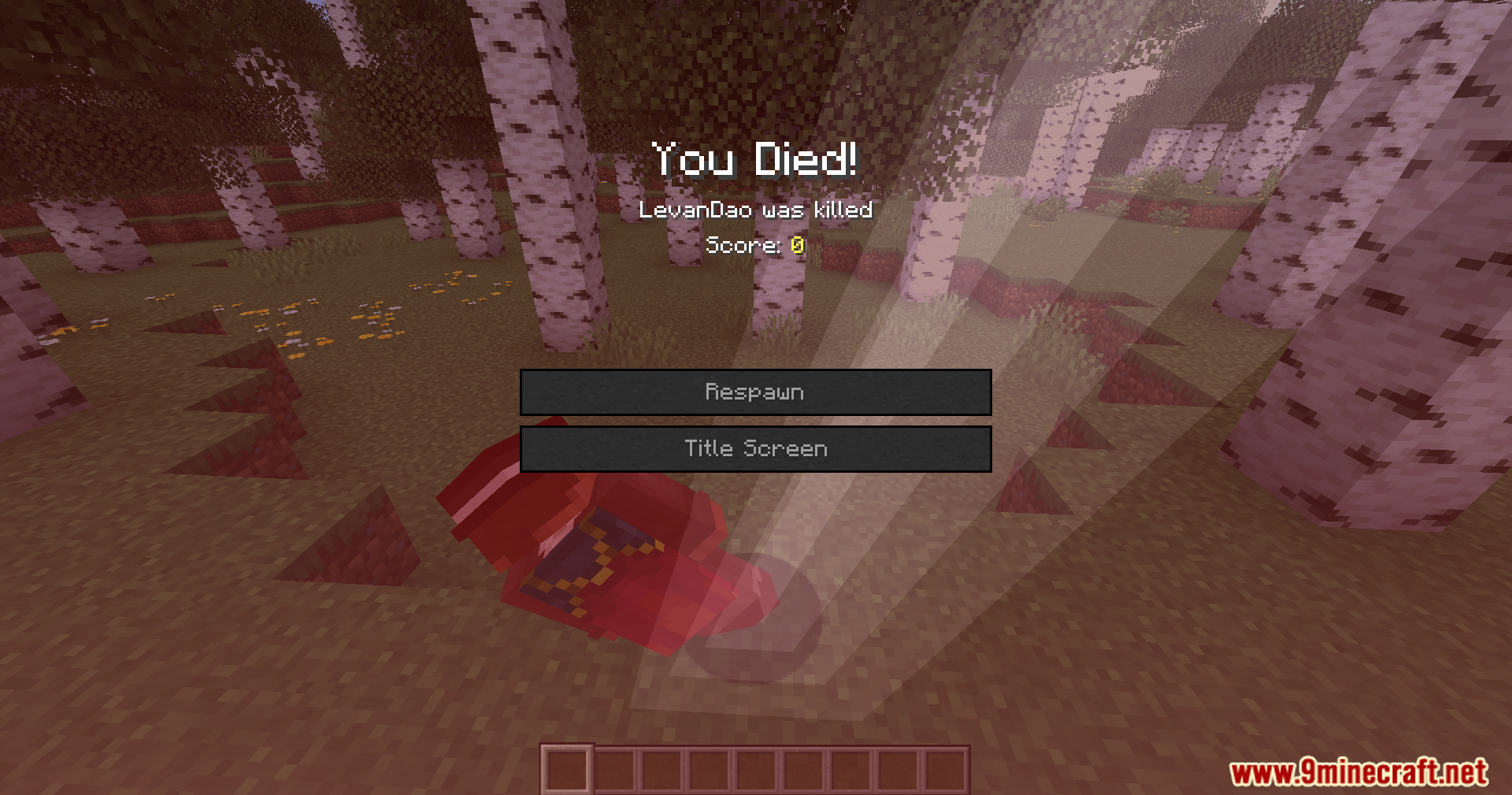
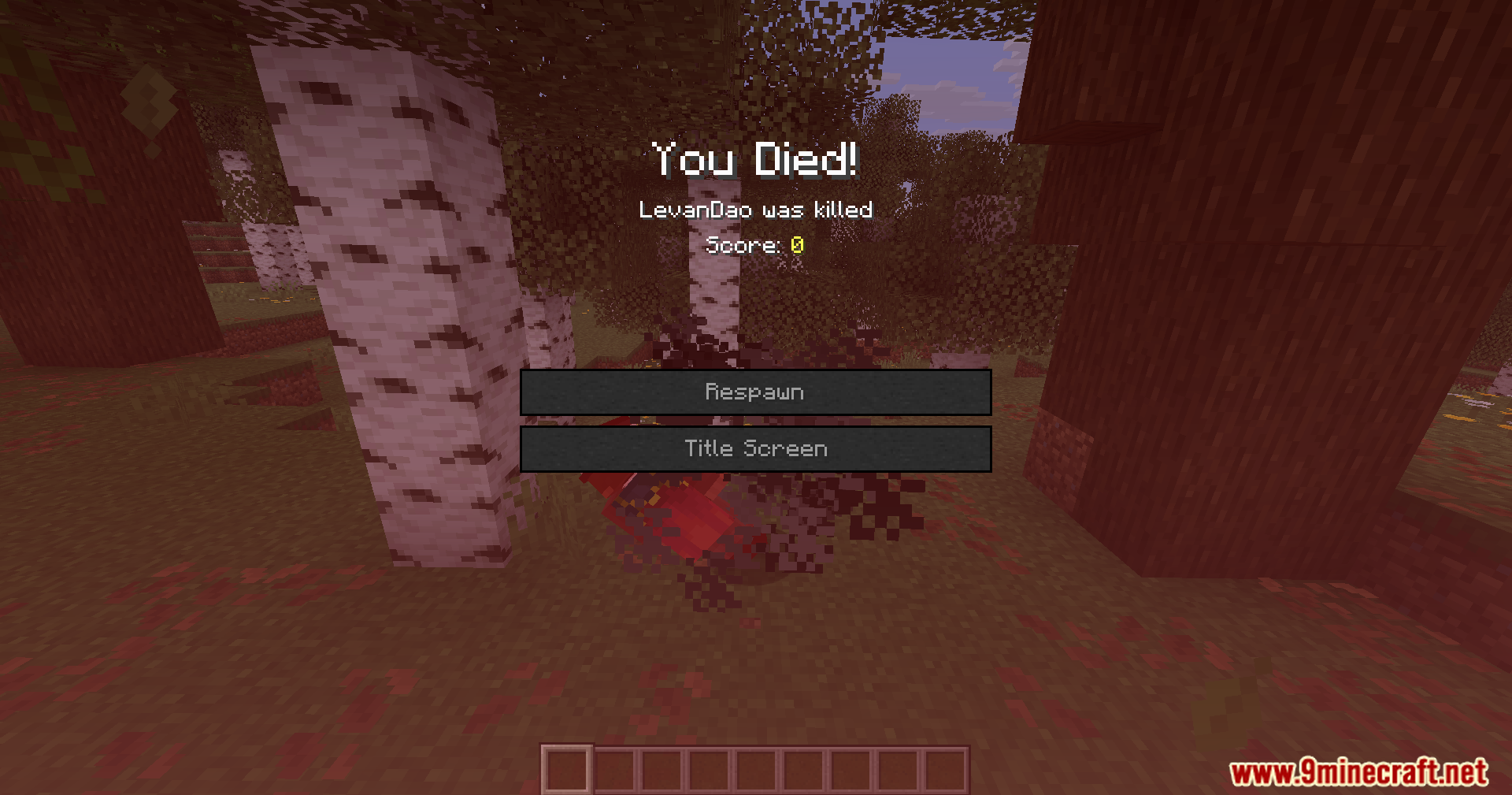
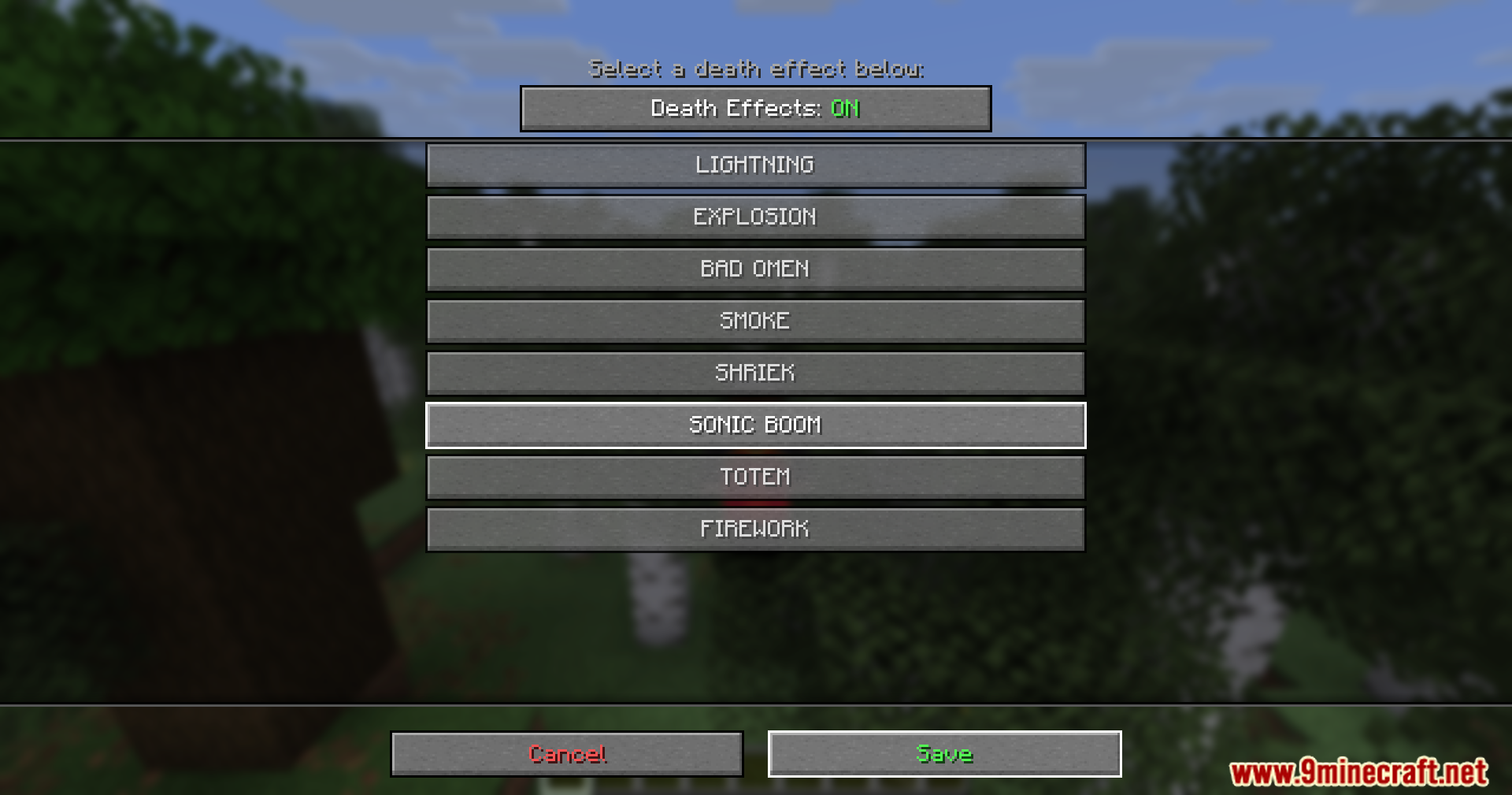
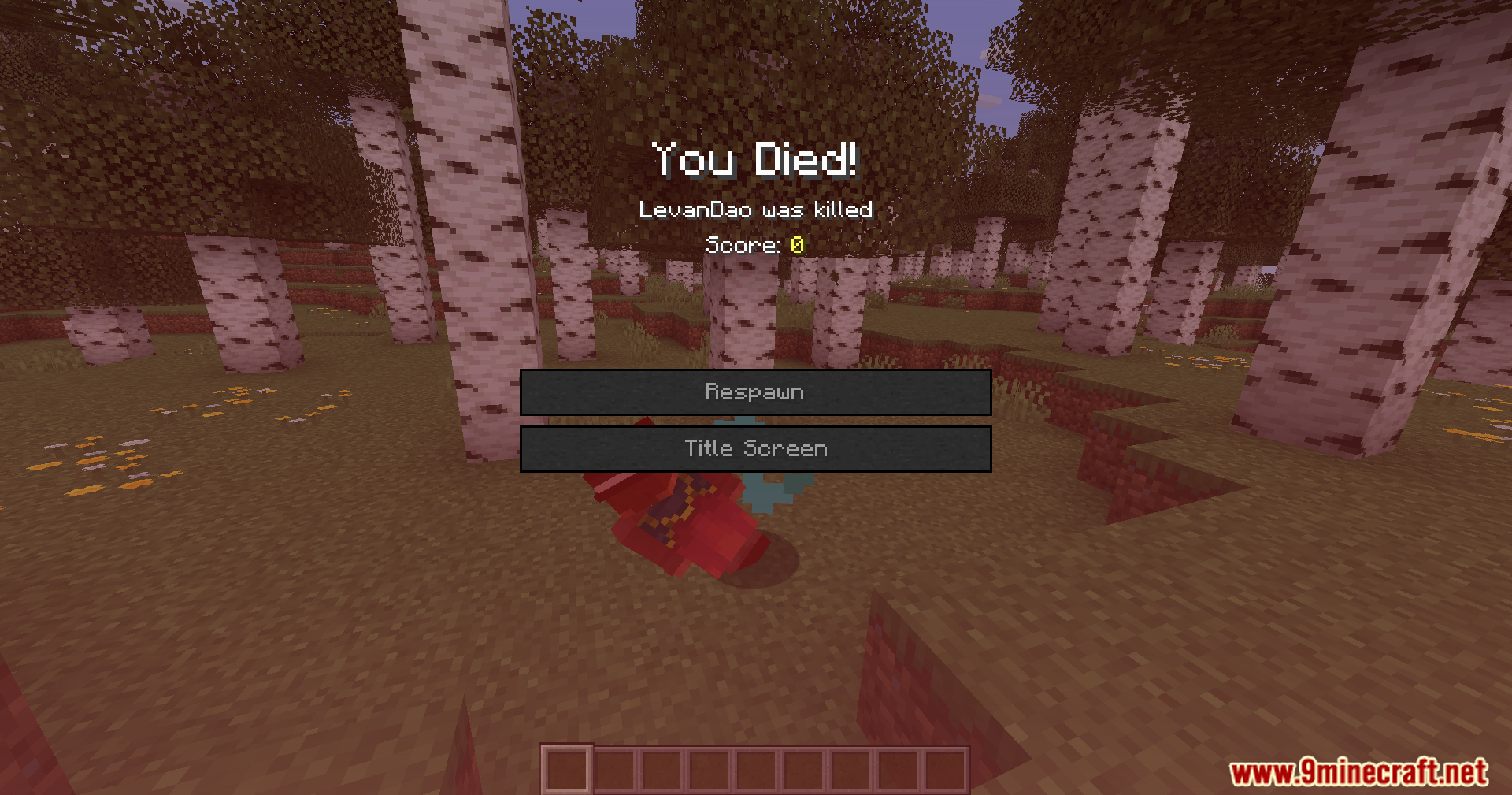
Death Sound Mod plays an audio cue whenever a player dies near you. This addition gives you a clear warning when someone falls in battle within your render distance. You do not need to install it on the server to hear the effects.
Features:
- Custom Audio: Lets you choose exactly what you hear when someone meets their end.
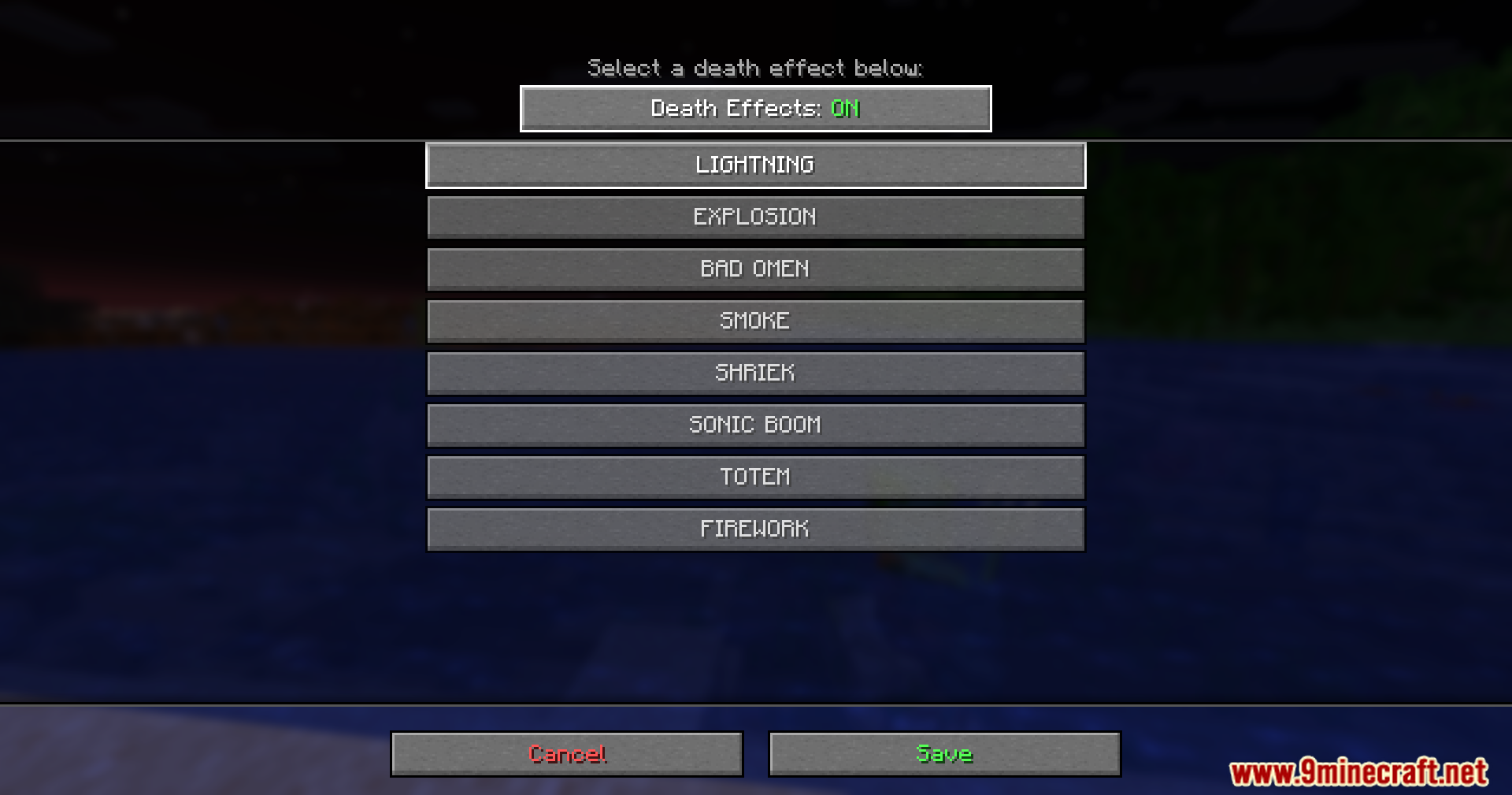
- Adds visual particle effects around the spot where the player falls.
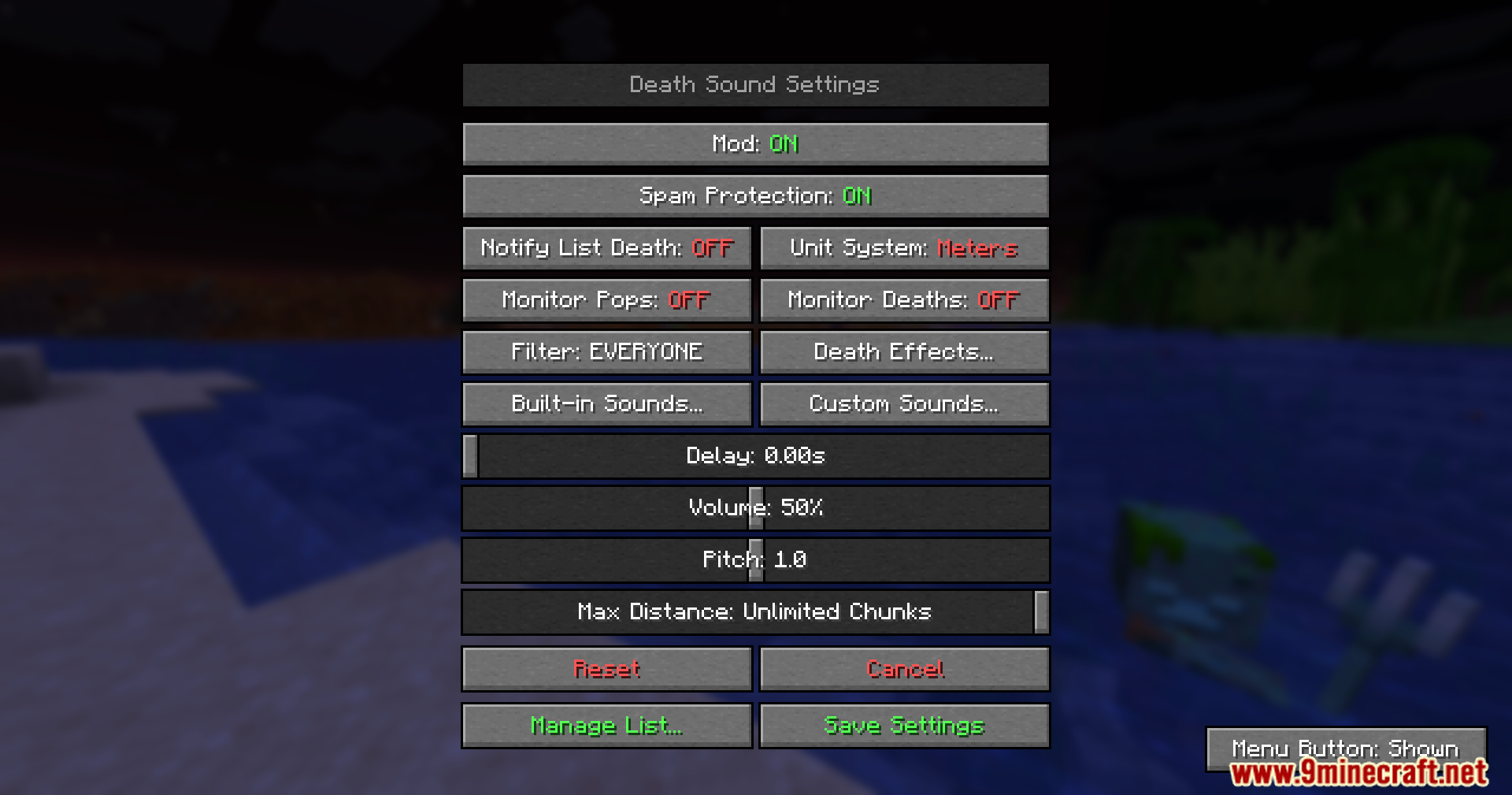
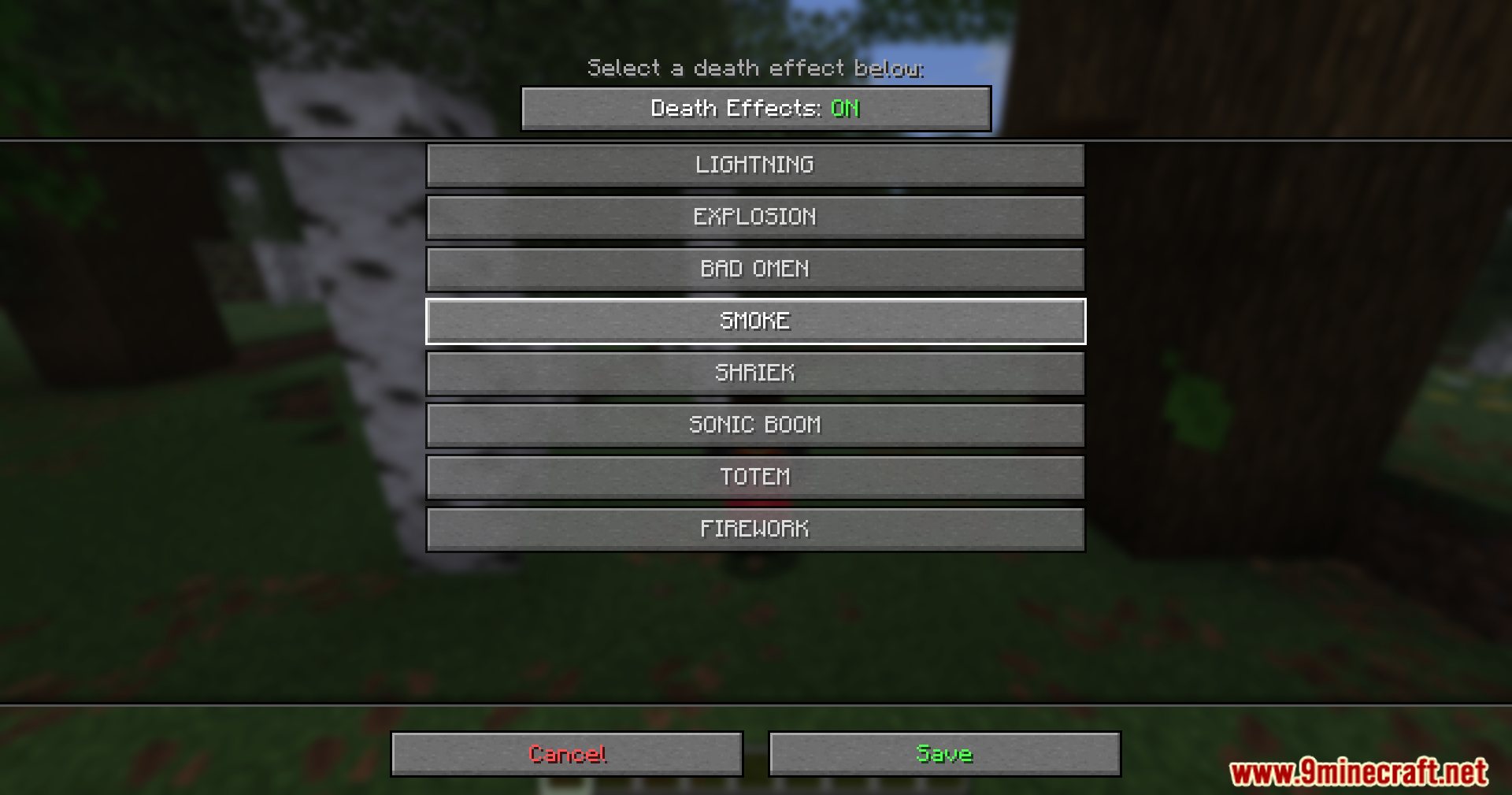
- Allows you to change the volume, pitch, and timing of the sound through an easy menu.
- Works entirely on your side, so you can join any server and still hear the warnings.
- Supports your own audio files if you want to use funny or scary noises from other games.
How to Use:
- Enable the Resource Pack called DeathSound-Resources in your game settings.
- Open the custom sound menu and click the Open Sound Folder button.
- Drop your custom .ogg files directly into this folder.
- Keep file names in all lowercase letters if you play on newer game versions.
- Select your new file from the menu to set it as your active warning.
Screenshots:
How to Install:
New to Minecraft? Follow our step-by-step guide to install Mods on your PC.View Guide
Requirements:





Death Sound Mod Download Links
For Minecraft
26.2,
26.1.2,
26.1.1
All Versions Covered
26.2
26.1.2
26.1.1
26.1
All Versions Covered
26.2
26.1.2
26.1.1
26.1
For Minecraft 26.1.2, 26.1.1, 26.1
For Minecraft
1.21.11,
1.21.10,
1.21.9
All Versions Covered
1.21.11
1.21.10
1.21.9
1.21.8
1.21.7
1.21.6
1.21.5
1.21.4
1.21.3
1.21.2
1.21.1
1.21
All Versions Covered
1.21.11
1.21.10
1.21.9
1.21.8
1.21.7
1.21.6
1.21.5
1.21.4
1.21.3
1.21.2
1.21.1
1.21
For Minecraft 1.21.1, 1.21
For Minecraft
1.20.4,
1.20.3,
1.20.2
All Versions Covered
1.20.4
1.20.3
1.20.2
1.20.1
1.20
All Versions Covered
1.20.4
1.20.3
1.20.2
1.20.1
1.20
For Minecraft 1.20.1, 1.20
For Minecraft 1.19.2, 1.19.1, 1.19
For Minecraft 1.18.2
For Minecraft
1.16.5,
1.16.4,
1.16.3
All Versions Covered
1.16.5
1.16.4
1.16.3
1.16.2
1.16.1
1.16
All Versions Covered
1.16.5
1.16.4
1.16.3
1.16.2
1.16.1
1.16
Click to rate this post!
[Total: 1 Average: 5]
You May Also Like







This post has no comments yet. Be the first — your comment will appear here.