


Refined Storage JEI Integration Mod (26.1.2, 1.21.1) – Craft Complex Items

 0
0 

🌐 Good news — we've translated this article into other languages!
Or pick the one you like:
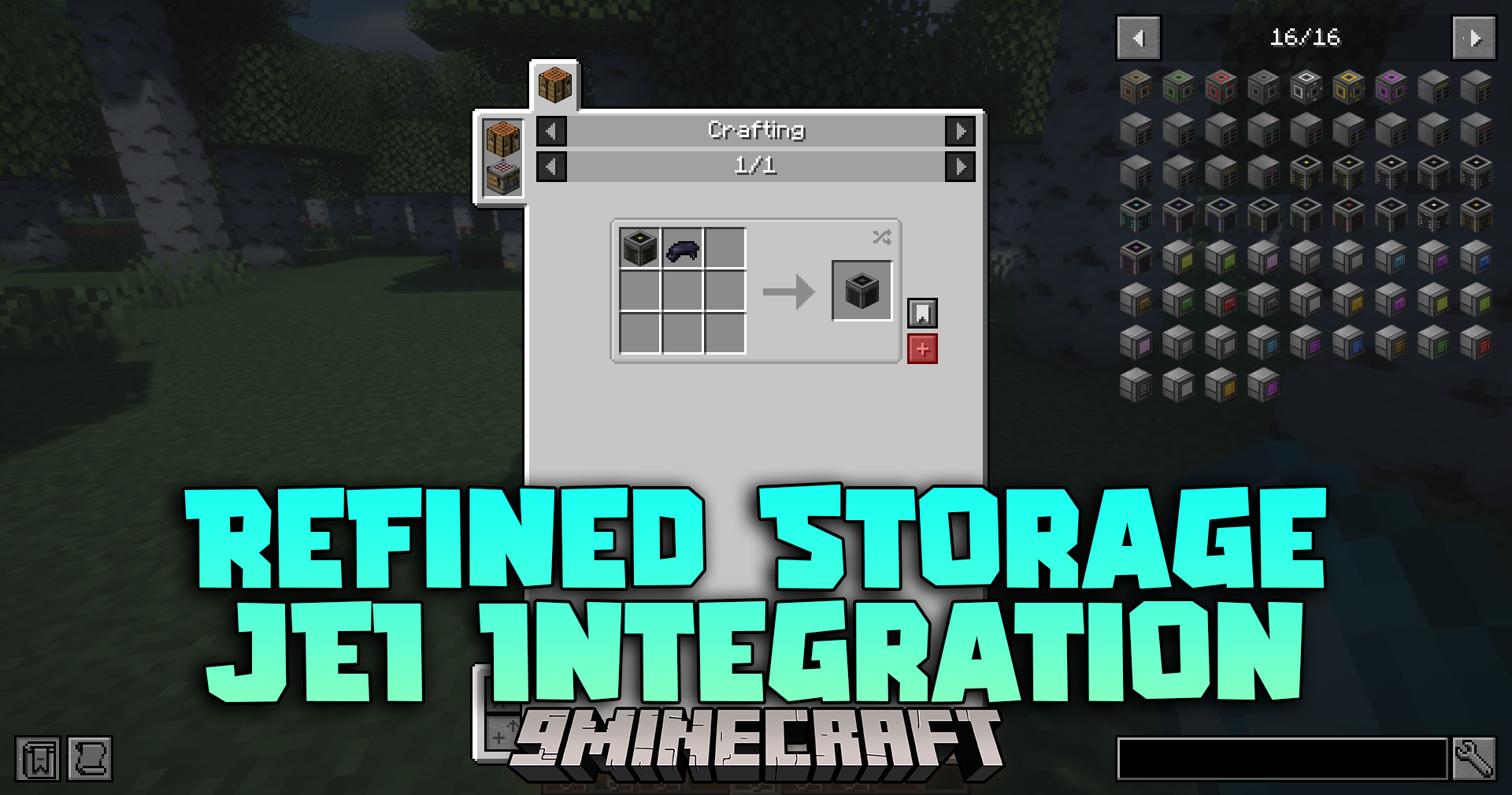
Refined Storage JEI Integration Mod connects Just Enough Items with Refined Storage. It links the two menus so you can move recipes and items between them. This saves you time when you build machines or craft items with many parts.
Features:
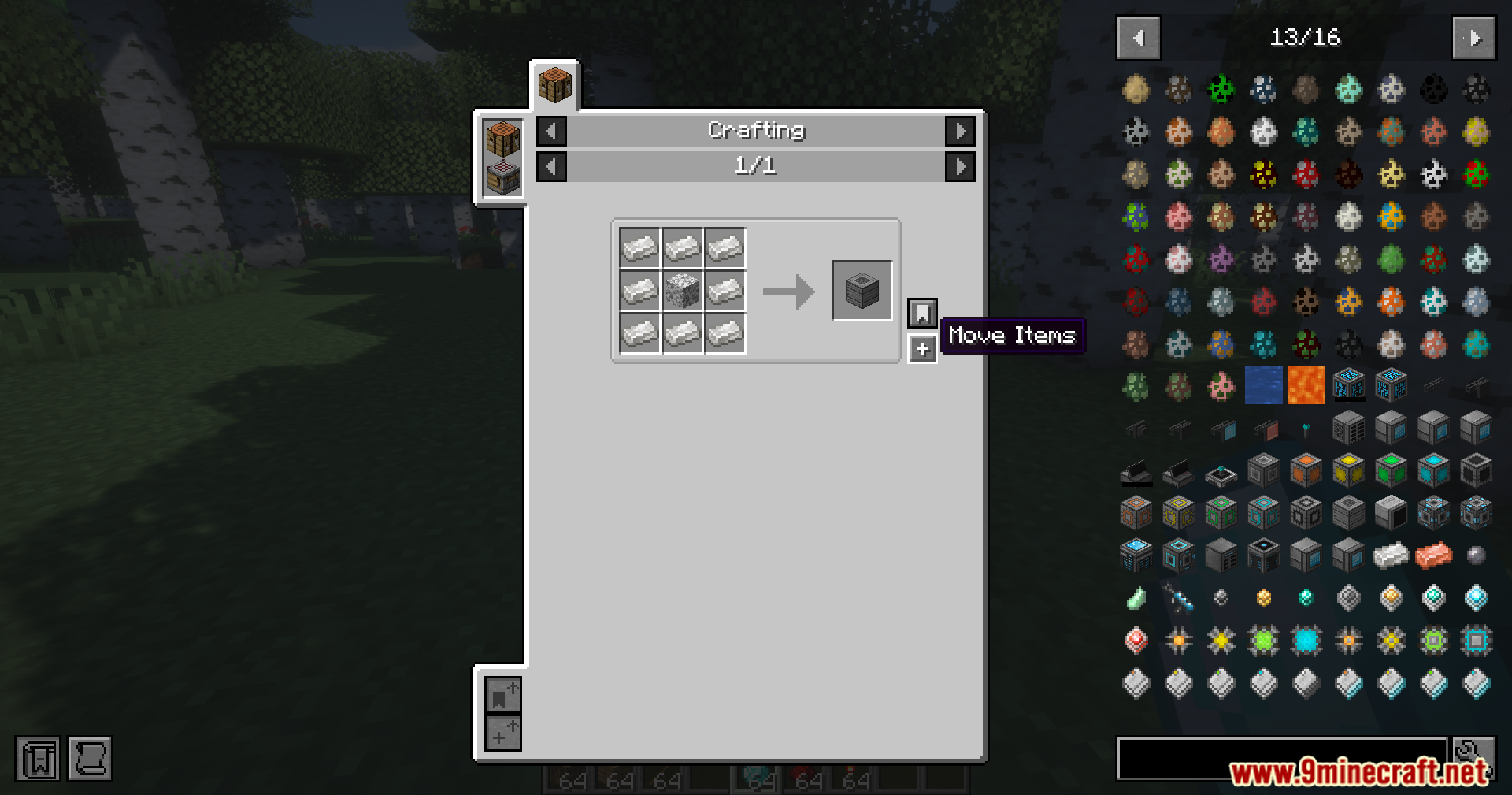
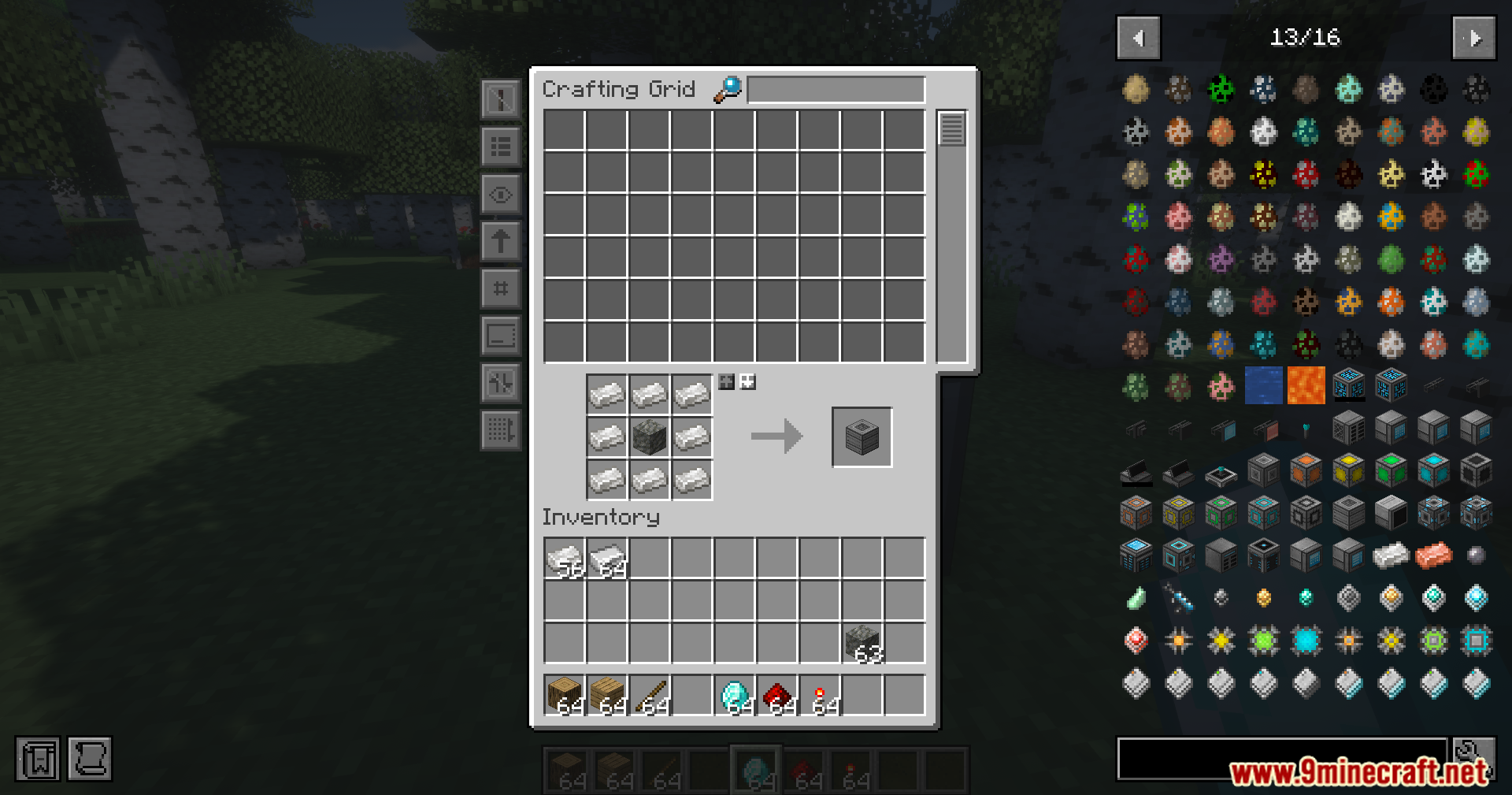
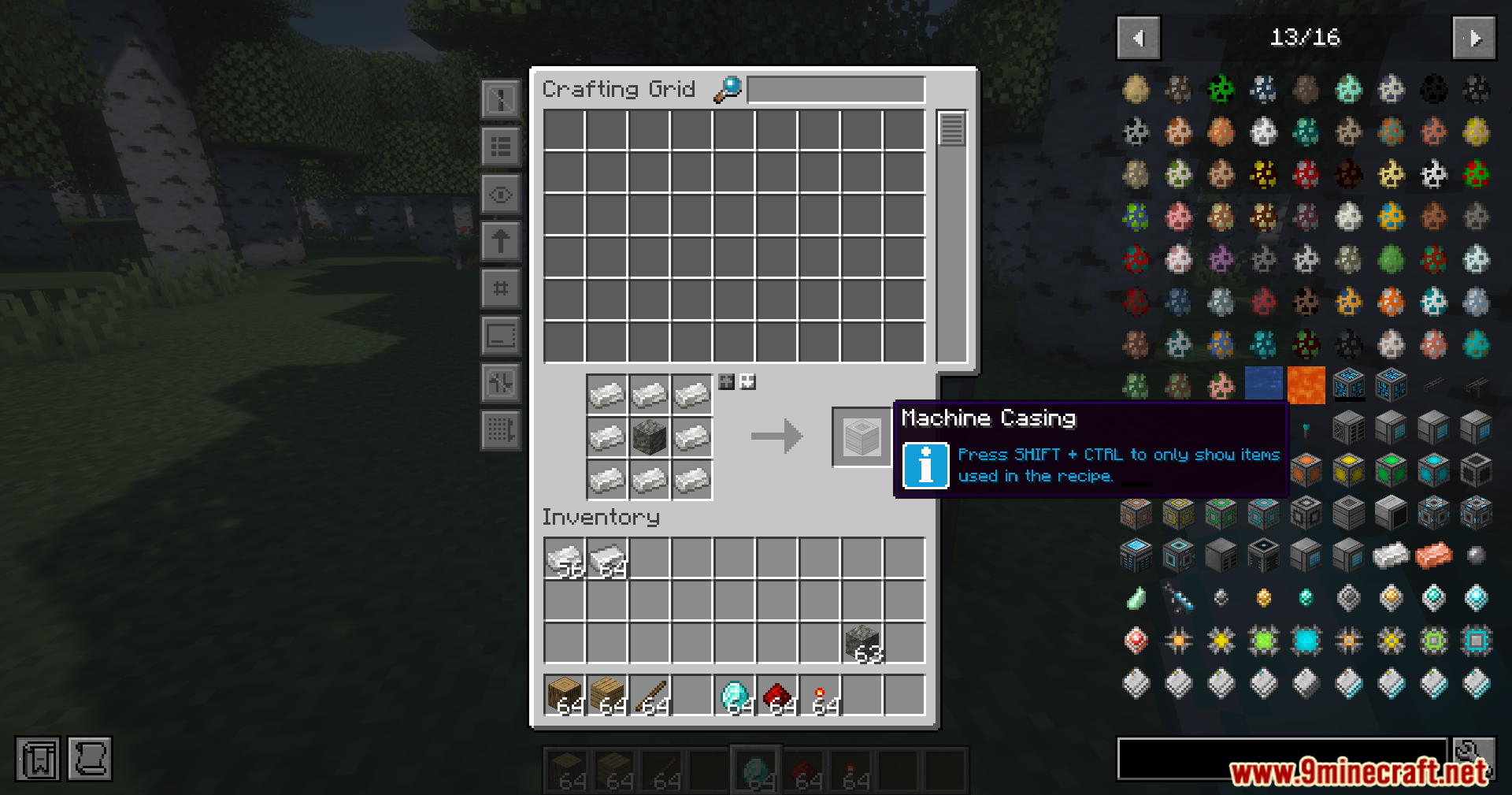
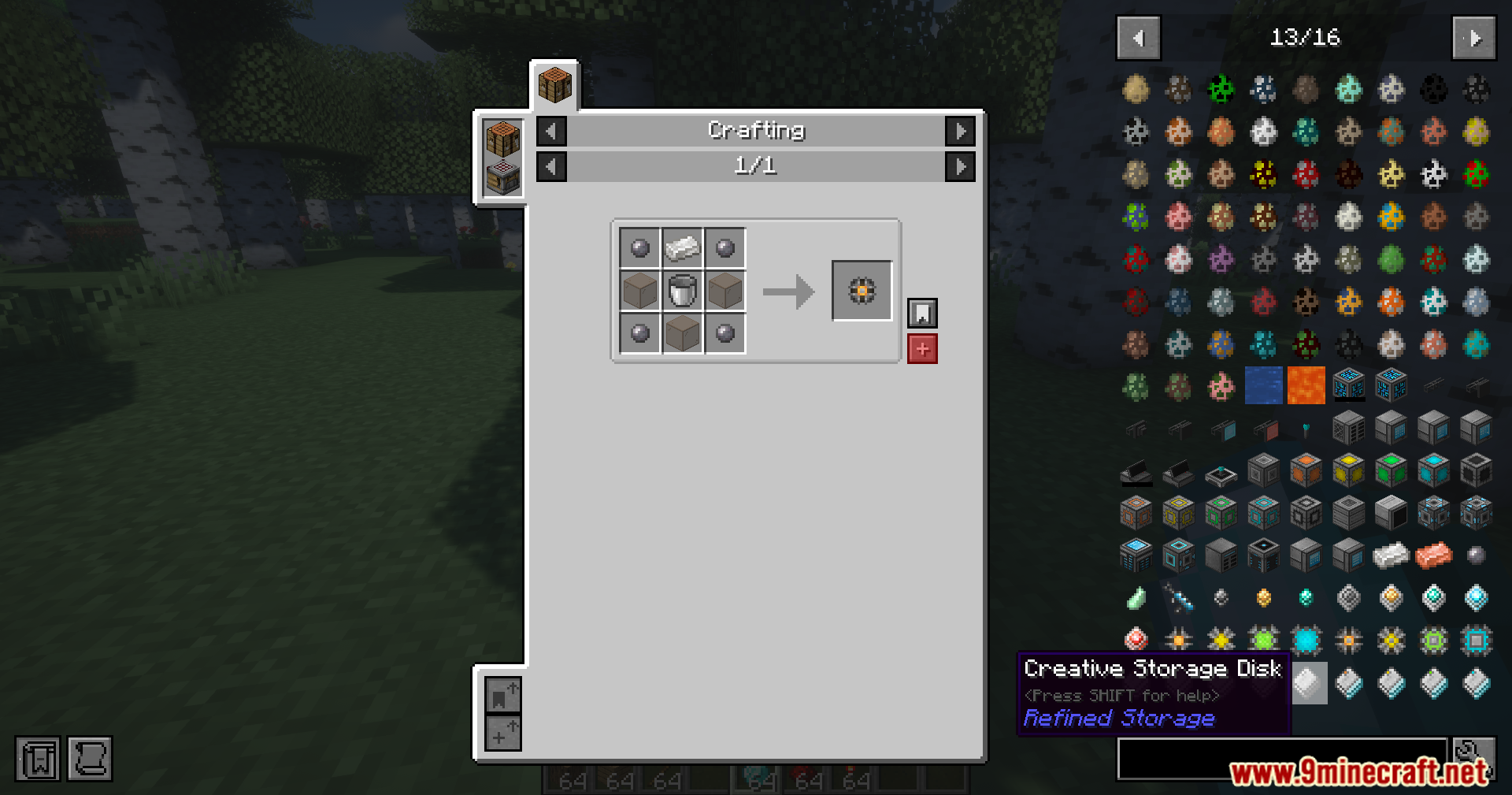
- Moves recipes directly from the recipe menu into your Crafting Grid with one click.
- Places the items you already own into the grid even if you miss some recipe parts.
- Lets you start autocrafting tasks right from the recipe preview screen.
- Sends recipes straight to the Pattern Grid and highlights which parts the system can build for you.
- Syncs the search bar so typing in the storage grid also searches the item list.
- Lets you drag ghost items from the side menu into your filter slots to set up machines.
- Pushes the item list out of the way automatically so it never hides your storage menus.
How to Use:
- Open your main storage grid or pattern grid.
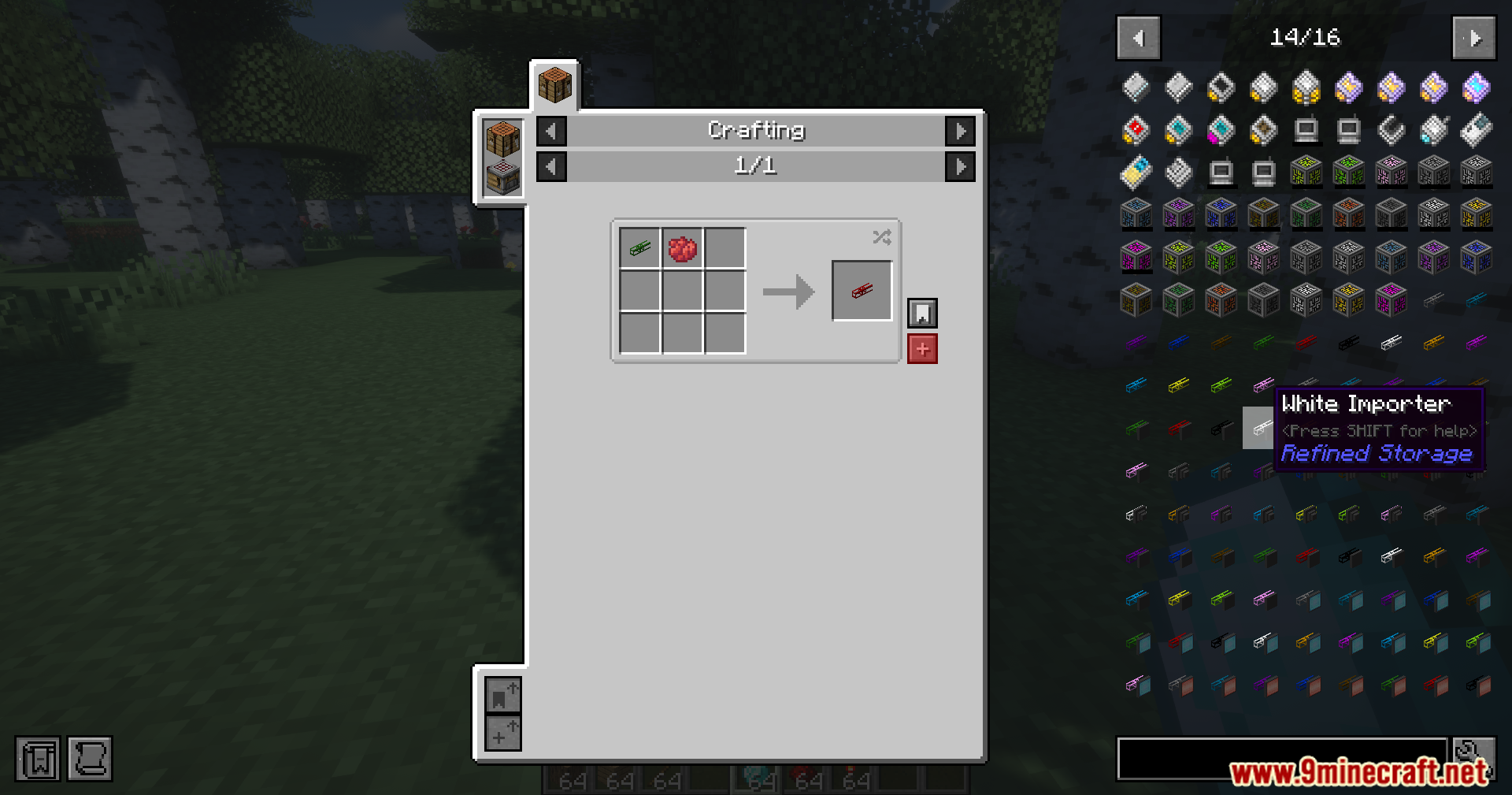
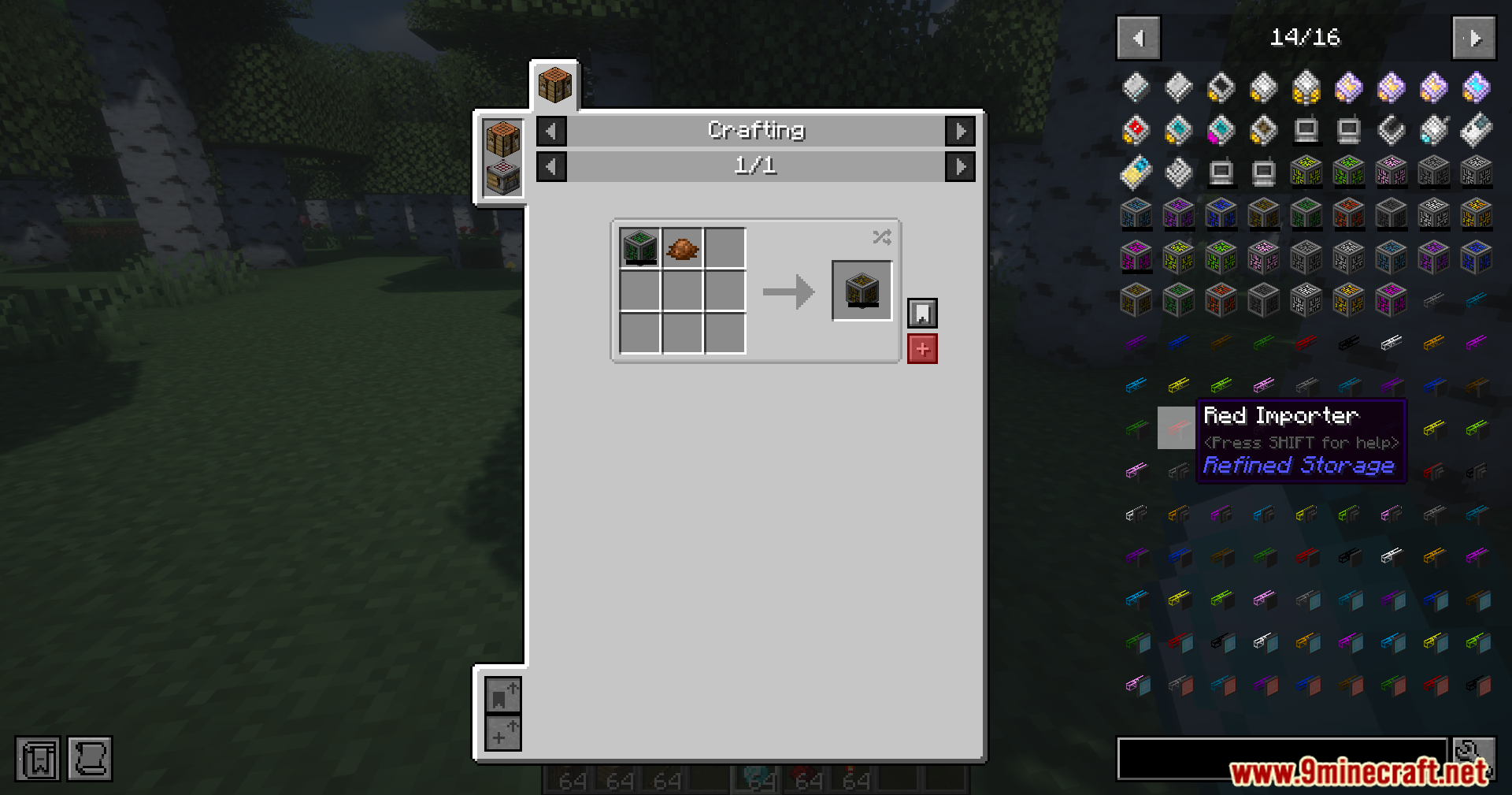
- Hover your mouse over an item and press R to see how to make it, or U to see what it builds.
- Click the plus button in a recipe to move the items into your crafting slots.
- Drag items from the right side of the screen into your filter slots without needing the real block.
Screenshots:
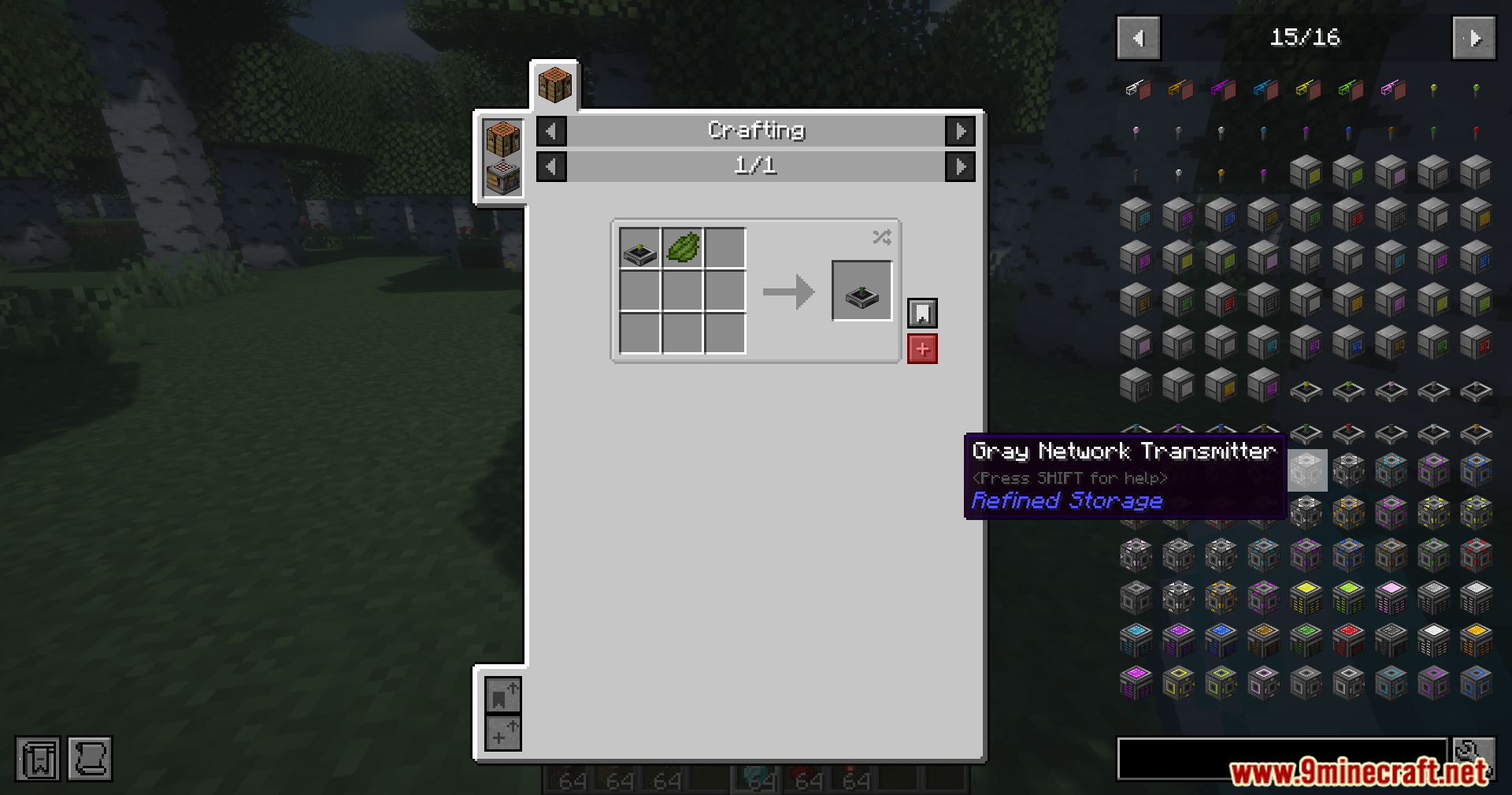
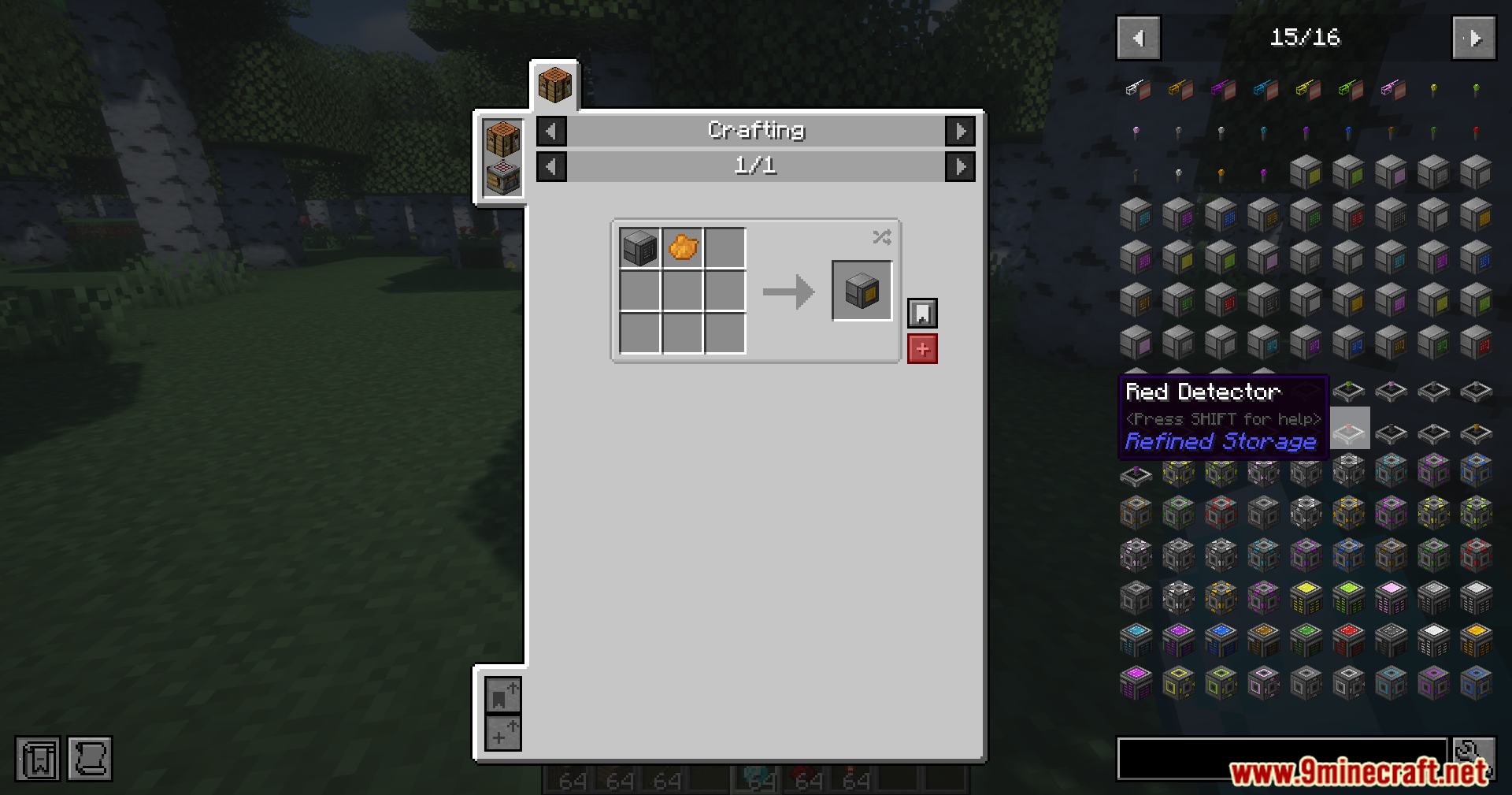
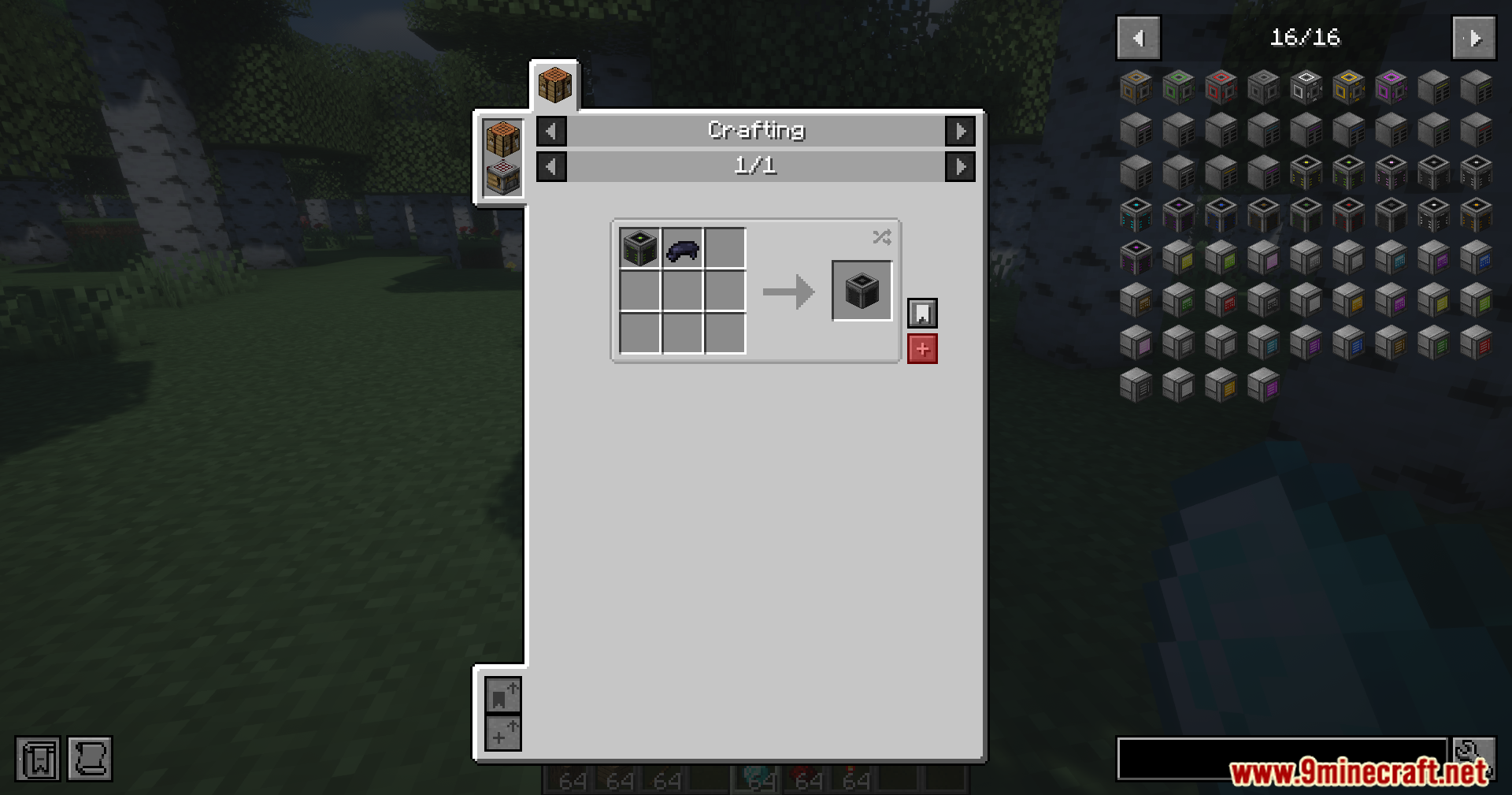
How to Install:
New to Minecraft? Follow our step-by-step guide to install Mods on your PC.View Guide
Requirements:
 Fabric Loader Required
 Fabric API Required
 NeoForge Required
 Refined Storage: Quartz Arsenal Mod Required
Just Enough Items (JEI) Required
Just Enough Items Required
Refined Storage JEI Integration Mod Download Links
For Minecraft 26.1.2, 26.1.1, 26.1
For Minecraft 1.21.1, 1.21
Click to rate this post!
[Total: 1 Average: 5]
You May Also Like











This post has no comments yet. Be the first — your comment will appear here.