
Boss Checklist Mod (26.3, 1.20.1) – Know Exactly Which Boss to Hunt Next

 0


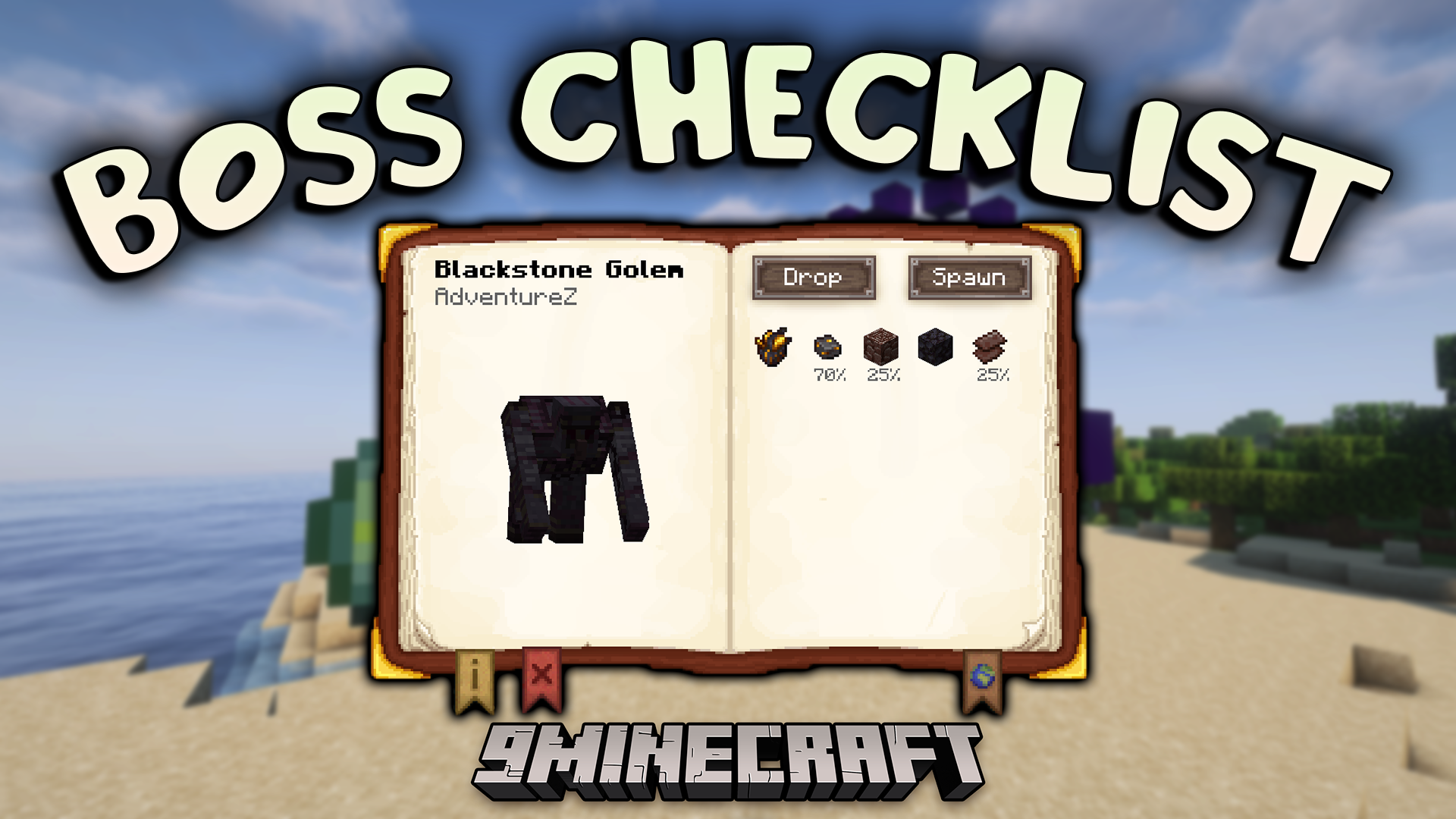
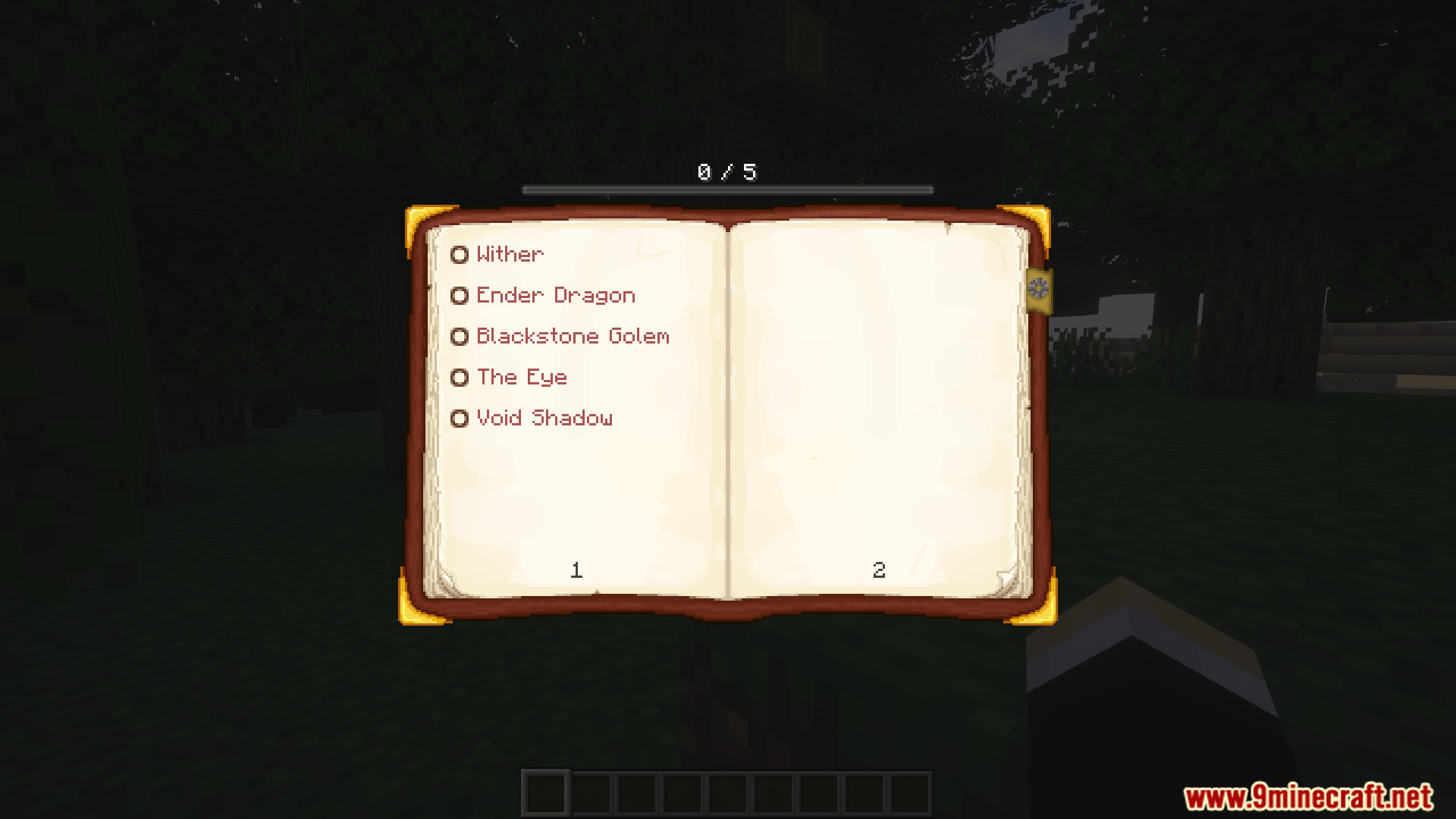
Boss Checklist Mod adds an in-game checklist that tracks every boss in your modpack. It includes over 180 bosses and minibosses from vanilla Minecraft and popular mods like The Twilight Forest, Alex’s Mobs, and L_Ender’s Cataclysm, sorted from easiest to hardest. You can check boss drops, see where to find each boss, and mark them off as beaten all in one place. You open the checklist with a keybind, a pause menu button, or an optional inventory button, and you can add or edit bosses using the built-in editor. This mod works on the client side even if a server does not have it, while server-side support unlocks automatic boss marking and battle statistics.
Boss Checklist Mod – Video Showcase
Features:
- Built-in editor: Lets you add new bosses or edit existing boss entries directly inside the game.
- Client-side support: Lets you play on a server even when the server does not have this mod.
- Server-side tracking: Unlocks automatic boss marking along with player and battle statistics when running on a server.
- Custom addons: Supports creating custom boss addons using files from
config/boss_checklist/override/. - Includes over 180 bosses and minibosses arranged in order from easiest to hardest.
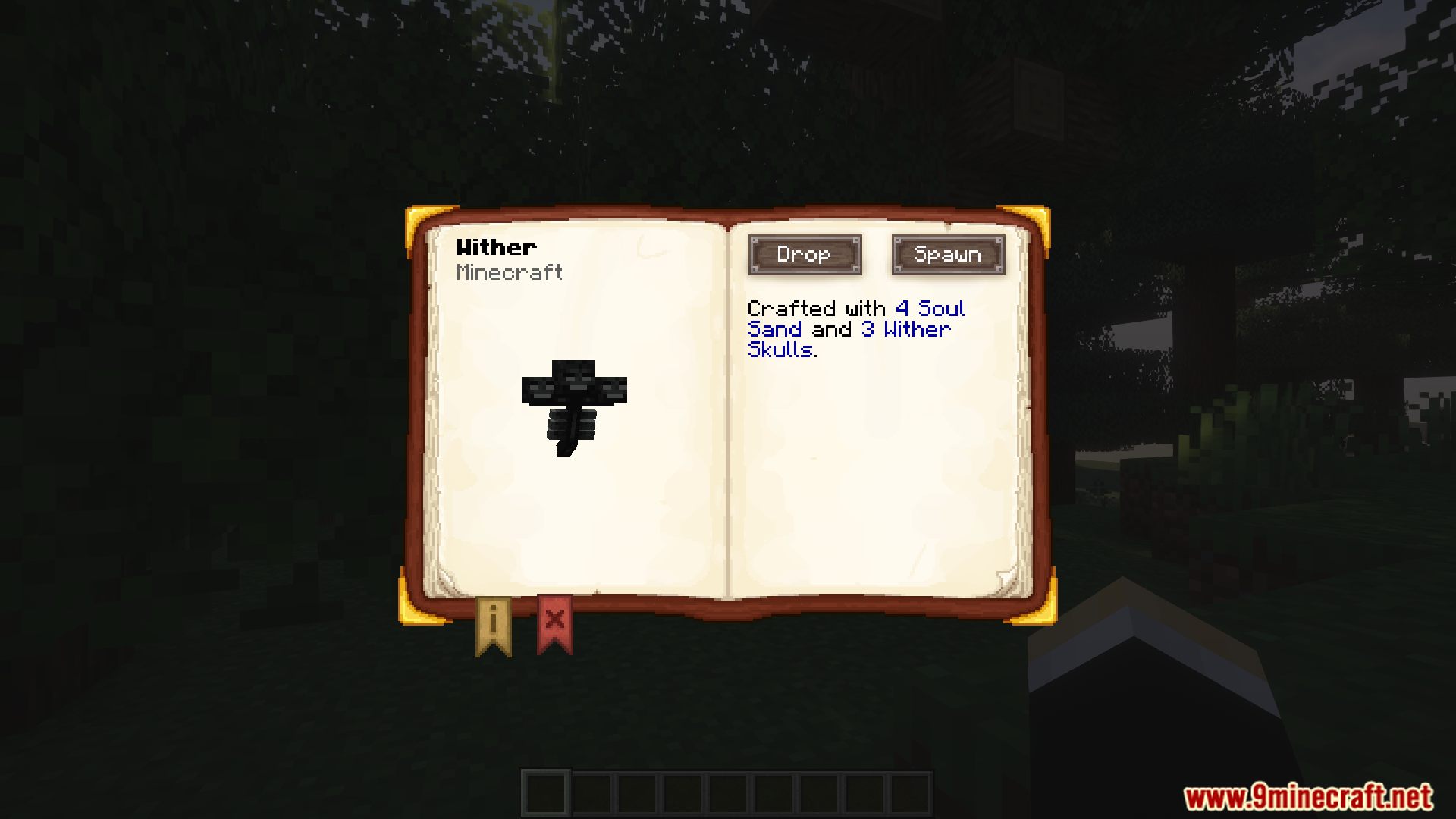
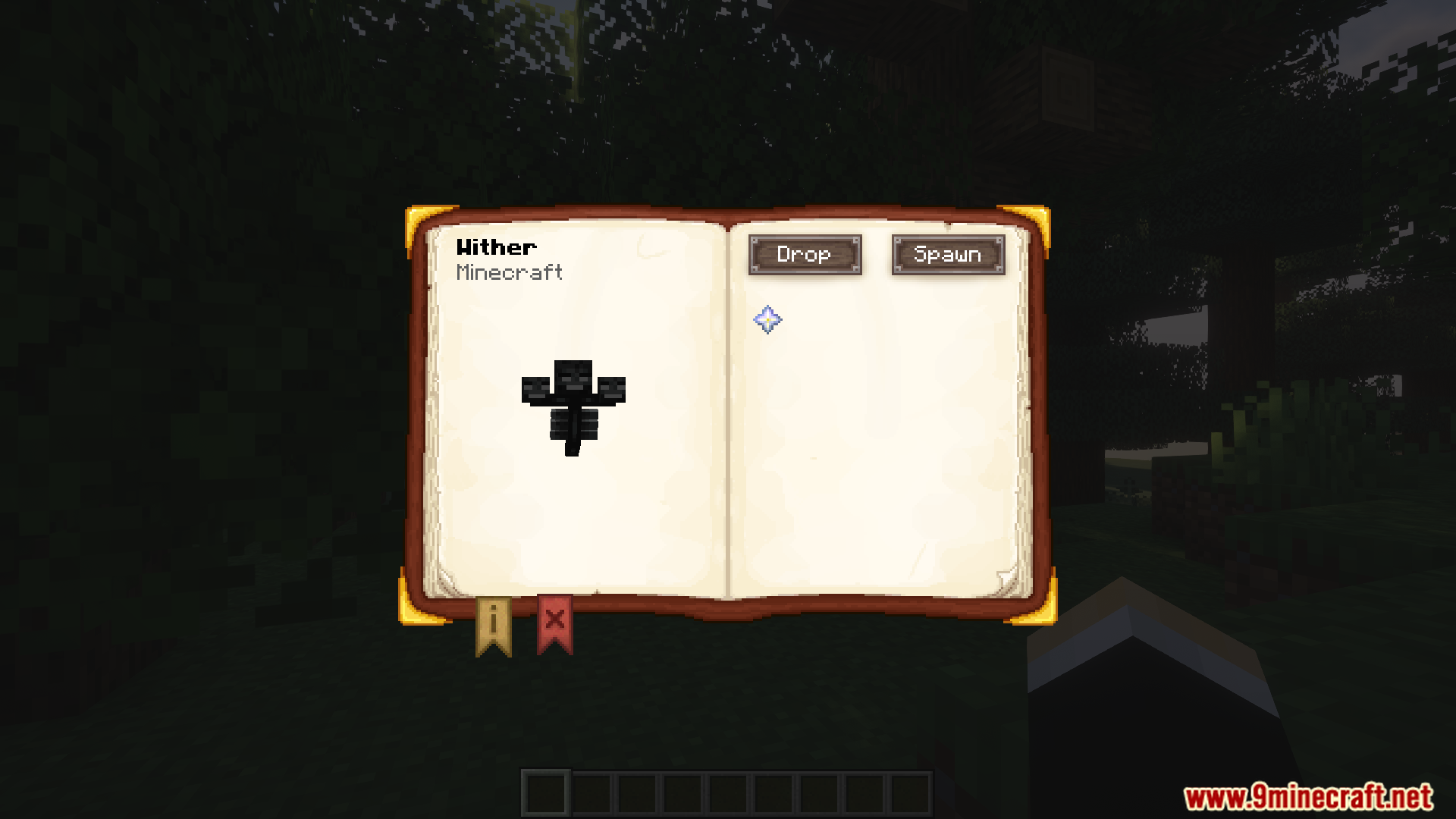
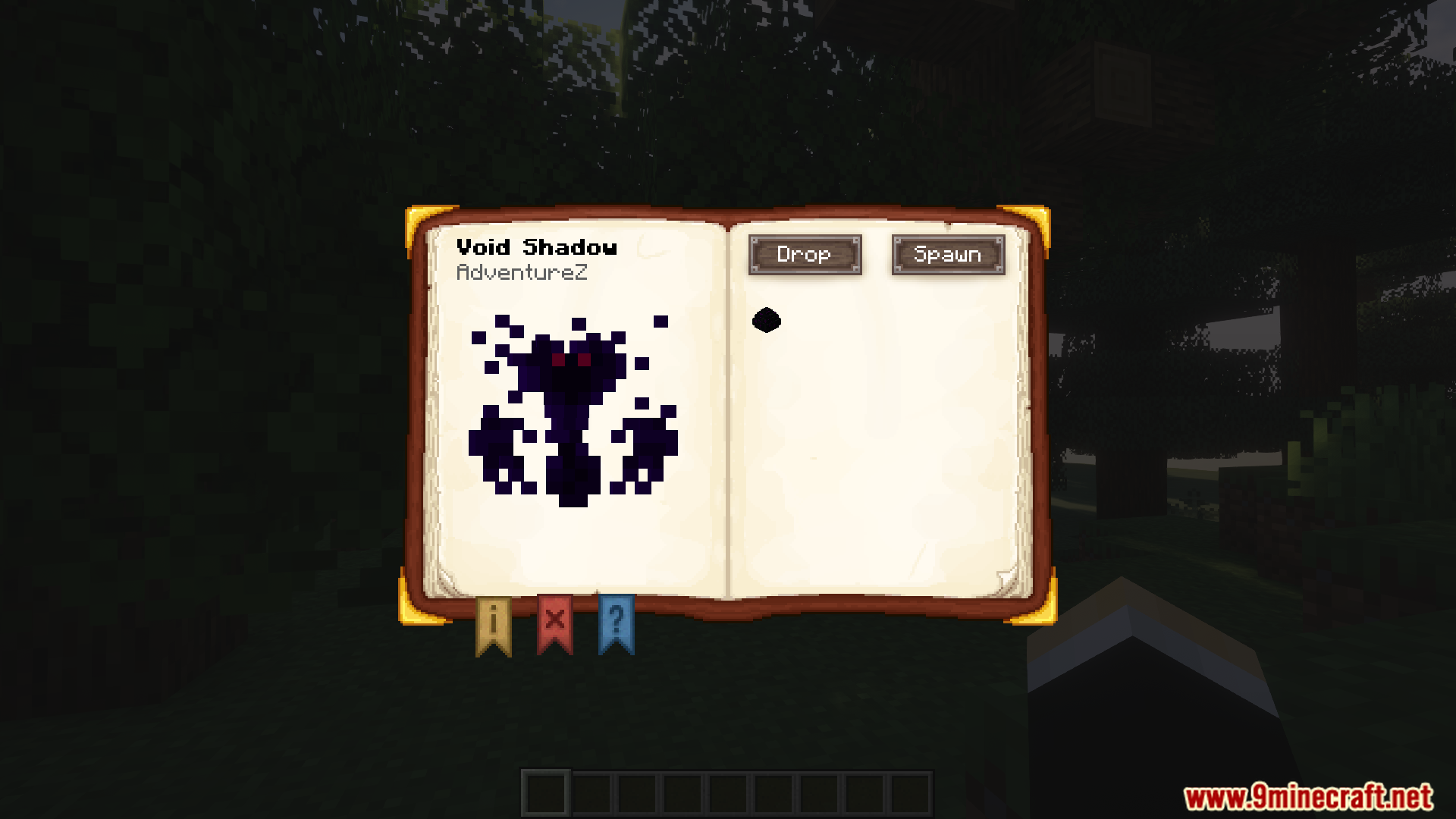
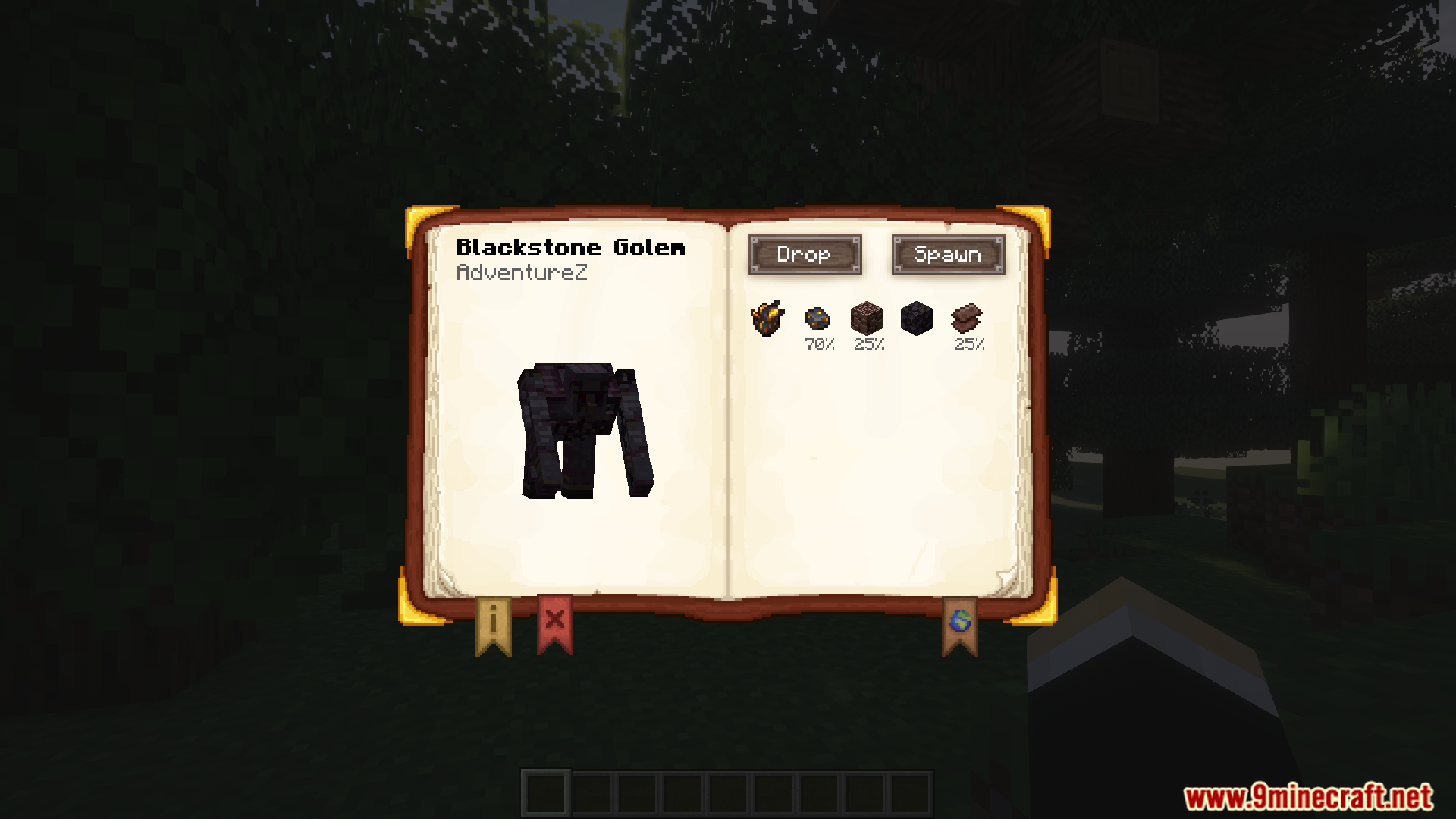
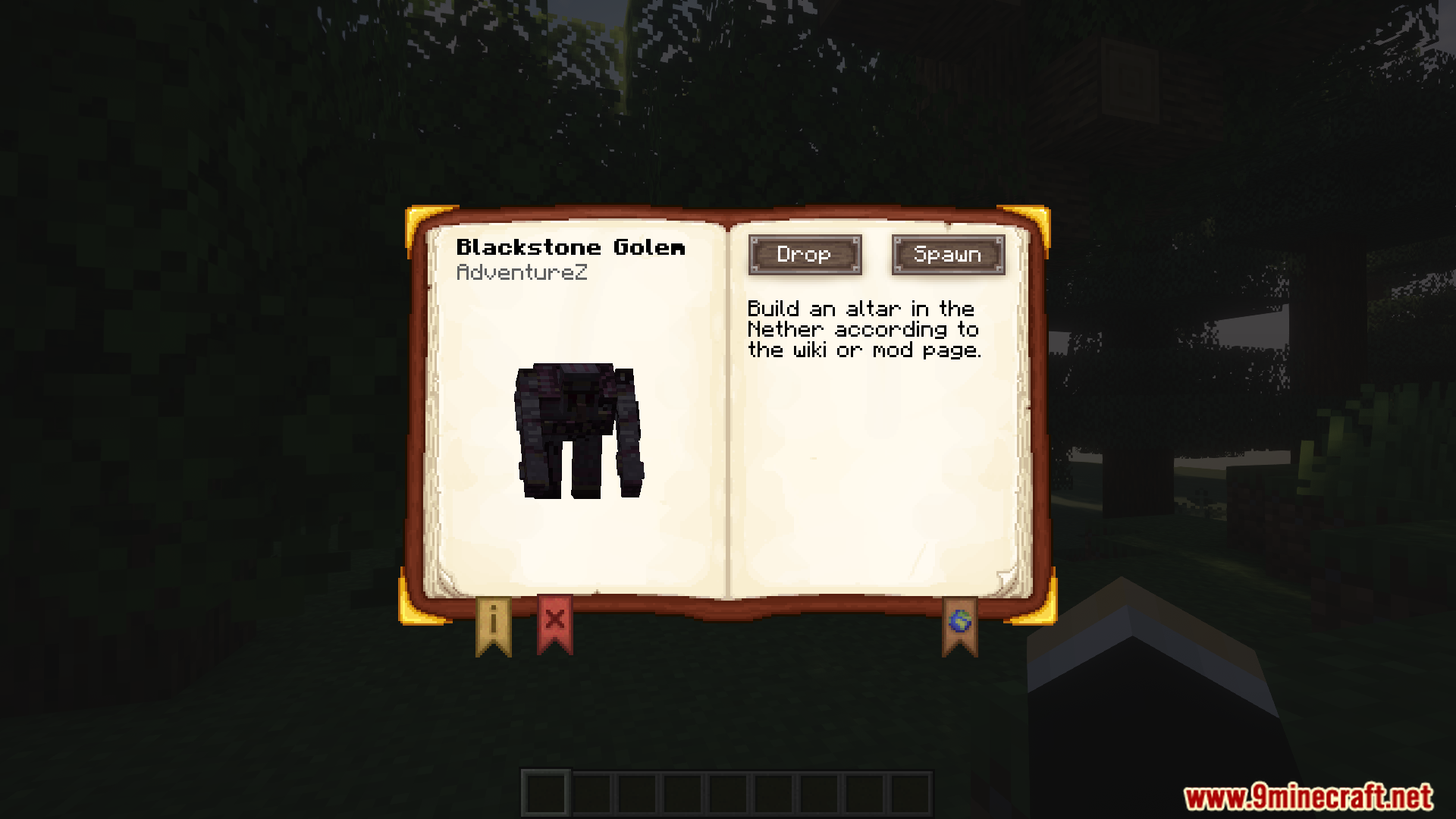
- Shows boss drops, where to find each boss, and beaten progress in one menu.
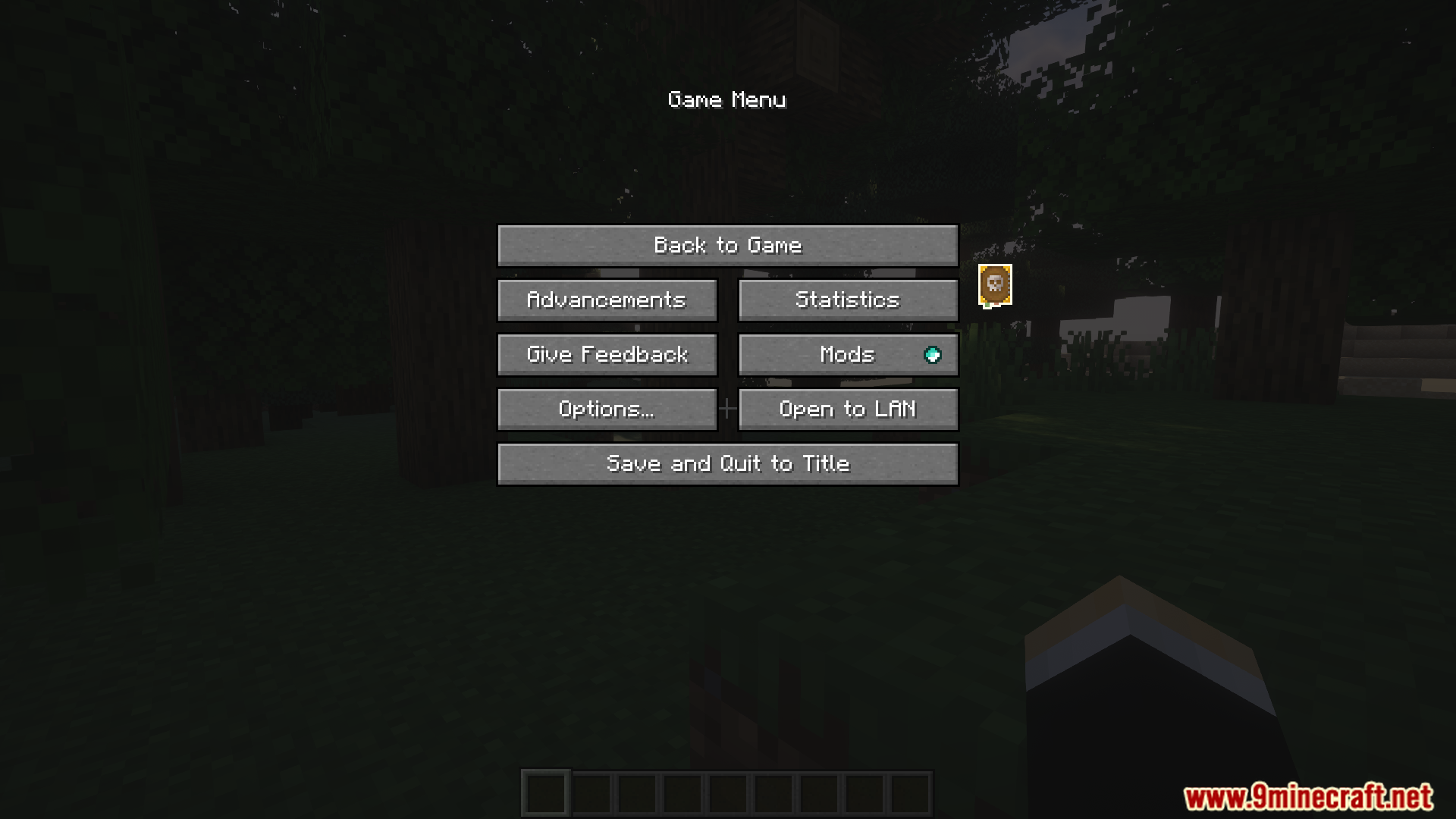
- Opens from a pause menu button, a keybind, or an optional button in your inventory.
- Lets you move bosses up or down in the checklist by holding Alt and scrolling the mouse wheel.
- Offers client and server customization options built for both regular play and modpacks.
Supported Boss Mods:
- Vanilla Minecraft bosses
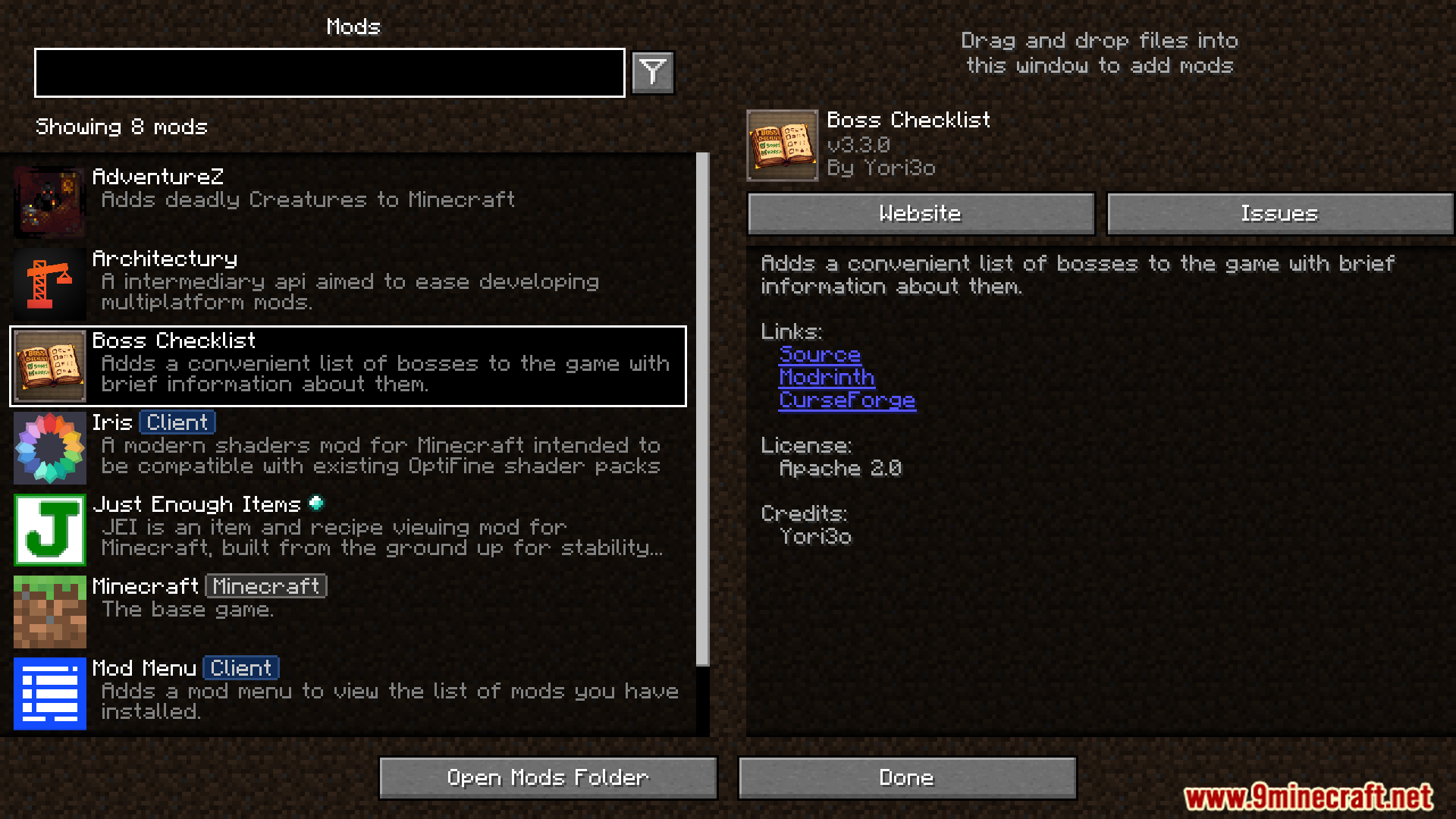
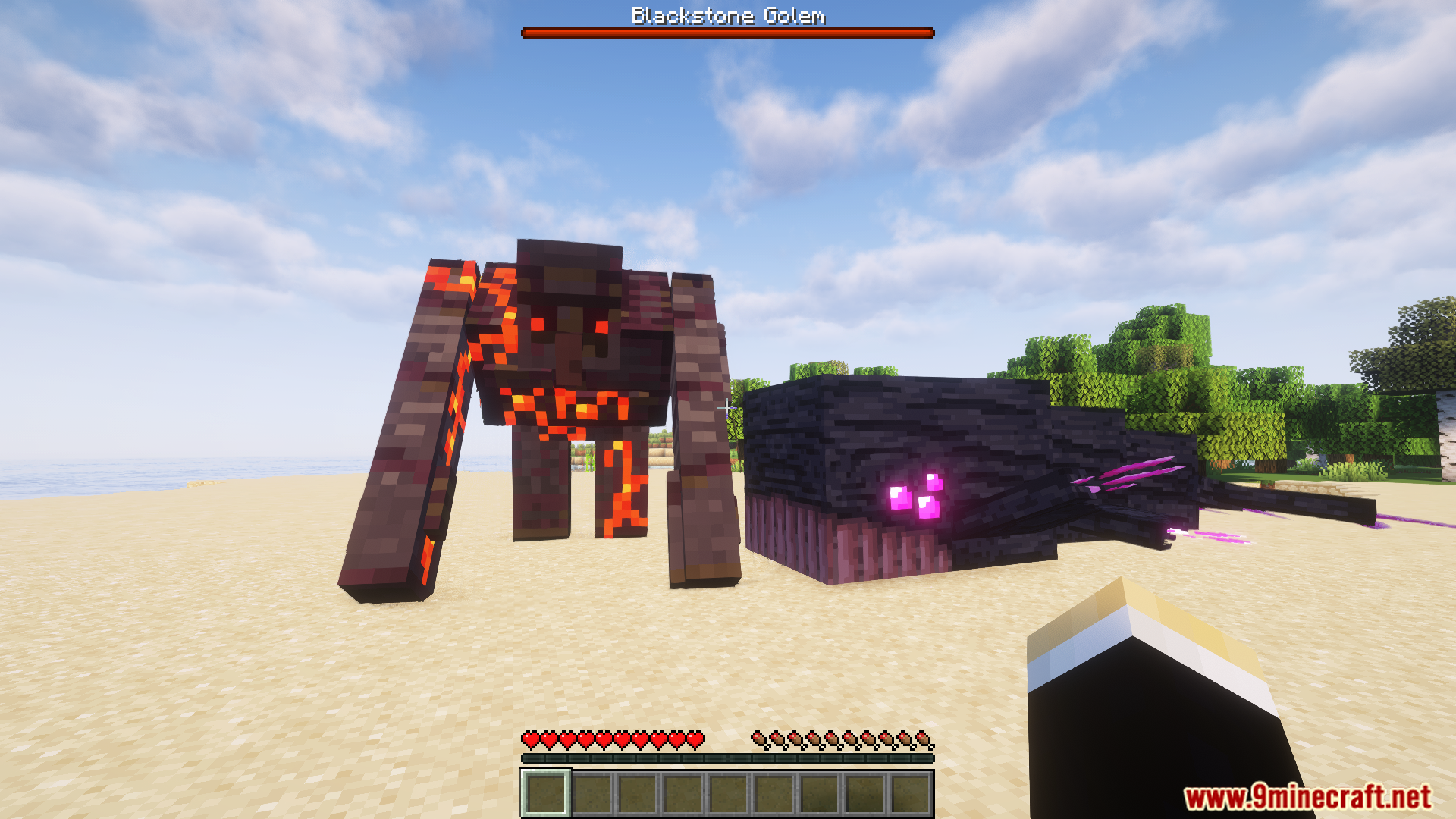
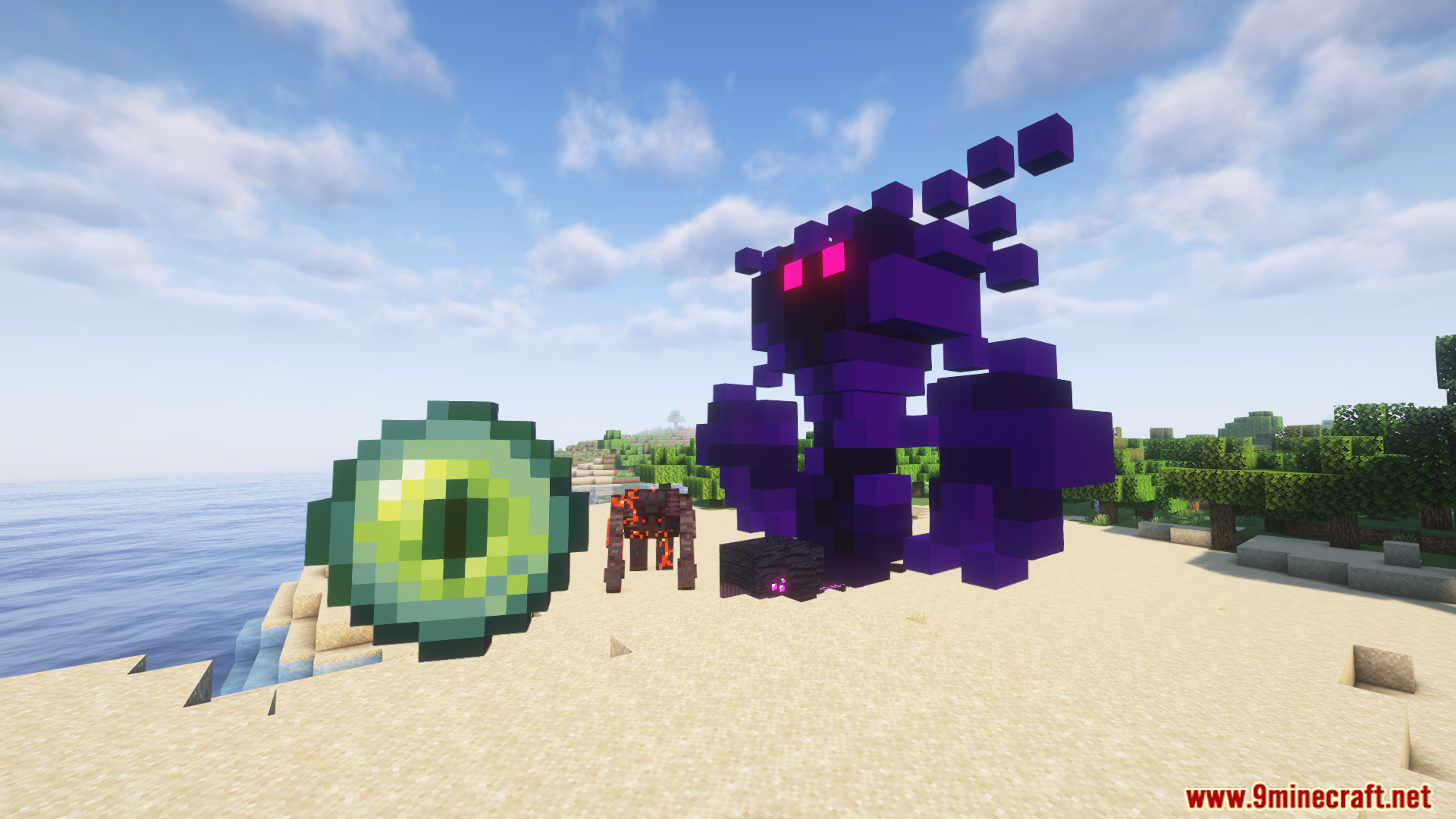
- AdventureZ
- Aether: Lost Content Addon
- Alex’s Mobs
- Alex’s Caves
- Ancient Elements
- Aquamirae
- Armageddon
- Ars Nouveau
- Arthropocolypse
- Beneath the Wetlands
- Blue Skies
- Born in Chaos
- Bosses of Mass Destruction
- Bosses’Rise
- Call From The Depth
- Call of Yucutan
- Companions!
- Confluence: Otherworld
- Cracker’s Wither Storm Mod
- Cult of Azazel
- Dark Doppelganger: Iron’s Spells and Spellbooks Addon
- Deep Aether
- Deeper and Darker
- Dungeon Now Loading 2%
- Dungeons And Combat
- EEEAB’s Mobs
- Ender Trigon
- Epic Fight – The Wraithon
- Eternal Starlight
- Friends&Foes
- Frostiful
- Galosphere
- Goety – The Dark Arts
- H’s Bosses
- Illage and Spillage
- Illager Invasion
- Iron’s Spells ‘n Spellbooks
- Knight Quest
- Legendary Monsters
- L_Ender’s Cataclysm
- Marium’s Soulslike Weaponry
- Mine Cells
- Mofu’s Broken Constellation
- Monster Expansion
- Mowzie’s Mobs
- Mutant Monsters
- Mutant More
- Myths & Legends
- Qilpoth Awakening
- Rediscovered
- Remnant Bosses
- Sleepy Hollows
- Terramity
- The Aether
- The Conjurer
- The Graveyard
- The Twilight Forest
- T.O Magic ‘n Extras – Iron’s Spells Addon
- Unusual End
- Wither: Reincarnated
- Yori3o’s Trash ‘n Brainrot
Configuration:
Most client settings are available inside the in-game settings menu, while a few options are file-only and meant for modpacks.
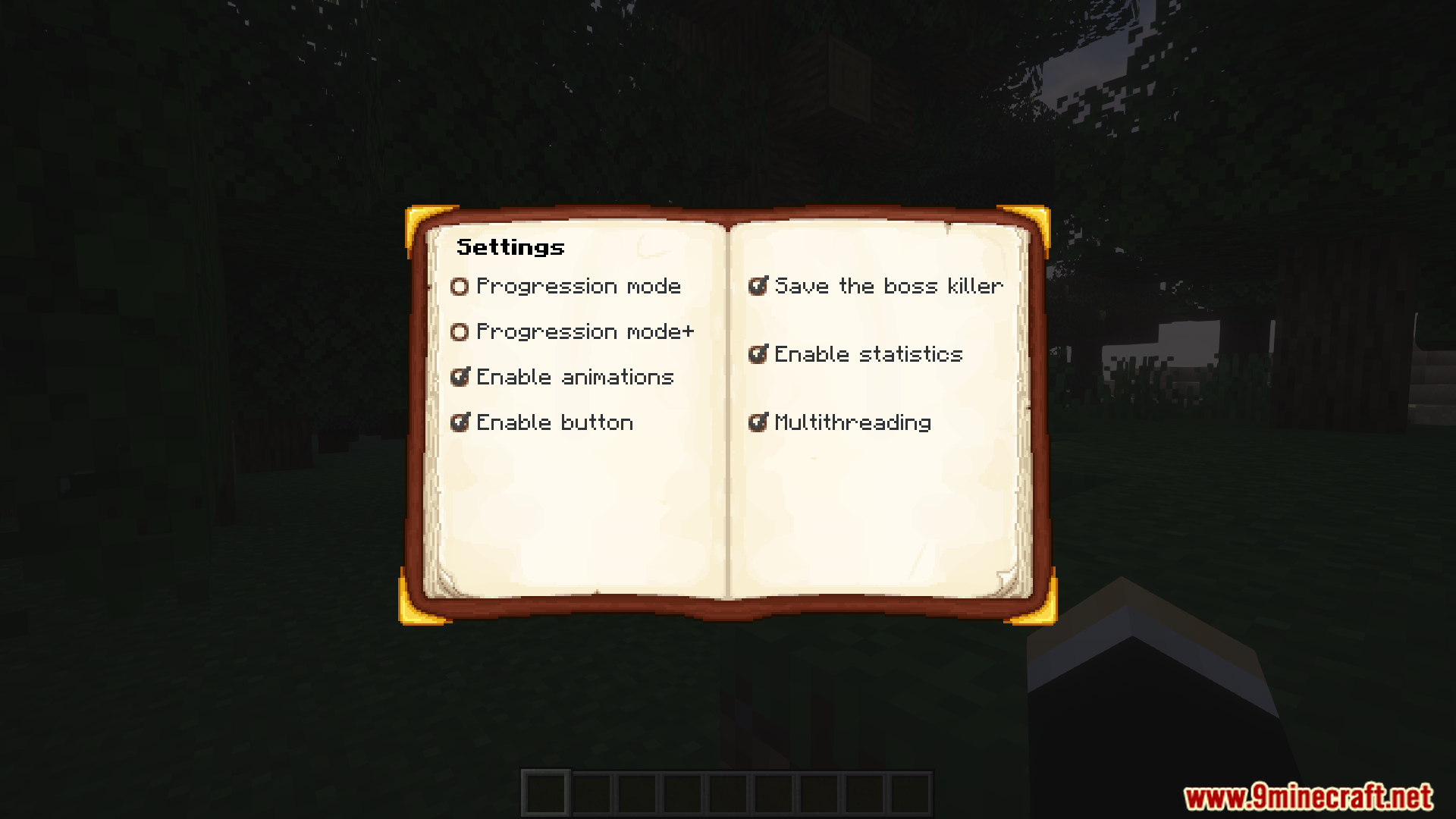
Client: Controls progression mode, ignoring defeats without your participation, the search bar, the progress bar, the statistics tab, health and armor display, animations, and the pause menu, inventory, and editor buttons with their offsets.Server: Controls battle statistics, saving the boss killer’s name, and multithreading.config/boss_checklist/override/: Stores override files used to edit bosses or create custom addons.
How to Use:
- Open the checklist menu by clicking the button in the pause menu, pressing your keybind, or clicking the optional button in your inventory.
- Pick any boss in the list to view its drops, check where to find it, and mark it off once you beat it.
- Hold Alt and scroll the mouse wheel over a boss to move it to a new spot in the checklist.
- Open the built-in editor menu to add new bosses or change existing boss entries right inside the game.
- Open the in-game settings to turn on or adjust client features like progression mode, the search bar, the progress bar, the statistics tab, health and armor display, animations, and button offsets.
- Use the files inside
config/boss_checklist/override/to turn your custom boss edits into an addon.
Screenshots:
How to Install:
New to Minecraft? Follow our step-by-step guide to install Mods on your PC.View Guide
Requirements:
 NeoForge Required
 Fabric Loader Required
 Fabric API Required
 Minecraft Forge Required
 Architectury API Mod Required
Boss Checklist Mod Download Links
For Minecraft 26.3
For Minecraft 26.2
For Minecraft 26.1.2, 26.1.1, 26.1
For Minecraft 1.21.11
For Minecraft 1.21.5
For Minecraft 1.21.4
For Minecraft 1.21.1, 1.21
For Minecraft 1.20.4
For Minecraft 1.20.1, 1.20
What do you do when a mod you love is abandoned by its creator?
0 responses · See the full results →
You May Also Like
Picked for this page
 TerraBlender Mod (26.3, 1.20.1) – Library for TheAdubbz’s Mods
 Staff of Building Mod (1.21.11, 1.20.1) – Speed Up Building Tool
 Just Enough Professions Mod (26.3, 1.20.1) – Workstation Details
 Portable Crafting Table Mod (26.3, 1.20.1) – Handheld Crafting Device
 StorageBox Mod (26.3, 1.20.1) – Store A Large Number of One Item
 Crosshair Addons Public Mod (26.3, 1.20.1) – Smarter Crosshairs
 Manhunt Mod (26.3, 1.20.1) – Speedrunner VS Hunter
 Folders Mod (1.21.11, 1.20.1) – Clean Up Your Minecraft Menus
 Soothing Campfires Mod (26.1.2, 1.21.1) – Healing Around The Fire
 Dropped Item Tweaks Mod (26.3, 1.20.1) – Configure Dropped Item Behavior
 Haybale Mod (1.21.8, 1.20.1) – Registration, Networking, And Platform Services
 Native Vein Textures Mod (26.3, 1.20.1) – Make Ore Veins Match Every
Most viewed in Mods over the last 7 days
 Ala Industrial Mod (26.3) – Run Electric Power Grids and Automated Factories
 PleasureCraft Mod (26.3, 1.21.1) – Jenny Mod Remake for Fabric
 Jennycraft Mod (26.3, 1.20.1) – Virtual Girlfriend in Minecraft
 Fapcraft Mod (26.3, 1.12.2) – Comprehensive and Detailed Content
 Jenny Mod (Fapcraft) Official Complete Guide – How to use, Tutorial
 BangCraft Mod (1.20.1) – Jenny, Ellie and Elliot
- Fabric Loader (26.3, 1.20.1) – Fabric Installer for All Minecraft Versions
 The Shooting Star Demo Mod (26.3, 1.20.1) – Vaporize Terrain From Orbit
 Meteor Client Mod (26.3, 1.20.1) – Xray, HUD, Fly
 OptiFine HD (26.3, 1.20.1) – Run Faster, FPS Boost, Shaders Support
 Aristois Client Mod (1.21.4, 1.20.1) – World Class Minecraft Utility
 Prestige Client Mod (1.21.11, 1.21.4) – Powerful Ghost Features for Crystal & Sword PvP
More from Mods
 Artemis Laboratory Blocks Mod (26.3, 1.20.1) – Lab Blocks And Dynamic Decorations
 Fabric ORM Jimmer Mod (26.3, 1.20.1) – Prevent Sudden Server Crashes
 Cafe Core Mod (26.2, 1.21.1) – Bypass Anvil Limits and Tame Pets in Seconds
 GTNH’s Forgelin Mod (1.7.10) – Play Kotlin-Powered Mods on Minecraft 1.7.10
 Nodeflow Mod (26.1.2, 1.21.1) – Wire Custom Redstone Logic on Visual Graph
 Winter Client Mod (1.21.11) – Survive Ruthless PvP on Anarchy Servers
 LARP Client Mod (1.21.11) – Dominate Crystal PvP on Anarchy Servers
 Berlin Client Mod (1.21.11) – Hunt Stashes and Win Crystal Fights
 Kaleidoscope Cookery Refabricated Mod (26.3, 1.20.1) – Cook Hearty Meals
 Minecraft MusicBox Mod (1.21.12) – Play Your Favorite Songs While Mining and Building
 MTR Navigation Mod (1.21.1) – Plan Railway Trips and Never Miss a Train Stop
 TheHouse Mod (1.21.11) – Host Casino Tables and Track Every Bet in Real Time

This post has no comments yet. Be the first — your comment will appear here.