
The One Probe 9minecraft Mod (26.3) – Never Guess Mob Health or Required Tools
 444
 0


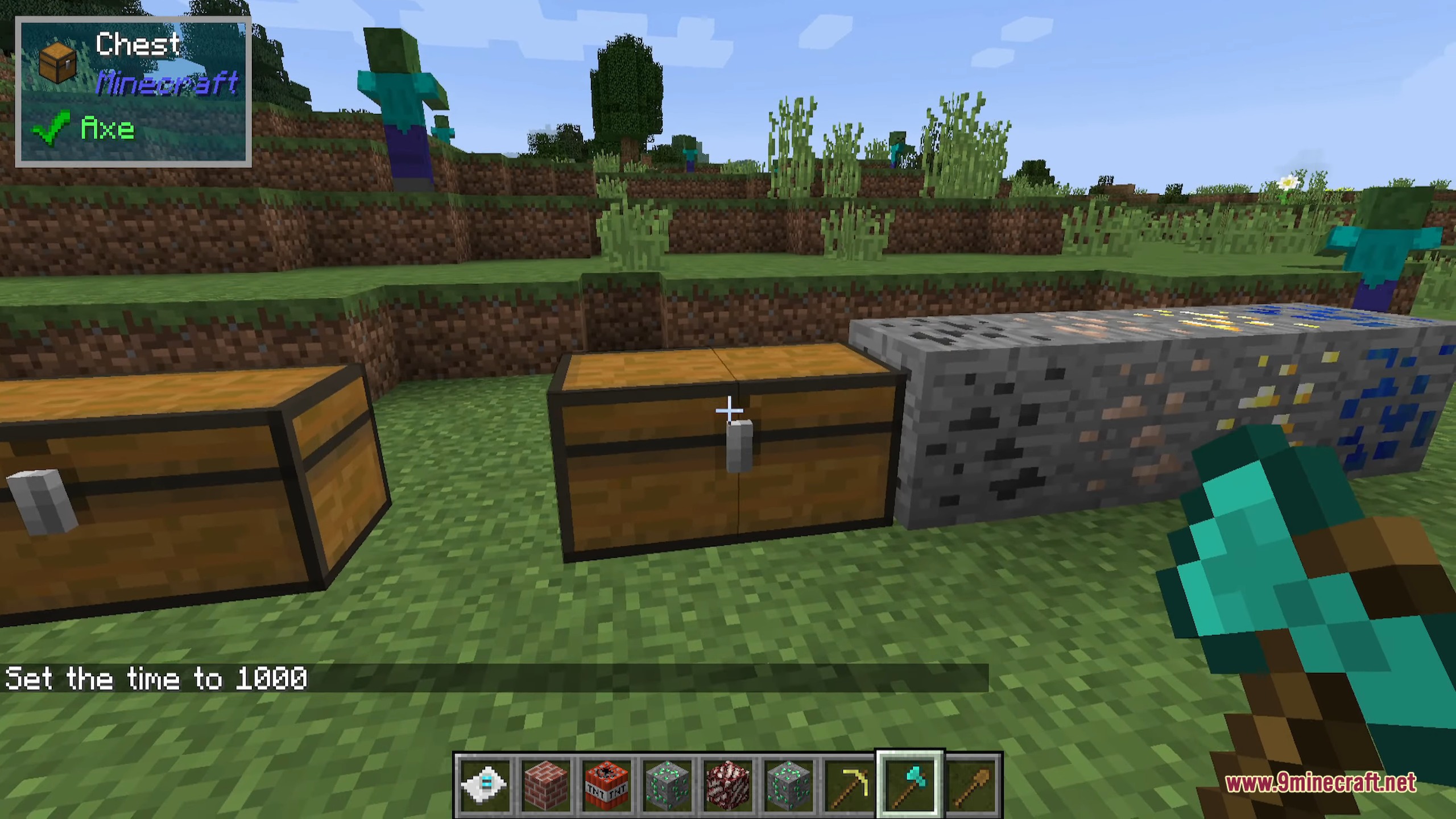
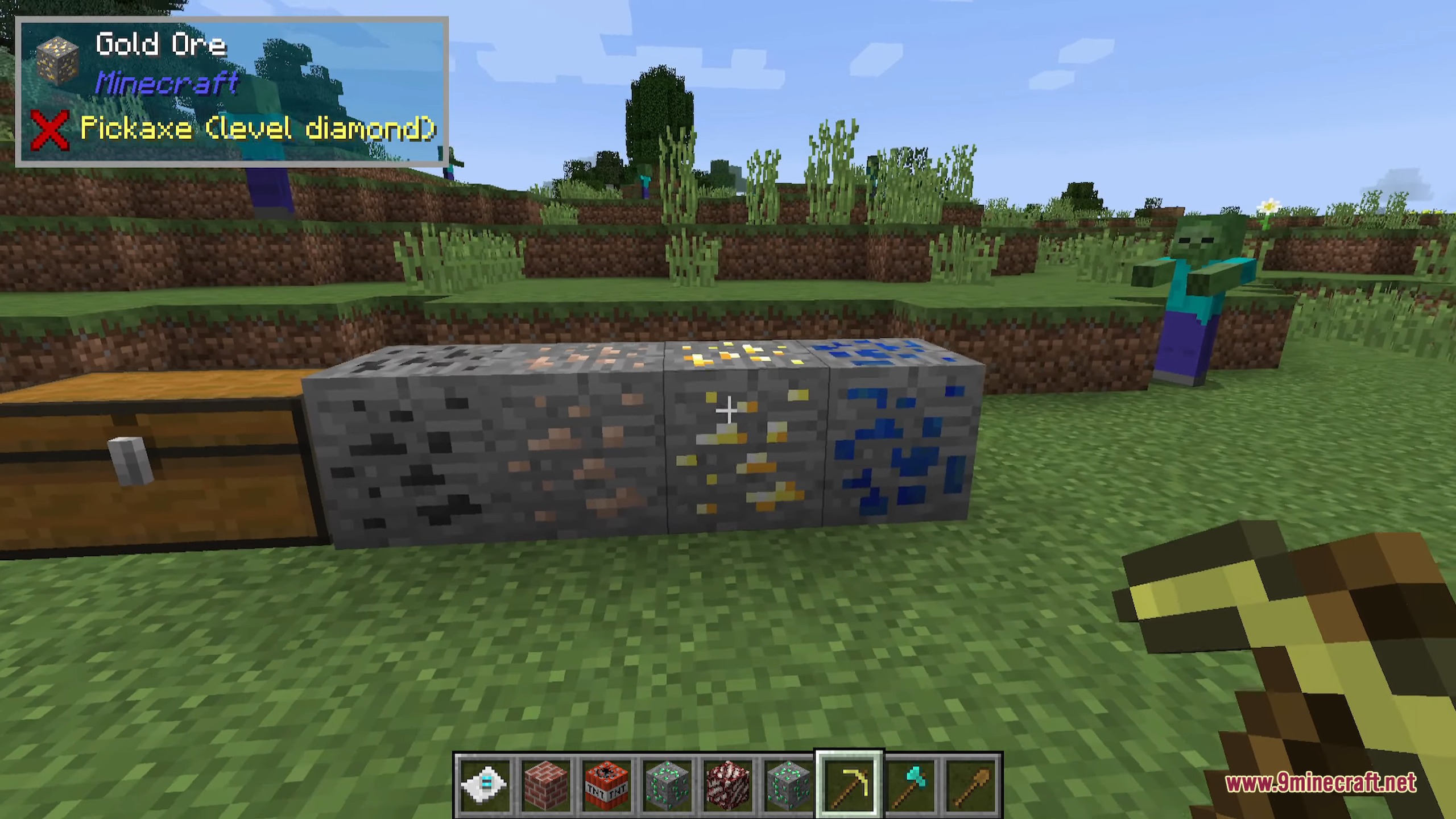
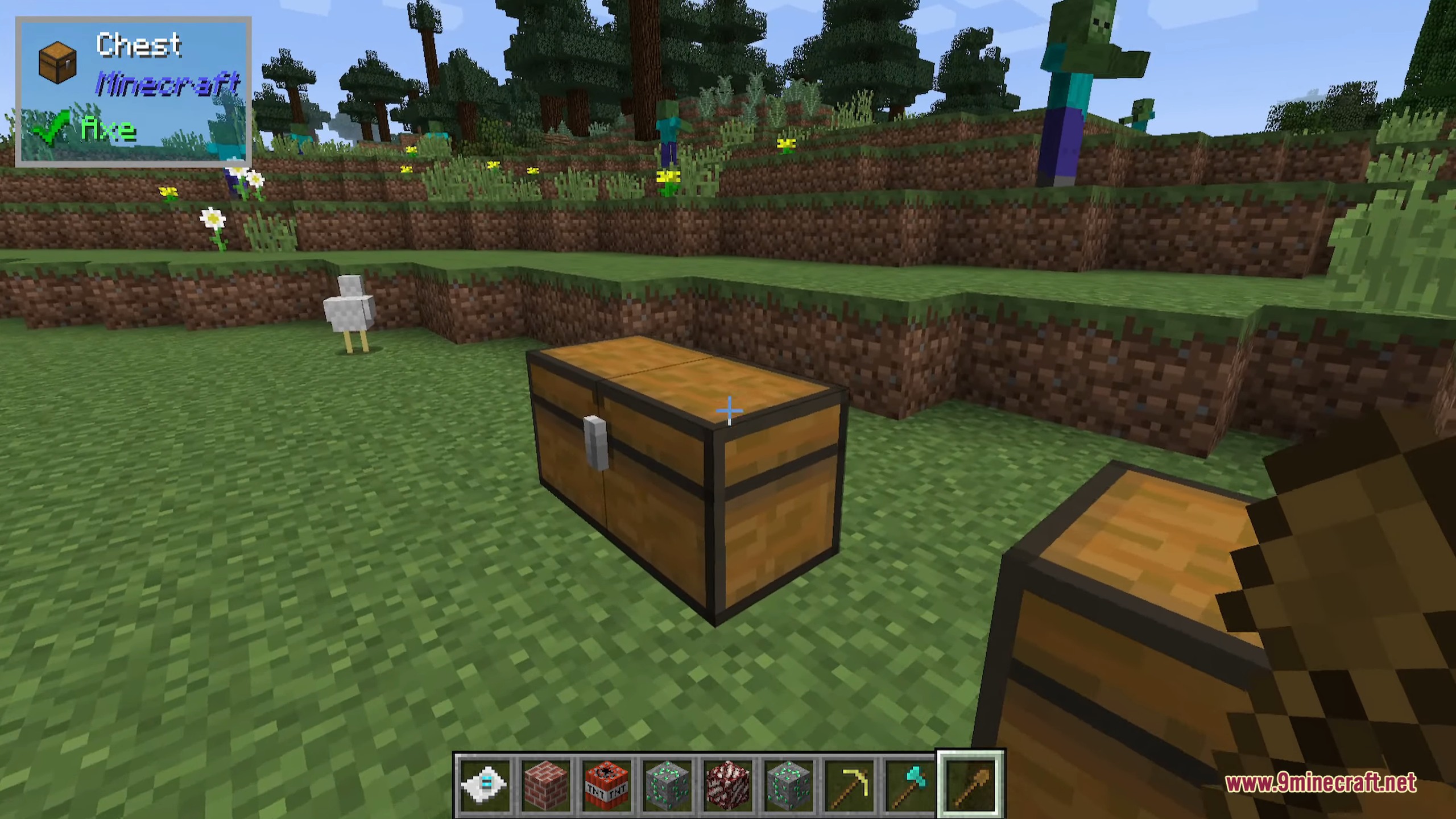
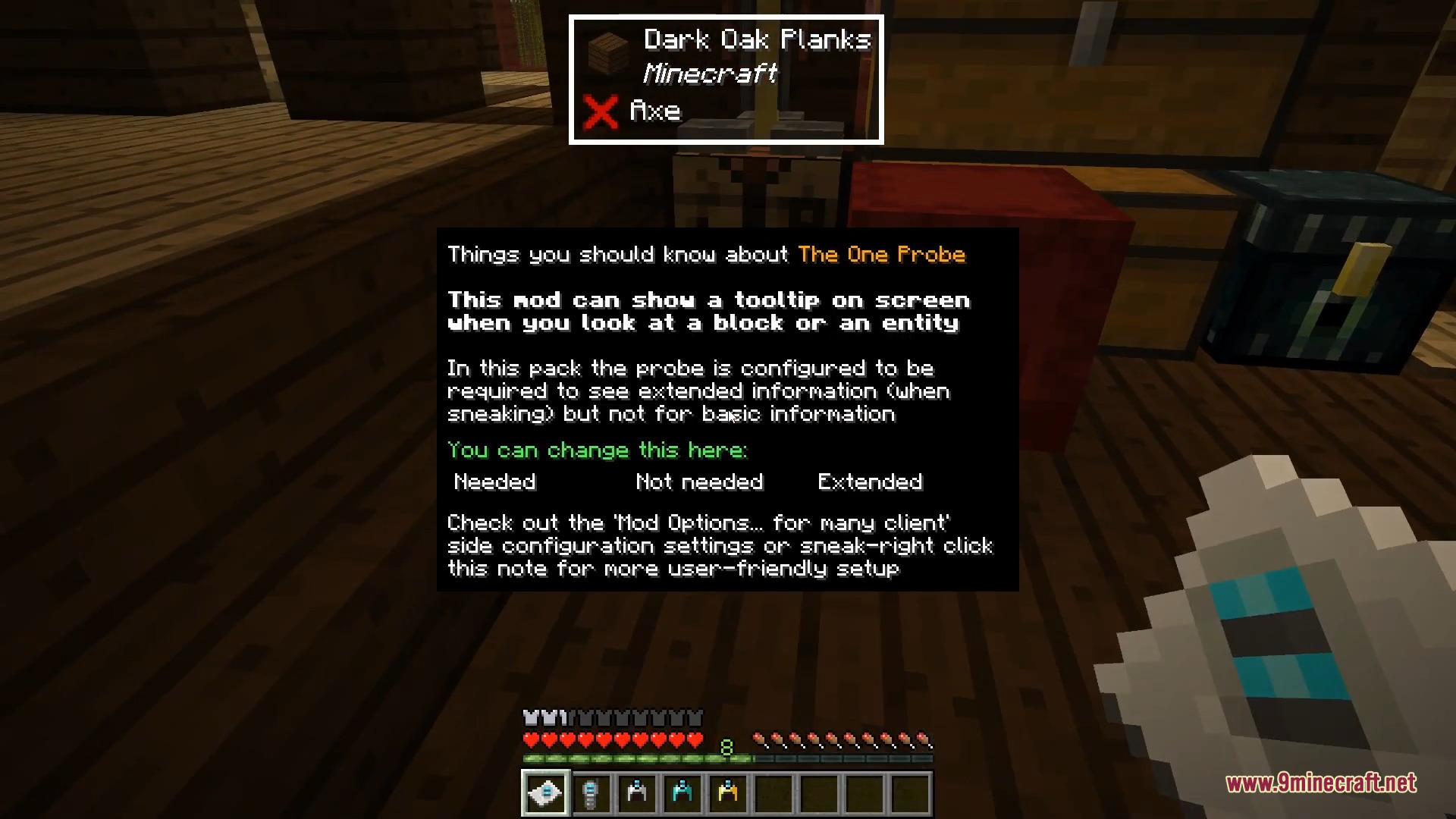
The One Probe 9minecraft Mod puts a small information box on your screen when you look at things in the game. You just point your crosshair at any block, machine, or mob to see exactly what it is. This mod stops you from guessing which tool you need to break a block or how much health a monster has left. It reads data from the world and shows you the block name, the mod it belongs to, and the right tool to use. You can also see inside chests or check how much power your machines have without opening their menus.

Features:
- Live Tooltips: The mod displays a small box on your screen with details about whatever you are looking at.
- Machine Data: You can see smelting progress, stored energy, and fluid tank levels just by looking at a machine.
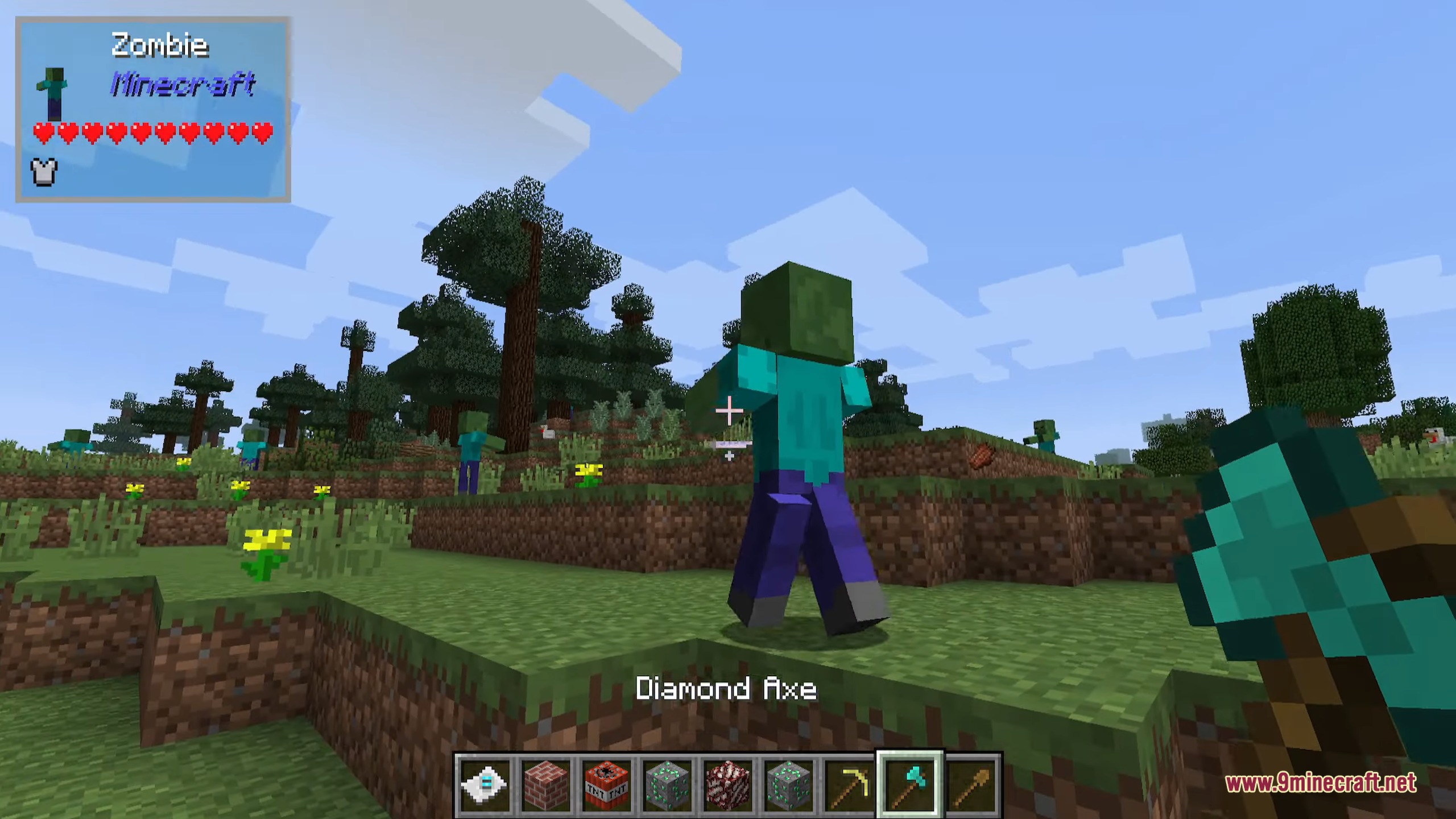
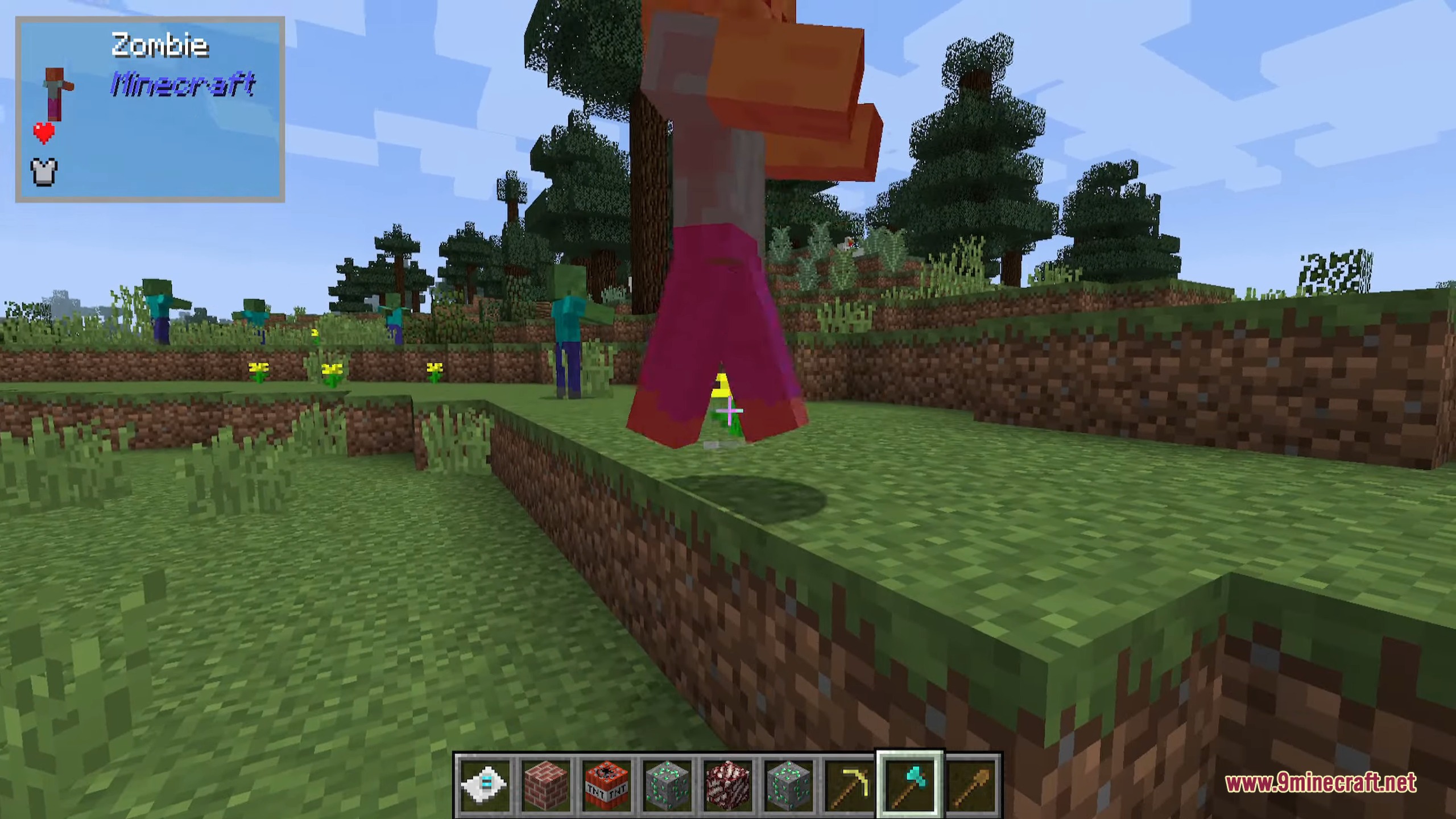
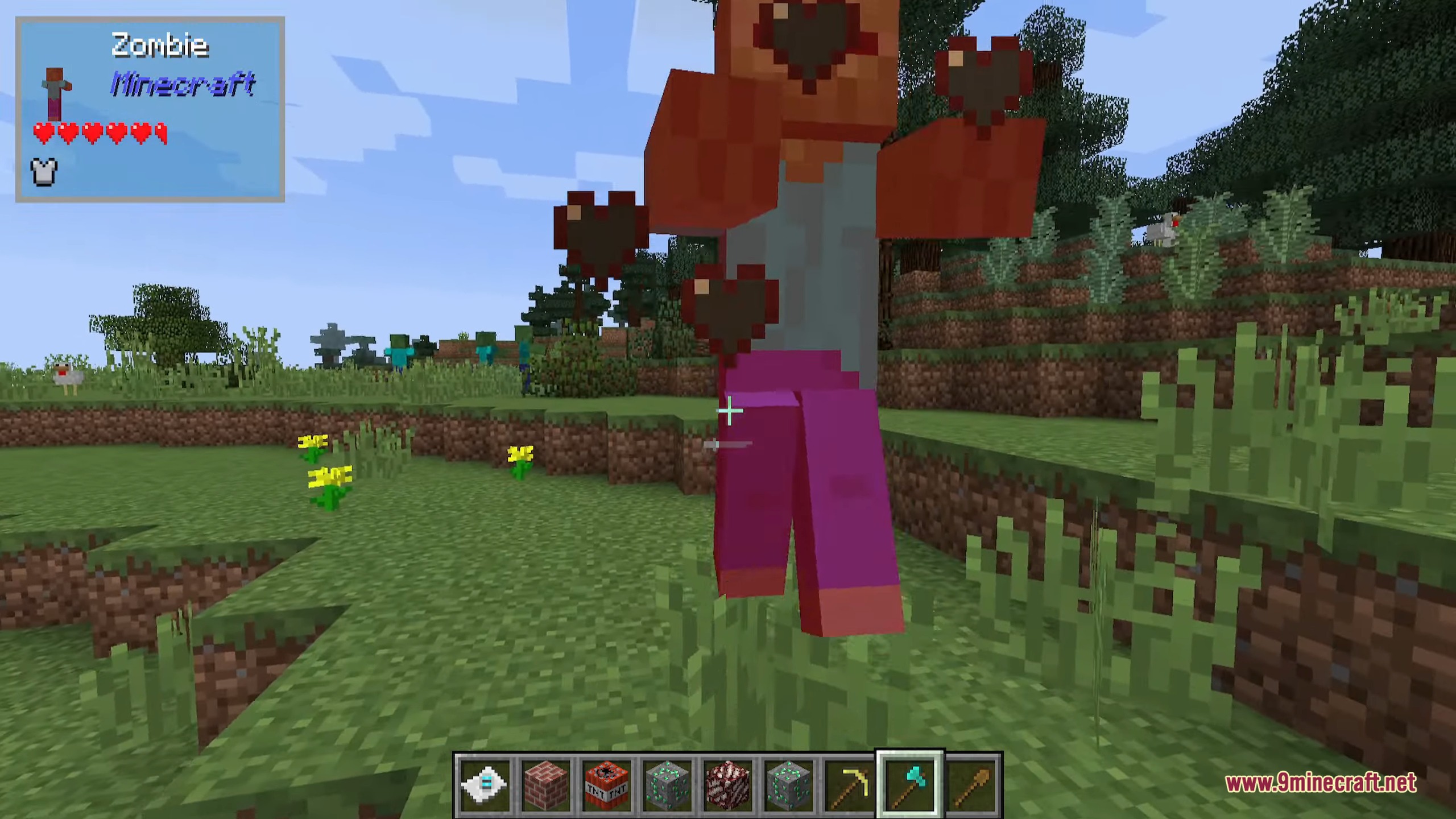
- Mob Health Bars: Shows the exact name of the creature and a health bar with its current and maximum hearts.
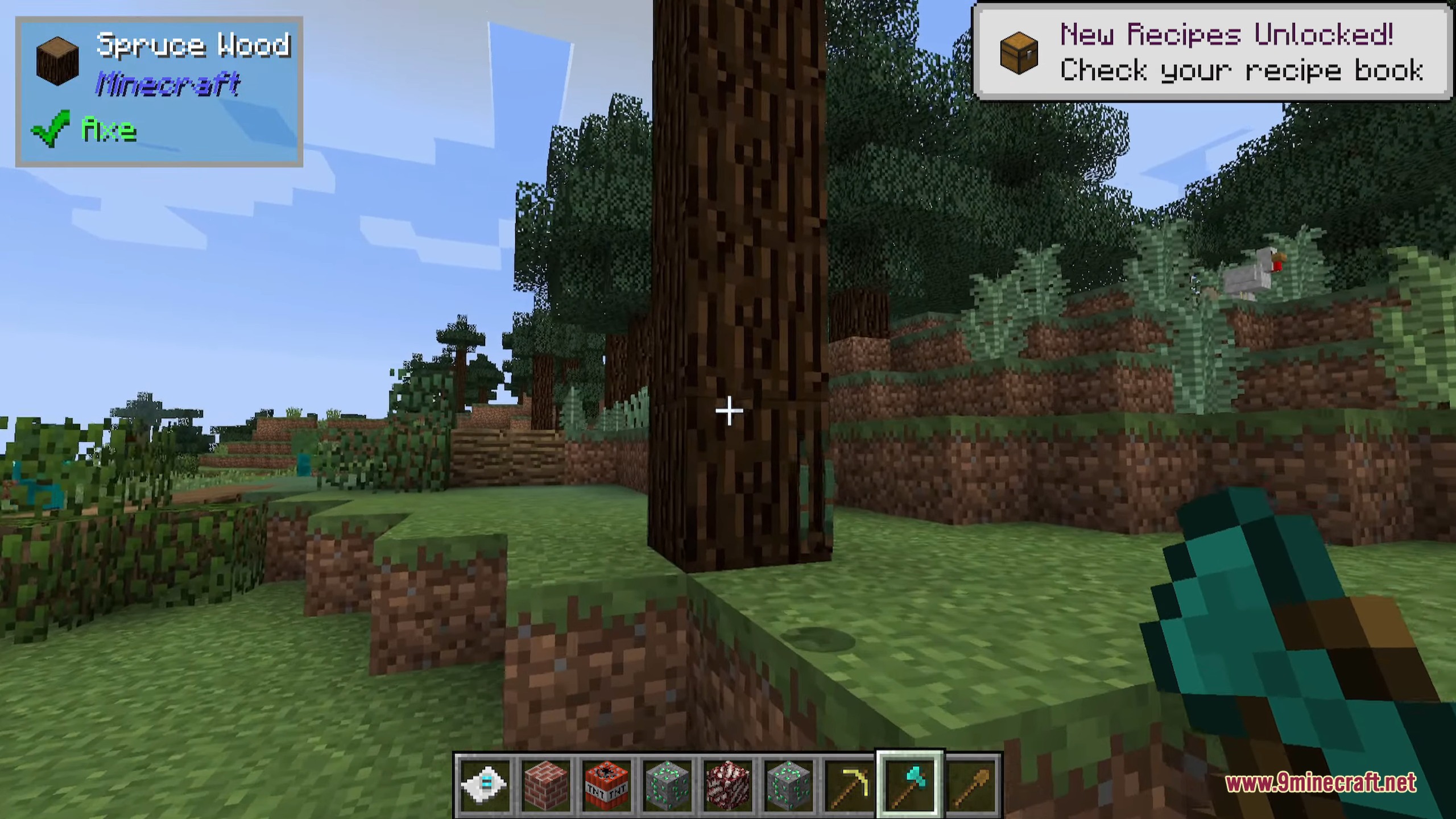
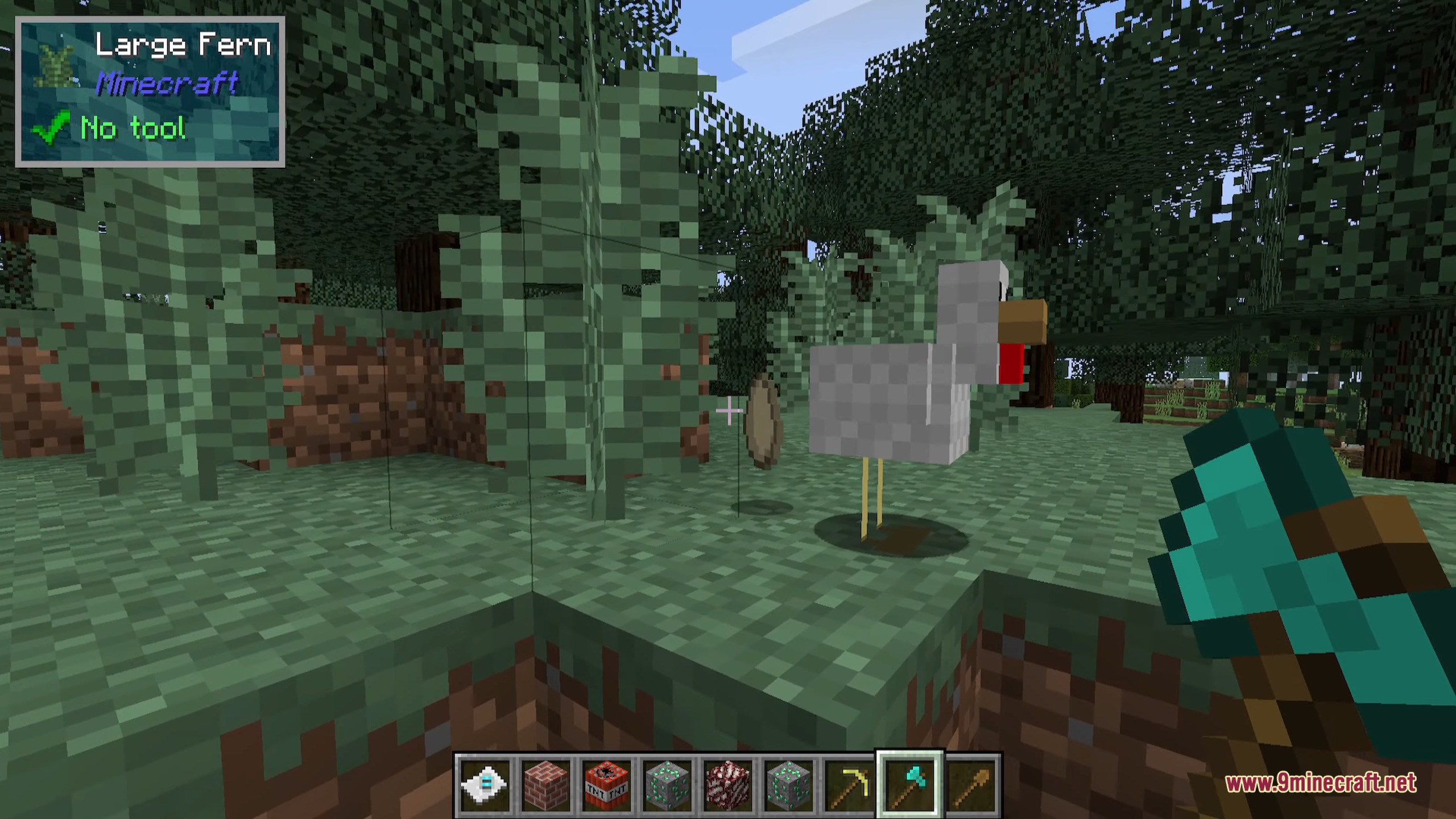
- Tells you the correct tool and mining level required to break a block safely.
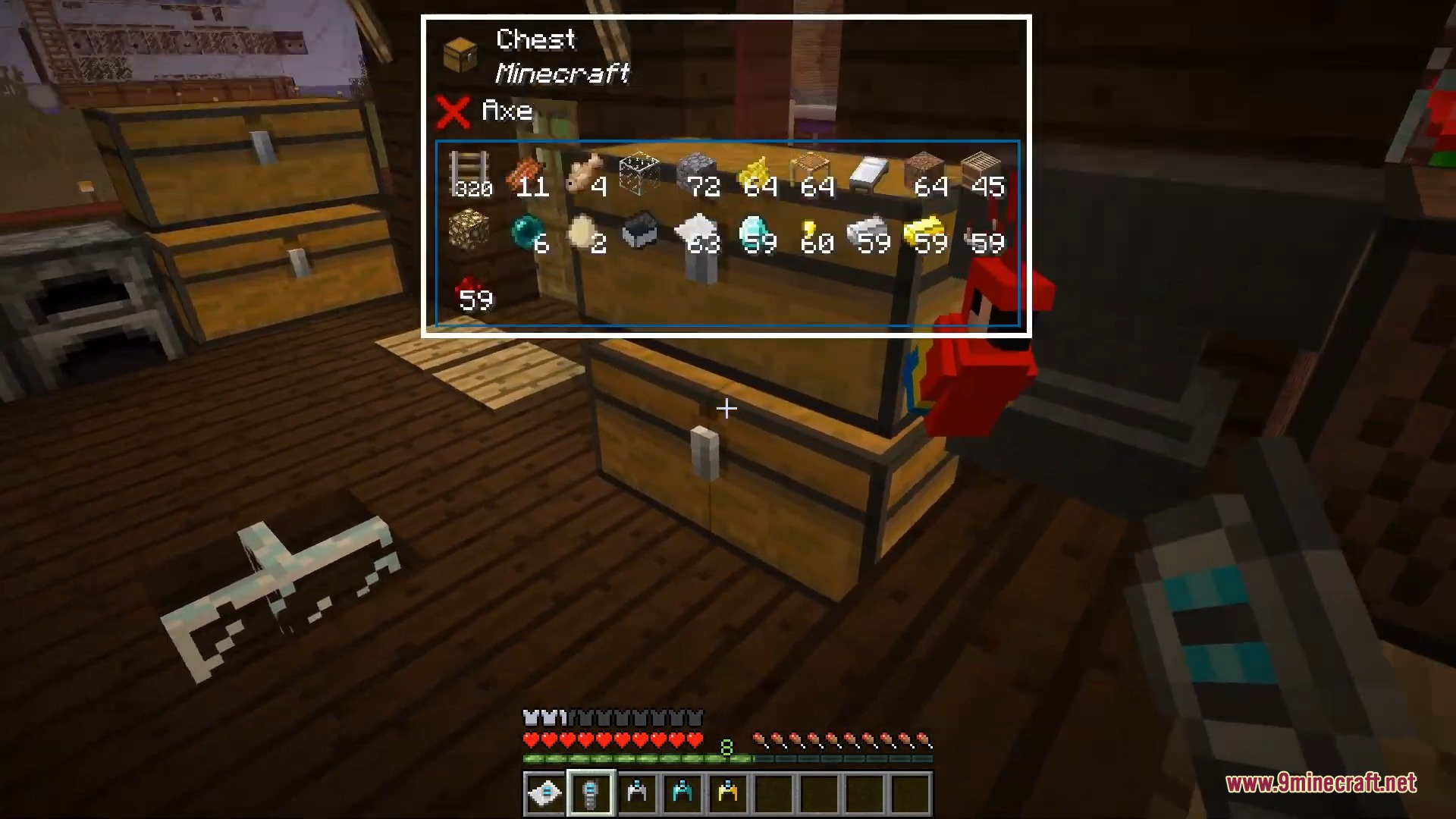
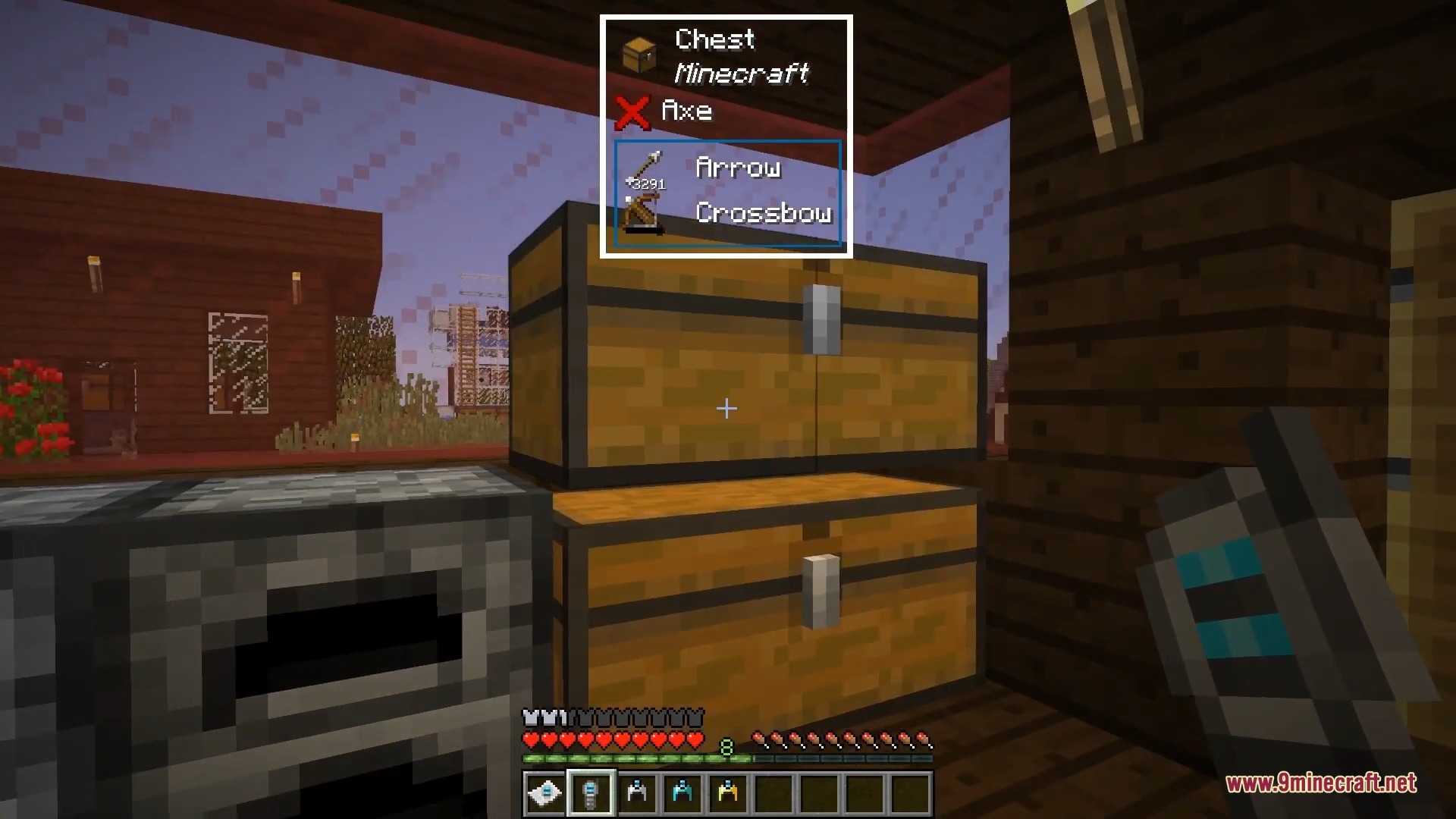
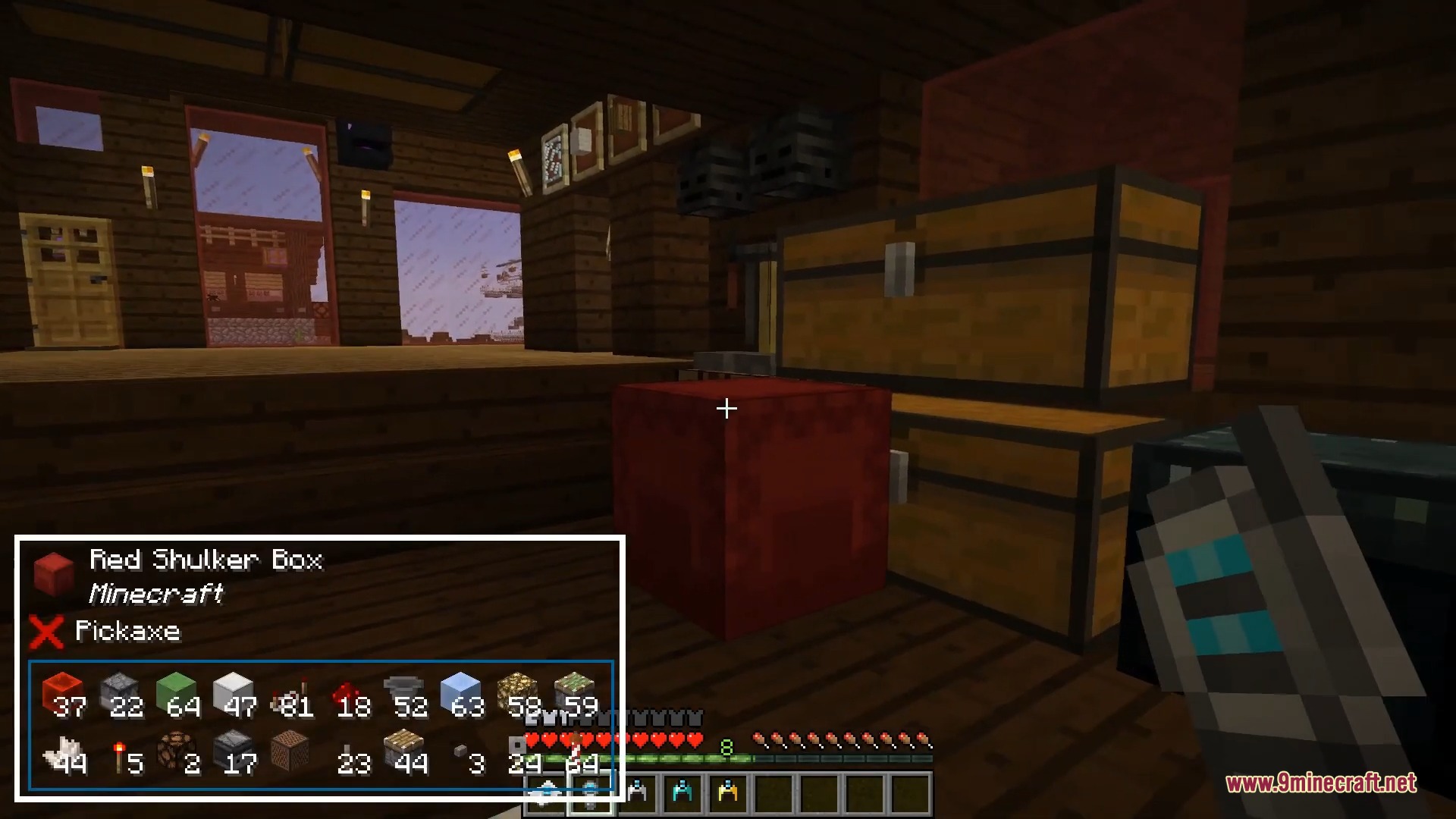
- Reveals the items hidden inside chests and shulker boxes without making you open them.
- Displays the exact growth stage of your crops so you know when to harvest them.
- Shows the current redstone power level for wires and contraptions.
- Lets you move the information box to a different spot on your screen and change its size or color.
- Includes a special Probe item you can craft if you only want to see the information while holding it in your hand.
The One Probe 9minecraft Mod – Video Showcase
How to Use:
- Point your crosshair at any block or animal in the game to make the information box appear.
- Read the tooltip to find out what tool you need or how much health the target has.
- Craft and hold the physical Probe item if you change the settings to require the item.
- Use the Creative Probe item to see extra hidden details for building and testing.
- Open the mod settings to change the background colors or move the box to a different corner of your screen.
Screenshots:
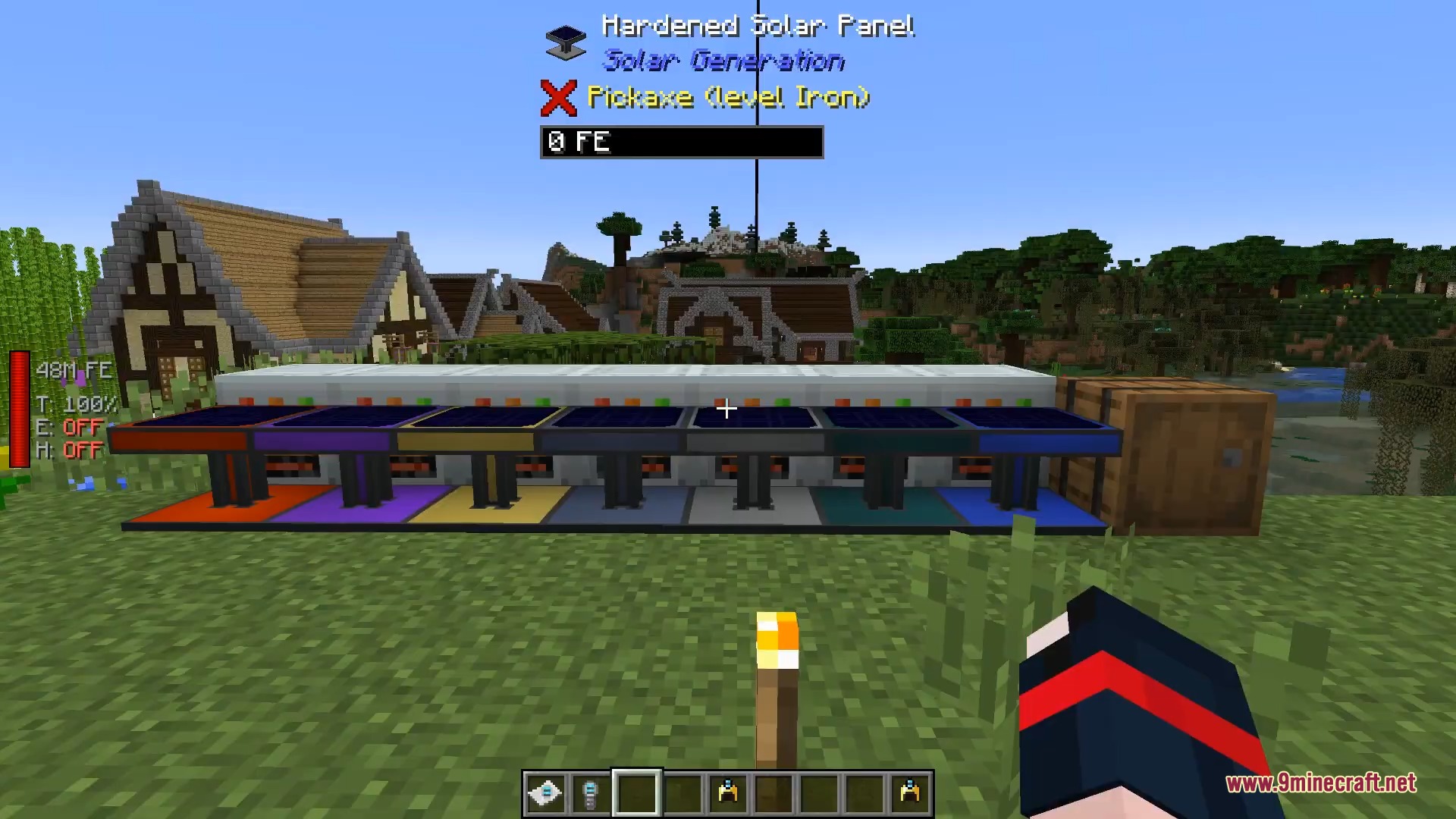
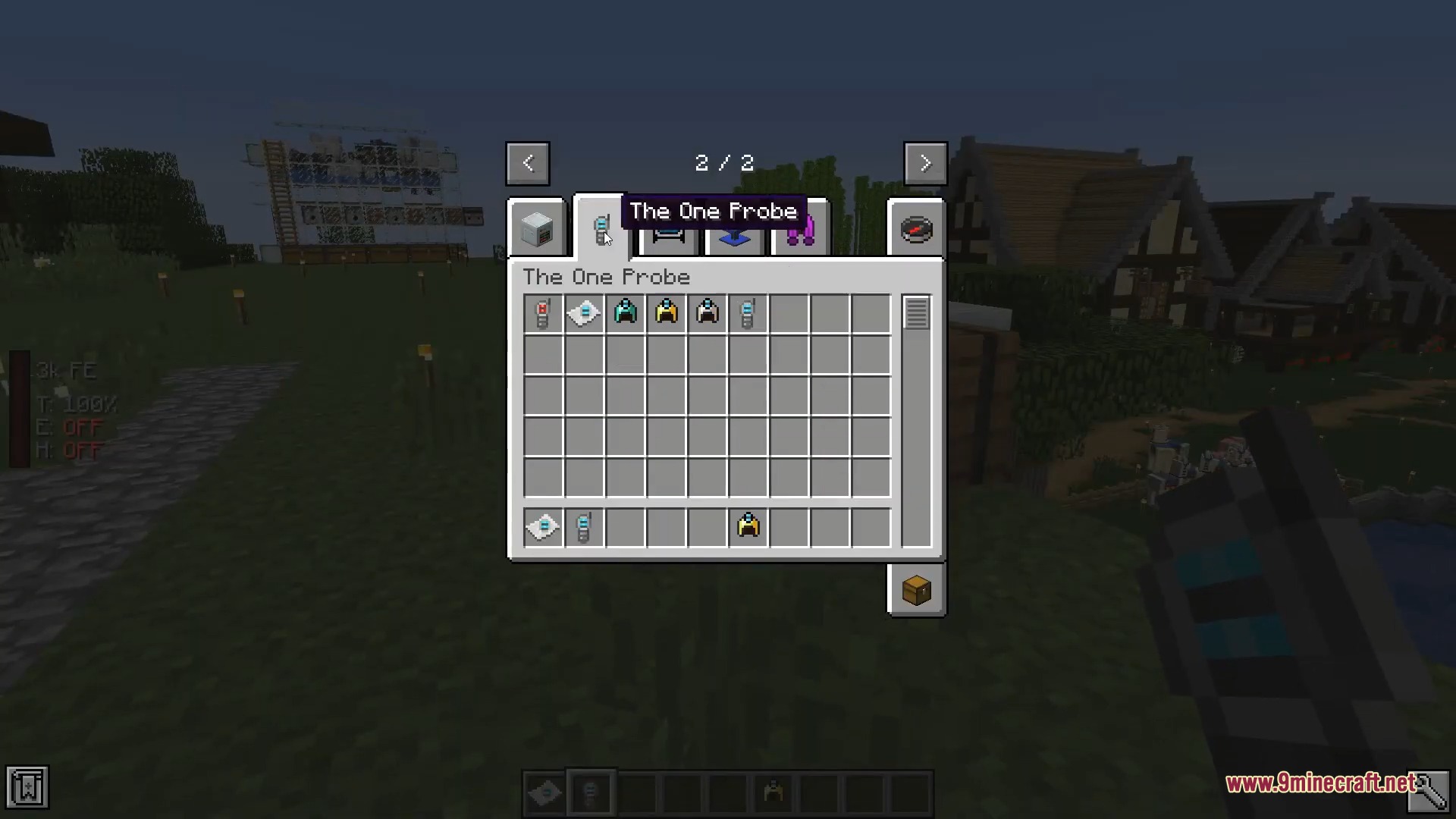
How to Install:
New to Minecraft? Follow our step-by-step guide to install Mods on your PC.View Guide
Requirements:

The One Probe 9minecraft Mod Download Links
Sign in to unlock this download
Inside: 26.3 26.2 1.21.11
Choose one way to sign in
Free · takes a few seconds · you come straight back to this page
Have you ever created your own Minecraft mod or modpack, even a simple one?
18 responses · See the full results →
You May Also Like
Picked for this page
 Just Another Rotten Flesh to Leather Mod (1.21.8, 1.20.1)
 Frostiful Mod (26.1.2, 1.20.1) – Snow & Frost Update Survival Experience
 Very Many Players Mod (26.3, 1.20.1) – Improve Server Performance
 Bactro Mod (26.3, 1.20.1) – QoL Utilities
 First Join Message Mod (26.3, 1.20.1) – Custom Welcome Messages
 Wunderreich Mod (26.3, 1.20.1) – Advanced Mechanics and Tools
 Dungeons And Taverns Stronghold Rework Mod (26.3, 1.20.1) – Transform Your Strongholds
 Ban Sleeping Mod (26.1.2, 1.20.1) – No More Sleeping
 Macaw’s Quark Mod (1.21.1, 1.20.1) – Compability for Quark with Macaw’s Mods
 Ignition Mod (26.1.2, 1.20.1) – Fire Has Consequences
 AFK Cinematics Mod (26.3, 1.21.1) – Turn AFK Breaks Into Cinematic Camera
 Overpacked Mod (1.21.1, 1.20.1) – Carry Four Chests of Loot on Your Back
Most viewed in Mods over the last 7 days
 Ala Industrial Mod (26.3) – Run Electric Power Grids and Automated Factories
 PleasureCraft Mod (26.3, 1.21.1) – Jenny Mod Remake for Fabric
 Jennycraft Mod (26.3, 1.20.1) – Virtual Girlfriend in Minecraft
 Fapcraft Mod (26.3, 1.12.2) – Comprehensive and Detailed Content
 Jenny Mod (Fapcraft) Official Complete Guide – How to use, Tutorial
 BangCraft Mod (1.20.1) – Jenny, Ellie and Elliot
 Fabric Loader (26.3, 1.20.1) – Fabric Installer for All Minecraft Versions
 The Shooting Star Demo Mod (26.3, 1.20.1) – Vaporize Terrain From Orbit
 Meteor Client Mod (26.3, 1.20.1) – Xray, HUD, Fly
 OptiFine HD (26.3, 1.20.1) – Run Faster, FPS Boost, Shaders Support
 Aristois Client Mod (1.21.4, 1.20.1) – World Class Minecraft Utility
 Prestige Client Mod (1.21.11, 1.21.4) – Powerful Ghost Features for Crystal & Sword PvP
More from Mods
 Shade & Saturation Slider Mod (26.2, 1.21.11) – Make Every Biome Vibrant
 Cataclysm X Yung’s Better Nether Fortresses Compat Mod (1.21.1, 1.20.1)
 Patchouli 9minecraft Mod (26.3) – Read Mod Guides Without Leaving Minecraft
 Paintings ++ 9minecraft Mod (26.3) – Pick the Exact Painting You Want
 owo-lib 9minecraft Mod (26.3) – Run Your Favorite Mods Without Errors
 Moonlight 9minecraft Lib (26.3, 26.2) – Run Complex Mods Without Errors
 Load My Tags 9minecraft Mod (26.3) – Mix Mods Without Breaking Recipes
 Kambrik 9minecraft Mod (26.3) – Run Kotlin Mods Without Game Lag
 Fast Paintings 9minecraft Mod (26.3, 26.2) – Place Wall Art Exactly Where You Want It
 Bonsai Trees 9minecraft Mod (26.3, 26.2) – Automate Wood Farming in Tiny Pots
 Enhanced Block Entities 9minecraft Mod (26.3) – Build Lag-Free Storage Rooms
 Better Nether 9minecraft Mod (26.3, 26.2) – Survive Forever in the Nether

This post has no comments yet. Be the first — your comment will appear here.