


Better Screens Mod (26.2, 1.21.11) – Stop Servers From Closing Your Chat

 0
0 

🌐 Good news — we've translated this article into other languages!
Or pick the one you like:
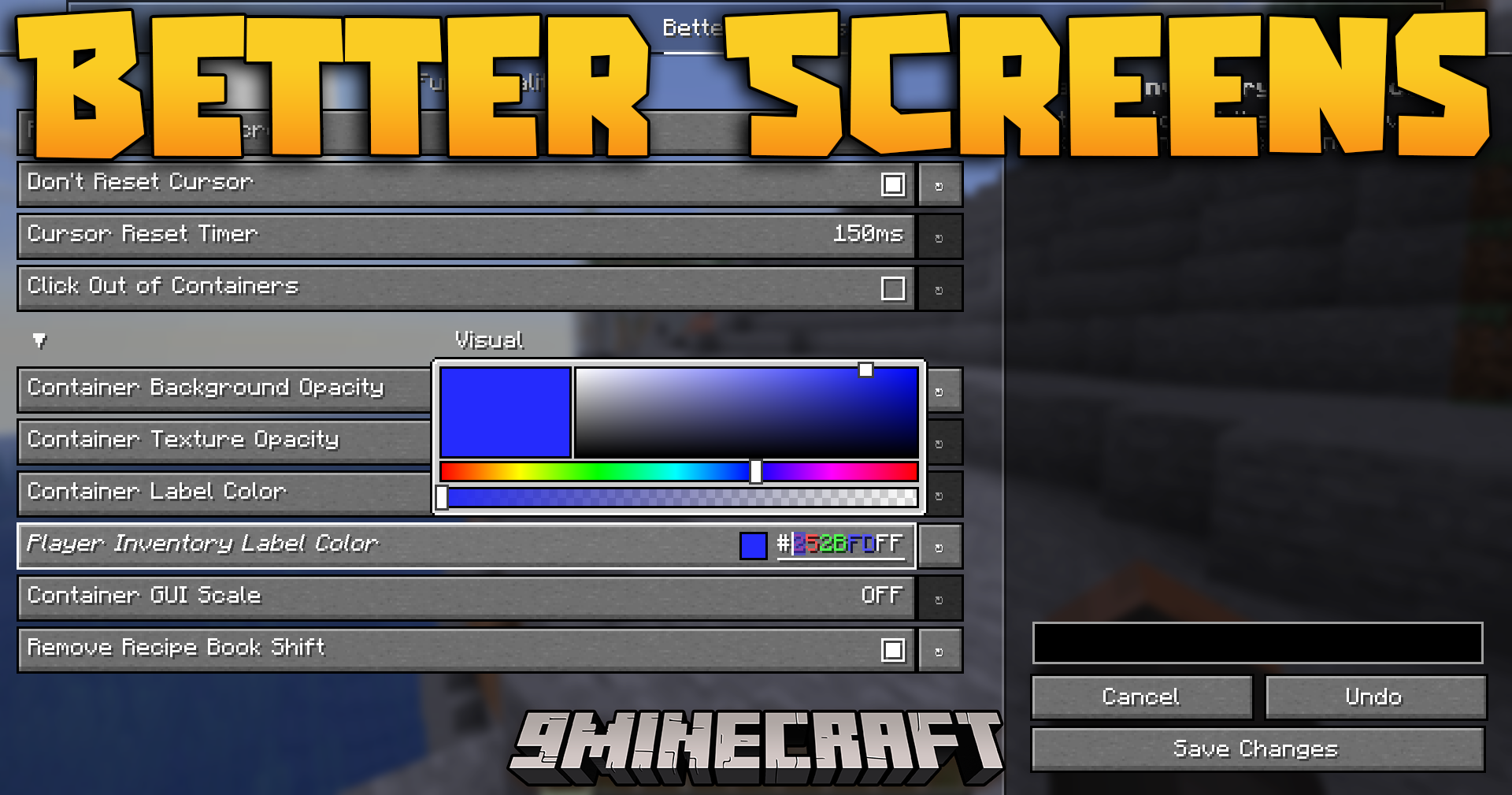
Better Screens Mod fixes annoying problems with your inventory and menus. It stops servers from forcing your chat or chests to close when a minigame starts. You can also change how clear the background looks and pick new colors for the text inside your chests. It makes managing your items much easier and less frustrating.
Features:
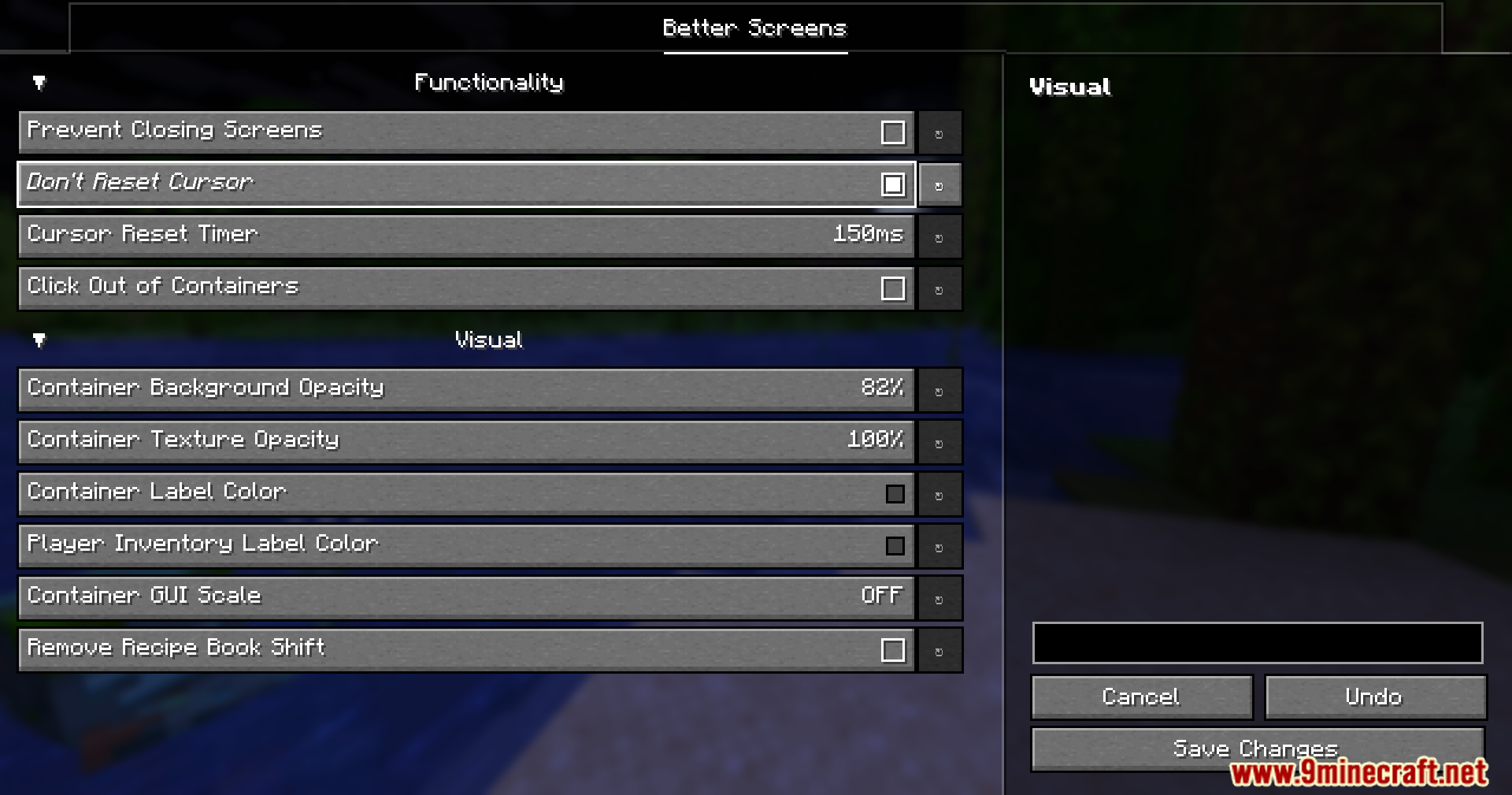
- Stop Forced Closing: Prevents servers from closing your open menus, so you can keep typing in chat when a minigame starts.
- Keep Cursor Position: Remembers exactly where your mouse was when you quickly switch between different backpacks or chests.
- Lets you close any chest or crafting table just by clicking anywhere outside the menu box.
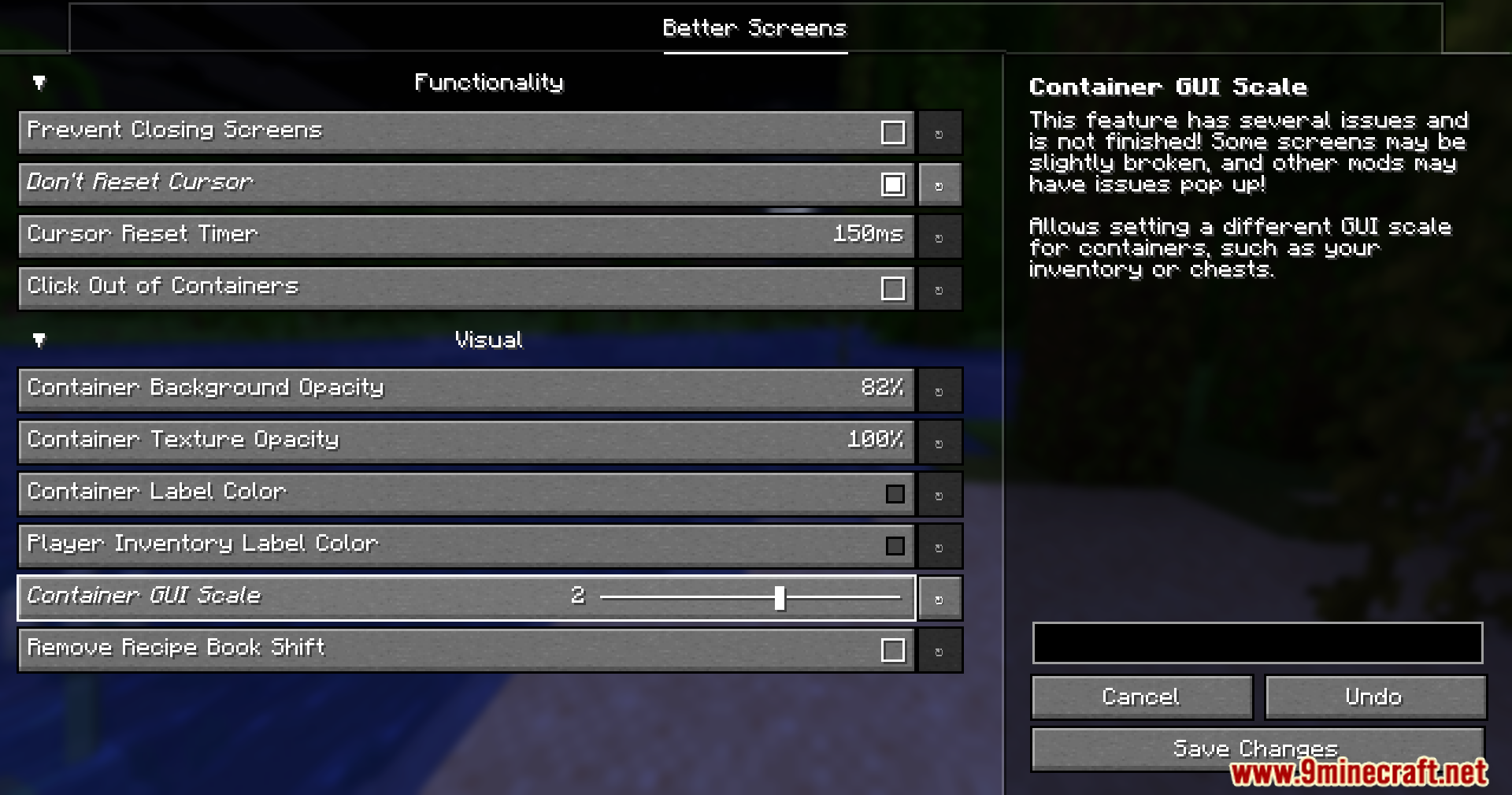
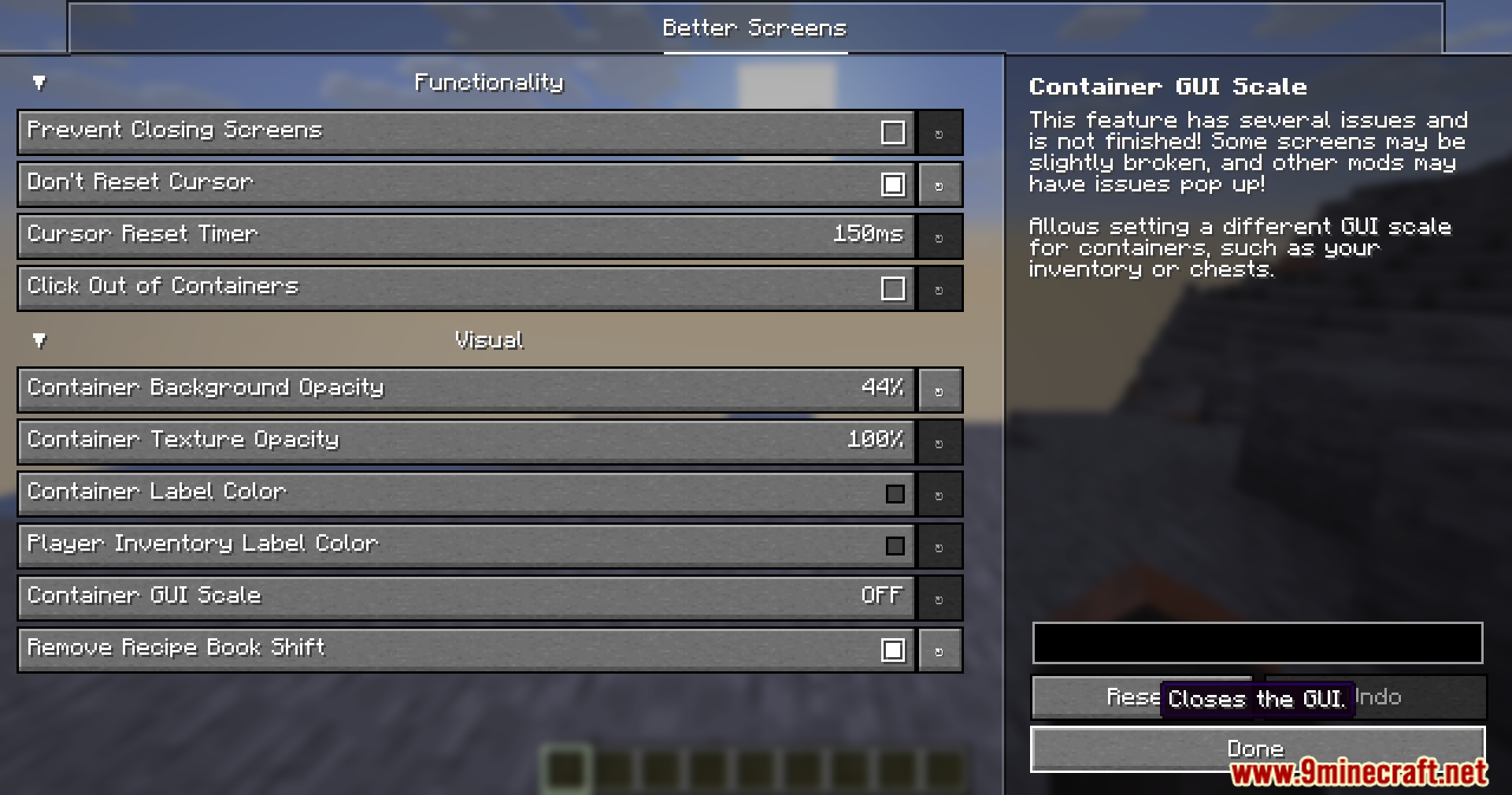
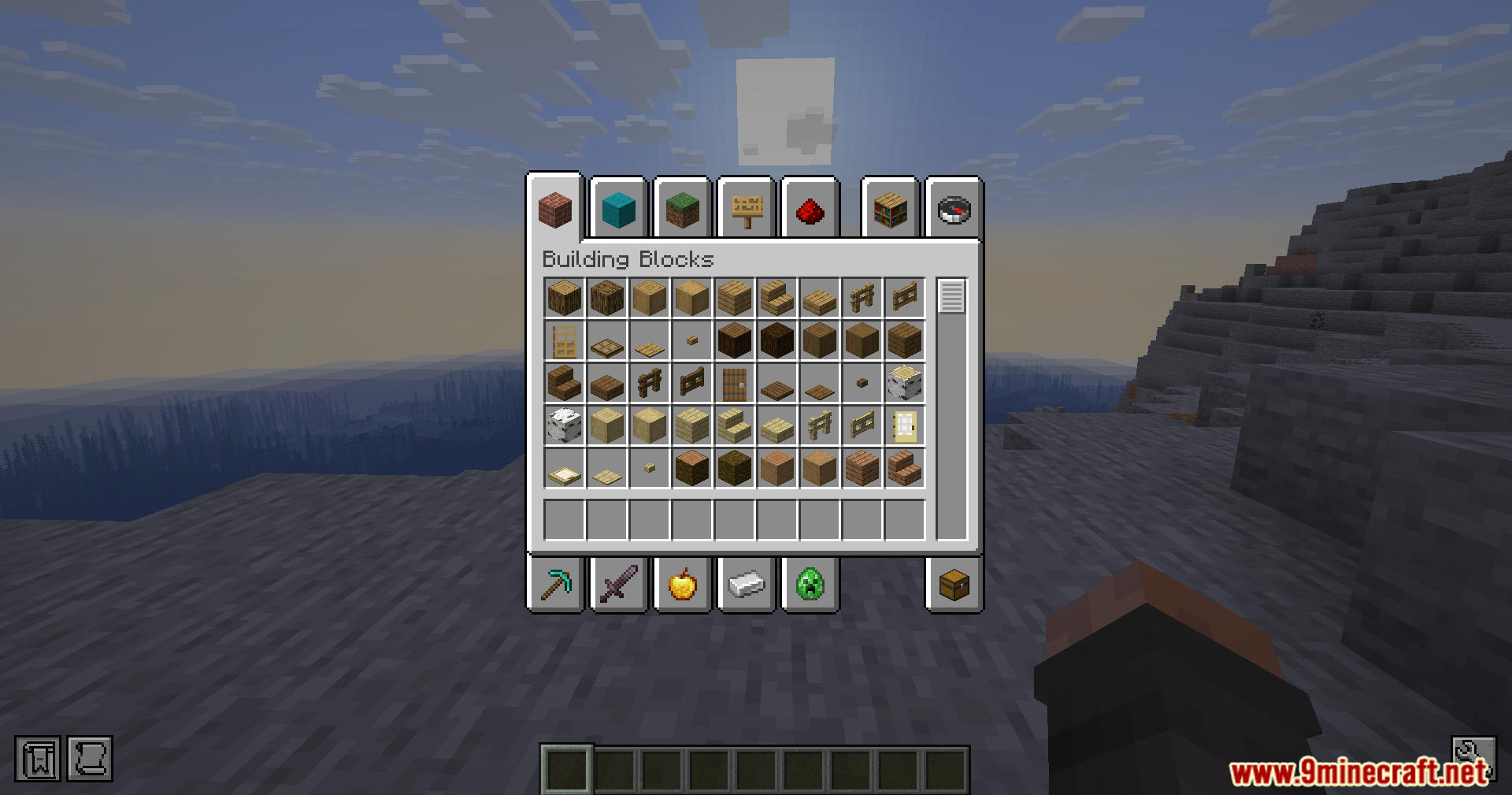
- Allows you to make the dark background behind your menus more clear or completely see-through.
- Changes how see-through the actual chest and inventory textures appear on your screen.
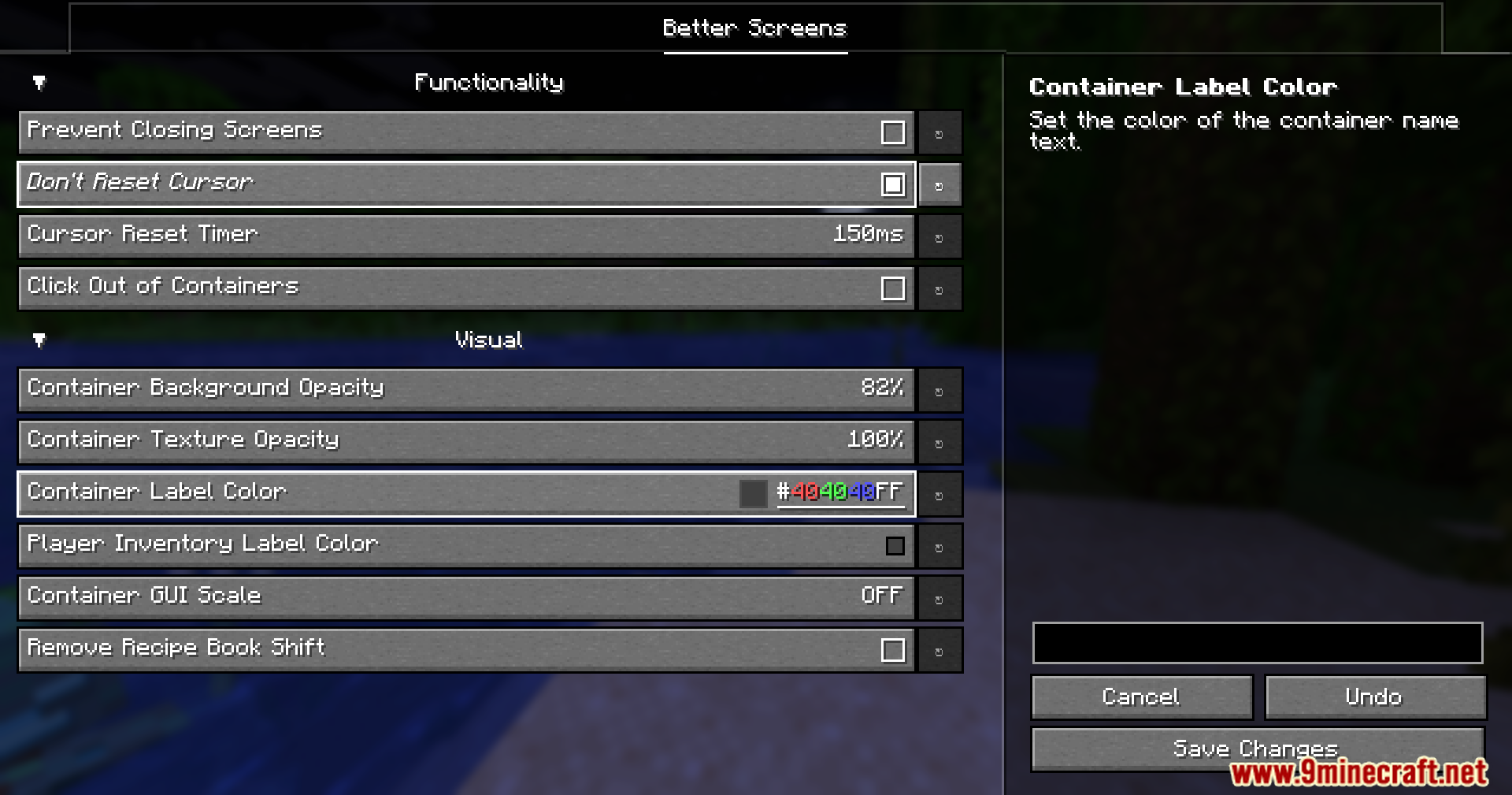
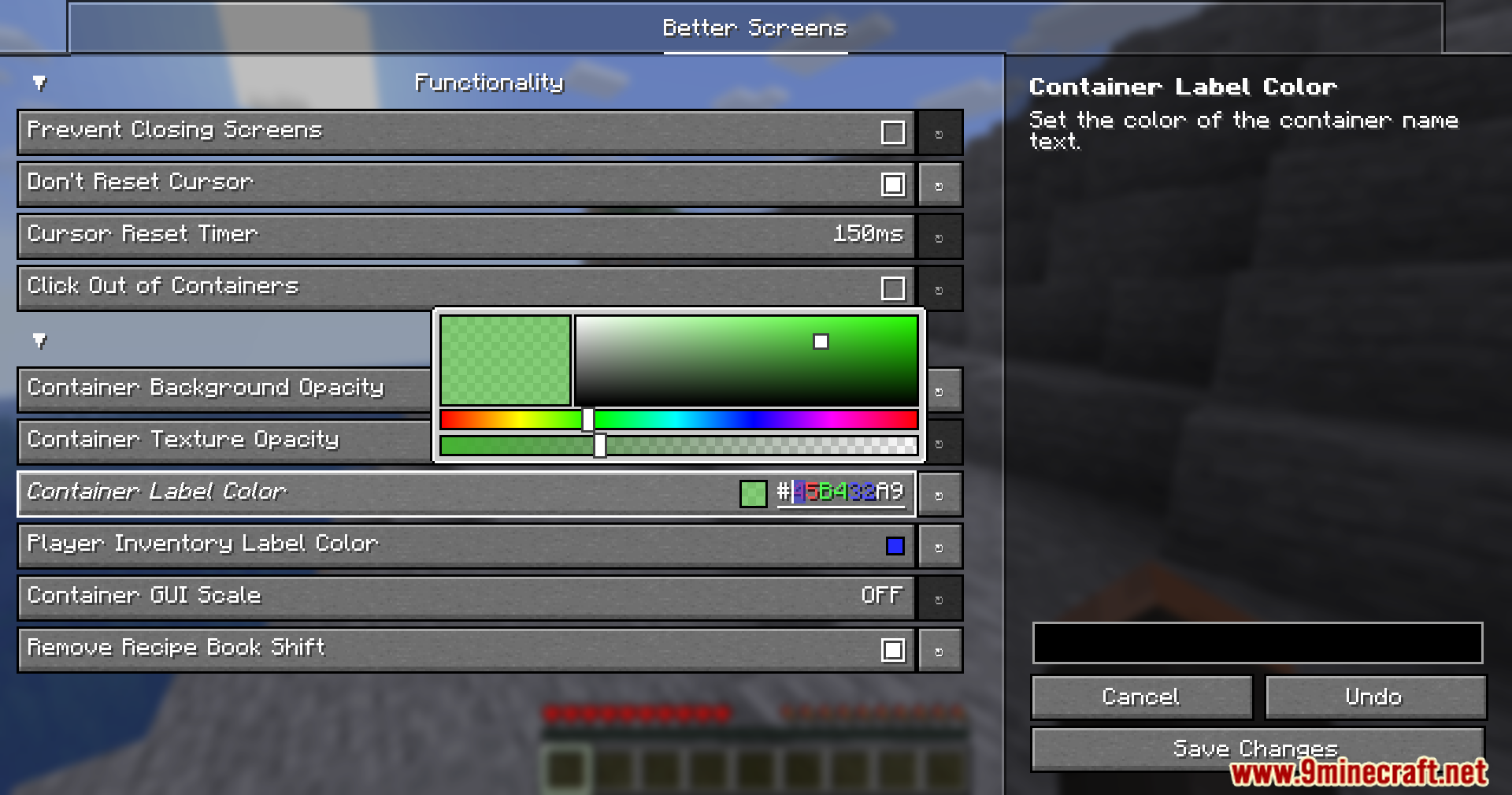
- Lets you pick a new color for the chest names, which helps if a resource pack makes the words hard to read.
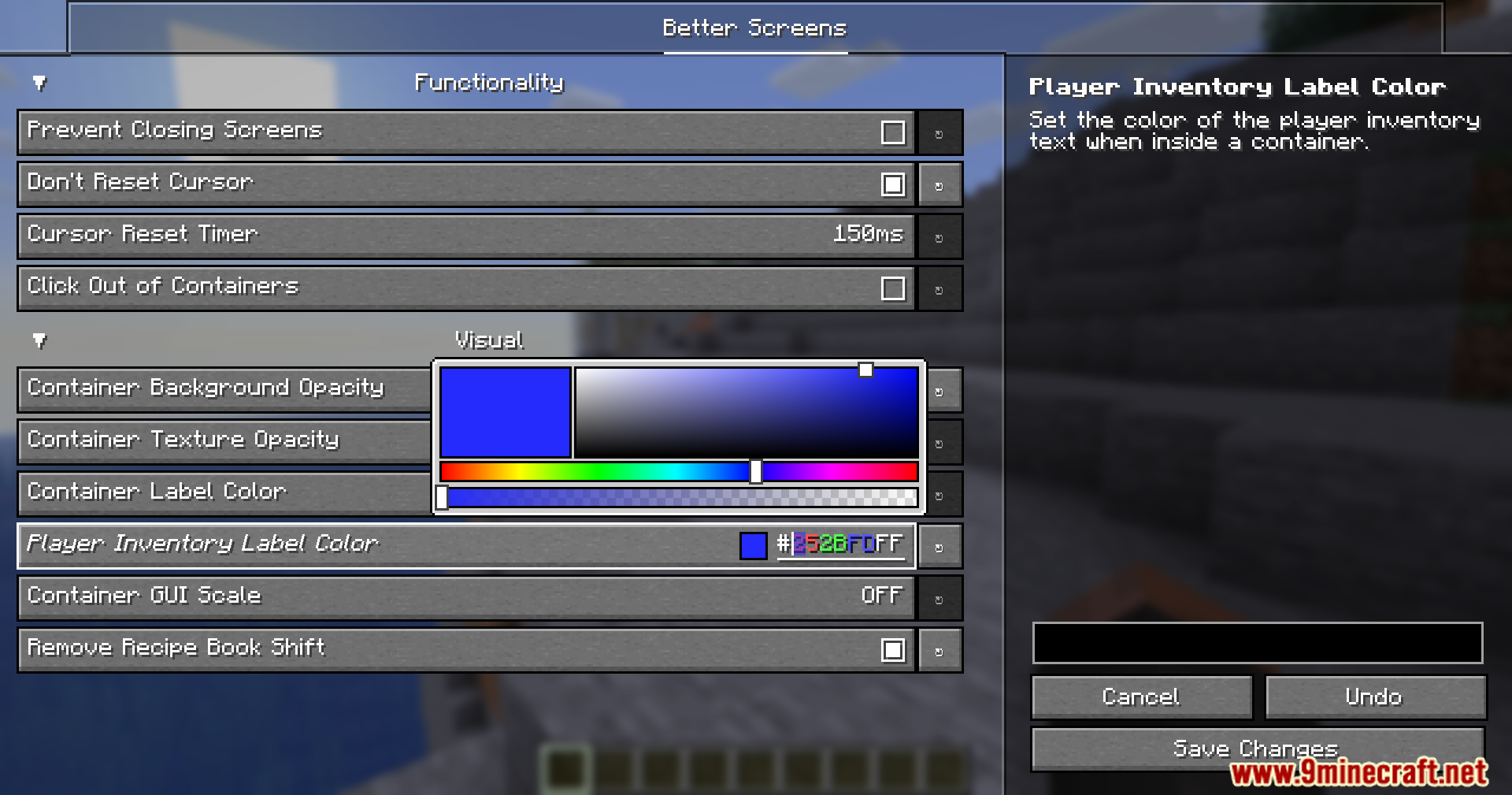
- Allows you to change the color of the inventory text shown at the bottom of your screen.
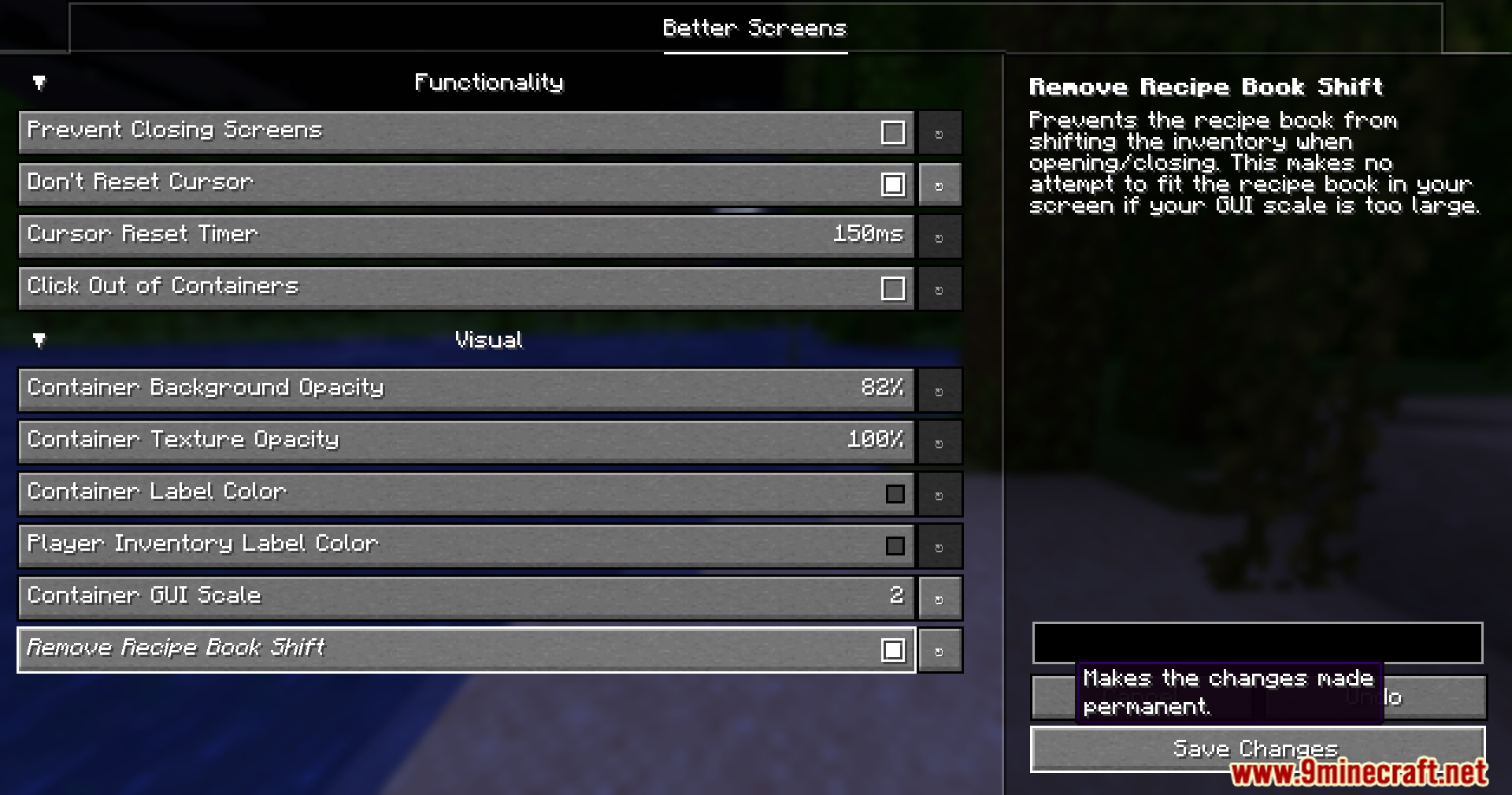
- Stops the recipe book from pushing your whole inventory to the side when you open it.
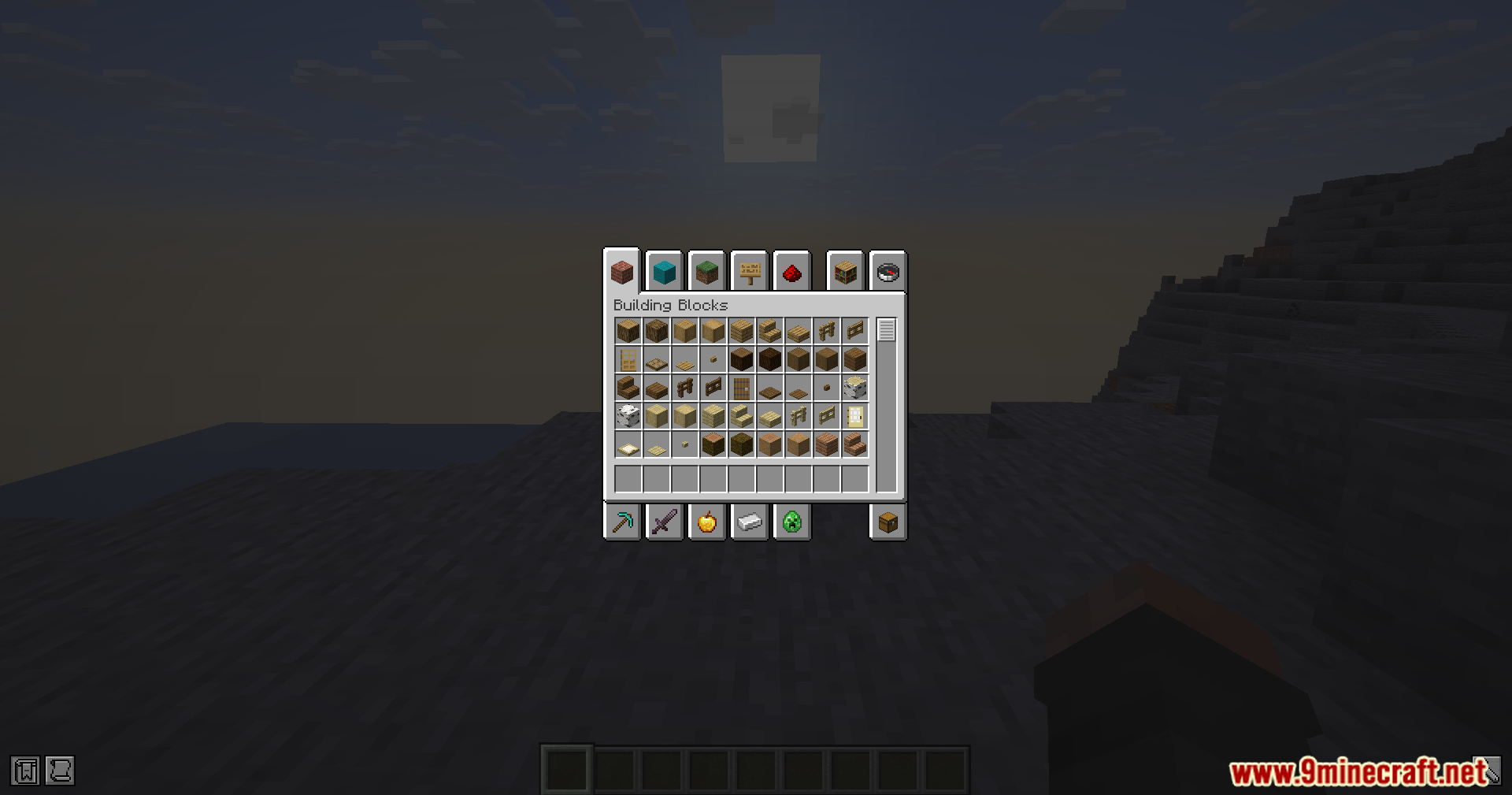
- Gives you an option to change the size of your chests and menus without changing the rest of the game.
Screenshots:
How to Install:
New to Minecraft? Follow our step-by-step guide to install Mods on your PC.View Guide
Requirements:



Better Screens Mod Download Links
For Minecraft 26.2
For Minecraft 26.1.2, 26.1.1, 26.1
For Minecraft 1.21.11
For Minecraft 1.21.10, 1.21.9
For Minecraft 1.21.8, 1.21.7, 1.21.6
Click to rate this post!
[Total: 1 Average: 5]
You May Also Like



This post has no comments yet. Be the first — your comment will appear here.