


Rescale Aspect Ratio Mod (26.2, 1.20.1) – Stretch Your Screen For Better PvP

 0
0 

🌐 Good news — we've translated this article into other languages!
Or pick the one you like:
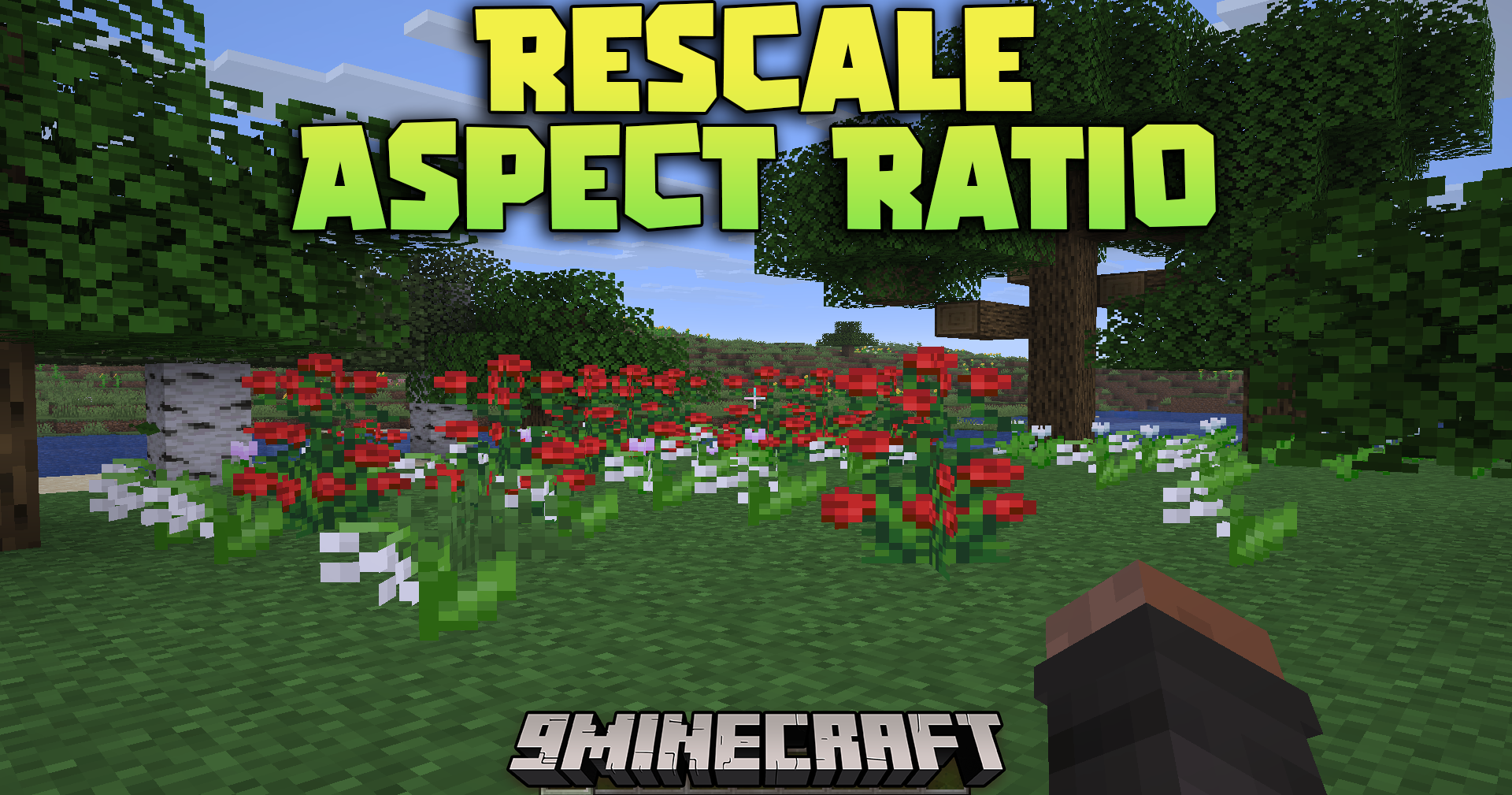
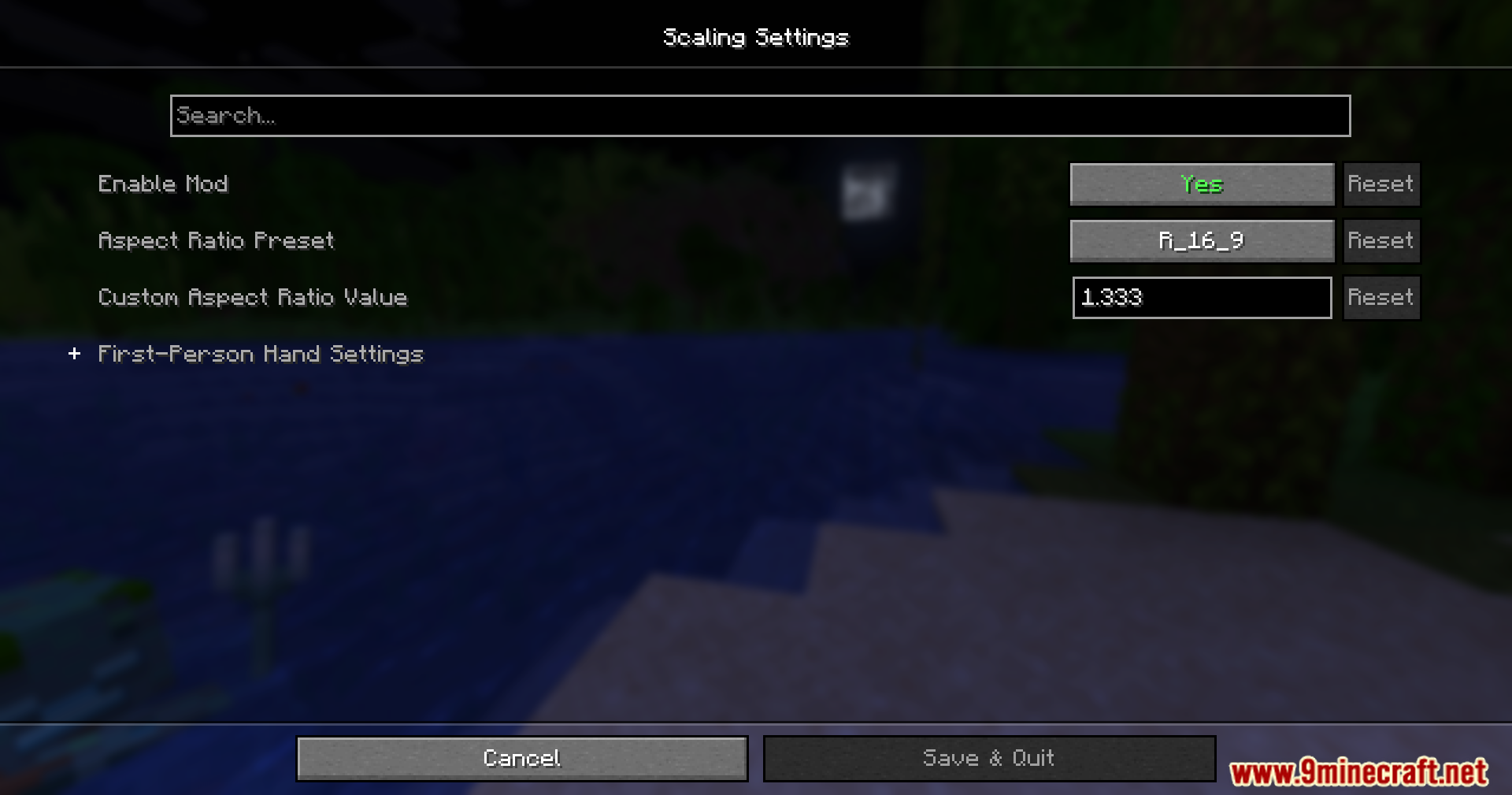
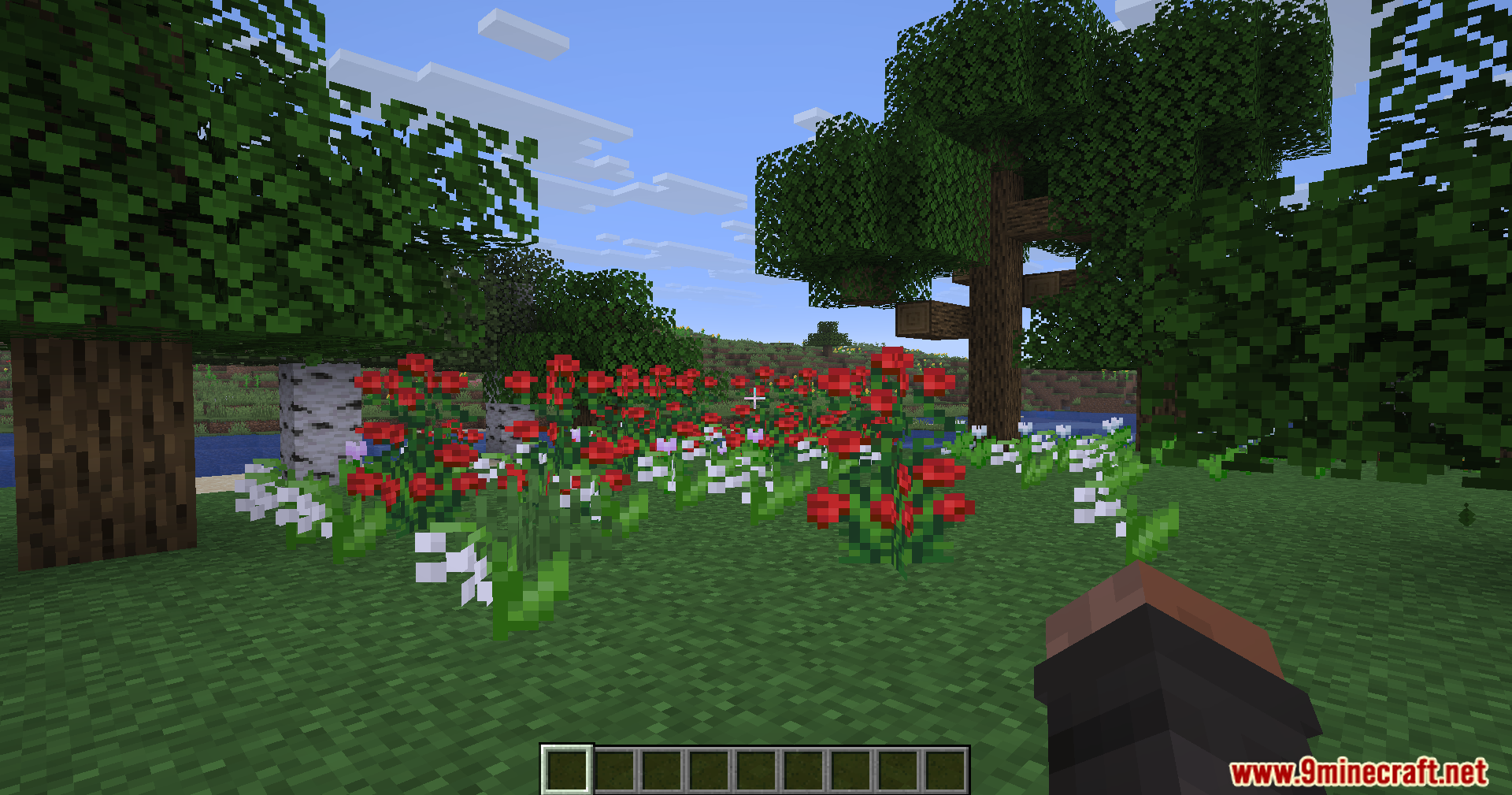
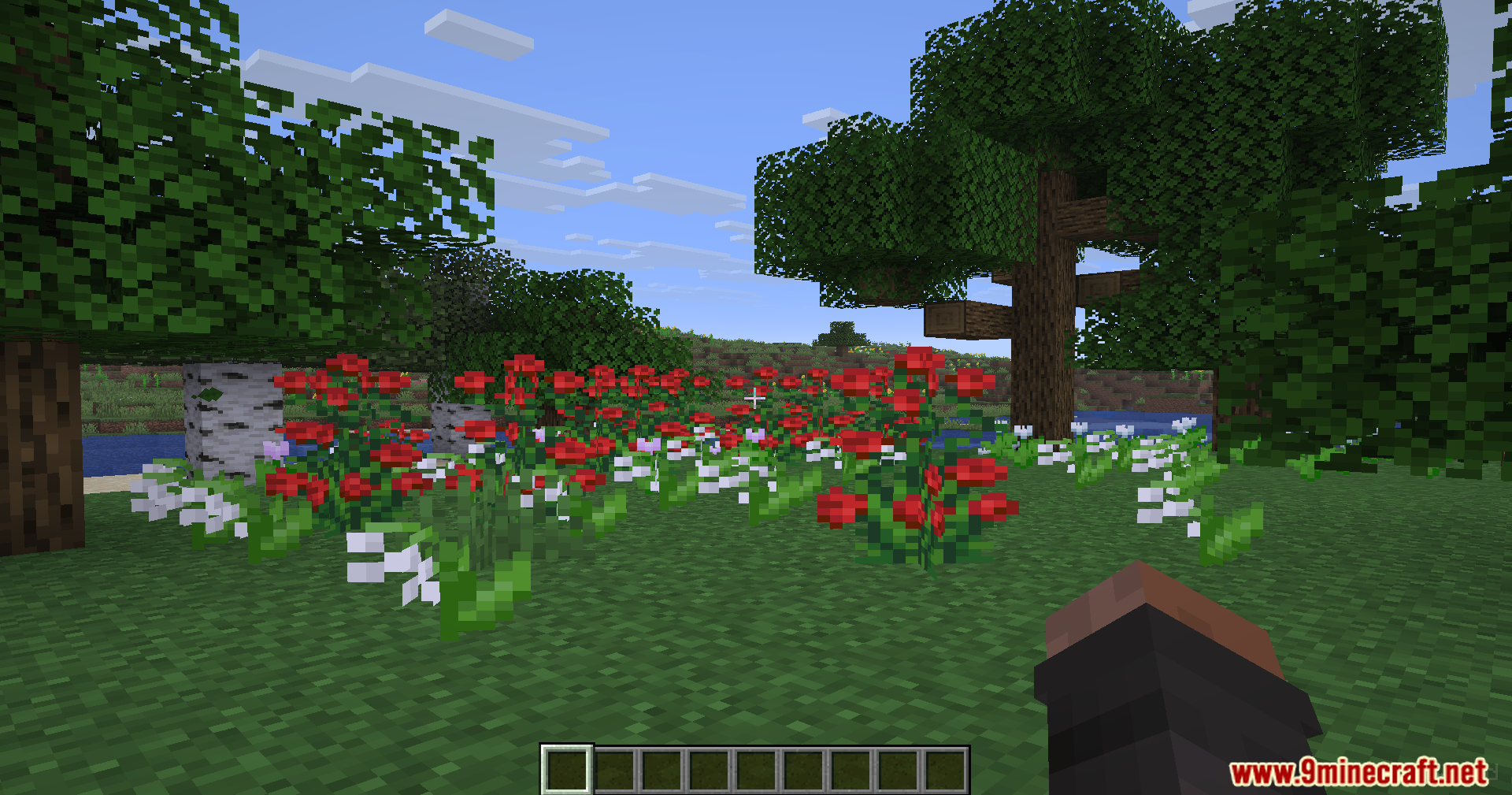
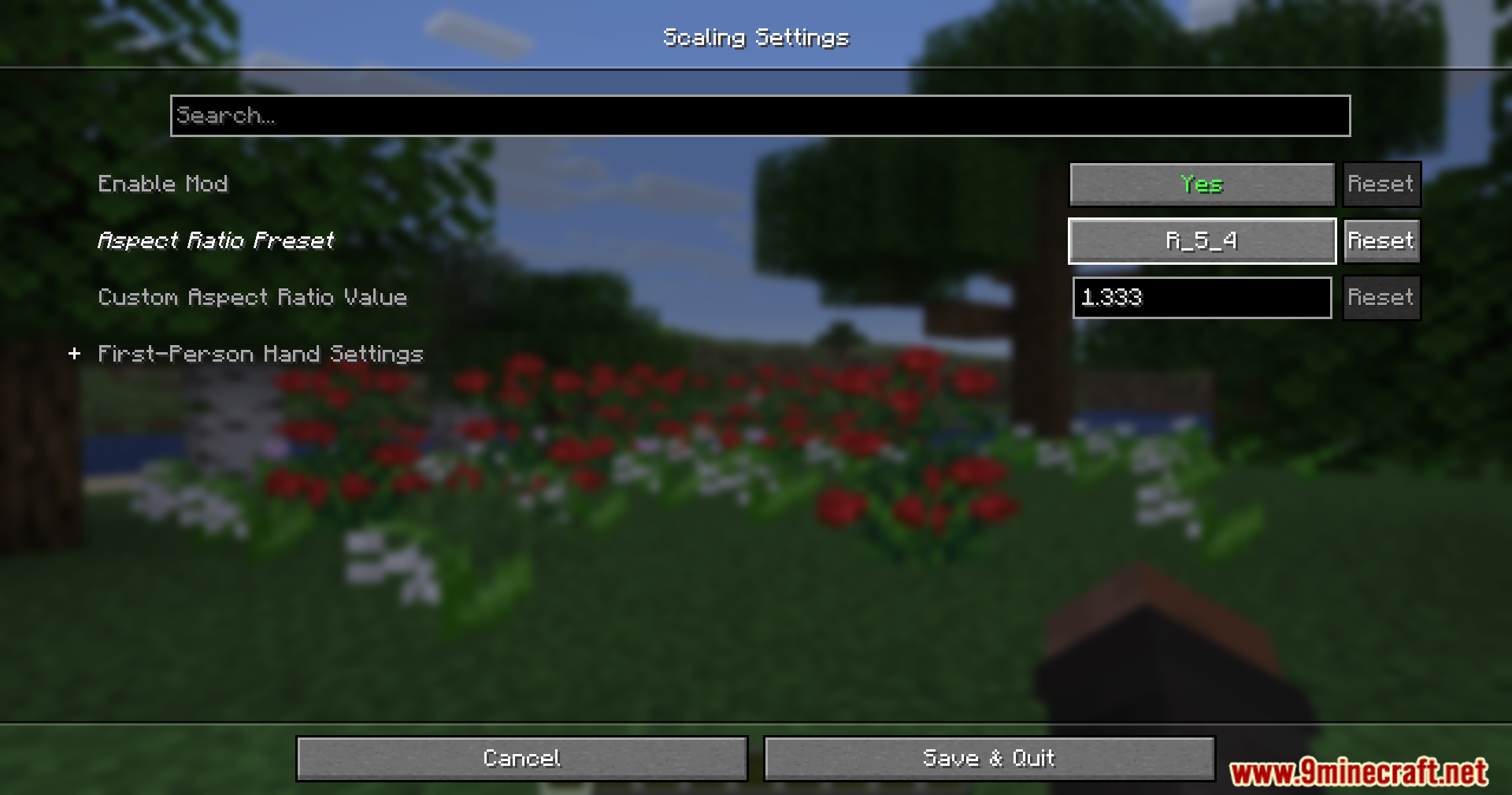
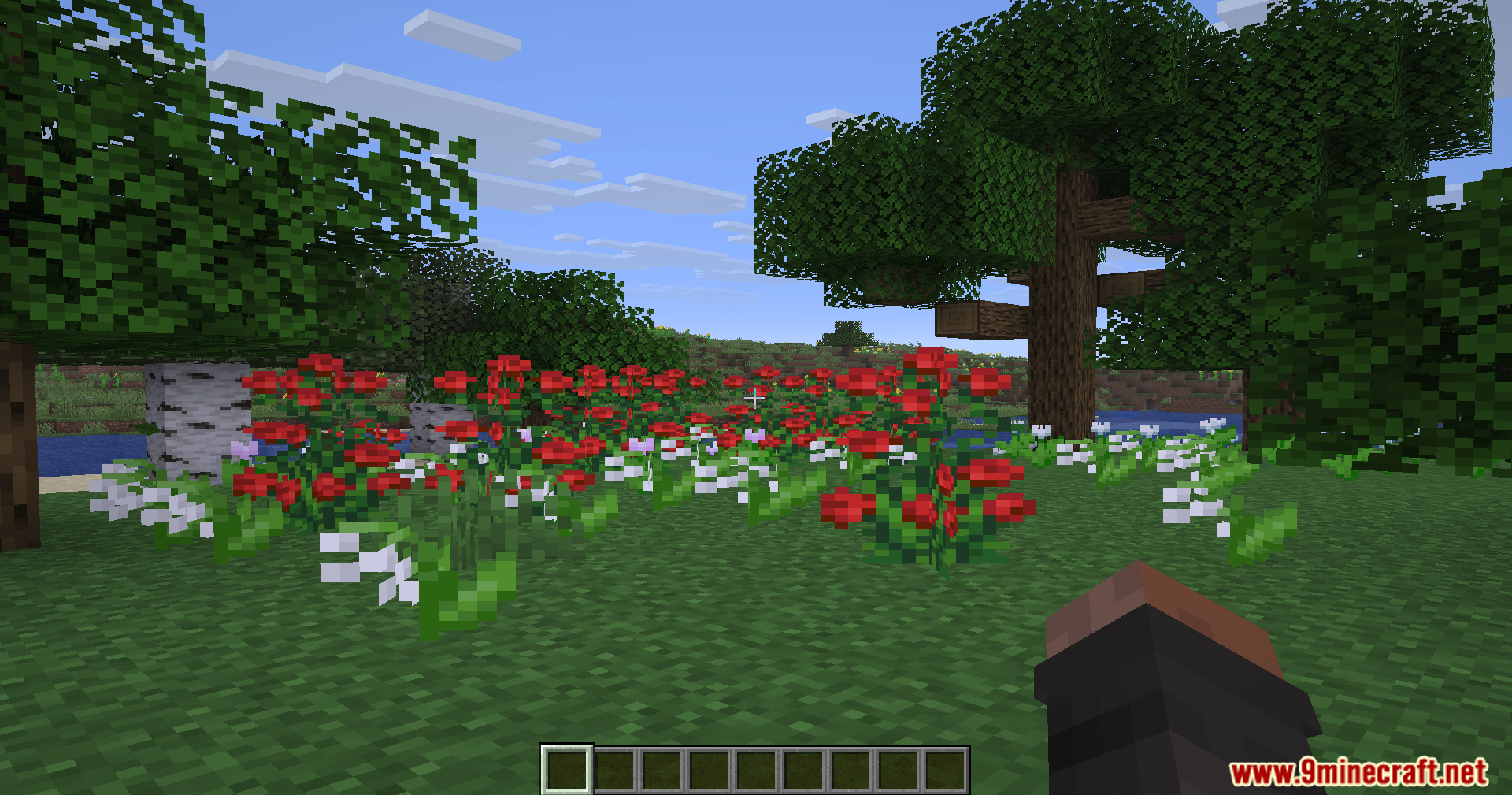
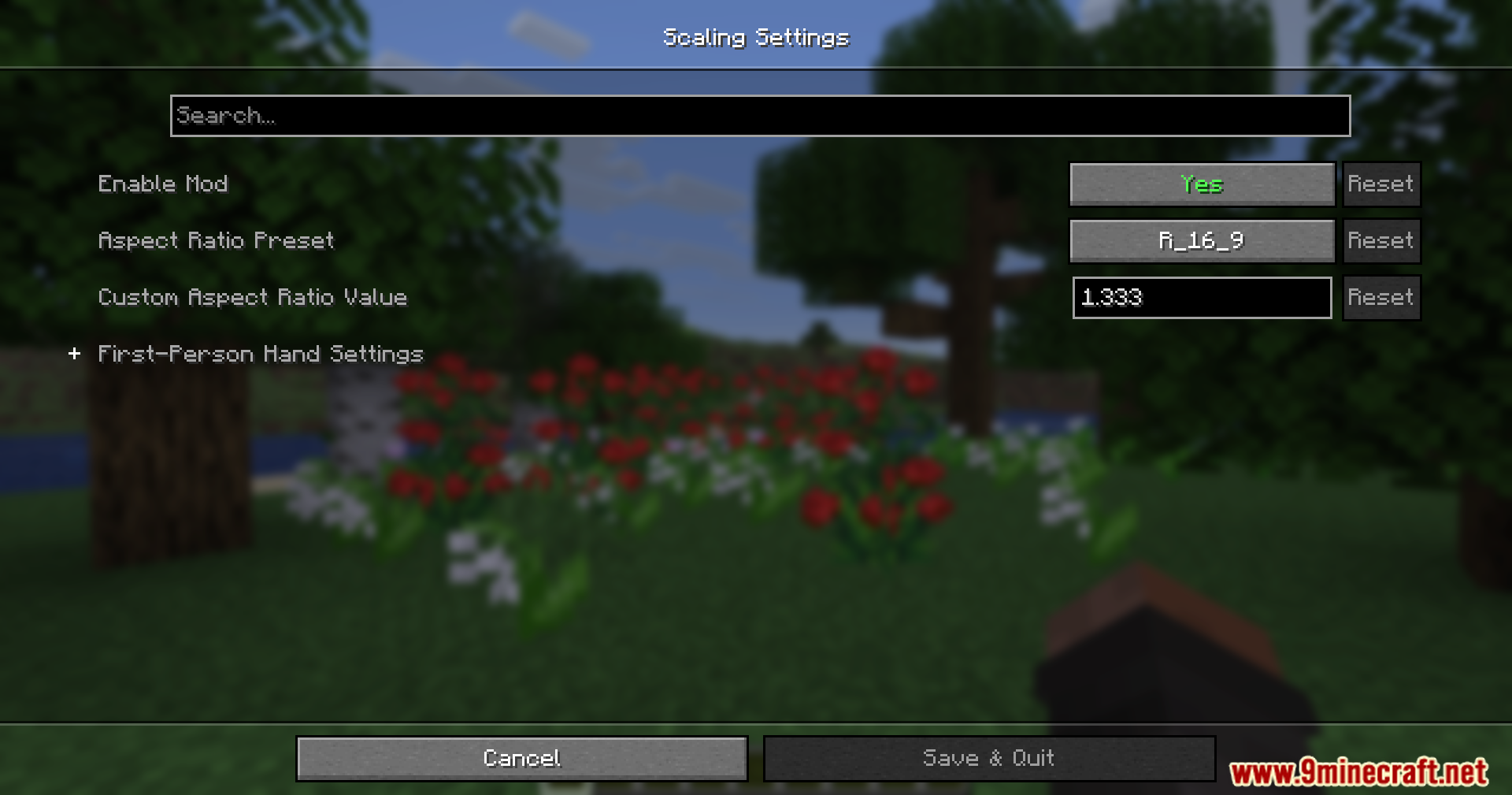
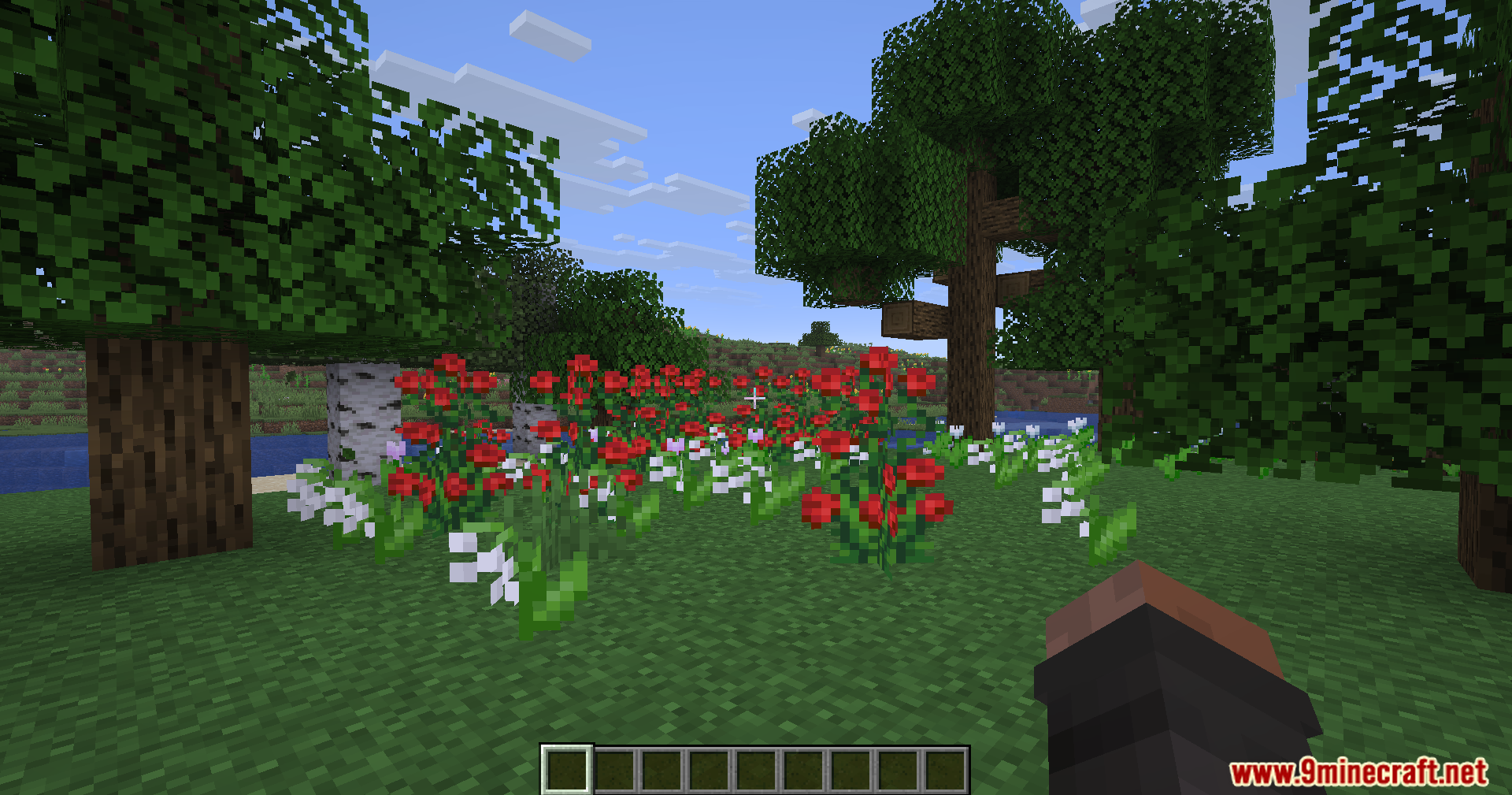
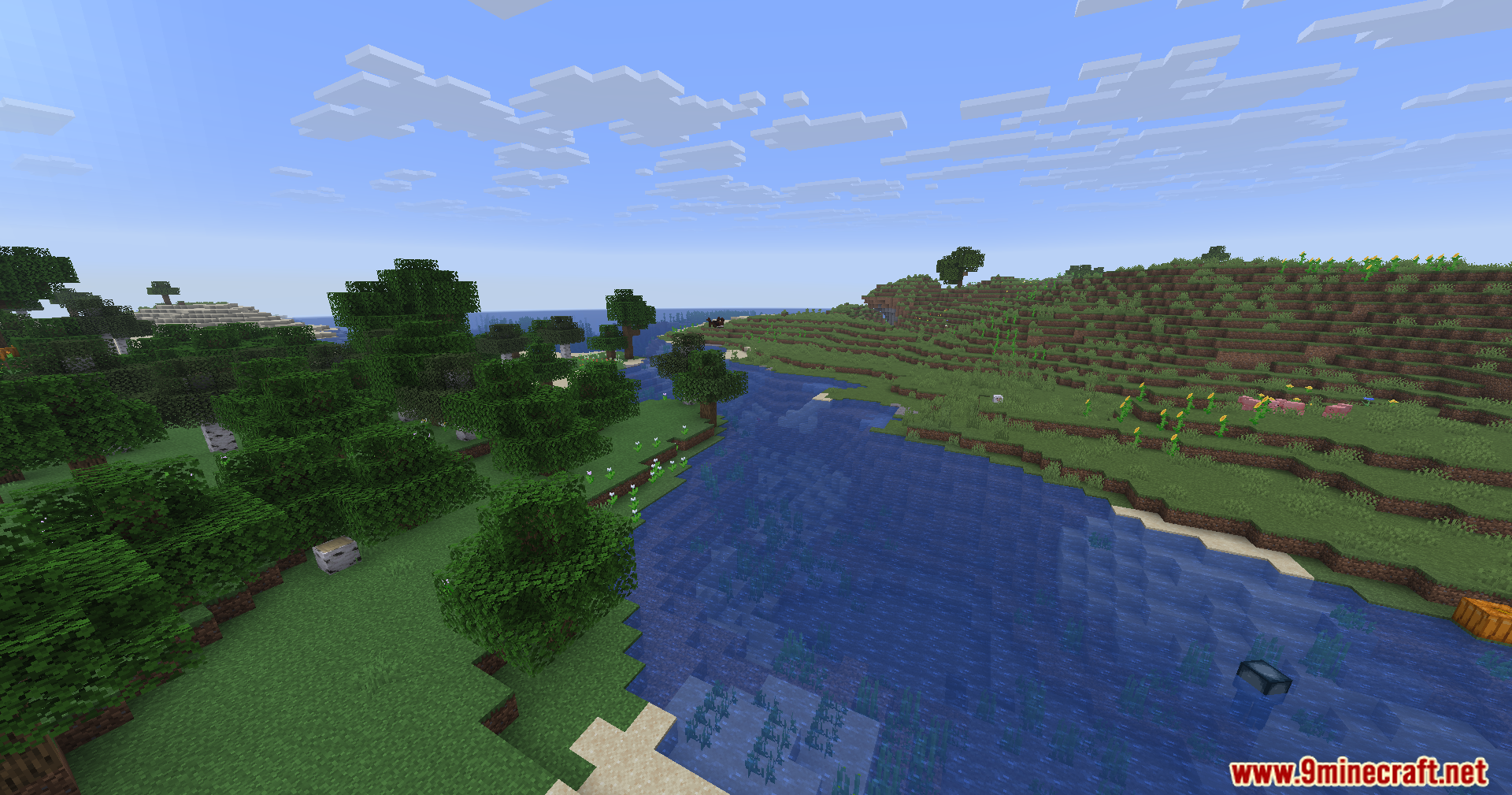
Rescale Aspect Ratio Mod lets you change your screen shape without changing your monitor settings. It stretches your game to look like old 4:3 or 5:4 screens, which makes other players look wider. This helps you see targets better while keeping your game running clearly.
Features:
- Changes your screen to a stretched 4:3 or 5:4 shape while keeping your normal monitor resolution.
- Makes other players and mobs look wider on your screen so they are easier to spot.
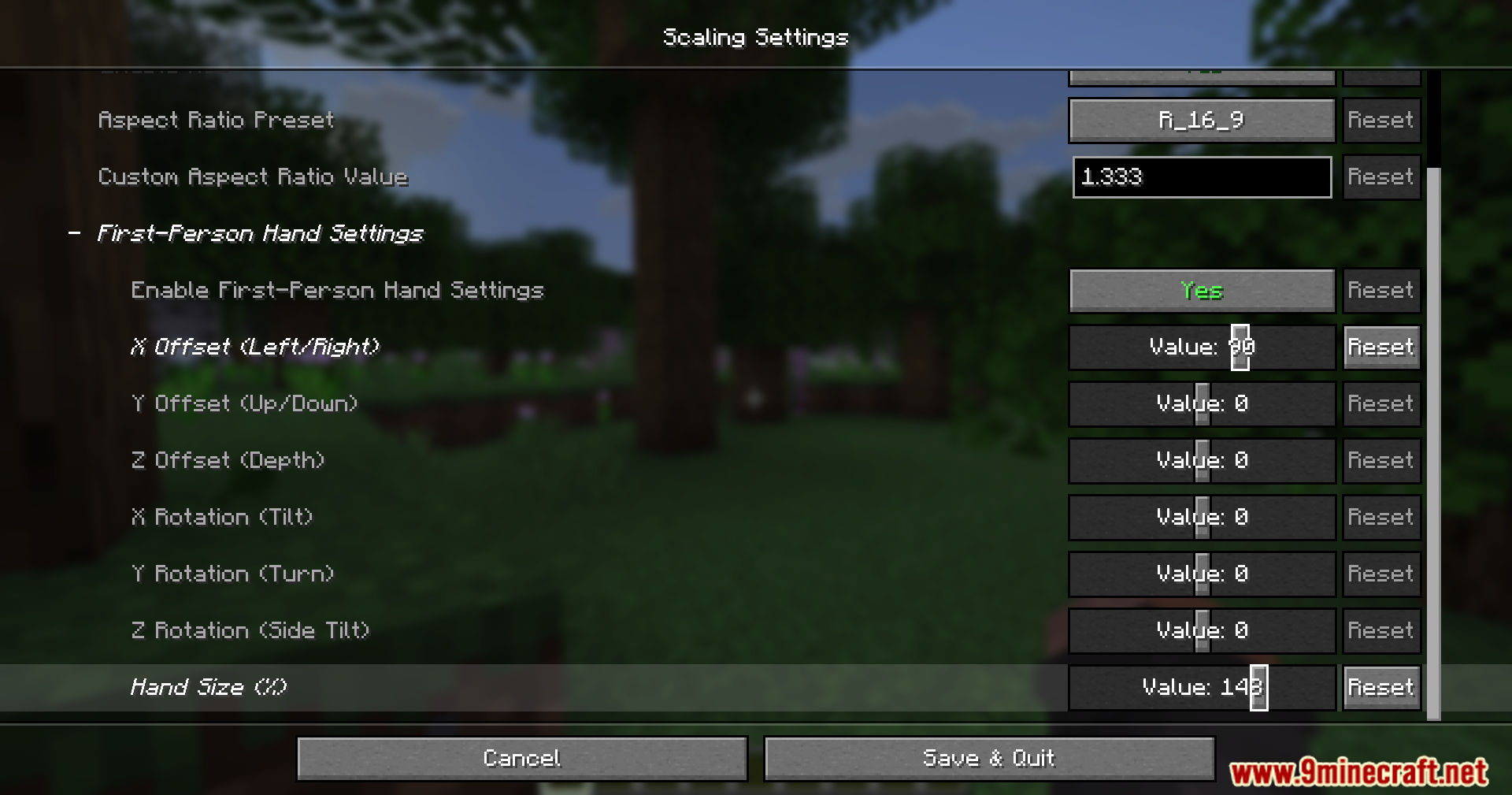
- Includes a built-in tool to fix how your hands and items look when the screen stretches.
- Lets you move your handheld items up, down, left, or right so they fit perfectly in your view.
How to Use:
- Press the Insert key while playing to open the live hand editor.
- Hold Ctrl and press the Arrow Keys to move or change the size of your items.
- Hold Shift at the same time to make your adjustments move faster.
Screenshots:
How to Install:
New to Minecraft? Follow our step-by-step guide to install Mods on your PC.View Guide
Requirements:






Rescale Aspect Ratio Mod Download Links
For Minecraft 26.2
For Minecraft 26.1.2, 26.1.1, 26.1
For Minecraft
1.21.11,
1.21.10,
1.21.9
All Versions Covered
1.21.11
1.21.10
1.21.9
1.21.8
1.21.7
1.21.6
1.21.5
1.21.4
1.21.1
1.21
All Versions Covered
1.21.11
1.21.10
1.21.9
1.21.8
1.21.7
1.21.6
1.21.5
1.21.4
1.21.1
1.21
For Minecraft 1.21.4
For Minecraft 1.21.1, 1.21
For Minecraft 1.20.1, 1.20
Click to rate this post!
[Total: 2 Average: 3.5]
You May Also Like


This post has no comments yet. Be the first — your comment will appear here.