
One Block Schematic (1.21.x) – Single Block Structure For Building

 0


One Block Schematic brings a tiny, simple structure to your Minecraft world. It contains exactly one block and nothing else. You can load this basic file into your game using schematic tools. It works perfectly in plain vanilla Minecraft without any extra add-ons.
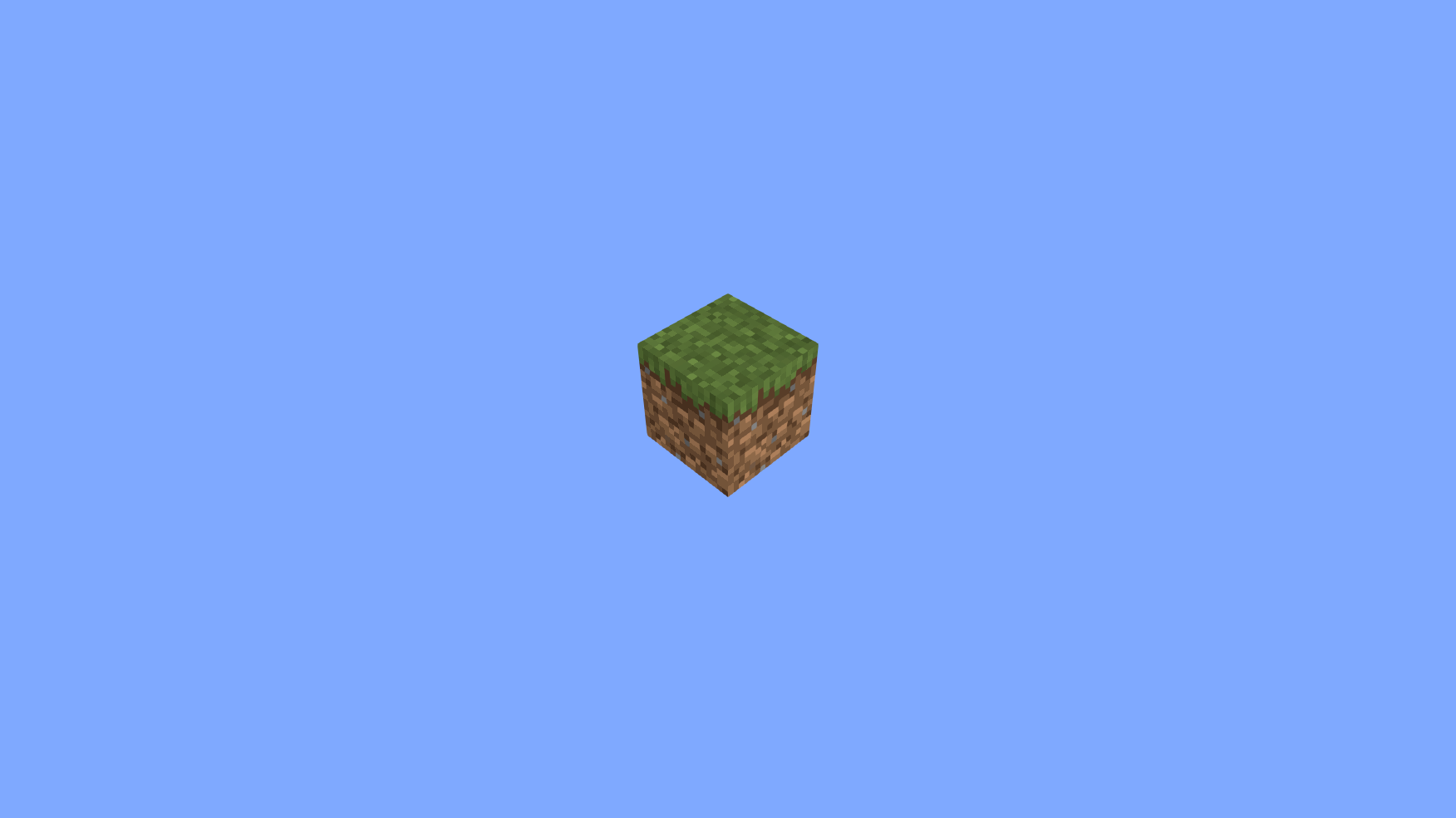
3D Preview & Editor:
Materials
1 types · 1 blocks
| Grass Block | 1 | |||||||
How to place this schematic
.litematic This is a Litematica schematic. You place it with the Litematica mod, which shows the build as a ghost overlay you fill in.
| 1 | Install Litematica (plus MaLiLib) for your Minecraft version. |
| 2 | Put the .litematic file in .minecraft/schematics. |
| 3 | In game press M → Load Schematics, pick the file, then Load. |
| 4 | Position the ghost preview, then build it by hand — or turn on Easy Place to place blocks straight from your hotbar. |
Features:
- Exact Dimensions: The structure measures exactly one block wide, one block tall, and one block deep.
- Vanilla Friendly: Works in normal Minecraft and does not need any special extra files to run.
- Comes as a standard Litematic file that you load into your building tools.
- Keeps things simple with a total count of just one single block.
Schematic Specs:
 Minecraft1.21.x
 Dimensions1×1×1
 Total Blocks1
One Block Schematic Download Links
For Minecraft 1.21.x
Click to rate this post!
[Total: 0 Average: 0]
QUICK MINECRAFT SURVEY · ONE TAP
Build Tools & Schematics
What is the main reason you use building tools like WorldEdit in Creative mode?
0 responses · See the full results →
You May Also Like
Picked for this page
 Dark Amethyst Floating Island Castle Schematic (1.21.x) – A Dark Fantasy Floating Castle
 Pokémon Temple Arena Japanese Litematica Schematic (1.21.x) – Large Asian Fortress With Fighting Rin
 Donut Smp Stash and Regear Schematic (1.21.x) – Large Storage And Regear Room Build
 Damocless Code Geass Schematic (1.21.x) – Floating City Build From Code Geass
 Dome Schematic (1.20.x) – Giant Glass Sphere With Floating Biome Islands
 Desert Stash Schematic (1.21.x) – Medium Desert Base With Auto Regear Station
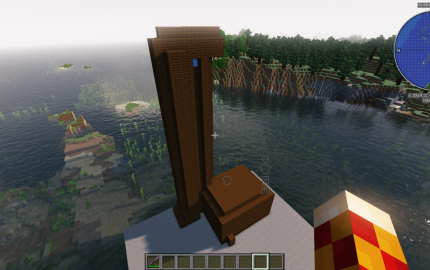 Twenture Emerald Spawner Farm Schematic (1.21.x) – Double Vindicator Spawner Emerald Farm Layout
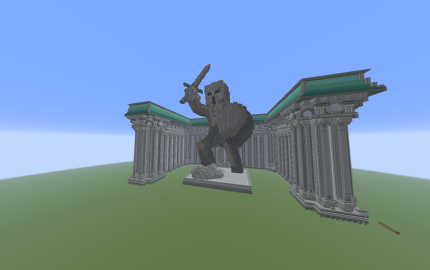 2v1000 Arena Schematic (1.21.x) – Modern Large Fight Arena Build
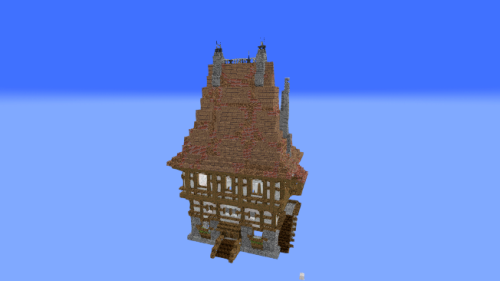 Medieval House 3 from Abfielder Schematic (1.21.x) – Classic Vanilla Medieval Home Build
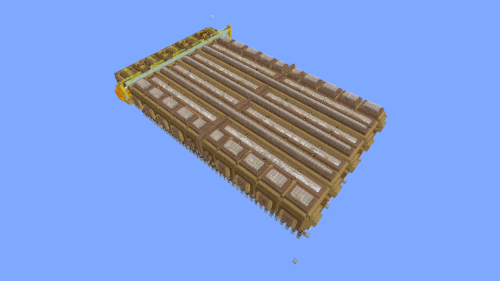 200 Hive Honey Block Farm Schematic (1.21.x) – Massive Vanilla Honey Production Build
 Mini Freddy Pizzeria Schematic (1.21.x) – A Small FNAF Restaurant Build For Your World
 Storage Hallway V1 Schematic (1.21.x) – Automated Redstone Item Sorting Room
Most viewed in Schematics over the last 7 days
 Fastest Bonemeal Farm Donut Smp Schematic (1.21.x) – Fast Redstone Bonemeal Farm Build
 KelpFarmV9.9 Schematic (1.21.x) – Compact And Simple Seaweed Farm Build
 64 Module Cobblestone Farm Schematic (1.21.x) – Massive Automated Stone Gathering Build
 Gold Farm Schematic (1.21.x) – Automatic Nether Roof Gold Farm
 Villager Trading Hall Schematic (1.21.x) – Modern Shop Build For 48 Villagers
 Minutes End Base Before Spoke Null End Video Schematic (1.21.x) – Giant Unstable SMP End Base Schema
 Best Railgun Tp Trap on Donutsmp Schematic (1.21.x) – Unescapable Multiplayer Redstone Trap Build
 Bamboo Farm Schematic (1.21.x) – Small Automated Redstone Bamboo Farm
 36 Module Cobble Farm 18m per Hour Donut SMP Schematic (1.21.x) – Massive Automated Stone Generator
 Bamboss V2 800k Bamboo per Hour Schematic (1.21.x) – High Speed Automated Bamboo Farm Schematic
 Greenhouse Schematic (1.21.x) – Beautiful Two Story Botanical Glass House
 Cobble Farm 50m per Hour Donut SMP Schematic – High Yield Cobblestone Generator Build
More from Schematics
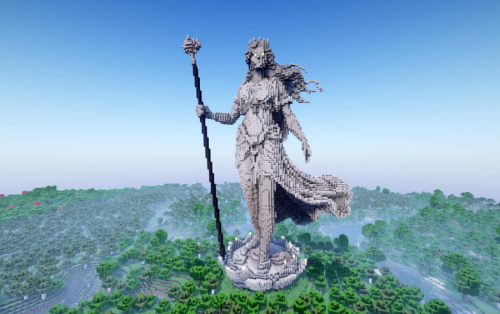 Minecraft Hera Greek Mythology Statue Free Schematic (1.19.x) – Giant Greek Goddess Statue
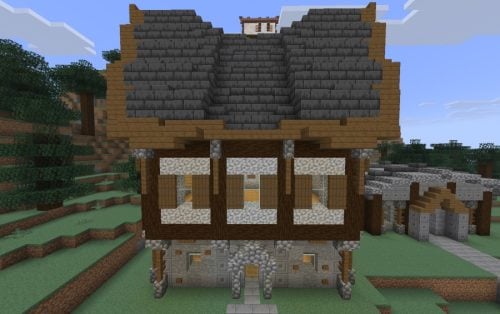 Medieval House by JustmeTheGamer Schematic (1.21.x) – A Cozy Two Story Medieval Home Schematic
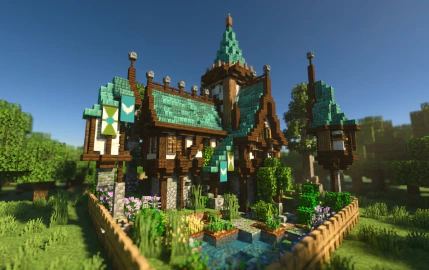 Medieval Garden Manor Schematic (1.21.x) – Elegant Medieval Manor With Teal Roofs
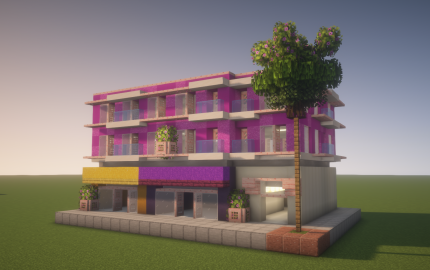 Modern Purple Apartment Schematic (1.20.x) – Stylish Urban Living With Vibrant Purple Design
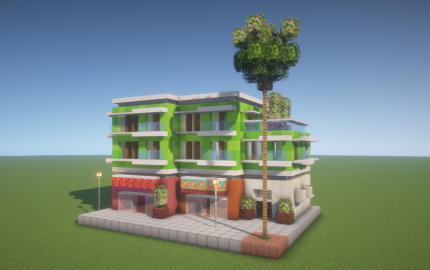 Modern Green Apartment Schematic (1.20.x) – Stylish Urban Living for Modern Cities
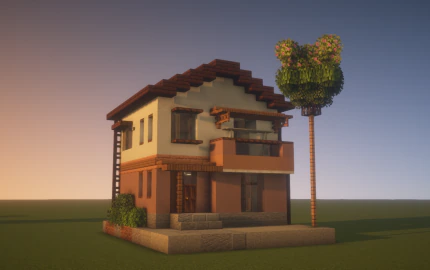 Cozy Family House Schematic (1.20.x) – Warm Suburban Home for Your Minecraft World
 Medieval Clock Tower Schematic (1.21.x) – Tall Stone Tower with Teal Spire
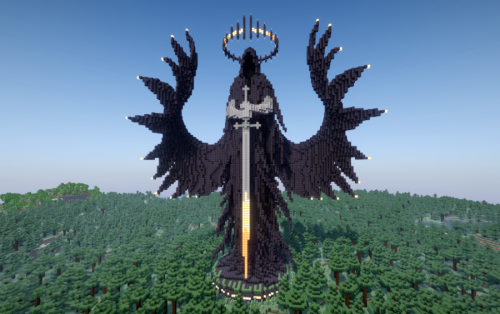 Minecraft Wearing Silence Statue Free Schem Schematic (1.19.x) – Giant Silence Armor Statue for Mine
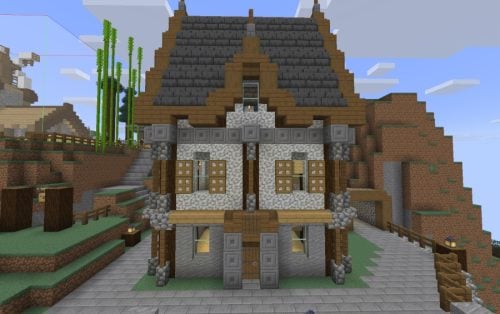 Medieval House 2 Schematic (1.21.x) – Classic Medieval Home for Custom Decoration
 Medieval Autumn Lakehouse Schematic (1.21.x) – Cozy Medieval House with Autumn Trees
 Creaking Statue Minecraft Build Schematic (1.21.x) – Spooky Statue for Horror and Fantasy Worlds
 Medieval Portal Keep Schematic (1.21.x) – Strong Medieval Castle With Nether Portal

This post has no comments yet. Be the first — your comment will appear here.