


Functional Armor Trims Mod (26.2, 1.21.1) – Turn Cosmetic Patterns

 0
0 

🌐 Read this article in your language! Choose your preferred language below.
Or pick the one you like:
Functional Armor Trims Mod gives a real purpose to the decorative patterns on your gear. It changes these items from simple visual updates into useful tools for survival and combat. You get special powers depending on the material you use to decorate your armor. Players need to wear a full set of armor with the same trim material to activate these hidden powers. This addition makes choosing your gear materials a fun and strategic part of the game.
Features:
- Full Set Requirement: You must wear a complete set of armor decorated with the exact same material to get the special effect.
- Changes pure cosmetic decorations into actual gameplay mechanics that help you survive in the world.
- Adds unique powers for almost every major mineral and gem found in the game.
- Lets you mix and match different armor types, as long as the trim material matches perfectly across all four pieces.
Combat and Defense Trims:
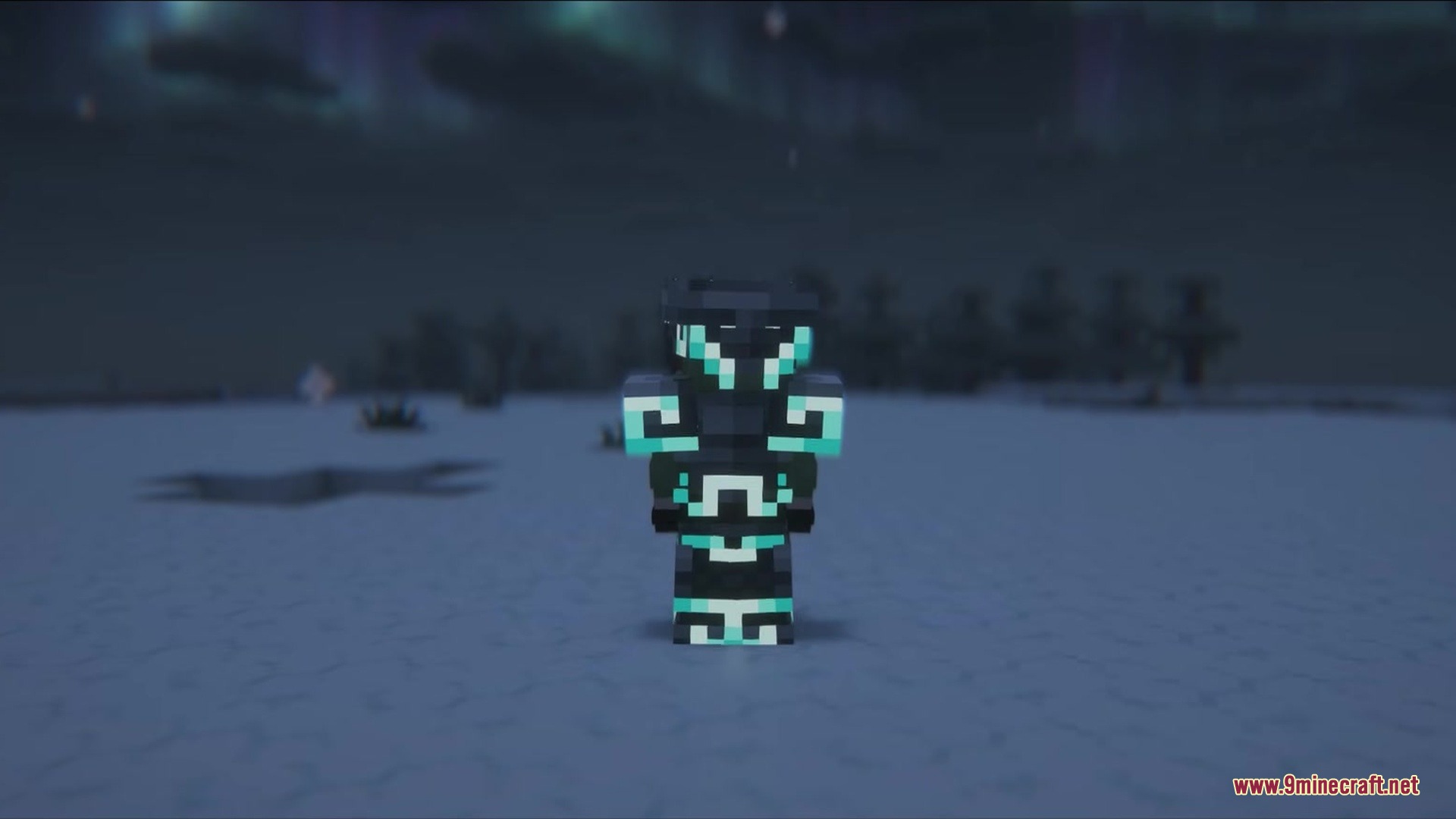
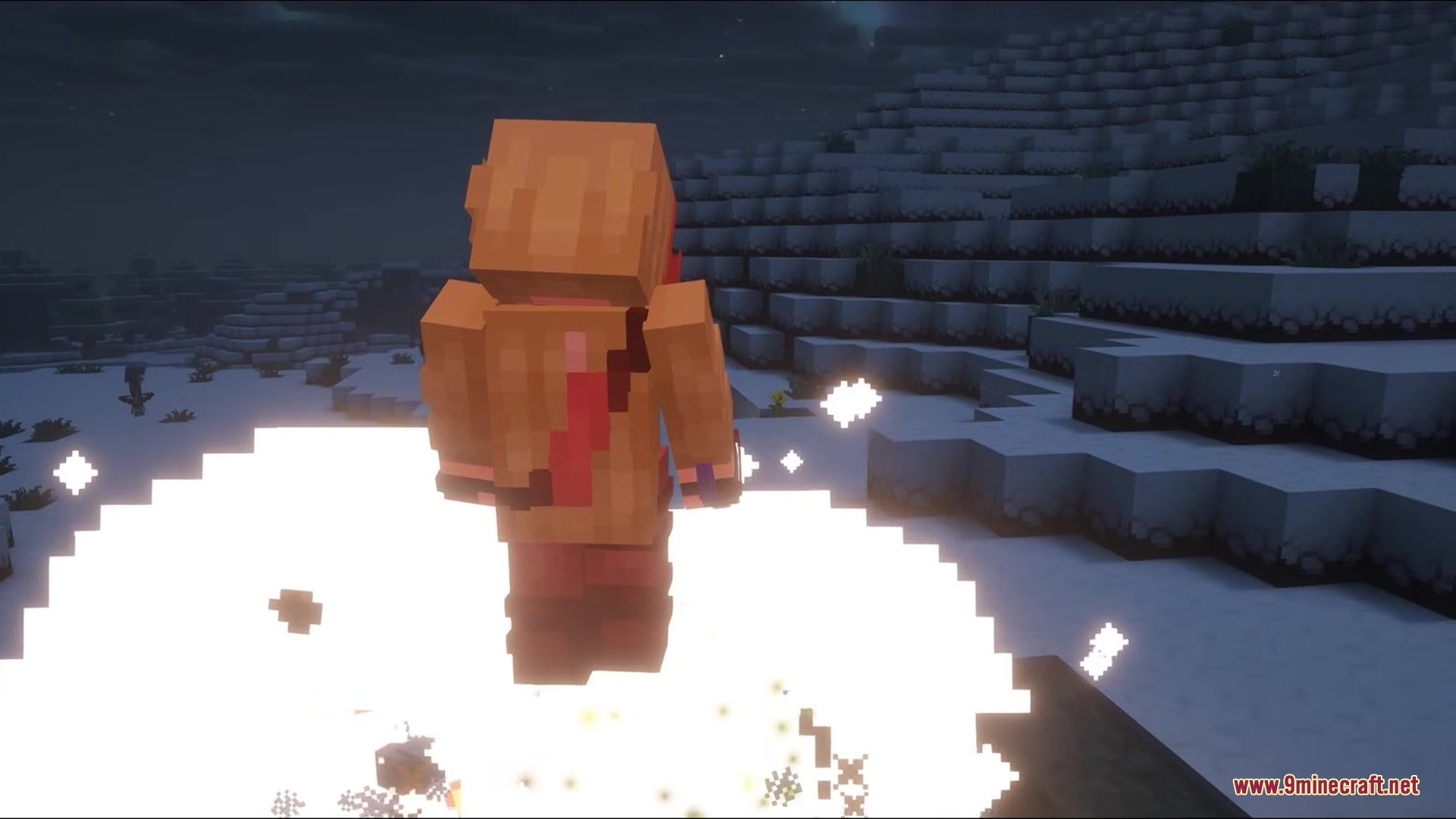
- Diamond absorbs a deadly hit, breaks the armor, and pushes enemies away with a large blast.
- Netherite stops all knockback from hits, arrows, and explosions so you never get pushed around during a fight.
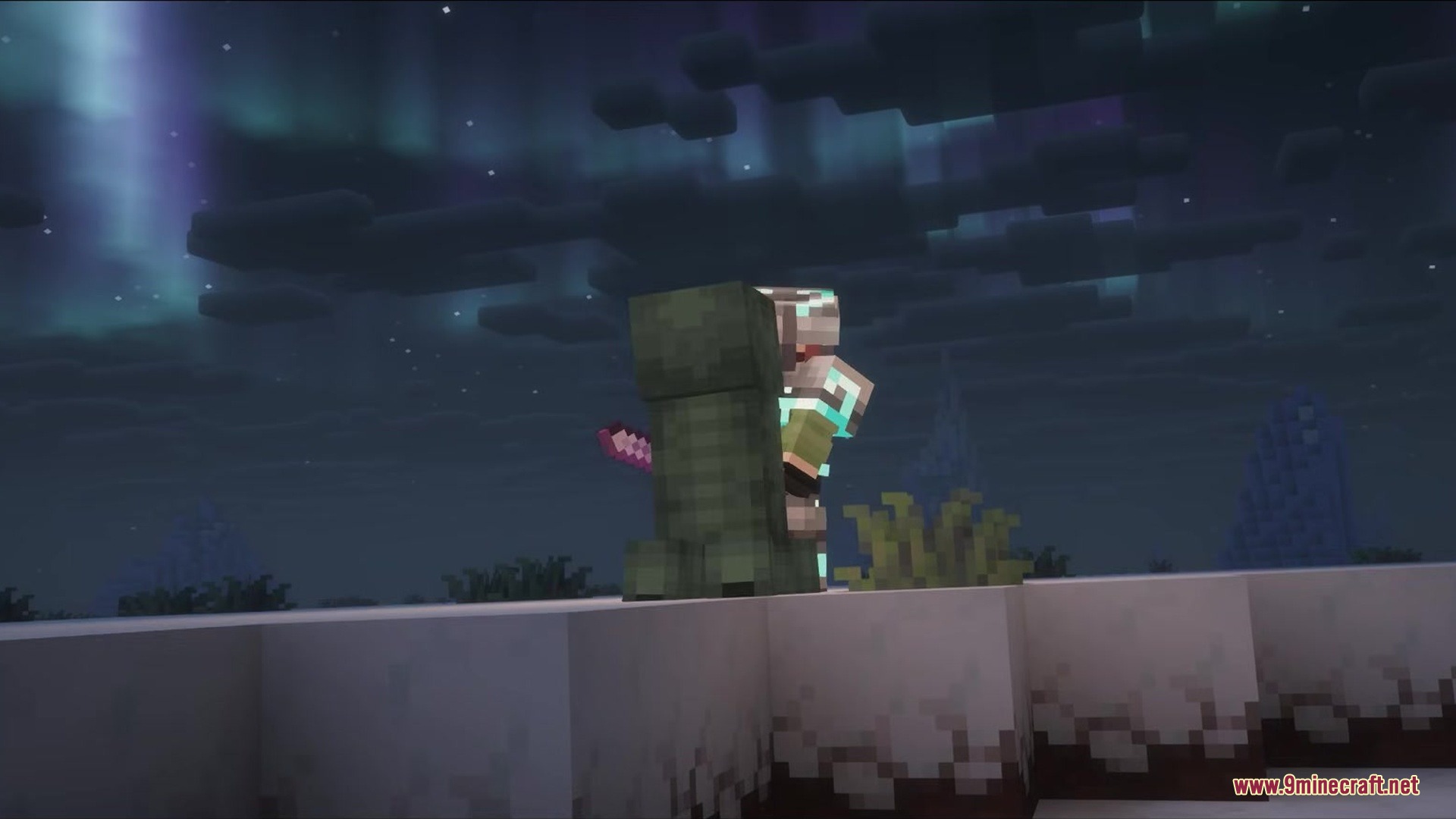
- Iron gives a high chance to block arrows completely and removes the cooldown timer from your shield.
- Copper attracts lightning strikes to charge you up, making your next attack deal double damage while setting targets on fire.
Utility and Exploration Trims:
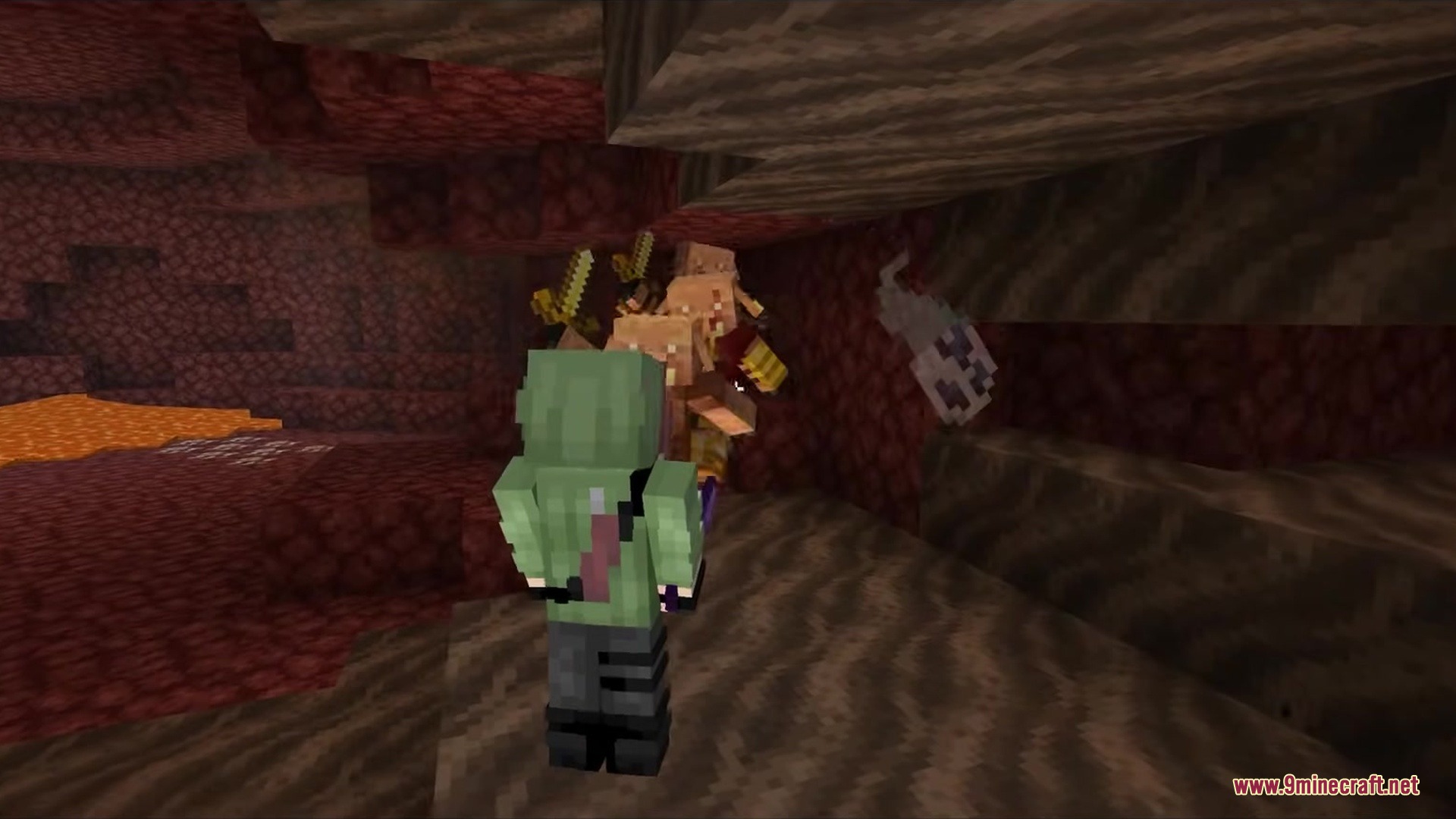
- Gold makes all Piglins and Piglin Brutes ignore you, even if you open chests or mine their gold.
- Amethyst lets you see mobs through walls up to 25 blocks away when you stand still or crouch.
- Redstone turns you into a walking power source that activates redstone blocks just by stepping on them.
- Emerald puts extra items into random loot chests you find while roaming the world.
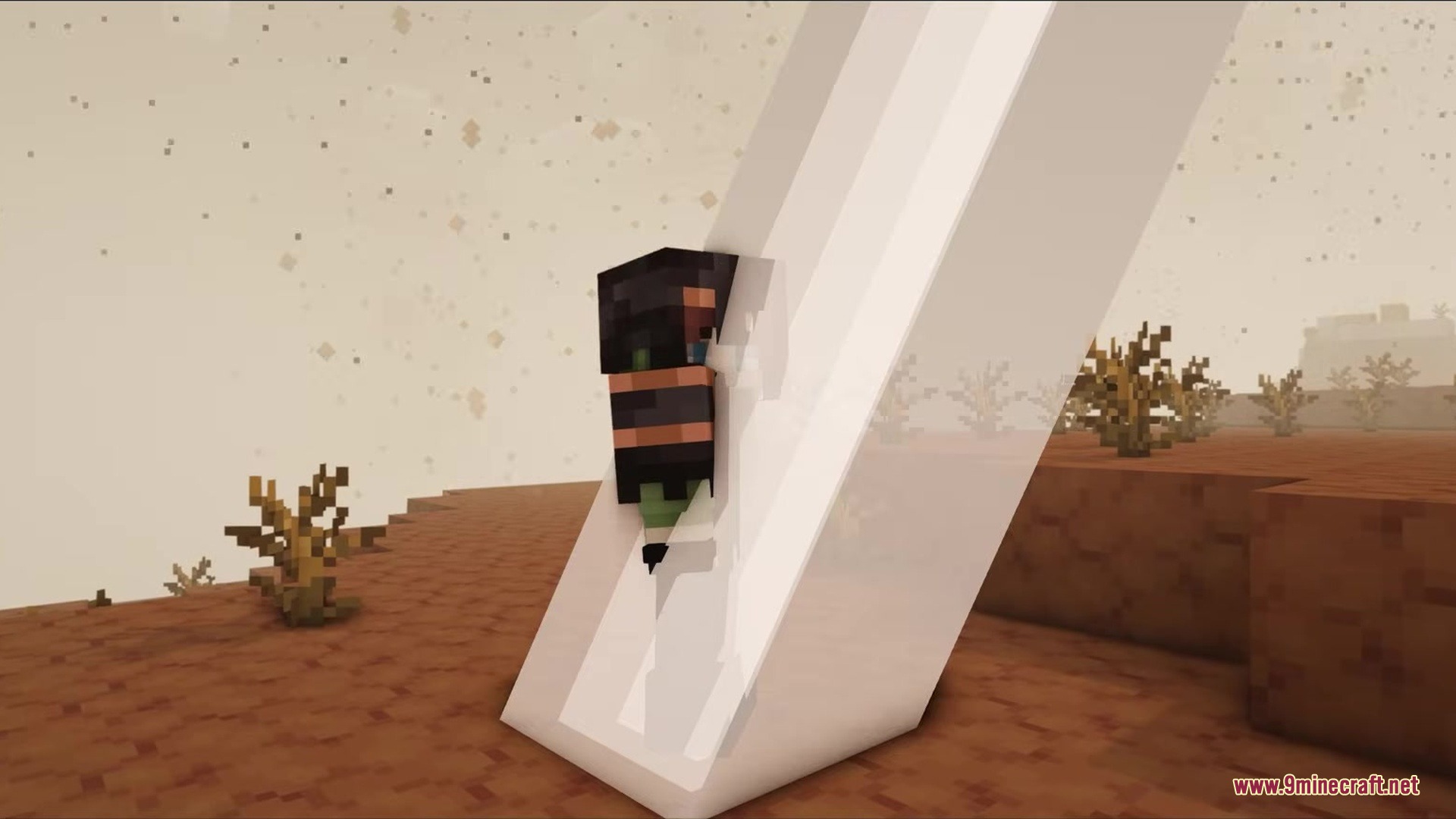
- Resin allows you to stick to walls and slide down safely without taking fall damage by crouching.
- Quartz makes food fill you up more and makes potion effects last much longer than usual.
How to Use:
- Find an armor trim template and your chosen material, such as Gold or Diamond.
- Apply the same trim material to your helmet, chestplate, leggings, and boots at a Smithing Table.
- Equip all four pieces at the same time to turn on the special passive ability.
Screenshots:
How to Install:
New to Minecraft? Follow our step-by-step guide to install Mods on your PC.View Guide
Requirements:



Functional Armor Trims Mod Download Links
For Minecraft 26.2
For Minecraft 26.1.2, 26.1.1, 26.1
For Minecraft 1.21.11
For Minecraft 1.21.10, 1.21.9
For Minecraft 1.21.8, 1.21.7, 1.21.6
For Minecraft 1.21.1, 1.21
Click to rate this post!
[Total: 0 Average: 0]
You May Also Like








This post has no comments yet. Be the first — your comment will appear here.