


Scroll Walk Mod (26.1.2, 1.21.11) – Walk at Your Own Pace for Cinematic

 0
0 

🌐 Read this article in your language! Choose your preferred language below.
Or pick the one you like:
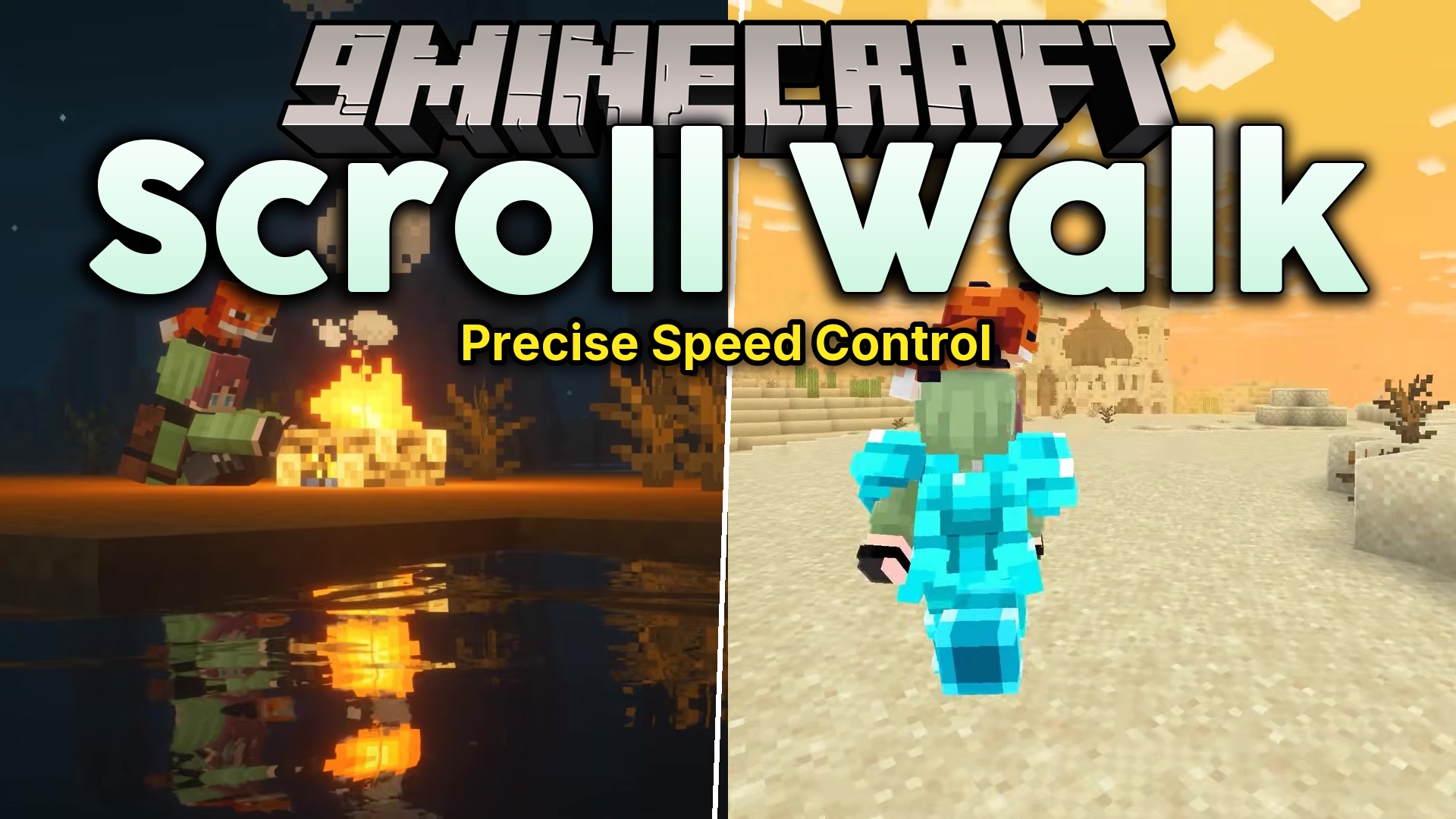
Scroll Walk Mod gives you complete control over your movement speed using just your mouse wheel. It lets you slow down your walking pace for careful building or roleplay moments without needing to sneak.
Features:
- Adds a simple way to change your walking speed by holding a key and scrolling your mouse wheel.
- Includes a speedometer HUD that shows your current speed directly on the screen.
- Lets you set custom speed limits in the settings menu, from very slow to normal speed.
- Gives you control over how smooth the speed changes feel with an acceleration setting.
- Allows you to adjust the scroll step to make speed changes faster or smaller with each click of the wheel.
How to Use:
- Hold down the Alt key on your keyboard.
- Scroll your mouse wheel down to walk slower.
- Scroll your mouse wheel up to return to your normal walking speed.
- Turn off the FOV Effects slider in Minecraft’s Accessibility Settings to stop the screen from zooming when you change speed.
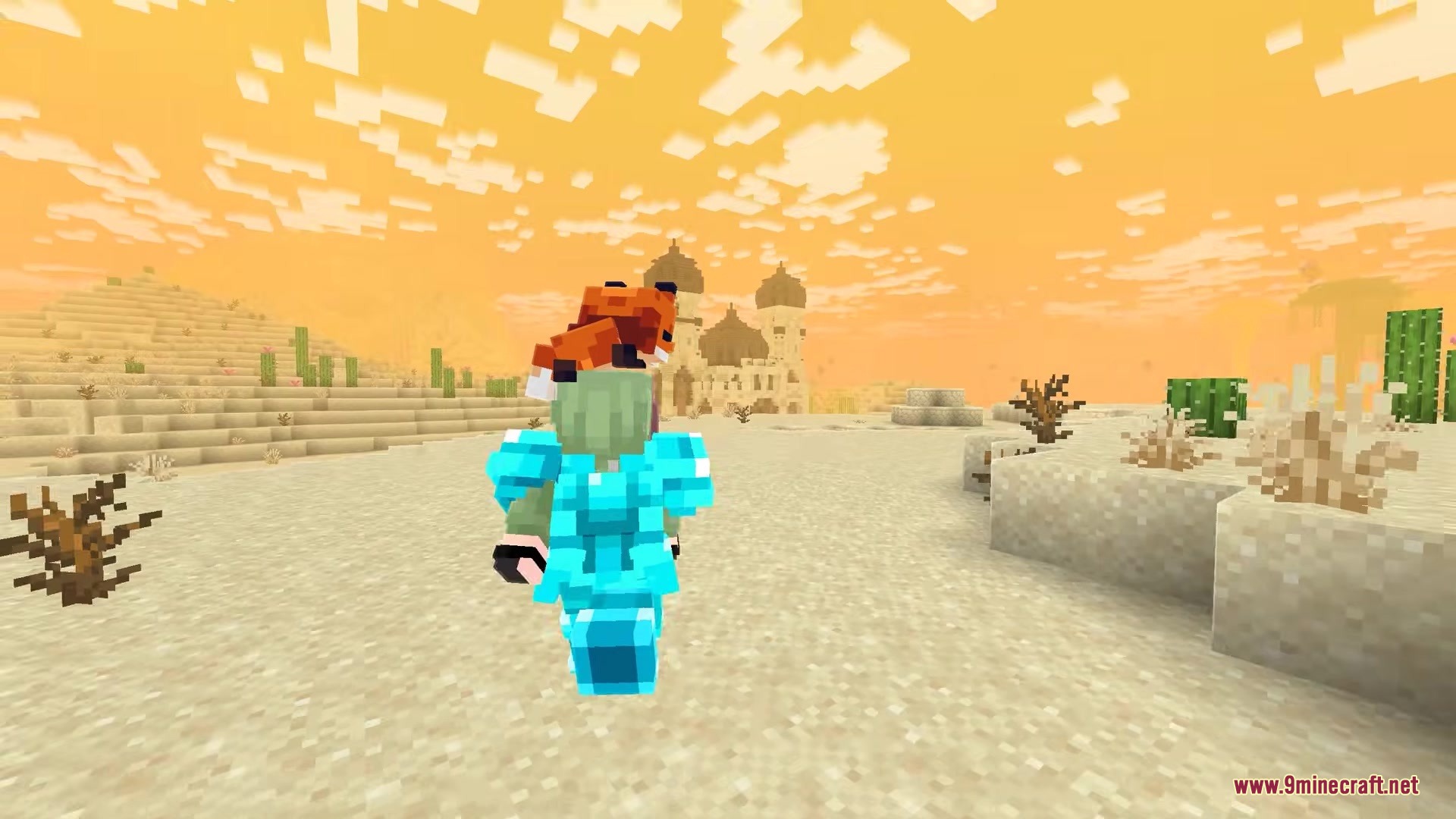
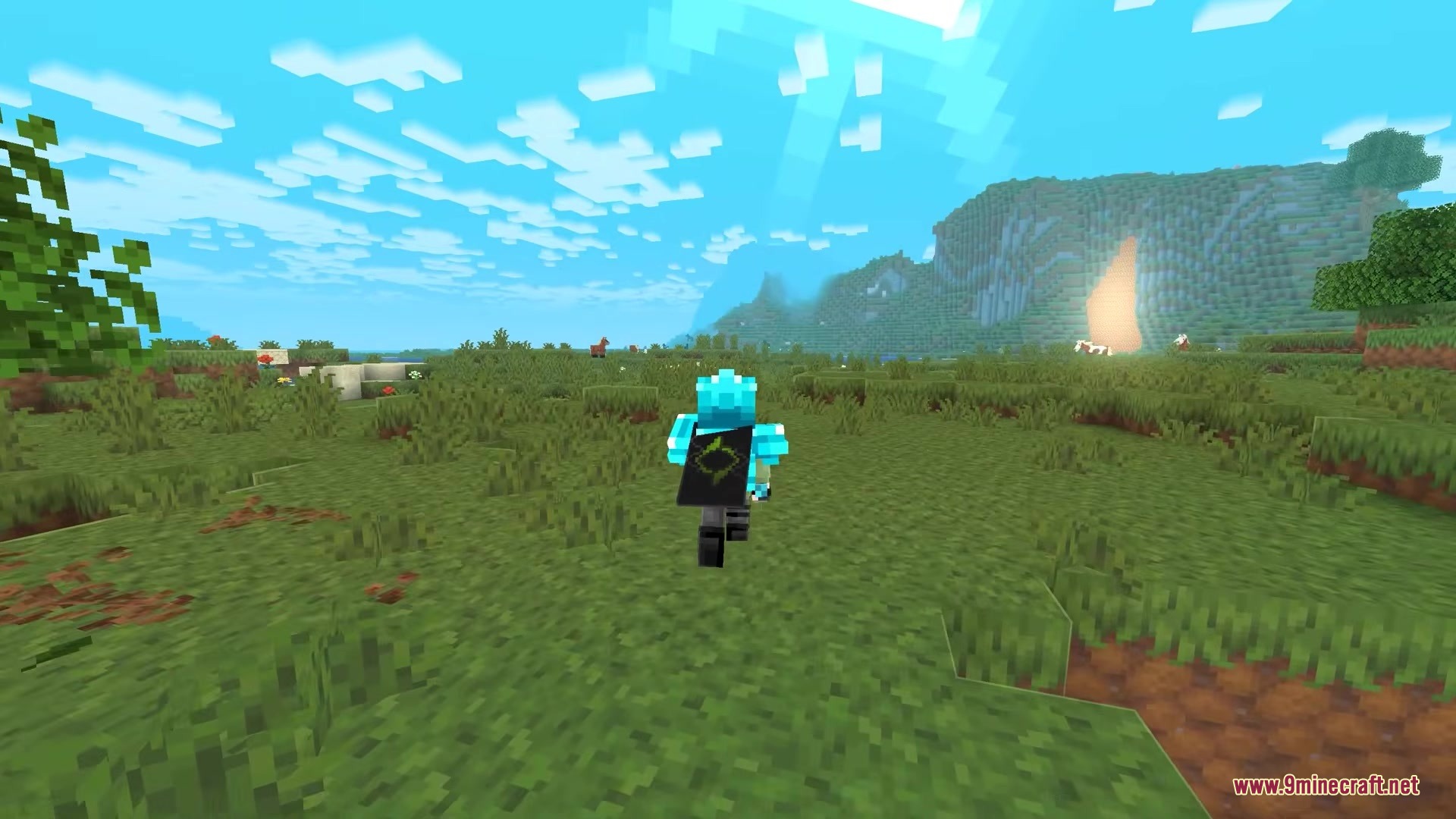
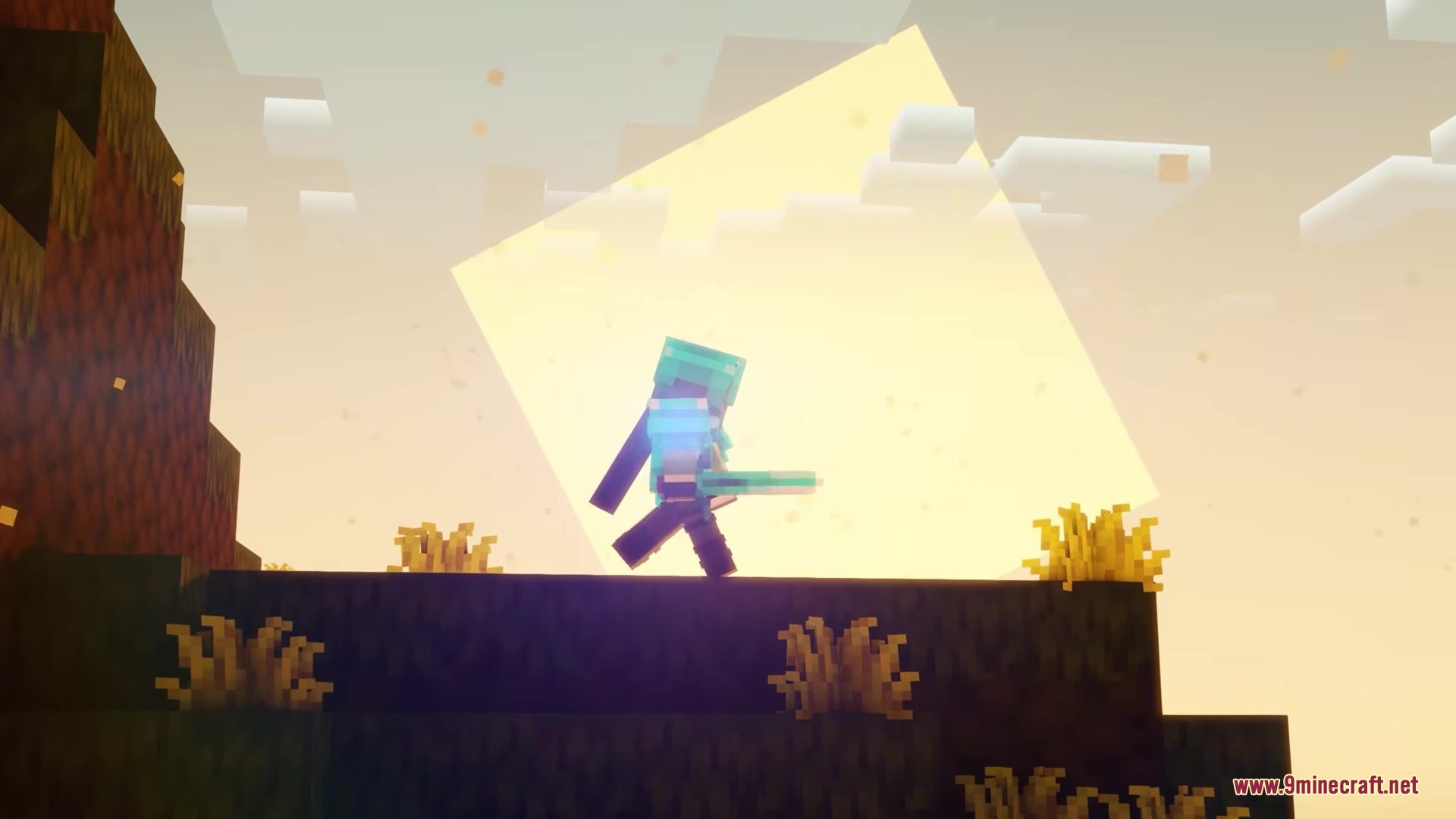
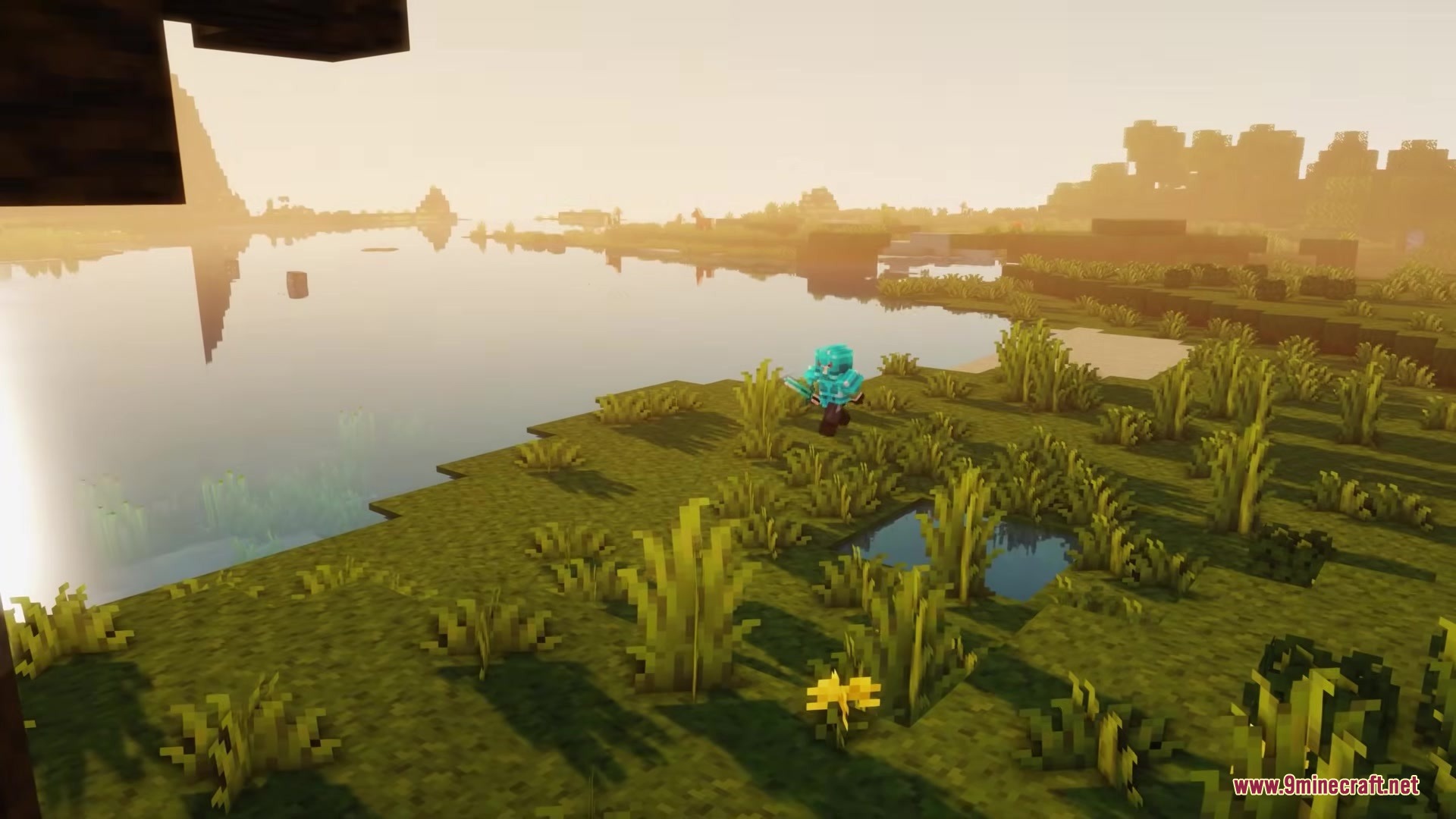
Screenshots:

How to Install:
New to Minecraft? Follow our step-by-step guide to install Mods on your PC.View Guide
Requirements:




Scroll Walk Mod Download Links
For Minecraft 26.1.2, 26.1.1, 26.1
For Minecraft 1.21.11
Click to rate this post!
[Total: 0 Average: 0]
You May Also Like







This post has no comments yet. Be the first — your comment will appear here.