


Bonsai Trees 9minecraft Mod (26.2) – Automate Wood Farming in Tiny Pots
 149
149
 0
0


🌐 Read this article in your language! Choose your preferred language below.
Or pick the one you like:
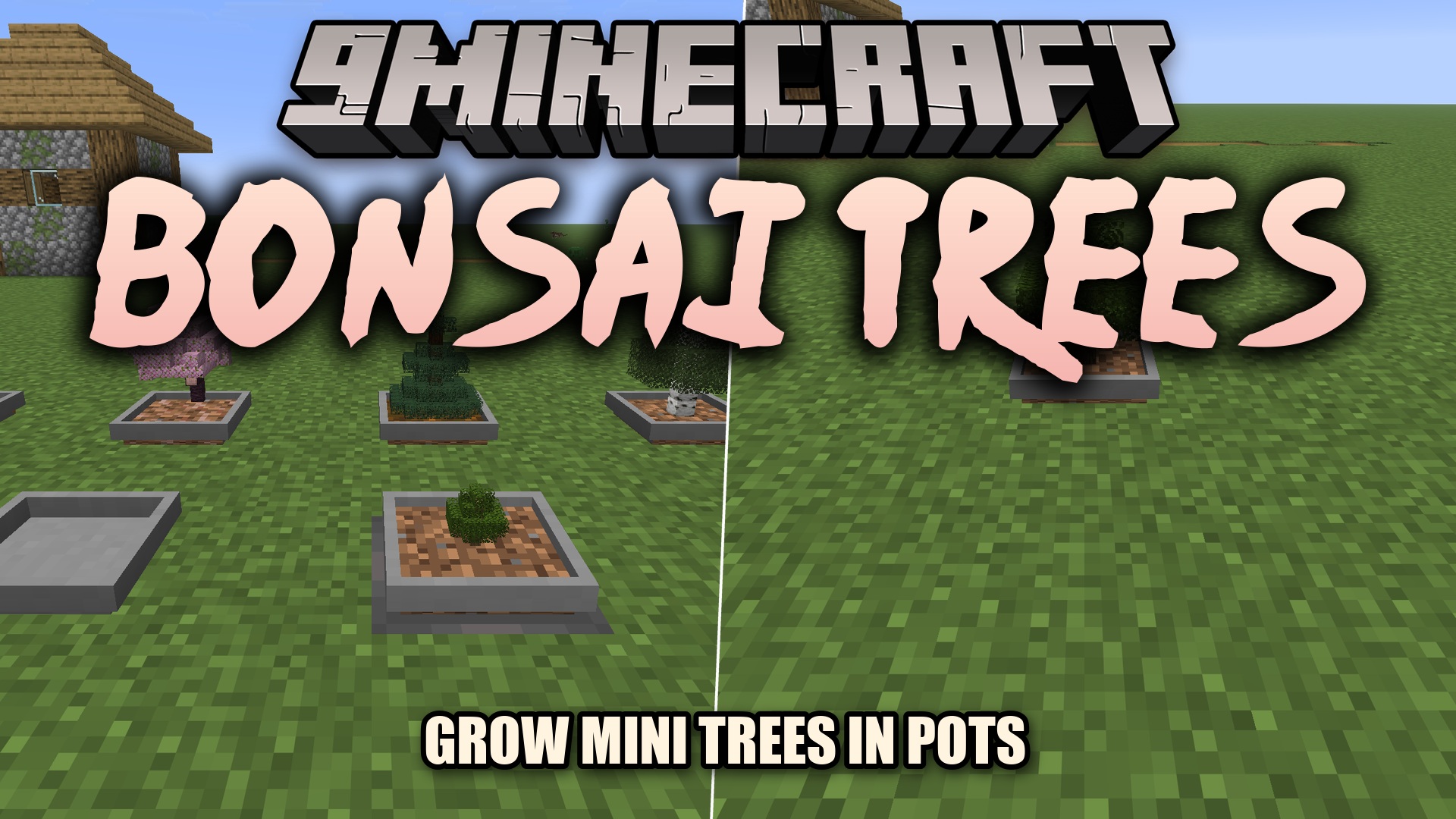
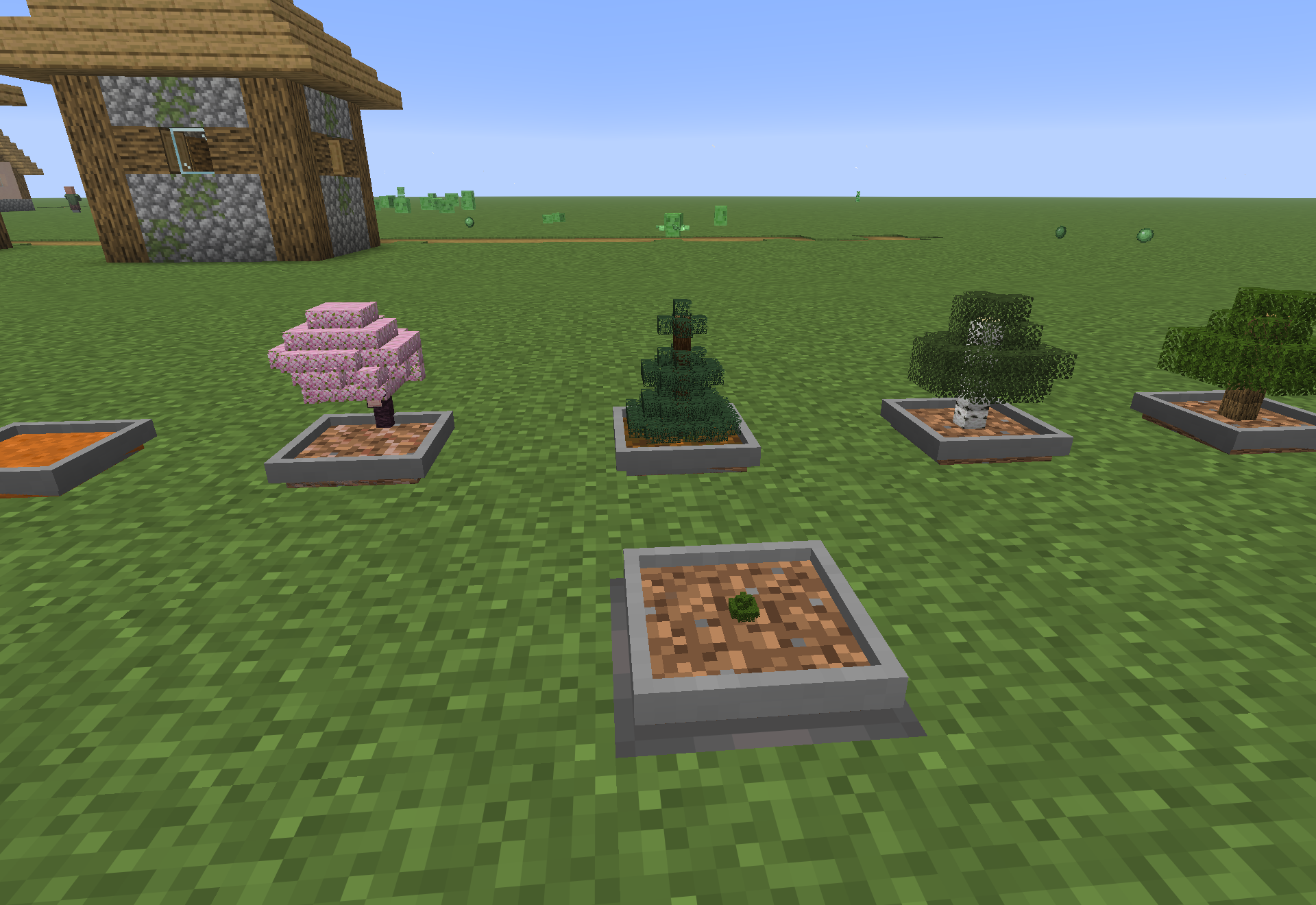
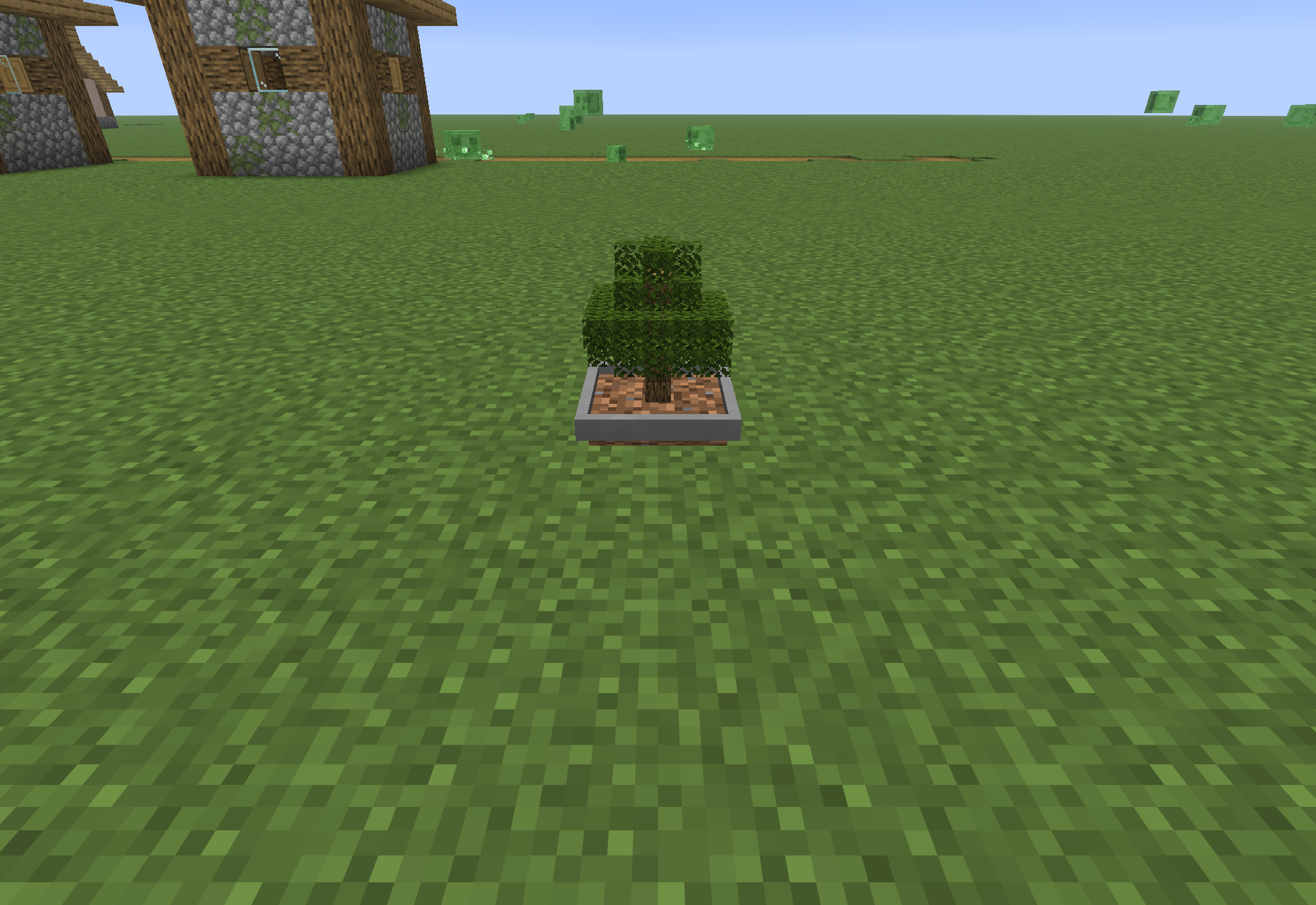
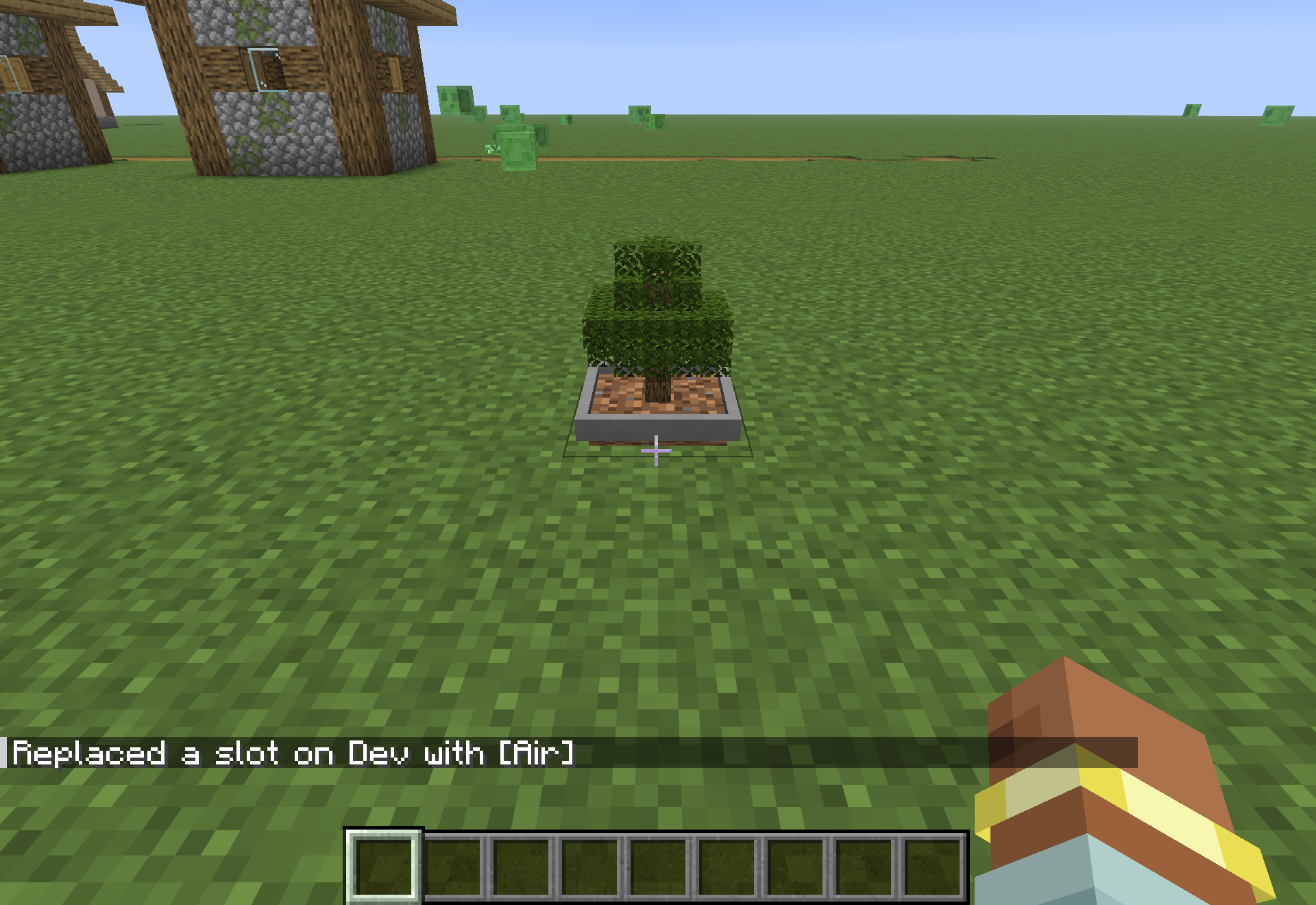
Bonsai Trees 9minecraft Mod lets you grow tiny trees inside a single pot block. You can plant saplings in different soils and watch them grow into small, complete trees. Grown bonsais look great as decorations on shelves or in gardens. The mod also includes a special menu for each pot where you can set up automatic harvesting.
Features:
- Miniature Farming: You can grow tiny versions of normal trees inside a single block pot.
- Auto Harvesting: Placing an axe or cutting tool in the upgrade slot makes the pot cut down the tree automatically.
- Different types of dirt, sand, and podzol change how fast your tiny tree grows.
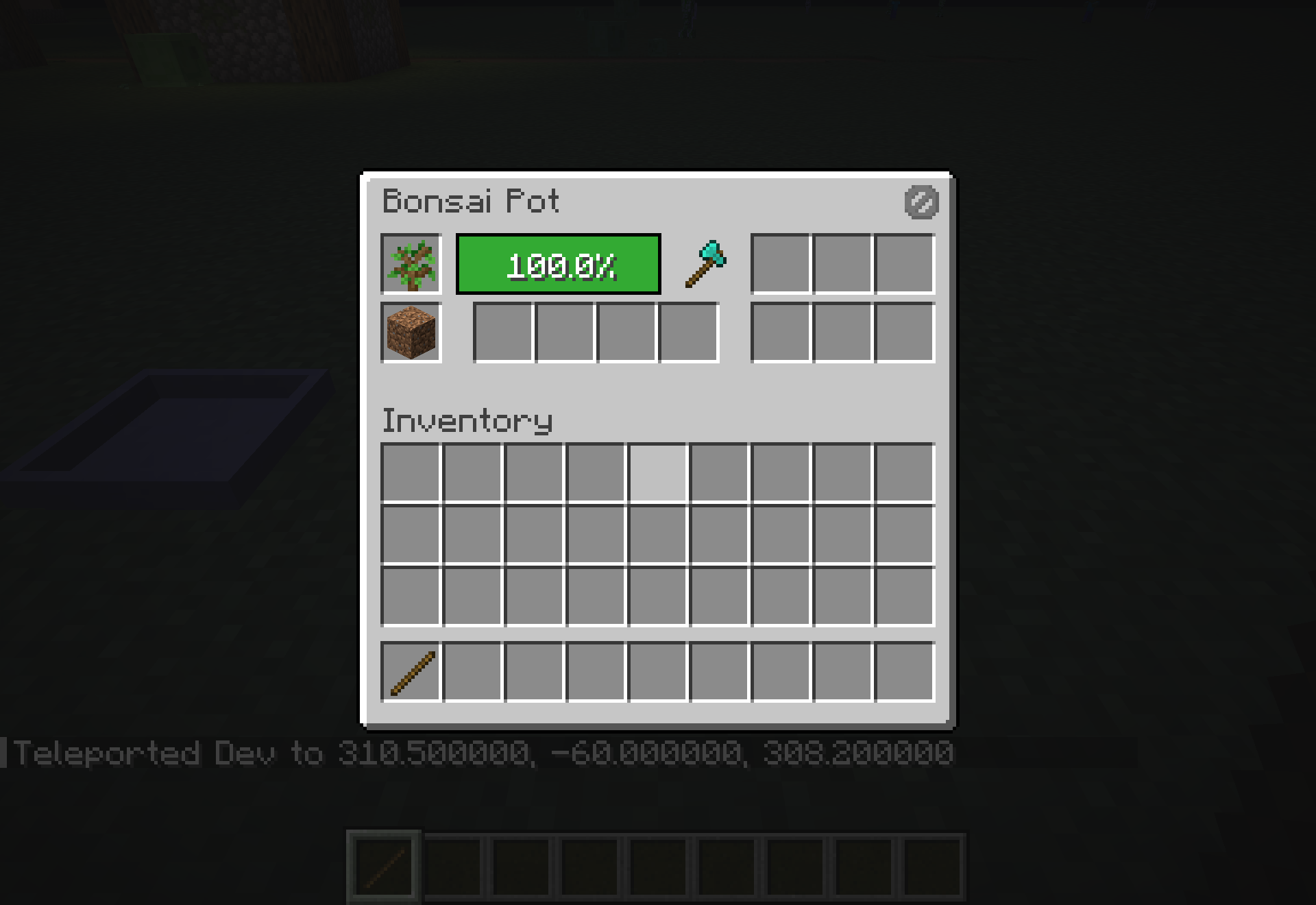
- The pot has a menu that shows a growth progress bar and holds your wood and sticks.
- Enchanted tools change what you get from the tree, like getting more wood with fortune.
- You can add hopper and bee hive upgrades to move items or get extra drops.
- Supports all normal trees, plus corals, mushrooms, chorus plants, and nether fungus.
Commands:
/bonsai list sapling: Shows all saplings that work with the pot in the chat./bonsai list soil: Shows all the dirt and sand types you can use./bonsai list drops: Shows what items fall from the tiny trees.
How to Use:
- Place a Bonsai Pot block on the ground.
- Right-click the pot with a block of dirt, sand, or other soil.
- Right-click the pot again with a sapling to plant it.
- Wait for the miniature tree to grow inside the pot.
- Right-click the pot to open its menu and see the growth progress bar.
- Put an axe in the upgrade slot so the pot cuts the tree for you.
- Place a hopper under the pot to pull the wood and sticks out into a chest.
Screenshots:
How to Install:
New to Minecraft? Follow our step-by-step guide to install Mods on your PC.View Guide
Requirements:

Bonsai Trees 9minecraft Mod Download Links
For Minecraft 26.2
Click to rate this post!
[Total: 0 Average: 0]
You May Also Like







This post has no comments yet. Be the first — your comment will appear here.