


Toggle Night Vision Shader (26.x, 1.21) – Customizable Brightness Menu
 23
23
 0
0

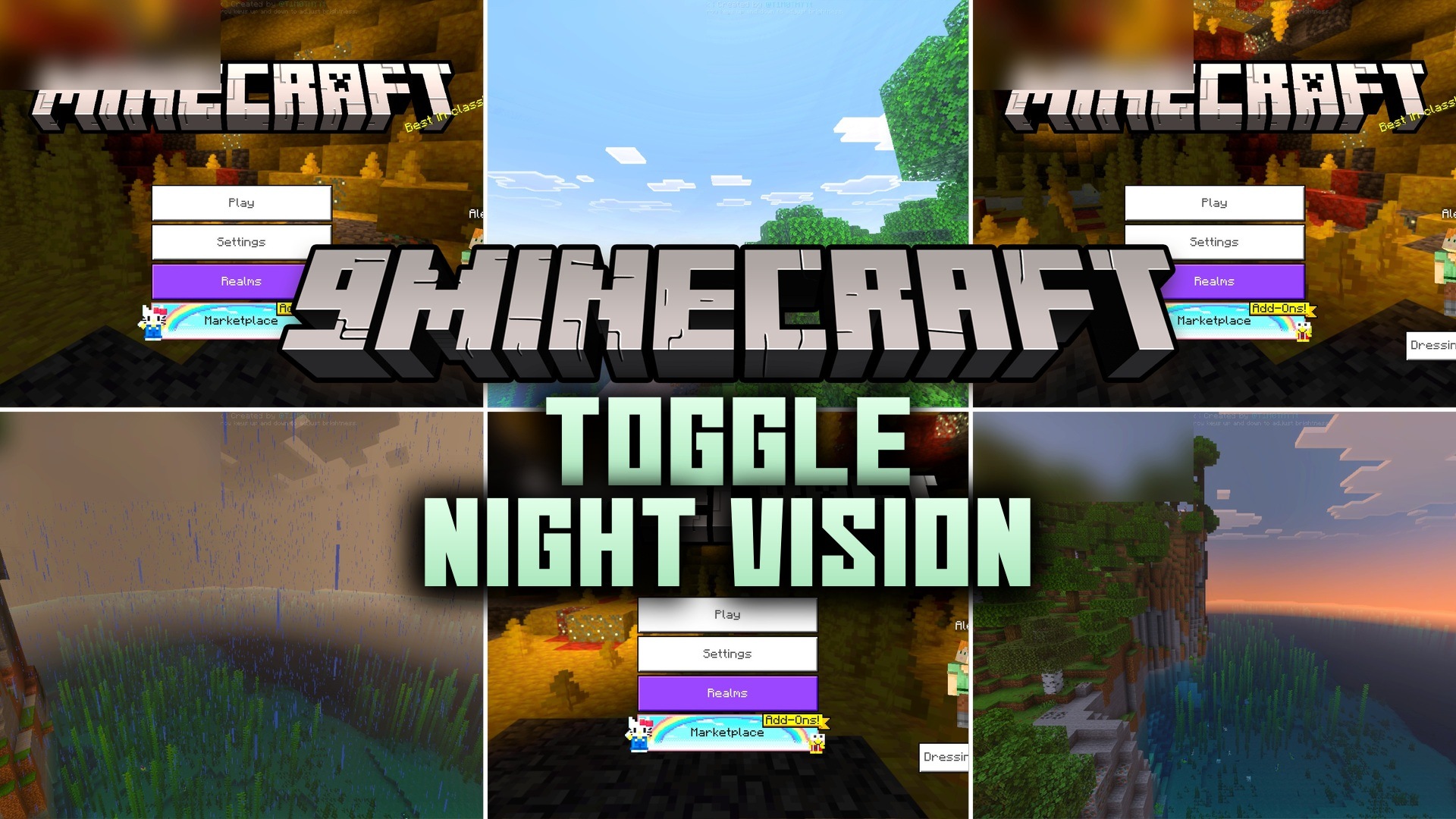
Toggle Night Vision Shader lets you see clearly in deep caves without placing any torches. This pack adds a custom menu to adjust the light brightness and color directly from your screen. It works perfectly for both mobile players and desktop users who want to explore underground areas easily.
Features:
- Adds a custom lighting menu for your screen.
- Lets you change the screen brightness level easily.
- Provides four different color options for your vision.
- Includes subpacks to move the menu location around.
- Helps you find ores in deep dark ravines.
Controls:
- Tap the eye button on mobile to open the menu.
- Press F8 on a keyboard to open the menu.
- Use up and down arrows to change brightness levels.
- Press number keys 1 to 4 for different colors.
- Turn off anti-aliasing in your settings before using the menu.
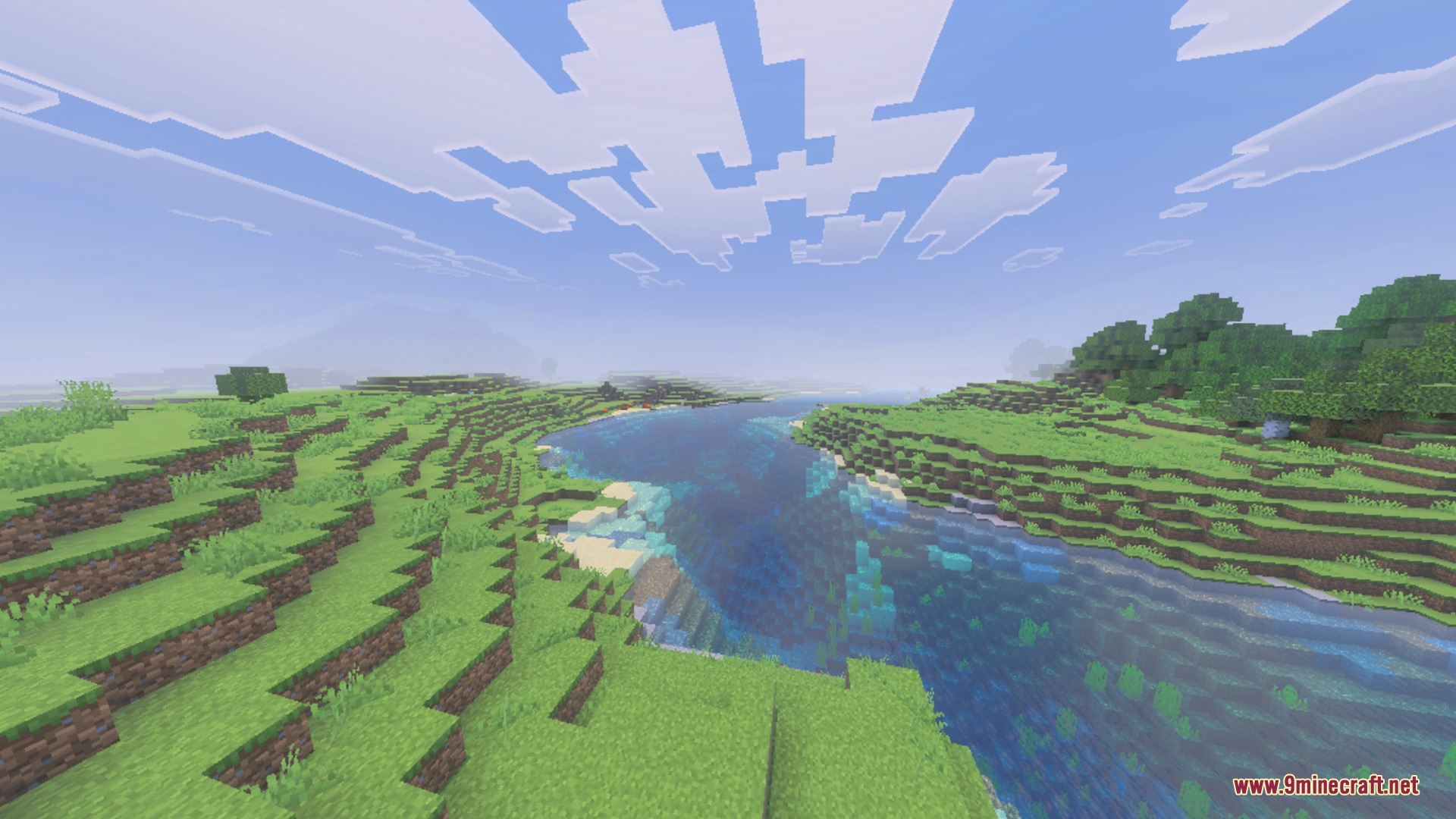
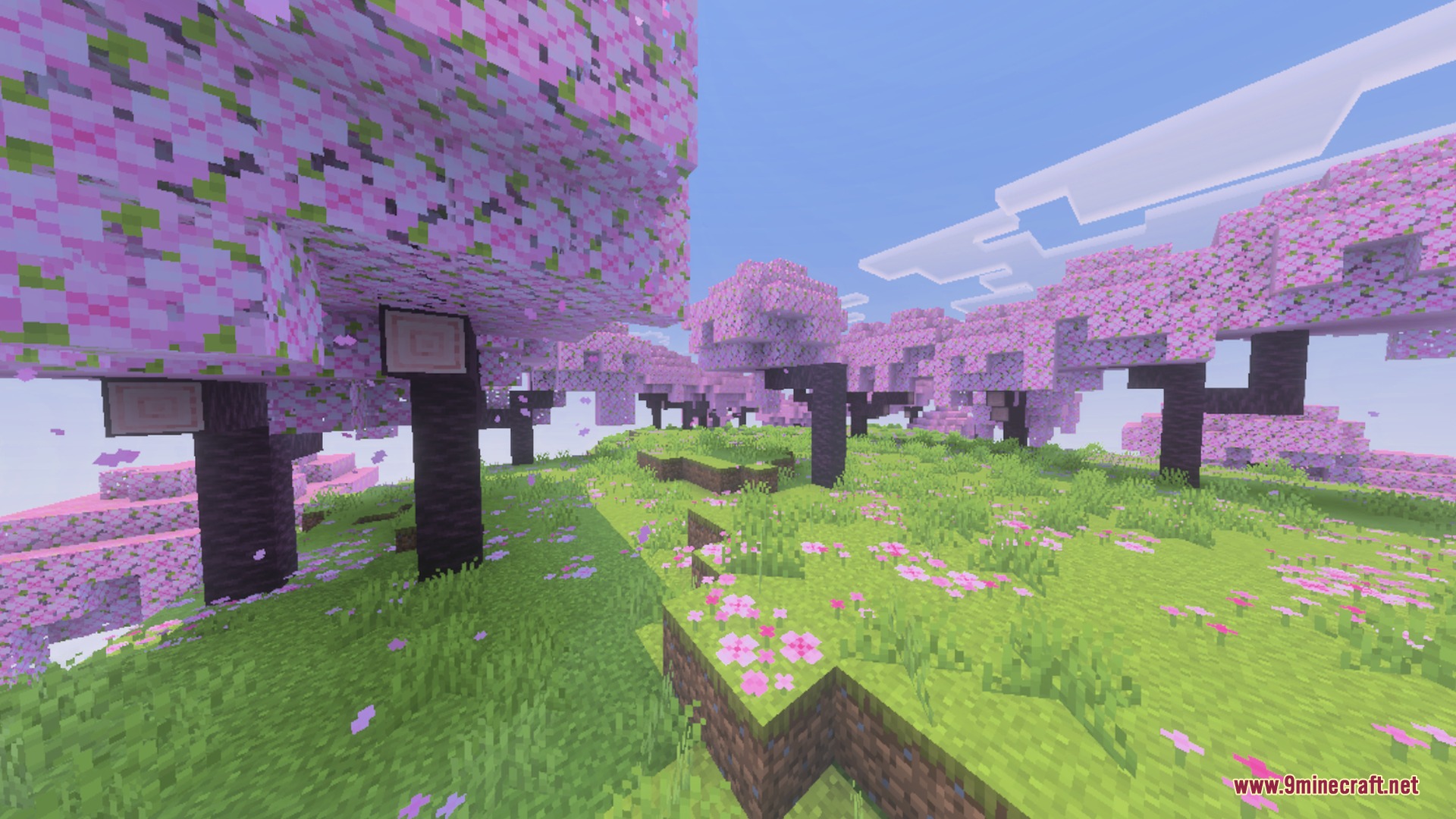
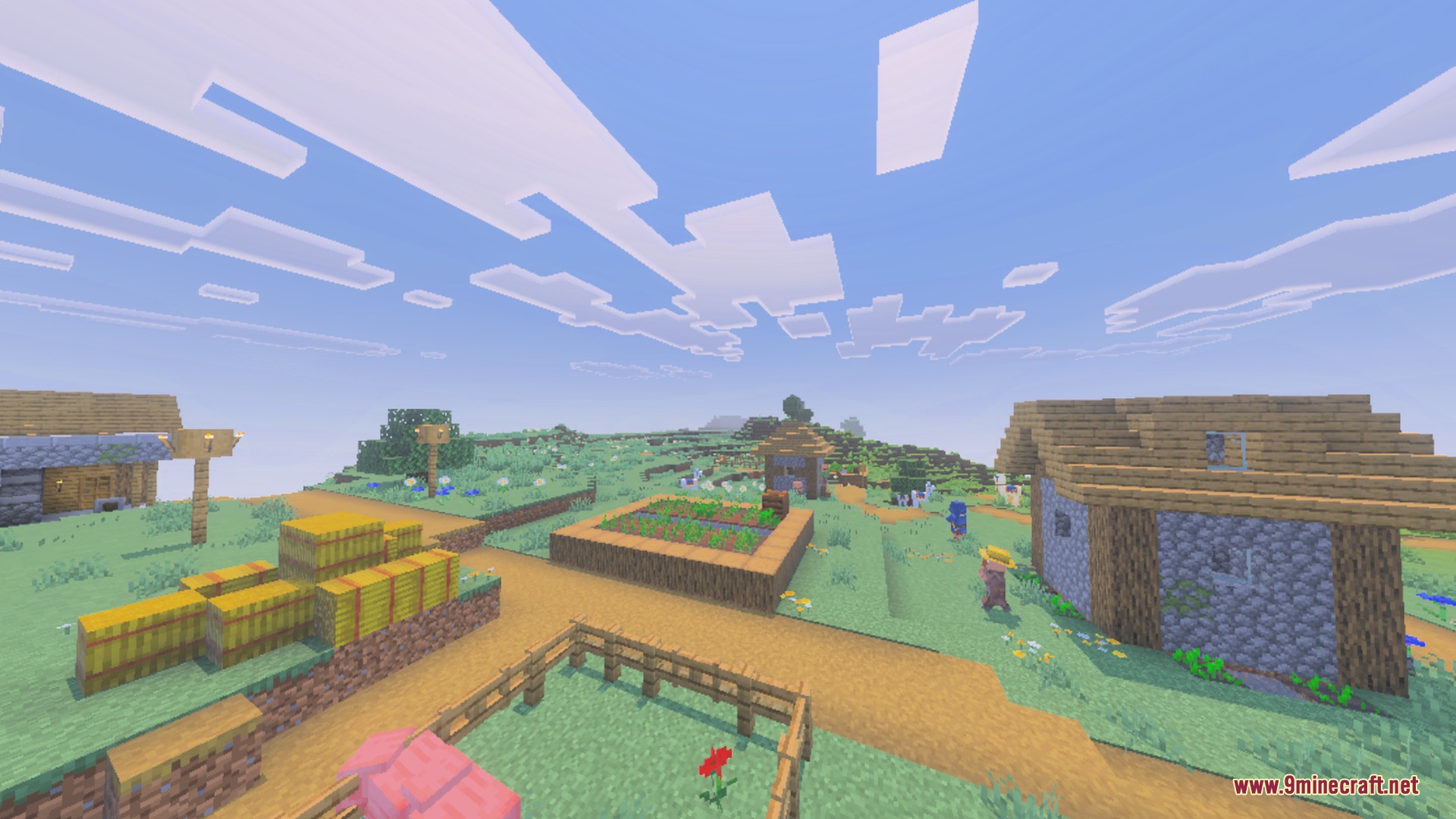
Screenshots:
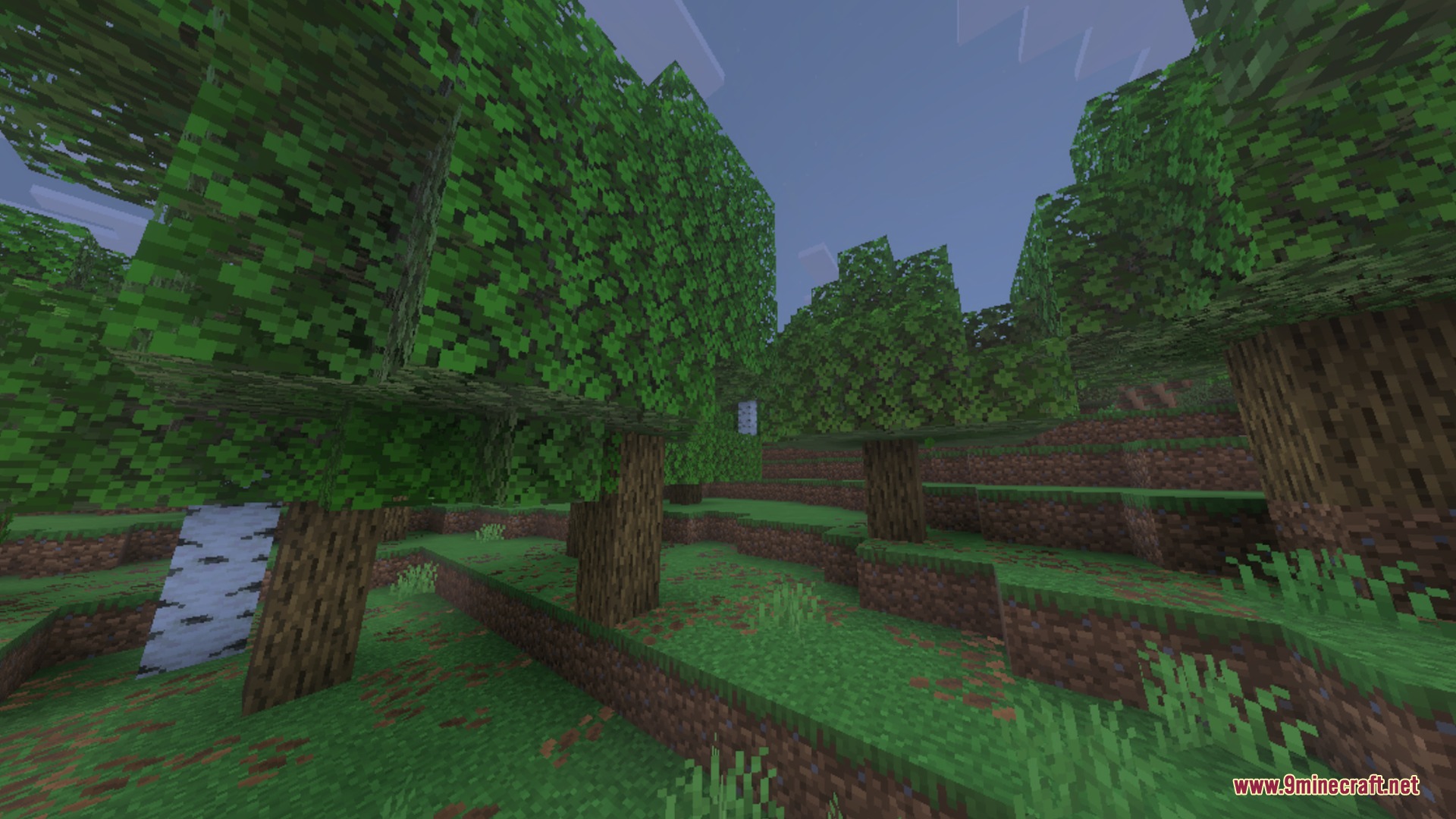
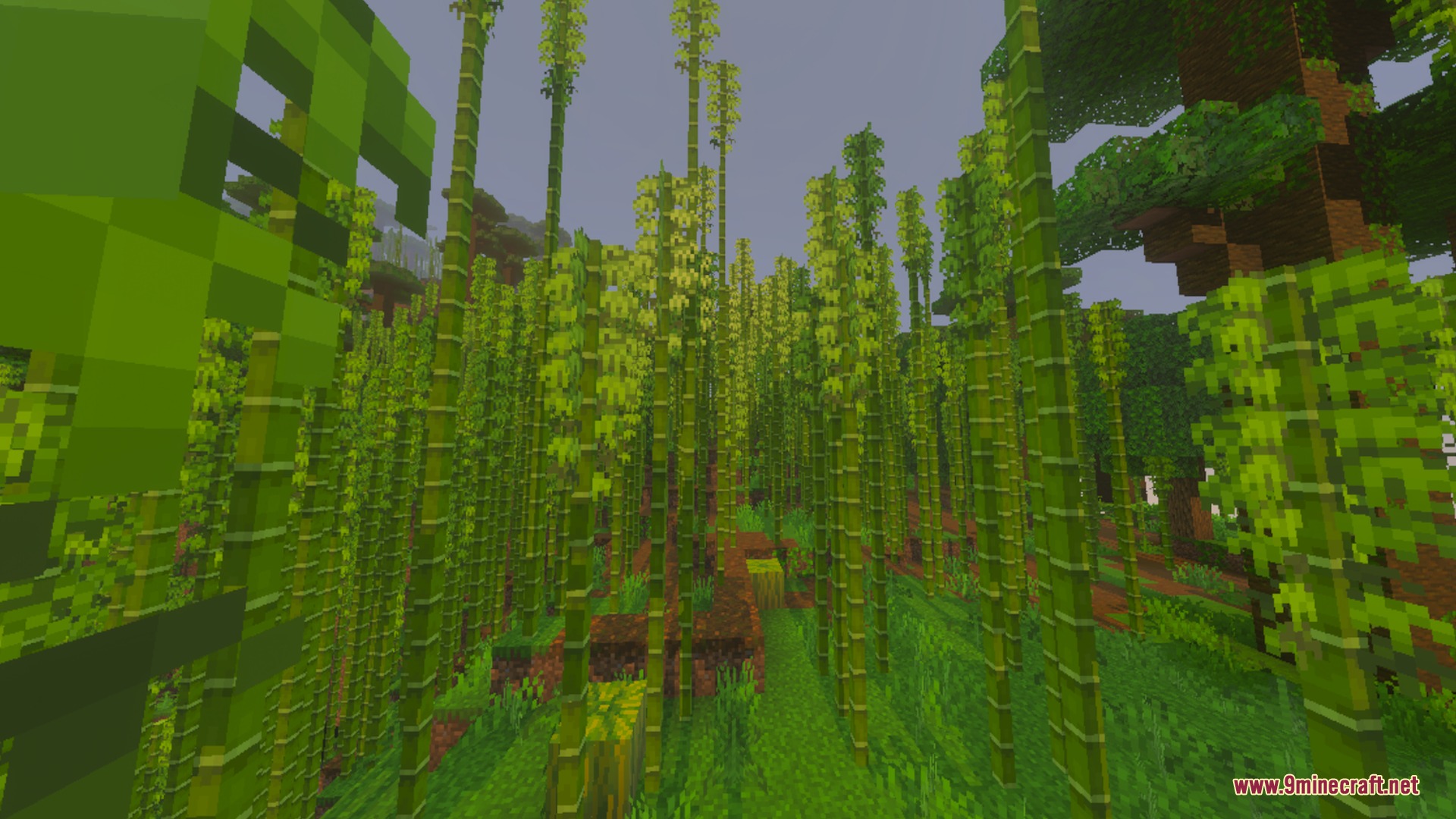
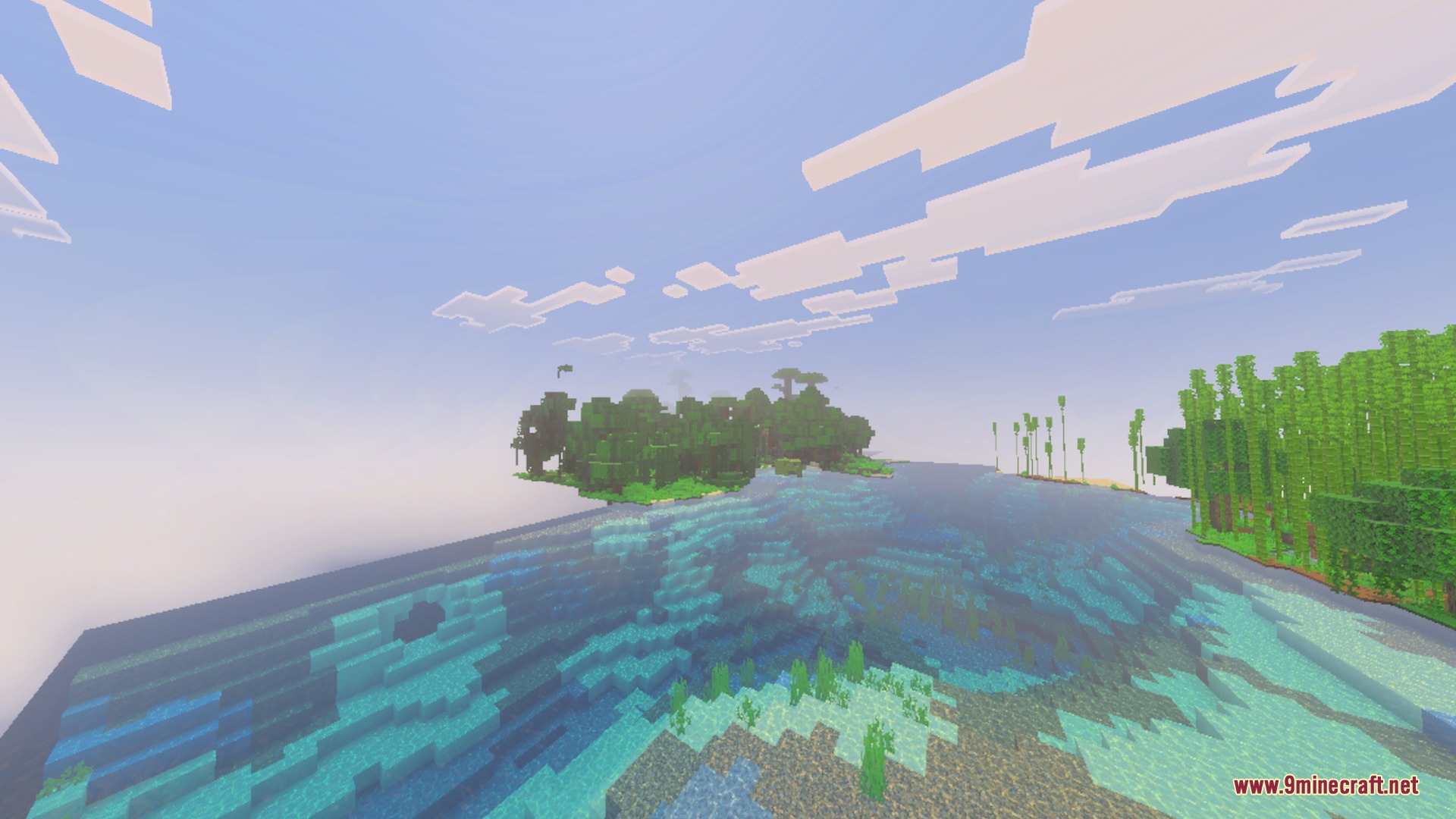
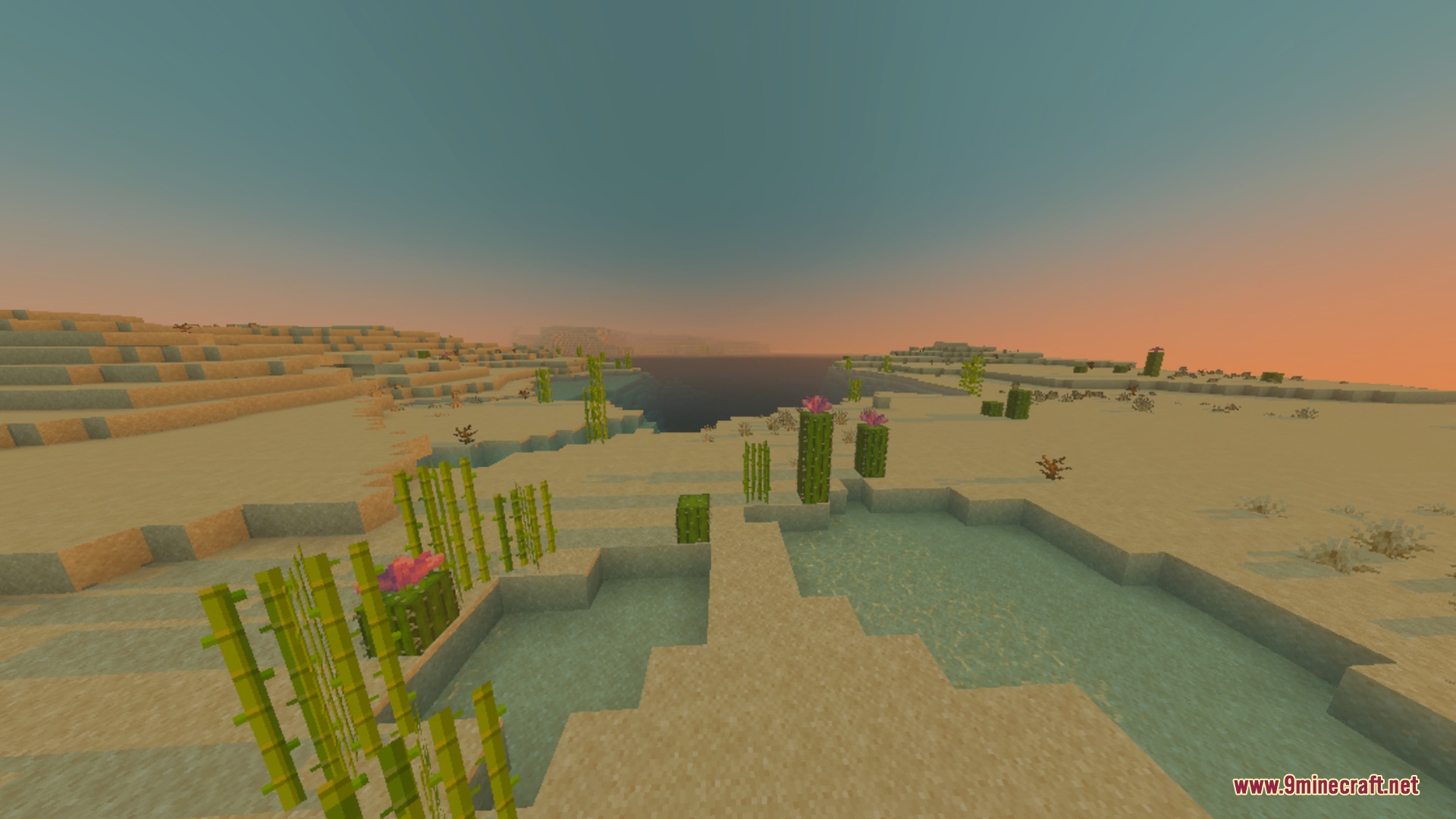
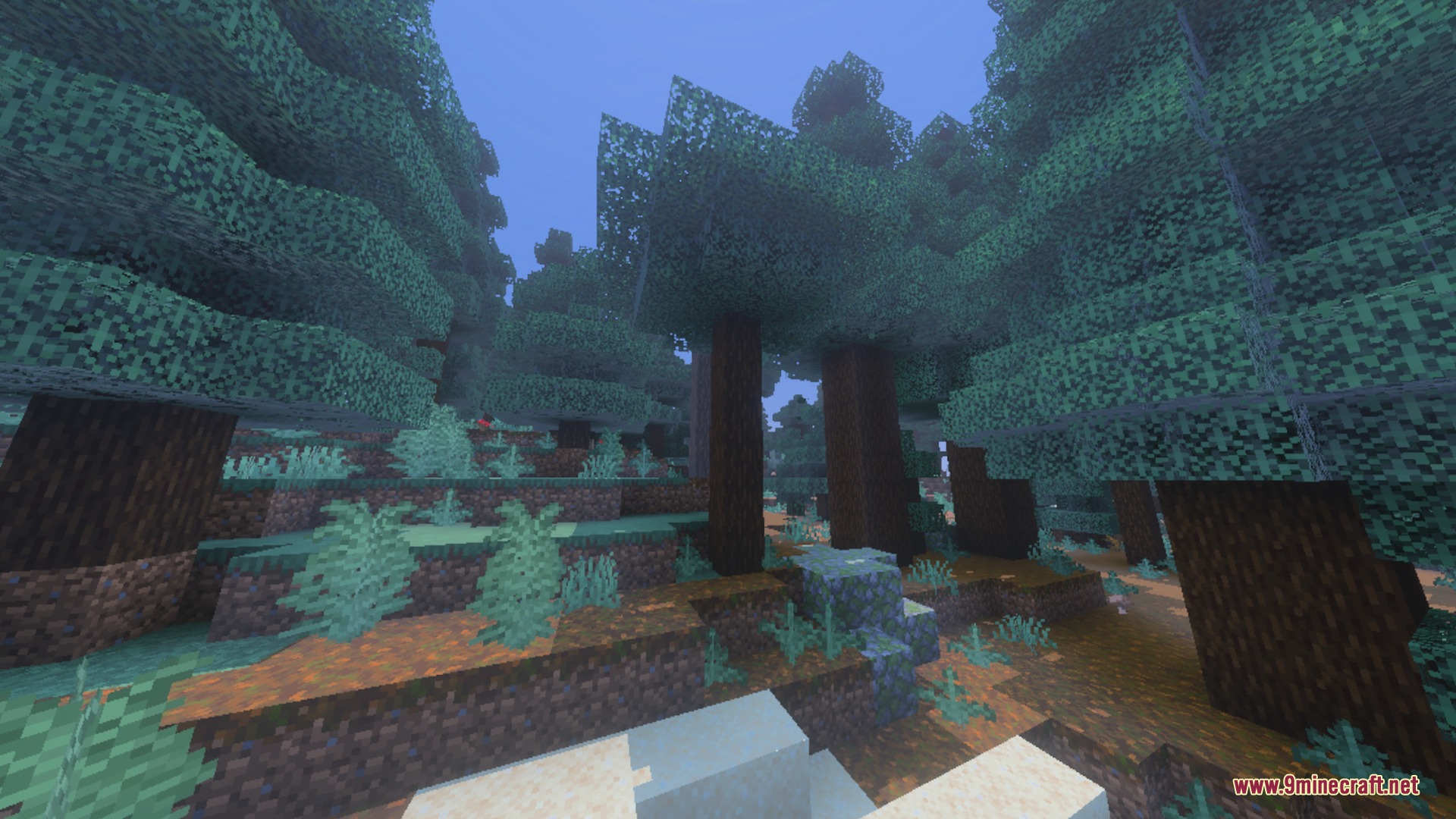
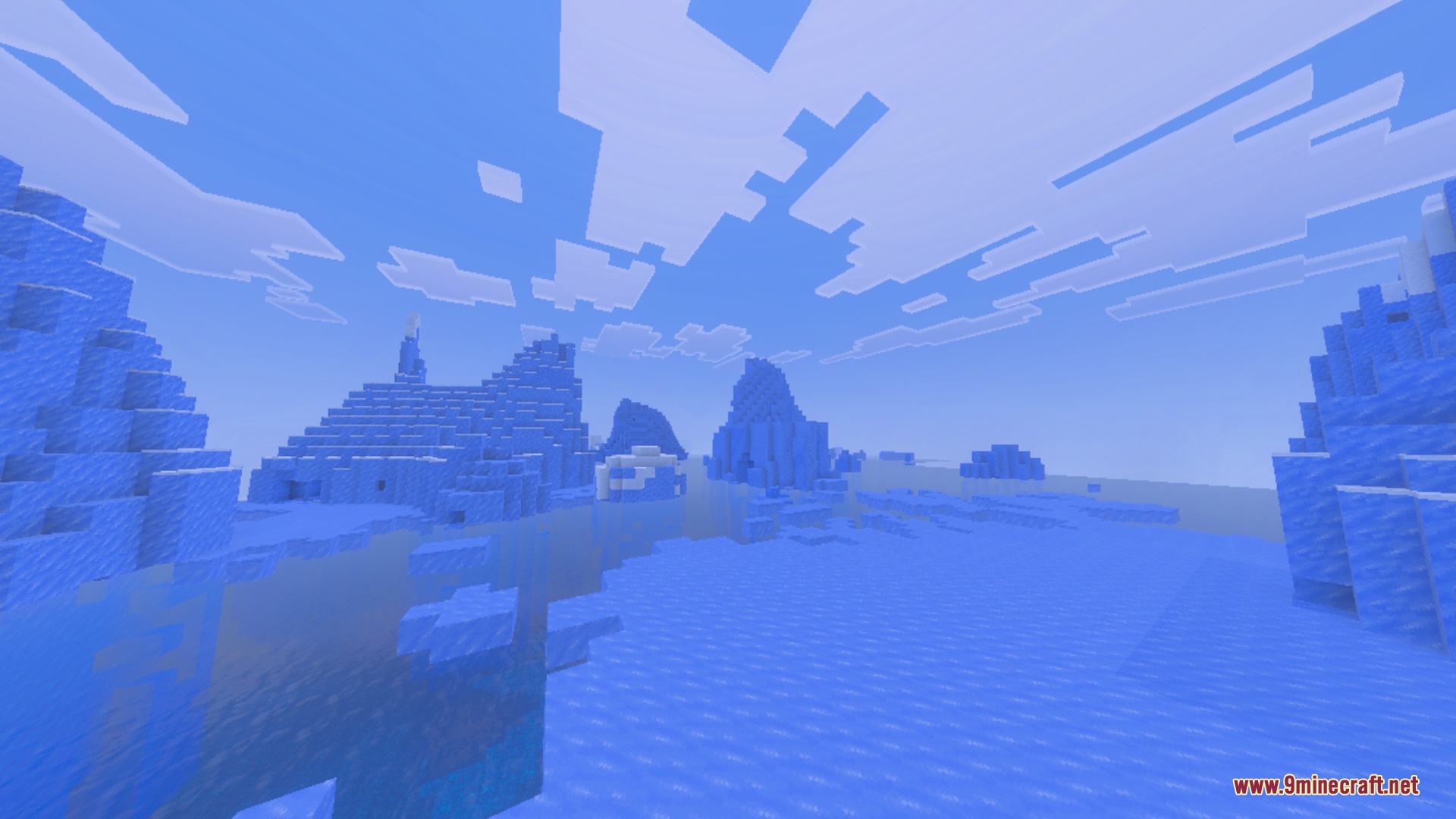
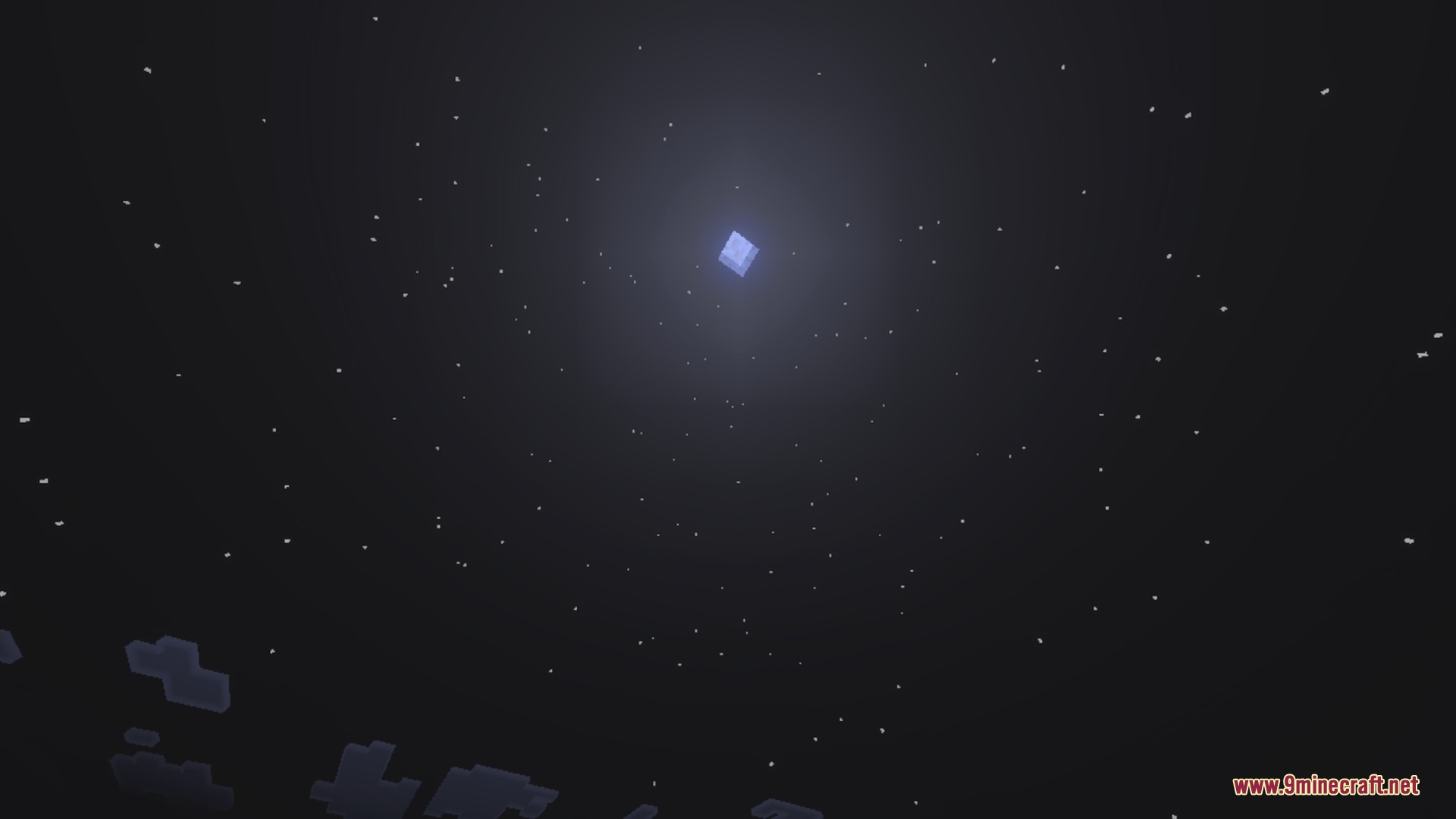
Motion:
How to Install:
New to Minecraft PE? Follow our step-by-step guide to install Shaders on your Mobile.View Guide
Toggle Night Vision Shader Download Links
For MCPE/Bedrock 26.x, 1.21.x
Click to rate this post!
[Total: 0 Average: 0]
You May Also Like


This post has no comments yet. Be the first — your comment will appear here.