


GUI Scaler Mod (26.2, 1.20.1) – Never Adjust Your Menu Size Between Screens

 0
0 

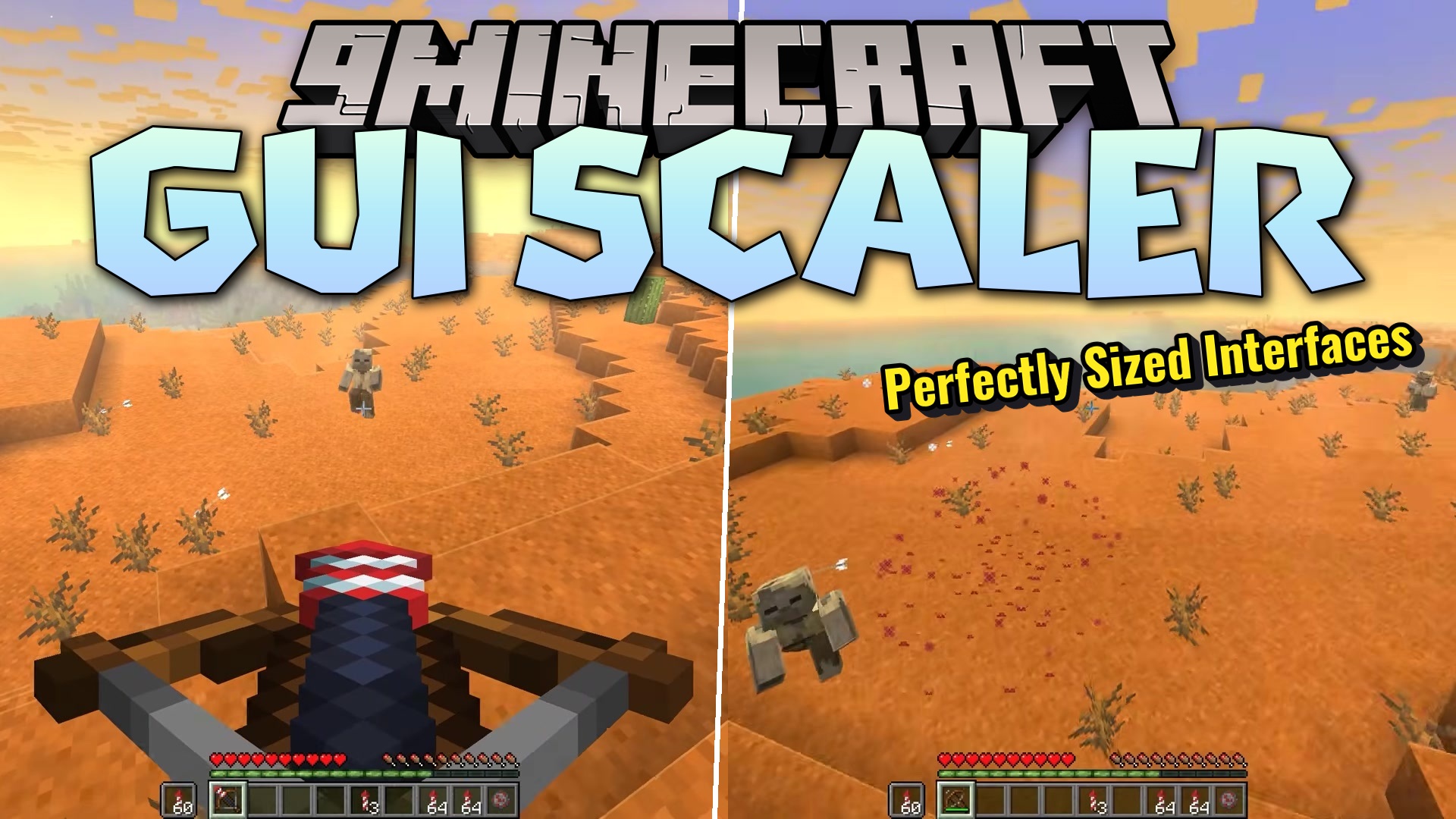
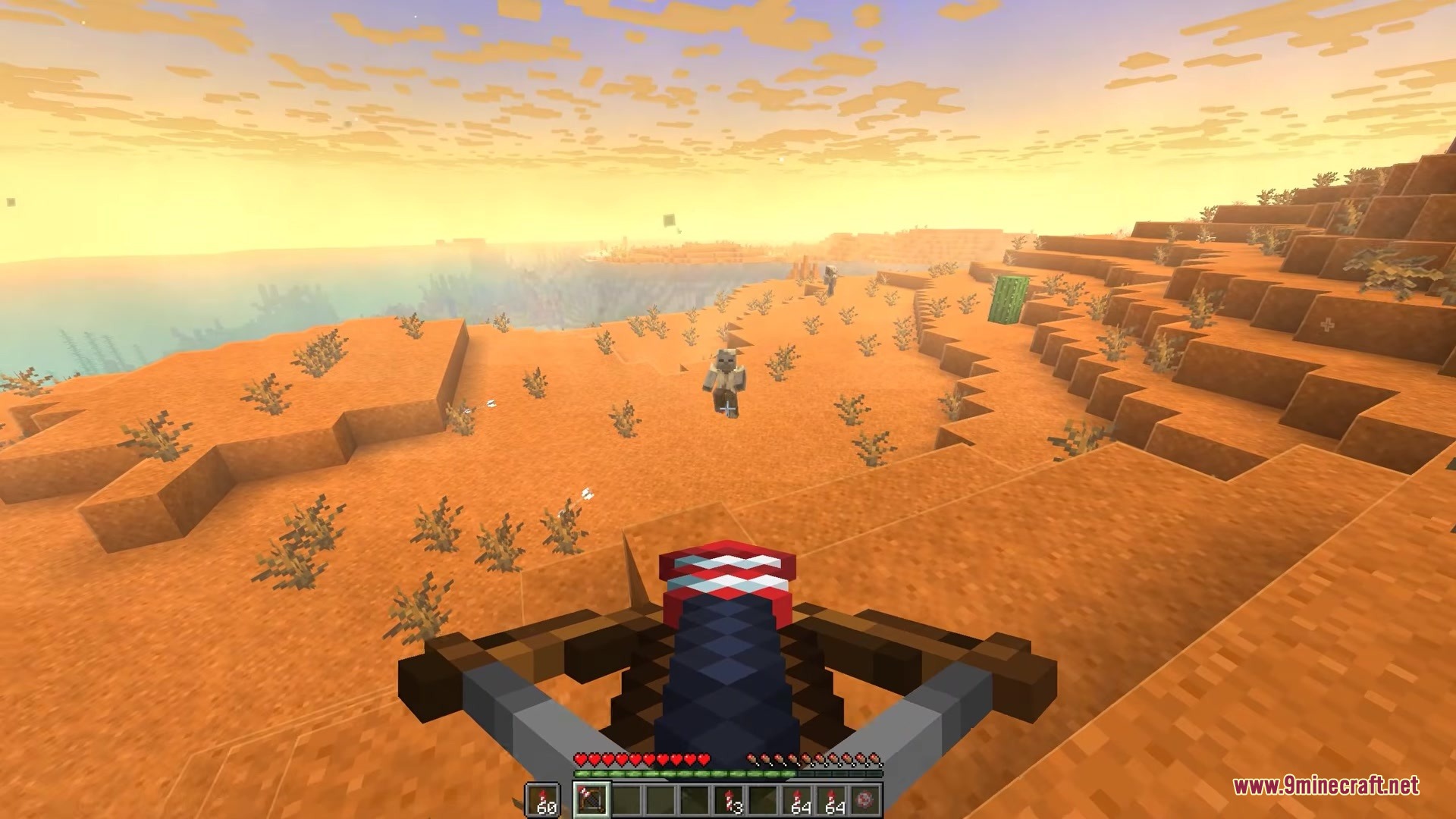
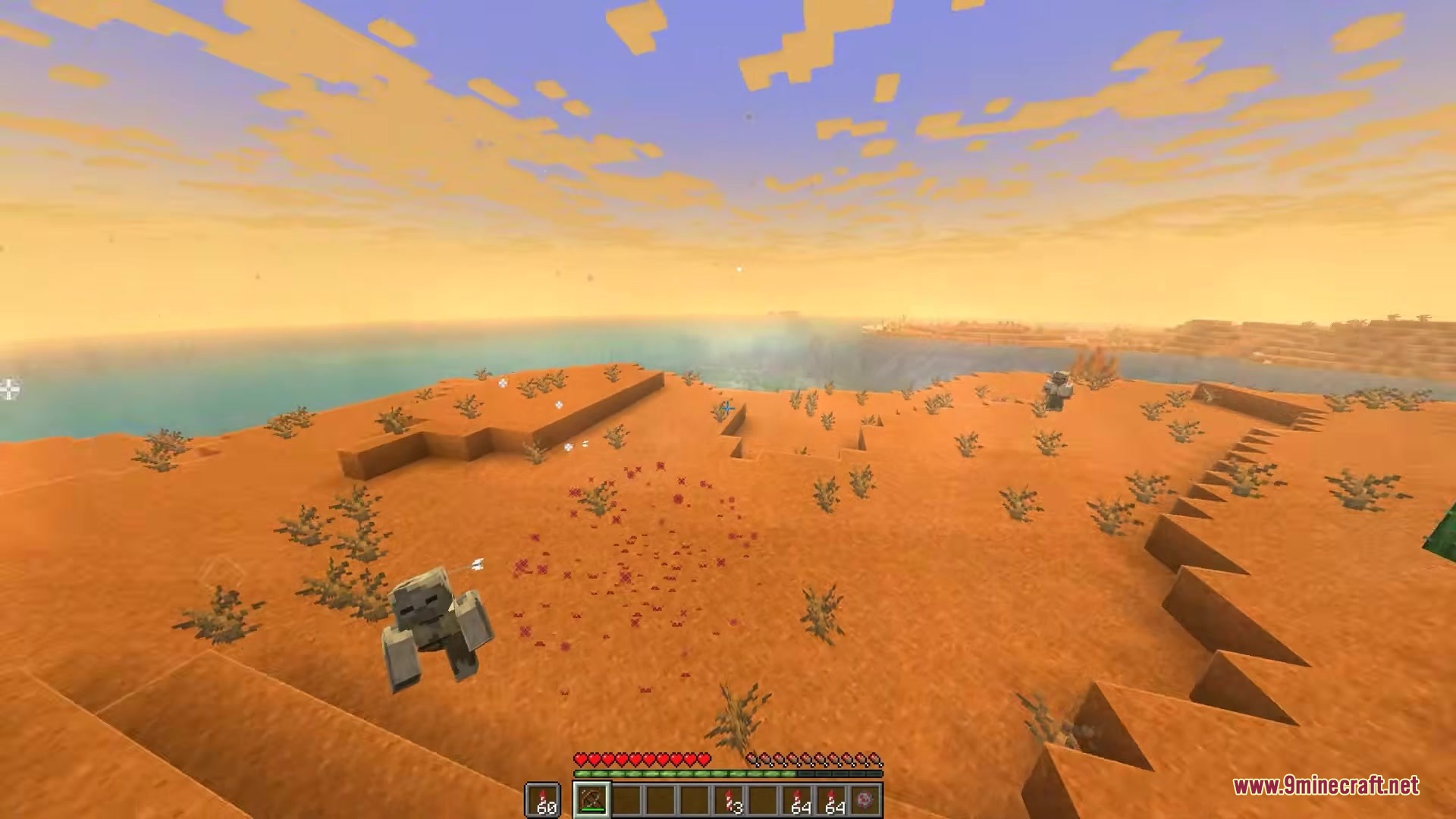
GUI Scaler Mod automatically changes your menu sizes to fit your screen perfectly. It watches how big your game window is and makes the buttons, inventory, and text larger or smaller so you can always read them clearly. This saves you from constantly opening the settings menu to fix the size yourself when you play on different monitors or switch in and out of fullscreen mode.
Features:
- Automatic Resizing: Changes your menu scale instantly when you make your game window bigger or smaller.
- Smart Screen Detection: Checks your monitor resolution to pick the best size for your eyes.
- Updates right away when you press the fullscreen button or open a new menu.
- Includes an AUTO mode that sets the perfect scale for normal, HD, and very high-resolution screens.
- Lets you create your own CUSTOM mode rules if you want specific sizes for specific window widths.
- Works directly with the ModMenu screen if you play on the Fabric version.
Configuration:
enableAutoScale: Turns the automatic changing on or off.mode: Lets you pick between the smart AUTO setting or your own CUSTOM rules.customRules: Sets the exact screen widths and menu sizes you want when using the custom mode.
How to Use:
- Start the game and change your window size by dragging the corners.
- Watch the menus and buttons grow or shrink to fit the new space.
- Press F11 to jump into fullscreen and see the size update instantly.
- Open the config file or ModMenu to change from AUTO to CUSTOM if you want to set your own rules.
Screenshots:
How to Install:
New to Minecraft? Follow our step-by-step guide to install Mods on your PC.View Guide
Requirements:





GUI Scaler Mod Download Links
For Minecraft 26.2
For Minecraft 26.1.2, 26.1.1, 26.1
For Minecraft 1.21.11
For Minecraft 1.21.4
For Minecraft 1.21.1, 1.21
For Minecraft 1.20.1, 1.20
Click to rate this post!
[Total: 0 Average: 0]
You May Also Like
















This post has no comments yet. Be the first — your comment will appear here.