


Ax Vaults Plugin (26.2, 1.20.1) – Stop Losing Valuable Items on Long Mining
 12
12
 0
0


Ax Vaults Plugin gives players extra storage space on your server. It adds personal vaults where users can keep their blocks, tools, and armor safe. Players can open these vaults from anywhere using simple chat text. Server owners control exactly how many vaults each person gets. This system helps keep inventories clean and prevents lost items during long mining trips.
Features:
- Adds personal storage menus where players can put any item they want.
- Lets players open a vault selector screen to pick which storage to look inside.
- Lets players change the icon of their vault in the menu so they can organize better.
- Server owners decide exactly how many vaults a specific player can use.
- Admins can look inside any offline or online player’s vault to check their items.
- Works without causing lag on the server because the code is small and fast.
Commands:
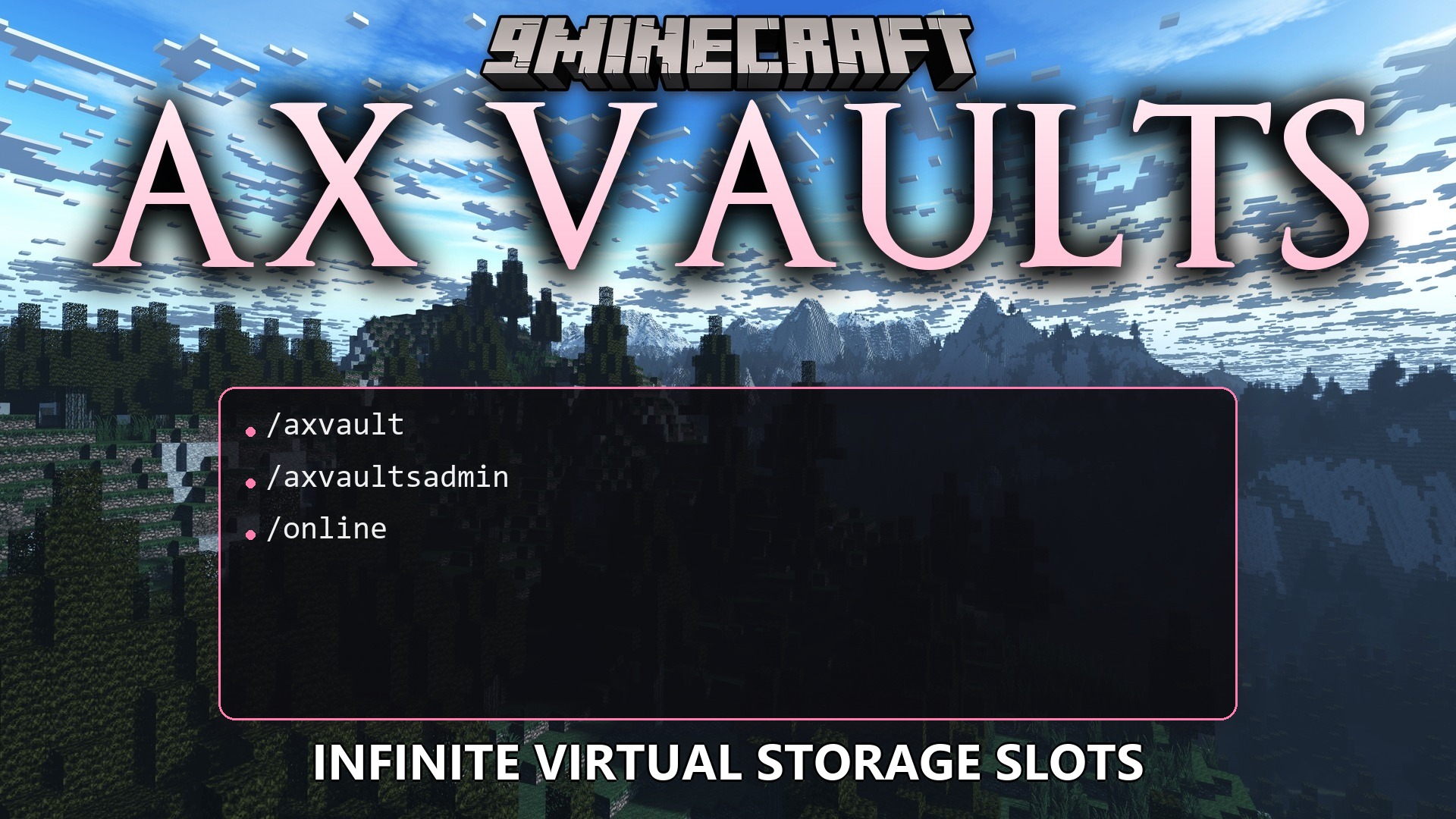
/axvault: Opens the menu to pick a vault./axvault [number]: Opens a specific vault directly./axvaultsadmin reload: Restarts the plugin to apply new settings./axvaultsadmin forceopen <player>: Makes the selector menu open for a specific player./axvaultsadmin view <player> <number>: Looks inside the vault of an online or offline player.
Configuration:
axvaults.selector: Lets a player use the main menu command.axvaults.openremote: Lets a player open a vault by typing its number.axvaults.vault.<number>: Gives access to a specific vault number. You must give permissions for each number individually.axvaults.itempicker: Lets players change the picture of their vault in the menu.
How to Use:
- Type /axvault in the chat to open the main menu.
- Click on a vault to open it and move your items inside.
- Change the icon of the vault so you remember what is inside it.
- Type /axvault [number] if you want to skip the menu and open a specific storage right away.
How to Install:
New to Minecraft? Follow our step-by-step guide to install Plugins on your PC.View Guide
Ax Vaults Plugin Download Links
For Minecraft
26.2,
26.1.2,
26.1.1
All Versions Covered
26.2
26.1.2
26.1.1
26.1
1.21.11
1.21.10
1.21.9
1.21.8
1.21.7
1.21.6
1.21.5
1.21.4
1.21.3
1.21.2
1.21.1
1.21
1.20.6
1.20.5
1.20.4
1.20.3
1.20.2
All Versions Covered
26.2
26.1.2
26.1.1
26.1
1.21.11
1.21.10
1.21.9
1.21.8
1.21.7
1.21.6
1.21.5
1.21.4
1.21.3
1.21.2
1.21.1
1.21
1.20.6
1.20.5
1.20.4
1.20.3
1.20.2
For Minecraft
1.21.1,
1.21,
1.20.6
All Versions Covered
1.21.1
1.21
1.20.6
1.20.5
1.20.4
1.20.3
1.20.2
1.20.1
1.20
1.19.4
1.19.3
1.19.2
1.19.1
1.19
1.18.2
1.18.1
1.18
All Versions Covered
1.21.1
1.21
1.20.6
1.20.5
1.20.4
1.20.3
1.20.2
1.20.1
1.20
1.19.4
1.19.3
1.19.2
1.19.1
1.19
1.18.2
1.18.1
1.18
Click to rate this post!
[Total: 0 Average: 0]
You May Also Like





This post has no comments yet. Be the first — your comment will appear here.