


Blue Map Web Chat Plugin (26.2, 1.21.1) – Keep Your Community Talking Outside

 0
0 

Blue Map Web Chat Plugin adds a live chat box to the BlueMap web map. It lets players on the server talk directly with people looking at the map through a web browser. You can also run it as a normal webpage just for chatting without the map. The plugin connects the game chat and the web chat together so everyone stays in touch.
Features:
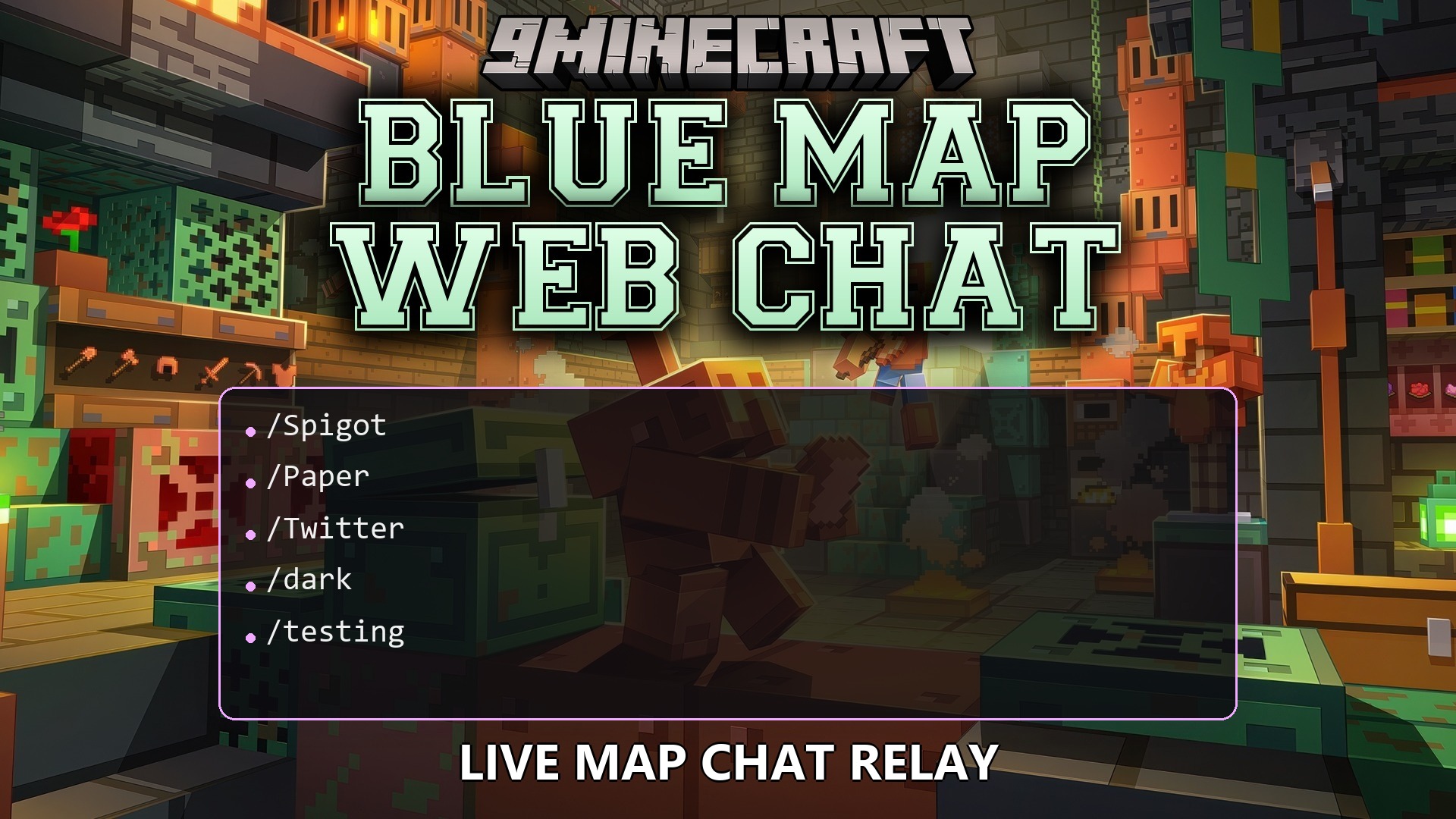
- Live Web Chat: Adds a chat box right on the website so you can talk to people currently playing the game.
- Media Previews: Shows pictures, videos, YouTube clips, TikToks, and Twitter links directly in the chat window.
- Custom Emojis: Lets you use custom emojis and animated GIFs in your messages.
- Players can reply to specific messages and see a small preview of the original text.
- Guests can read the chat, or you can require them to log in using special codes from the game.
- Connects with DiscordSRV so messages show up in your Discord server too.
- Lets you upload files directly to the chat with limits set by the server owner.
- Admins can pin important messages to the top of the chat window for everyone to see.
- Changes how the chat looks with built-in light and dark themes.
How to Use:
- Open the web map or the standalone chat page in your internet browser.
- Generate an authentication code inside the Minecraft server.
- Type the code into the web login screen to link your Minecraft account.
- Start typing in the web chat box to send messages to players inside the game.
How to Install:
New to Minecraft? Follow our step-by-step guide to install Plugins on your PC.View Guide
Blue Map Web Chat Plugin Download Links
For Minecraft
26.2,
26.1.2,
26.1.1
All Versions Covered
26.2
26.1.2
26.1.1
26.1
1.21.11
1.21.10
1.21.9
1.21.8
1.21.7
1.21.6
1.21.5
1.21.4
1.21.3
1.21.2
1.21.1
1.21
All Versions Covered
26.2
26.1.2
26.1.1
26.1
1.21.11
1.21.10
1.21.9
1.21.8
1.21.7
1.21.6
1.21.5
1.21.4
1.21.3
1.21.2
1.21.1
1.21
Click to rate this post!
[Total: 0 Average: 0]
You May Also Like




This post has no comments yet. Be the first — your comment will appear here.