


Thin Client Mod (1.21.11) – Dominate Anarchy Servers and Raid Hidden Bases
 0
0
 0
0

🌐 Good news — we've translated this article into other languages!
Or pick the one you like:
Thin Client Mod gives you a huge advantage on anarchy and economy servers. This client packs dozens of helpful tools into an easy-to-use menu that you can control right on your screen. It focuses heavily on base finding, automatic combat actions, and special features for economy servers like DonutSMP. You get everything from automatic totems and crystal placement to advanced chunk finders that track down hidden player bases.
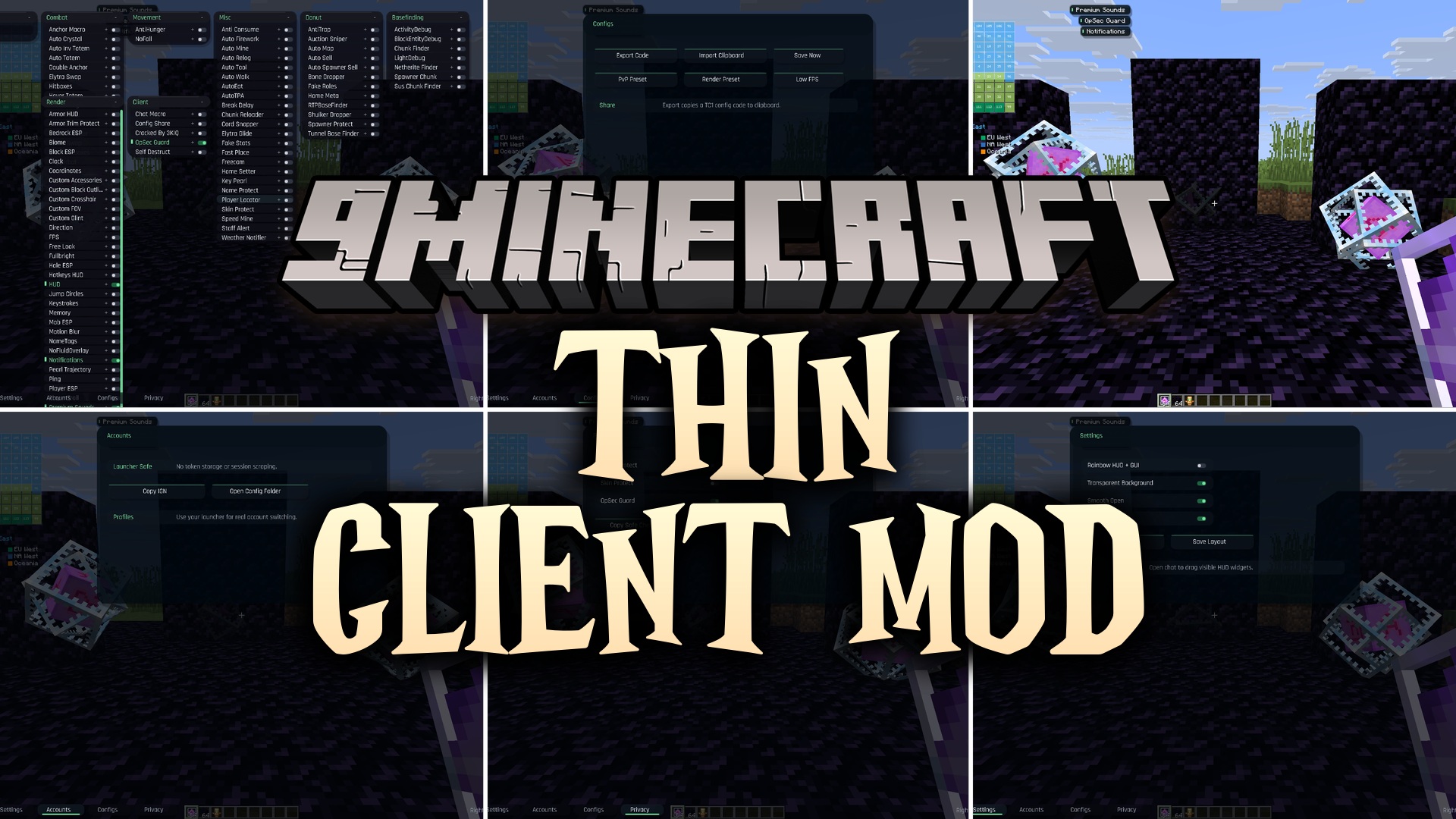
Features:
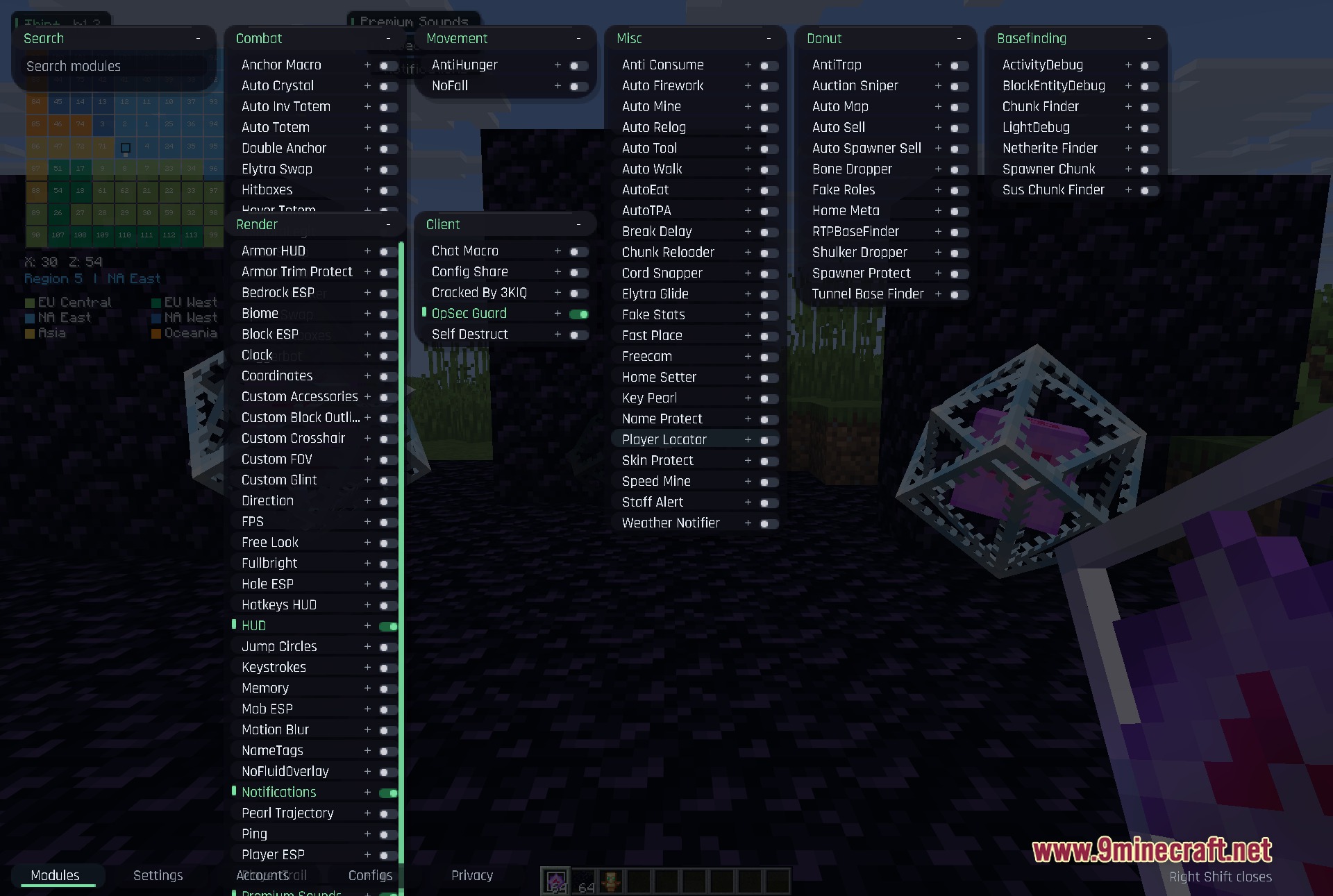
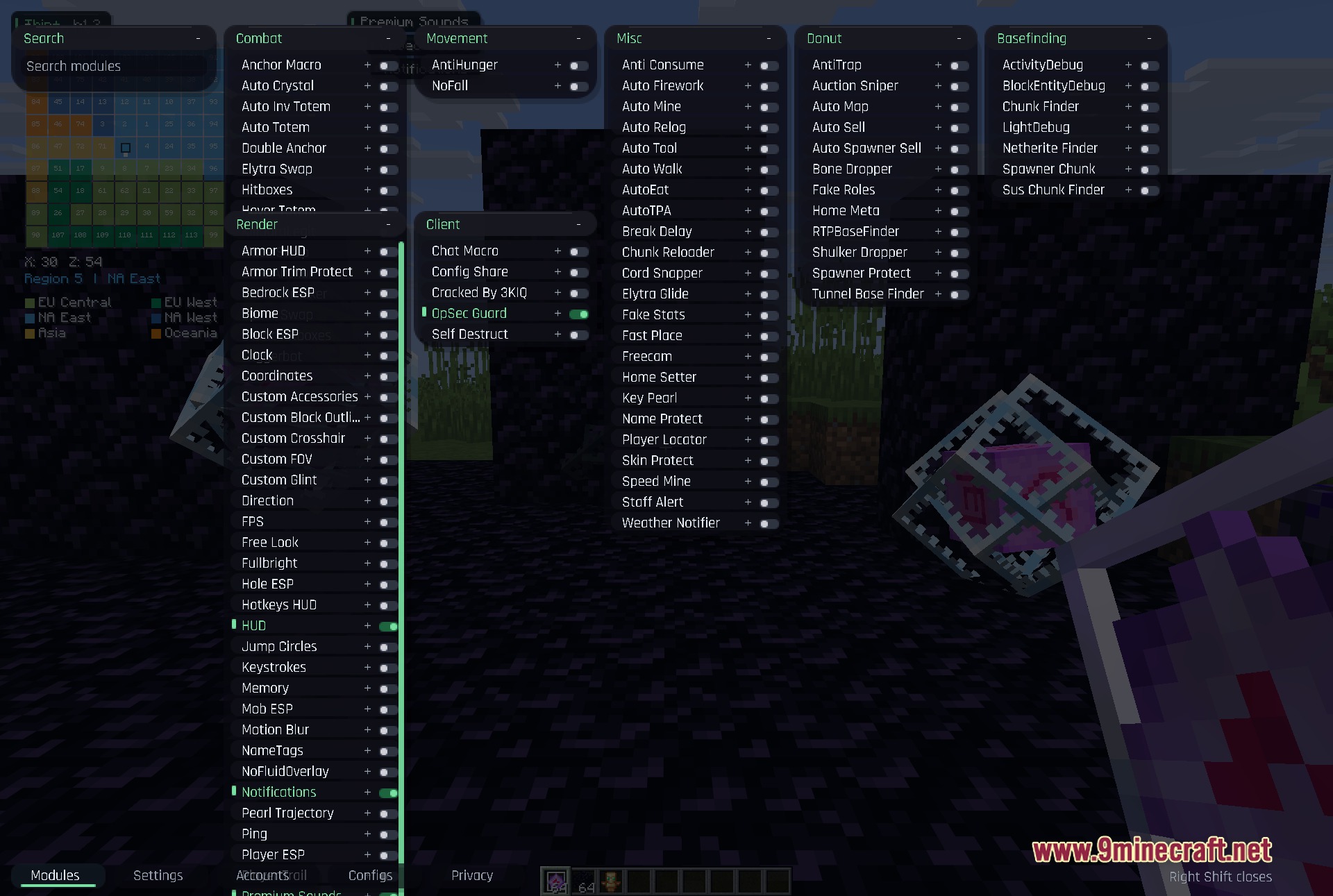
- Modular Interface: Every category opens in its own draggable window so you can look at multiple settings at once.
- Smart Base Finding: Tracks suspicious chunks, block entities, and light changes to help you locate hidden player bases.
- Economy Tools: Scans auctions and automatically sells items to help you make money faster on economy servers.
- Highlights players, mobs, and specific blocks through walls with customizable ESP settings.
- Connects to your Discord through a webhook to send automatic alerts.
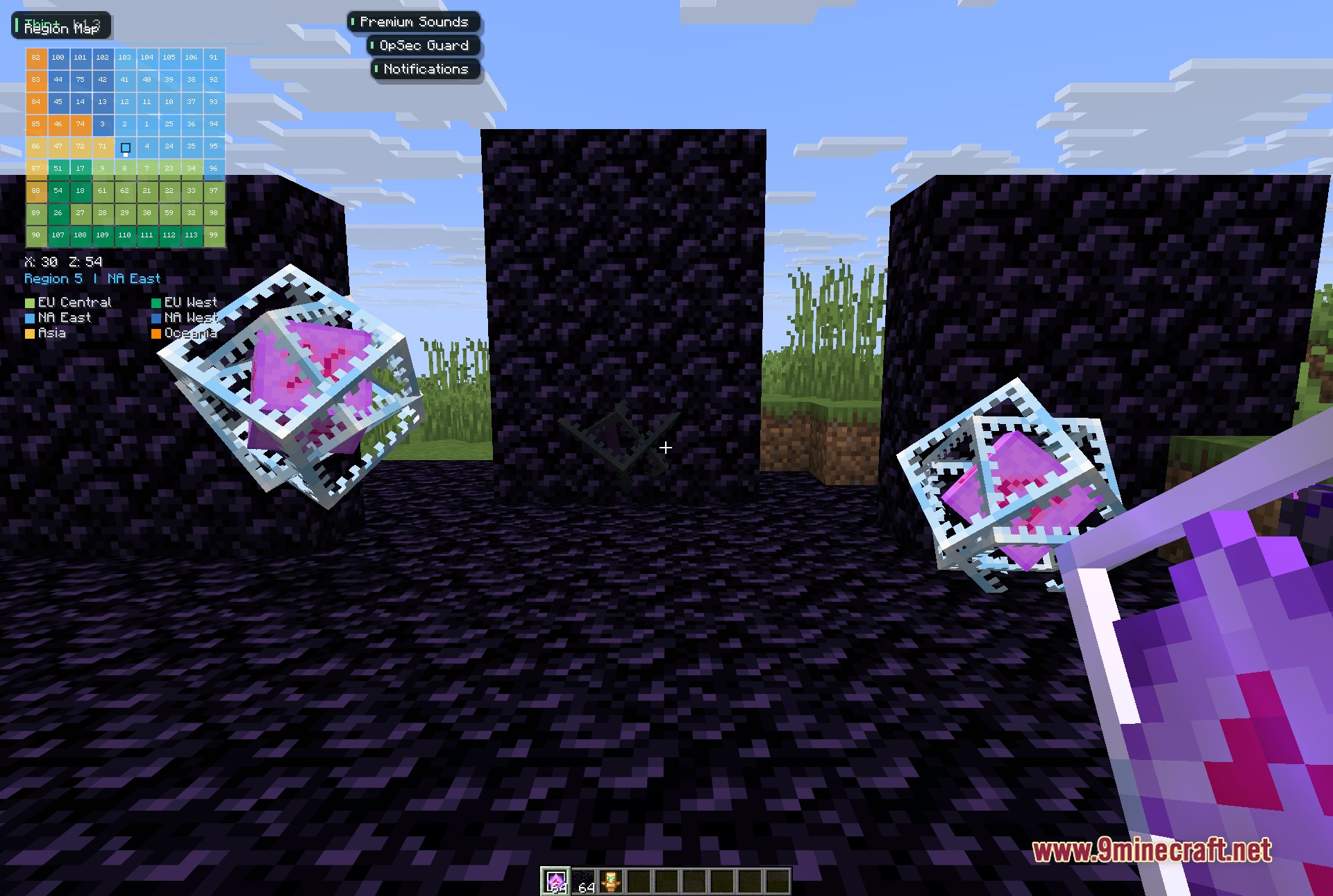
- Shows a region map on your screen to help you track your location across different server areas.
- Displays the current song and artist you are listening to right on your game screen.
Combat & Movement:
- Automatically places end crystals and swaps to your elytra during fights.
- Keeps you alive with auto totem and hover totem tools.
- Stops you from taking fall damage or losing hunger too fast.
DonutSMP Features:
- Snipes cheap items from the auction house automatically.
- Finds RTP bases and hidden tunnels underground.
- Drops bones and shulker boxes quickly to save inventory space.
Visuals & Render:
- Adds a custom clock, coordinate display, and armor HUD to your screen.
- Lights up the whole world so you never need torches.
- Changes your crosshair, field of view, and block outlines to match your style.
How to Use:
- Press the Right Shift key on your keyboard to open the main menu.
- Click and drag any category window to move it around your screen.
- Type in the search box to find a specific tool quickly.
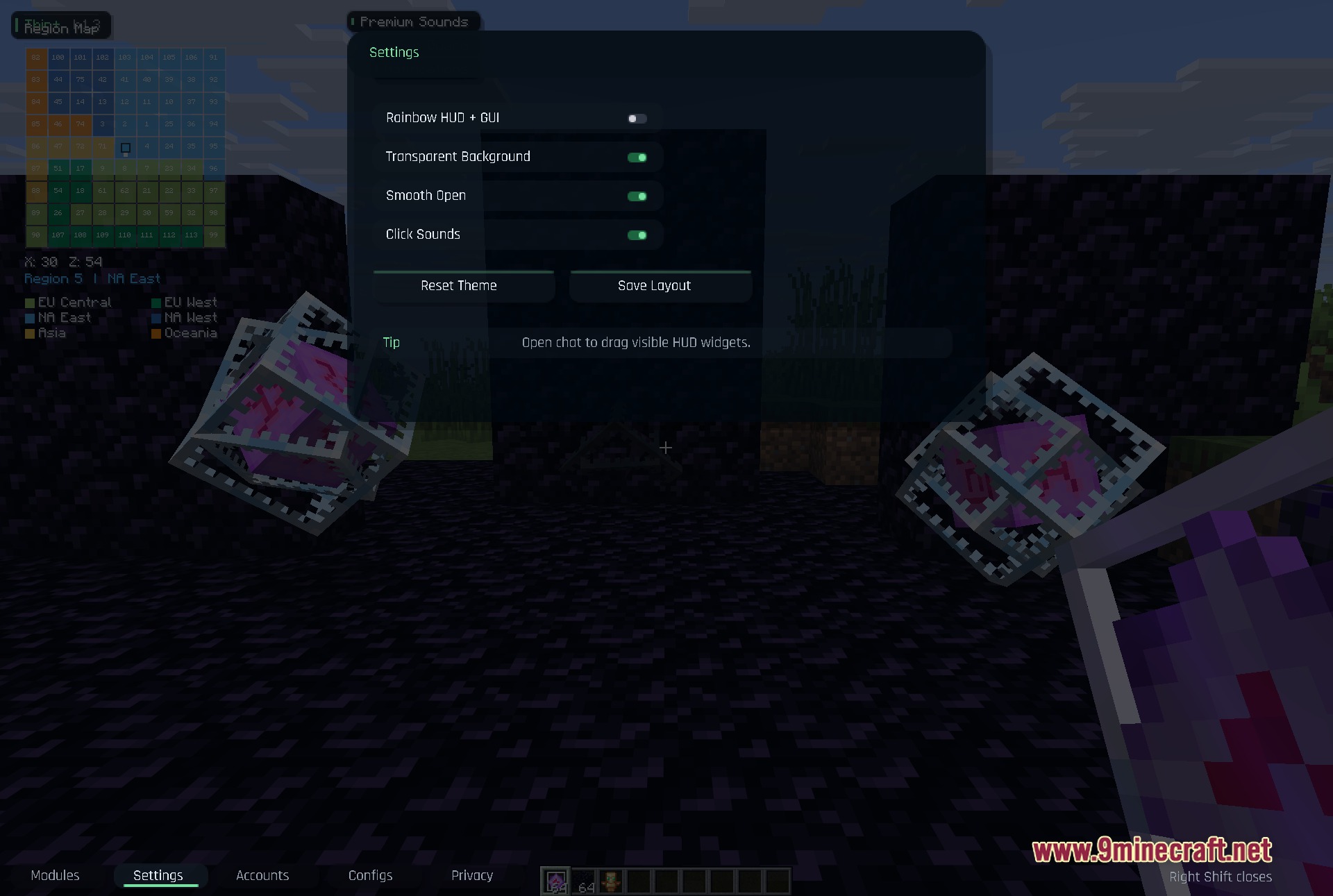
- Open your game chat to unlock the HUD widgets so you can drag them to new spots on your screen.
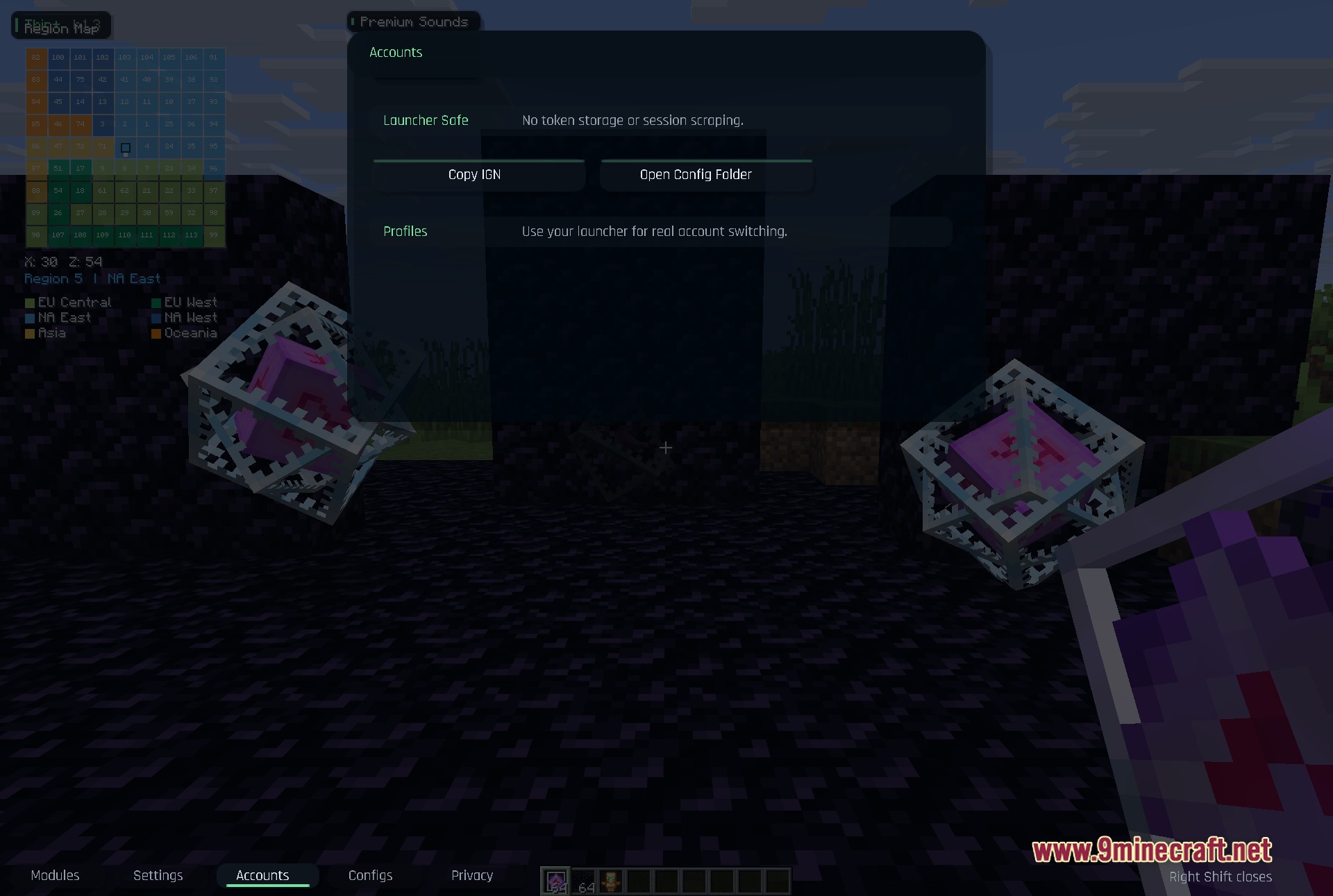
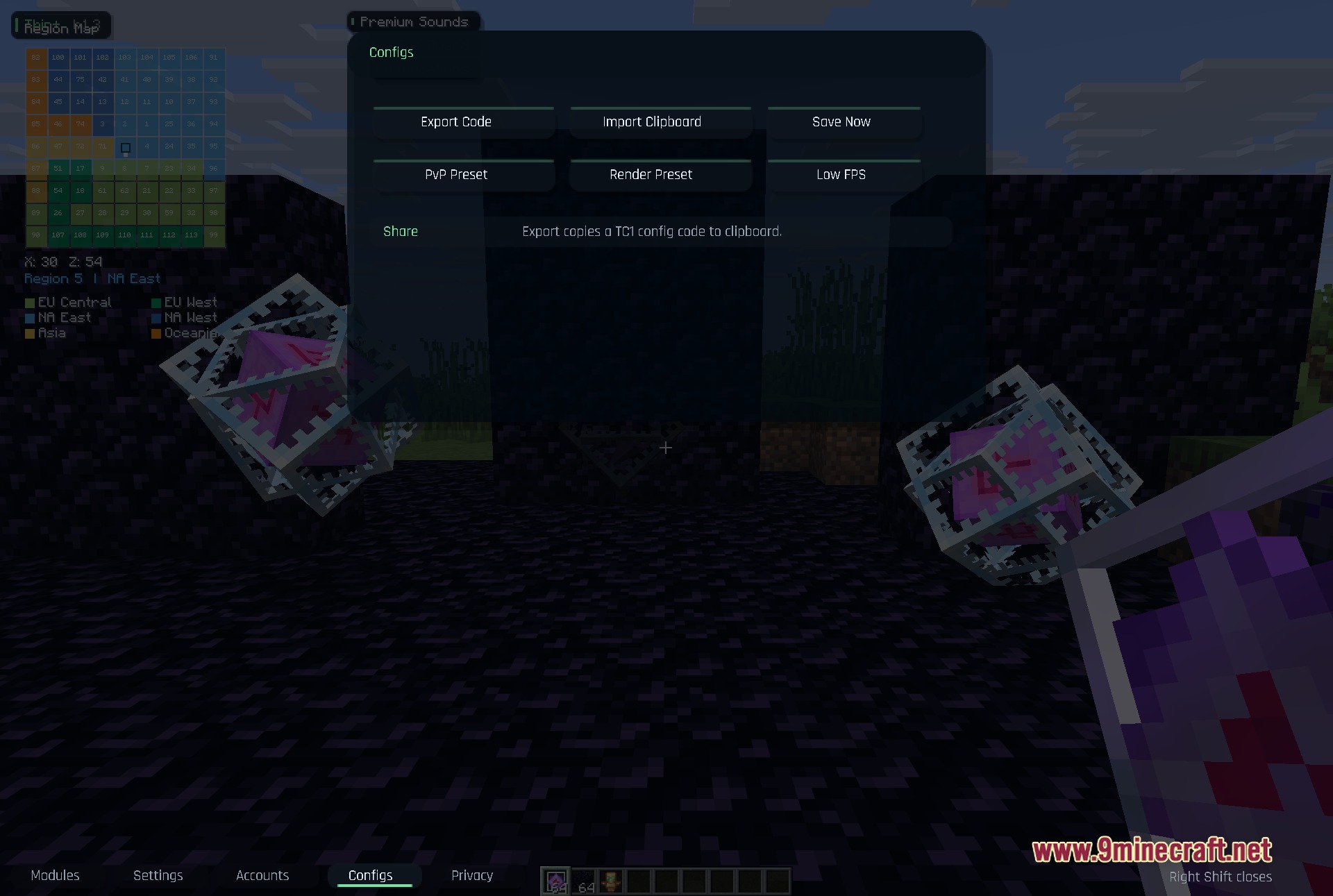
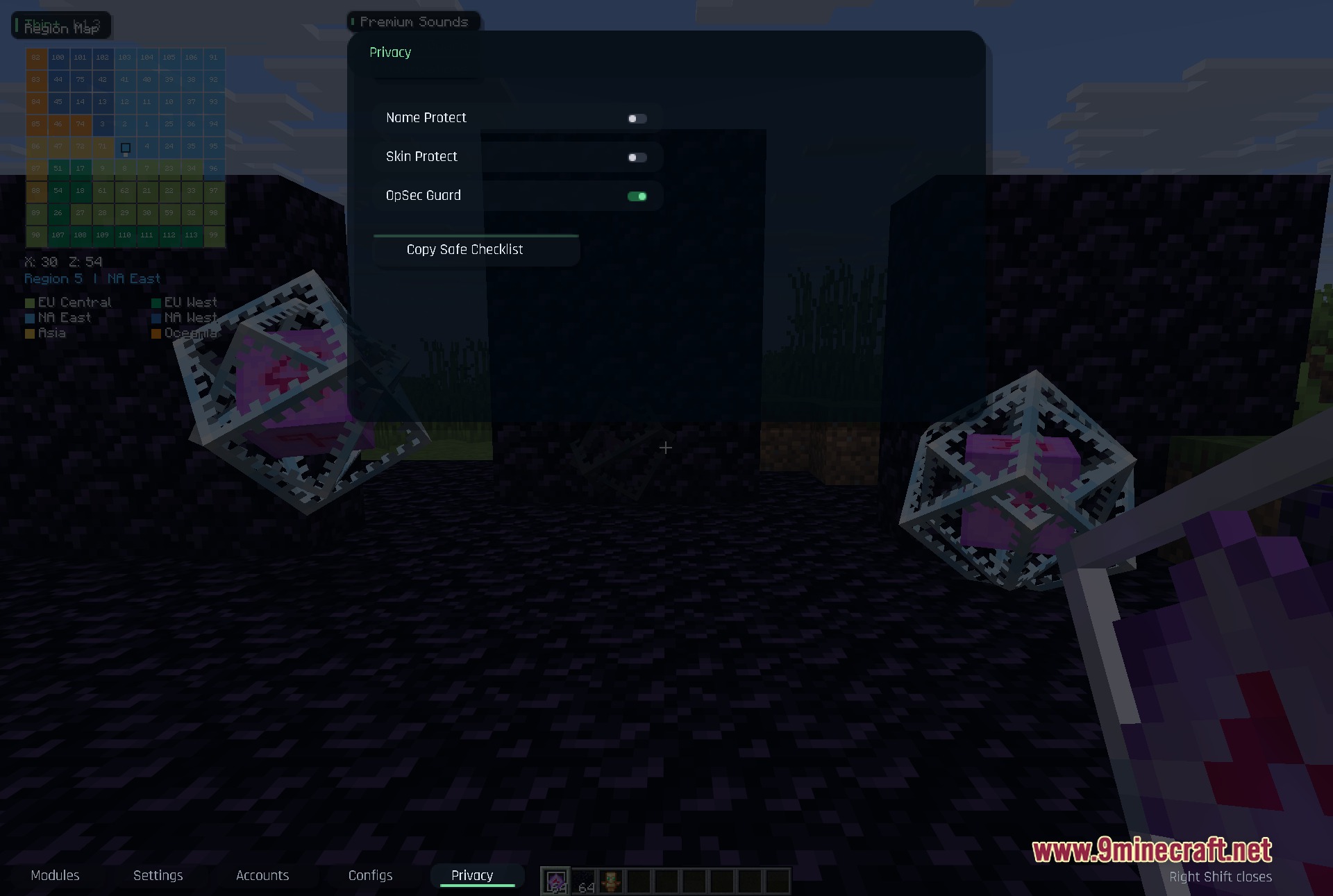
- Click the bottom tabs to switch between your modules, settings, accounts, and privacy options.
Screenshots:
How to Install:
New to Minecraft? Follow our step-by-step guide to install Mods on your PC.View Guide
Requirements:


Thin Client Mod Download Links
For Minecraft 1.21.11
Click to rate this post!
[Total: 0 Average: 0]
You May Also Like




This post has no comments yet. Be the first — your comment will appear here.