


Ender Chest Vault Plugin (1.21.11, 1.21.1) – Give Players Enough Room

 0
0 

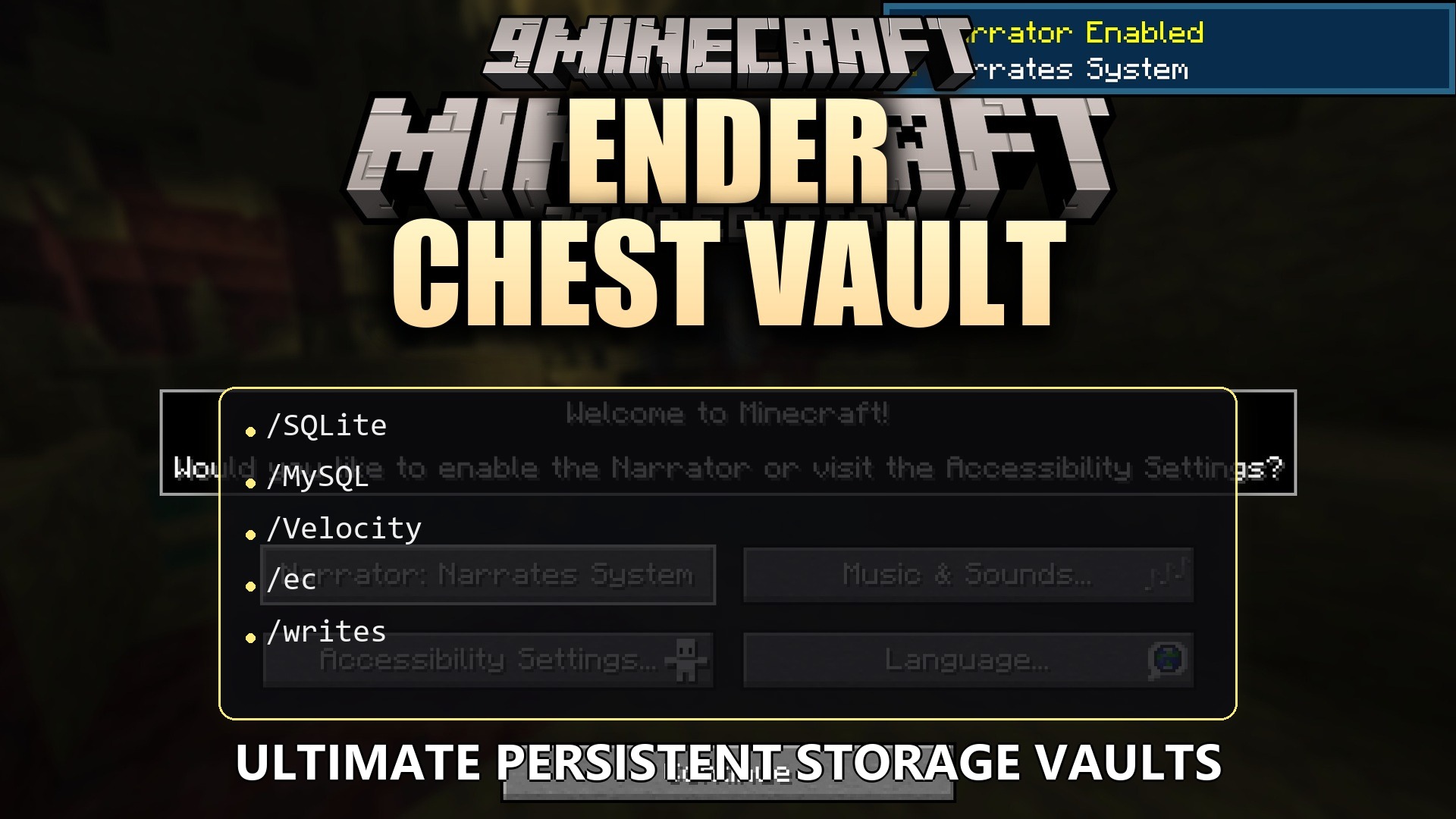
Ender Chest Vault Plugin gives players much more room to store their precious items. It replaces the normal ender chest with a bigger menu that holds up to 54 items instead of the usual 27. The plugin lets you set different storage sizes for different people on the server. It also keeps the game running smoothly without slowing down when items are saved.
Features:
- Bigger Storage: Players get up to 6 full rows of space to keep their items safe, which is double the normal amount.
- Look Inside Anytime: Server staff can open and check any player’s vault, even if that person is currently offline.
- No Server Lag: The plugin saves items in the background so the game never freezes when people move their loot.
- Allows you to connect the storage across different servers using a database so players keep their items everywhere they go.
- Lets you change the menu name and the sounds that play when someone opens their box.
- Changes the size of the box based on what permissions a player has.
Commands:
/ec: opens your own personal vault./enderchest: does the exact same thing as the command above./ec open <player>: opens another person’s vault to see what they have inside./ec reload: updates the plugin settings after you make changes.
Configuration:
ecvault.size.9: gives a player exactly 9 slots of space.ecvault.size.27: gives a player 27 slots of space.ecvault.size.54: gives a player the maximum 54 slots of space.
Here is an example of how you can change the menu text and sounds in the setup file:
gui:
  title: "&5&lEnder Vault"
  admin-title: "&c&l{player}'s Vault"
  sounds:
    open:
      sound: "BLOCK_ENDER_CHEST_OPEN"
    page-turn:
      sound: "ITEM_BOOK_PAGE_TURN"
How to Use:
- Place down a normal ender chest block and right-click it, or just type
/ecin the chat. - Move your items into the menu just like a normal chest.
- Close the menu, and the plugin automatically saves everything safely.
How to Install:
New to Minecraft? Follow our step-by-step guide to install Plugins on your PC.View Guide
Ender Chest Vault Plugin Download Links
For Minecraft
1.21.11,
1.21.10,
1.21.9
All Versions Covered
1.21.11
1.21.10
1.21.9
1.21.8
1.21.7
1.21.6
1.21.5
1.21.4
1.21.3
1.21.2
1.21.1
1.21
All Versions Covered
1.21.11
1.21.10
1.21.9
1.21.8
1.21.7
1.21.6
1.21.5
1.21.4
1.21.3
1.21.2
1.21.1
1.21
Click to rate this post!
[Total: 0 Average: 0]
You May Also Like














This post has no comments yet. Be the first — your comment will appear here.