


Mclogs Mclo.gs Plugin (26.2, 1.21.1) – Solve Server Crashes Before Players
 0
0
 0
0


Mclogs Mclo.gs Plugin lets you share and read Minecraft server logs quickly using a simple short link. It takes your long, confusing error files and makes them easy to read online so you can figure out what went wrong. The plugin also hides private details like IP addresses automatically to keep your server safe.
Features:
- Uploads your current server log to the internet with just one command.
- Gives you a short web link to easily share the error text with friends or helpers.
- Removes private information like system usernames and IP addresses before anyone sees the file.
- Highlights different types of messages in colors so you spot errors right away.
- Detects common server problems and shows your game version automatically on the website.
- Lets you delete any log you uploaded if you no longer want to share it.
- Works for crash reports and network errors, not just the main server log.
Commands:
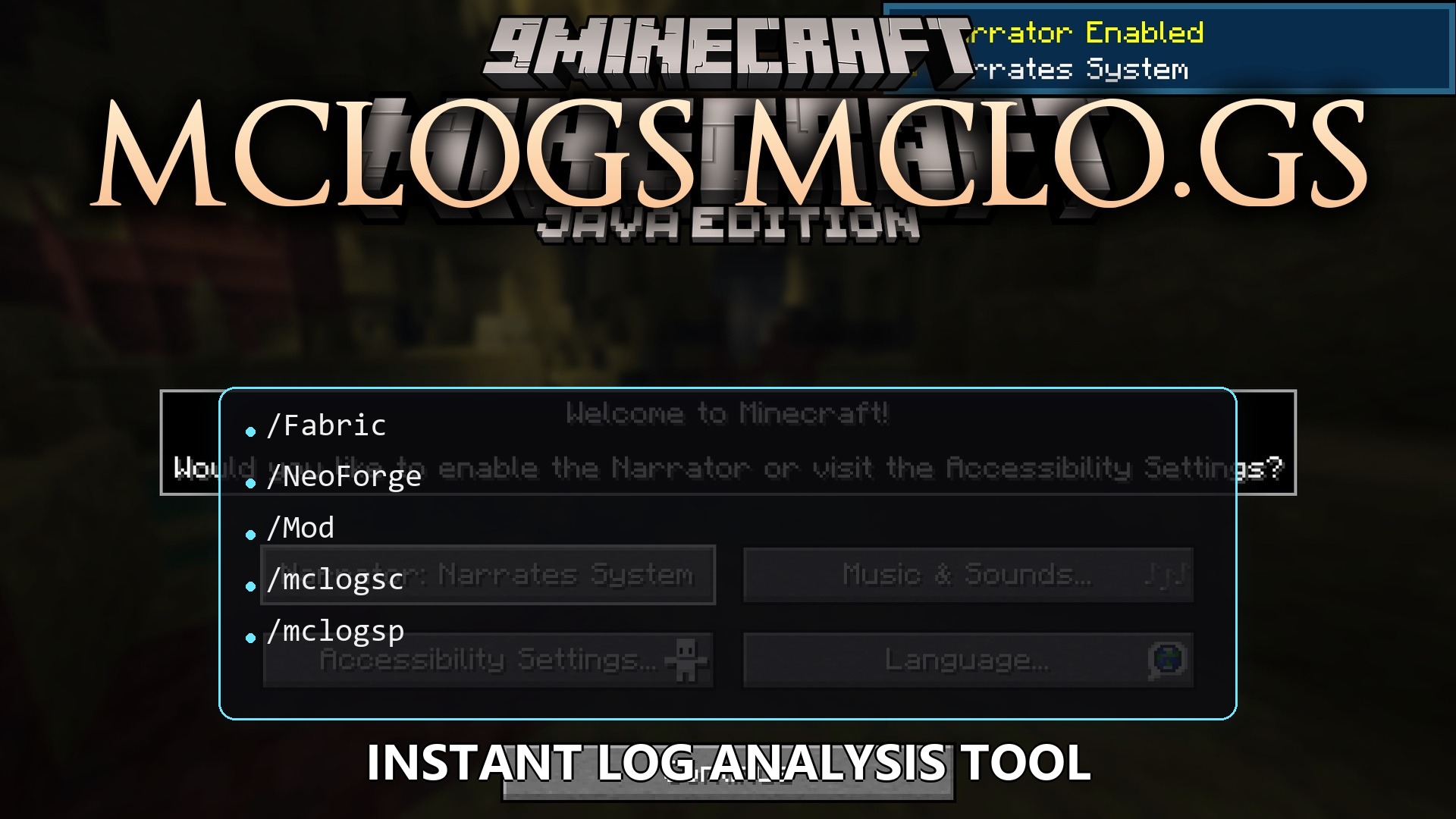
/mclogs: shares the current server log./mclogs list: shows a list of your server logs and crash reports./mclogs share <file-name>: uploads a specific log or error report./mclogs delete <log-id>: removes a log that you shared earlier./mclogsc: handles logs if you use this on a client./mclogsp: handles logs for proxy servers.
Configuration:
You can change the web address if you host your own website for logs:
# Base URL for the API used to upload logs
apiBaseUrl = "https://api.mclo.gs"
How to Use:
- Type the main command in your server console when you want to read an error.
- Click the short link that appears in the chat or console.
- Open the link in your web browser to read the color-coded text.
- Look for the highlighted text to find out what caused your server to crash.
How to Install:
New to Minecraft? Follow our step-by-step guide to install Plugins on your PC.View Guide
Mclogs Mclo.gs Plugin Download Links
For Minecraft
26.2,
26.1.2,
26.1.1
All Versions Covered
26.2
26.1.2
26.1.1
26.1
All Versions Covered
26.2
26.1.2
26.1.1
26.1
For Minecraft
1.21.11,
1.21.10,
1.21.9
All Versions Covered
1.21.11
1.21.10
1.21.9
1.21.8
1.21.7
1.21.6
1.21.5
1.21.4
1.21.3
1.21.2
1.21.1
1.21
All Versions Covered
1.21.11
1.21.10
1.21.9
1.21.8
1.21.7
1.21.6
1.21.5
1.21.4
1.21.3
1.21.2
1.21.1
1.21
For Minecraft
1.19.3,
1.19.2,
1.19.1
All Versions Covered
1.19.3
1.19.2
1.19.1
1.19
1.18.2
1.18.1
1.18
1.17
1.16
1.15
1.14
1.13
1.12
1.11
1.10
1.9
All Versions Covered
1.19.3
1.19.2
1.19.1
1.19
1.18.2
1.18.1
1.18
1.17
1.16
1.15
1.14
1.13
1.12
1.11
1.10
1.9
For Minecraft 1.16.5, 1.16
Click to rate this post!
[Total: 0 Average: 0]
You May Also Like















This post has no comments yet. Be the first — your comment will appear here.