


Event Forge Plugin (26.2, 1.21.1) – Awesome Custom Events So Players Never

 0
0 

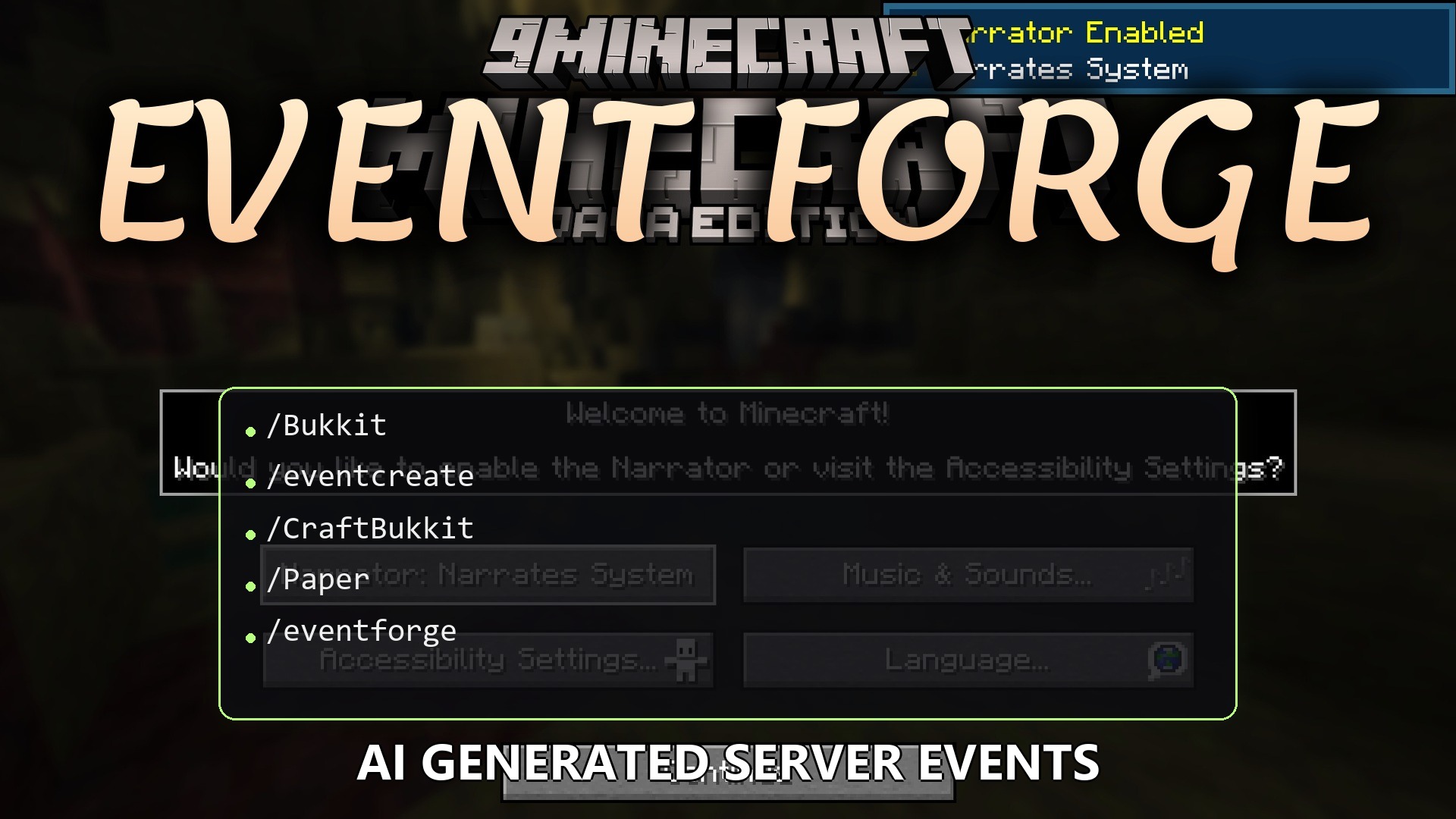
Event Forge Plugin lets you host amazing server events just by typing a simple sentence in chat. It builds arenas, spawns custom bosses, and sets up treasure hunts for your players without needing any extra mods. You can ask for a fire-themed boss or a fun parkour course, and the plugin does all the hard work. It even hands out rewards directly to the winners so nothing gets stolen. This makes keeping your server fun and active much easier.
Features:
- Six Event Types: Choose from boss fights, parkour courses, PvP arenas, treasure hunts, build challenges, or custom games.
- Talk to Create: Type a sentence about what you want, and the plugin asks a few questions to build it perfectly.
- Bosses get custom health, speed, and size, plus cool particle effects like flames or snowflakes.
- Parkour courses generate automatically with different jumps and a safety net so players do not lose their items.
- Treasure hunts hide a chest deep underground and give players a book full of clues to find it.
- Delivers rewards straight into the winner’s inventory so other players cannot steal the loot.
- Includes a real in-game calendar menu to pick the exact date and time for your games.
- Sends messages to your Discord server so everyone knows when a new game starts.
- Lets you run multiple different games at the same time and keep track of them by name.
Commands:
/eventcreate <your idea>: starts making a new game based on your idea./eventforge reply: answers questions when building a new game./eventschedule <name>: opens the calendar menu to pick a time./eventteleporter <name> <x> <y> <z>: places the teleport pad at exact coordinates./eventforge setup: starts the fast setup process in chat.
Configuration:
server-ip: set your server address here so it shows up in Discord messages.
How to Use:
- Type /eventforge setup in the game to link your AI key and Discord.
- Type /eventcreate followed by your idea, like a fire boss or a hard parkour map.
- Answer any questions in the chat to finish designing the game.
- Type /eventschedule and click on the calendar to pick when the game begins.
- Place the teleport pad so players can join when the time comes.
How to Install:
New to Minecraft? Follow our step-by-step guide to install Plugins on your PC.View Guide
Event Forge Plugin Download Links
For Minecraft 26.2
For Minecraft
1.21.11,
1.21.10,
1.21.9
All Versions Covered
1.21.11
1.21.10
1.21.9
1.21.8
1.21.7
1.21.6
1.21.5
1.21.4
1.21.1
1.21
All Versions Covered
1.21.11
1.21.10
1.21.9
1.21.8
1.21.7
1.21.6
1.21.5
1.21.4
1.21.1
1.21
Click to rate this post!
[Total: 0 Average: 0]
You May Also Like







This post has no comments yet. Be the first — your comment will appear here.