


LeafRTP Random Teleport Mod (26.2, 1.20.1) – Warp Across the World Without

 0
0 

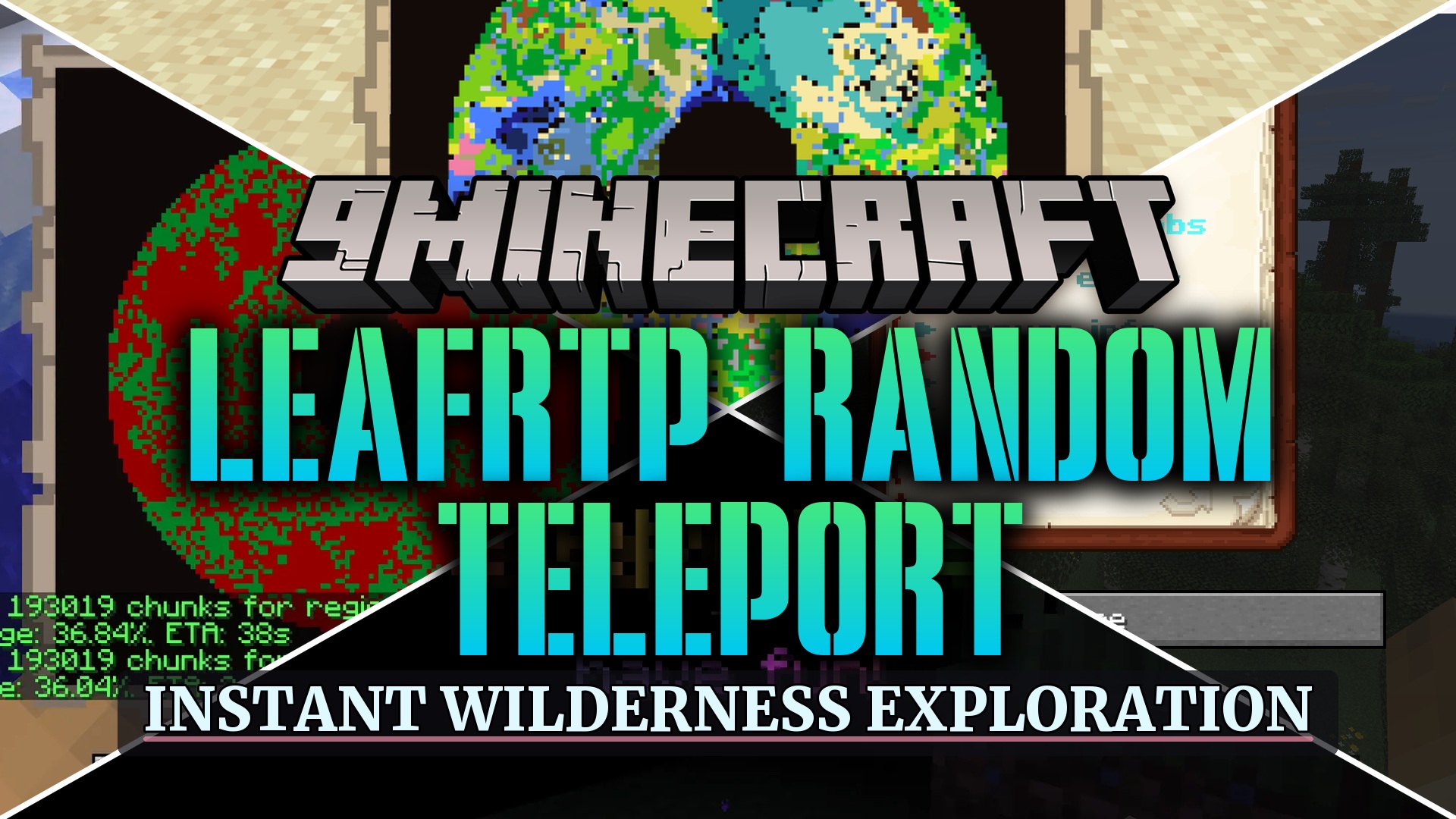
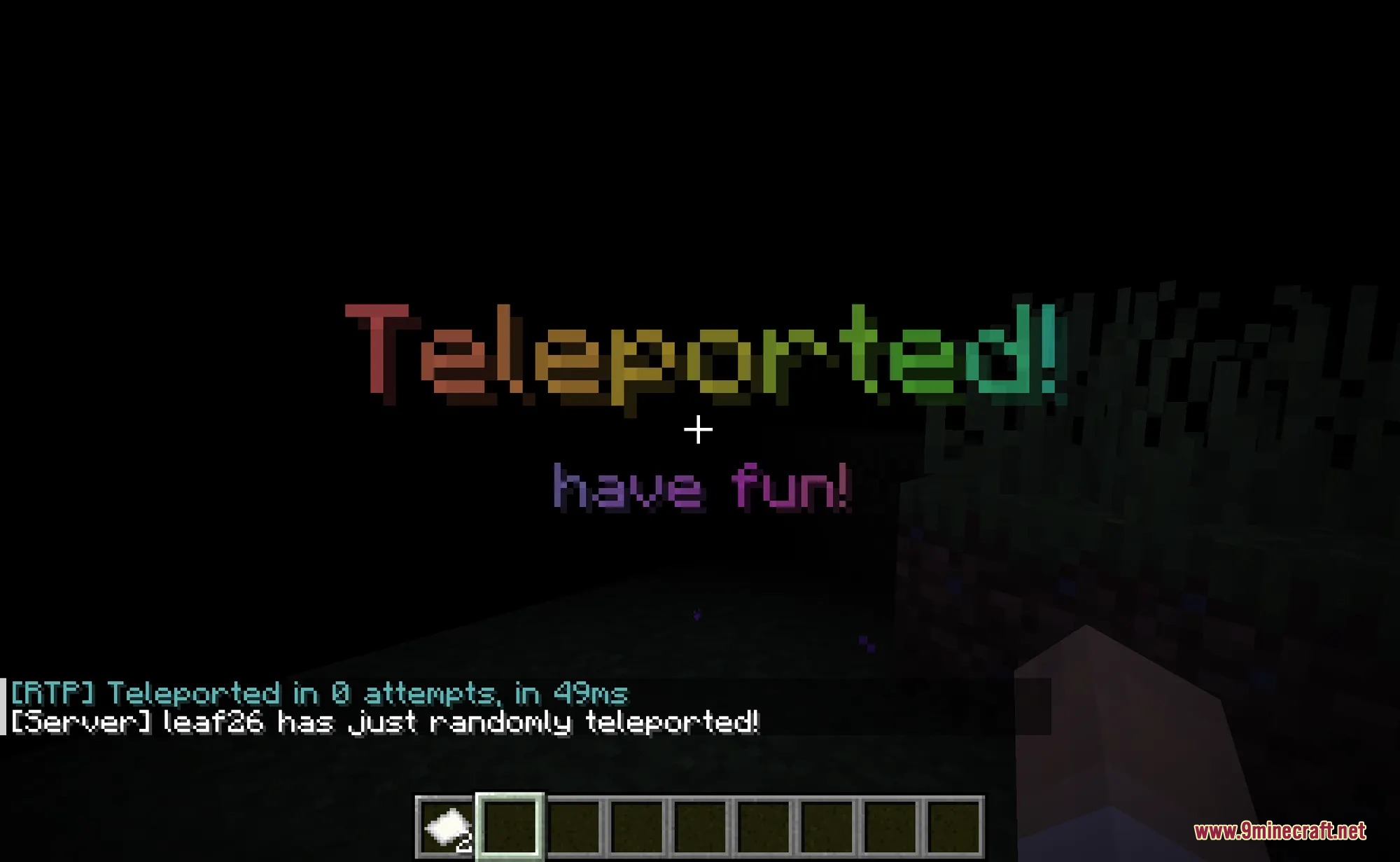
LeafRTP Random Teleport Mod teleports players to safe locations across the world without causing server lag. The mod finds safe ground ahead of time on separate threads, preventing tick drops when players travel to unloaded chunks. It works right away with zero setup needed, while offering in-game menus to change settings on the fly. Players get quick access to distant lands without getting stuck in dangerous blocks or protected zones.
Features:
- Works immediately upon installation with a default region generated on first launch.
- Pre-checks landing spots off the main server thread to keep tick rates smooth and stable.
- Distributes destinations evenly using a spiral pattern so players do not crowd near spawn points.
- Stores unsafe ground in spatial memory to skip bad locations and keep search times short.
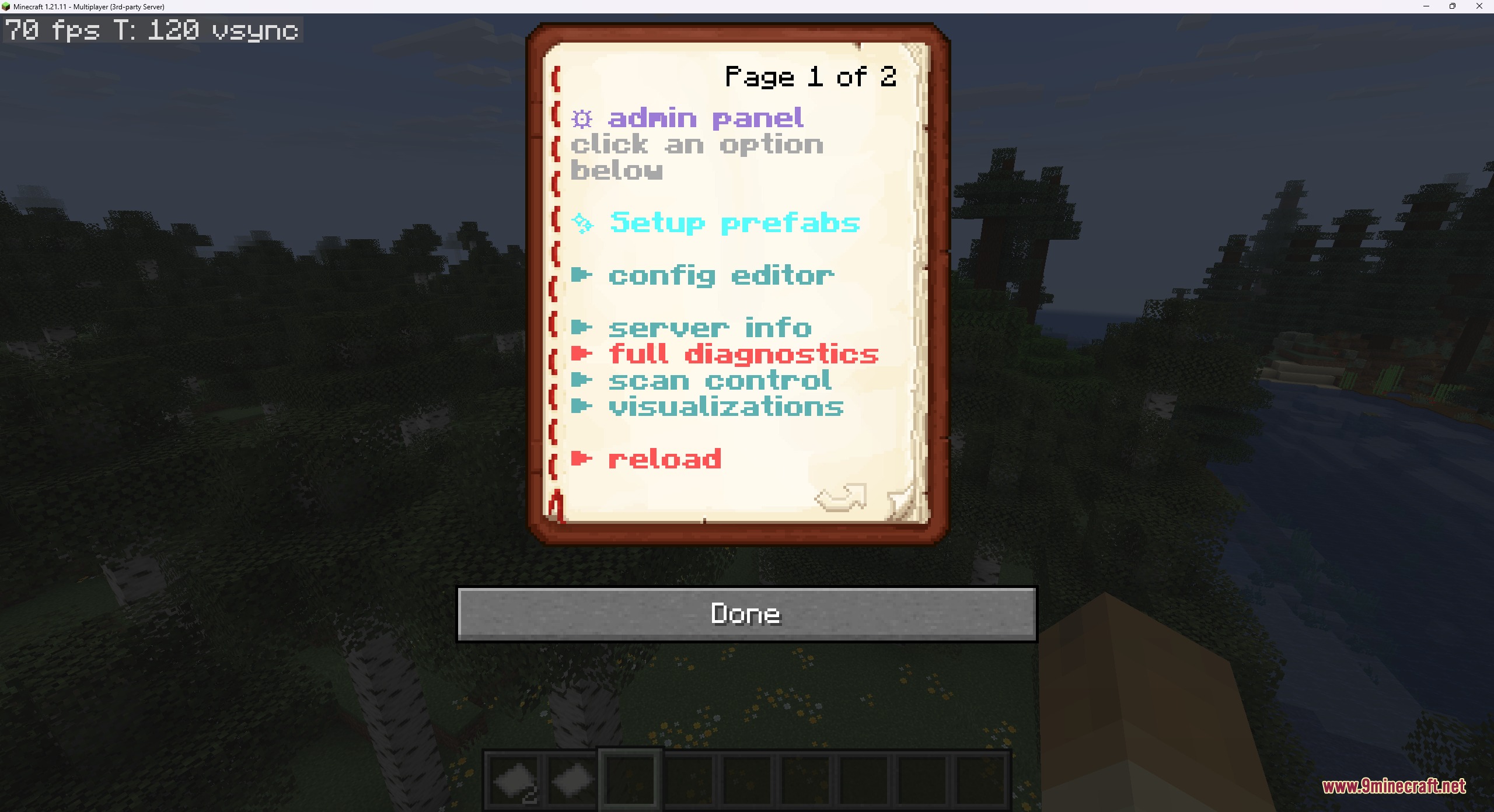
- In-game menu lets admins tune regions, safety checks, and visual effects without editing text files.
- Works alongside 12 land claim systems to avoid landing inside protected player territories.
- Pairs with Vault economy setups to charge money per jump or issue refunds when teleports fail.
- Plays custom sounds, particles, potion effects, and fireworks during warmup and arrival phases.
- Tracks individual cooldowns and usage limits to stop teleport command spam.
- Blocks command usage during PvP combat to stop players from fleeing active battles.
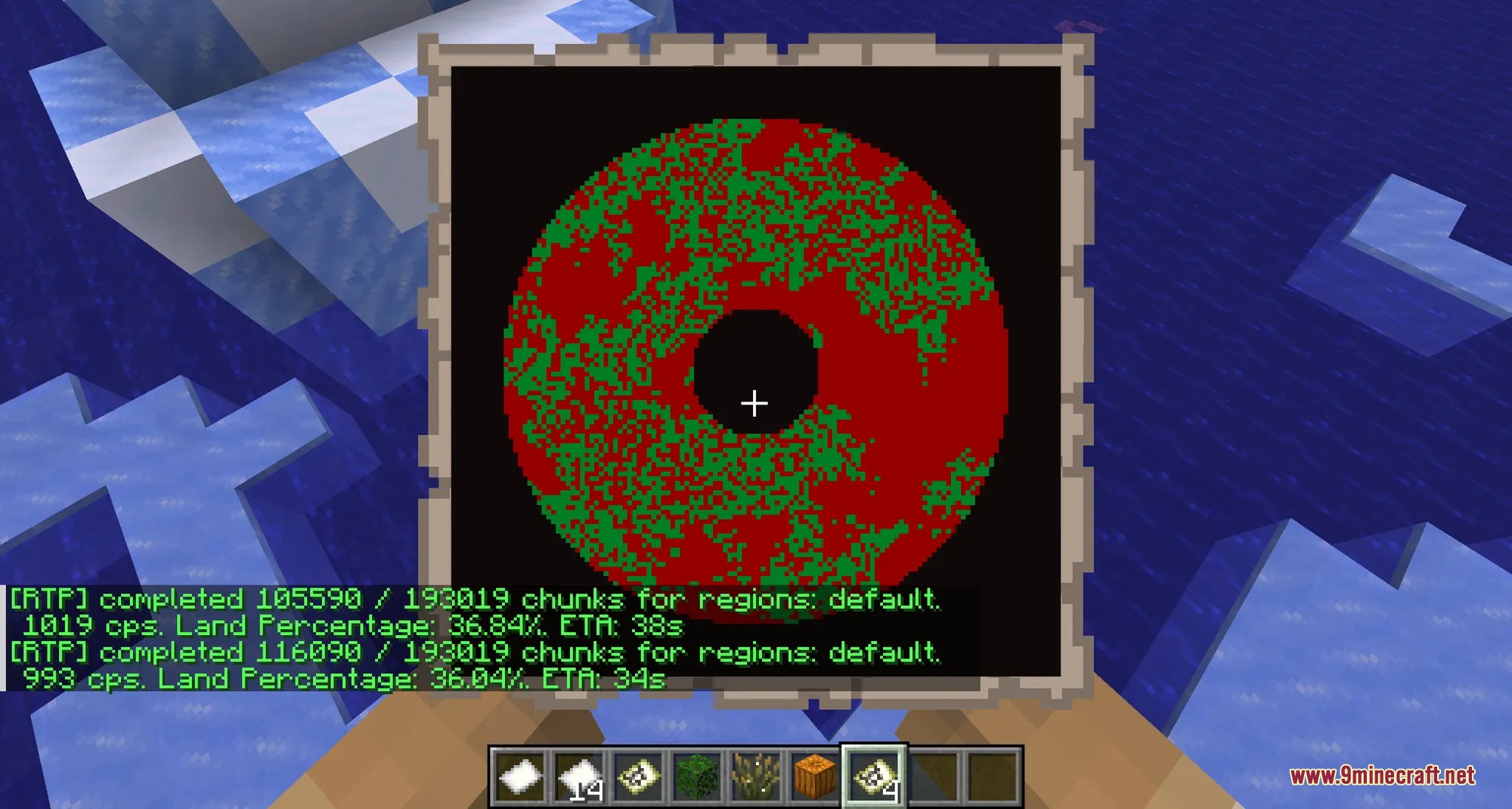
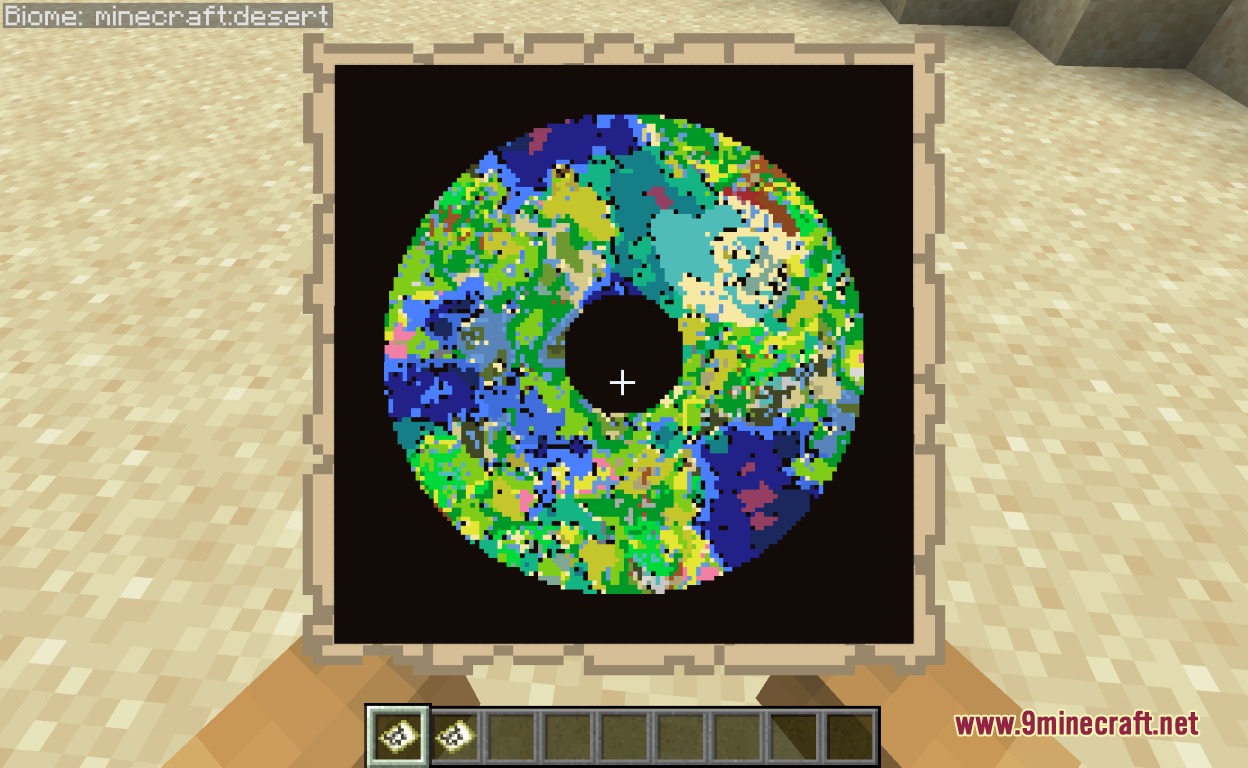
- Paints region safety data directly onto in-game maps with visual green and red overlays.
- Includes self-extracting addons for chest pickers, countdown timers, and void rift animations.
Commands:
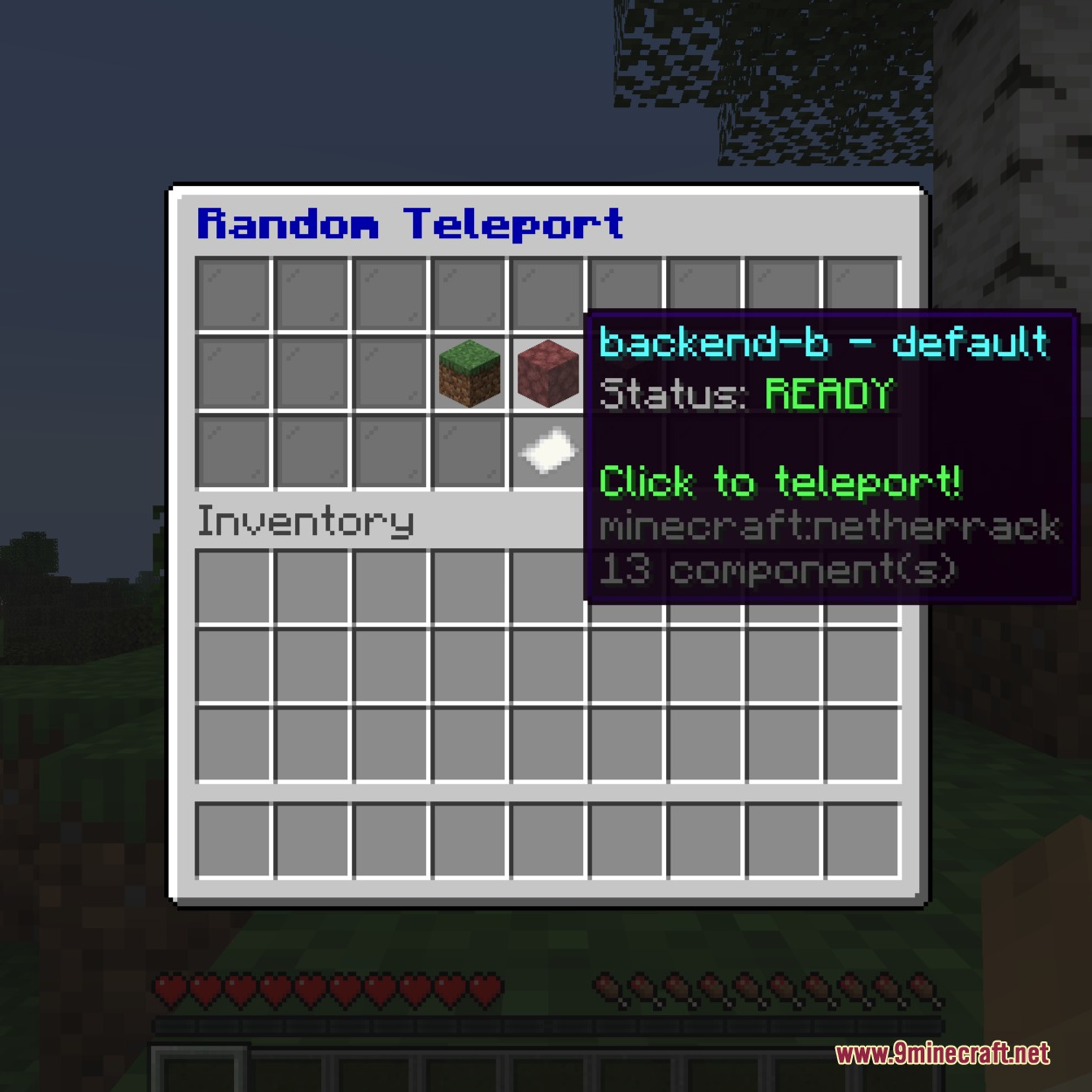
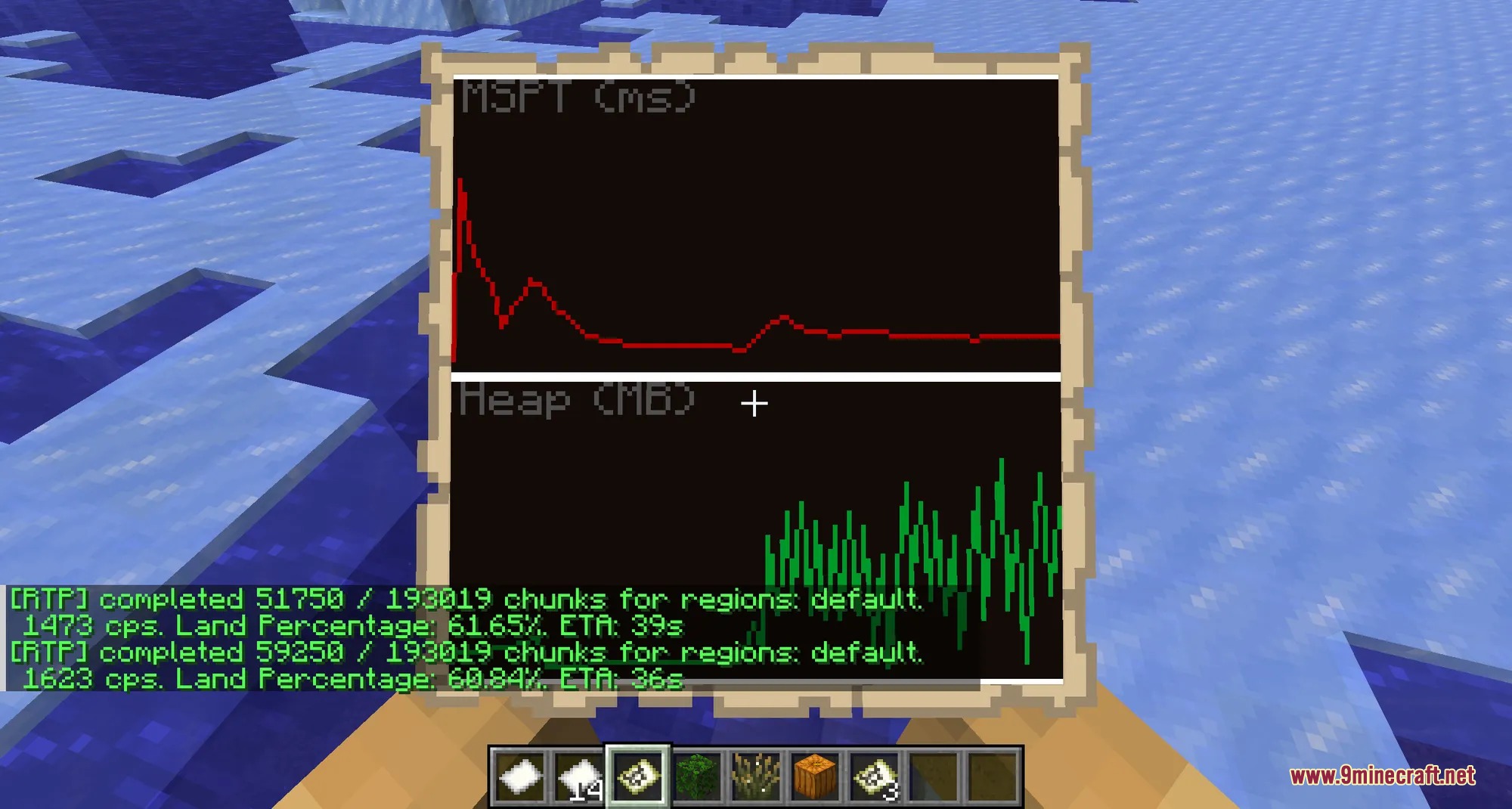
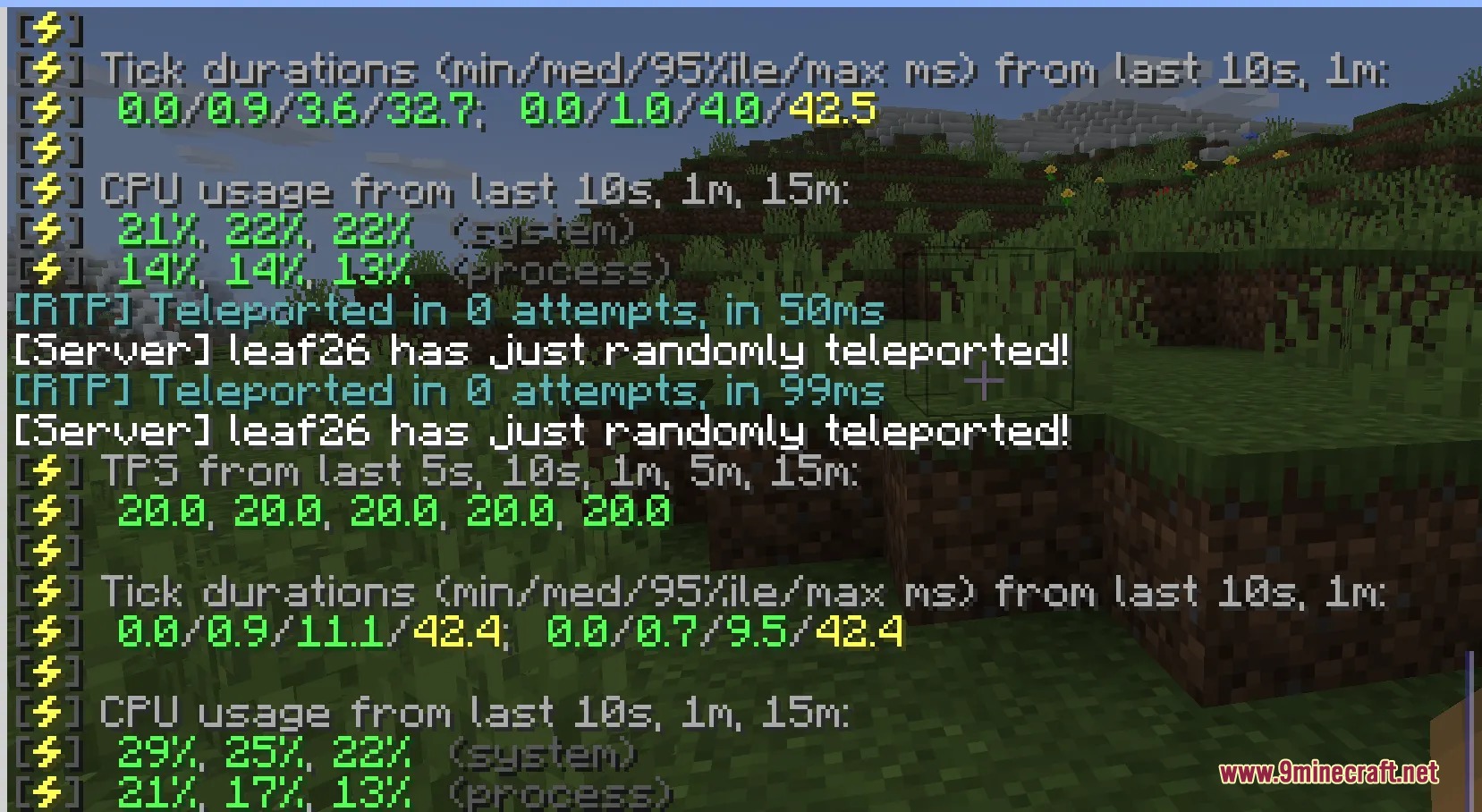
/rtp: Teleports you to a safe, random destination in the world./rtp menu: Opens the in-game settings menu to manage regions and options./rtp admin: Opens the admin dashboard to run diagnostics and tools./rtp gui: Opens an interactive chest menu to choose target worlds or regions./rtp scan: Scans terrain and draws safety data onto an in-game map item./rtp info: Displays live server tick times, memory usage, and queue stats.
How to Use:
- Type
/rtpin chat to travel to a safe, pre-checked coordinate in your current world. - Run
/rtp menuto view regions or adjust rules directly in-game. - Open
/rtp guito pick a target world from a clickable chest screen. - Run
/rtp infoto monitor system memory and teleport queue status.
Screenshots:
How to Install:
New to Minecraft? Follow our step-by-step guide to install Mods on your PC.View Guide



LeafRTP Random Teleport Mod Download Links
For Minecraft
26.2,
26.1.2,
26.1.1
All Versions Covered
26.2
26.1.2
26.1.1
26.1
1.21.11
1.21.10
1.21.9
1.21.8
1.21.7
1.21.6
1.21.5
1.21.4
1.21.3
1.21.2
1.21.1
1.21
All Versions Covered
26.2
26.1.2
26.1.1
26.1
1.21.11
1.21.10
1.21.9
1.21.8
1.21.7
1.21.6
1.21.5
1.21.4
1.21.3
1.21.2
1.21.1
1.21
For Minecraft
26.1.2,
26.1.1,
26.1
All Versions Covered
26.1.2
26.1.1
26.1
1.21.11
1.21.10
1.21.9
1.21.8
1.21.7
1.21.6
1.21.5
1.21.4
1.21.3
1.21.2
1.21.1
1.21
1.20.6
1.20.5
1.20.4
1.20.3
1.20.2
1.20.1
1.20
All Versions Covered
26.1.2
26.1.1
26.1
1.21.11
1.21.10
1.21.9
1.21.8
1.21.7
1.21.6
1.21.5
1.21.4
1.21.3
1.21.2
1.21.1
1.21
1.20.6
1.20.5
1.20.4
1.20.3
1.20.2
1.20.1
1.20
Click to rate this post!
[Total: 0 Average: 0]
You May Also Like
















This post has no comments yet. Be the first — your comment will appear here.