


Nametag Hider Plugin (26.2, 1.21.1) – Keep Names Hidden Until Players Meet Face
 0
0
 0
0


“`json
{
“title”: “Nametag Hider Plugin”,
“subtitle”: “Hide Player Names Until You Meet Them”,
“content”: “
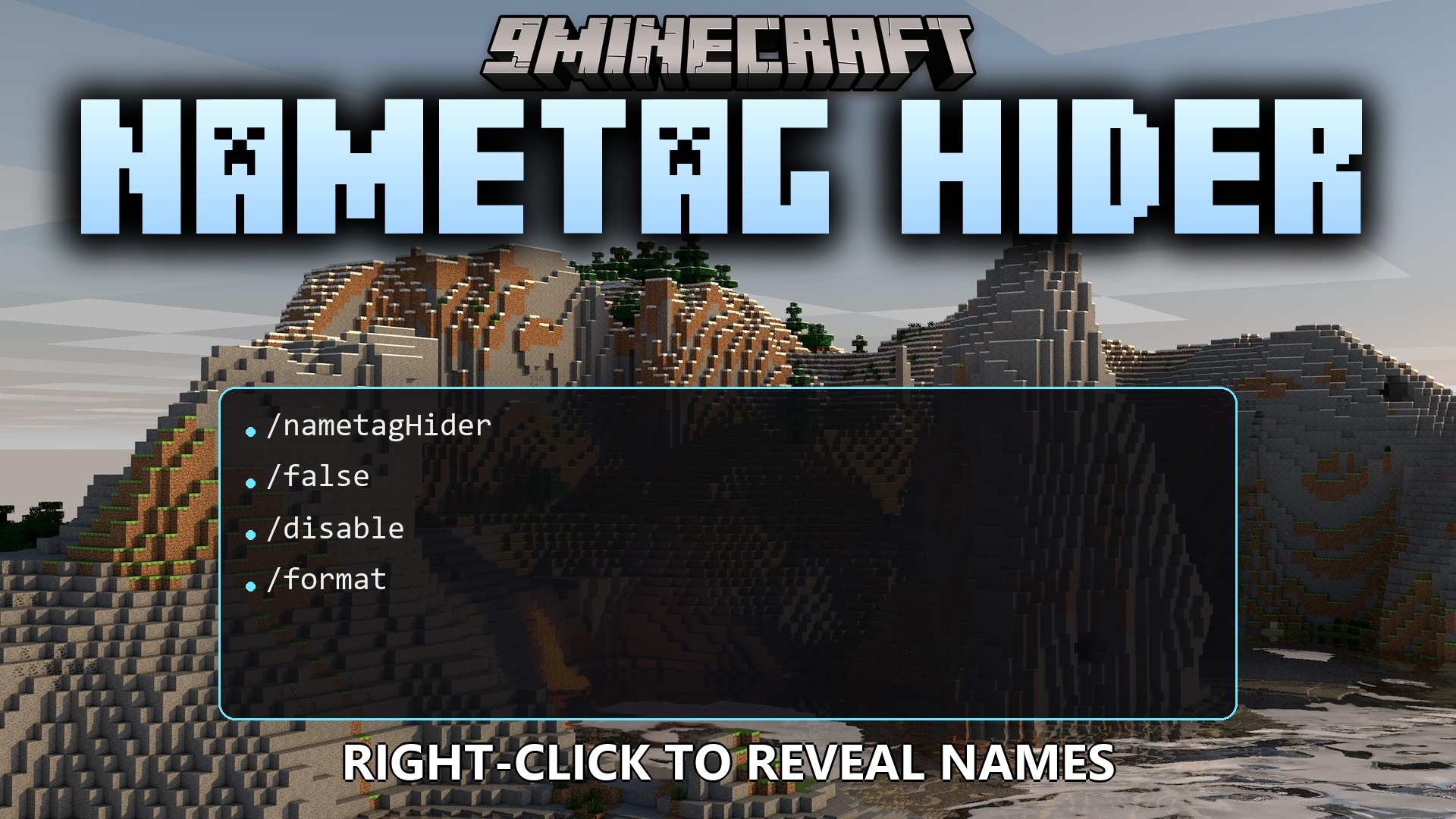
Nametag Hider Plugin hides player names above character heads to create a stealthy environment. The plugin uses a scoreboard team system to keep tags out of sight during regular gameplay. Players can still check identities by clicking on each other with the right mouse button when this setting is turned on. Server owners can format how names appear and switch individual settings on or off through simple text files.
Features:
- Hides nametags above player heads using Minecraft scoreboard teams.
- Reveals a target player’s name for a short time when you right-click on them.
- Allows custom text formatting with standard color codes and placeholder tags.
- Includes quick toggle settings for the entire hiding system or just the right-click check.
- Keeps scoreboard team names adjustable to prevent conflicts with other server setups.
Commands:
/nametagHider reload: Reloads the plugin configuration./nametagHider set-rc [true/false]: Turns the right-click name reveal on or off./nametagHider enabled: Toggles the main nametag hiding system./nametagHider info: Shows the current status of the plugin.
Configuration:
nametagHider.commands: Grants permission to use all plugin commands.
# Master switch for the hiding logic.

# true  - the plugin hides nametags via a scoreboard team.

# false - the plugin does nothing.

enabled: true
# Temporary reveal on player right-click.

# true  - shows target's nickname briefly when right-clicked.

# false - disables right-click reveal.

rightClickView: false
# A string shown to the clicking player when revealing a nickname.

# Placeholders:

#   %nickname% - target player's nickname.

#   also supported placeholders from PlacehodlerAPI

# Formatting:

#   Minecraft color/format codes using the § character are supported (e.g., §6, §f, §l).

nicknameFormat: '§f-§6[§r%nickname%§6]§f-§r'
# The plugin uses a scoreboard team to hide nametags.

# Note: old teams are NOT removed automatically if you change the name; clean them up manually if needed.

scoreboardTeam:

  # Technical team name. Change it if there is a conflict on your server.

  name: 'NametagHider'

  # Display name shown in UI. Any arbitrary string.

  displayName: 'NametagHider team used to hide nametags'
How to Use:
- Walk up close to another player in the server.
- Press the Right mouse button directly on the player to reveal their name.
- Read the player’s formatted nickname displayed on your screen.
“,
“excerpt”: “Nametag Hider Plugin removes floating player names above character heads and lets you check identities on right-click for stealth and roleplay servers.”,
“focus_keyword”: “Nametag Hider Plugin”,
“dependencies”: [],
“tags”: [
“Admin Tool Plugins”,
“Mechanics Plugins”,
“Role Playing Plugins”,
“Utility Plugins”,
“General Plugins”,
“Miscellaneous Plugins”
],
“captions”: [
“Hidden player nametag revealed after interacting with the right mouse button”,
“Target player nickname appearing cleanly on the action bar upon inspection”
]
}
“`
How to Install:
New to Minecraft? Follow our step-by-step guide to install Plugins on your PC.View Guide
Nametag Hider Plugin Download Links
For Minecraft 26.2
For Minecraft 26.1.2, 26.1.1, 26.1
For Minecraft 1.21.11
For Minecraft 1.21.10, 1.21.9
For Minecraft 1.21.8, 1.21.7, 1.21.6
For Minecraft 1.21.5
For Minecraft 1.21.4
For Minecraft 1.21.1, 1.21
You May Also Like










This post has no comments yet. Be the first — your comment will appear here.