


Hrda Nick Plugin (26.2, 1.21.1) – Play Incognito with Matching Names and Skins

 0
0 

Hrda Nick Plugin lets you change your player name and character skin at the same time. It helps players disguise themselves on the server with working chat names, tab list entries, and commands. You can pick custom names or generate random disguise combinations with ease. The plugin also lets server staff look up real player identities whenever needed.
Features:
- Changes both your nickname and matching skin at the exact same moment.
- Generates random names by combining prefixes, words, and suffixes.
- Keeps disguised names working properly inside tab completion and chat.
- Works with other server commands like teleporting directly to disguised names.
- Tracks nicked players in a simple list so staff can find real usernames.
Commands:
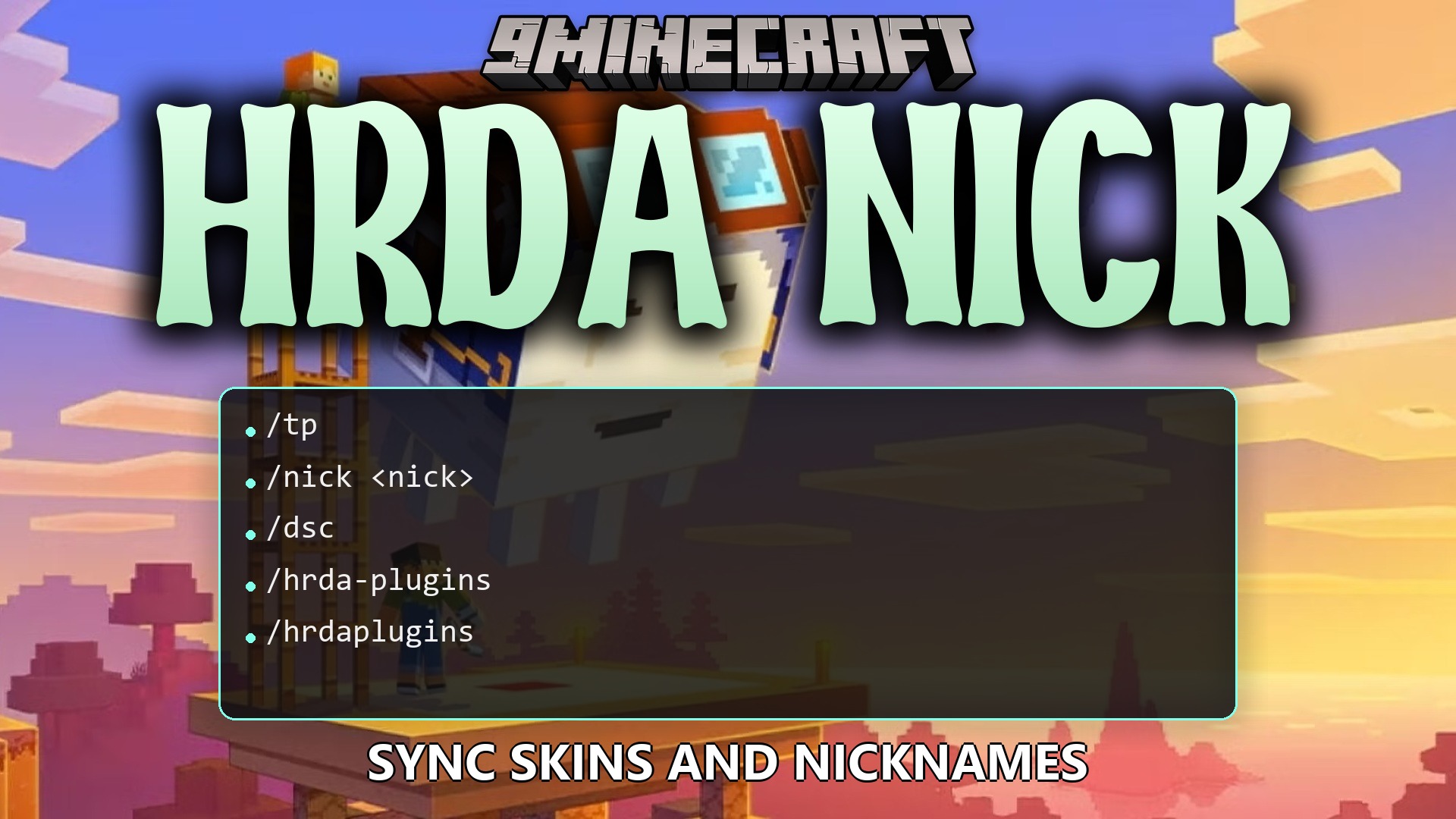
/nick <nick>: Sets a new nickname and matching skin for yourself./nick random <player or @a>: Gives a random nickname and skin to a player or everyone./nick reset <player or @a>: Clears a nickname and returns to the normal name./nick set <player> <nick>: Assigns a specific nickname and skin to another player./nick list: Shows a list of all players currently using a nickname./nick reload: Reloads the plugin configuration files./nick resetall: Removes all active nicknames from the server records./nick whois <player>: Reveals the original username of a disguised player.
Configuration:
hrdanick.use: Allows using basic disguise commands like changing and resetting your own nick.hrdanick.admin: Grants access to manage other players’ names, list nicked users, and reload settings.%hrdanick_nick%: Shows the current nickname of the player in supported chat, scoreboard, and tab plugins.%hrdanick_skin%: Displays the name of the player profile from which the skin is used.
How to Use:
- Type
/nick <newname>in chat to change both your username and skin. - Use
/nick random <player>if you want a quick randomly generated disguise. - Run
/nick whois <player>to check the true username behind any disguised player. - Type
/nick resetwhenever you want to return to your normal name and original skin.
How to Install:
New to Minecraft? Follow our step-by-step guide to install Plugins on your PC.View Guide
Requirements:
SkinsRestorer Required
HrdaAPI Required
Hrda Nick Plugin Download Links
For Minecraft
26.2,
26.1.2,
26.1.1
All Versions Covered
26.2
26.1.2
26.1.1
26.1
1.21.11
1.21.10
1.21.9
1.21.8
1.21.7
1.21.6
1.21.5
1.21.4
1.21.3
1.21.2
1.21.1
1.21
All Versions Covered
26.2
26.1.2
26.1.1
26.1
1.21.11
1.21.10
1.21.9
1.21.8
1.21.7
1.21.6
1.21.5
1.21.4
1.21.3
1.21.2
1.21.1
1.21
Click to rate this post!
[Total: 0 Average: 0]
You May Also Like








This post has no comments yet. Be the first — your comment will appear here.