


Ember Visual Architect Mod (26.2, 1.21.1) – Clear Screen Vision While Burning
 0
0
 0
0

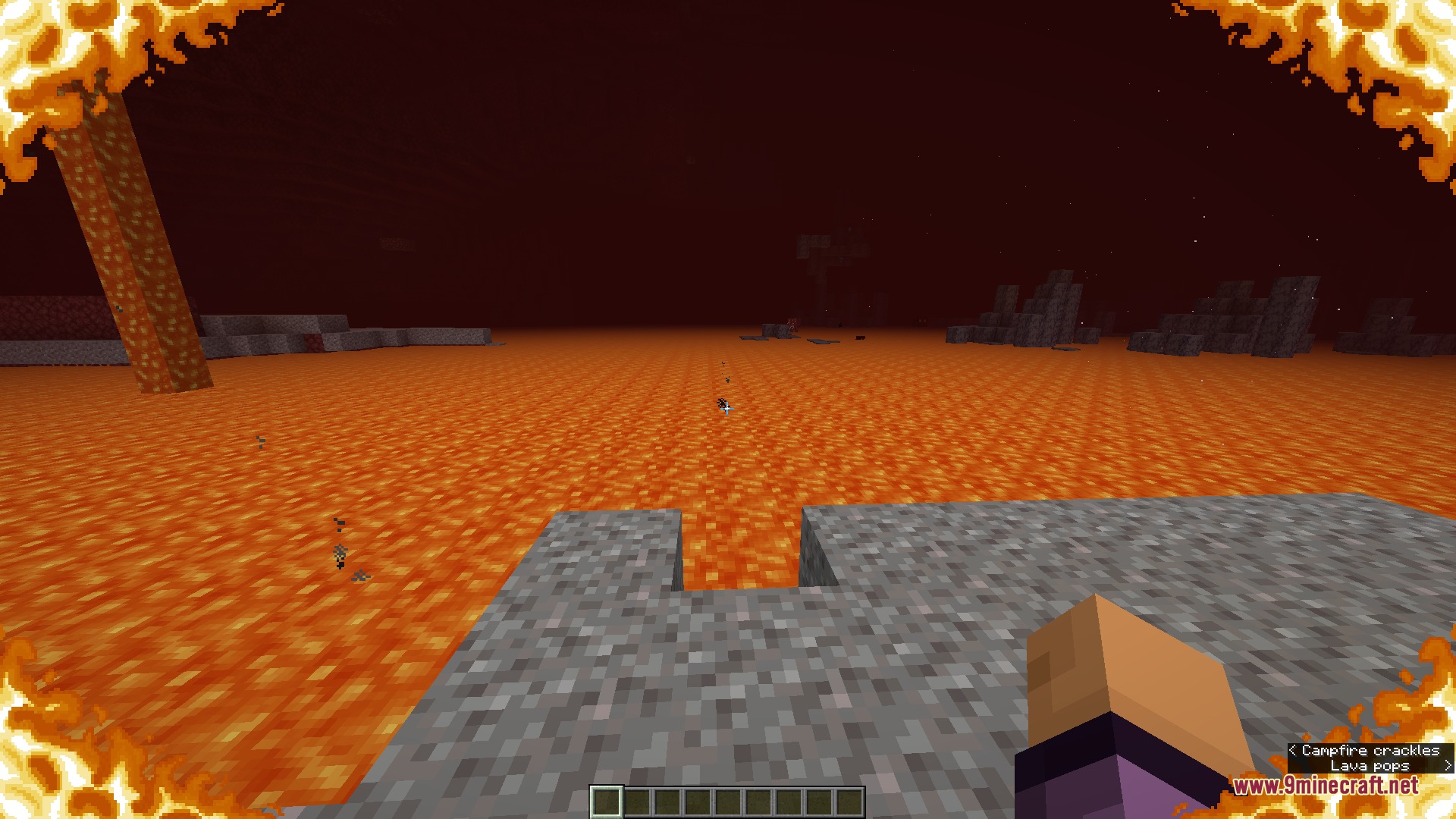
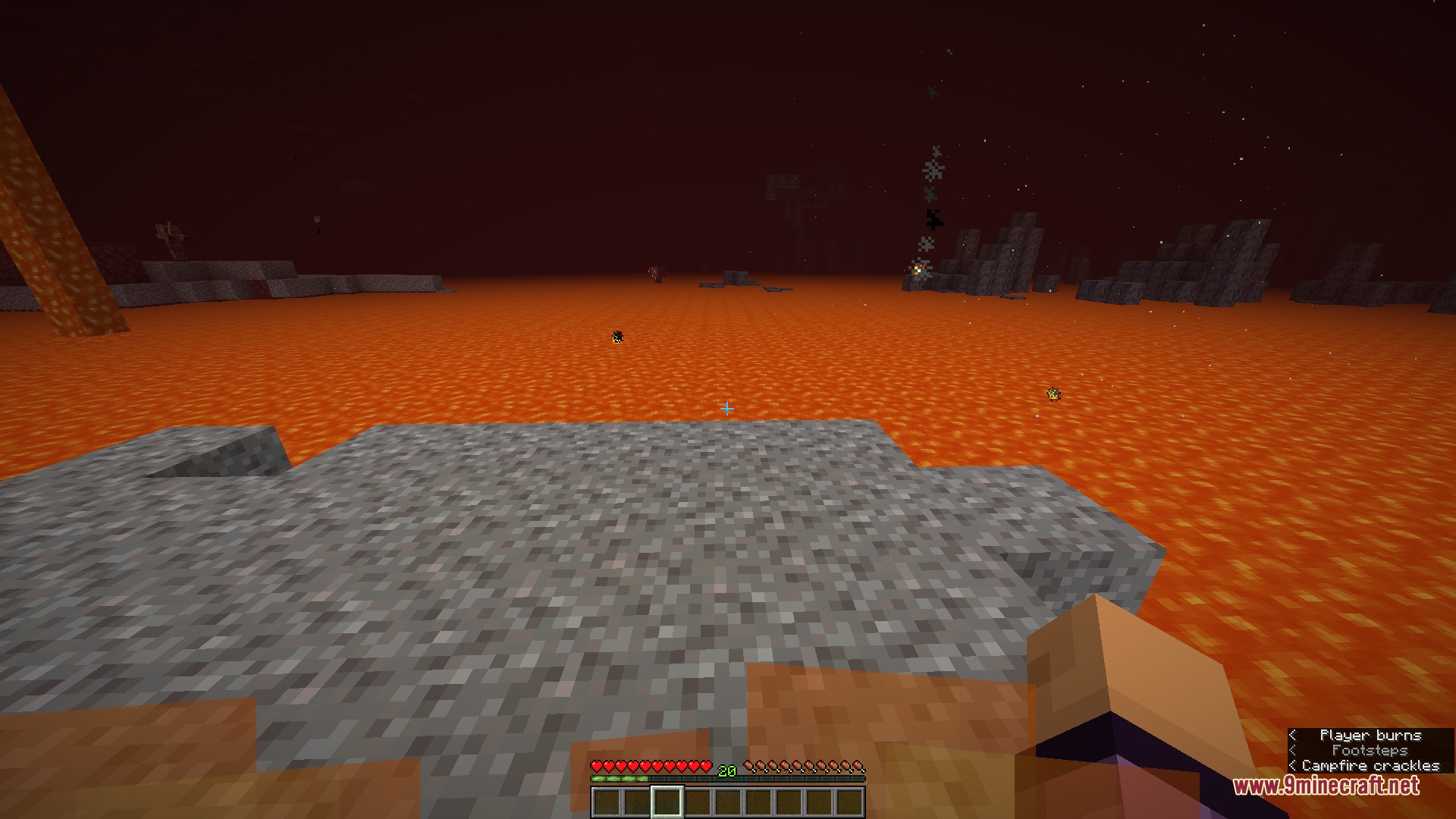
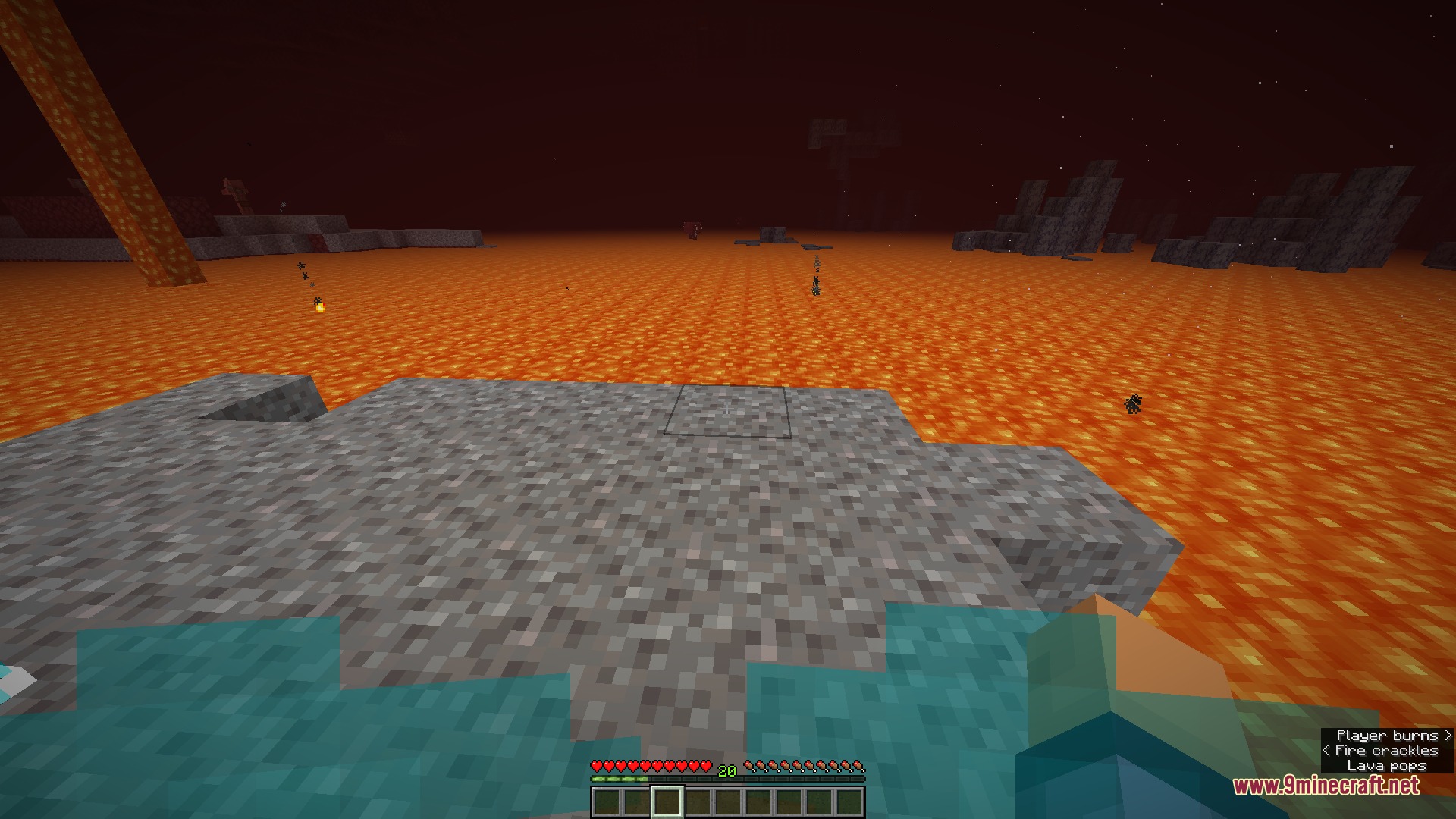
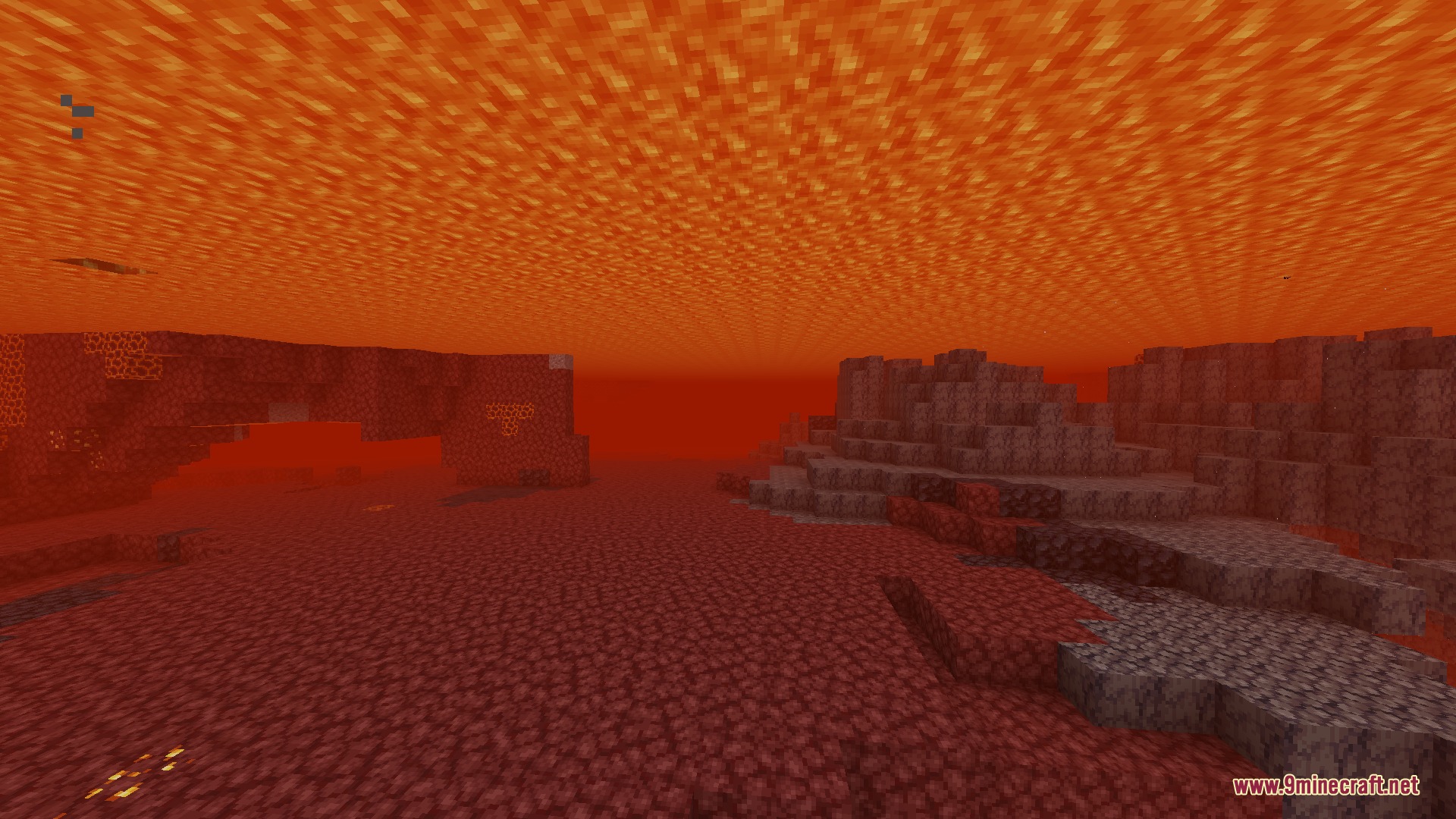
Ember Visual Architect Mod transforms how fire and burning effects appear on your screen. In regular Minecraft, catching fire blocks your entire view, making combat and mining in the Nether difficult. This mod lets you lower, fade, reposition, or completely turn off the burning overlay. It also adds blue flames when you step into soul fire and gives you settings to clear up thick lava fog.
Features:
- Custom Burning HUD: Lets you adjust the height, position, and transparency of the fire screen overlay.
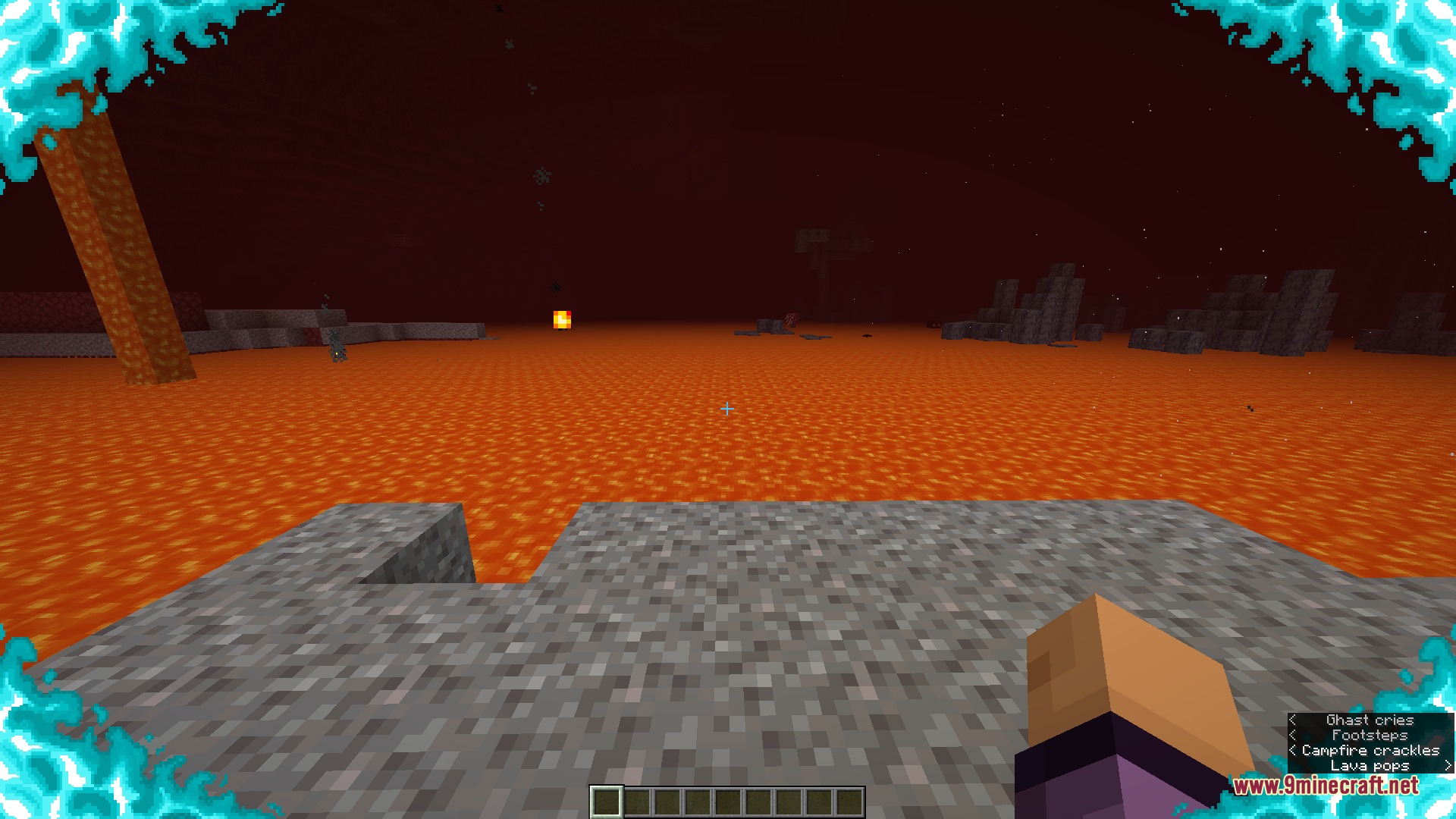
- Soul Fire Overlay: Changes your screen flames to bright blue when you touch soul fire.
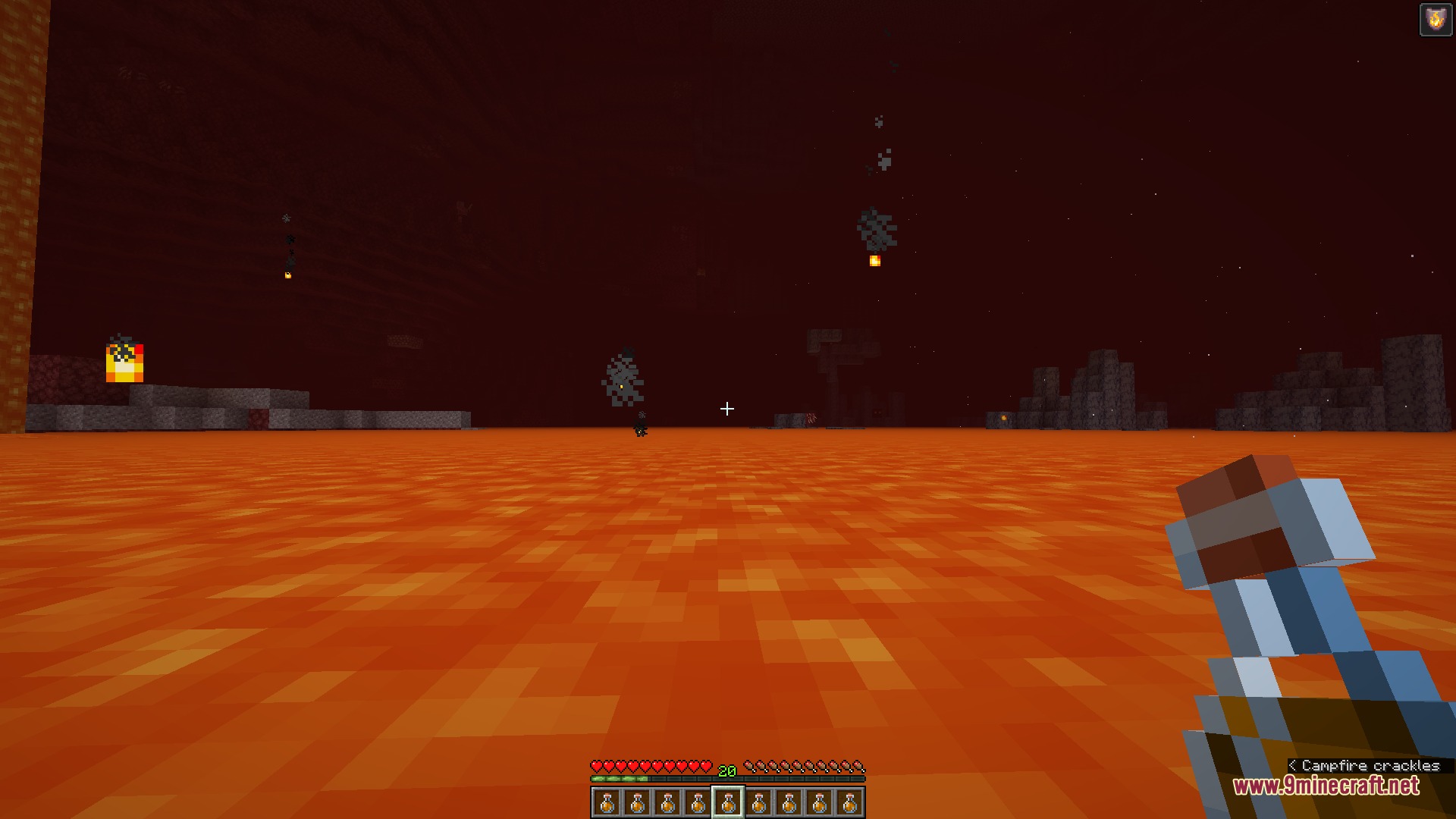
- Removes the burning overlay automatically whenever you have the Fire Resistance status effect.
- Replaces default flame graphics with optional vignette borders or subtle screen tints.
- Adds side fire options that push flame graphics to the edges of your display.
- Reduces or completely clears thick fog when swimming under lava.
- Lets you change the sound volume and audio pitch of burning blocks.
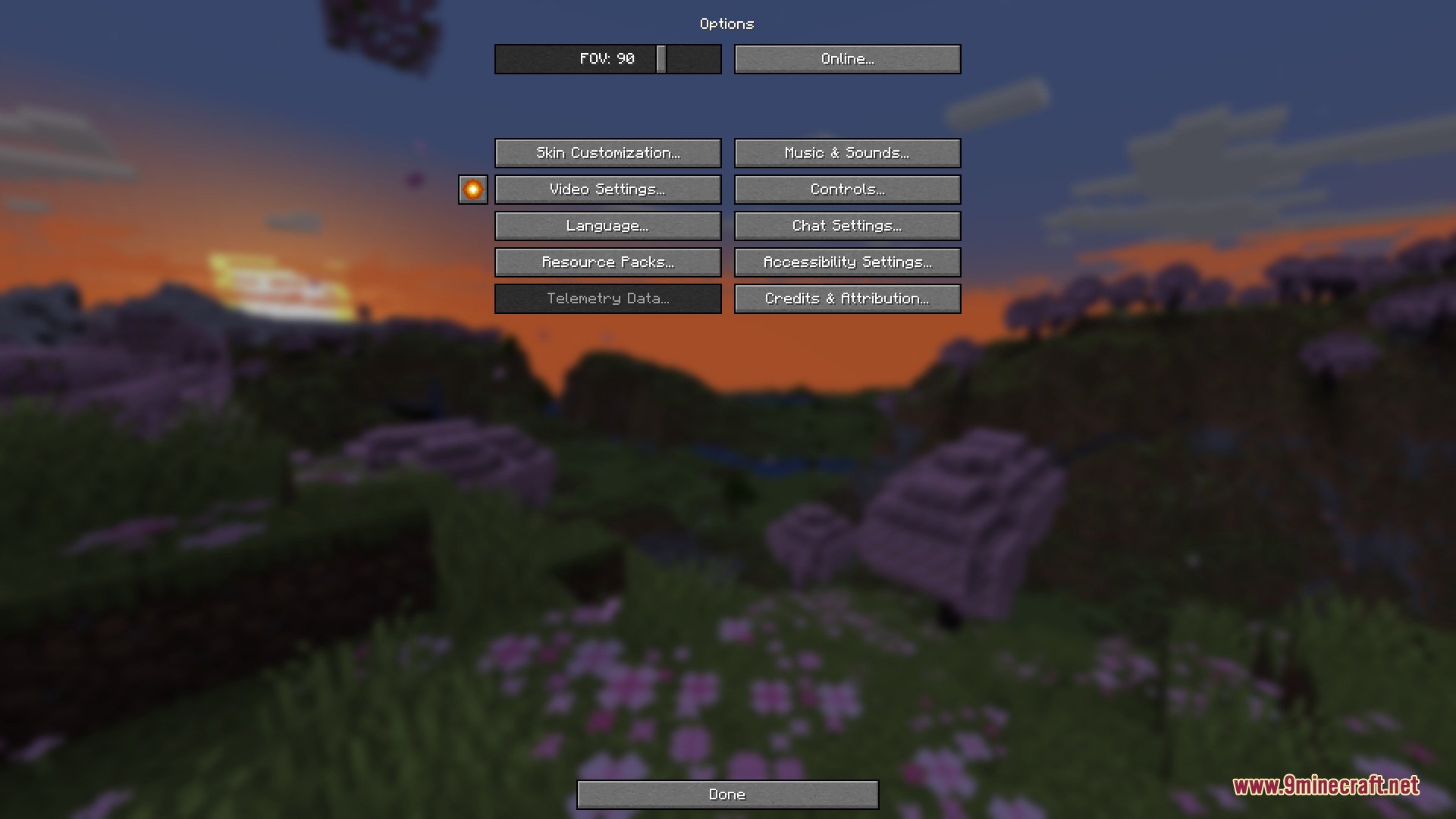
- Places an optional quick-access button right inside the game options menu.
How to Use:
- Open the game options menu or access the mod list through Mod Menu.
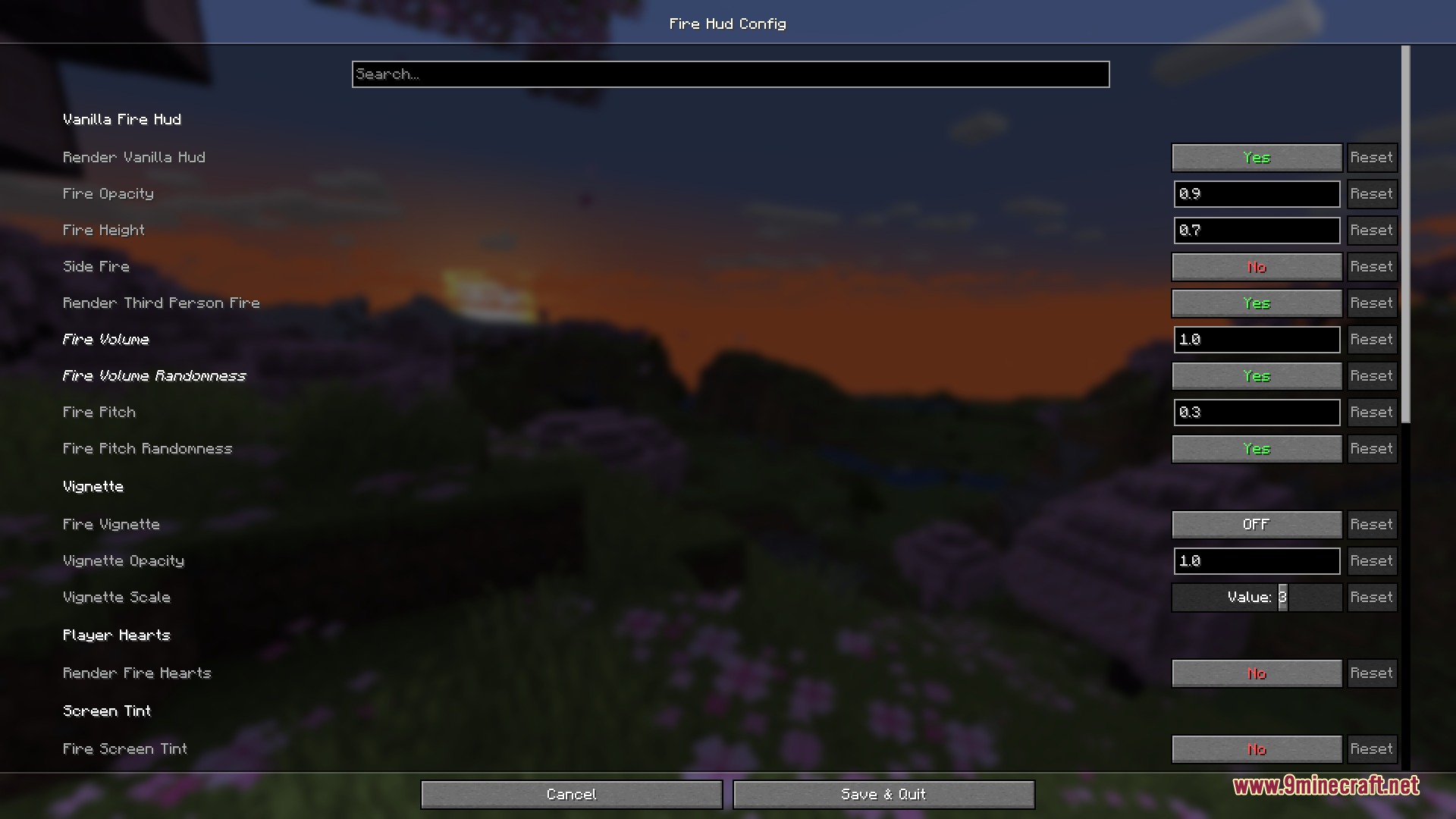
- Click the settings button next to Video Settings to open the visual adjustments screen.
- Adjust fire height, opacity, vignette borders, or lava fog to match your preference.
- Save your changes to see the new burning visuals in real time.
Screenshots:
How to Install:
New to Minecraft? Follow our step-by-step guide to install Mods on your PC.View Guide



Ember Visual Architect Mod Download Links
For Minecraft 26.2
For Minecraft 1.21.11
For Minecraft 1.21.10, 1.21.9
For Minecraft 1.21.8, 1.21.7, 1.21.6
For Minecraft 1.21.5
For Minecraft 1.21.4
For Minecraft 1.21.1, 1.21
Click to rate this post!
[Total: 0 Average: 0]
You May Also Like



This post has no comments yet. Be the first — your comment will appear here.