


Signal Pilot Peripherals Mod (1.21.11) – Craft and Pilot Remote Control Vehicles
 2
2
 0
0

Signal Pilot Peripherals Mod brings remote-control land, sea, and air vehicles into your world. You can drive ready-made models or assemble your own custom machines from individual parts using a wrench. A handheld remote lets you steer machines from a distance and switch to a first-person vehicle camera. Every vehicle runs on basic fuel and supports custom pixel-by-pixel paint jobs in survival mode.
Features:
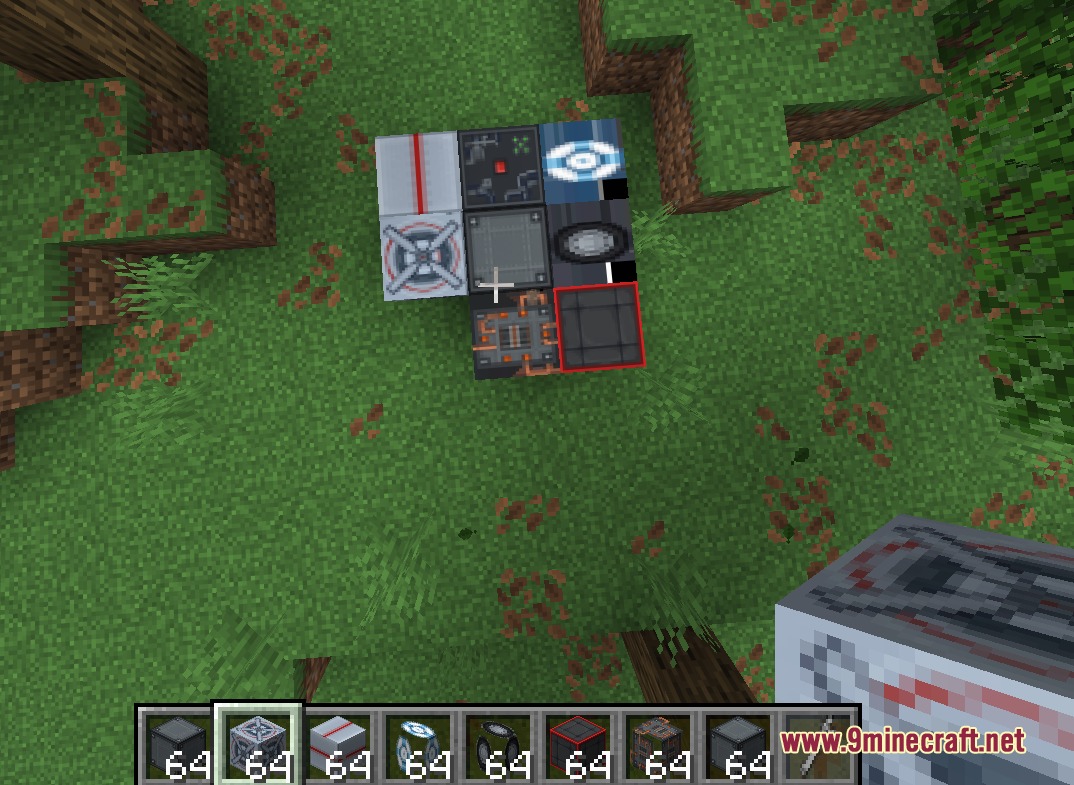
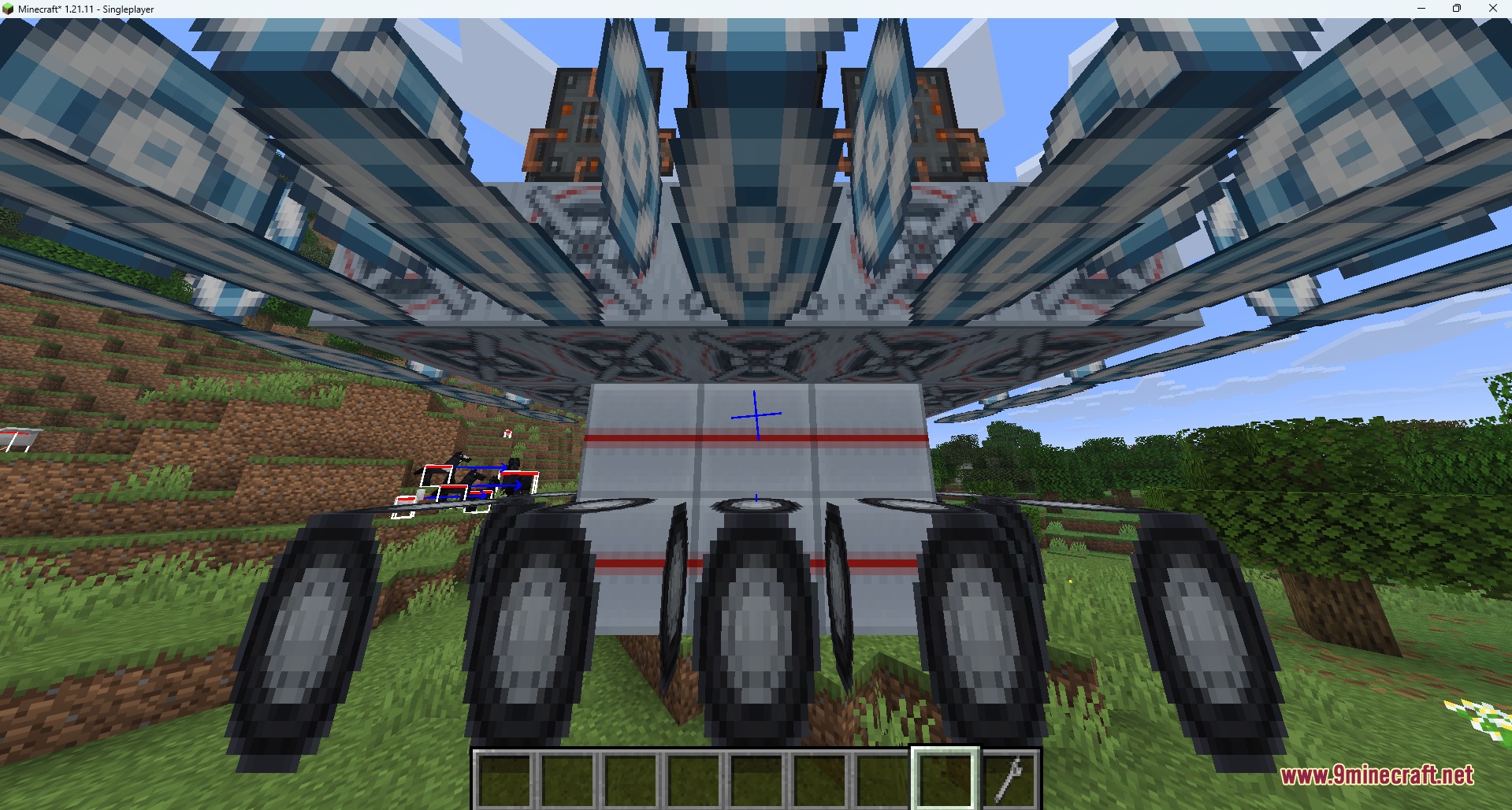
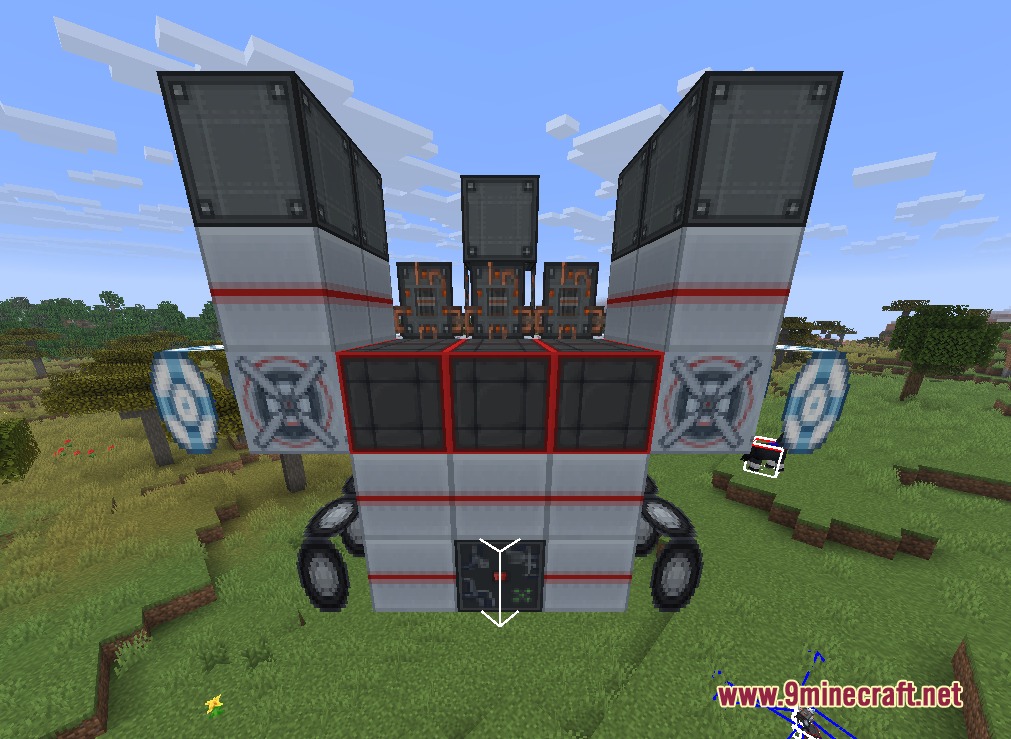
- Custom Vehicle Assembly: Place parts like engines, wings, rotors, and wheels, then tap the controller with a wrench to build a working machine.
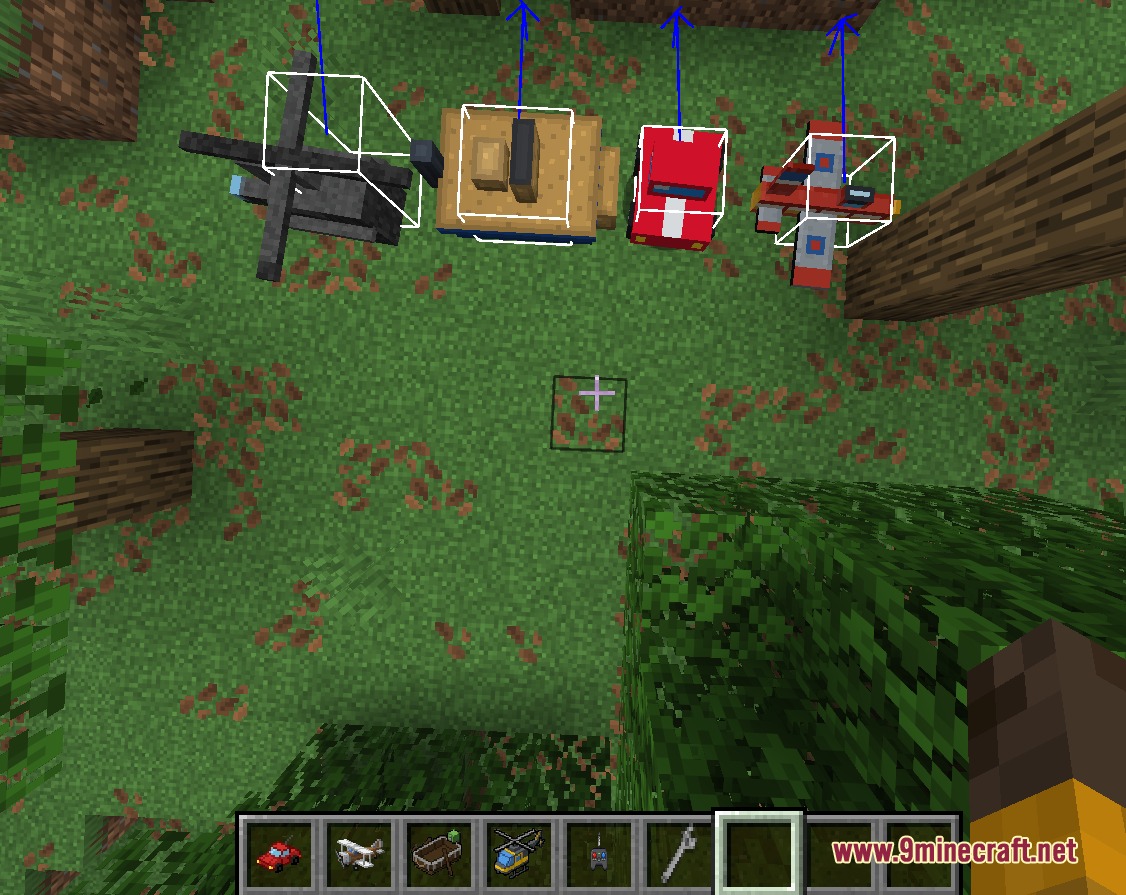
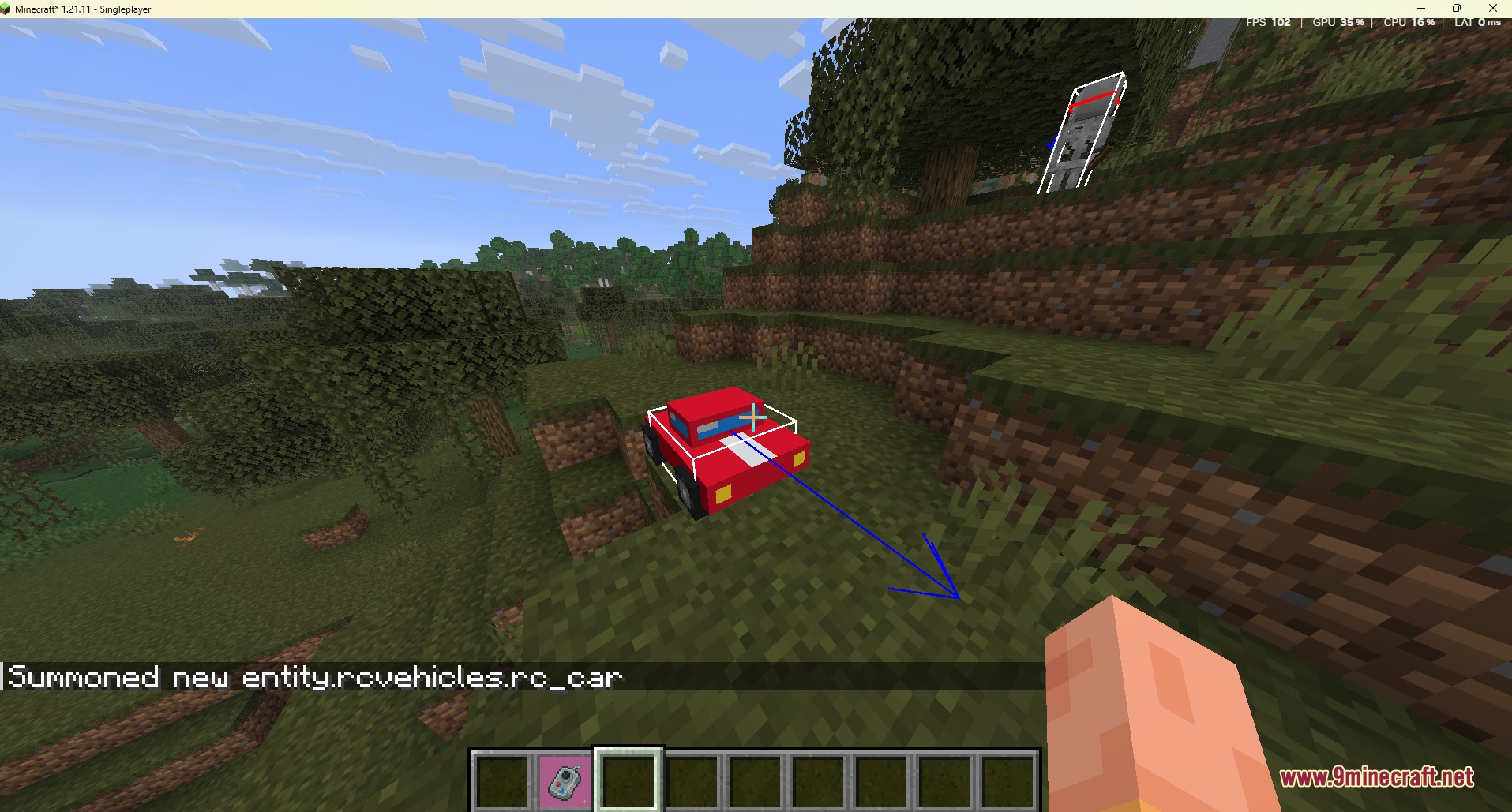
- Prebuilt RC Fleet: Drive ready-to-use cars, boats, planes, and helicopters straight out of the crafting table.
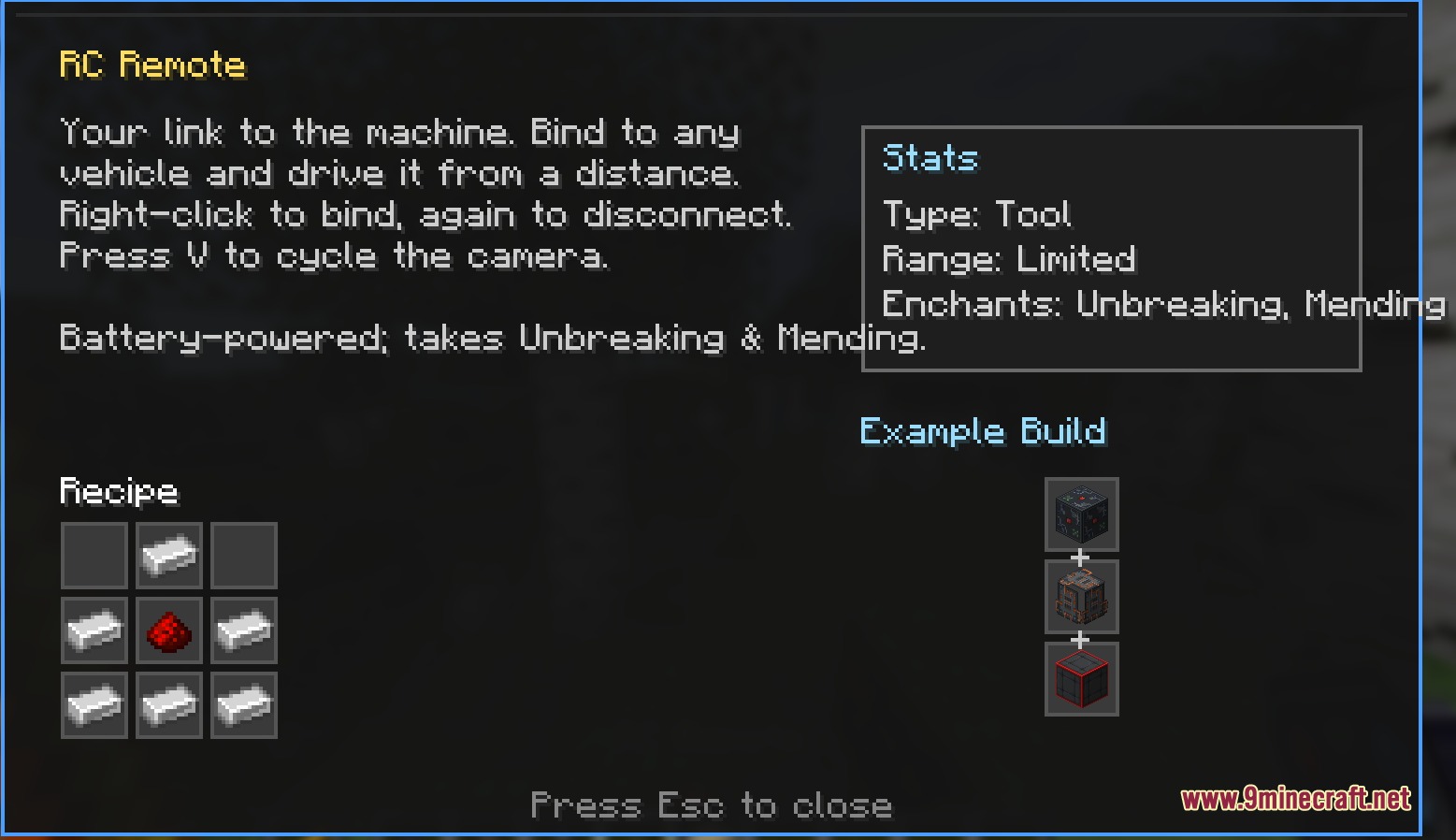
- Remote Control System: Link an RC remote to any vehicle to steer it from a safe distance with a first-person camera view.
- Vehicles run on standard survival fuels including coal, charcoal, and blaze powder.
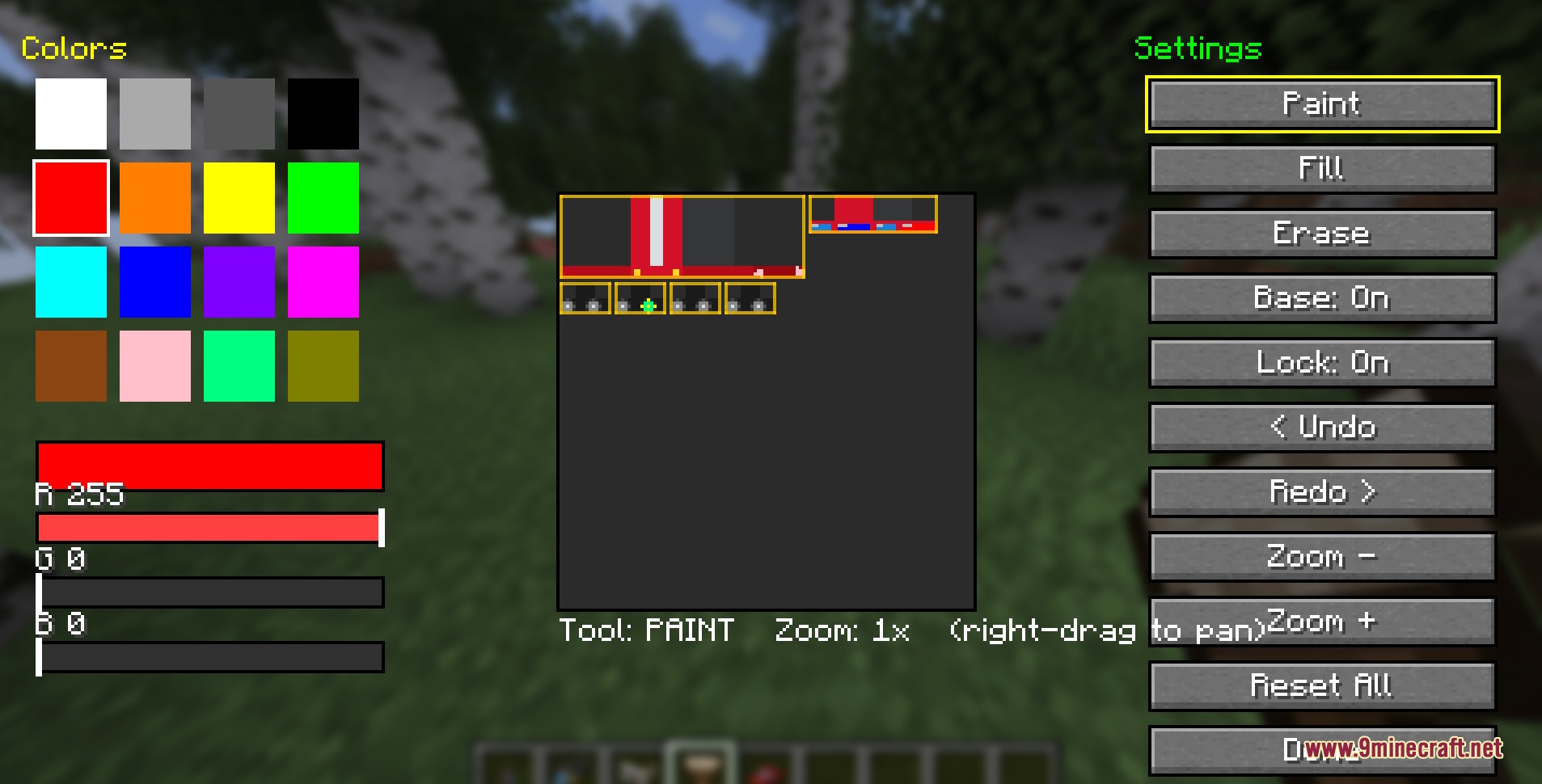
- The in-game paintbrush tool lets you draw custom color designs on any vehicle pixel by pixel.
- Remote controls consume durability while active and accept Unbreaking and Mending enchantments.
- Planes require forward speed to generate lift, while helicopters take off straight up and hover in place.
- Cars climb solid blocks smoothly, and boats cross water or slide across beaches.
- An on-screen readout shows vehicle stats and remaining fuel when you inspect a machine.
- Wrenching an assembled vehicle disassembles it immediately and returns every part to your inventory.
Vehicle Parts:
- Rotors provide vertical lift and hover controls for helicopters.
- Wings generate flight lift based on forward airspeed.
- Pontoons keep your vehicle afloat on water surfaces.
- Wheels allow ground travel and improve turning response.
- Engines increase the top speed and power of your build.
- Seats let you sit inside the build or link it to the remote.
- Frames add structure and overall weight to custom designs.
How to Use:
- Craft your chosen vehicle or place custom part blocks with a Controller in the middle.
- Right-click the Controller with a Wrench to assemble the vehicle into a drivable unit.
- Right-click the vehicle with coal, charcoal, or blaze powder to add fuel.
- Hold an RC Remote and right-click the vehicle to pair your controls.
- Press W, A, S, and D to drive or steer, and use Space or Shift to change altitude on flying builds.
- Press V to switch between first-person vehicle perspective and standard player view.
- Press H while looking at any vehicle to inspect its stats and fuel level.
- Right-click the vehicle with a Paintbrush to open the custom painting interface.
Screenshots:
How to Install:
New to Minecraft? Follow our step-by-step guide to install Mods on your PC.View Guide
Requirements:


Signal Pilot Peripherals Mod Download Links
For Minecraft 1.21.11
For Minecraft 1.21.10, 1.21.9
For Minecraft 1.21.8, 1.21.7, 1.21.6
For Minecraft 1.21.5
For Minecraft 1.21.4
Click to rate this post!
[Total: 0 Average: 0]
You May Also Like






This post has no comments yet. Be the first — your comment will appear here.