


Inkwell Cartography Mod (1.21.11) – Sketch Hand-Drawn Atlases for Your Roleplay
 4
4
 0
0

🌐 Read this article in your language! Choose your preferred language below.
Or pick the one you like:
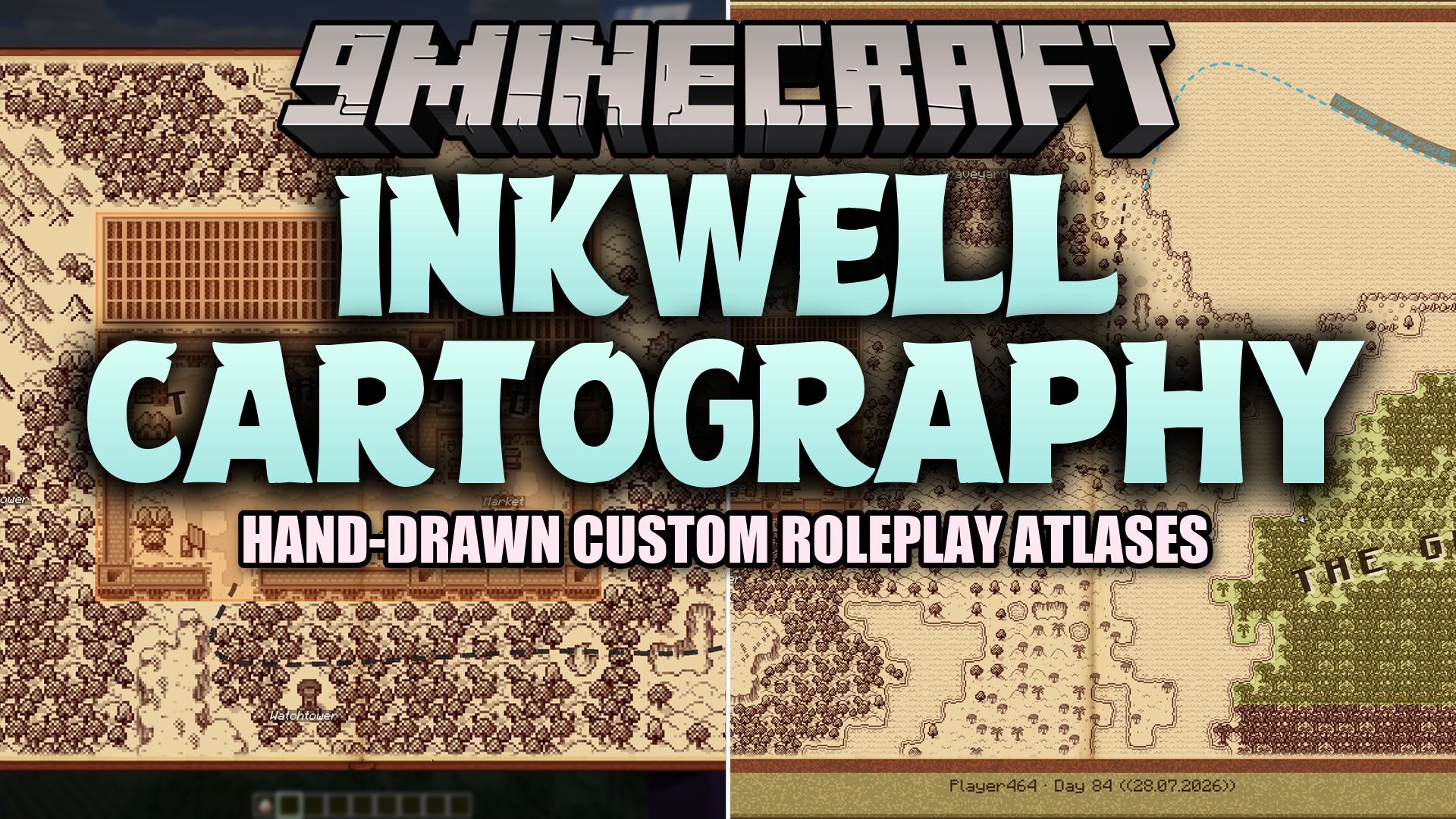
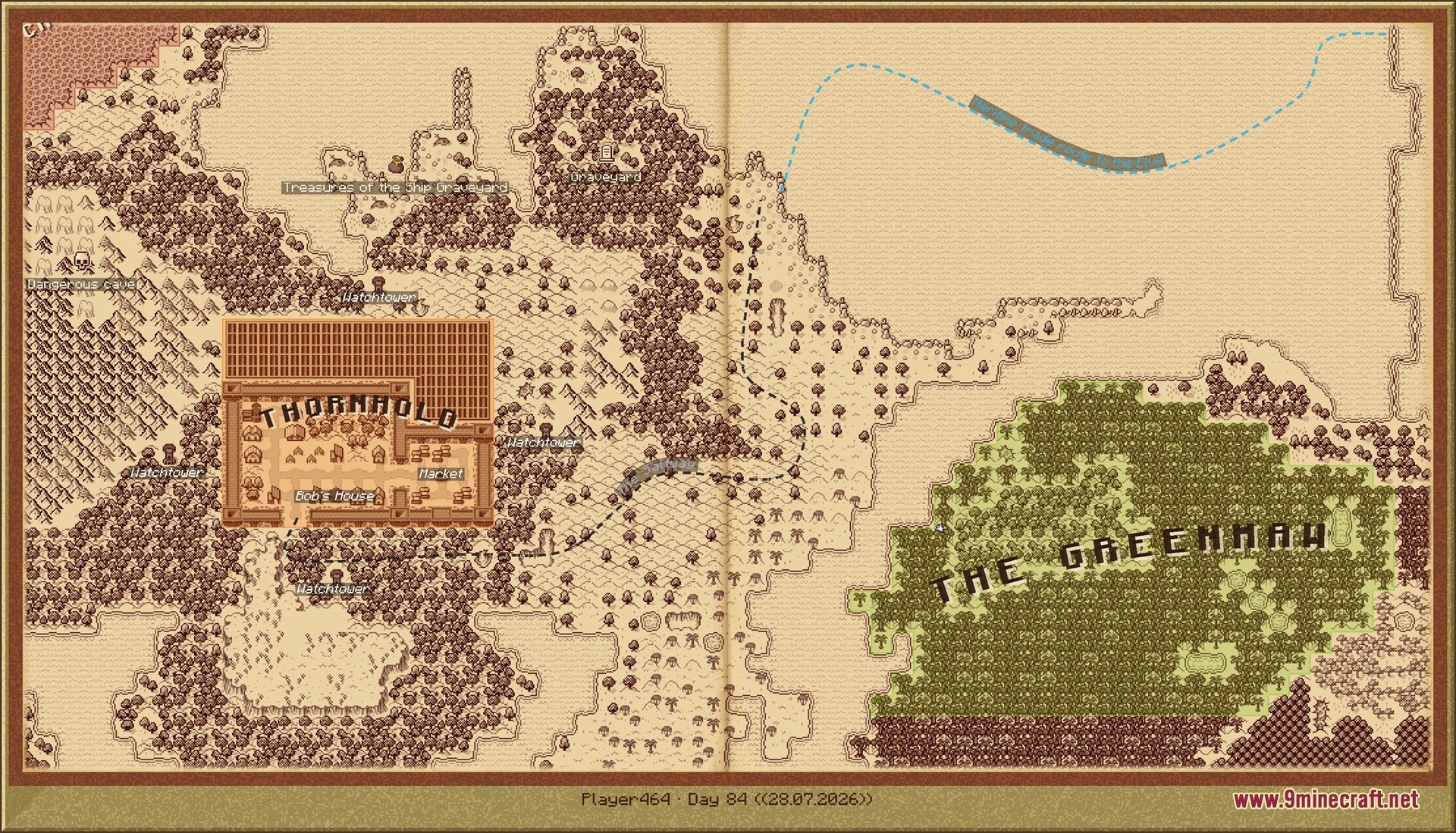
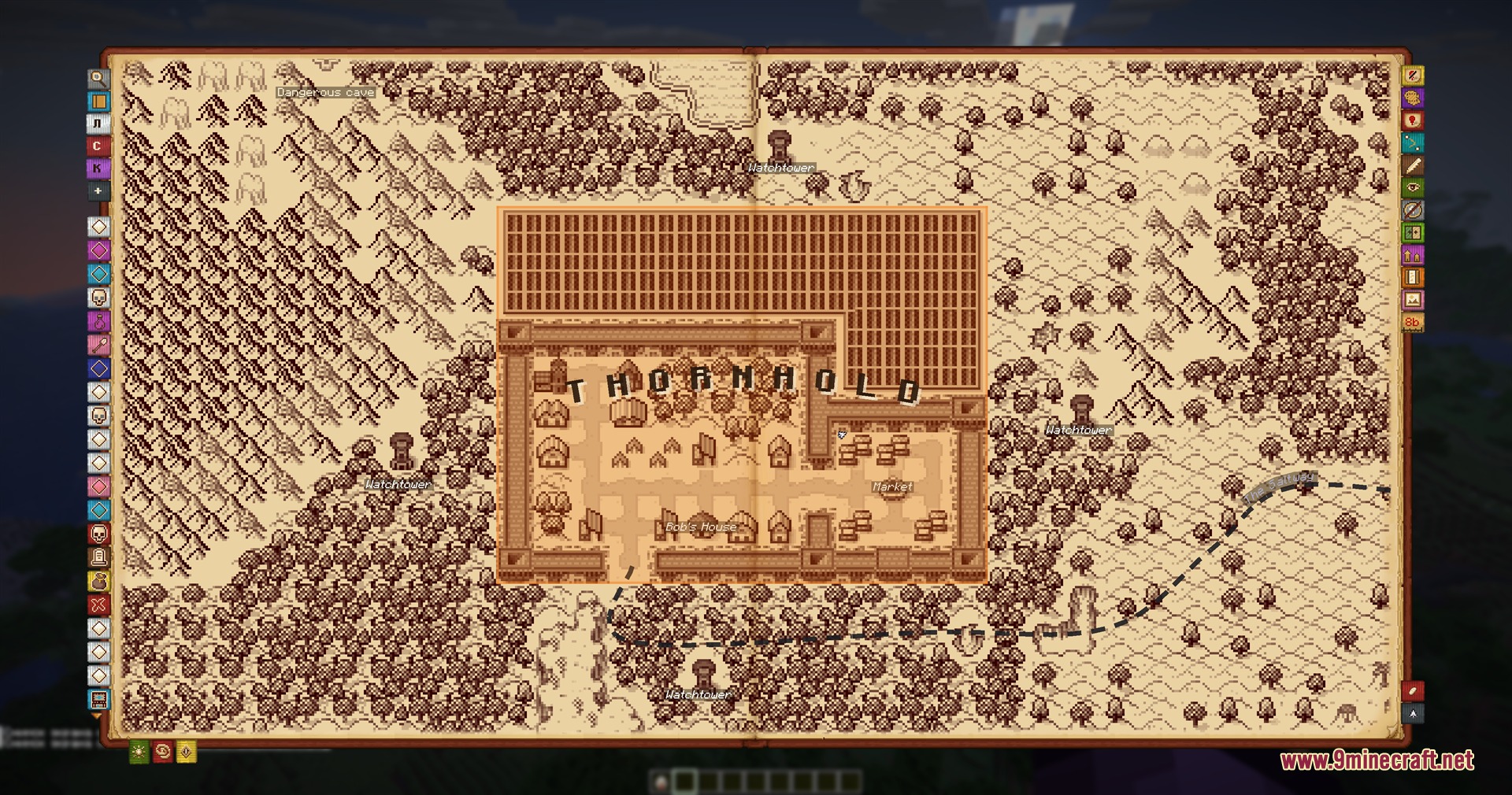
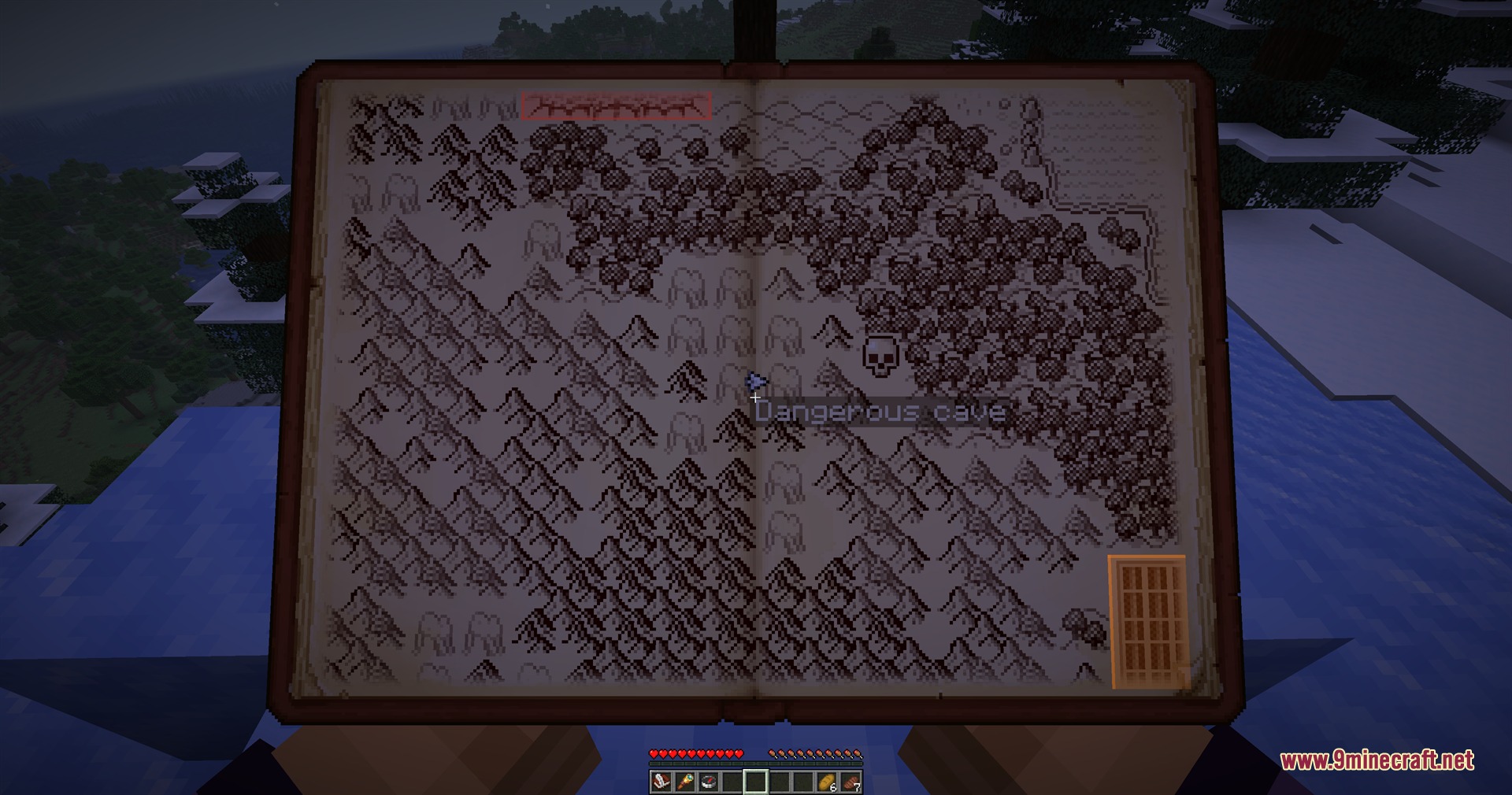
Inkwell Cartography Mod transforms your map into a hand-drawn book for roleplay worlds. You can draw borders, sketch winding roads, label custom towns, and mark special places across your world. The book opens right in your hands so you can walk and look around while holding it. You can also export your maps as signed scrolls to share with other players without needing any server-side plugins.
Features:
- Hand-Drawn Atlas: Lets you view your world in a classic parchment style that opens in two stages.
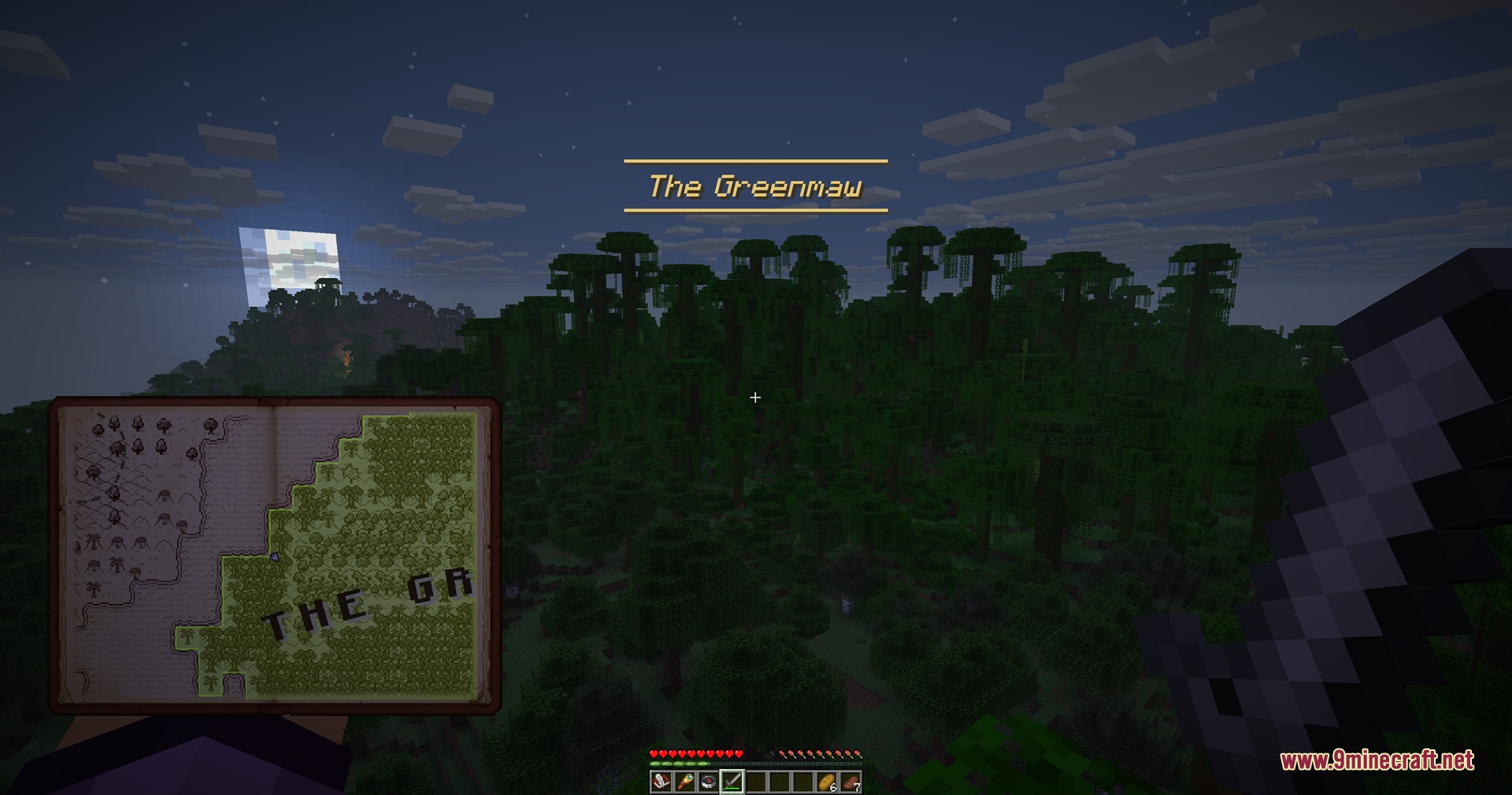
- Holding the book in your hands allows you to keep walking and look around as you travel.
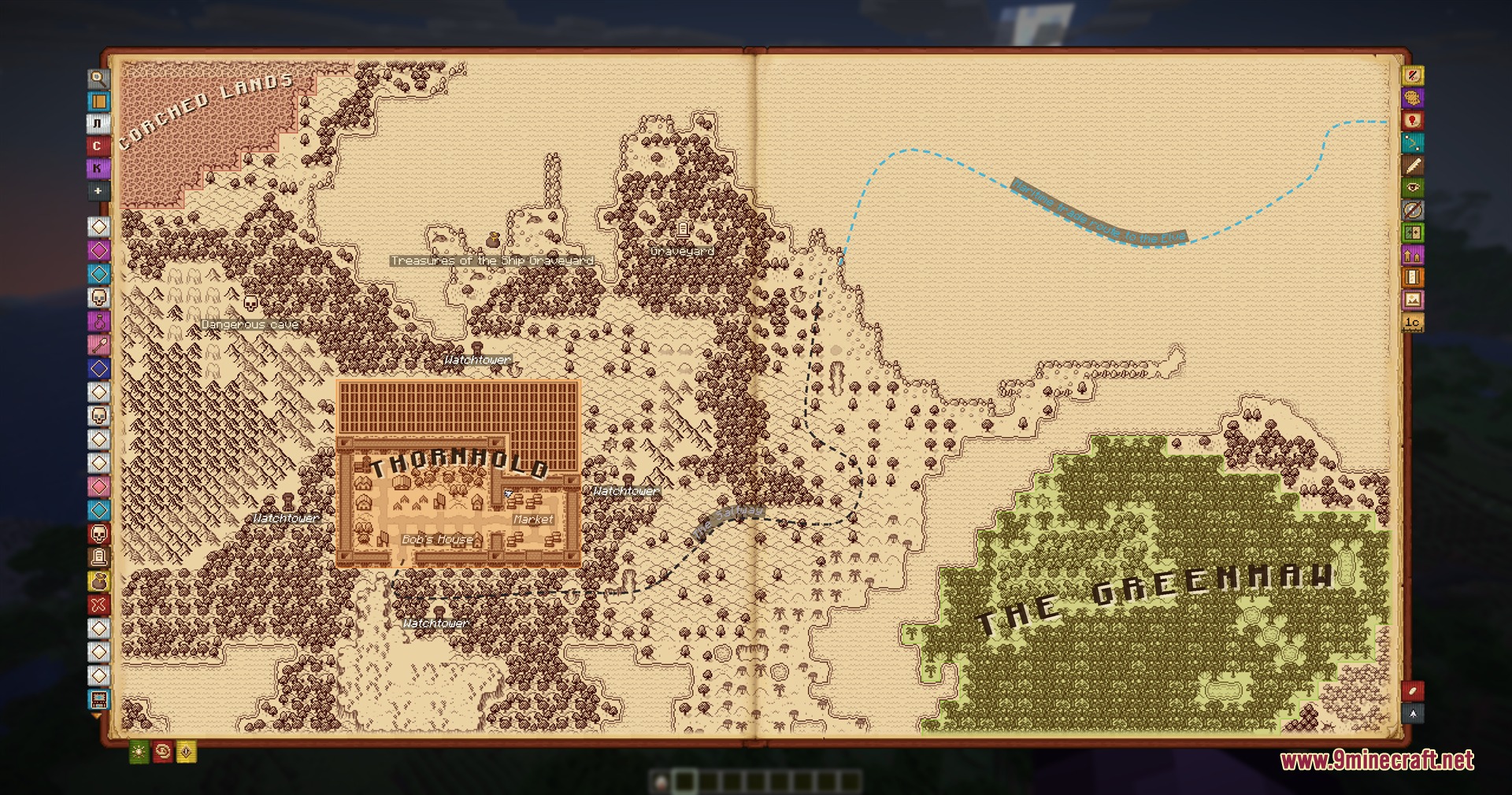
- Opening the full book page gives you tools to pan, zoom, and draw directly onto the map.
- Draw custom territories cell by cell, give them names, and set them to pop up on screen when you walk inside.
- Place winding roads across the map by clicking points, complete with automatic name labels along the path.
- Write free-text notes anywhere on the map page without needing a specific icon.
- Paint player-built towns using village pieces such as houses, markets, wells, and street lamps.
- Fix mismatched biome tiles manually or swap entire biome styles across the atlas.
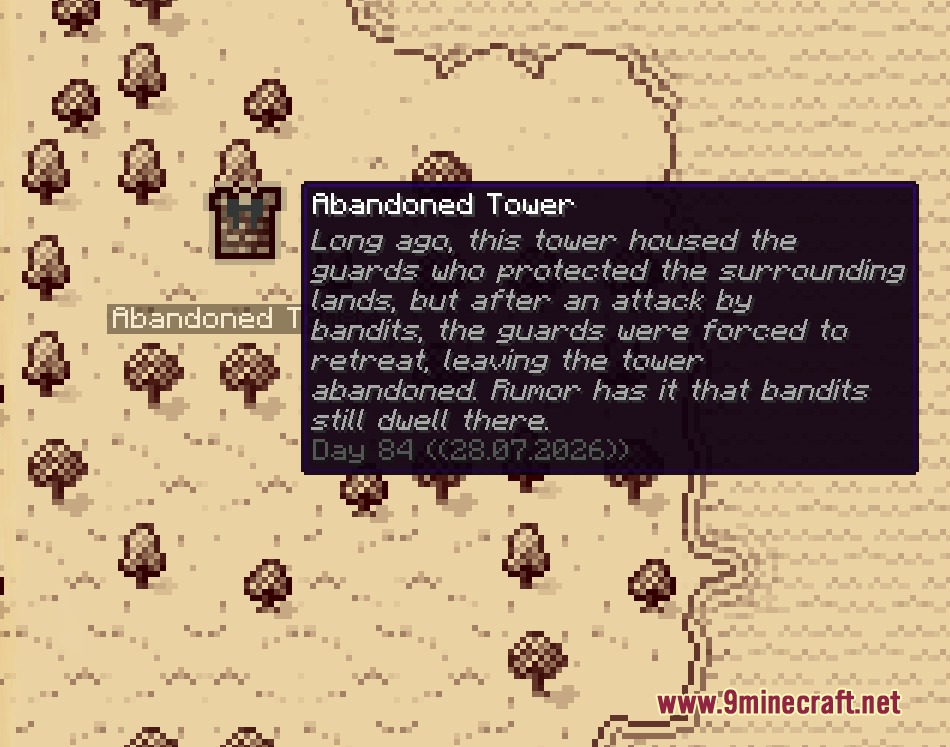
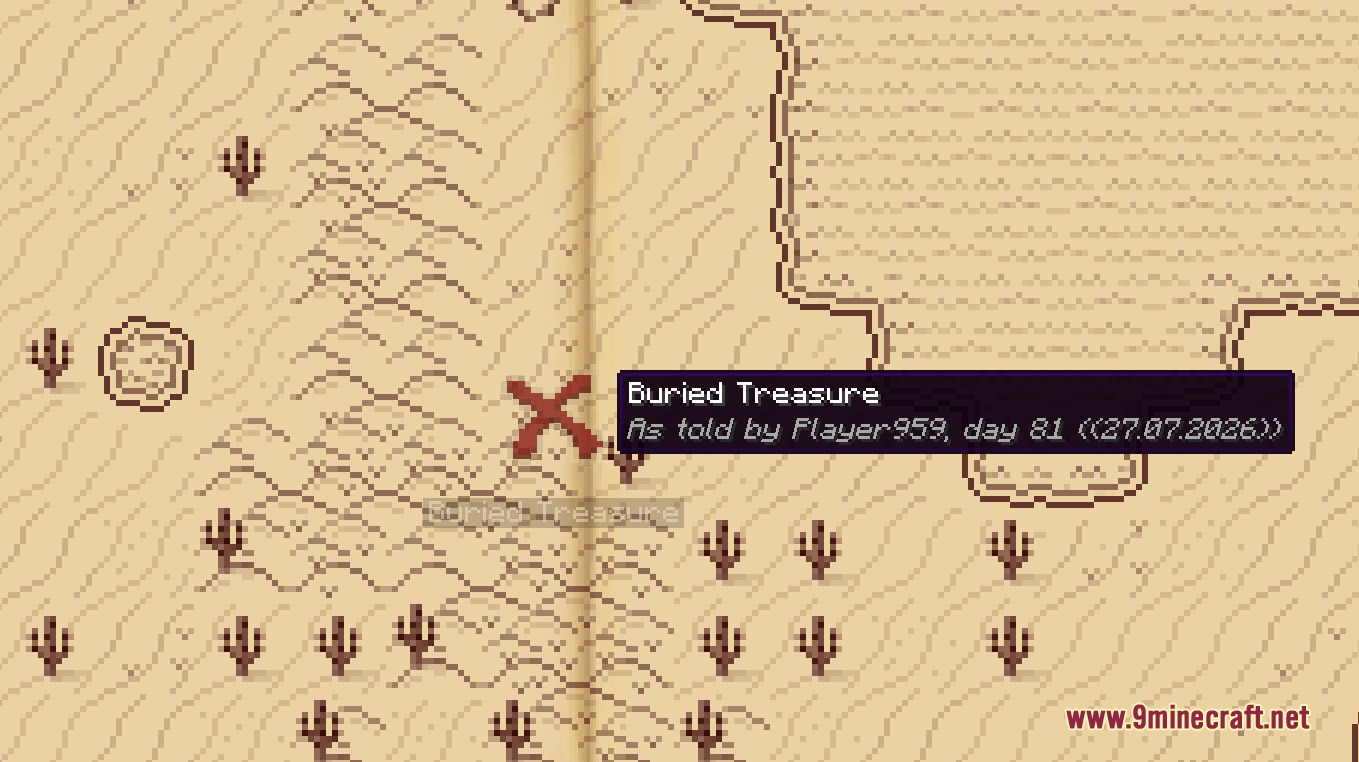
- Every mark records game time and dates automatically so they stay accurate on multiplayer servers.
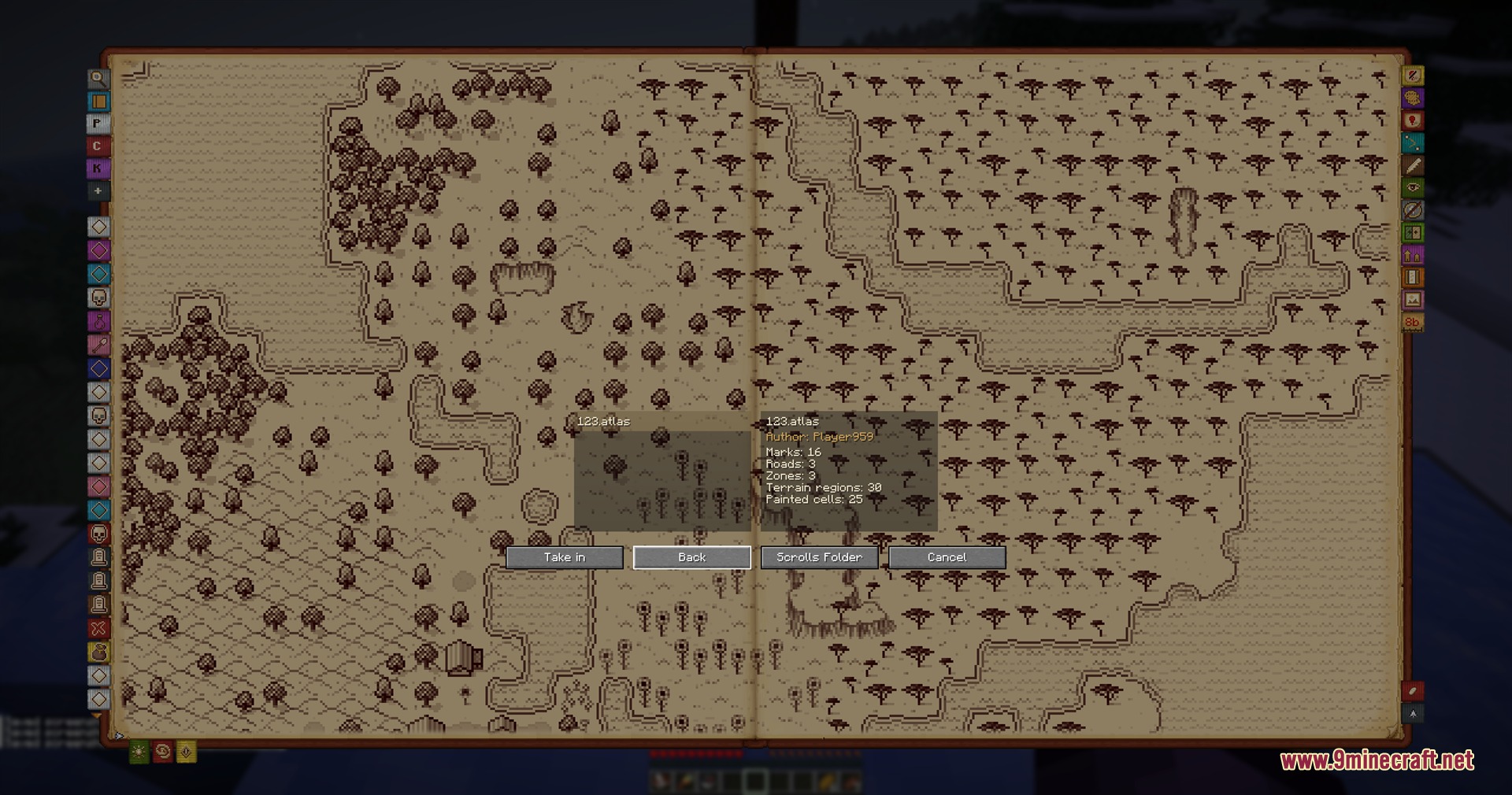
- Export map sections as tradeable scrolls that other players can inspect and read.
- Marks shared by other players appear faint until you visit the real location in person.
- Save your map as a high-resolution image file straight to your screenshot folder.
- Undo and redo actions up to twenty steps deep across all drawing tools.
How to Use:
- Press M once to hold the atlas in front of you while you walk.
- Press M a second time to open the full book editor and access drawing tools on the right side.
- Use the drawing tools to paint borders, trace roads, or place town buildings over the map.
- Press M a third time to close the book and return to normal play.
- Export your finished map as a scroll file from the menu to share it with other players.
Screenshots:
How to Install:
New to Minecraft? Follow our step-by-step guide to install Mods on your PC.View Guide
Requirements:




Inkwell Cartography Mod Download Links
For Minecraft 1.21.11
For Minecraft 1.21.8, 1.21.7, 1.21.6
Click to rate this post!
[Total: 0 Average: 0]
You May Also Like



This post has no comments yet. Be the first — your comment will appear here.