


Etherlink Streamline Mod (1.21.11) – Instant Server Shortcuts Inside
 0
0
 0
0

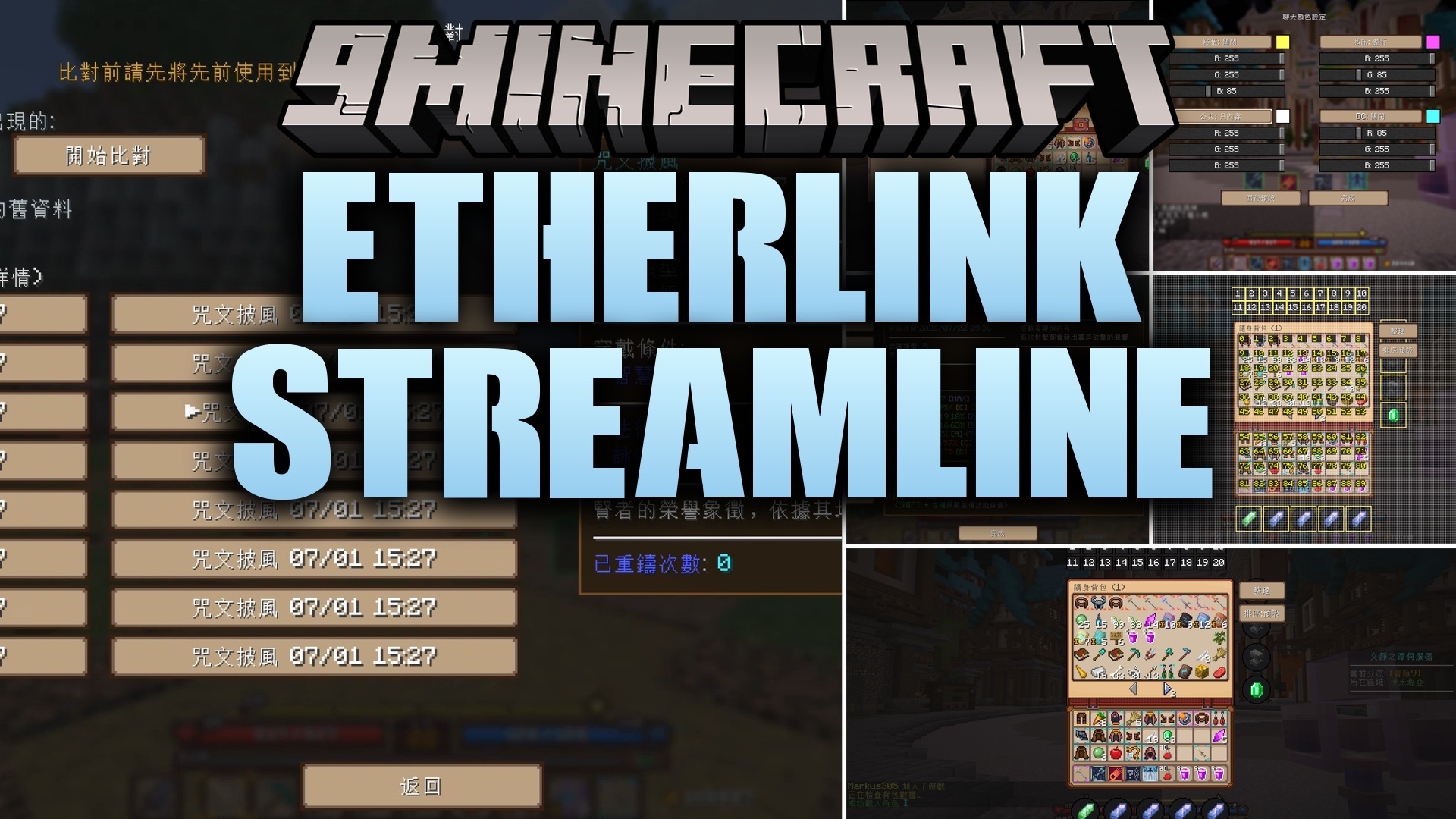
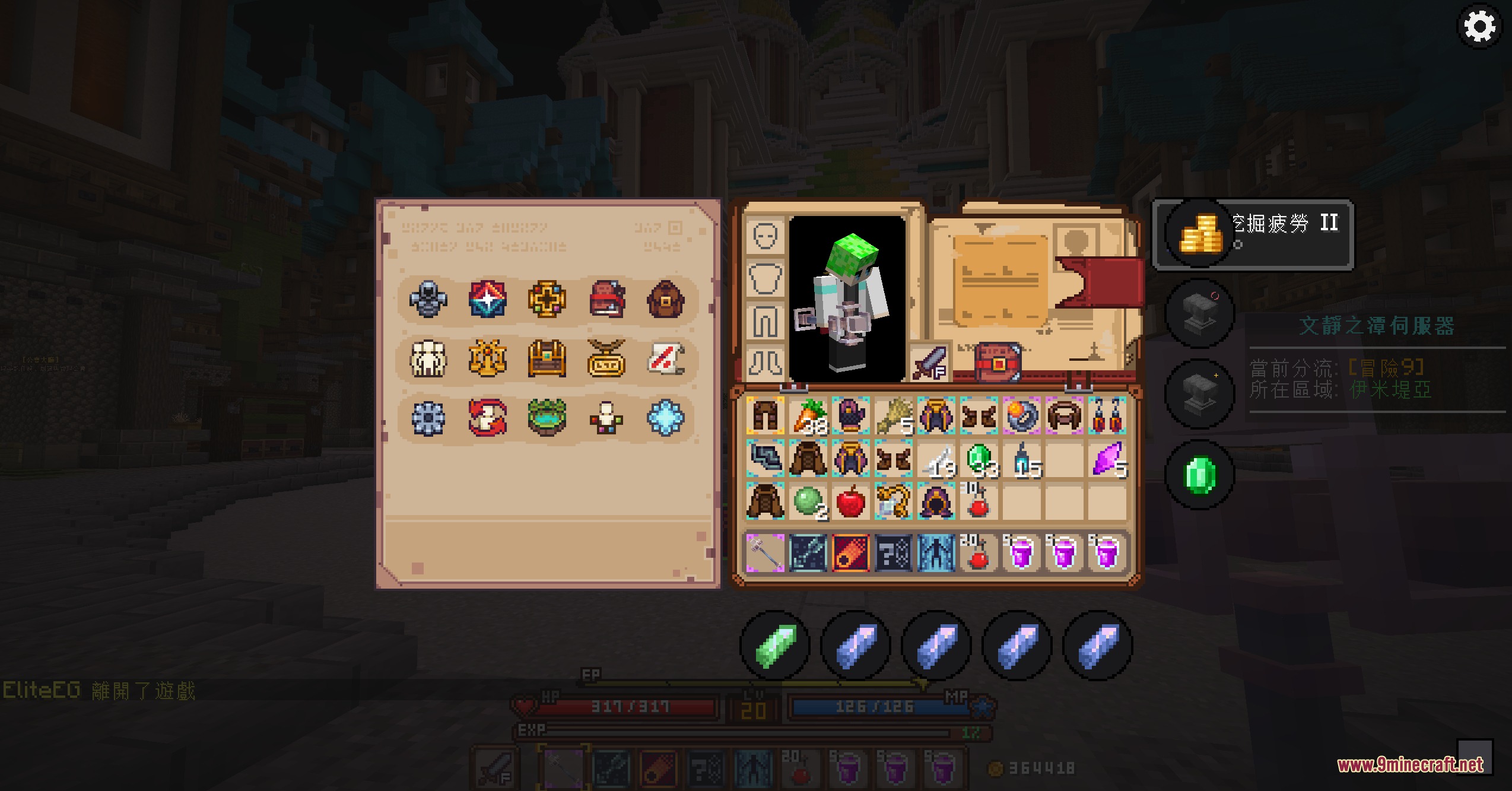
Etherlink Streamline Mod simplifies inventory menus and repetitive clicking on the Celestmere Server. This client mod places dedicated shortcut buttons around your inventory screen to reach shops, upgrade menus, reforging, and trade markets with a single tap. It automates common teleport steps and swaps button layouts automatically when you visit player housing. The mod also adds chat shortcuts, equipment comparison tools, and interface adjustments made specifically for the server.
Features:
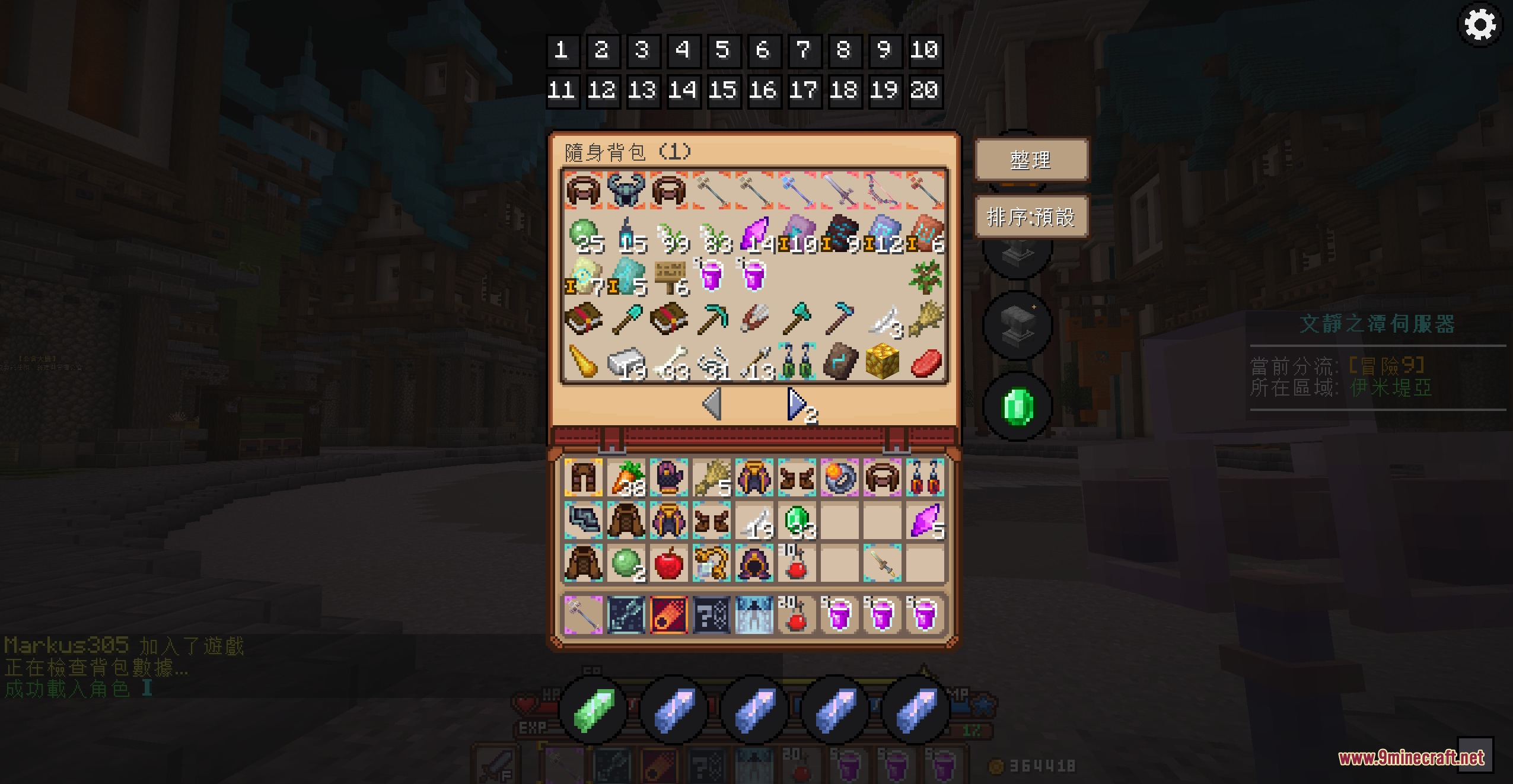
- One-Click Member Shortcuts: Adds quick-access buttons beside your inventory to open shops, upgrade stations, reforging menus, and trade markets instantly.
- Automated Teleportation: Skips multi-step menu clicking to send you directly to destination points with one press.
- Switches interface buttons automatically to housing tools when you enter the skyblock housing system.
- Autofills private message commands when you click on any player name in the chat box.
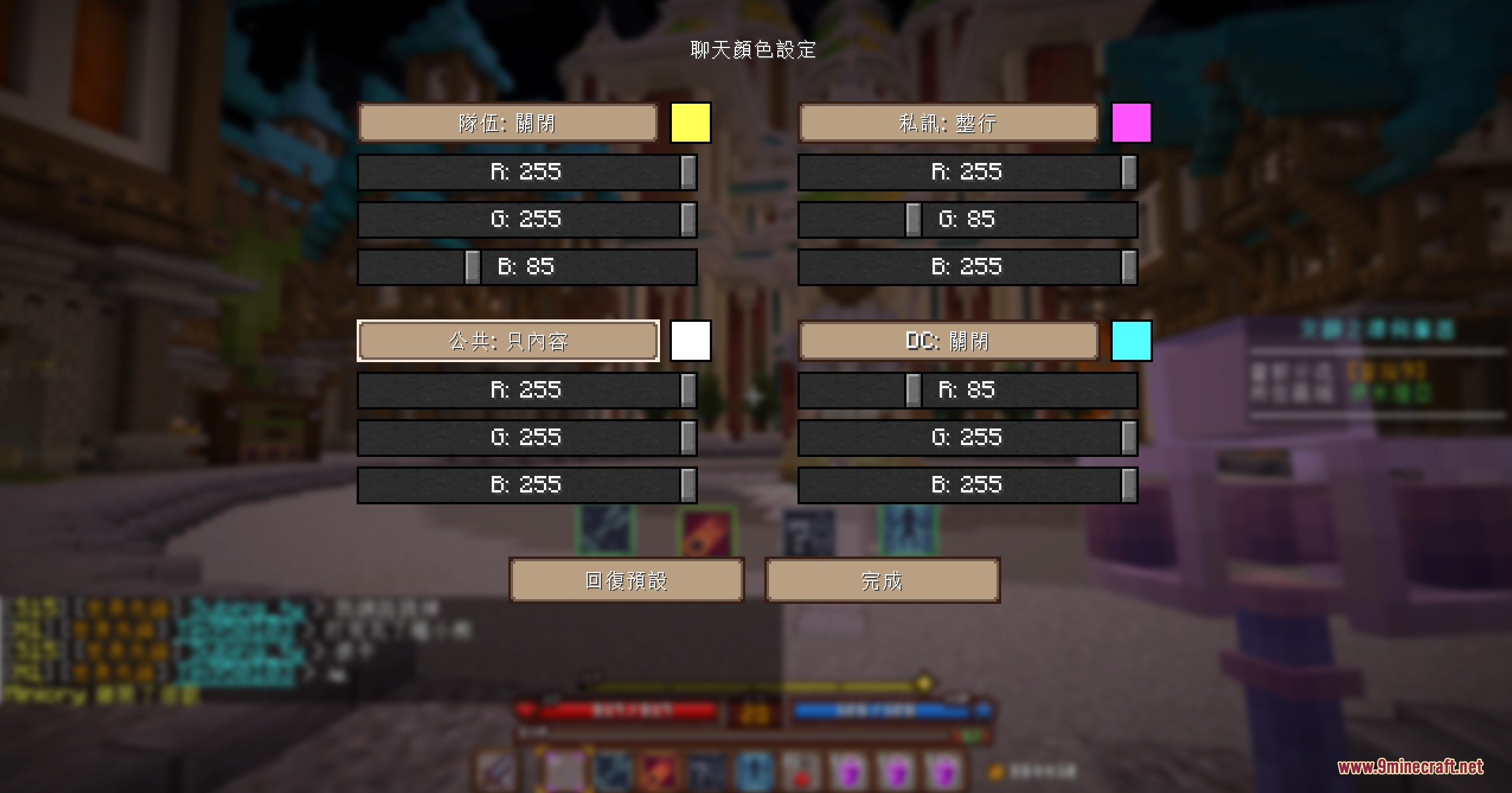
- Lets you adjust text channel colors directly in chat.
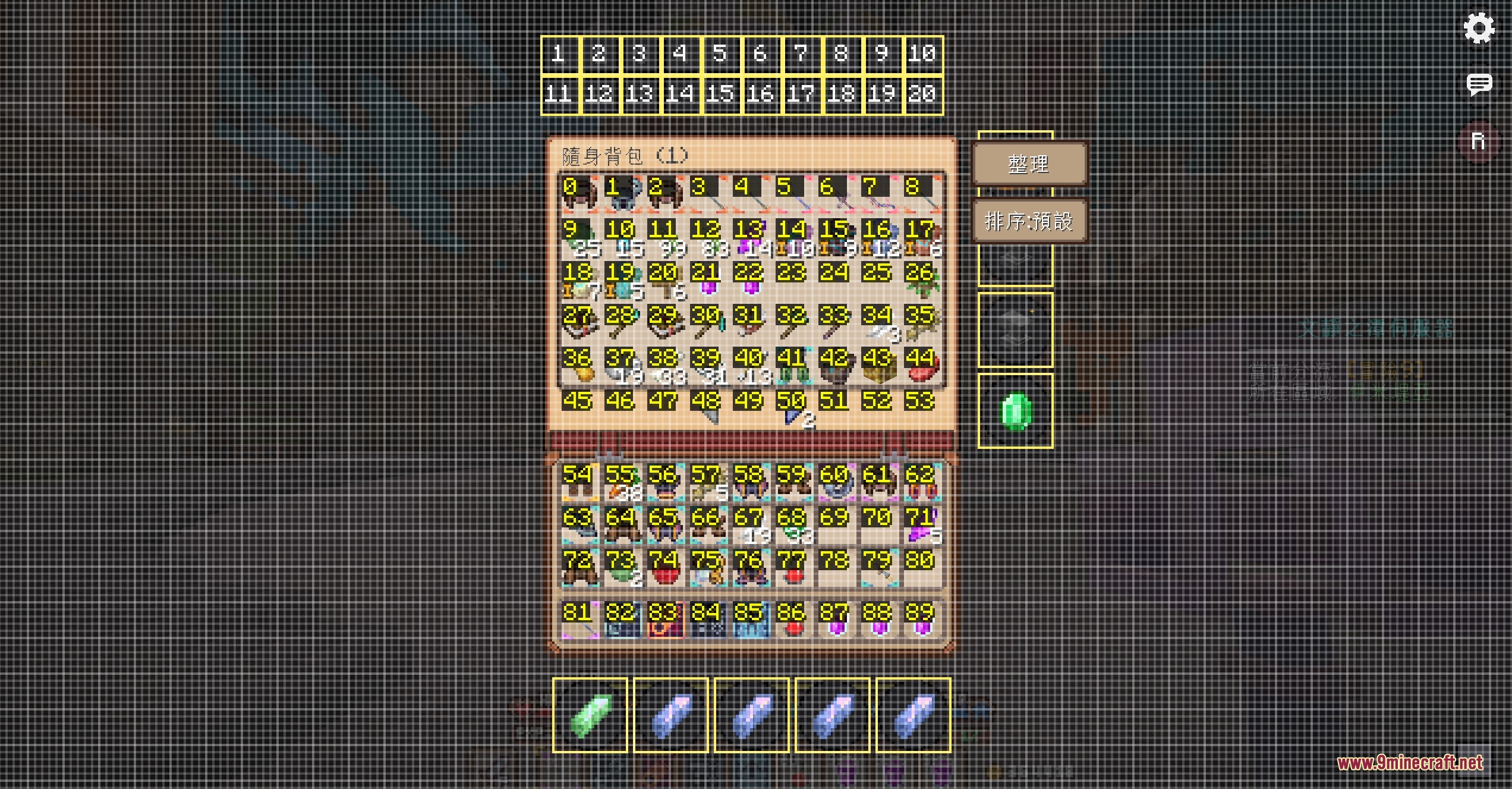
- Provides drag-and-drop UI positioning with left click and resizing with right click.
- Allows separate UI layouts for different storage containers such as small chests and large chests.
- Includes page-turning buttons for temporary backpacks.
- Swaps equipment and skill sets automatically based on your setup.
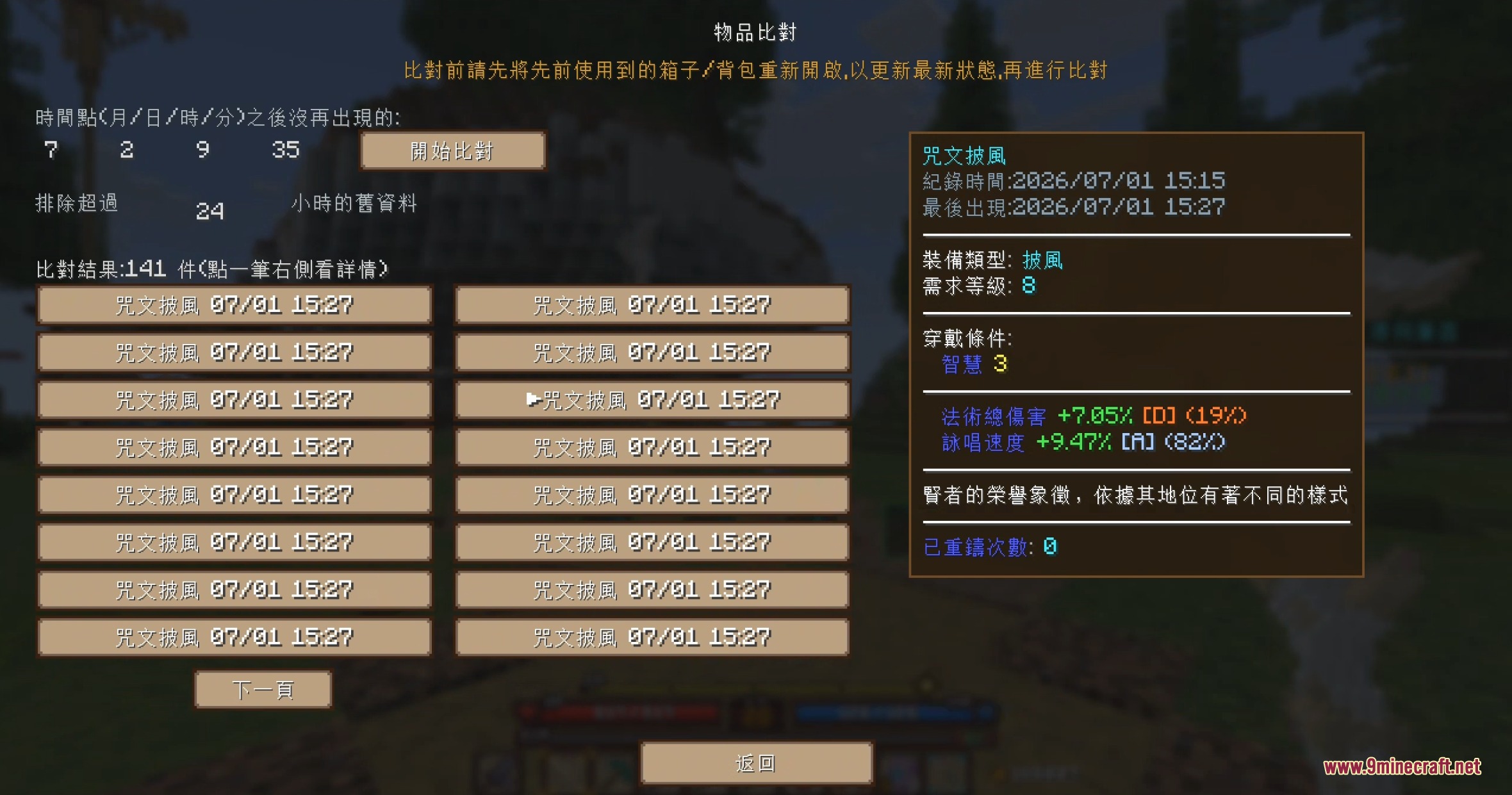
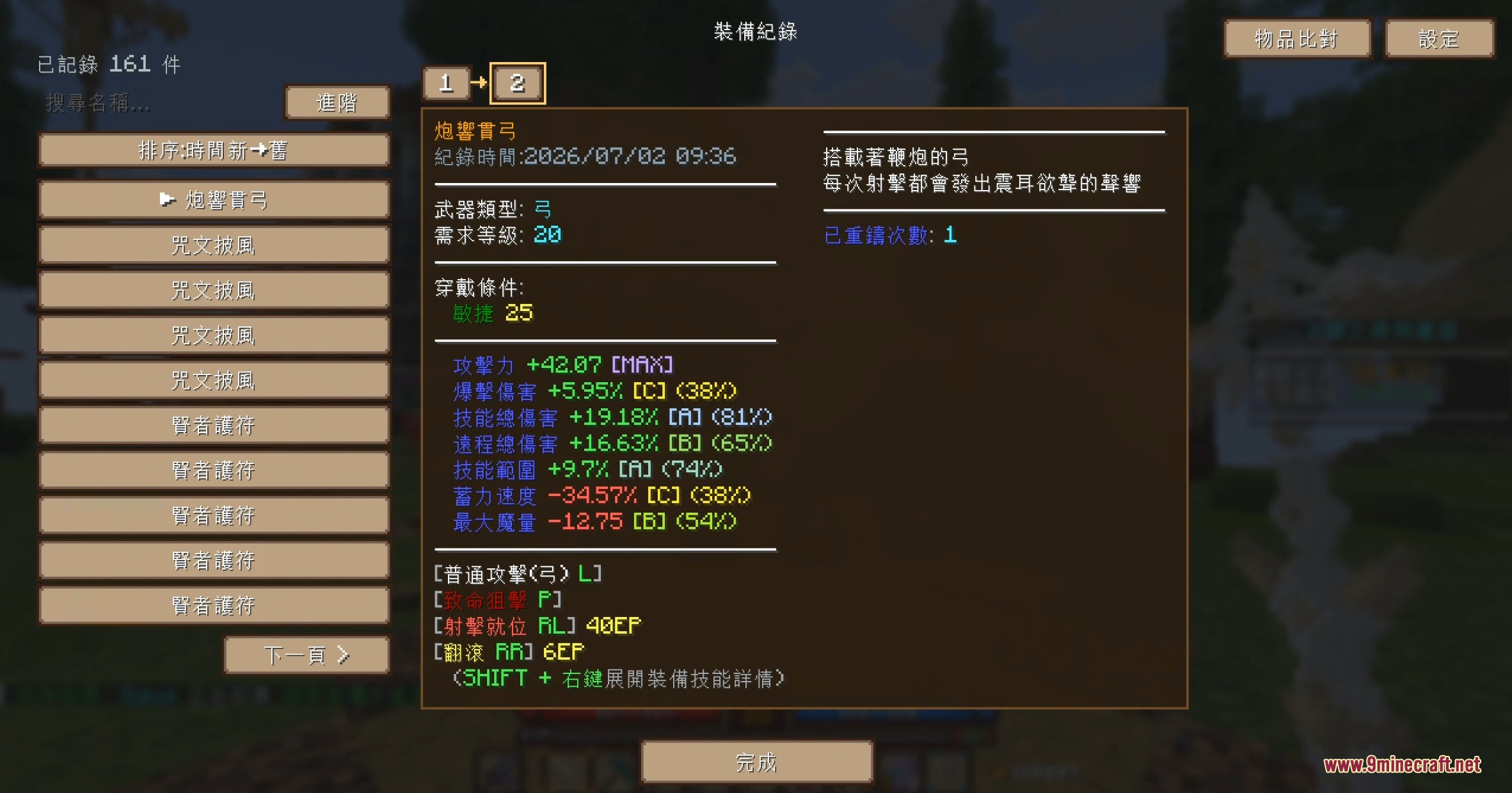
- Tracks equipment history logs with comparison tools and deletion options to keep game performance smooth.
Commands:
/pm <player>: Sends a private message to the targeted player, automatically filled when clicking their username in chat.
How to Use:
- Open your inventory to view the added quick buttons on the right and bottom borders.
- Click the right buttons to open server markets, item upgrades, and reforging screens.
- Click the bottom buttons to teleport or access housing actions.
- Move UI button positions by holding left click or change their scale by holding right click.
- Click any player name in chat to prepare a private message.
Screenshots:
How to Install:
New to Minecraft? Follow our step-by-step guide to install Mods on your PC.View Guide
Requirements:


Etherlink Streamline Mod Download Links
For Minecraft 1.21.11, 1.21.10, 1.21.9
For Minecraft 1.21.8, 1.21.7, 1.21.6
Click to rate this post!
[Total: 0 Average: 0]
You May Also Like






This post has no comments yet. Be the first — your comment will appear here.