


Etheric Script Arrays Mod (26.2, 1.20.1) – Display Floating Text Holograms
 3
3
 0
0

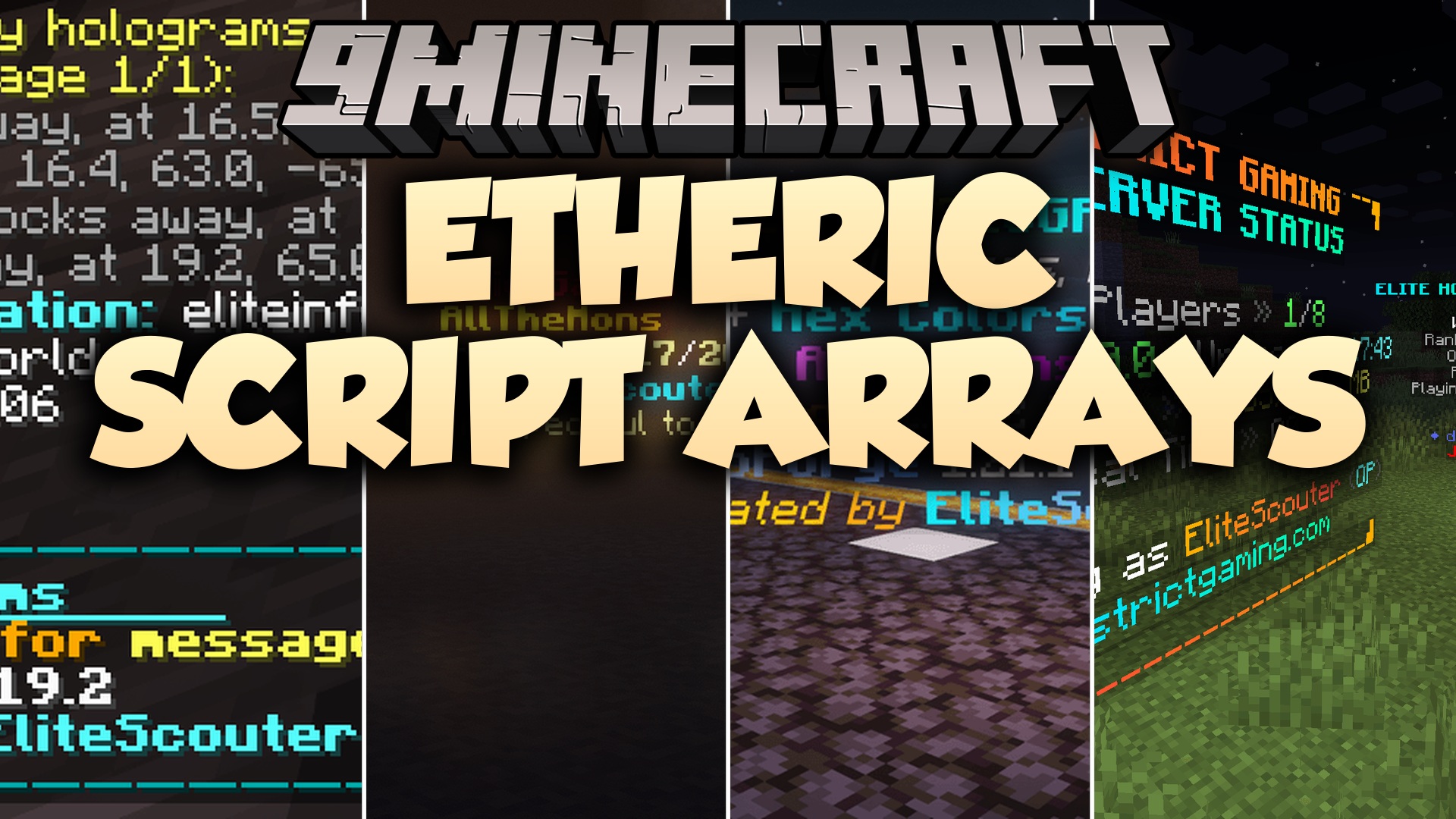
Etheric Script Arrays Mod adds floating customizable text displays and signs to Minecraft worlds. This mod works on servers and single-player saves, letting you place multi-line text, item showcases, and live leaderboards using simple chat commands. Players can join multiplayer servers with normal game clients and read every display without extra client files.
Features:
- Spawns floating text lines that stay readable across world reloads.
- Displays floating 3D items directly above custom text captions.
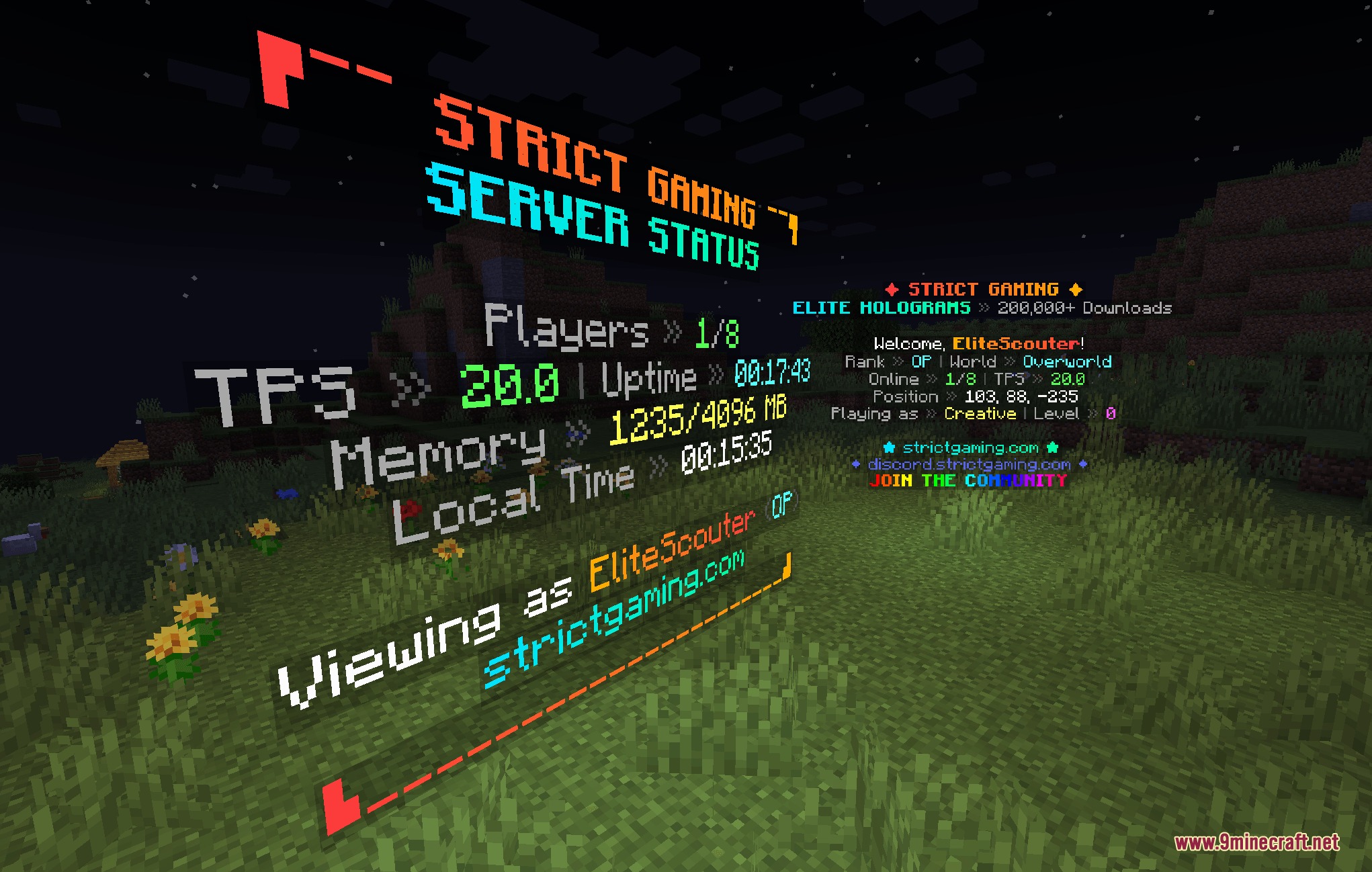
- Renders live scoreboard leaderboards with automatic ranking and custom themes.
- Rotates animated lines on a timer for announcements and countdowns.
- Adds backlight columns to keep text visible in dark areas without breaking surrounding blocks.
- Anchors text to fixed angles so words look like wall-mounted signs.
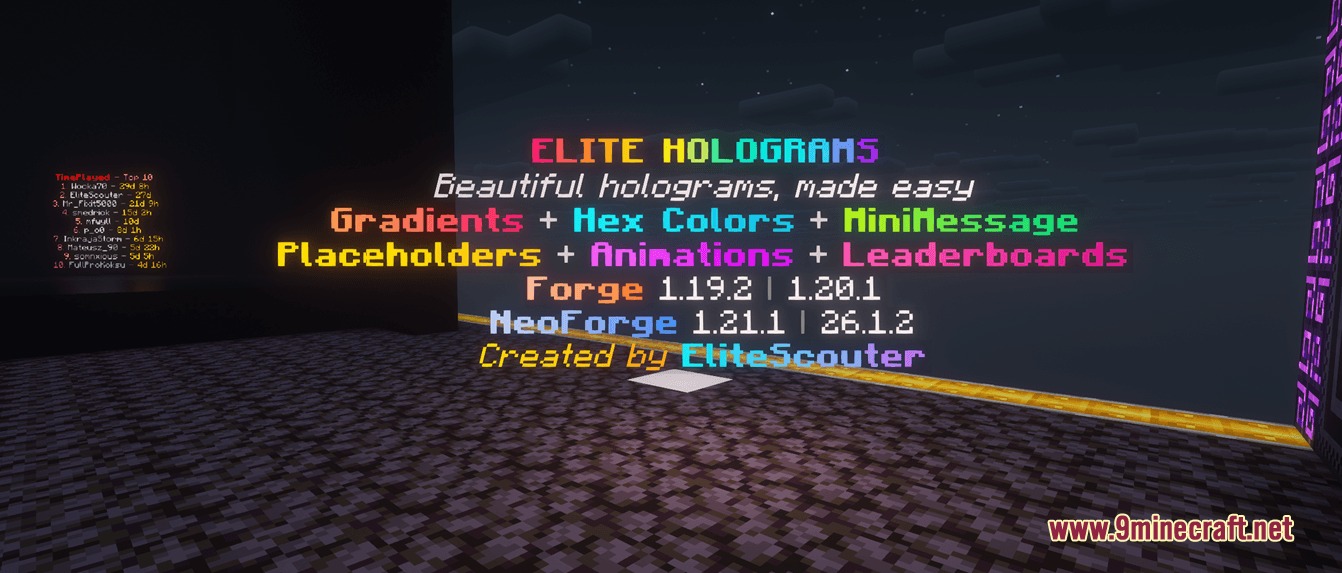
- Accepts color codes, gradients, and custom formatting styles on every text line.
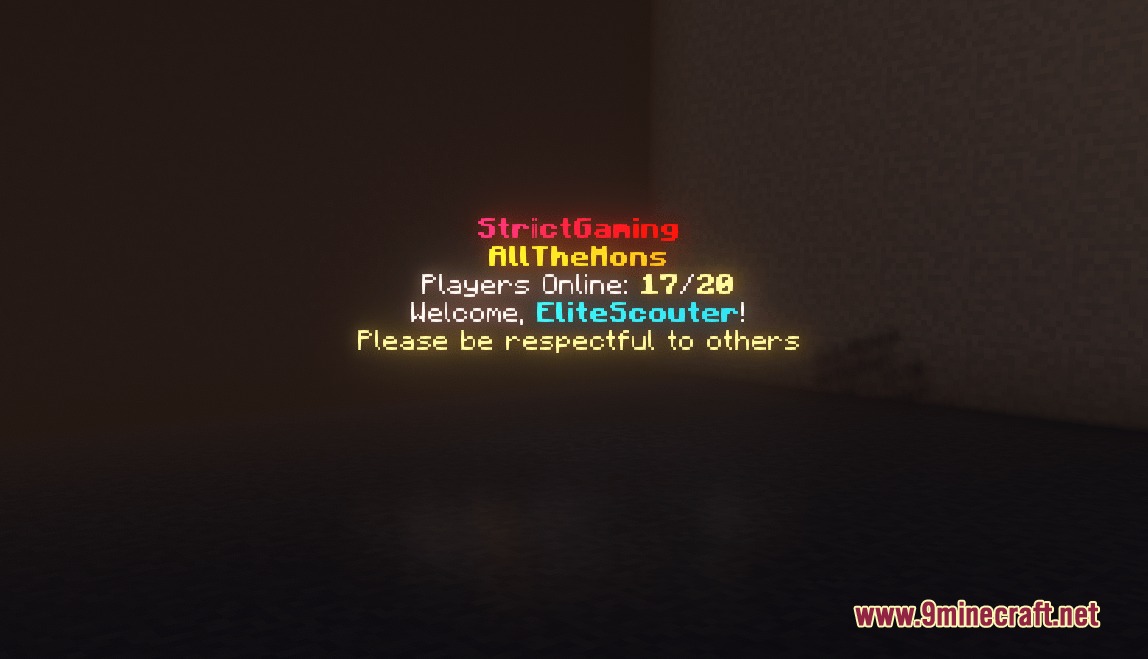
- Includes built-in placeholders to show live player counts and world numbers.
- Works entirely on the server side so joining players need no extra files.
Commands:
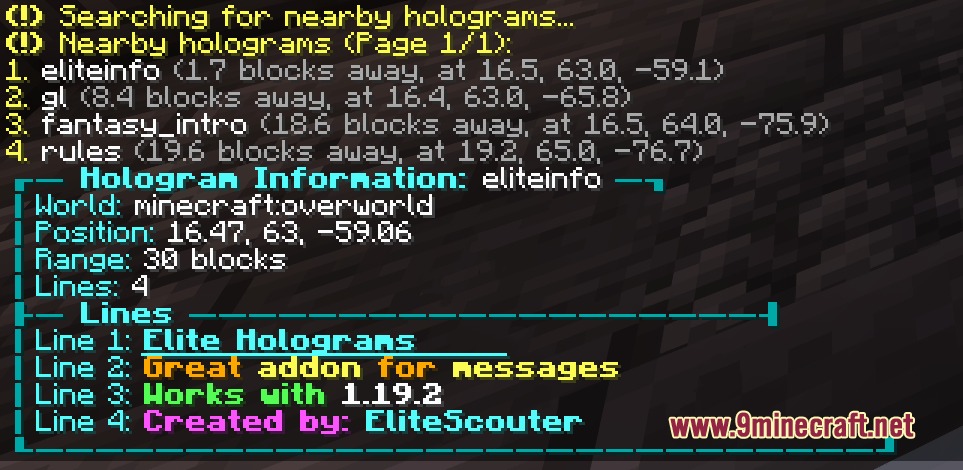
/eh create <id> <text>: creates a basic floating text line at your position./eh create fixed <id> <text>: spawns a fixed hologram facing your current angle./eh createitem <id> <item> <text>: places a floating item above a line of text./eh setrotation <id> <yaw> [pitch]: changes the view angle of a fixed hologram./eh convert <id> fixed: changes a player-facing hologram into a fixed angle display./eh backlight <id> [height]: raises glowing light blocks behind the text./eh settheme <id> <theme>: applies a visual color theme to a scoreboard hologram./eh movevertical <id> <offset>: shifts the position of a hologram up or down./eh near: lists all active holograms near your character./eh reload: reloads theme configurations from the disk.
How to Use:
- Stand at the location where you want your floating text to appear.
- Type
/eh create <id> <text>in chat to spawn your first hologram. - Turn on background illumination with
/eh backlight <id> onso players can read it in the dark. - Adjust the height or rotation using position commands whenever you want to reposition the lines.
Screenshots:
How to Install:
New to Minecraft? Follow our step-by-step guide to install Mods on your PC.View Guide




Etheric Script Arrays Mod Download Links
For Minecraft 26.2
For Minecraft 26.1.2, 26.1.1, 26.1
For Minecraft 1.21.1, 1.21
For Minecraft 1.20.1, 1.20
For Minecraft 1.19.2
Click to rate this post!
[Total: 0 Average: 0]
You May Also Like




This post has no comments yet. Be the first — your comment will appear here.