


Ali Cushions Plugin (26.2, 1.20.1) – Give Players Comfortable Pillows

 0
0 

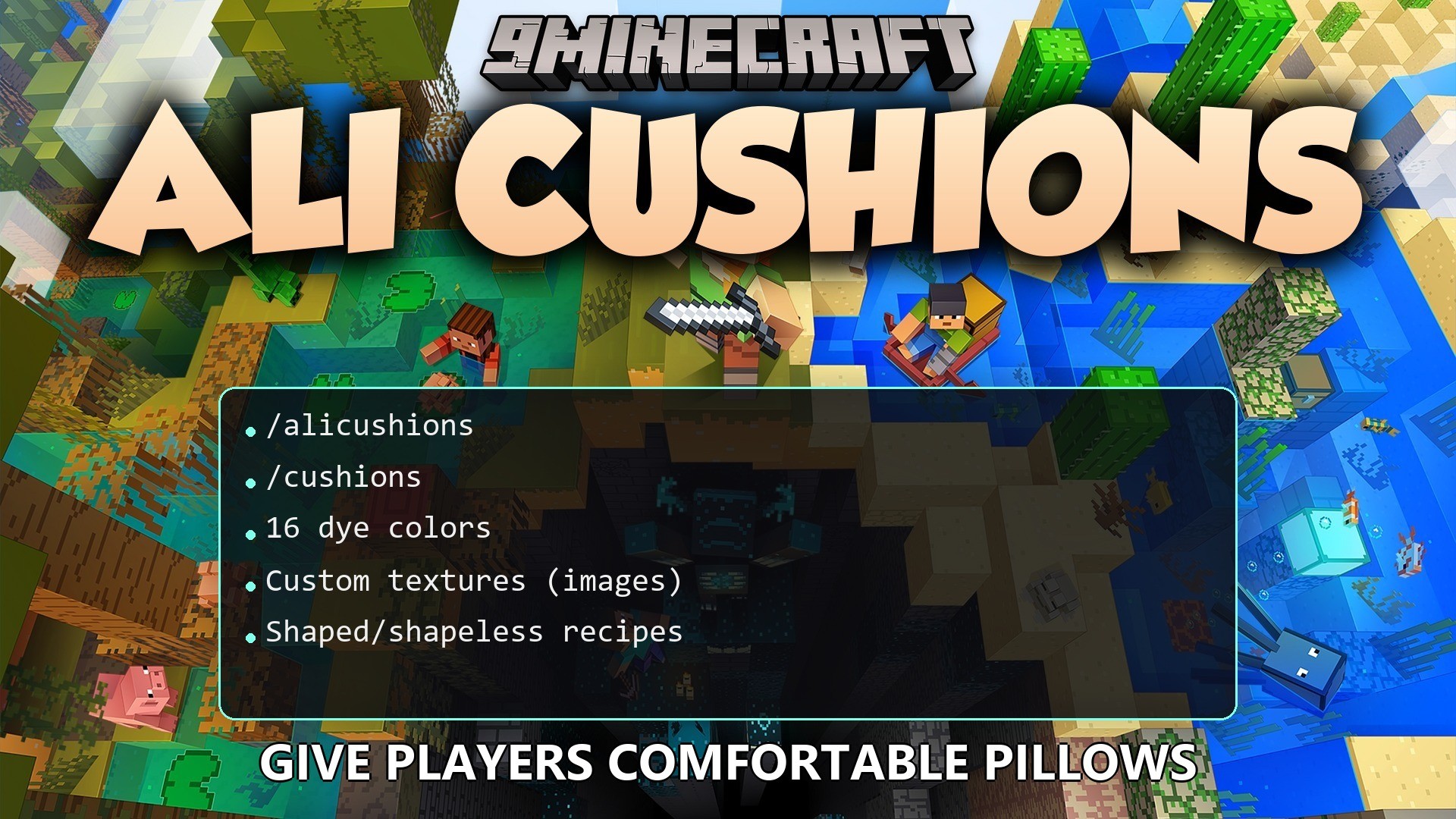
Ali Cushions Plugin brings the new vanilla cushions to your server right now. It lets players craft and sit on comfortable pillows to decorate their houses, cafés, and bedrooms. These seats stay in place forever without disappearing, making them perfect for building permanent furniture. You get all sixteen dye colors to match any room design.
Features:
- Vanilla Colors: Includes all sixteen standard dye colors for building.
- Permanent Setup: Placed items stay in the world forever and do not vanish on their own.
- Ownership Protection: Players can only break their own items, keeping builds safe from bad actors.
- Lets server owners add completely custom textures by dropping image files into the folder.
- Generates new custom seats automatically after a quick server restart.
- Allows full changes to crafting recipes, including shaped and shapeless patterns.
Commands:
/alicushions give <type>: gives yourself a specific colored seat./alicushions give <player> <type>: gives an item to another person on the server.
Configuration:
alicushions.give: lets a person spawn items for themselves.alicushions.give.others: lets someone give items to other people.alicushions.admin: gives staff the ability to break items owned by anyone.
You can change how players craft items in the config files. Here is an example of a shapeless recipe:
recipe:
  type: "shapeless"
  amount: 1
  ingredients:
    - "wool"
    - "wool"
    - "wool"
How to Use:
- Place the item down anywhere to create a permanent decoration.
- Break the item if you want to move it, but remember you can only break your own seats.
- To make brand new designs, drop an image file into the
plugins/AliCushions/cushions/folder. - Restart your server to load the new image.
- Type the give command with your new design name to hold it in your hand.
How to Install:
New to Minecraft? Follow our step-by-step guide to install Plugins on your PC.View Guide
Ali Cushions Plugin Download Links
For Minecraft
26.2,
26.1.2,
26.1.1
All Versions Covered
26.2
26.1.2
26.1.1
26.1
1.21.11
1.21.10
1.21.9
1.21.8
1.21.7
1.21.6
1.21.5
1.21.4
1.21.3
1.21.2
1.21.1
1.21
1.20.6
1.20.5
1.20.4
1.20.3
1.20.2
1.20.1
1.20
1.19.4
All Versions Covered
26.2
26.1.2
26.1.1
26.1
1.21.11
1.21.10
1.21.9
1.21.8
1.21.7
1.21.6
1.21.5
1.21.4
1.21.3
1.21.2
1.21.1
1.21
1.20.6
1.20.5
1.20.4
1.20.3
1.20.2
1.20.1
1.20
1.19.4
Click to rate this post!
[Total: 0 Average: 0]
You May Also Like















This post has no comments yet. Be the first — your comment will appear here.