


Katamari Mod (26.2, 1.20.1) – Absorb Every Block in Your Path As a Giant
 153
153
 0
0


🌐 Read this article in your language! Choose your preferred language below.
Or pick the one you like:
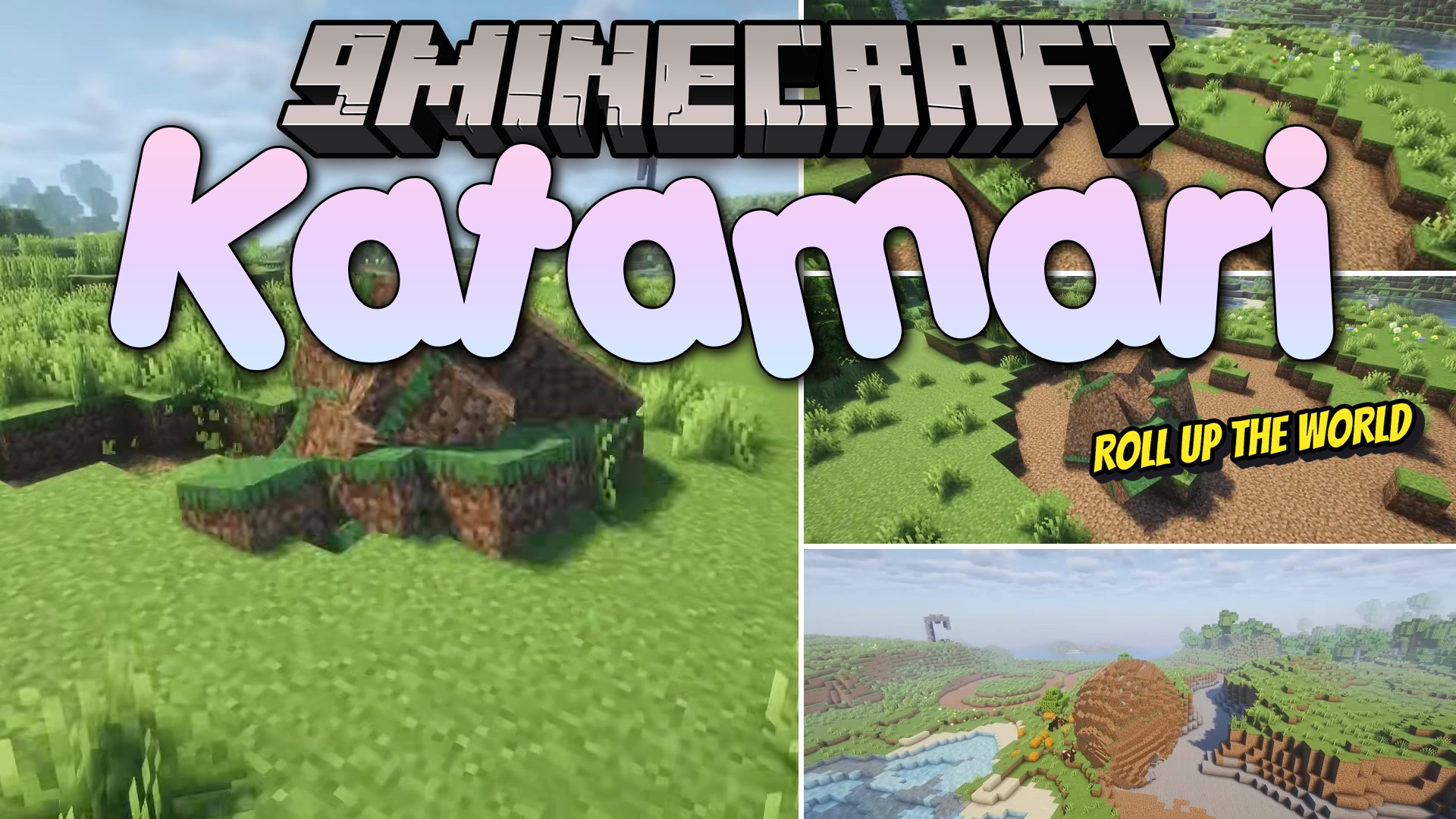
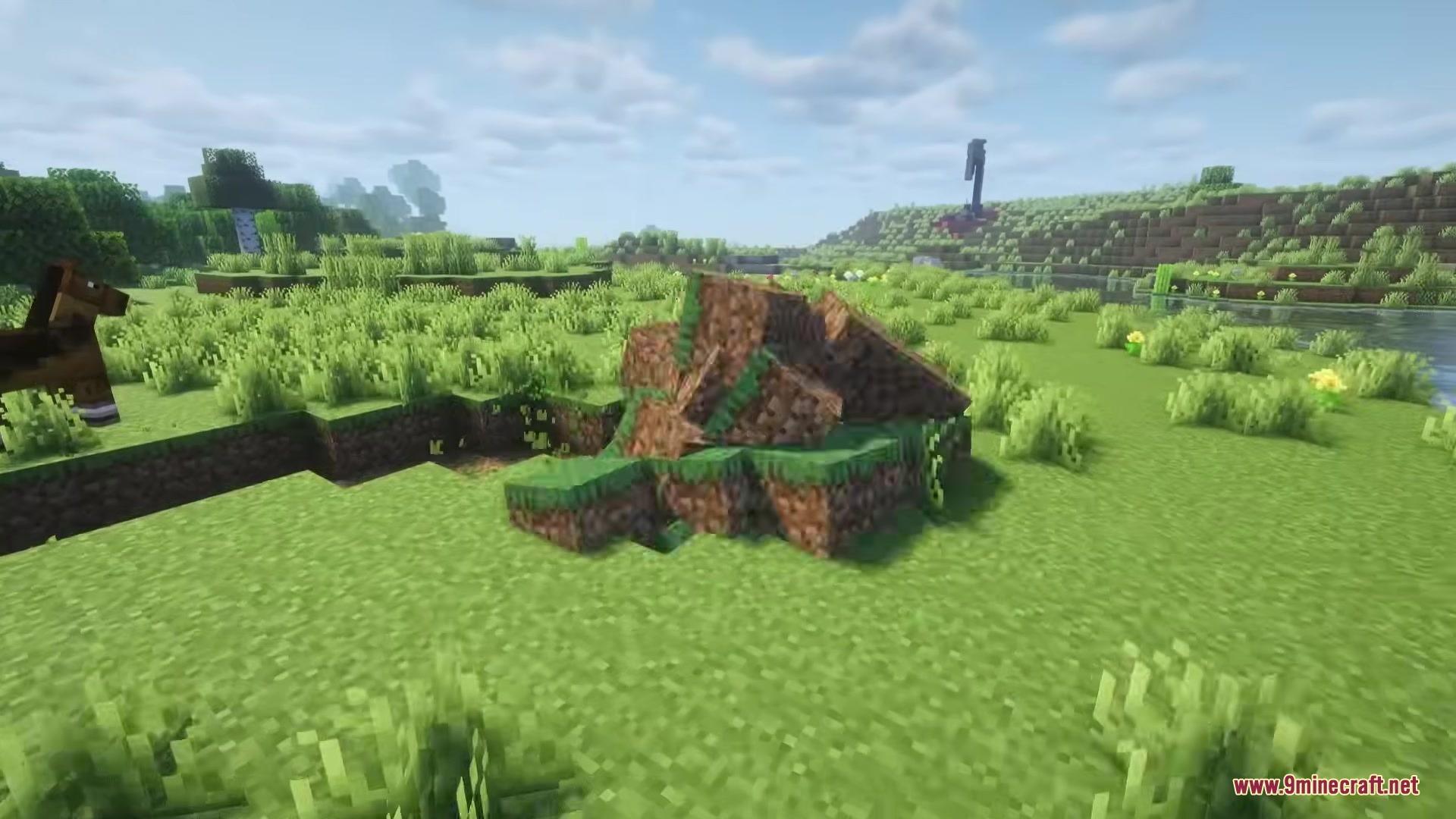
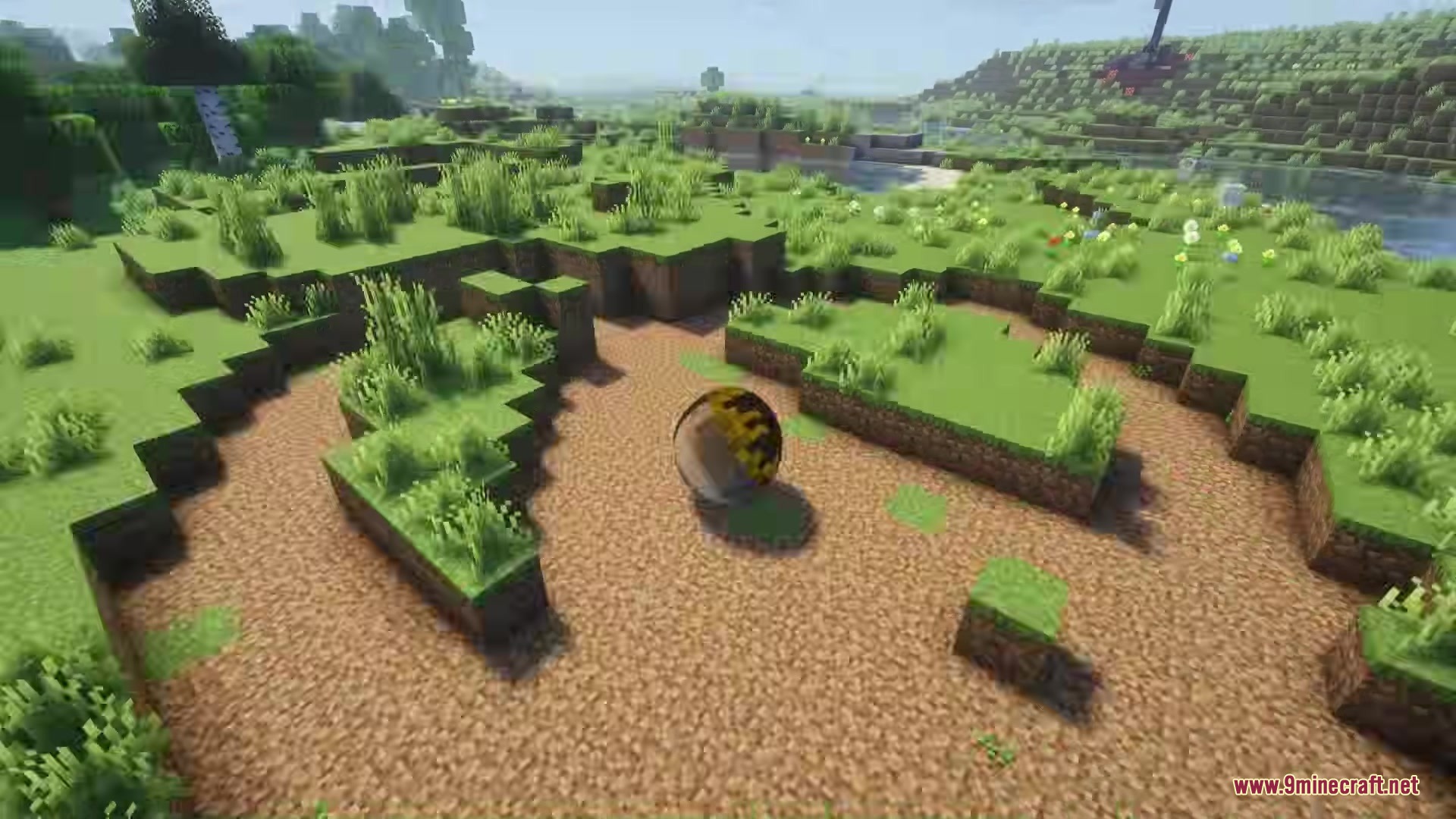
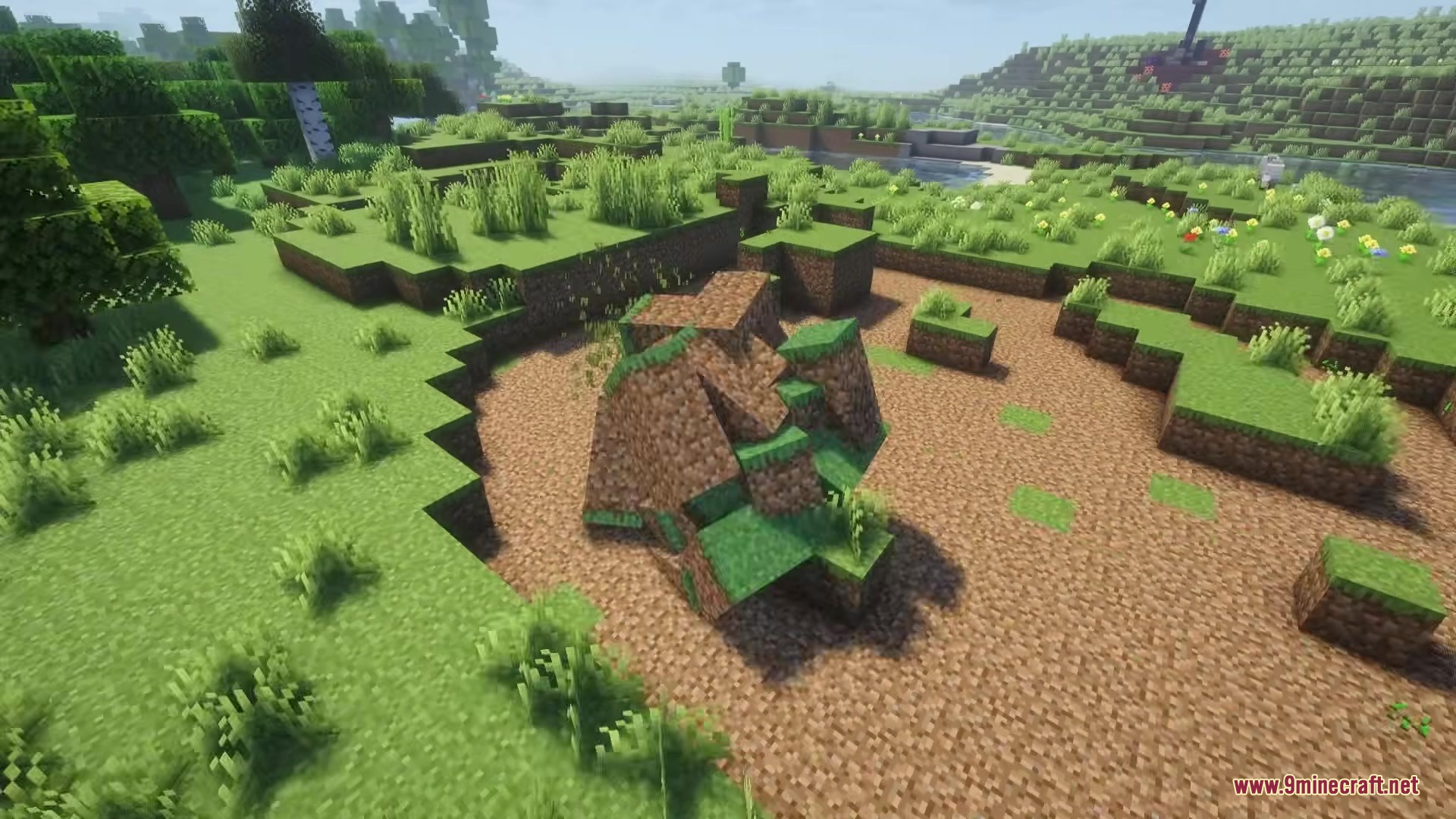
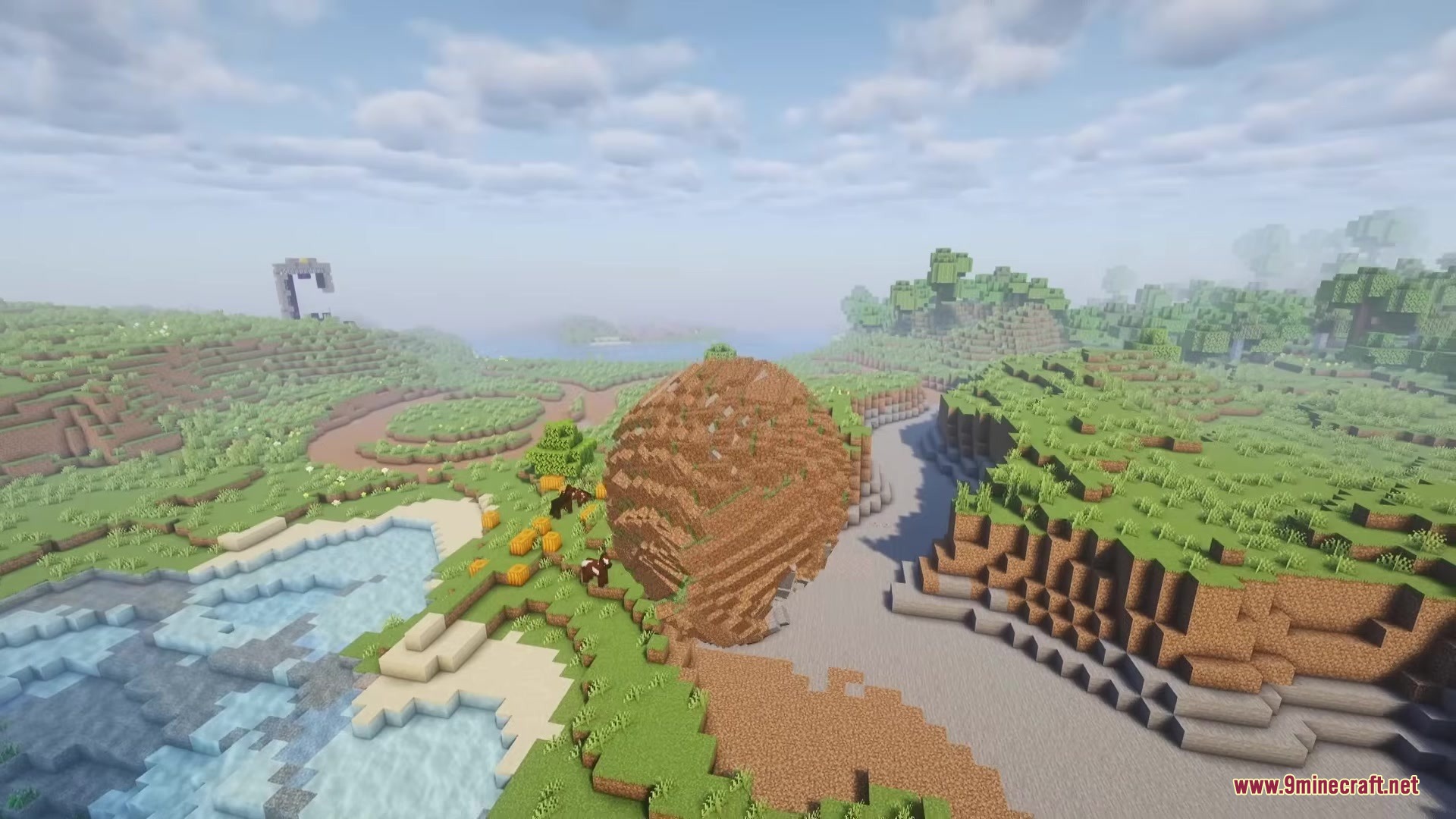
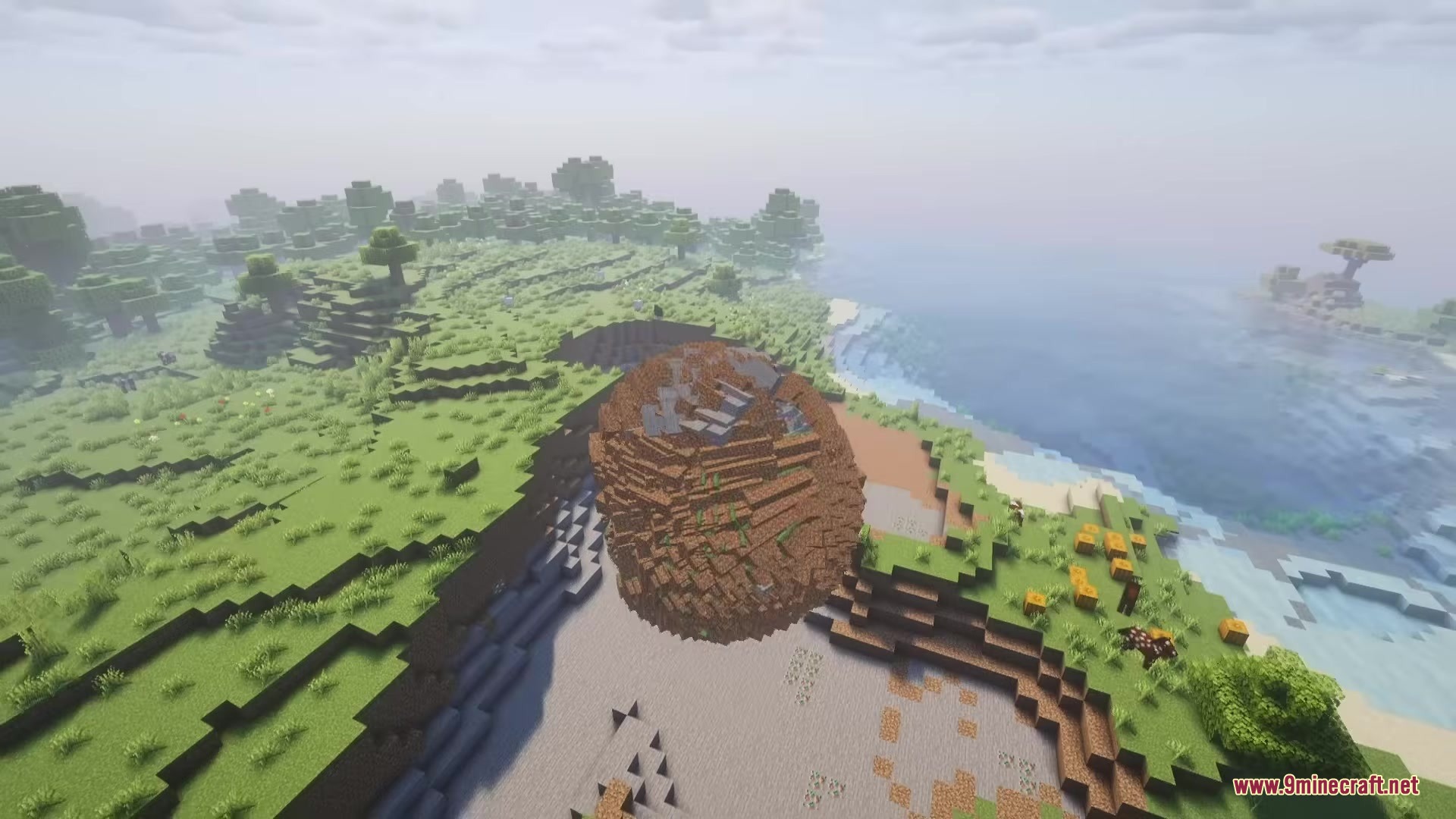
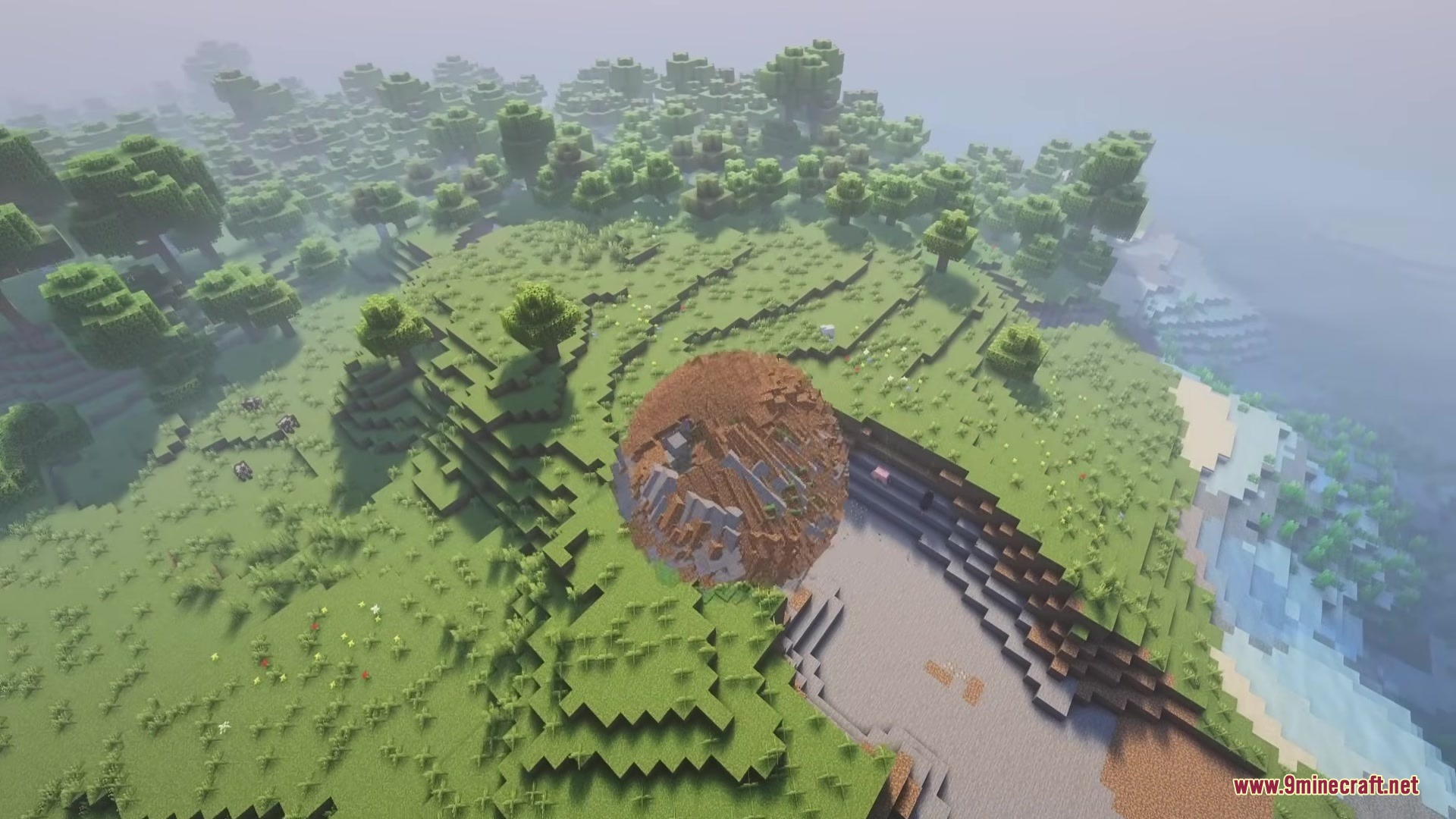
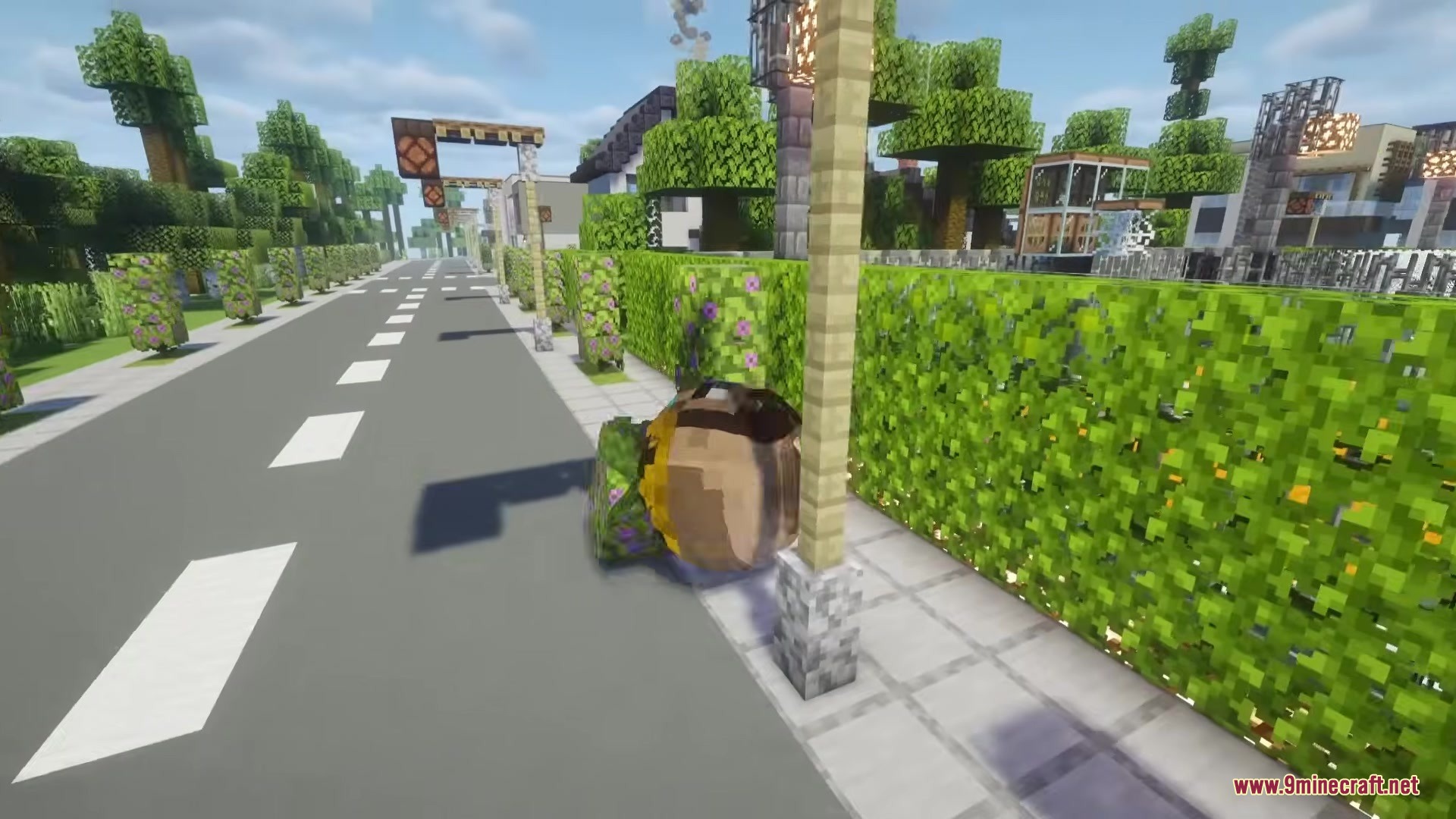
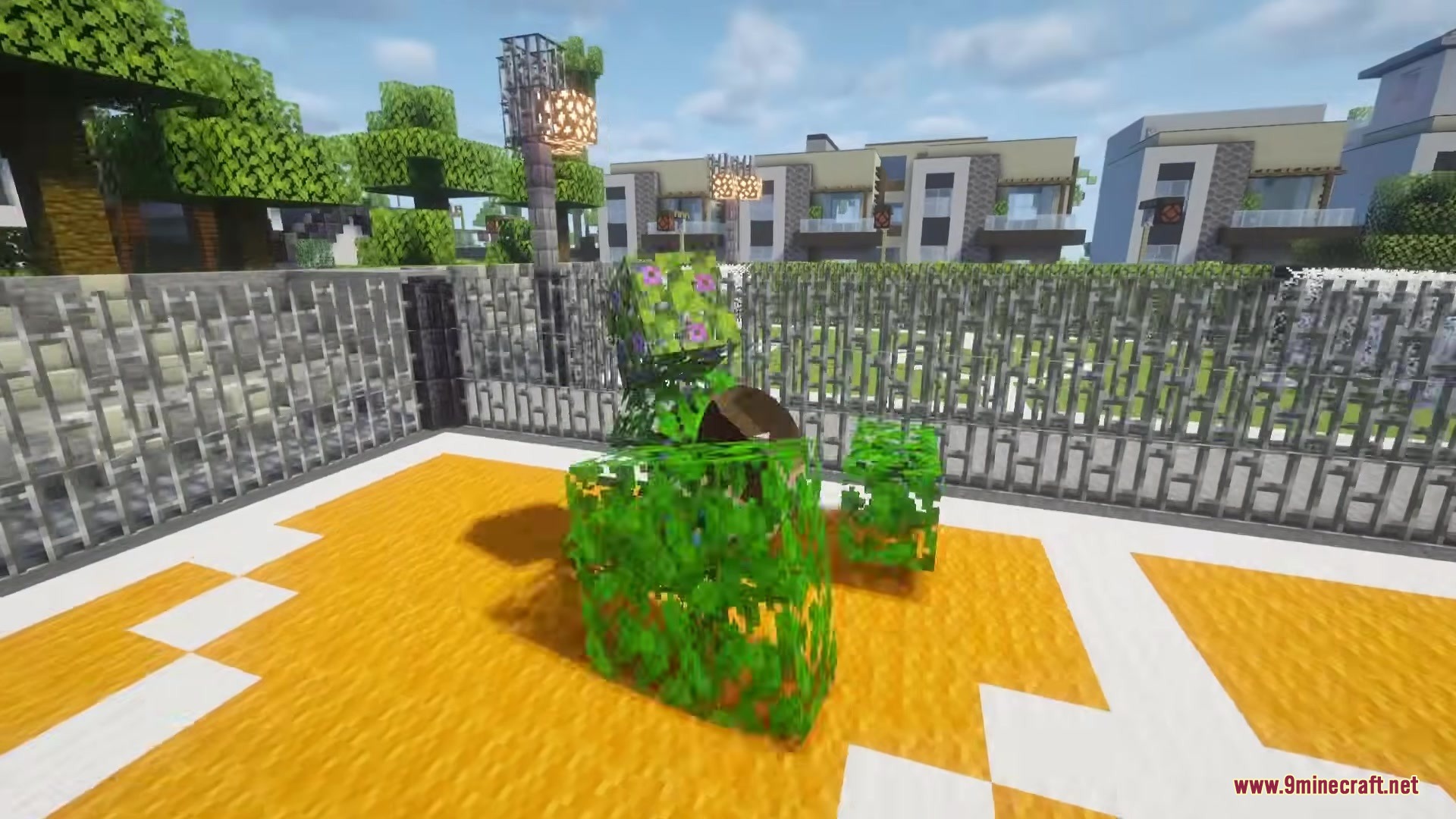
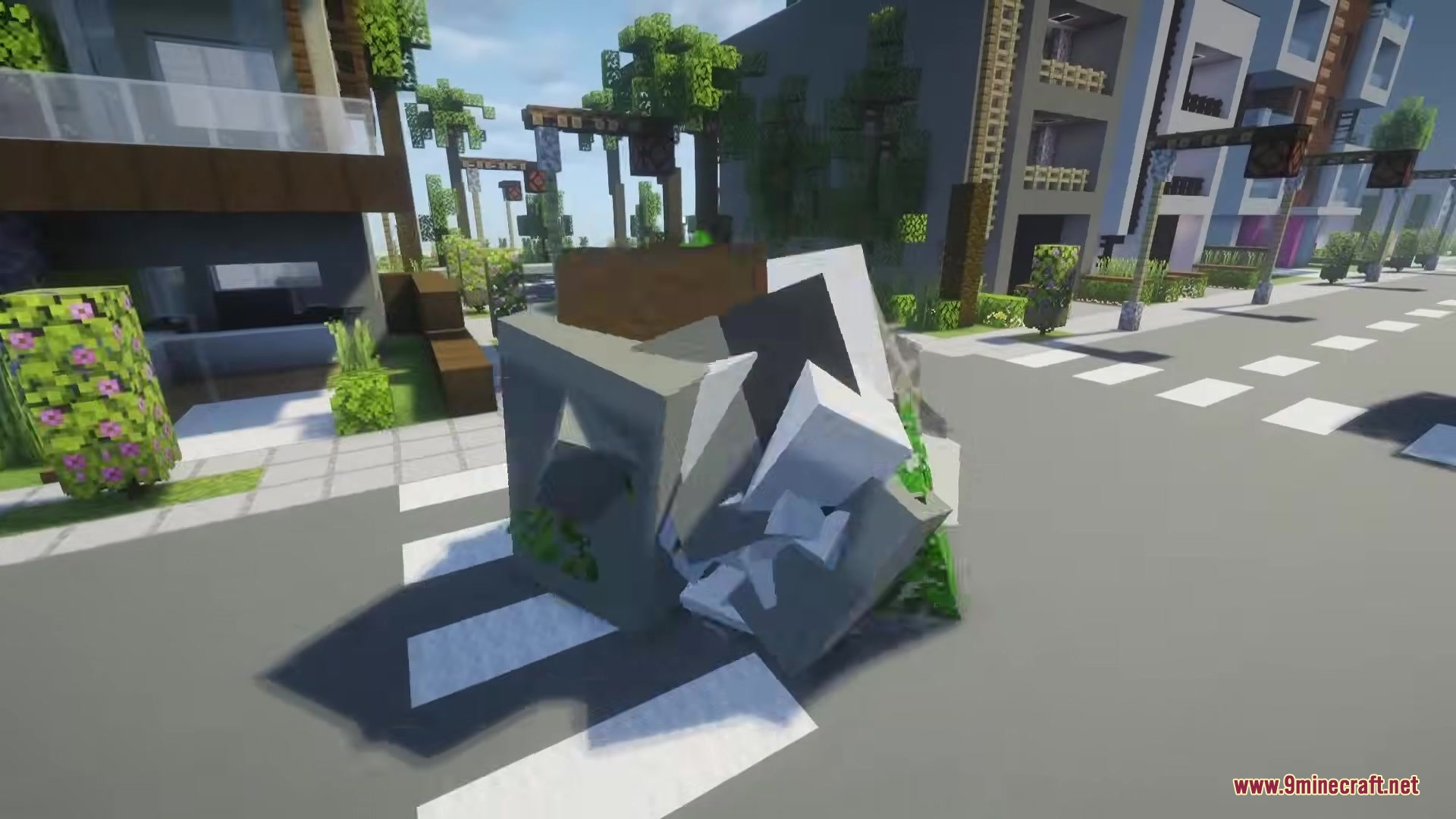
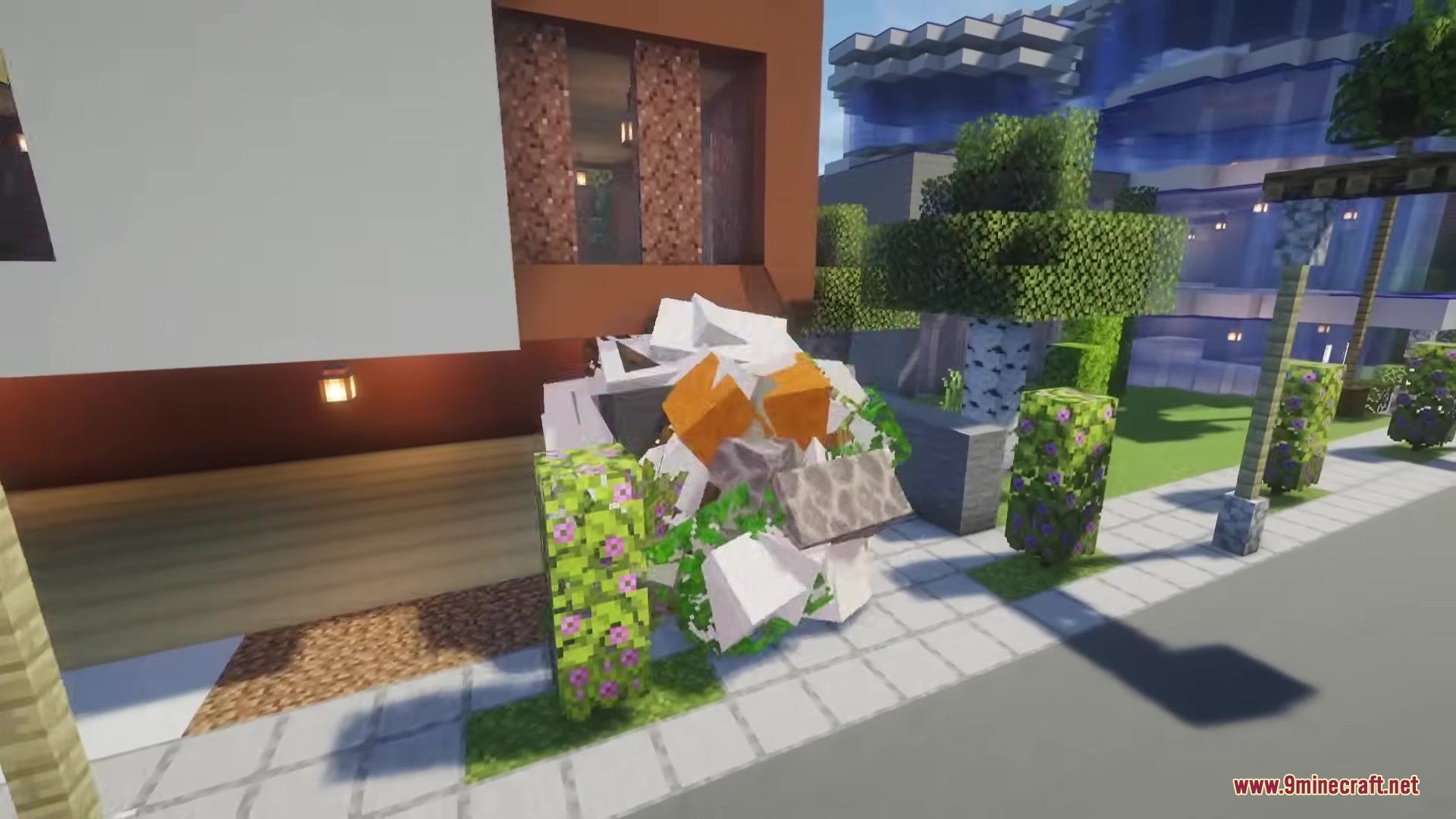
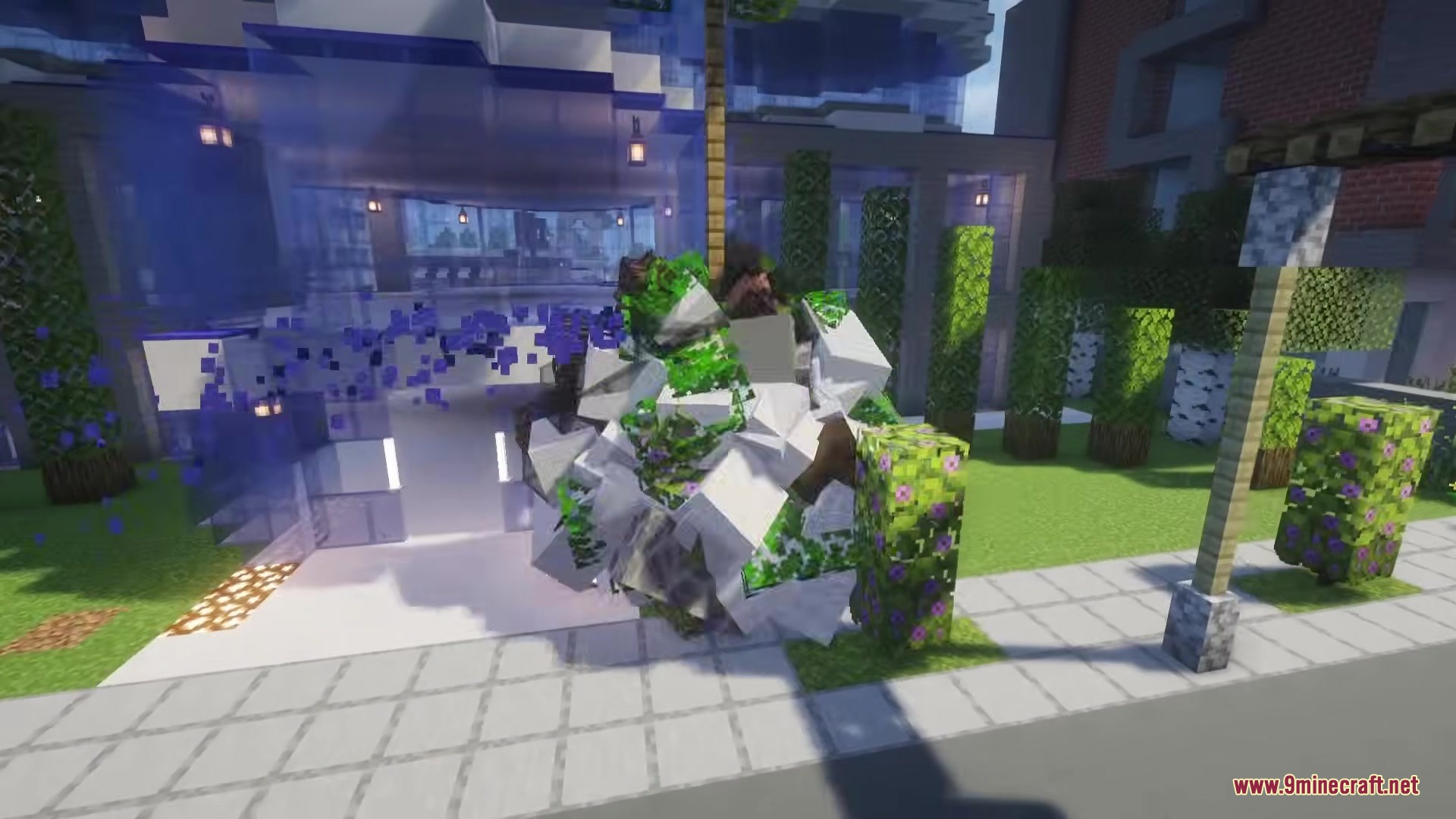
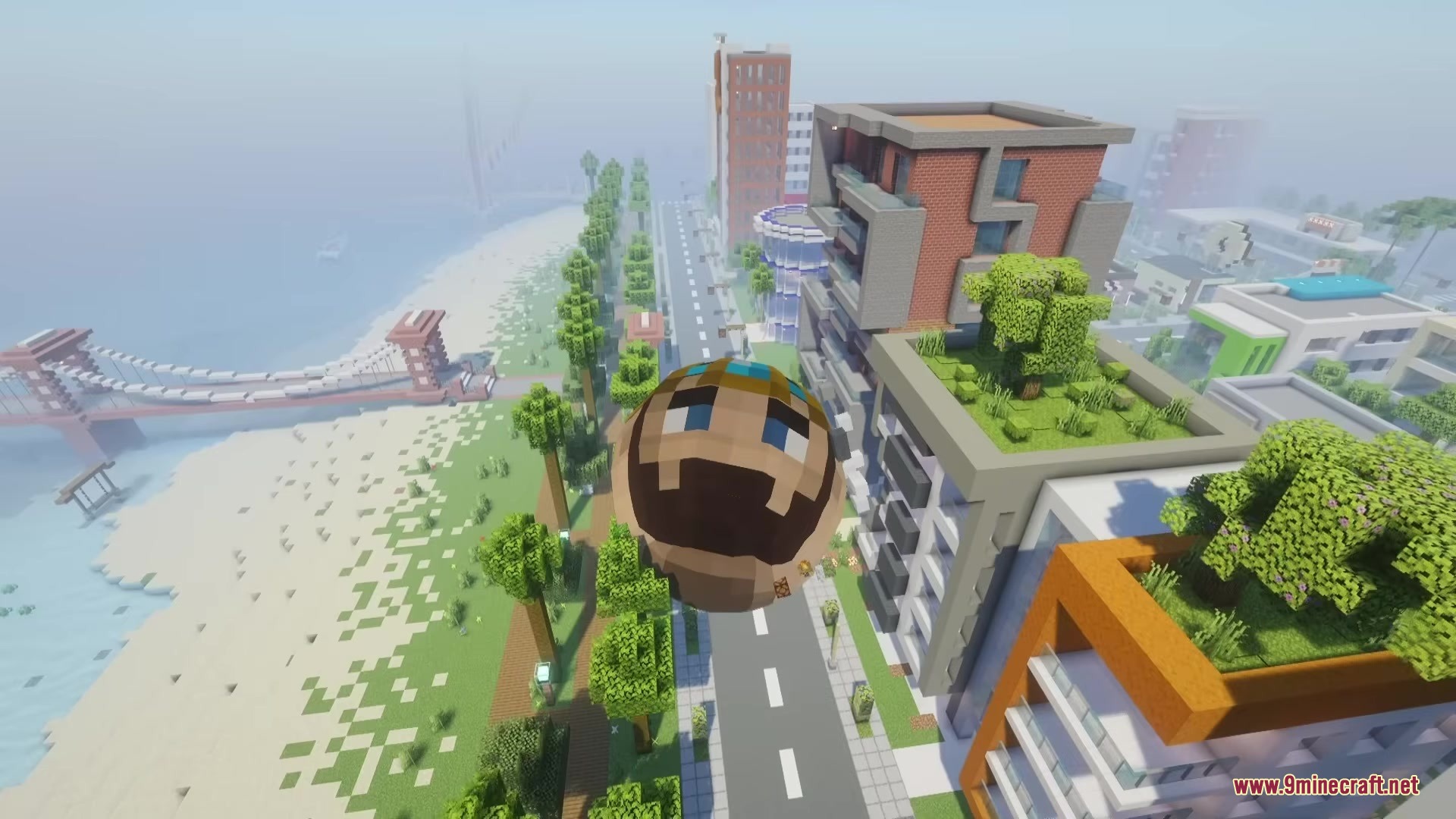
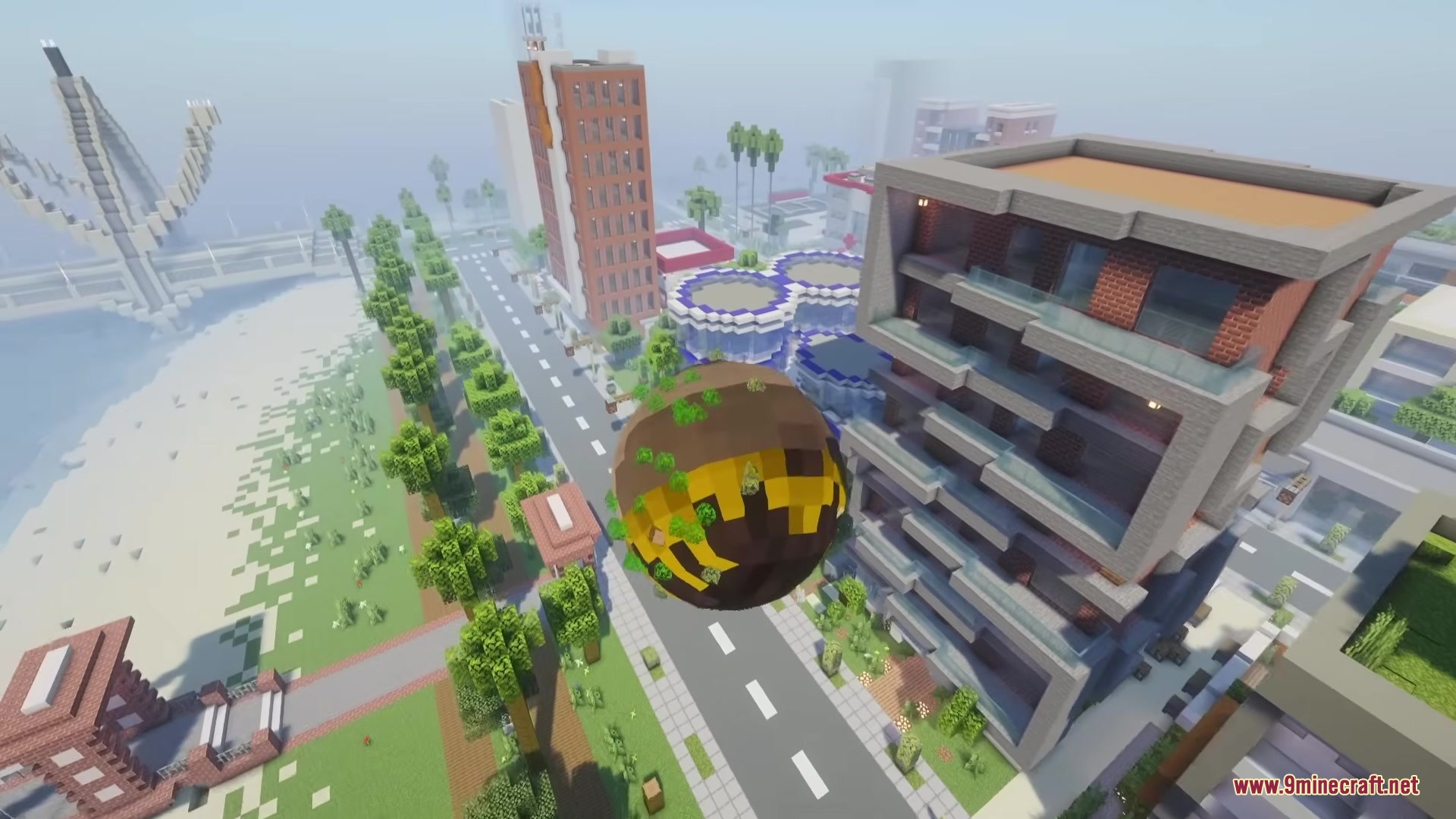
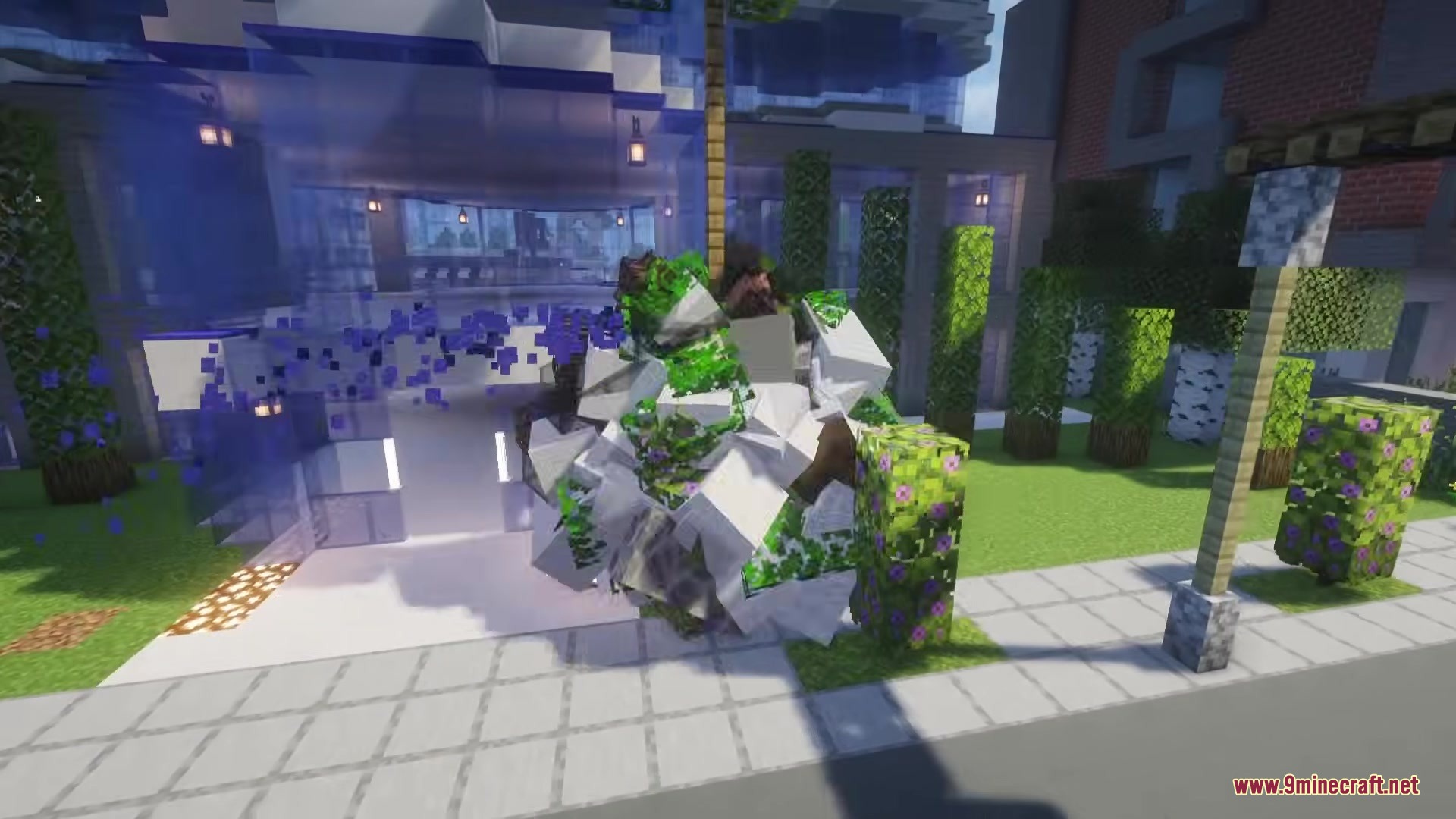
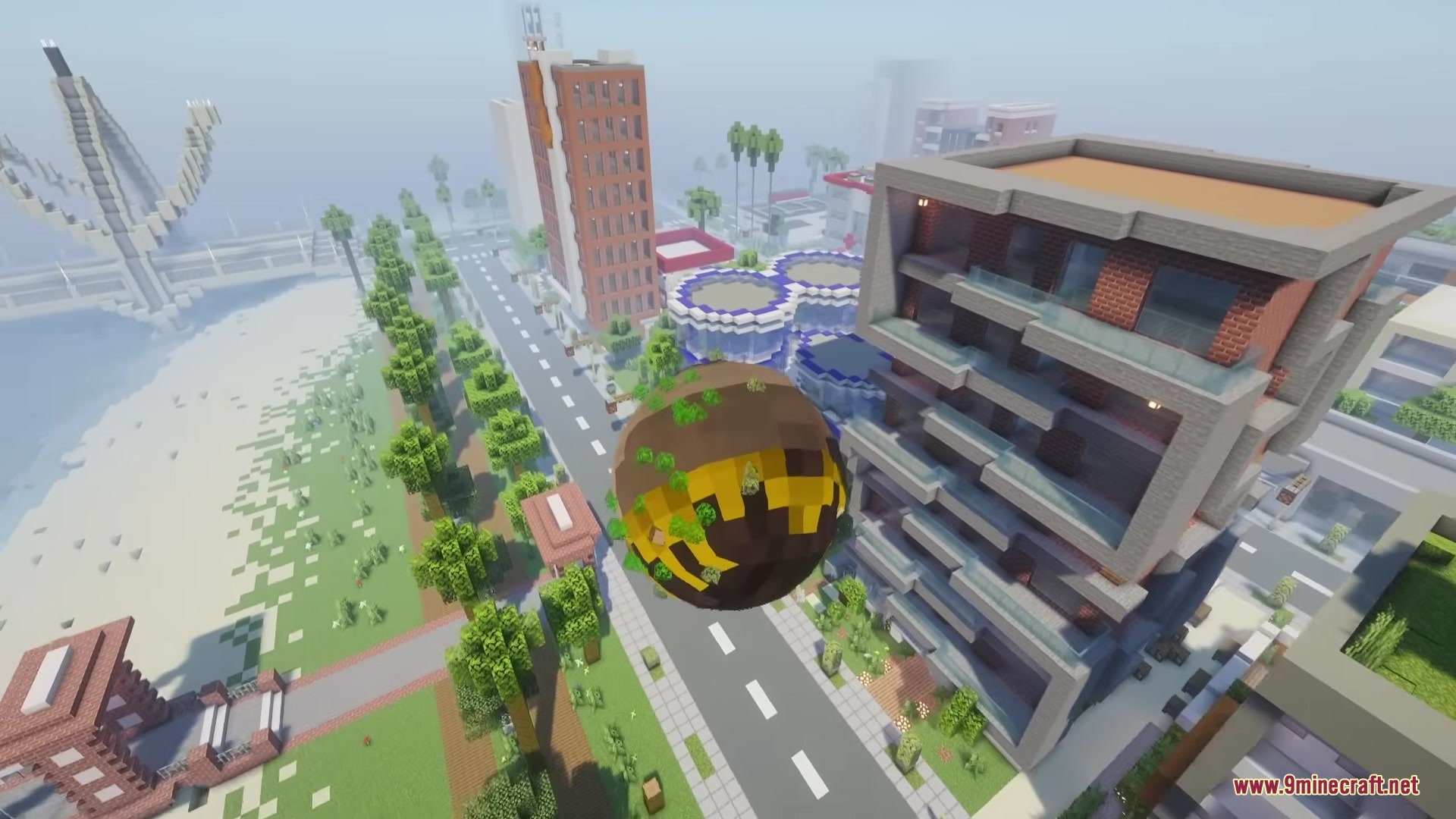
Katamari Mod lets you turn into a rolling sphere that picks up blocks from the world. As you roll over different blocks, they stick to your ball, making it grow bigger and bigger. This mod brings a fun arcade feeling right into your game. You can control how large the ball gets and bounce around the map while absorbing everything in your path.
Features:
- Block Absorption: The sphere picks up nearby blocks as you roll over them.
- Growing Size: Your ball gets larger the more blocks you collect from the ground.
- You can turn the ball mode on or off whenever you want.
- Players have full control over the bounciness of the sphere.
- It clears all attached blocks instantly if you need to start over.
Commands:
You need operator permissions (Level 2) to use these commands.
/katamari ball <targets> <enabled>turns the ball mode on or off for a player./katamari size <targets> <value>sets how big the ball is (from 0.01 to 20.0)./katamari size <targets> <value>shows the current size of the ball./katamari restitution <targets> <value>changes how bouncy the ball is (from 0.01 to 1.2)./katamari restitution <targets> <value>tells you the current bounciness./katamari resetBlocks <targets>removes all stuck blocks and resets the ball to its normal size.
How to Use:
- Type the ball command to activate your sphere mode.
- Roll around the world to start picking up blocks.
- Watch your ball grow as more blocks stick to the outside.
- Use the reset command to drop the blocks and shrink back to normal.
Screenshots:
How to Install:
New to Minecraft? Follow our step-by-step guide to install Mods on your PC.View Guide




Katamari Mod Download Links
For Minecraft 26.2
For Minecraft 26.1.2, 26.1.1, 26.1
For Minecraft 1.21.11
For Minecraft 1.21.1, 1.21
For Minecraft 1.20.1, 1.20
Click to rate this post!
[Total: 1 Average: 1]
You May Also Like






This post has no comments yet. Be the first — your comment will appear here.