


Amphetamine Client Mod (1.21.4) – Dominate Fights with Powerful Cheats
 884
884
 0
0

Amphetamine Client Mod gives you a massive menu full of helpful tools and cheats to use in your world. It groups dozens of different features into categories like combat, movement, and vision so you can turn them on and off with a single click. You can change how the menu looks and set up everything exactly how you want it to play your way.
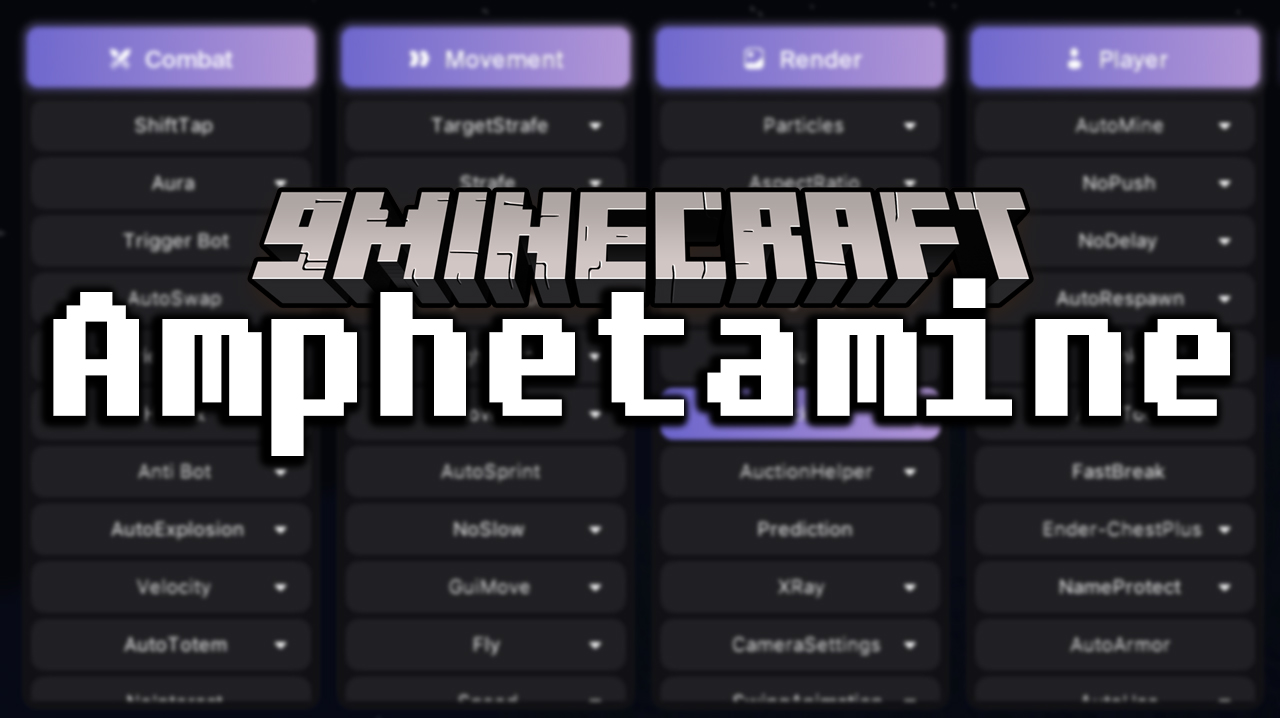
Features:
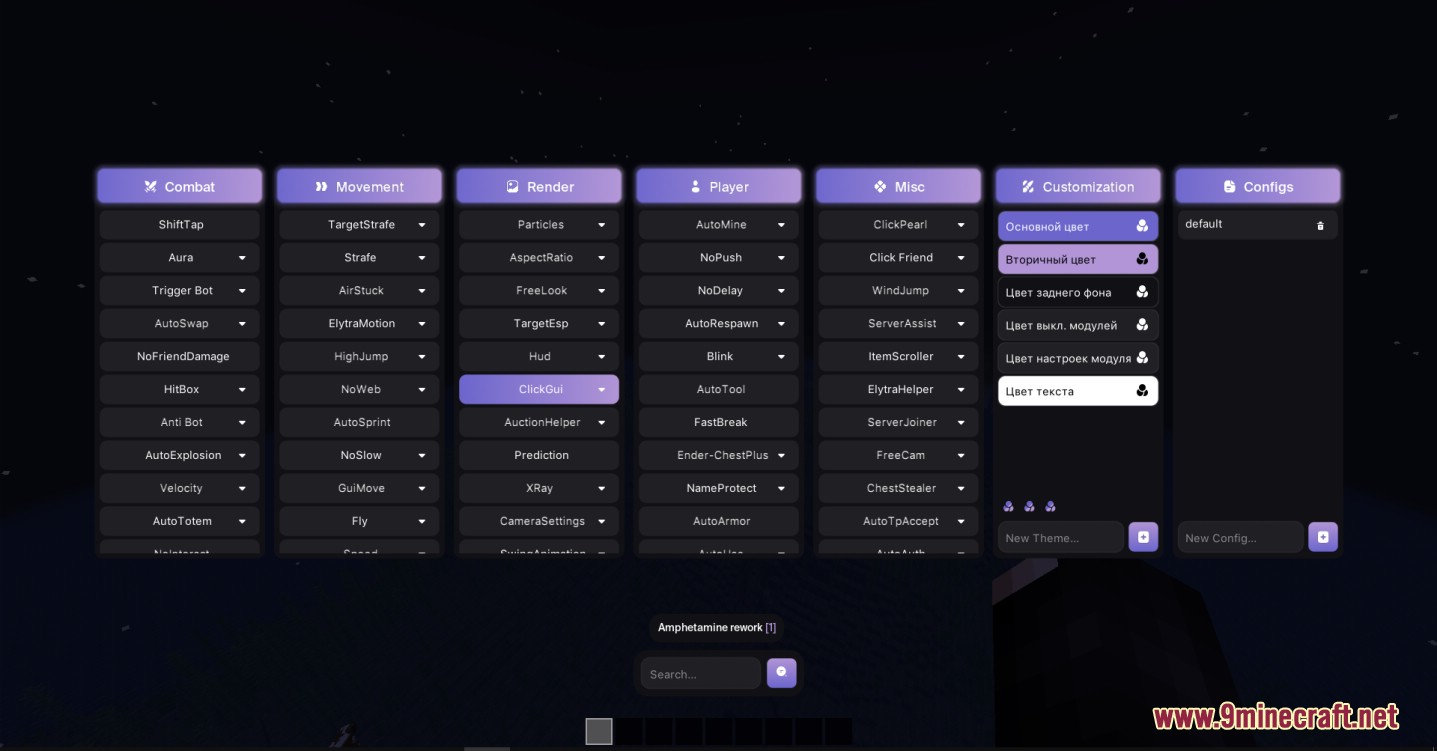
- Custom Configs: Lets you save different setups so you can switch between a fighting layout and a building layout in seconds.
- Color Themes: You can change the primary, secondary, and background colors of the menu to match your style.
- Adds a custom screen display that you can move around and adjust.
- Includes a search bar so you can find the exact tool you need quickly.
Combat and Movement:
- Automatically attacks enemies near you or swings your sword when your crosshair is on them.
- Stops you from accidentally hitting your friends during a big fight.
- Makes you run faster, jump higher, or even fly around the map.
- Keeps you from getting stuck in spider webs or slowing down when you eat food.
- Automatically puts a totem in your hand if you are about to take bad damage.
Player and Vision:
- Lets you see through blocks to find ores or spot other players through walls.
- Automatically mines blocks for you and picks the best tool from your inventory.
- Puts armor on your character the second you pick it up.
- Takes everything out of a chest instantly so you do not have to click each item.
- Lets you move your camera around freely without turning your character’s body.
How to Use:
- Load into your Minecraft world.
- Press Right Shift on your keyboard to open the main menu.
- Click on the different categories at the top to see what tools are inside.
- Click a tool to turn it on, or open its dropdown menu to change its specific rules.
Screenshots:
Requirements:


For Minecraft 1.21.4
Click to rate this post!
[Total: 5 Average: 4.2]
You May Also Like
Picked for this page
 Wurst Client Mod (26.3, 1.20.1) – The Best Bypass for Minecraft
 Prestige Client Mod (1.21.4, 1.20.1) – Powerful Ghost Features for Crystal & Sword PvP
 Client Crafting Mod (26.3, 1.20.1) – Instant Crafting
 Dqrkis Client Mod (1.21.11, 1.21.4) – Undetectable Ghost Client
 Cartcore Client Mod (1.21.11, 1.21.1) – Faster Cart Tech Execution
 AstraWare Client Mod (1.21.4) – Upgraded Astralux Client
 UI-Utils Remake Mod (26.2, 26.1.2) – Multiplayer Any Item Dupe Glitch
 Leminx Client Mod (1.21.4) – PvP Ghost Client for MineBlaze
 2D Projectiles Mod (26.2, 1.20.1) – A Classic 2D Archery Style
 Dama Client Mod (1.21.4) – Dominate PvP and Boost Elytra Speed
 LNE Paladins And Priests Mod (1.21.1, 1.20.1) – Roleplay As a Holy Warrior
 Mount Opacity Mod (26.3, 1.20.1) – Adjust The Opacity Of Rideable Mobs
Most viewed in Clients over the last 7 days
 Baritone 9minecraft Client Mod (26.3, 26.1.2) – Mine and Build Bases Hands-Free
 Meteor Client Mod (26.2, 1.20.1) – Xray, HUD, Fly
 Lunar Patcher (v10) – Using Lunar Client for Free
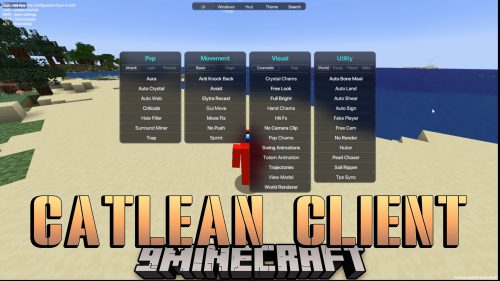 CatLean Client Mod (26.2, 1.21.11) – ThunderHack Recode Alternatives
 DoomsDay Client (26.1.2, 1.20.1) – Best Free Injectable Client
 OptiFine HD 9minecraft (26.3) – Run Smooth Shaders Without the Lag
- Baritone Client Mod (26.2, 1.20.1) – Autominer, Build with AI, Xray
 System Client Mod (1.21.11, 1.21.1) – Powerful CPVP Ghost Client
 Aristois Client Mod (1.21.4, 1.20.1) – World Class Minecraft Utility
 9minecraft Xray Client (26.3, 1.20.1) – The #1 Ore Finder of 2026
 4E Client Mod (1.21.11, 1.21.1) – ChunkFinder, Base Finding for DonutSMP
- Wurst Client Mod (26.3, 1.20.1) – The Best Bypass for Minecraft
More from Clients
 Lumi Client Mod (1.21.11) – Smooth Vector Menus and Live Spotify HUD
 67 Client Mod (1.21.11) – Survive Anarchy Servers with Custom PvP Tools
 Zyron Client Mod (1.21.11) – Scout Hidden Caves and Rare Geodes
 Water v6 Client Mod (1.21.11) – Read Fast Server Chat Without Clutter
 Core Client Mod (1.21.11) – Win Anarchy Battles with Clean Combat Overlays
 Frost Client Mod (1.21.11) – Dominate Anarchy Servers with Flawless Crystal PvP
 Polar Client Mod (1.21.4) – Dominate Anarchy Servers and Crystal Duels
 NoRisk Client Launcher (26.3, 1.8.9) – Super Boost FPS, Free Cosmetics
 Void Strike Client Mod (1.21.4) – Dominate Competitive Crystal PvP Battles
 LuneX Client Mod (1.21.11) – Win Crystal Fights on Anarchy Servers
 Meteor Client Addons (26.2, 1.20.1) – Modify Almost Anything in Meteor
 Glazed Client Mod (26.1.2, 1.21.1) – Meteor Addon for DonutSMP Server

This post has no comments yet. Be the first — your comment will appear here.