
Arcane Archives Mod (1.12.2) – Locate and Sort Stored Loot Through Magic
 6,847
 0

Arcane Archives Mod brings magical storage tools to the early game. This mod adds three main storage blocks for items and fluids: the Radiant Chest, the Radiant Tank, and the Radiant Trove. It also gives you handy items like the Tome of Arcana guide book, the Manifest tracker, and the Brazier of Hoarding to sort items from a distance. These tools let you store large amounts of gear, upgrade your storage space, and find your items fast.

Features:
- Radiant Chest: Adds a 54-slot chest that holds four times the normal stack size limit, lets you name it, and can show an item on one of its sides.
- Radiant Tank: Adds a fluid storage block that you can fill and empty from a distance using a special bucket called the Radiant Amphora.
- Radiant Trove: Holds up to 1,024 stacks of a single item or block type and displays stored amounts in a HUD tooltip.
- Manifest: Tracks and locates items inside Radiant Tanks and Troves with tracking lines, and also tracks vanilla chests when paired with a Monitoring Crystal.
- Brazier of Hoarding: Sorts and sends items you toss or right-click into it straight into matching containers (excluding fluids) from afar, with a menu to set its range.
- Gives you the Tome of Arcana in-game guide book when you break a bookshelf or craft a Radiant Resonator, or lets you craft the book directly with a book and a gold nugget.
- Lets you upgrade Radiant Tanks and Radiant Troves to hold up to 10 times their starting capacity.
- Adds the Radiant Crafting Table, which keeps items inside its inventory and includes 3 quick-crafting slots.
- Includes the Devouring Charm to destroy chosen items placed on its back side instead of picking them up.
- Adds decorative light blocks such as radiant slivers (vertical torches) and radiant lamps.
How to Use:
- Break a bookshelf or craft a Radiant Resonator to get the Tome of Arcana guide book, or craft it directly with a book and a gold nugget to learn how each block works.
- Craft and place a Radiant Chest, Radiant Tank, or Radiant Trove to store large amounts of items and fluids.
- Open the upgrade menu on your Radiant Tanks and Radiant Troves to increase their space up to 10 times their starting capacity.
- Use a Radiant Amphora bucket to fill or empty your Radiant Tanks from a distance.
- Use a Manifest to track and locate items stored in your Radiant Tanks and Troves, or use a Monitoring Crystal to track items inside a vanilla chest.
- Throw or right-click items into a Brazier of Hoarding to send and sort them into matching containers from afar (excluding fluids), and open its interface to adjust the range radius.
- Place unwanted items on the back side of a Devouring Charm so they are destroyed instead of being picked up.
Screenshots:
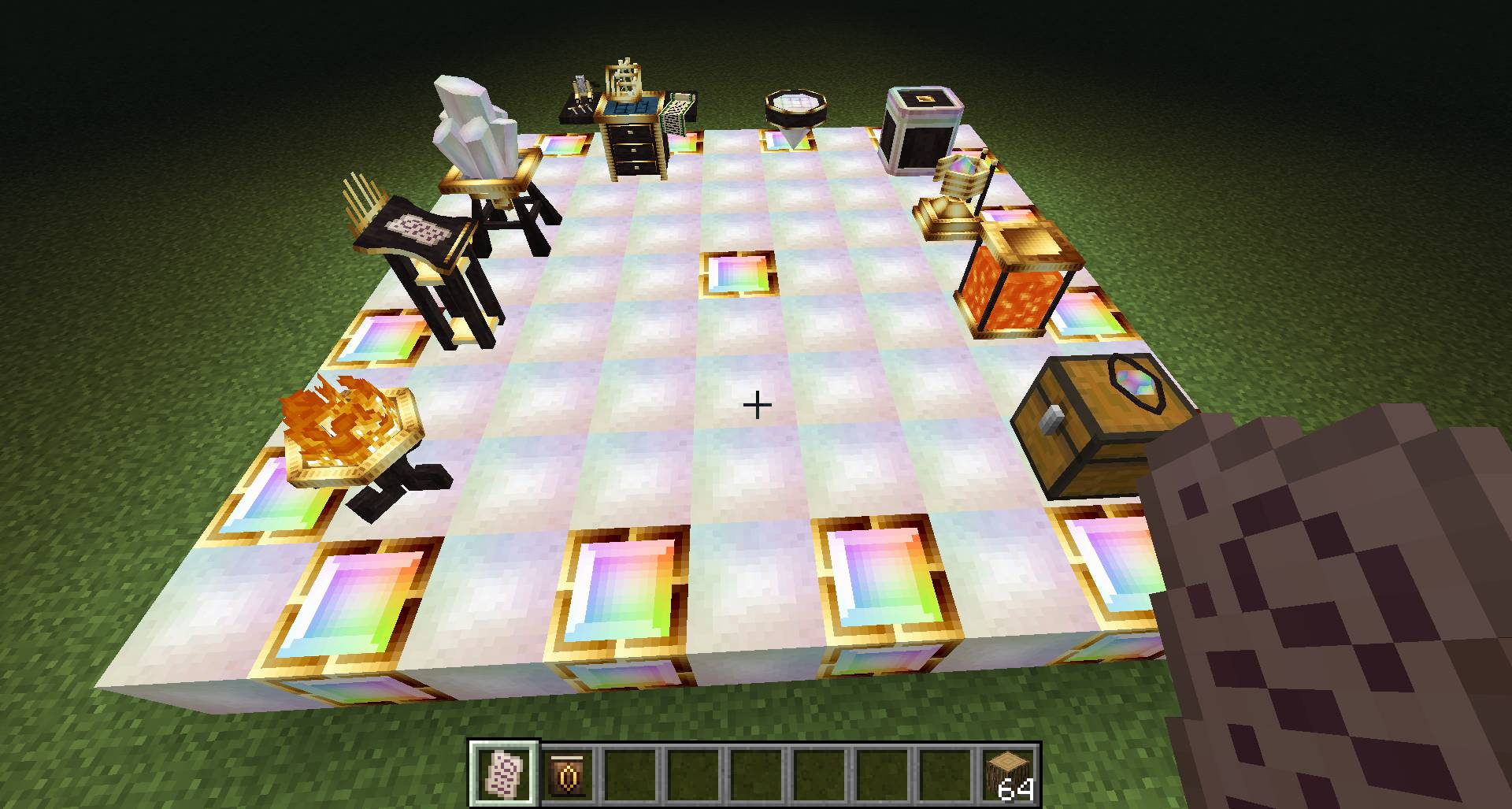
Preview of Arcane Archives items & blocks
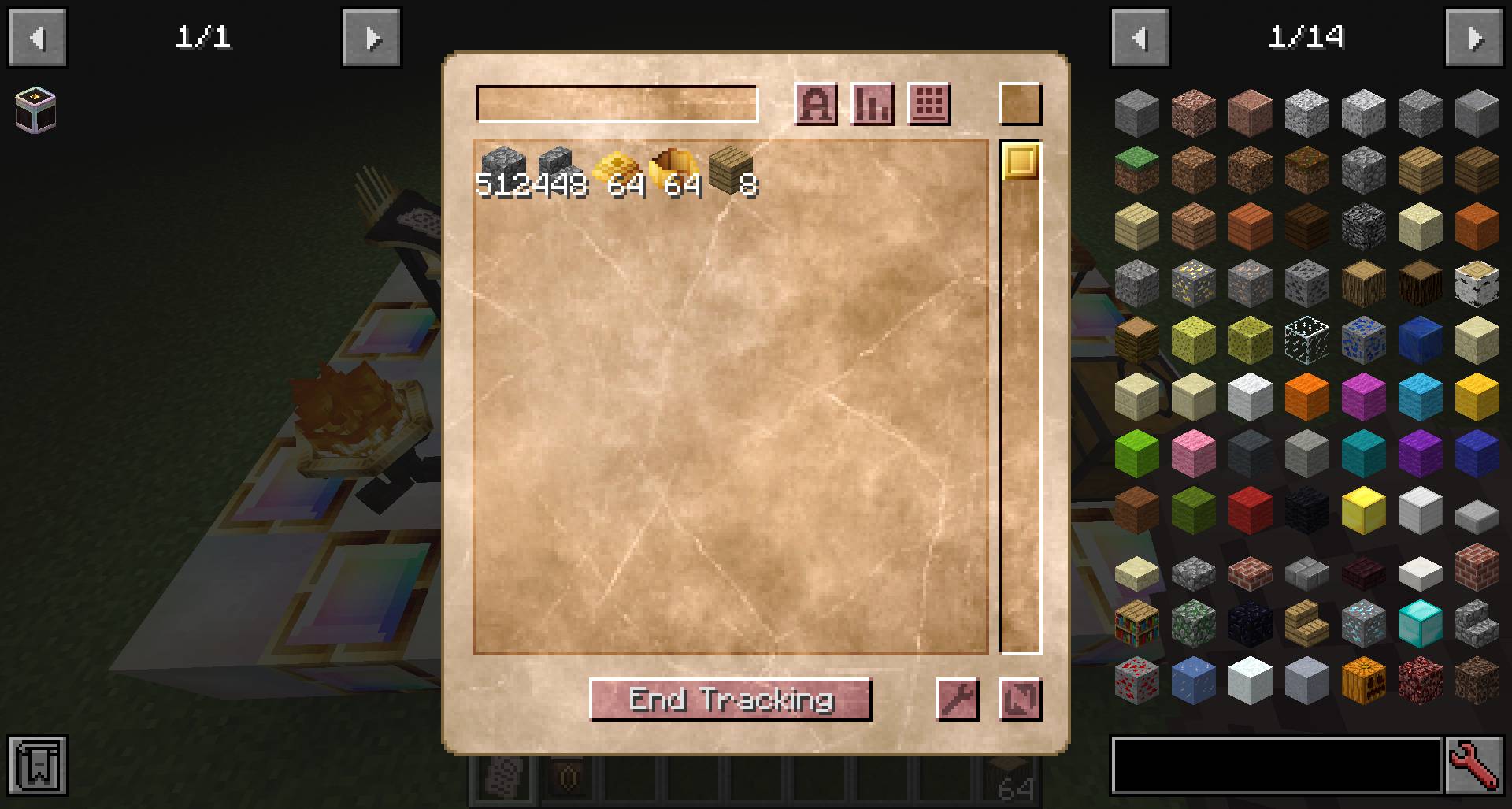
Viewing the Manifest (with nothing tracked)
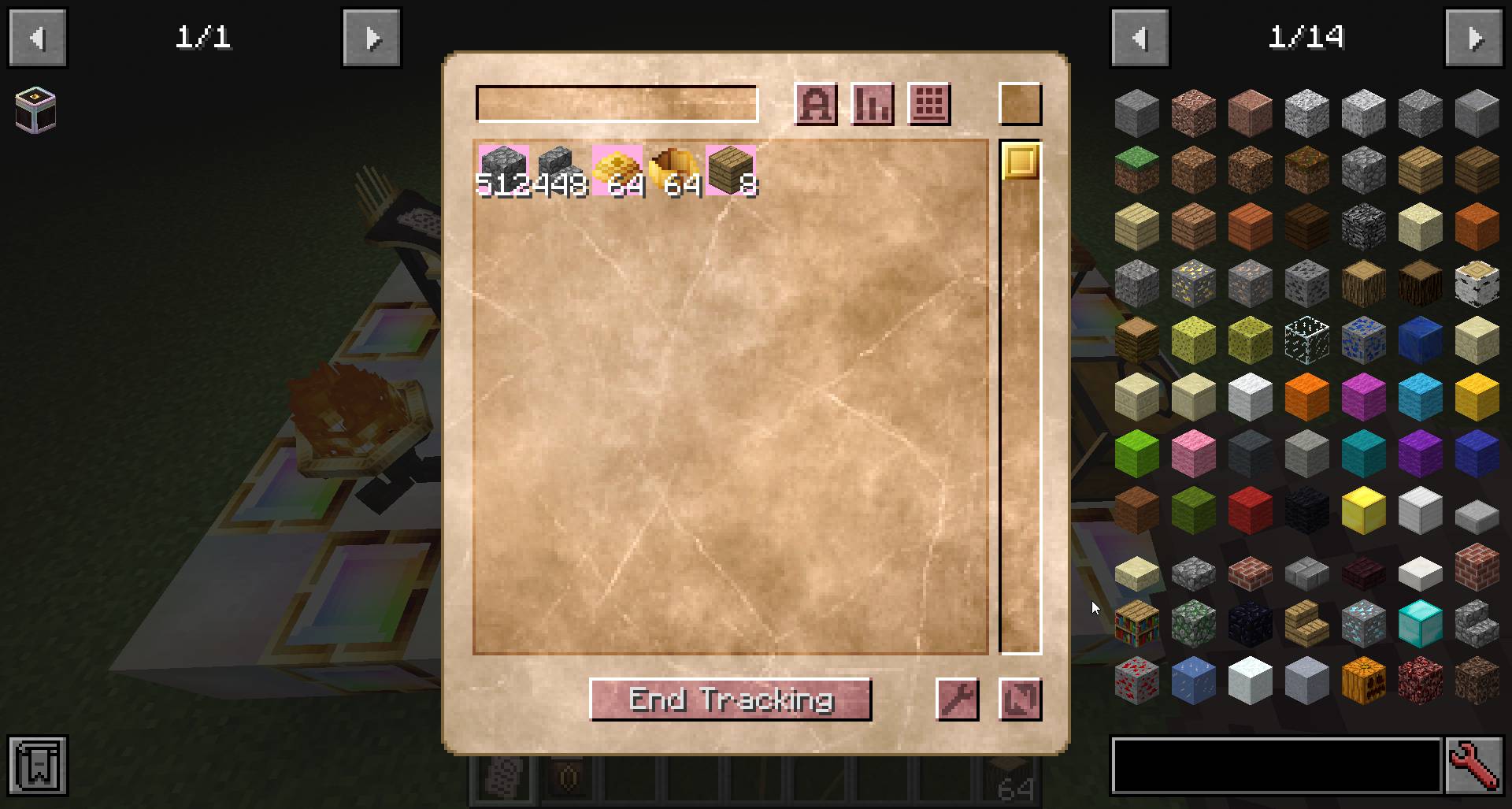
Manifest with items tracked (tracking lines behind)
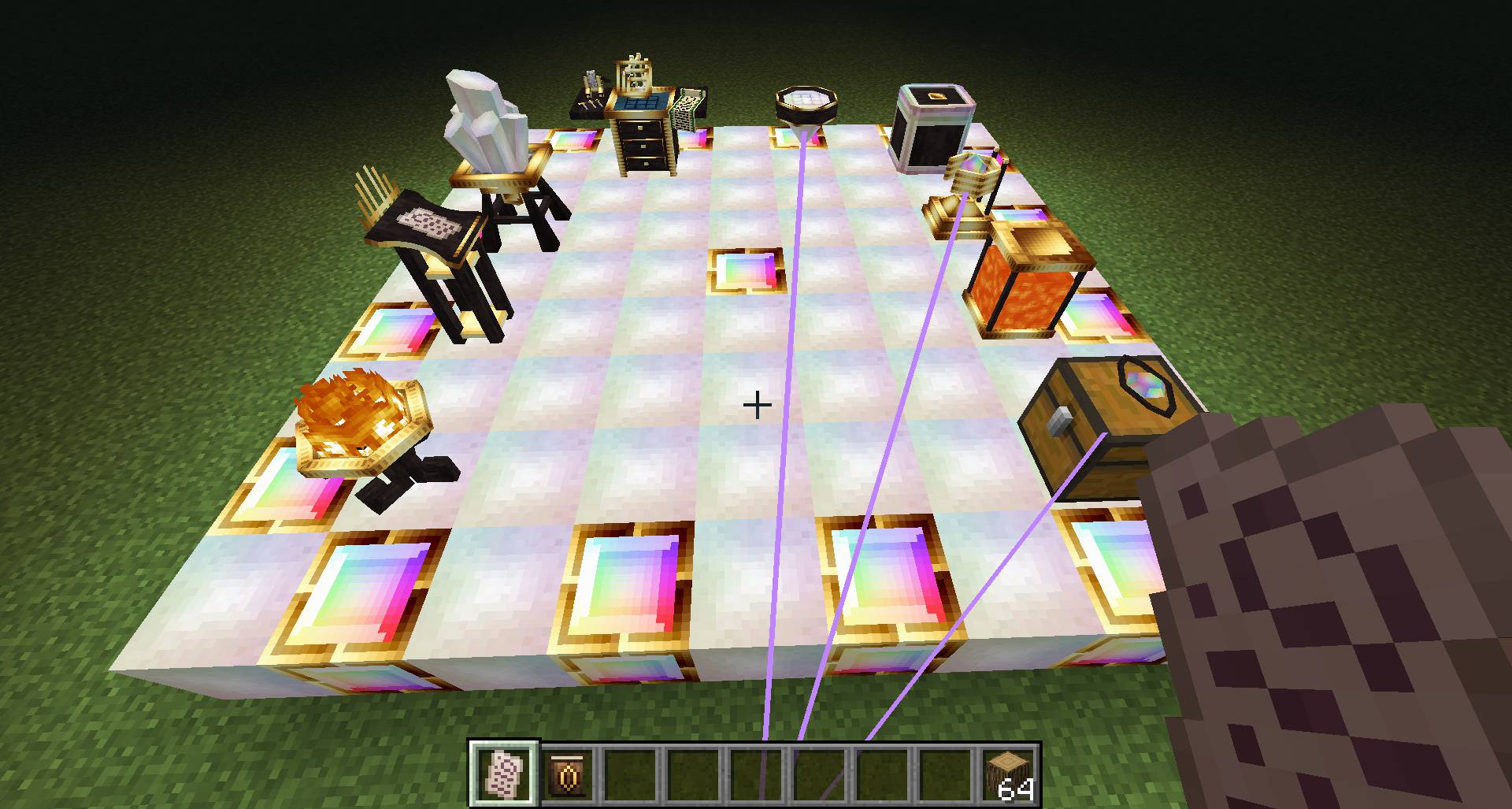
Tracking lines to the items selected
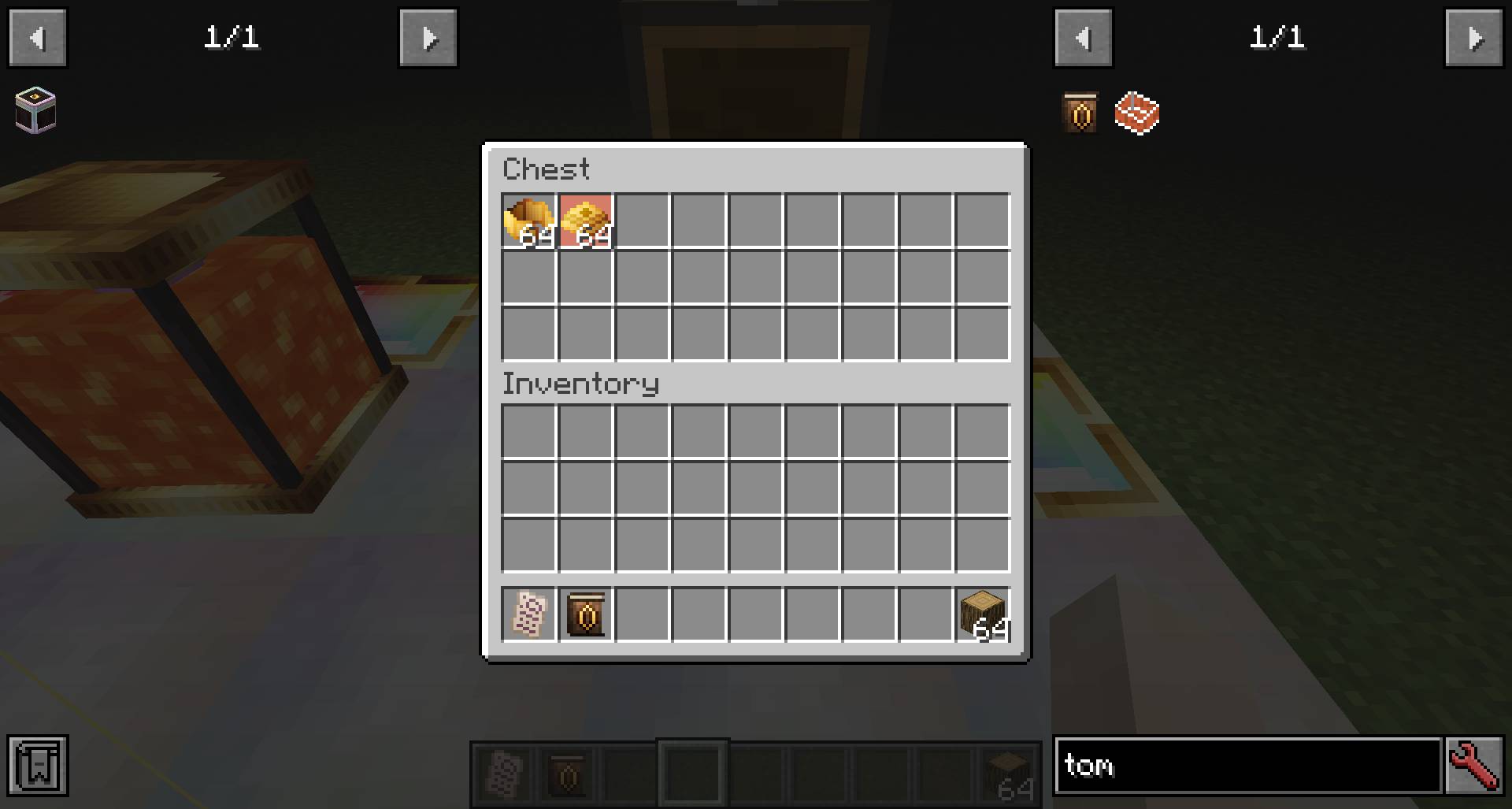
Items being tracked in a Vanilla Chest via Monitoring Crystal
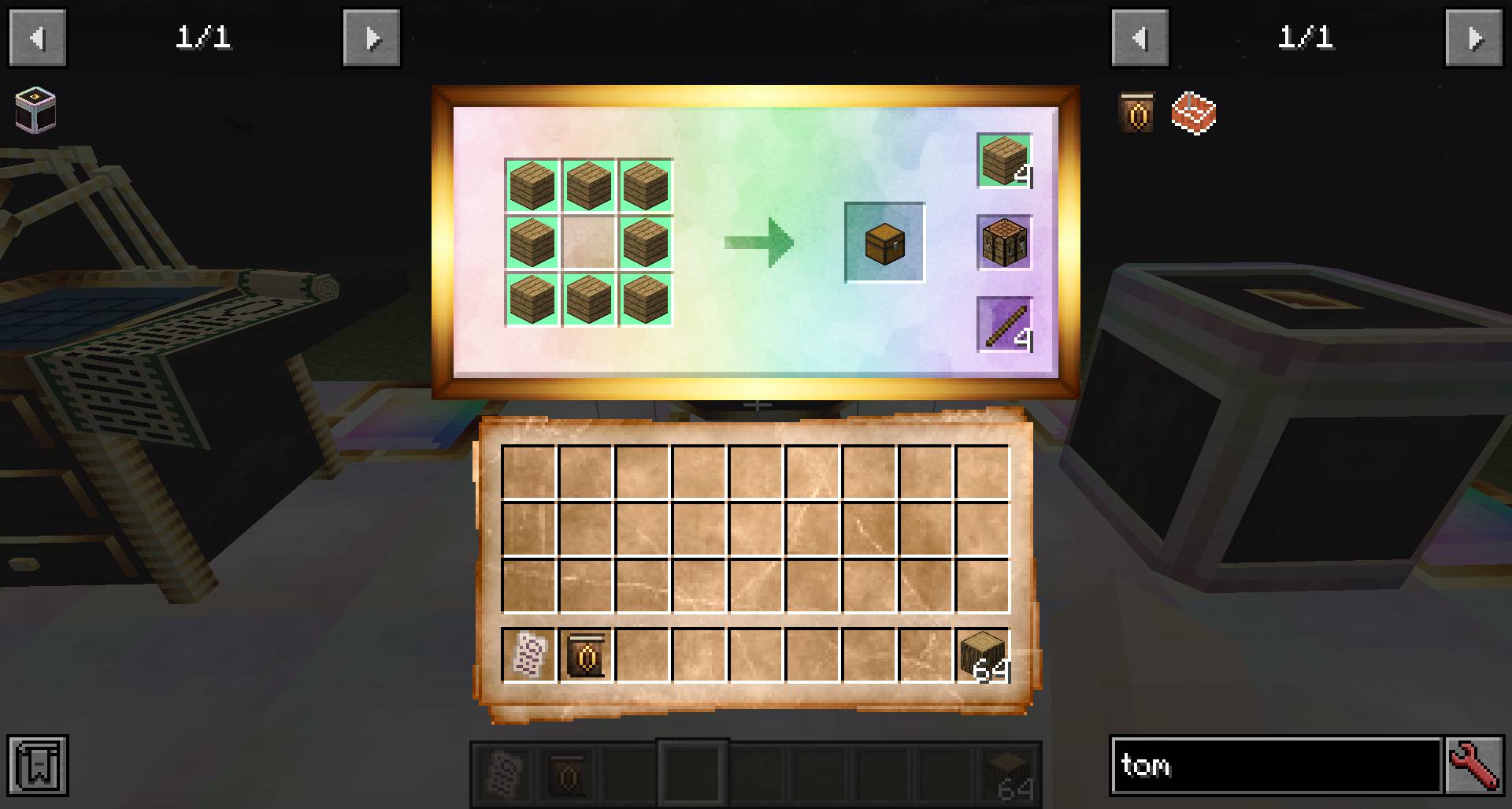
Radiant Crafting table (which keeps inventory) + 3 quick-crafting slots, tracking Oak Planks
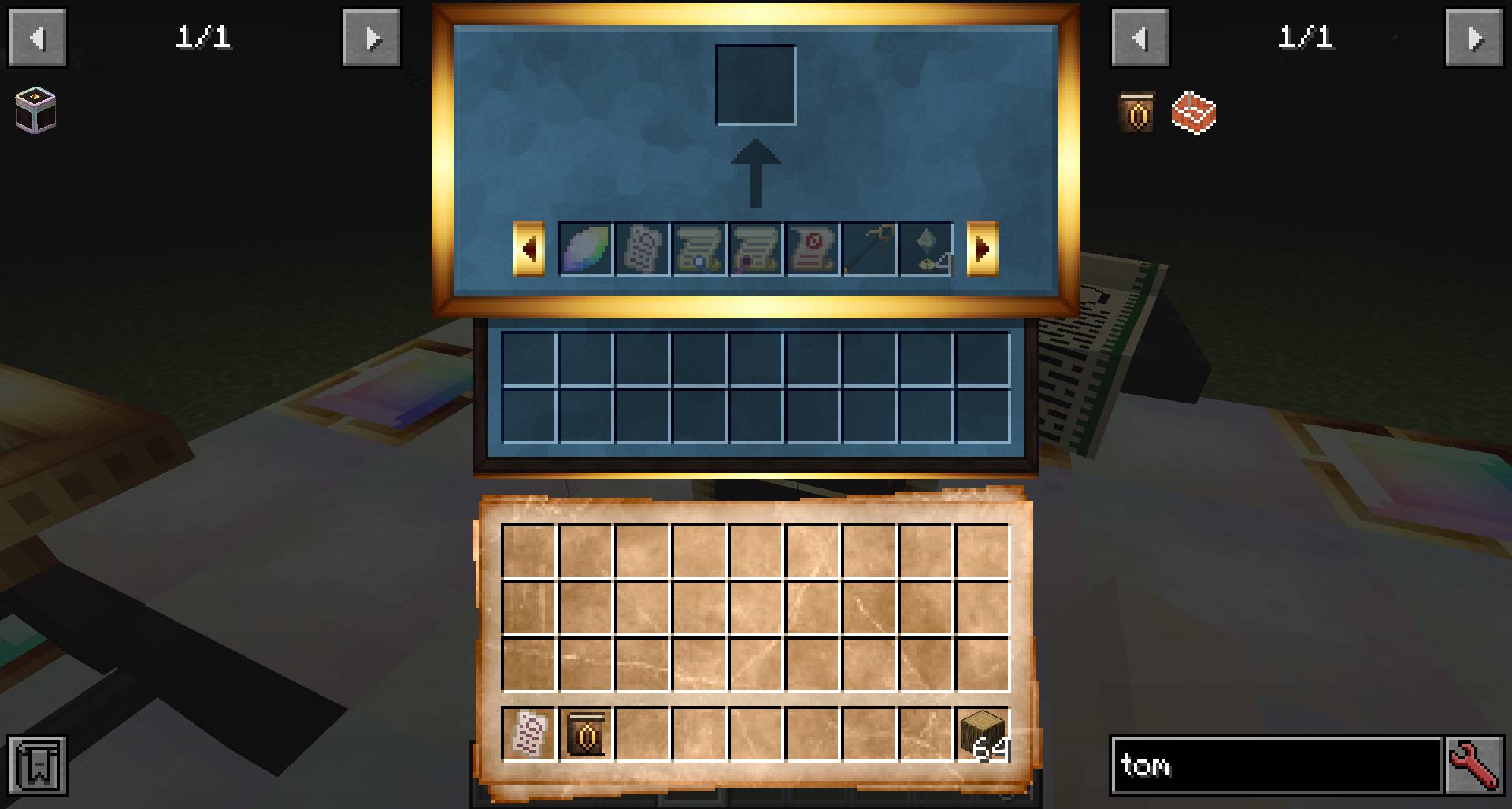
The Gem Cutter’s Table (slightly modified by CraftTweaker)
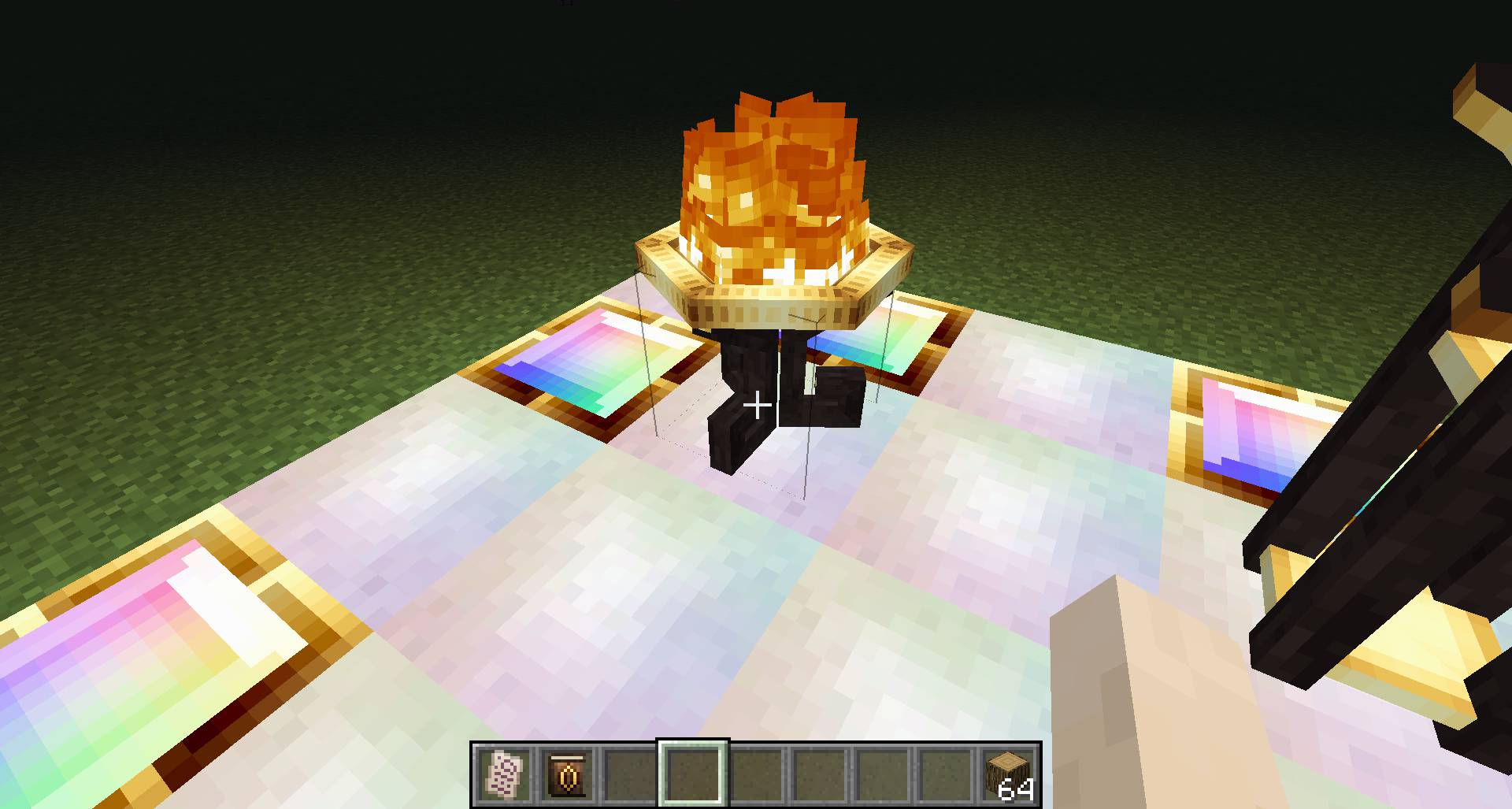
The Brazier of Hoarding: Items thrown or right-clicked into the brazier are distributed and sorted into relevant containers (excluding fluids)
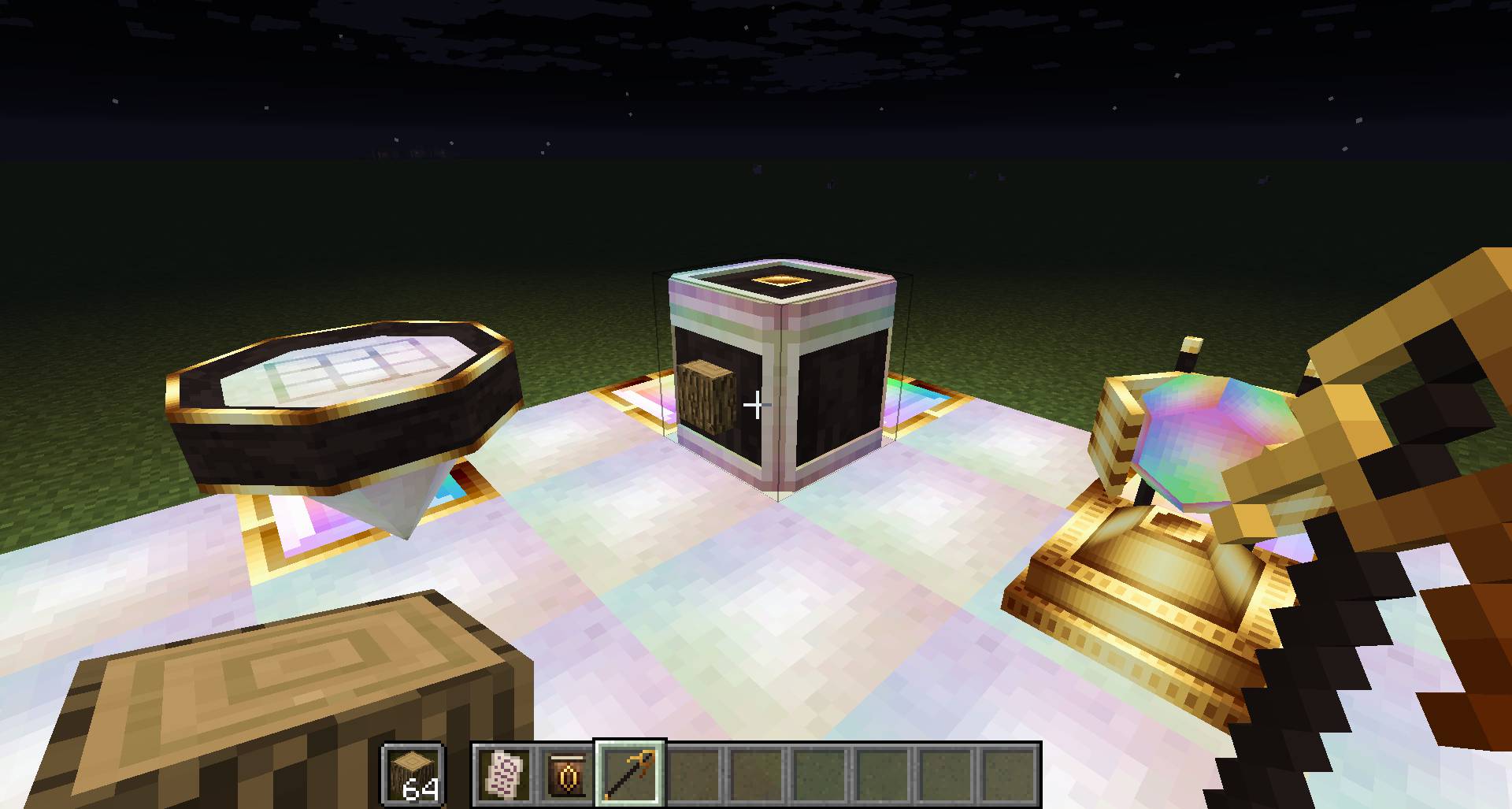
A Radiant Chest displaying a wooden log on one of its sides
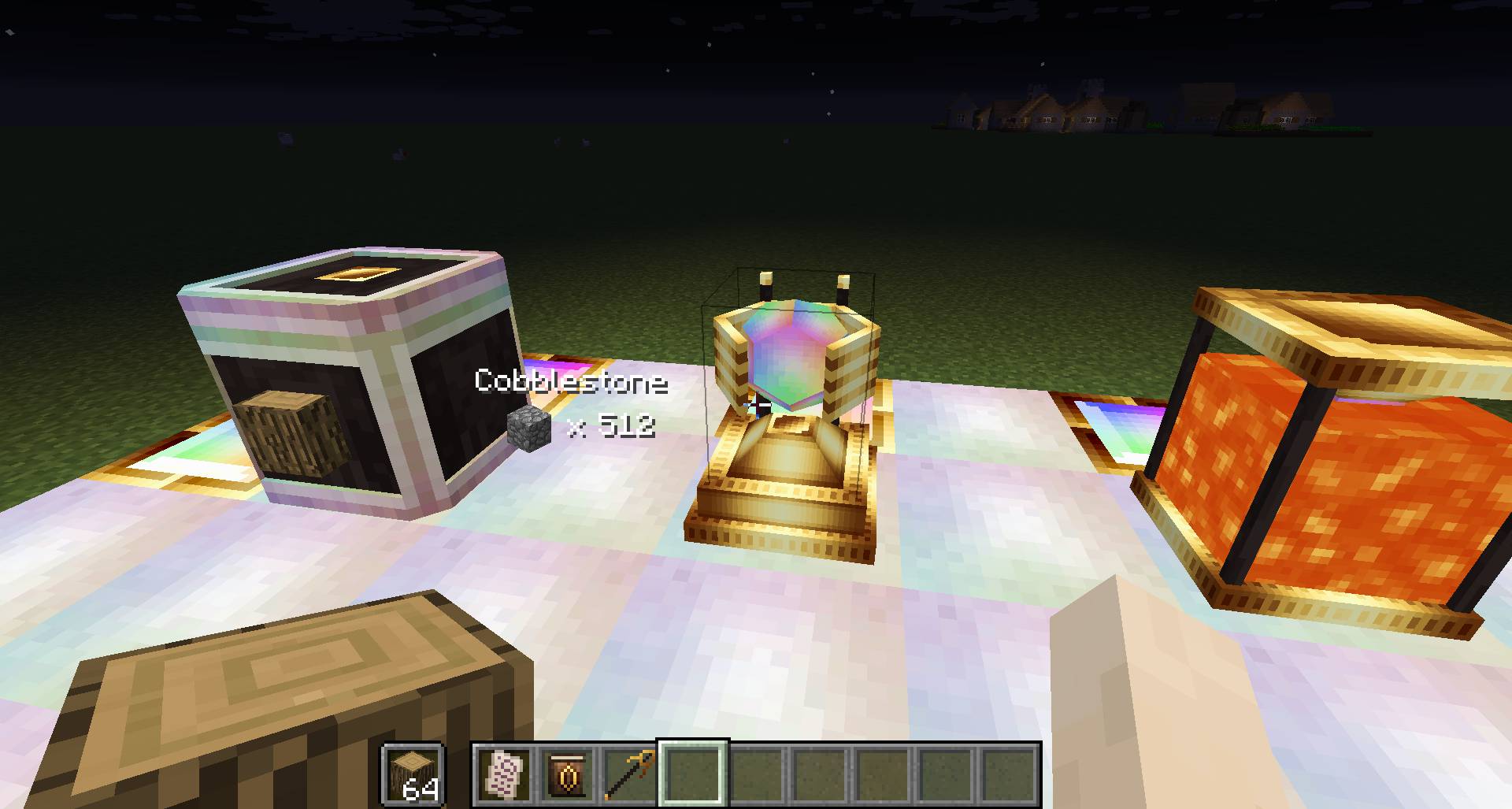
The HUD tooltip rendering for the Radiant Trove
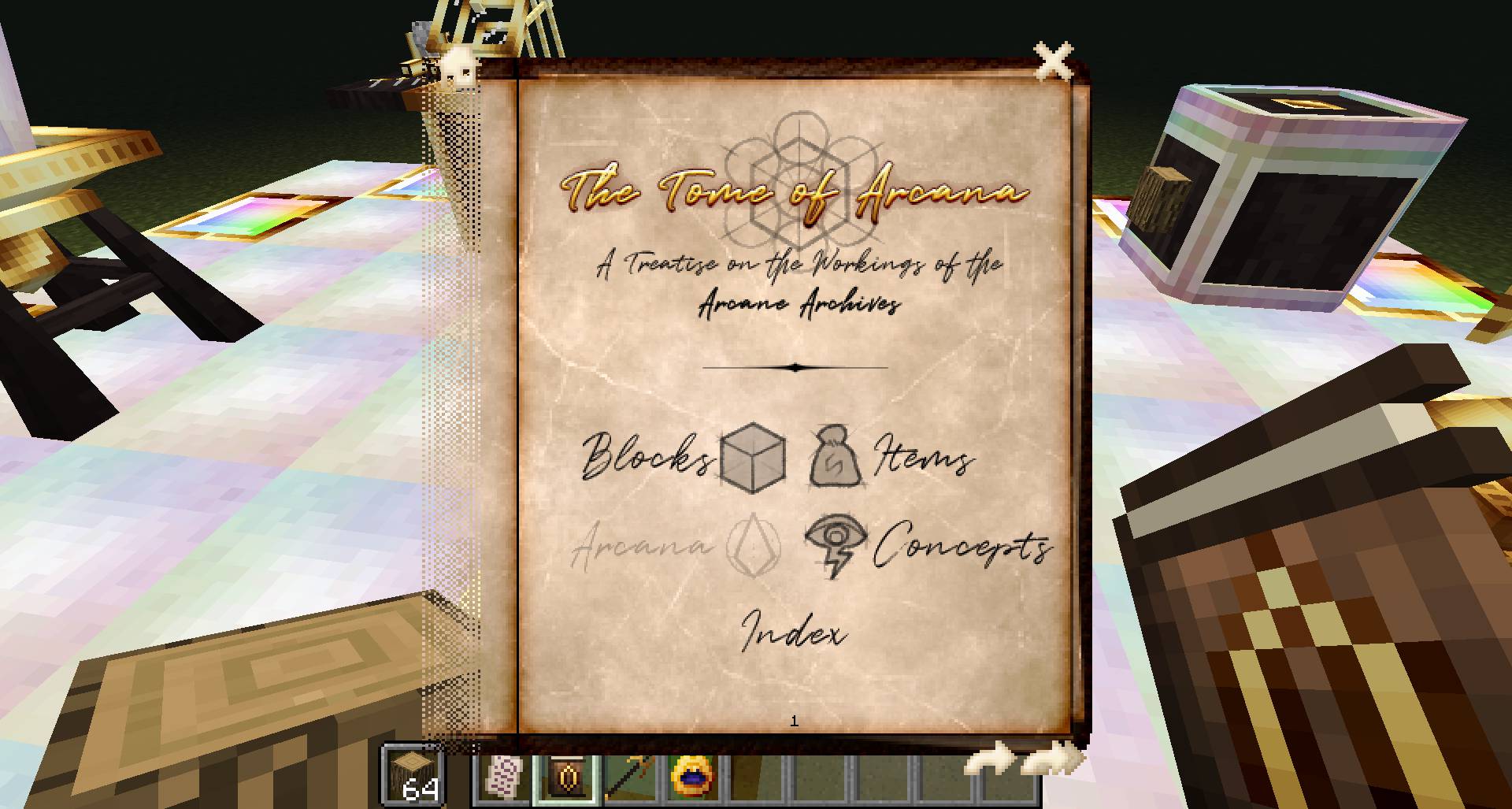
The title page of the Tome of Arcana
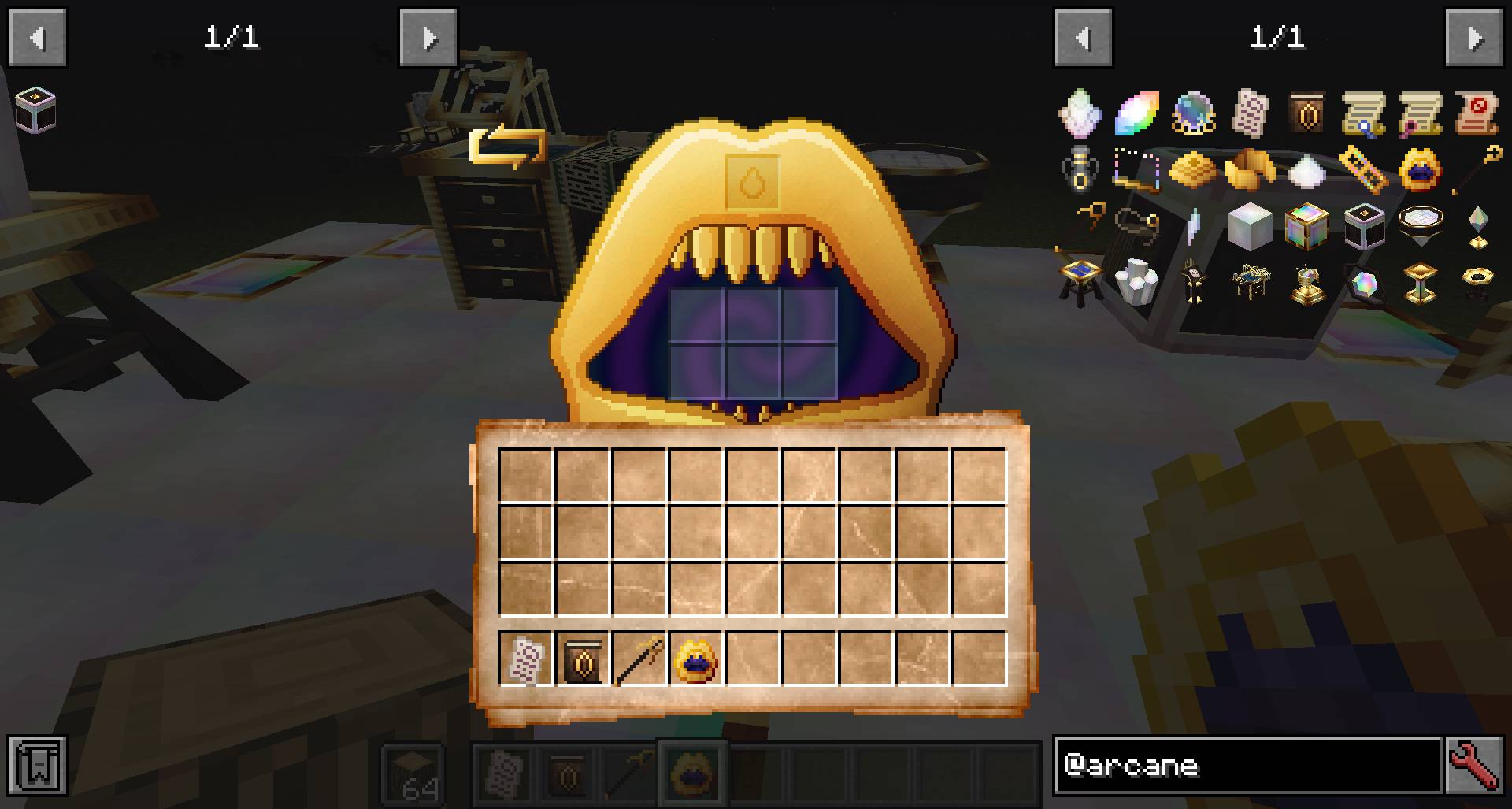
The front-face of the Devouring Charm
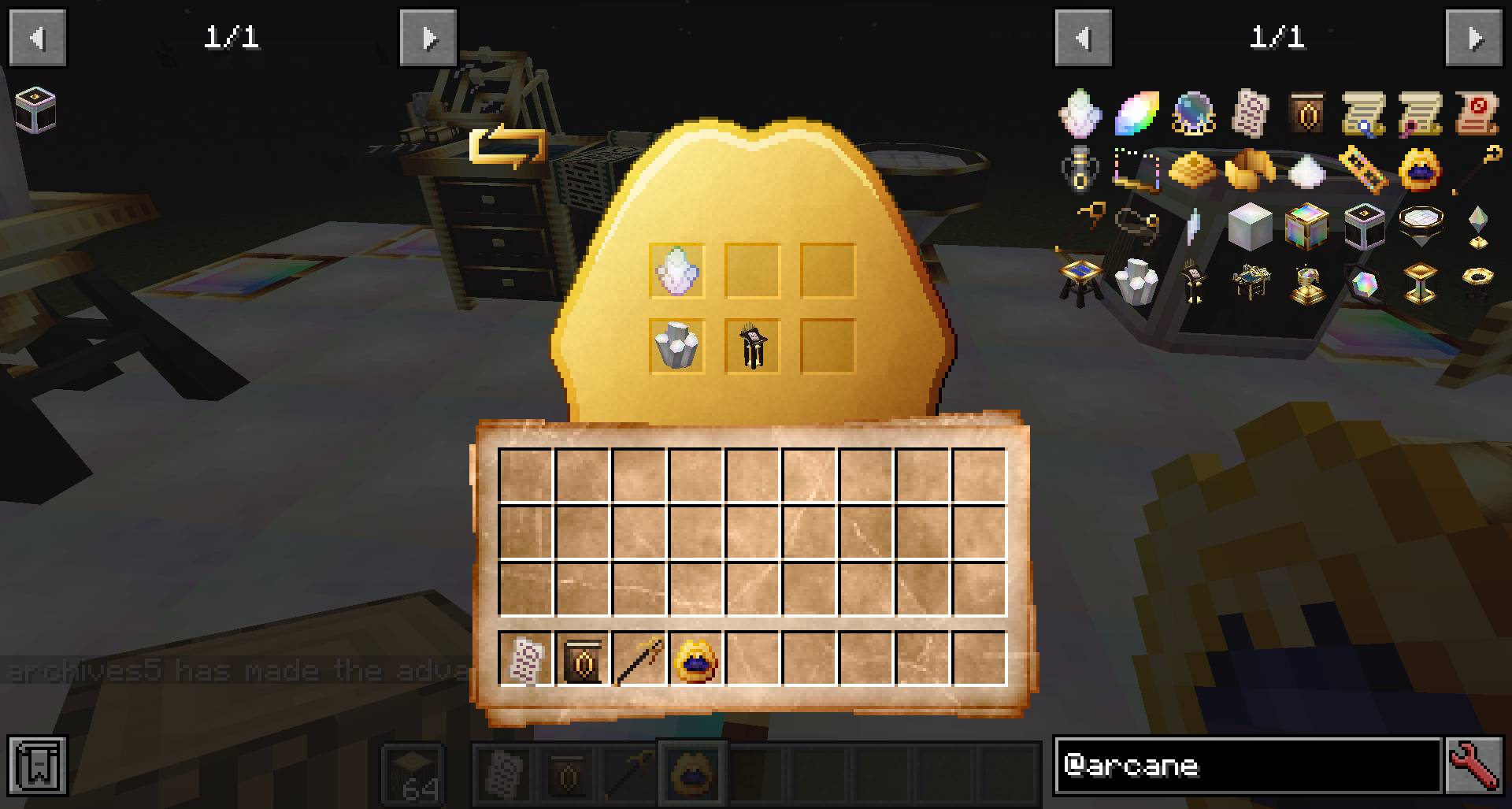
The back-side of the Devouring Charm: These items will be destroyed instead of being picked up.
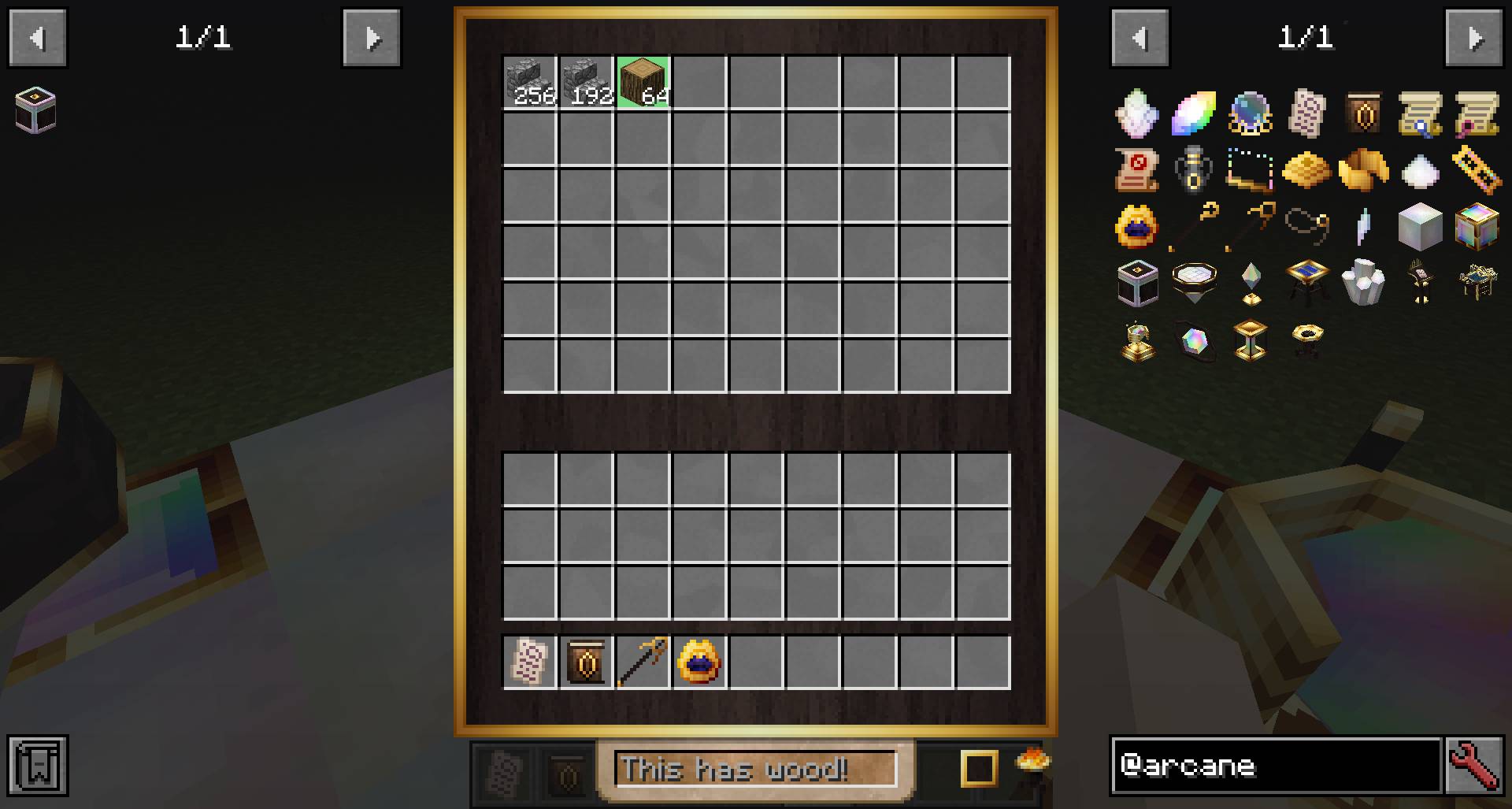
The Radiant Chest interior with Name & Tracked Logs
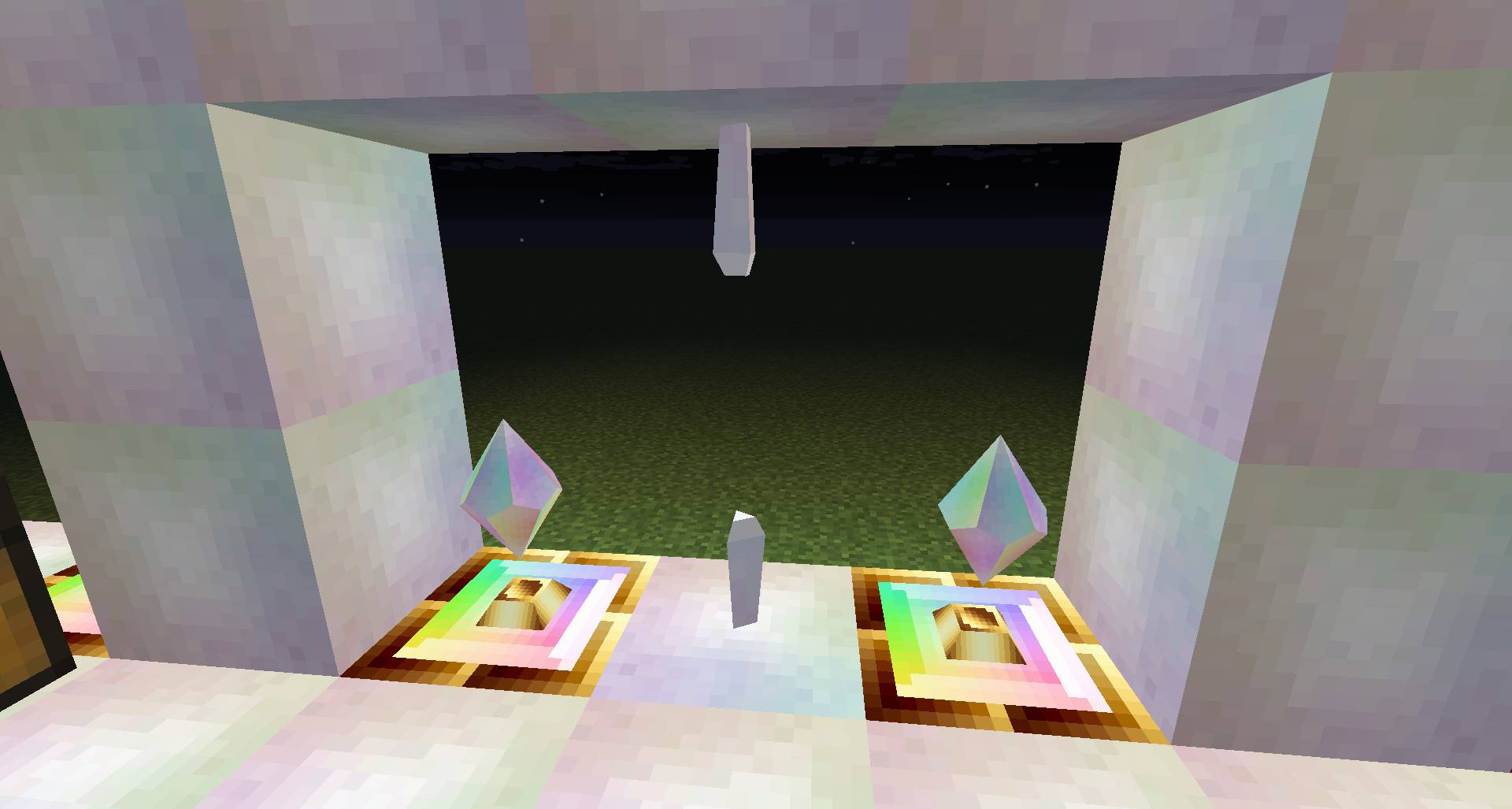
Decorative blocks: radiant slivers (vertical torches), radiant lamps
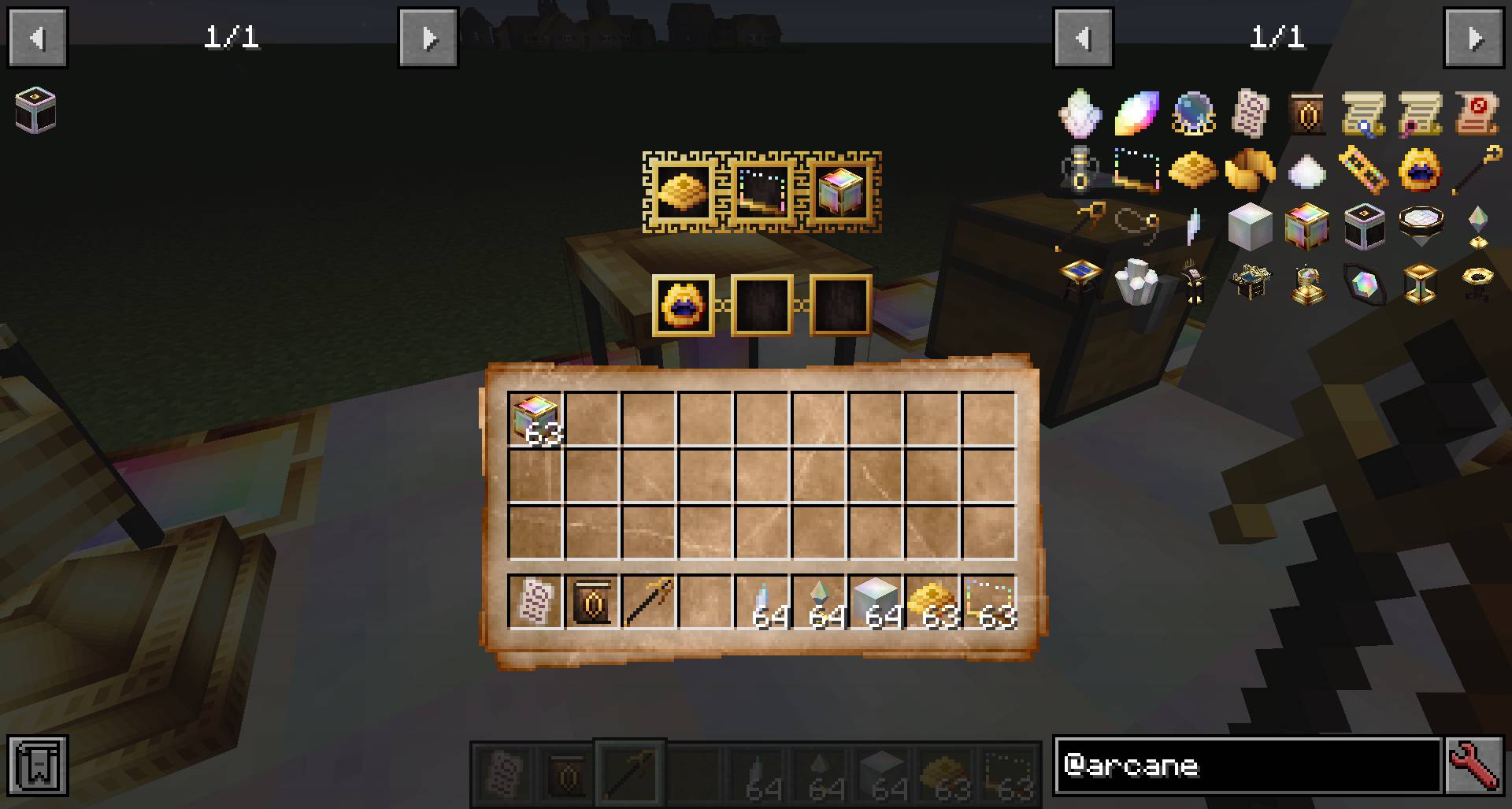
The upgrade interface (this one is for Tanks)
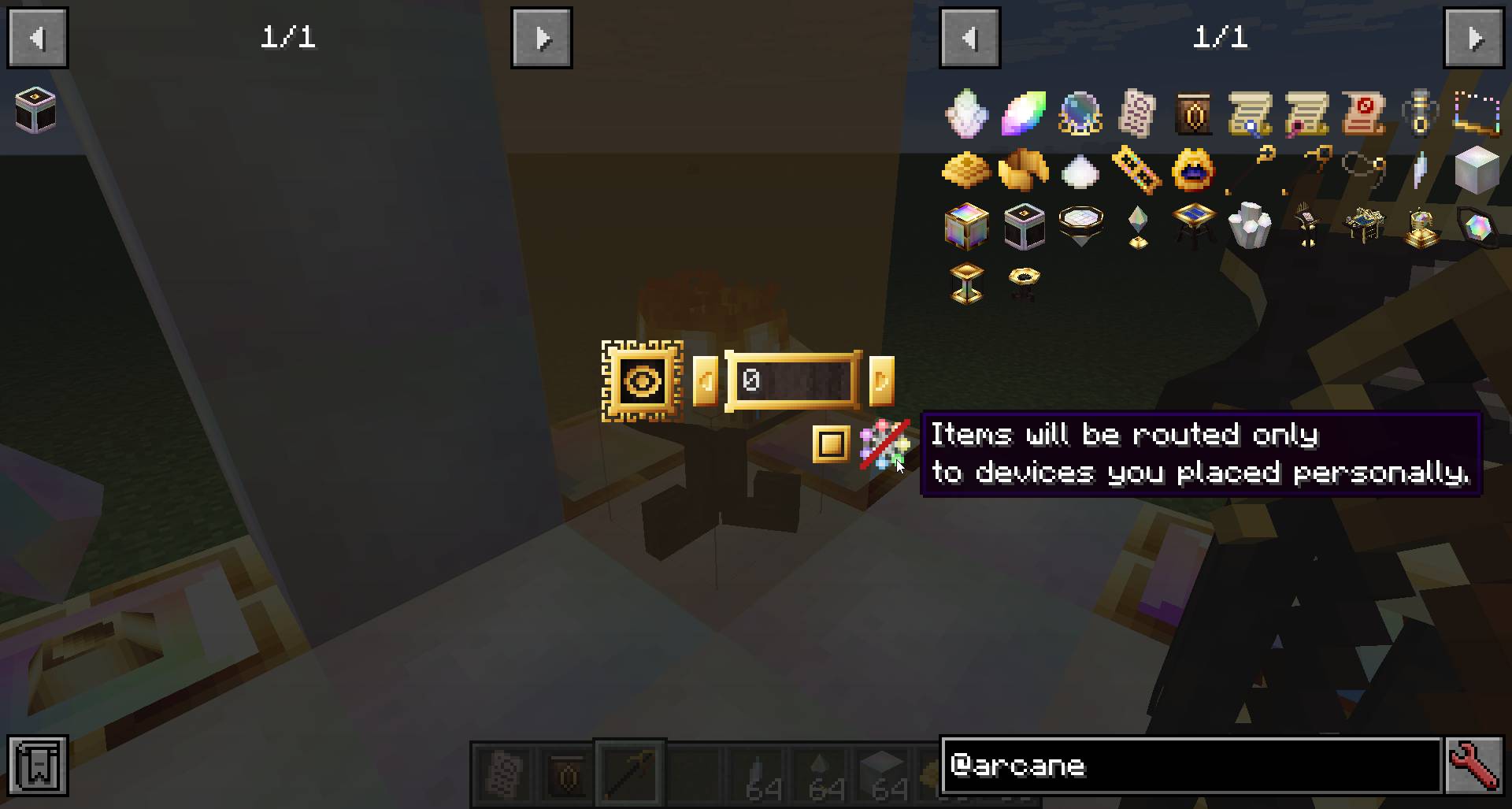
The interface for the Brazier Of Hoarding, showing the range (top to bottom of the world), currently radius of 0 blocks
How to Install:
New to Minecraft? Follow our step-by-step guide to install Mods on your PC.View Guide
Requirements:

Arcane Archives Mod Download Links
For Minecraft 1.12.2
What do you usually do when your modded game crashes on startup?
22 responses · See the full results →
You May Also Like
Picked for this page
 Inventory HUD+ Mod (26.3, 1.20.1) – Always-On-Screen Information
 YUNG’s Better Caves Mod (1.21.1, 1.20.1) – New Generation of Caverns or Caves
 ShayBox’s Durability101 Mod (26.1, 1.20.1) – Durability Tracking & Management
 JAMD Mod (26.1.2, 1.20.1) – Just Another Mining Dimension
 Construction Sticks Mod (26.3, 1.20.1) – Build Giant Walls in Seconds
 Disguise Heads Mod (26.3, 1.20.1) – Skin Swap Sensation, Explore Creative Disguises
 Freecam Fair Play Mod (26.3, 1.20.1) – Capture Your Builds From Any Angle
 CobbleBadges Mod (1.21.1, 1.20.1) – Cobblemon Badge Progression System
 Yeehaw Towns Mod (1.21.10, 1.20.1) – Raid Cowboy Illager Towns for Loot
 Safari Cobblemon Mod (1.21.1) – Catch Cobblemon in a Battle-Free Safari
 Elysium Core Mod (1.20.1) – Play the Elysium Days Modpack As Intended
 Thigh Highs Etcetera Mod (1.20.1, 1.20) – Stylish Socks
Most viewed in Mods over the last 7 days
 Ala Industrial Mod (26.3) – Run Electric Power Grids and Automated Factories
 PleasureCraft Mod (26.3, 1.21.1) – Jenny Mod Remake for Fabric
 Jennycraft Mod (26.3, 1.20.1) – Virtual Girlfriend in Minecraft
 Fapcraft Mod (26.3, 1.12.2) – Comprehensive and Detailed Content
 Jenny Mod (Fapcraft) Official Complete Guide – How to use, Tutorial
 Meteor Client Mod (26.3, 1.20.1) – Xray, HUD, Fly
 BangCraft Mod (1.20.1) – Jenny, Ellie and Elliot
 Fabric Loader (26.3, 1.20.1) – Fabric Installer for All Minecraft Versions
 OptiFine HD (26.3, 1.20.1) – Run Faster, FPS Boost, Shaders Support
 SchnurriTV Mod (1.12.2) – Characters and Features
 Aristois Client Mod (1.21.4, 1.20.1) – World Class Minecraft Utility
 CatLean Client Mod (26.2, 1.21.11) – ThunderHack Recode Alternatives
More from Mods
 Cheaper Armor Trims Mod (26.3) – Copy Your Favorite Armor Trims
 Deltapack Mod (26.3, 1.21.11) – Fight a Bullet Hell Boss and Freeze Mobs
 Bastion Turret Mod (1.20.1) – Build Turret Defenses That Hold Off Every Mob Wave
 It’s Peat I’m Afraid Mod (1.21.1) – Cook Up Peat Fuel and Open a Wasteland
 Undead Party Mod (1.20.1) – Survive Charger Rushes, Acid Puddles
 Bucketable Port Mod (26.3) – Catch Any Mob in a Bucket, Even the Ender Dragon
 Punchy Studio Mod (26.3, 1.20.1) – Animate Your Own Combat Moves Right
 Mob Kill Counter Mod (26.3, 1.20.1) – Keep Score of Every Kill in Your Survival
 Strength SMP Season V Mod (26.2) – Charge Weapon Ultimates Through Every Fight
 Playtime Counter Mod (26.3, 1.20.1) – Track Every Hour of Your Hardcore
 Ragdollified Reactions Toggle Mod (26.2, 1.20.1) – Explosions Send You Flying
 Dynamic Glass Mod (26.3, 1.20.1) – Build Clean Windows with Borderless

This post has no comments yet. Be the first — your comment will appear here.