
Armor Visibility Mod (1.21.5, 1.20.1) – Show Your Skin Without Removing Armor

 0


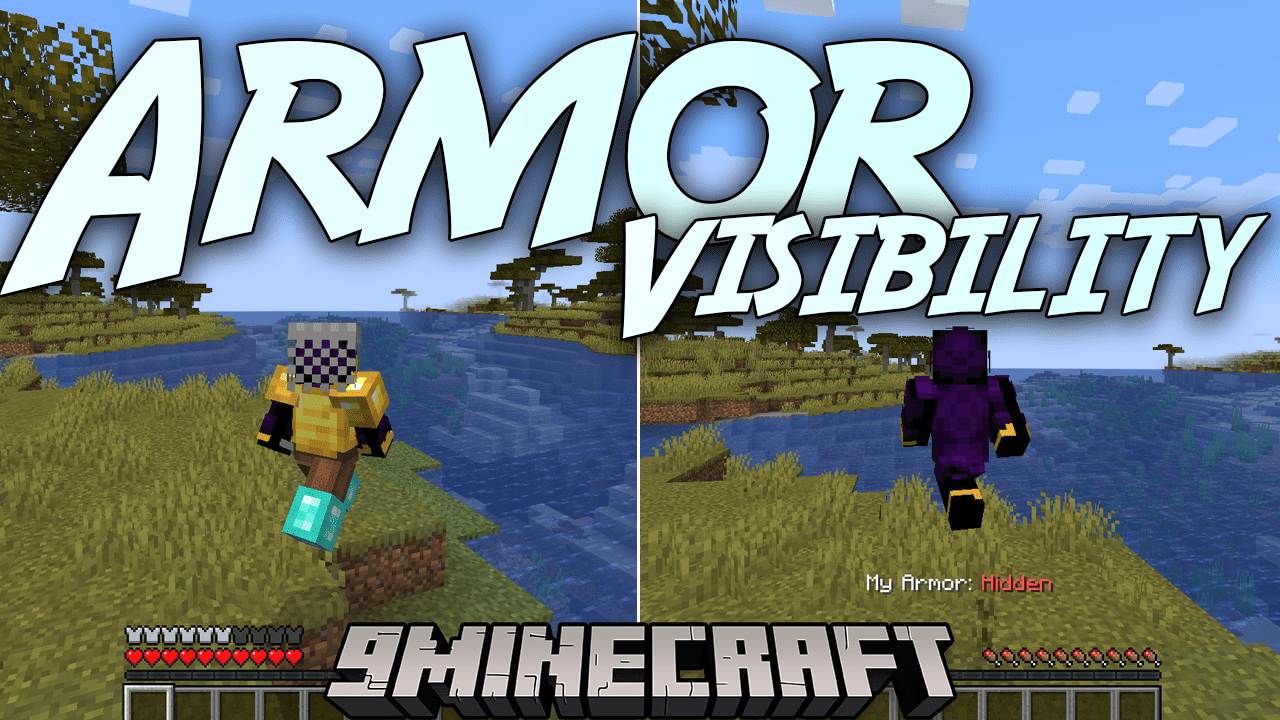
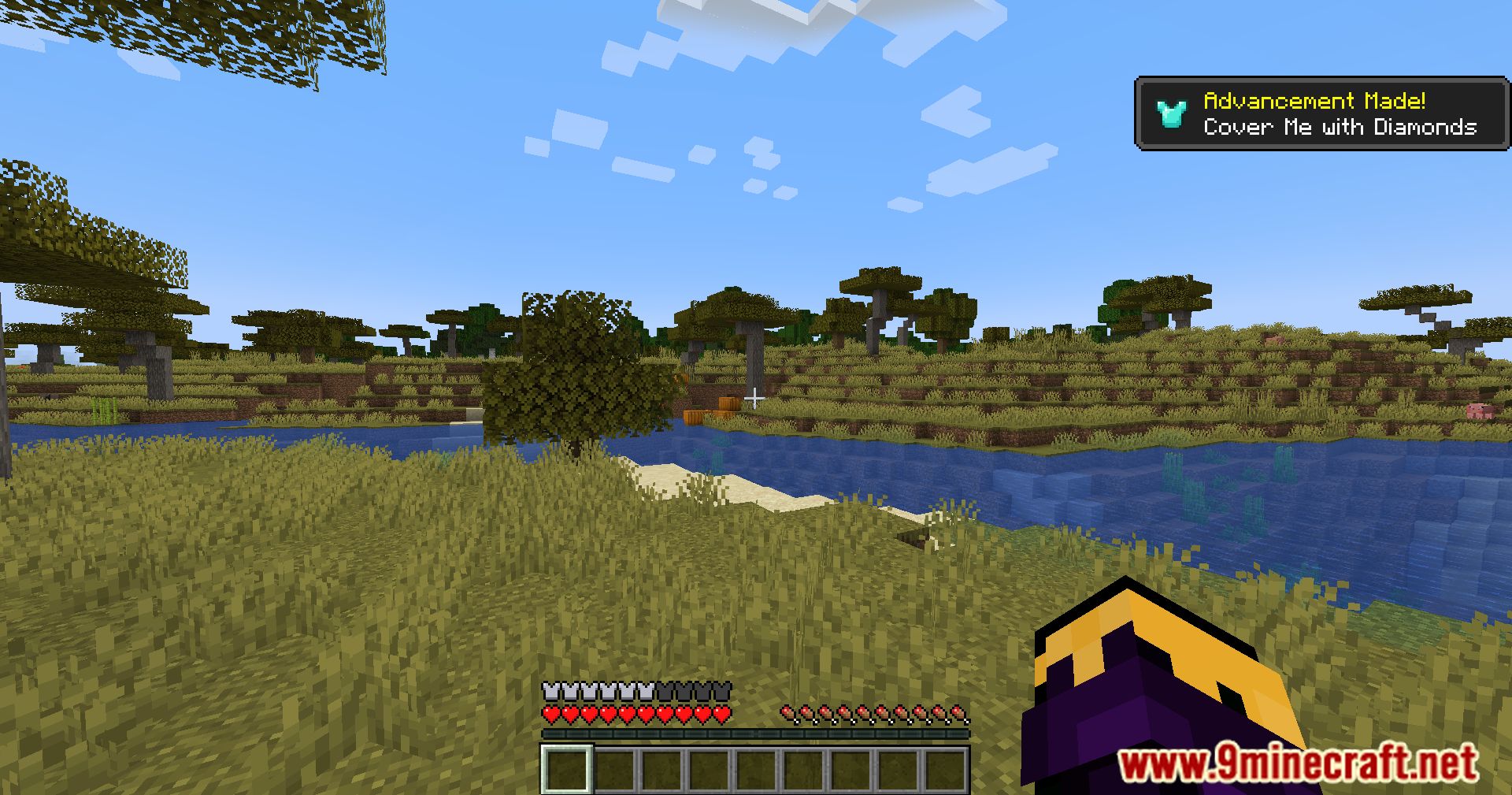
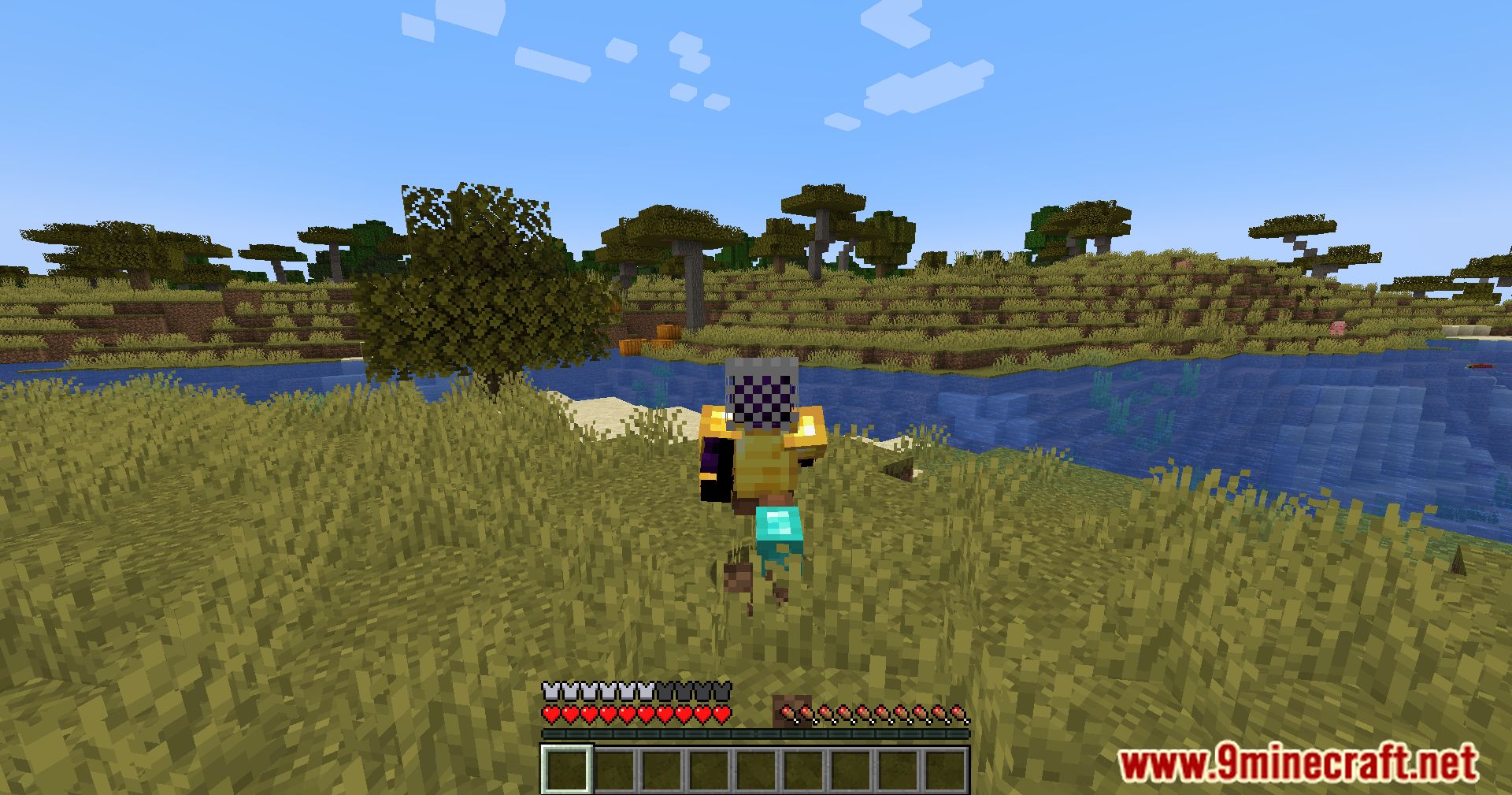
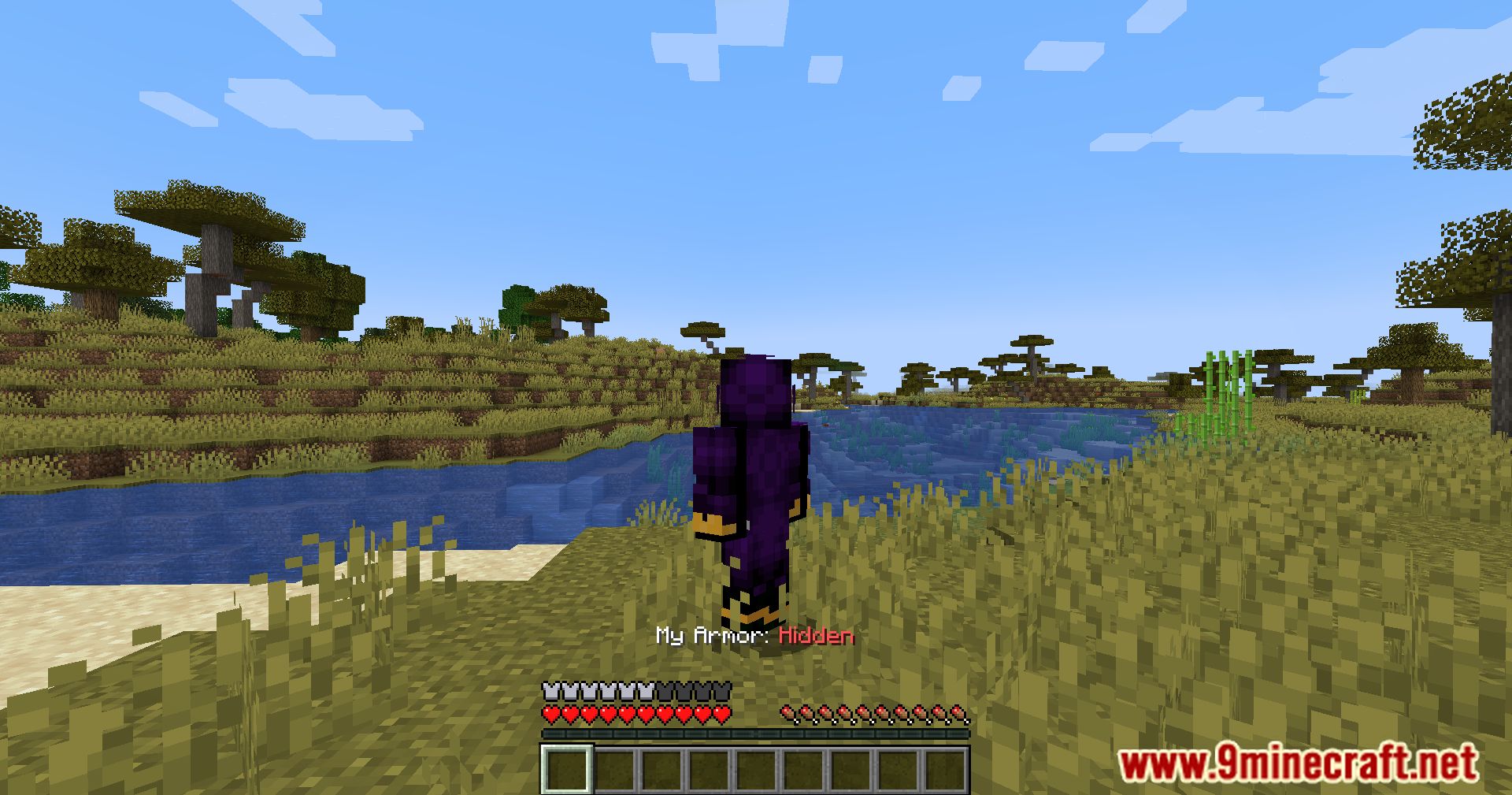
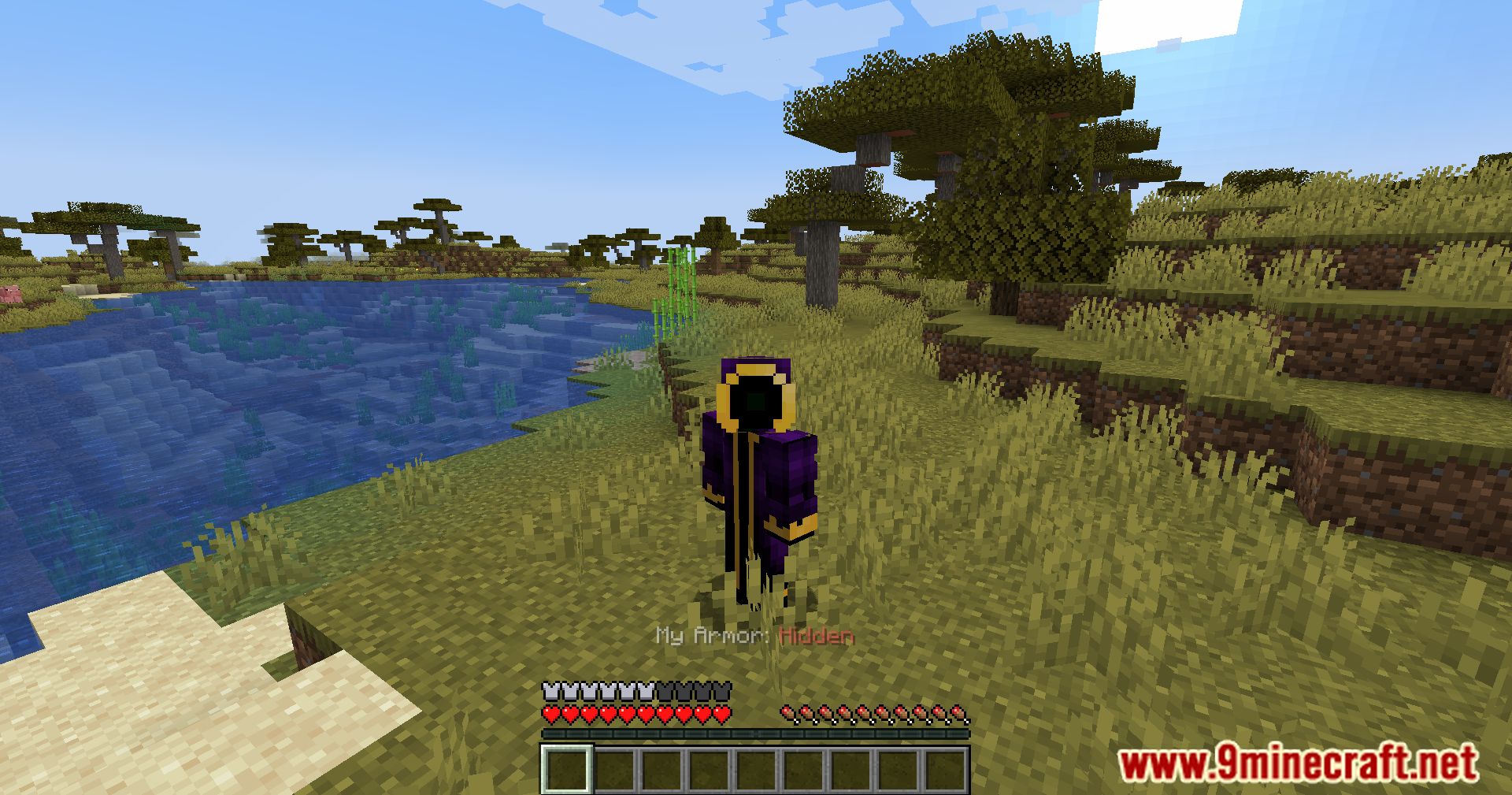
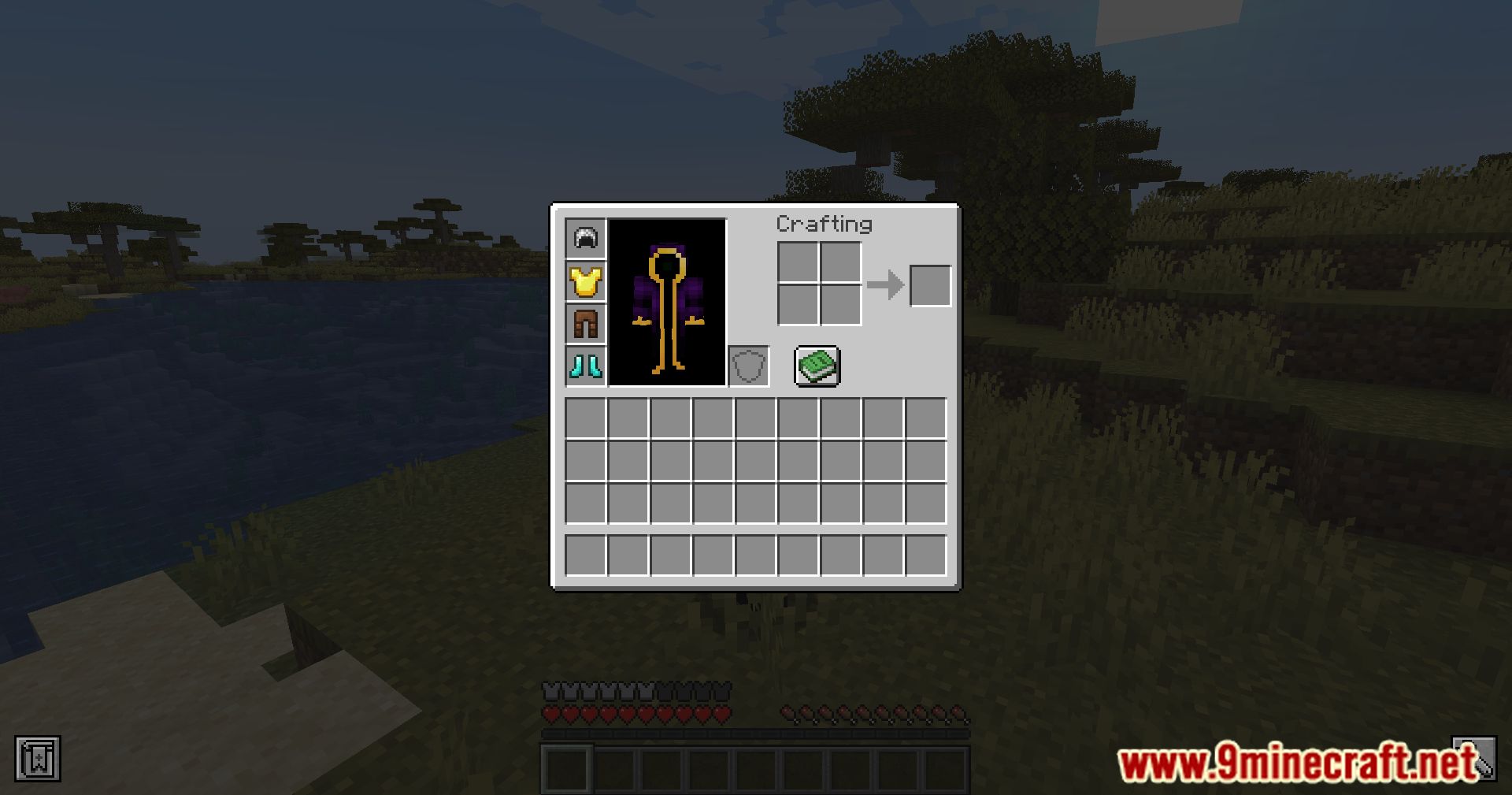
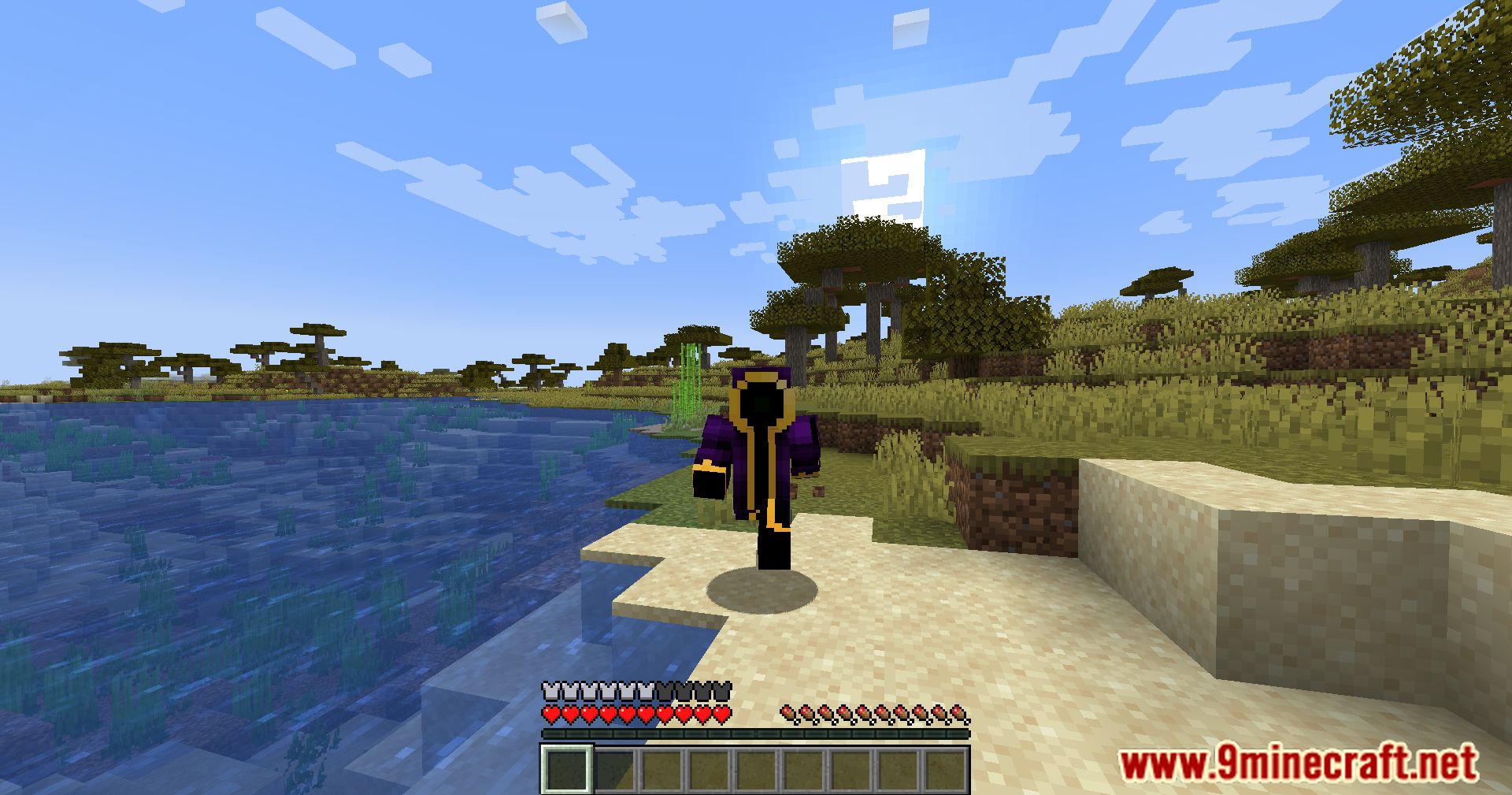
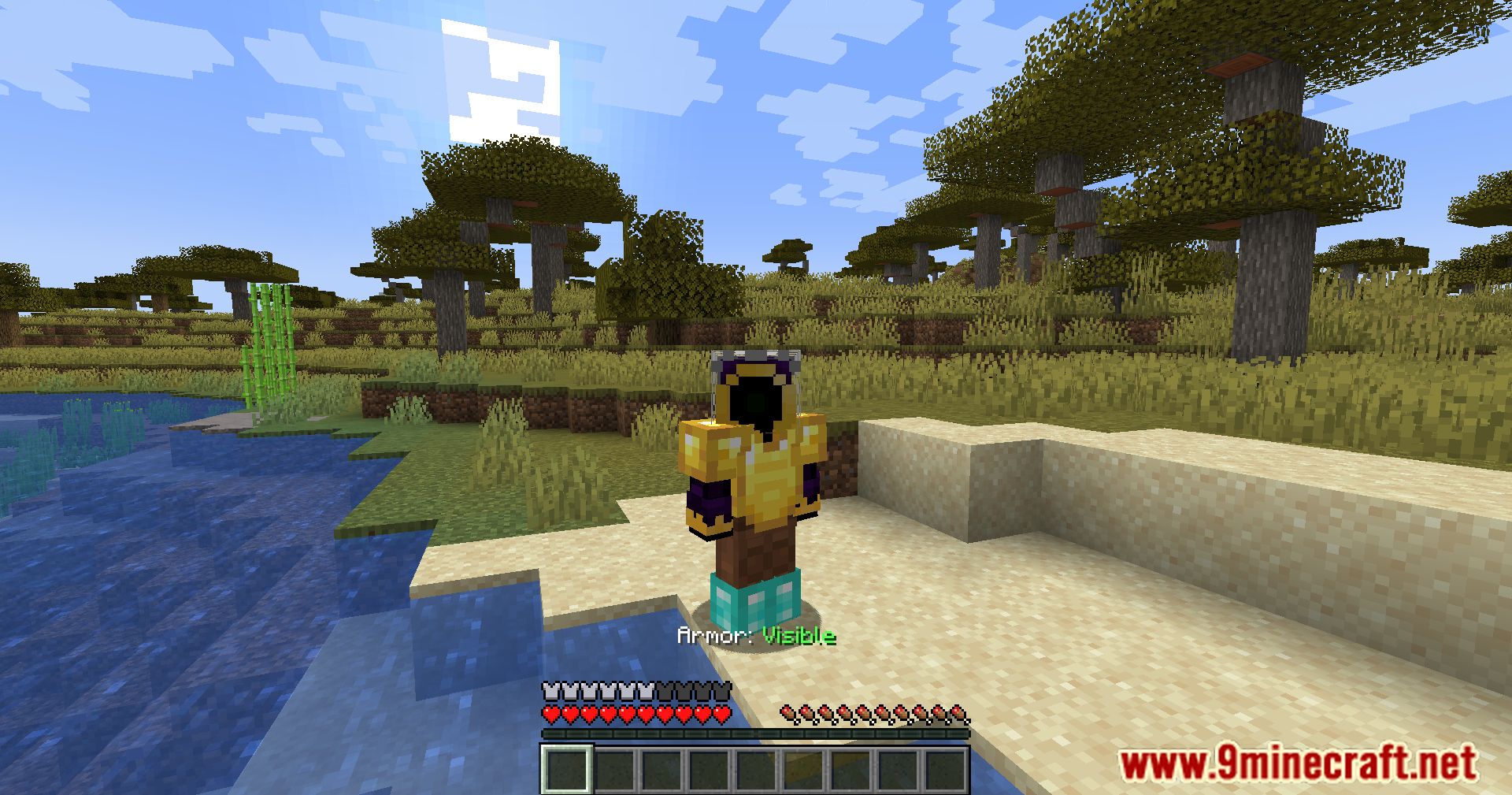
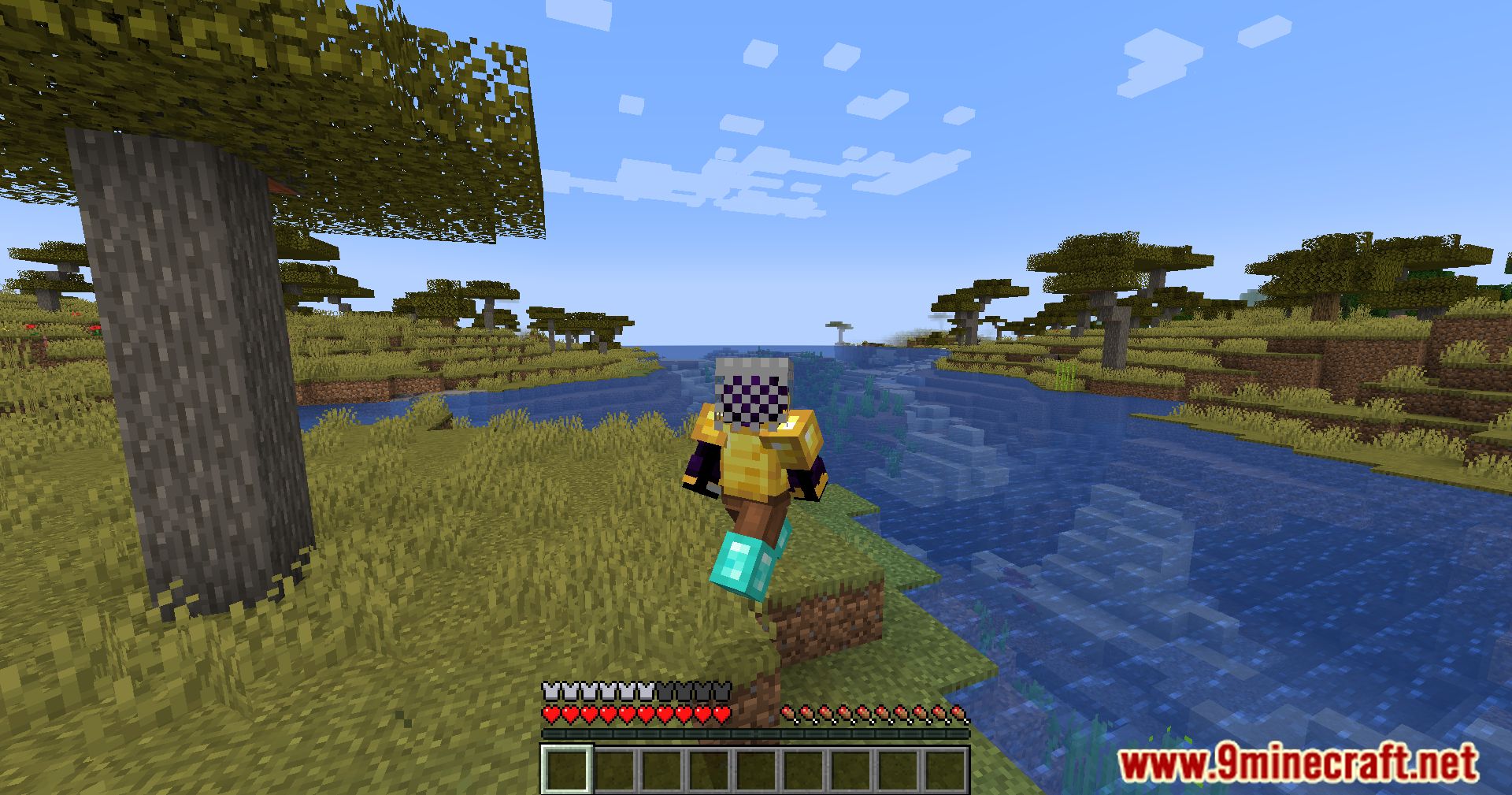
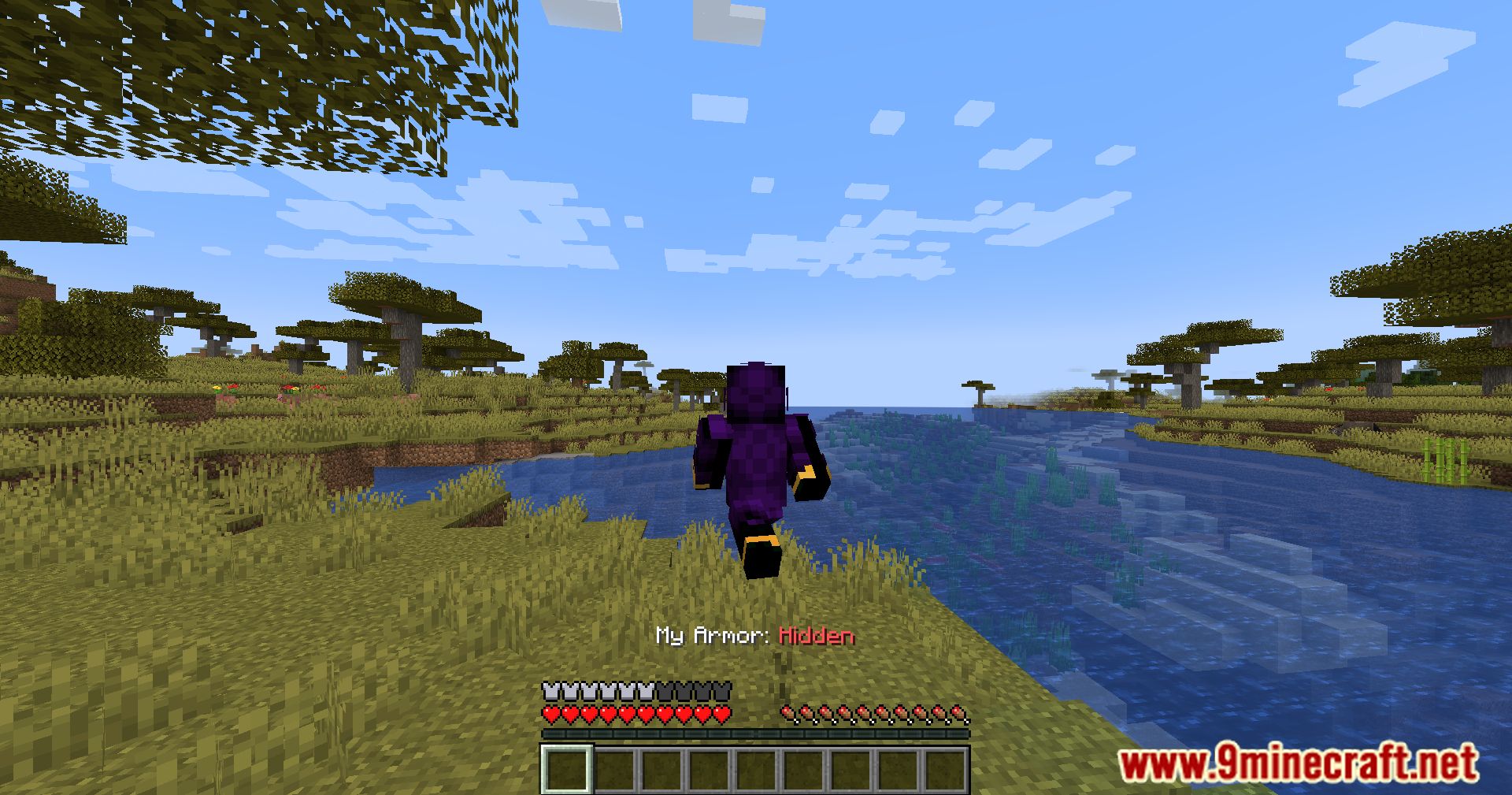
Armor Visibility Mod lets you hide armor in Minecraft so you can see your own skin and other players’ skins clearly. You can hide just your armor or hide armor for every player on screen with a quick toggle key. This mod also lets you keep capes or elytra visible and choose if armor on mobs and armor stands can be hidden in its config file. It works on the client side only, so armor stays unchanged on other players’ screens.
Features:
- Shows your own skin and other players’ skins right through worn armor.
- Lets you press the
vkey (default) to hide or show your own armor at any time. - Lets you hold Shift and press the toggle key (
Vby default) to hide or show armor for all players on your screen. - Works on the client side only, so it does not change how armor looks for other players.
- Includes config options to keep elytra or capes visible and to choose whether armor on mobs and armor stands (such as zombies) can be toggled.
- Supports in-game config editing through Mod Menu on Fabric and Quilt.
Configuration:
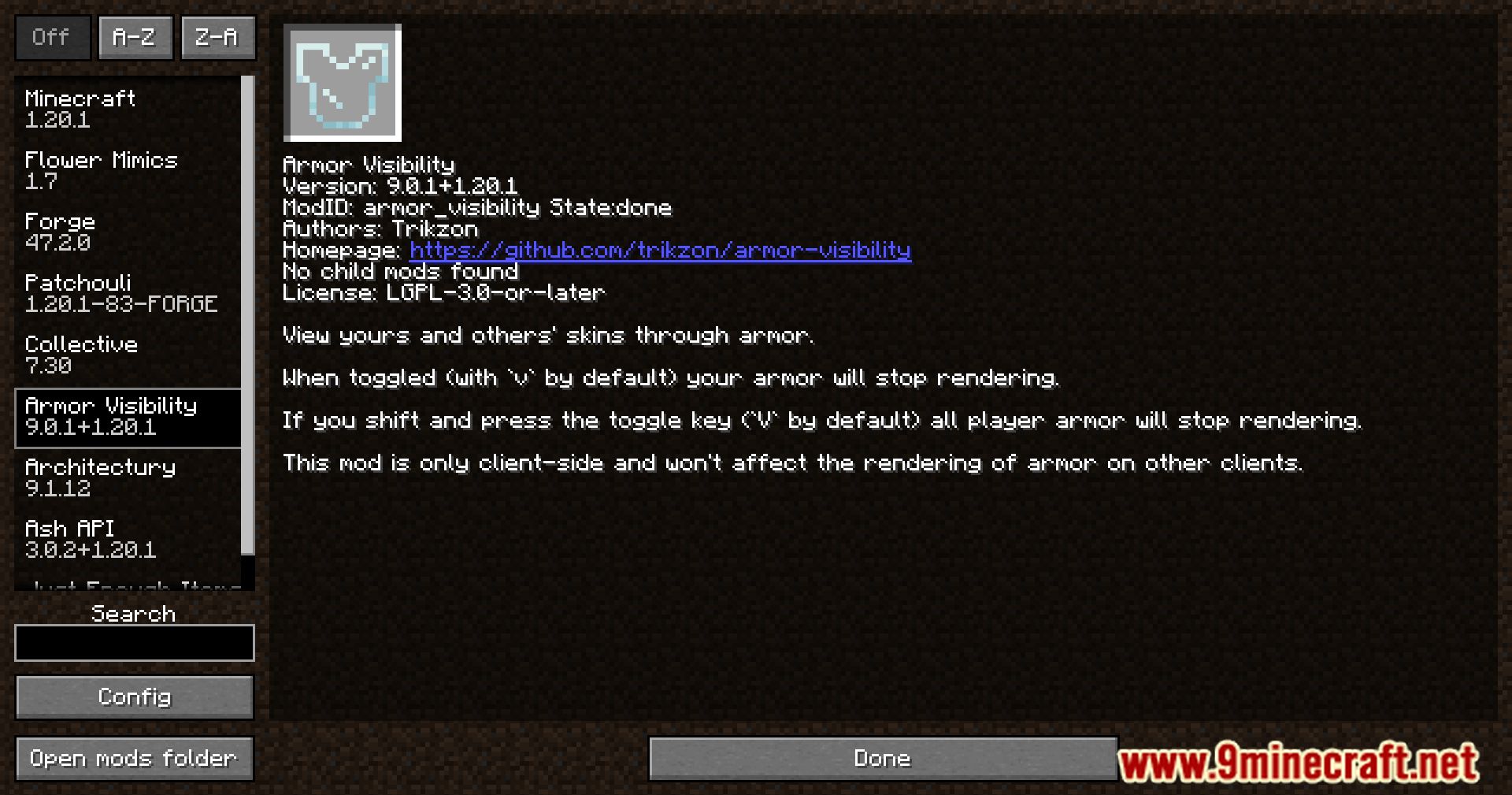
You can edit the config file at .minecraft/config/armor_visibility.json or change settings in-game using Mod Menu on Fabric and Quilt.
keep_elytra_visible: Keeps elytra visible when set totrue(default isfalse).keep_cape_visible: Keeps capes visible when set totrue(default istrue).players_only: Stops armor on mobs and armor stands (such as zombies) from being toggled when set totrue(default istrue).
{
  "version": 3,
  "keep_elytra_visible": false,
  "keep_cape_visible": true,
  "players_only": true
}
How to Use:
- Press the V key (default) while playing to toggle your own armor on or off so your skin shows.
- Hold Shift and press V (default) to toggle armor for all players on your screen.
- Open
.minecraft/config/armor_visibility.json, or open the in-game UI with Mod Menu on Fabric and Quilt, to change whether elytra, capes, and armor on mobs or armor stands stay visible.
Screenshots:
How to Install:
New to Minecraft? Follow our step-by-step guide to install Mods on your PC.View Guide
Armor Visibility Mod Download Links
For Minecraft 1.15.2
Forge Version: Download from Server 1 – Download from Server 2
Fabric Version: Download from Server 1 – Download from Server 2
For Minecraft 1.16.5
Forge Version: Download from Server 1 – Download from Server 2
Fabric Version: Download from Server 1 – Download from Server 2
For Minecraft 1.17.1
Forge Version: Download from Server 1 – Download from Server 2
Fabric Version: Download from Server 1 – Download from Server 2
For Minecraft 1.18.2
Forge Version: Download from Server 1 – Download from Server 2
Fabric Version: Download from Server 1 – Download from Server 2
Quilt Version: Download from Server 1 – Download from Server 2
For Minecraft 1.19.2, 1.19.1, 1.19
Forge Version: Download from Server 1 – Download from Server 2
Fabric Version: Download from Server 1 – Download from Server 2
Quilt Version: Download from Server 1 – Download from Server 2
For Minecraft 1.19.4, 1.19.3
Forge Version: Download from Server 1 – Download from Server 2
Fabric Version: Download from Server 1 – Download from Server 2
Quilt Version: Download from Server 1 – Download from Server 2
For Minecraft 1.20.1, 1.20
Forge Version: Download from Server 1 – Download from Server 2
Fabric Version: Download from Server 1 – Download from Server 2
Quilt Version: Download from Server 1 – Download from Server 2
For Minecraft 1.20.2
Forge Version: Download from Server 1 – Download from Server 2
Fabric/Quilt Version: Download from Server 1 – Download from Server 2
NeoForge Version: Download from Server 1 – Download from Server 2
For Minecraft 1.20.4
Forge Version: Download from Server 1 – Download from Server 2
Fabric/Quilt Version: Download from Server 1 – Download from Server 2
NeoForge Version: Download from Server 1 – Download from Server 2
For Minecraft 1.20.6
Forge Version: Download from Server 1 – Download from Server 2
Fabric/Quilt Version: Download from Server 1 – Download from Server 2
NeoForge Version: Download from Server 1 – Download from Server 2
For Minecraft 1.21.1, 1.21
Fabric/Quilt Version: Download from Server 1 – Download from Server 2
NeoForge Version: Download from Server 1 – Download from Server 2
For Minecraft 1.21.4
Fabric/Quilt Version: Download from Server 1 – Download from Server 2
NeoForge Version: Download from Server 1 – Download from Server 2
For Minecraft 1.21.5
Fabric/Quilt Version: Download from Server 1 – Download from Server 2
NeoForge Version: Download from Server 1 – Download from Server 2
Which performance or optimization mod do you rely on the most?
2 responses · See the full results →
You May Also Like
Picked for this page
 Moving Elevators Mod (26.3, 1.20.1) – Fully Functional Elevators
 Auto Plant Crops Mod (1.21.10, 1.20.1) – Multiple Planting Options
 Compact Storage Mod (26.2, 1.20.1) – Carry Everything You Find
 Item Obliterator Mod (26.1, 1.20.1) – Curate the Perfect Modpack
 Wooden Bucket Mod (26.3, 1.20.1) – A Wooden Bucket
 Boat Break Fix Mod (26.2, 1.20.1) – Hotfix to Prevent Accidental Deaths
 Crash Assistant Mod (26.3, 1.20.1) – Easily Debug Your Modpack
 Pv-Addon-Sculk Mod (26.3, 1.20.1) – Wardens Detect Player Mic Audio
 Allow Portal GUIs Mod (26.3, 1.20.1) – Access Inventory And Chat In Portals
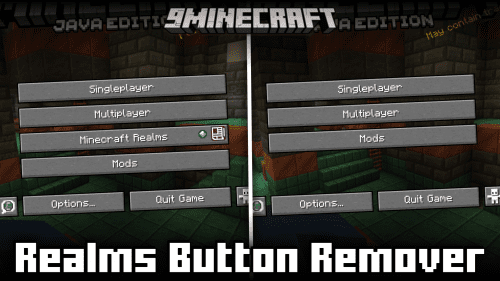 Realms Button Remover Mod (26.3, 1.20.1) – Removes The Realm Button From Main Menu
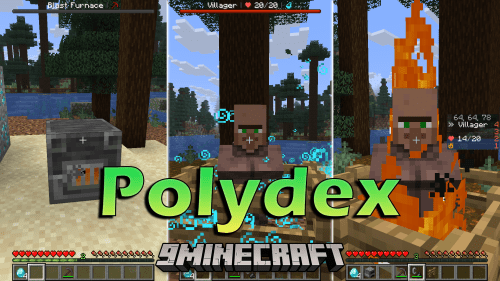 Polydex Mod (26.3, 1.20.1) – Recipes And Tooltips Vanilla Style
 Shut Up Dead Entities Mod (26.2, 1.20.1) – Cancels Mob Sounds
Most viewed in Mods over the last 7 days
 Ala Industrial Mod (26.3) – Run Electric Power Grids and Automated Factories
 PleasureCraft Mod (26.3, 1.21.1) – Jenny Mod Remake for Fabric
 Jennycraft Mod (26.3, 1.20.1) – Virtual Girlfriend in Minecraft
 Fapcraft Mod (26.3, 1.12.2) – Comprehensive and Detailed Content
 Jenny Mod (Fapcraft) Official Complete Guide – How to use, Tutorial
 BangCraft Mod (1.20.1) – Jenny, Ellie and Elliot
 Fabric Loader (26.3, 1.20.1) – Fabric Installer for All Minecraft Versions
 The Shooting Star Demo Mod (26.3, 1.20.1) – Vaporize Terrain From Orbit
 Meteor Client Mod (26.3, 1.20.1) – Xray, HUD, Fly
 OptiFine HD (26.3, 1.20.1) – Run Faster, FPS Boost, Shaders Support
 Aristois Client Mod (1.21.4, 1.20.1) – World Class Minecraft Utility
 Prestige Client Mod (1.21.11, 1.21.4) – Powerful Ghost Features for Crystal & Sword PvP
More from Mods
 LARP Client Mod (1.21.11) – Dominate Crystal PvP on Anarchy Servers
 Berlin Client Mod (1.21.11) – Hunt Stashes and Win Crystal Fights
 Kaleidoscope Cookery Refabricated Mod (26.3, 1.20.1) – Cook Hearty Meals
 Minecraft MusicBox Mod (1.21.12) – Play Your Favorite Songs While Mining and Building
 MTR Navigation Mod (1.21.1) – Plan Railway Trips and Never Miss a Train Stop
 TheHouse Mod (1.21.11) – Host Casino Tables and Track Every Bet in Real Time
 CinematicInteractions Mod (1.21.1) – Watch Your Hands Work at Every Crafting Table
 Earth Platform Mod (1.21.1) – Travel Across Real Continents in a True Scale World
 Taunahi Mod (26.1.2) – Automate Daily Farming and Slayers in Hypixel Skyblock
 HORROR Fake Join Leave Messages Mod (1.20.1) – Trigger Creepy Chat Scares
 Bons Voyage Mod (1.20.1) – Teleport Across Biomes Through Hidden Waystones
 Orbital Railgun UPDATED Mod (26.3) – Flatten Giant Landscapes From Space

This post has no comments yet. Be the first — your comment will appear here.