AudioConnect Plugin (1.12.2) – Bukkit, Spigot, Paper
 429
429
 0
0
 September 19, 2022
 _ForgeUser9387307
AudioConnect Plugin can provide truly unique and immersive gameplay with music, sound effects, soundscapes, voice-over, or audio.
Control when, where, and how audio is played using its powerful WorldGuard region integration. Or trigger audio playback yourself with commands and the plugin API.

Features
Plugin:
- Use WorldGuard region flags and settings to control location based audio
- Add time constraints to limit when an audio source can be played (day, night, morning, afternoon)
- Delay audio playback by a constant or variable duration
- Define multiple audio sources on multiple independent tracks to be played for a single region
- Combine or prioritize audio settings of overlapping regions
- Use commands to play audio sources to all or specific players
- List and monitor which players are connected and listening
- List the available audio IDs of the audio files added to your account
- Easily connect to the web client using /audio or /music in-game
- /mute or /unmute the audio in-game
Web Service:
- Free audio file hosting
- Intuitive admin interface makes it easily to upload and manage your audio files
- Uploaded audio files are available to any of your servers
- Display audio metadata such as title, artist, and album
- Define multiple audio tracks for different types of audio such as music, soundscapes, and sound-effects
- Layer tracks to play multiple audio sources simultaneously and independently
Screenshots:
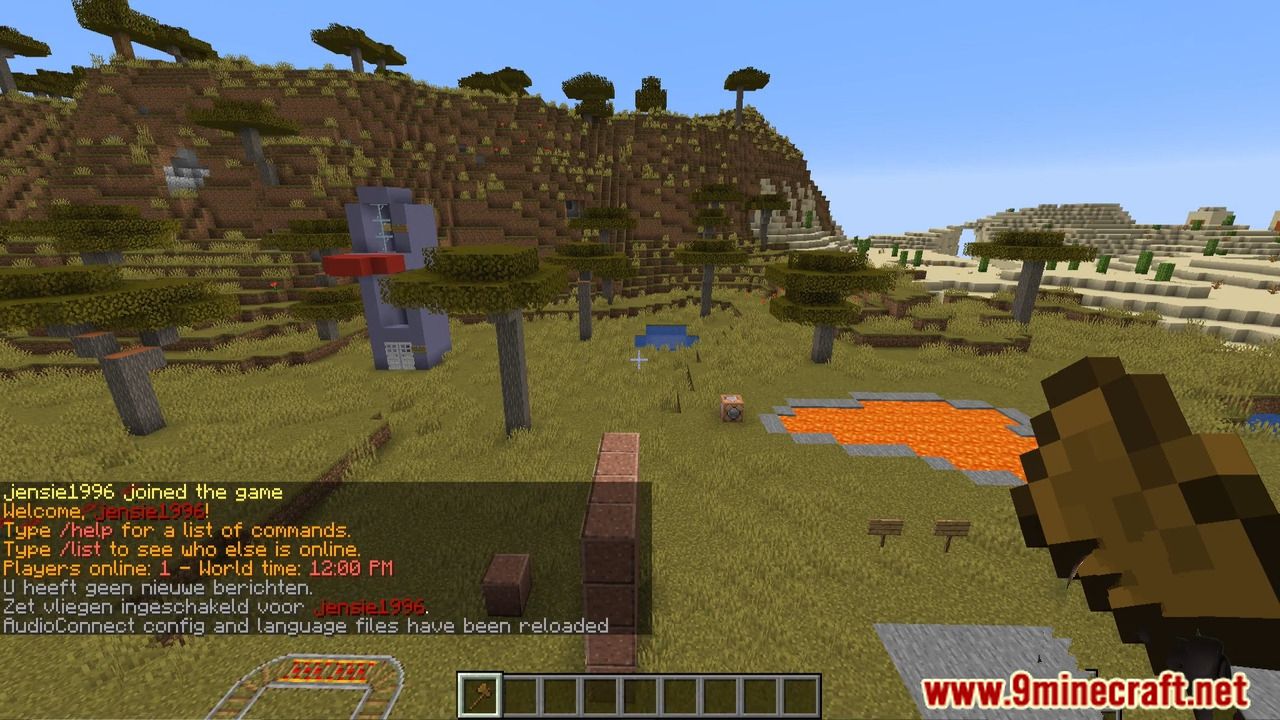

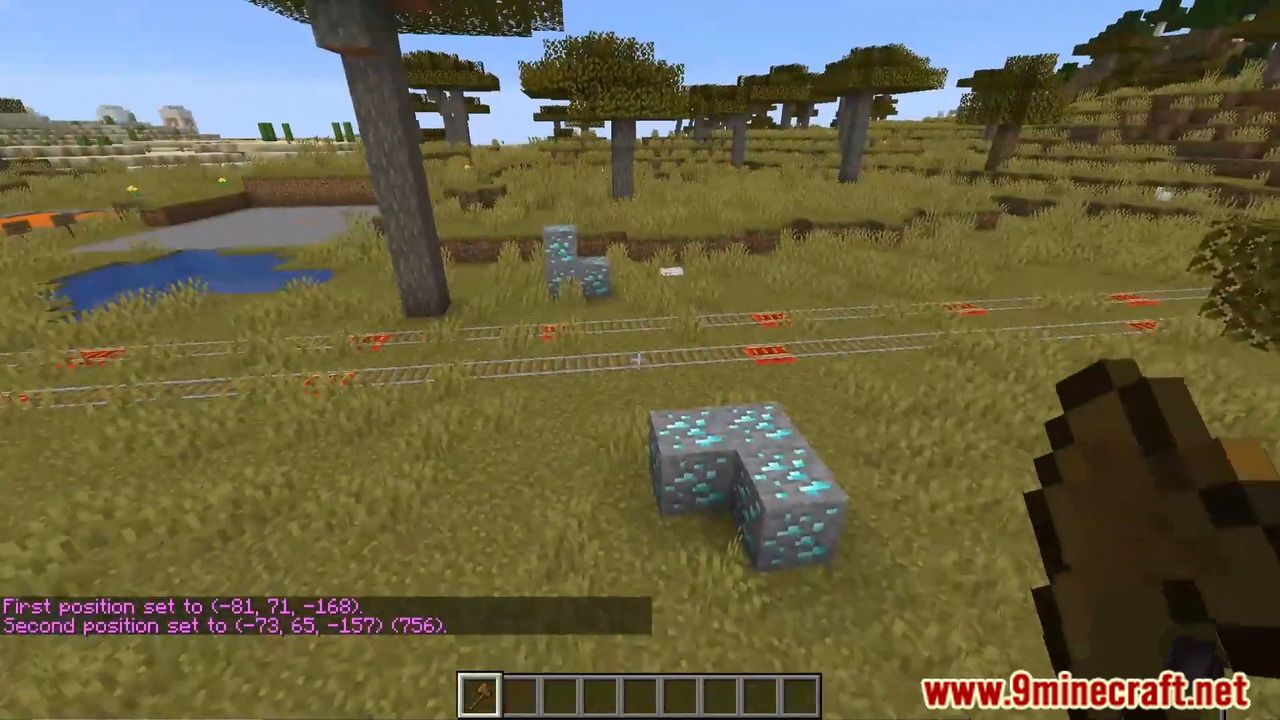
How to install:
- Download a plugin of your choice.
- Place the .jar and any other files in your plugins directory.
- Run the server and wait for it to fully load.
- Type stop in your Minecraft server console to bring the server to a clean stop.
- Run the server.
- All done! Your plugin should be installed and ready to be used.
AudioConnect Plugin Download Links
For All Versions from Minecraft Bukkit 1.8.3 to Minecraft Bukkit 1.12
Click to rate this post!
[Total: 0 Average: 0]
You May Also Like