Auto Lectern Mod (1.21.11, 1.20.6) – Automatically Breaks And Places Villager Workstation
 1,451
1,451
 0
0
 December 21, 2025
 capthehacker99
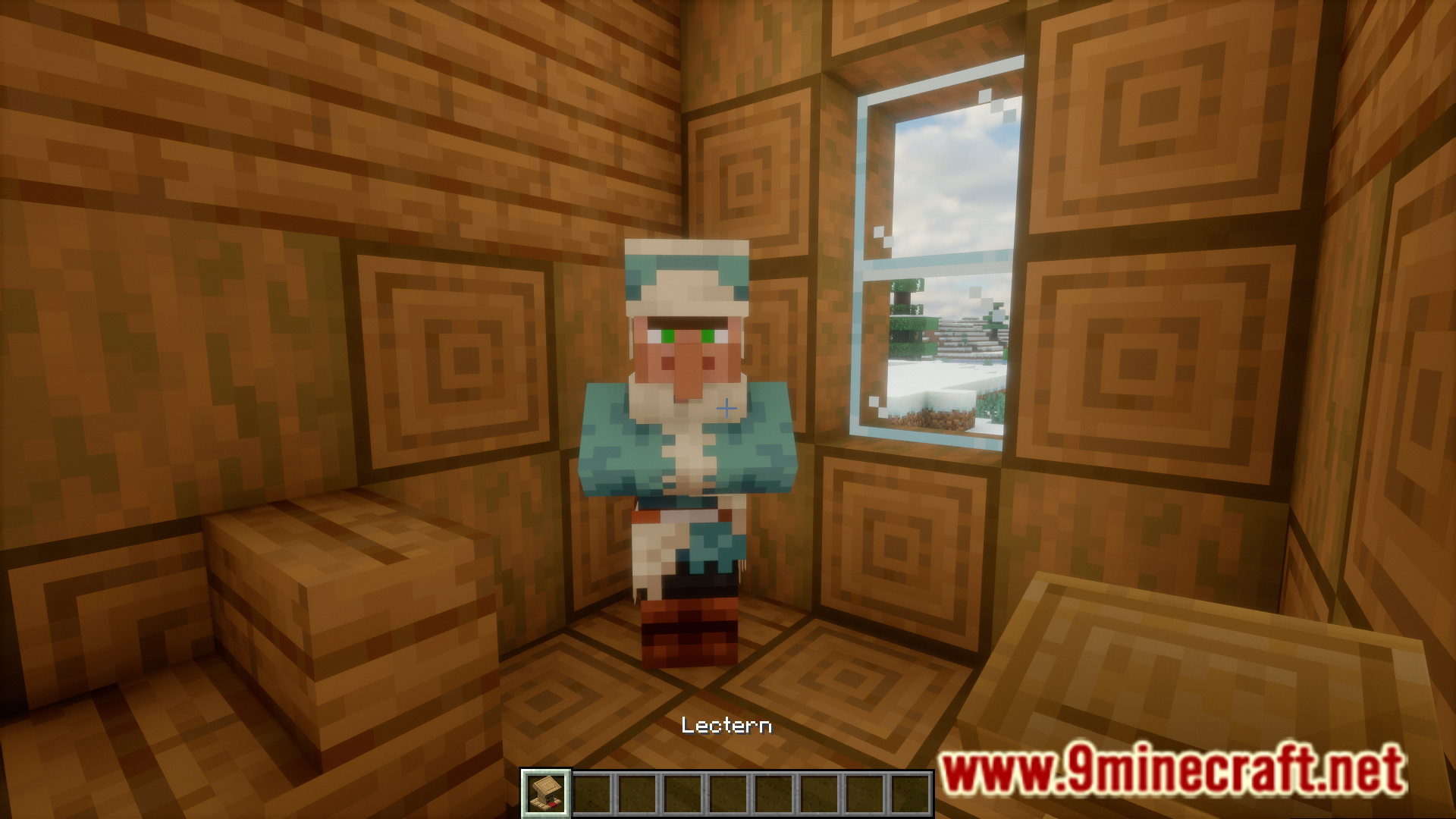
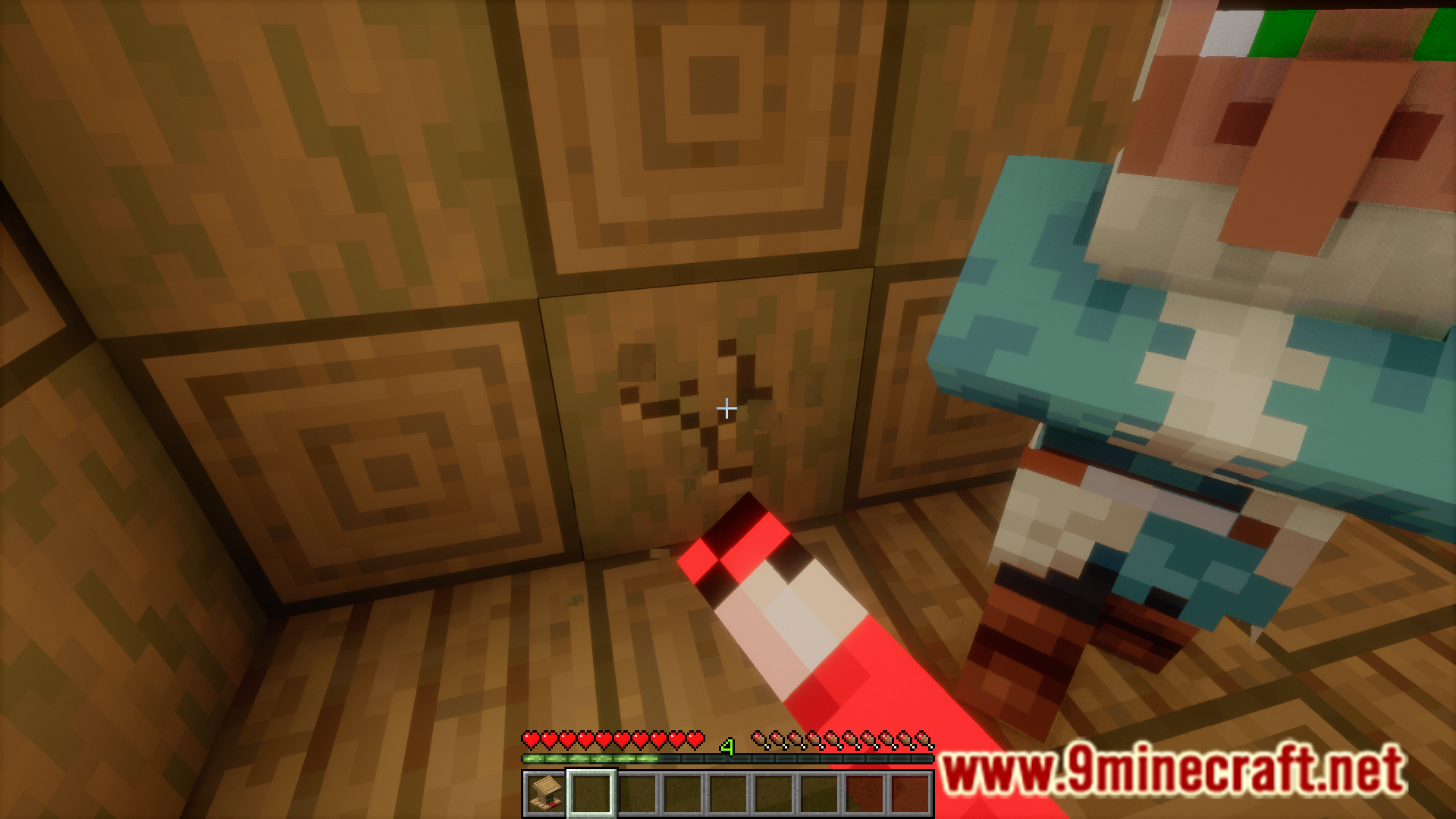
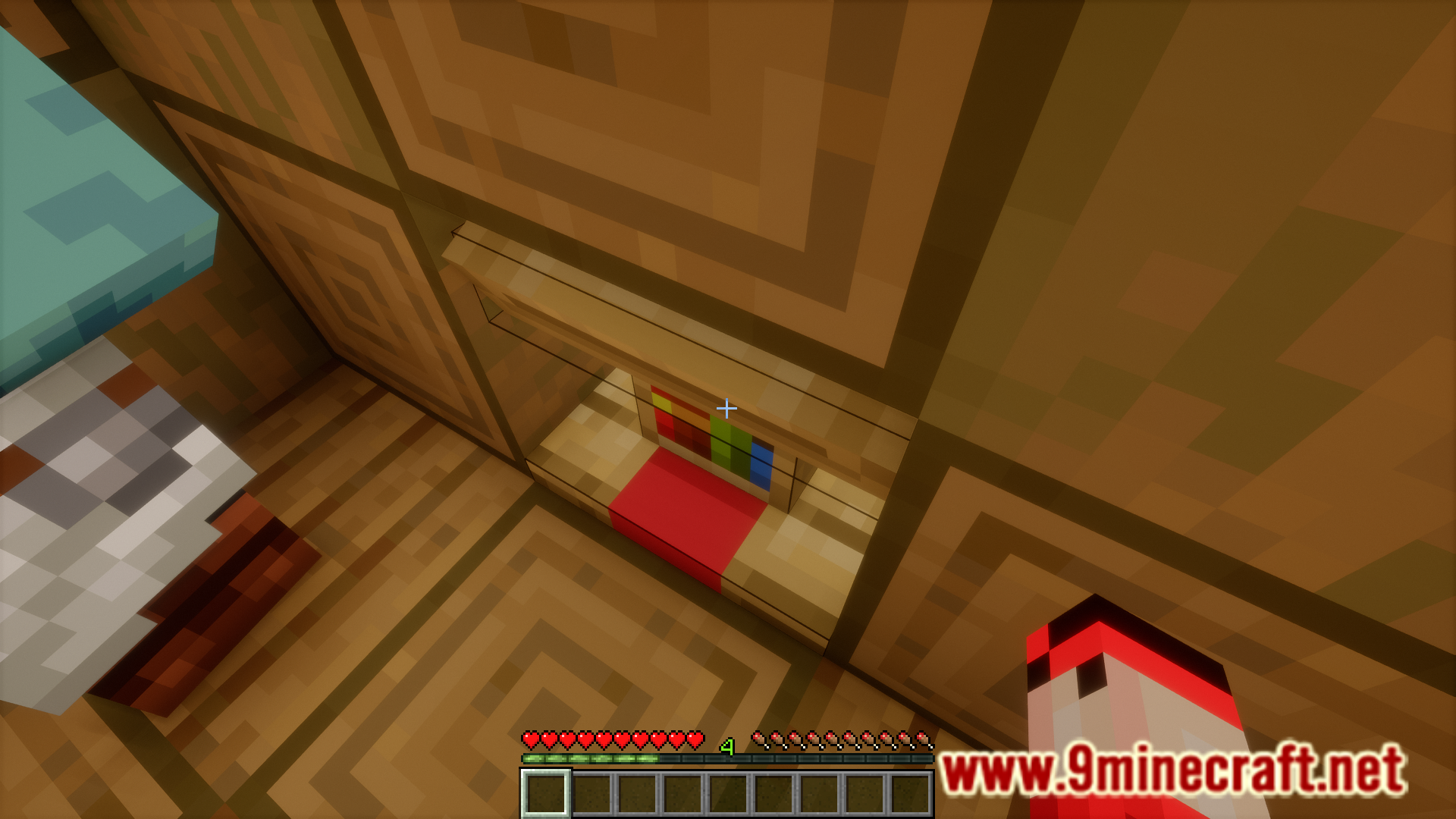
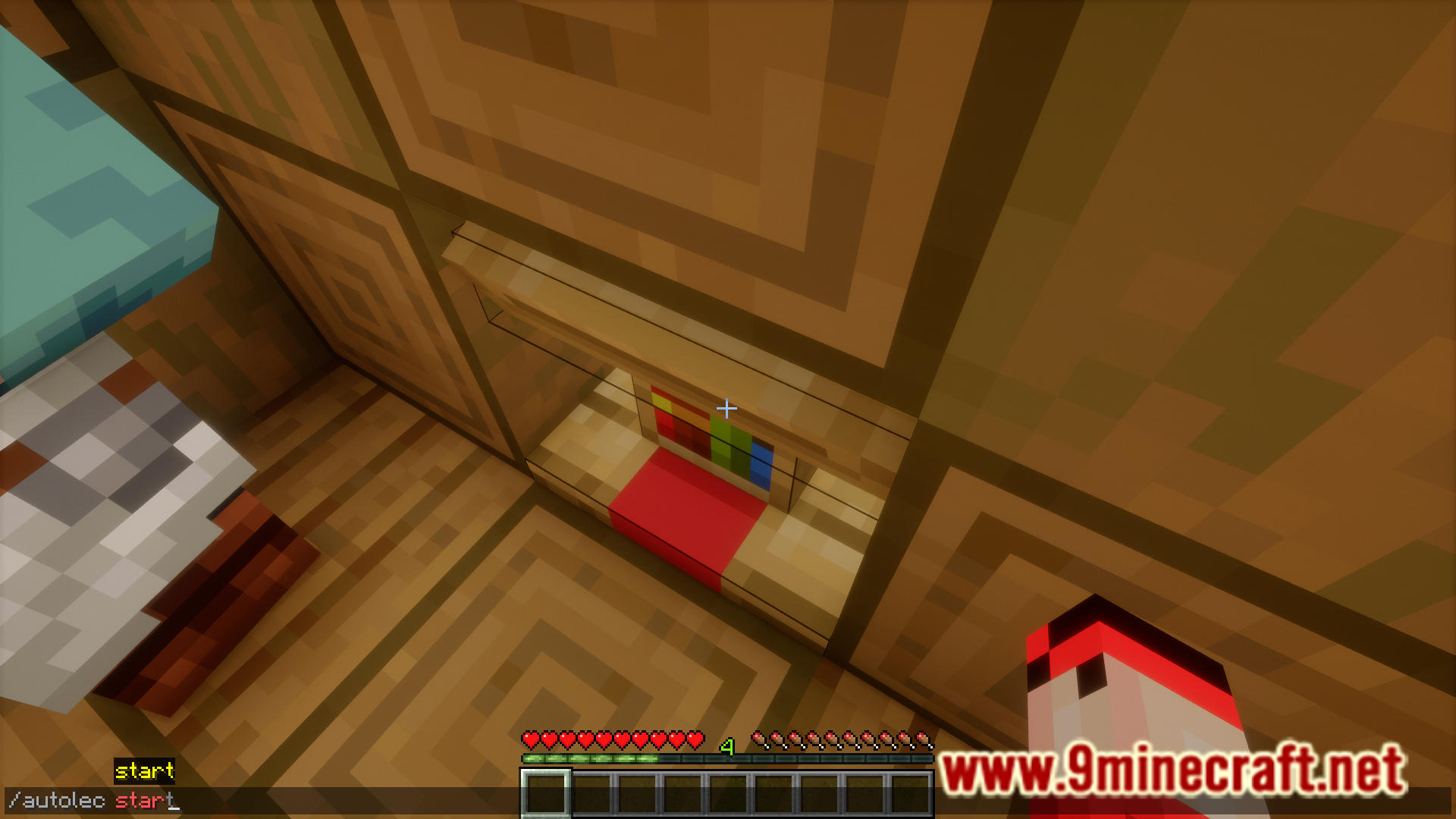
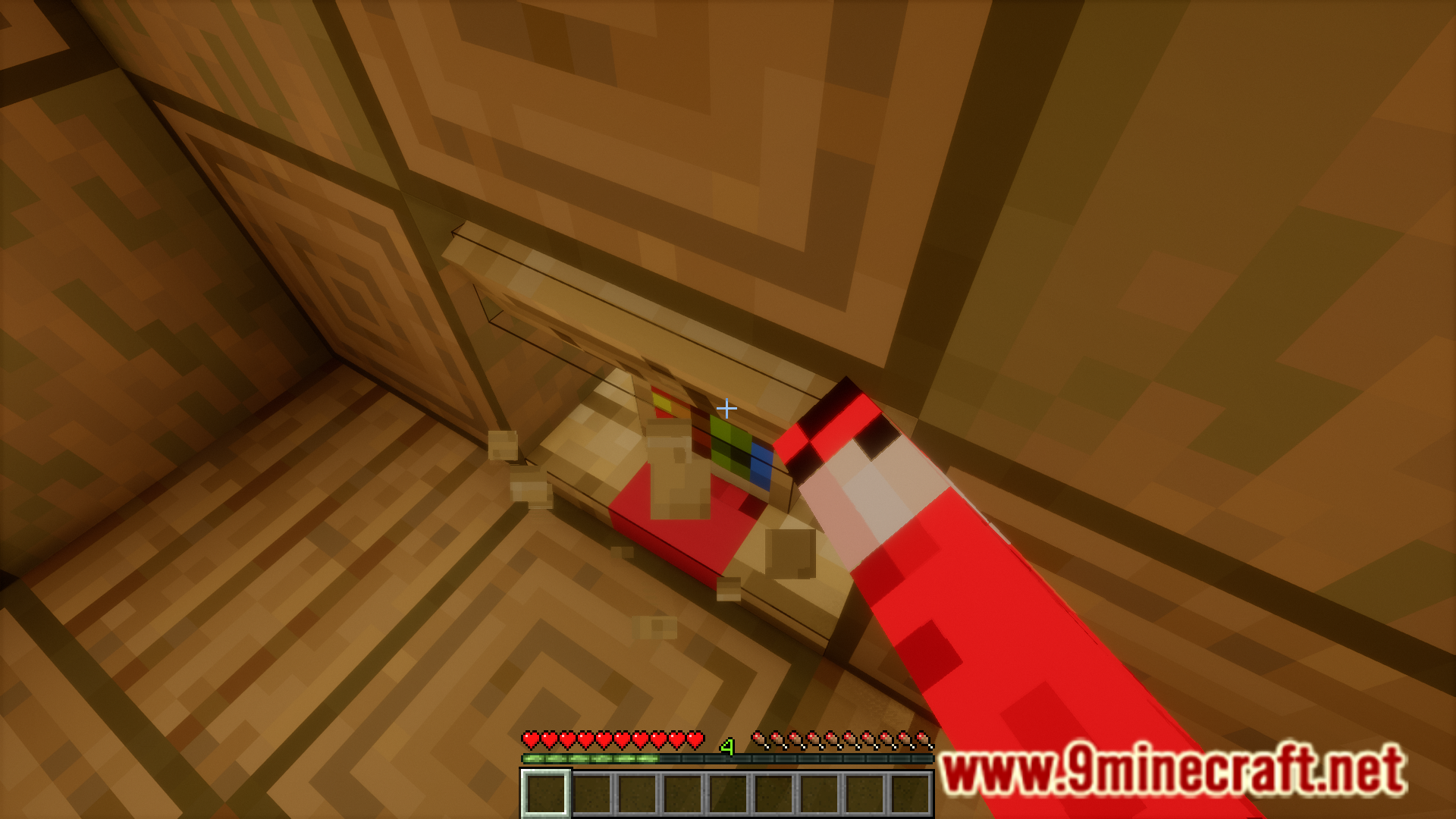
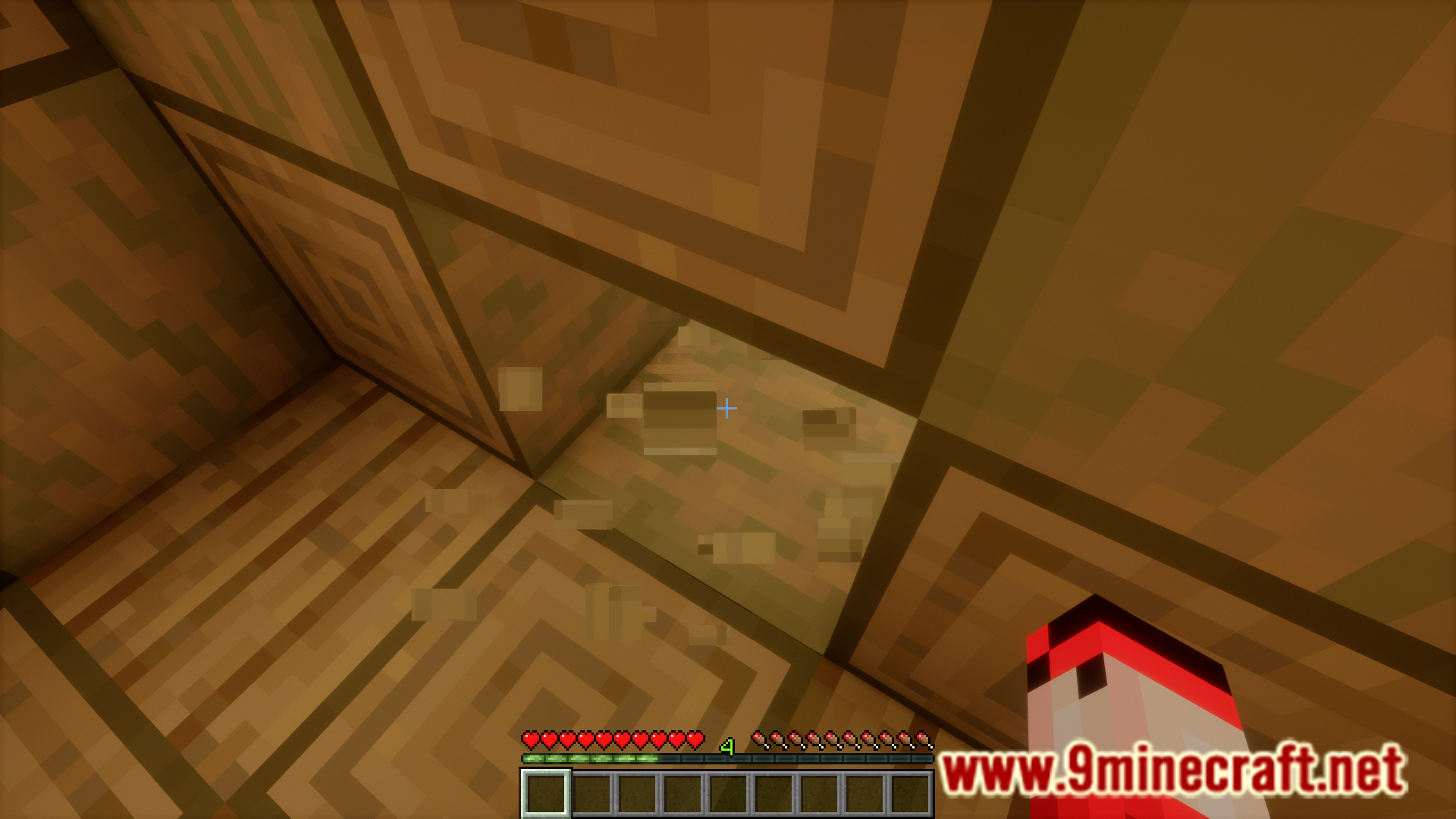
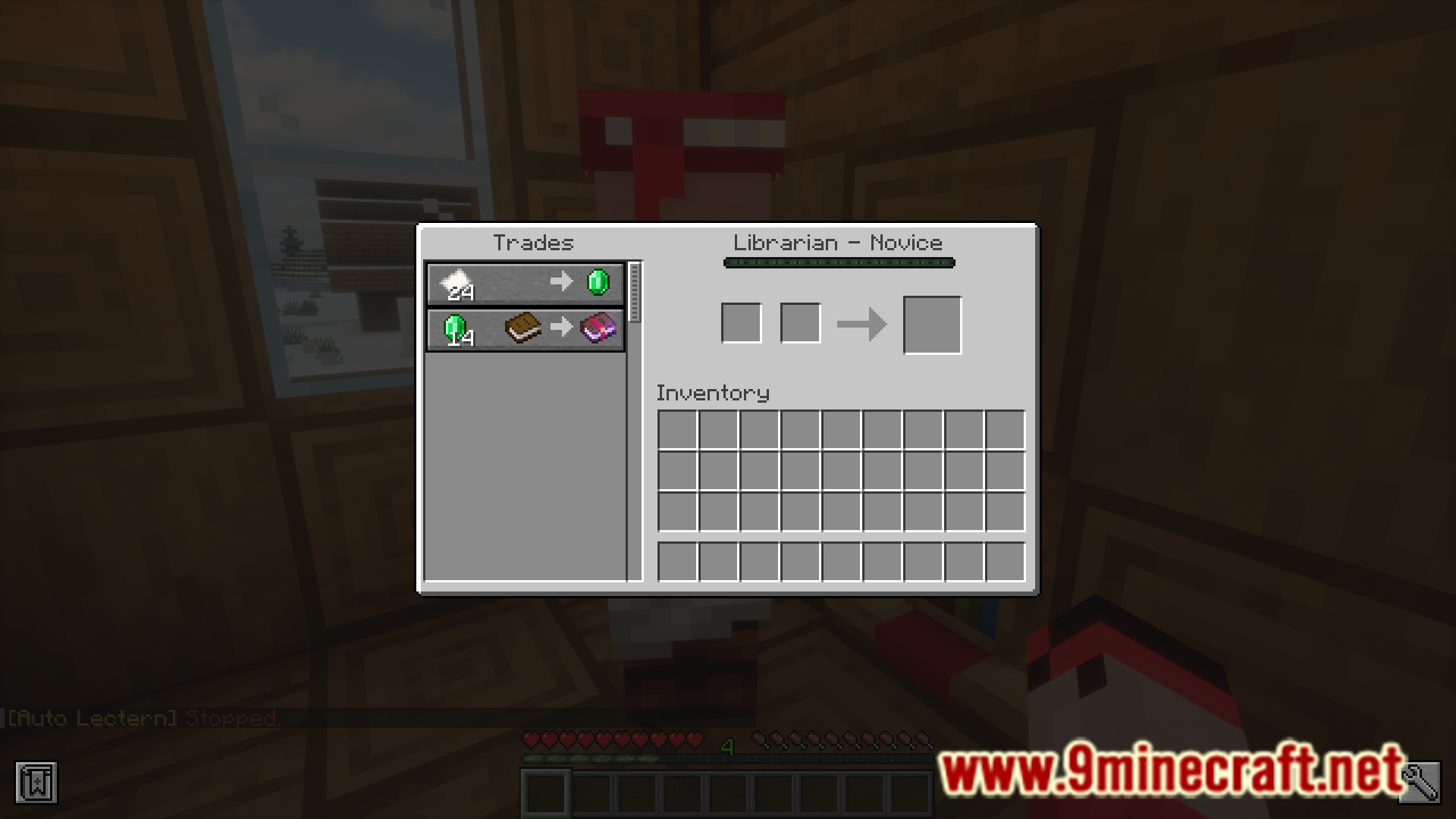
You can reset the trades offered by a villager by repeatedly breaking and placing their workstation. You can use this to your advantage and obtain your desired villager trades. For example, you might want a villager who offers mending enchantment books. All you have to do is to repeatedly place and break lecterns. Each time you place the lectern, the villager will offer a new set of trades. You can do this until the villager offers mending enchanted books. But manually breaking and placing lecterns is a very tiresome task. Auto Lectern Mod allows you to automate this process with the help of some commands. Detailed instructions as noted by the developer are given below.
Features:
- This mod basically breaks and places lecterns to cycle trades for you.
Usage:
- Add a goal: /autolec add [enchant]? [(minLevel, maxLevel)/min/max/any] [(minPrice, maxPrice)/min/max/any]
- Look at a lectern
- Start: /autolec start
- Stop: /autolec stop
- If there isn’t any goal Auto Lectern will cycle forever.
- If you wish to make Auto Lectern wait for the lectern item to be picked up first, use /autolec sync item
Screenshots:

Requires:
How to install:
Click the following link to view details: How to Install Mods for Minecraft Java Edition on PC: A Beginner Guide
Auto Lectern Mod Download Links
For Minecraft 1.20.2
Fabric version: Download from Server 1 – Download from Server 2
For Minecraft 1.20.4
Fabric version: Download from Server 1 – Download from Server 2
For Minecraft 1.20.6
Fabric version: Download from Server 1 – Download from Server 2
For Minecraft 1.21
Fabric version: Download from Server 1 – Download from Server 2
For Minecraft 1.21.1
Fabric version: Download from Server 1 – Download from Server 2
For Minecraft 1.21.4
Fabric version: Download from Server 1 – Download from Server 2
For Minecraft 1.21.5
Fabric version: Download from Server 1 – Download from Server 2
For Minecraft 1.21.8, 1.21.7, 1.21.81.21.6
Fabric version: Download from Server 1 – Download from Server 2
For Minecraft 1.21.11
Fabric version: Download from Server 1 – Download from Server 2
You May Also Like