


Auto Pickup Filter Mod (1.21.1, 1.20.1) – Stops Picking Up Unwanted Items

 2 hours ago
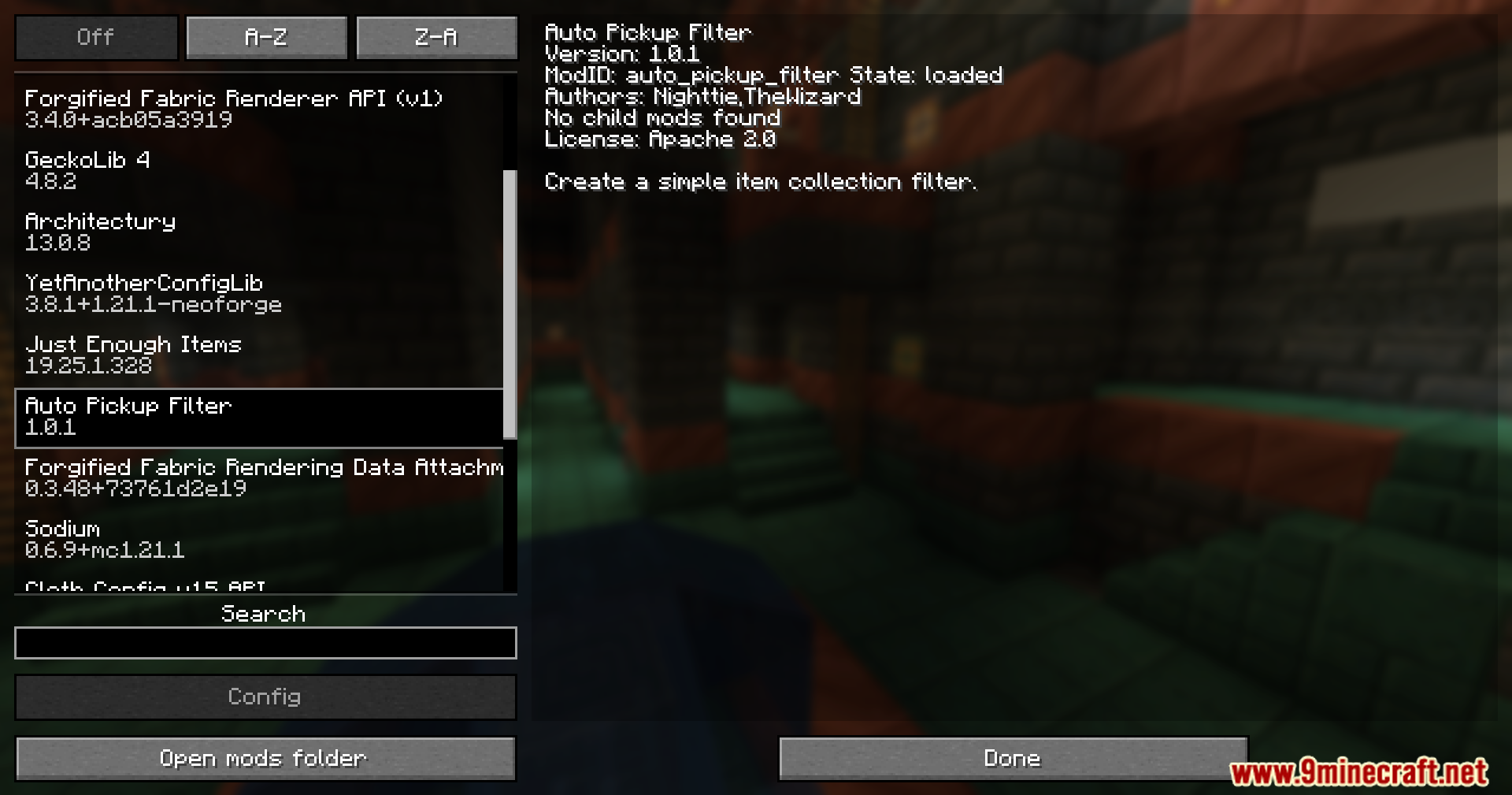
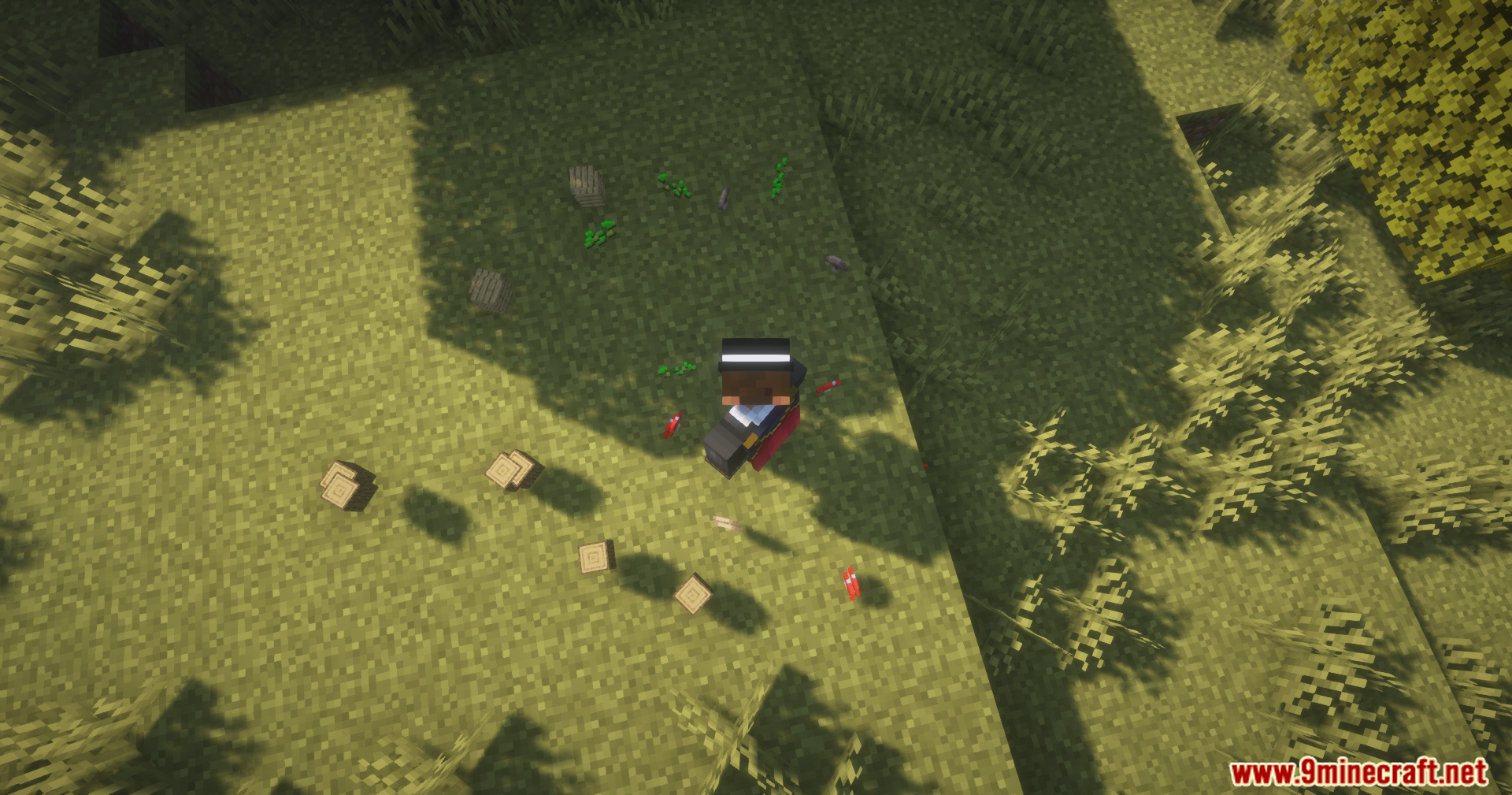
Auto Pickup Filter Mod lets you stop your character from grabbing items you do not want. You can easily block junk like dirt or rotten flesh from filling up your bags. It works with normal game items and items from other mods.

Features:
- Blocks item pickup: Stop grabbing items you do not want to carry.
- Works with everything: You can block normal items and mod items.
- Uses one button: Just press a key to change how an item works.
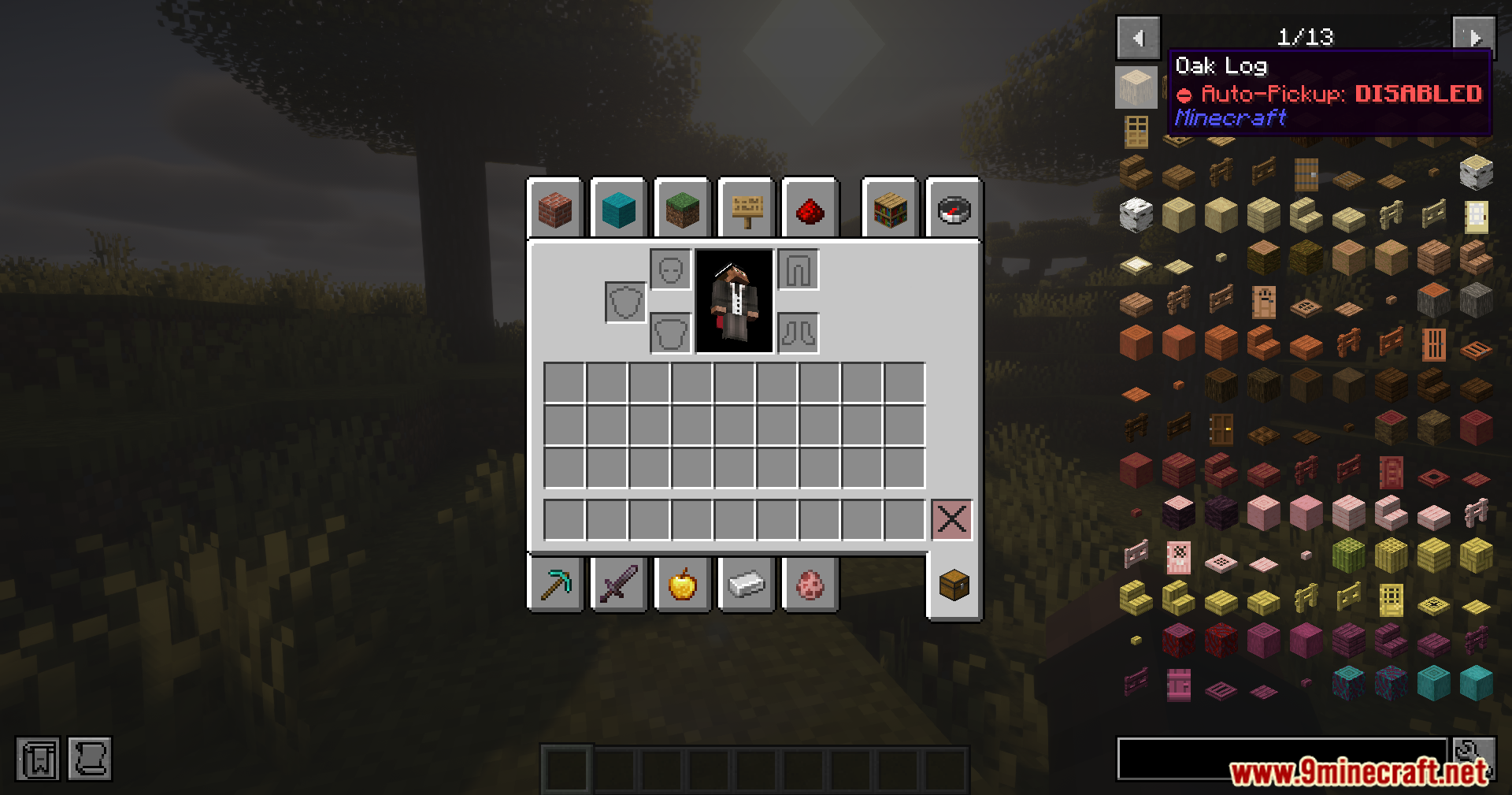
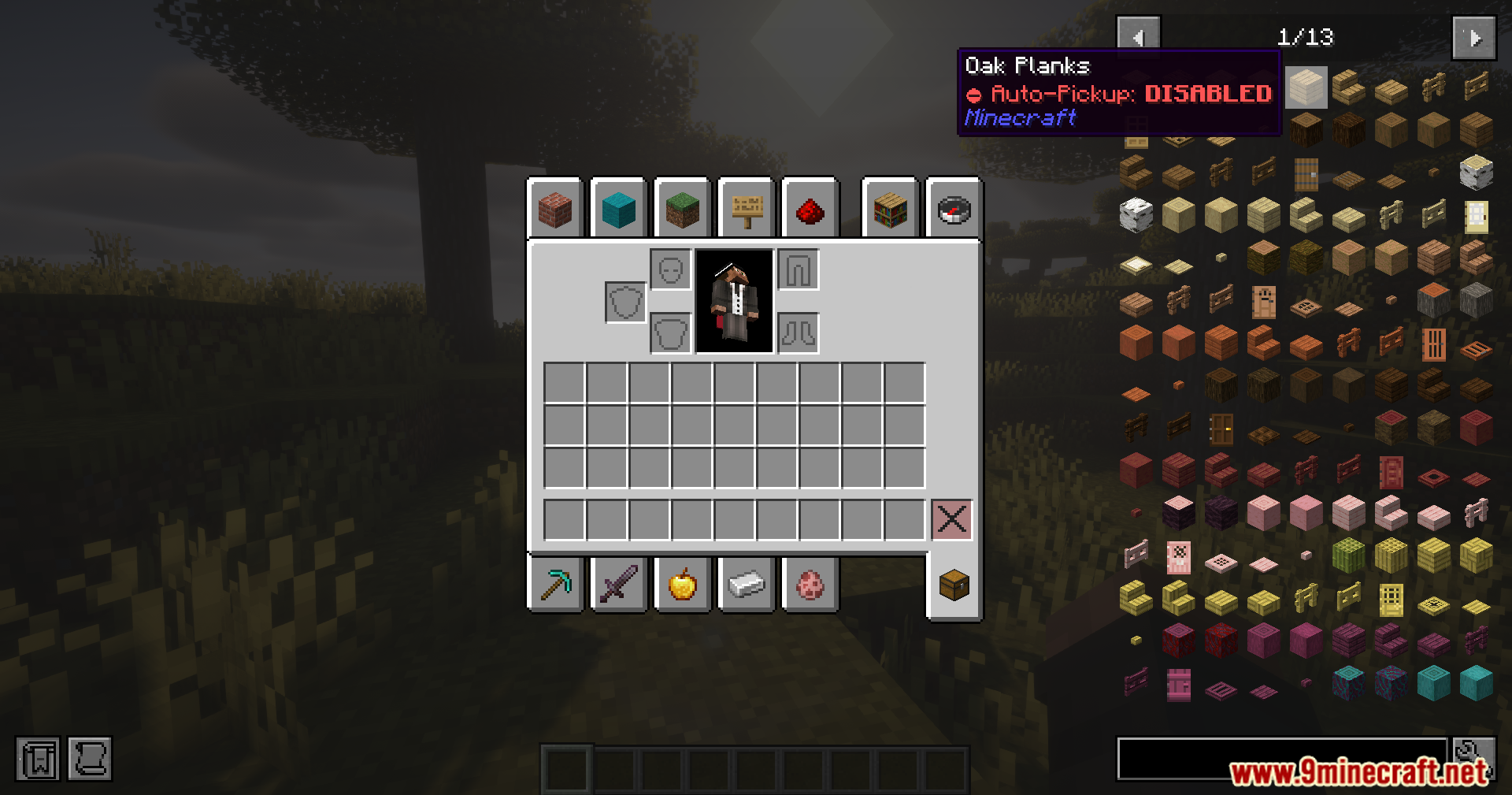
- Works with menus: You can use it inside JEI and REI item lists.
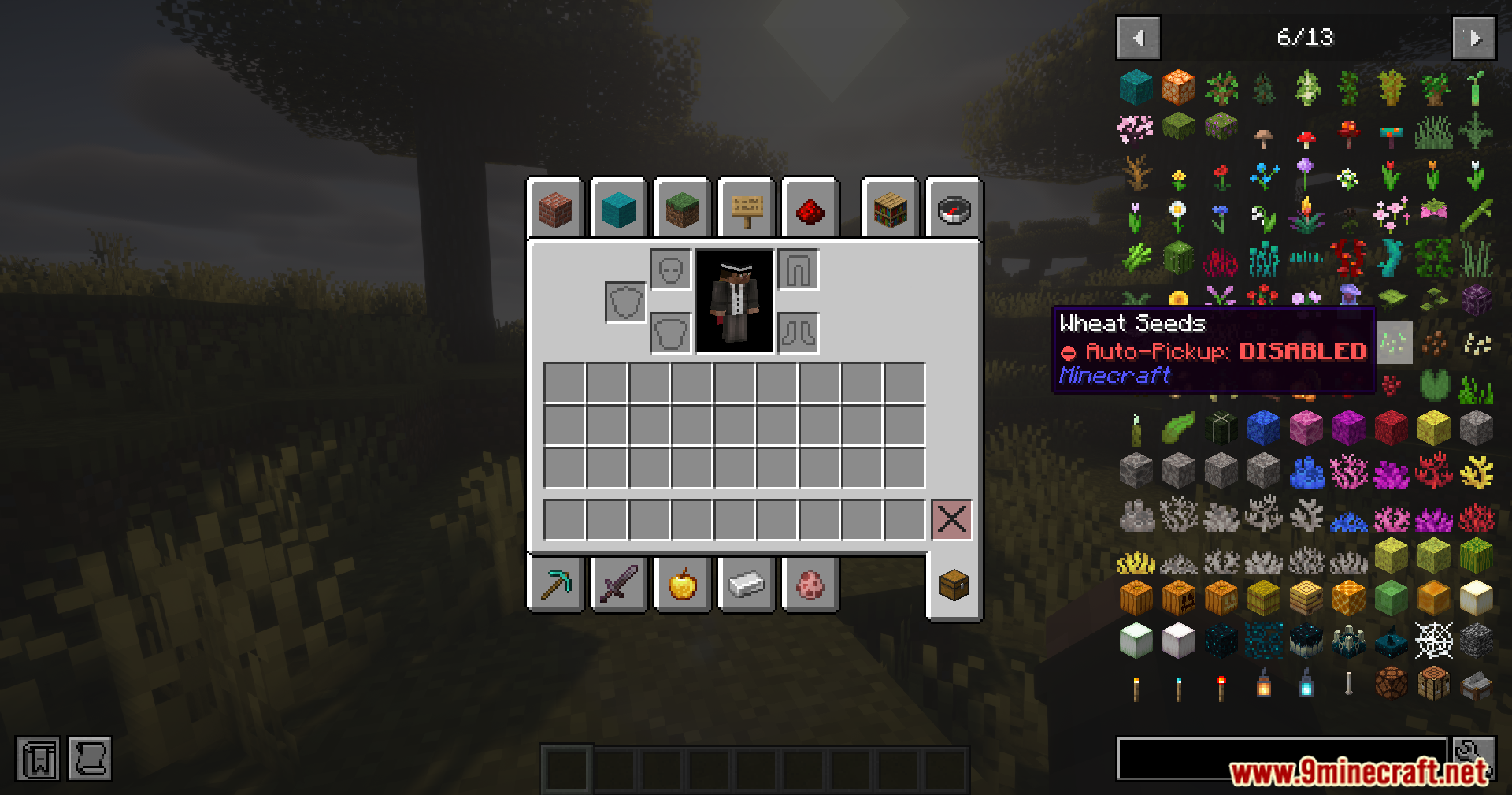
- Keeps bags clean: Stop picking up junk like seeds and rotten flesh.
How to Use:
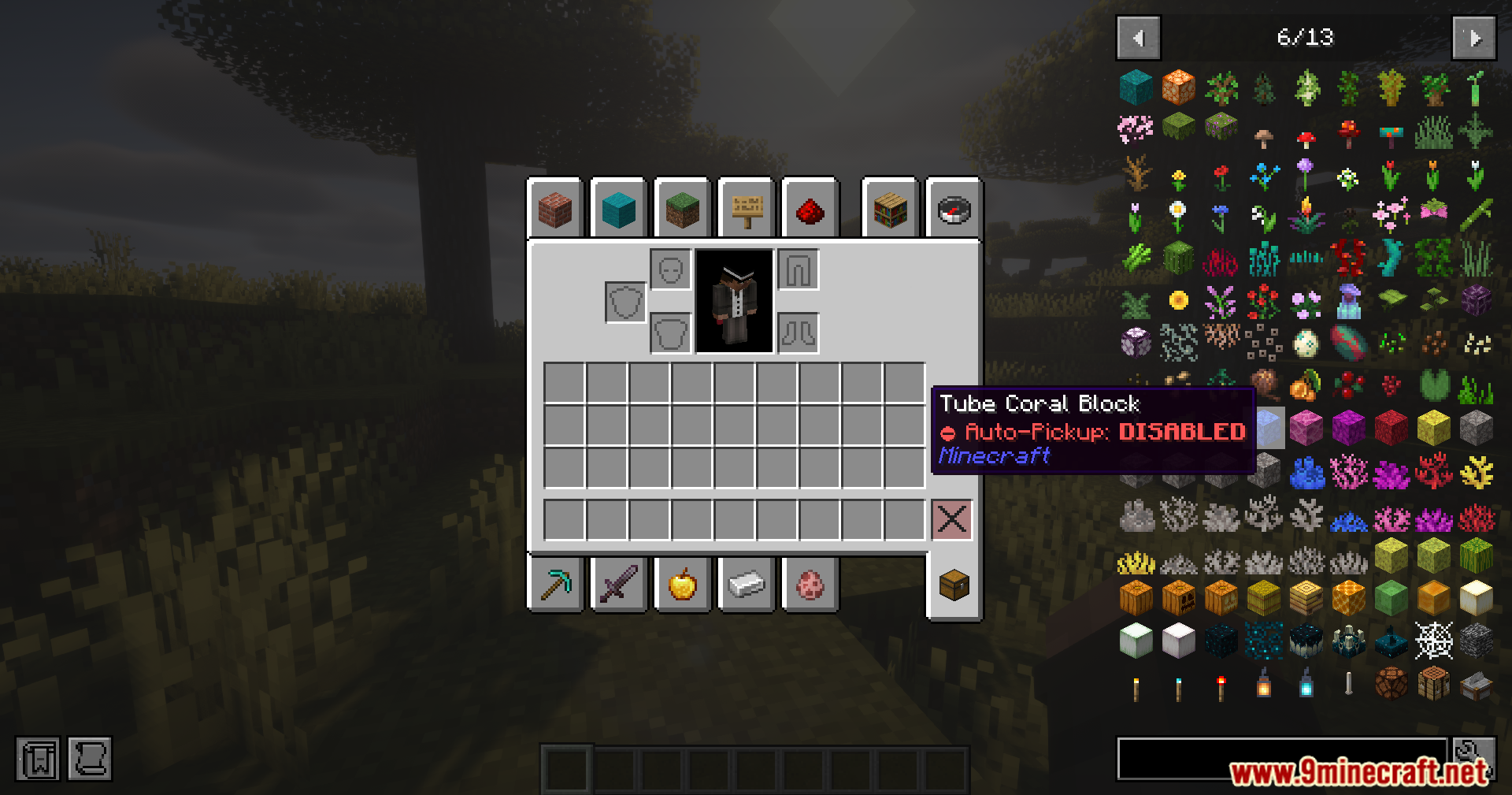
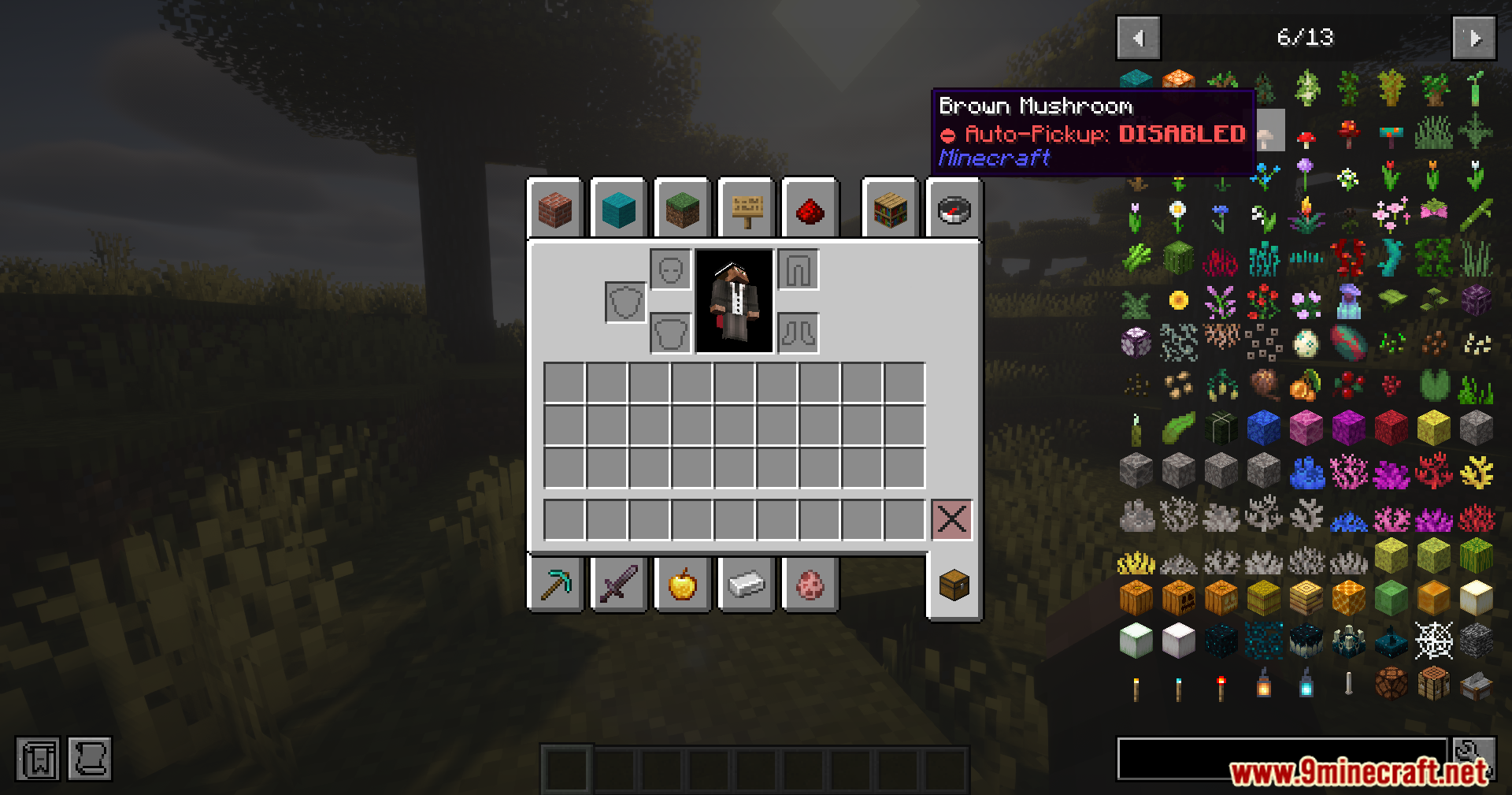
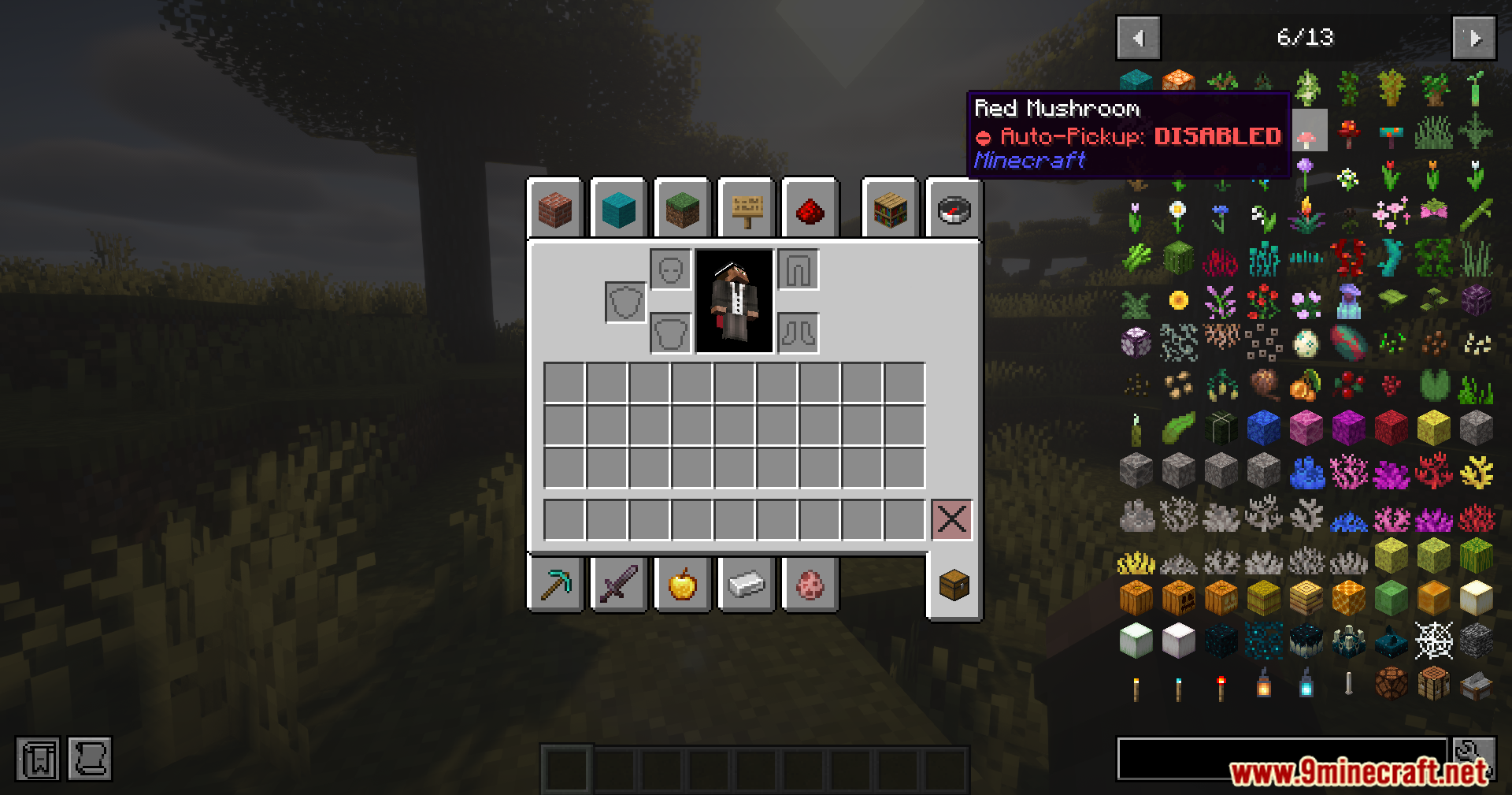
- Open your inventory or look at an item list.
- Put your mouse pointer over an item you do not want.
- Press the
Ikey on your keyboard. - You will no longer pick up that item from the ground.
- Press
Iagain on the item to pick it up normally.
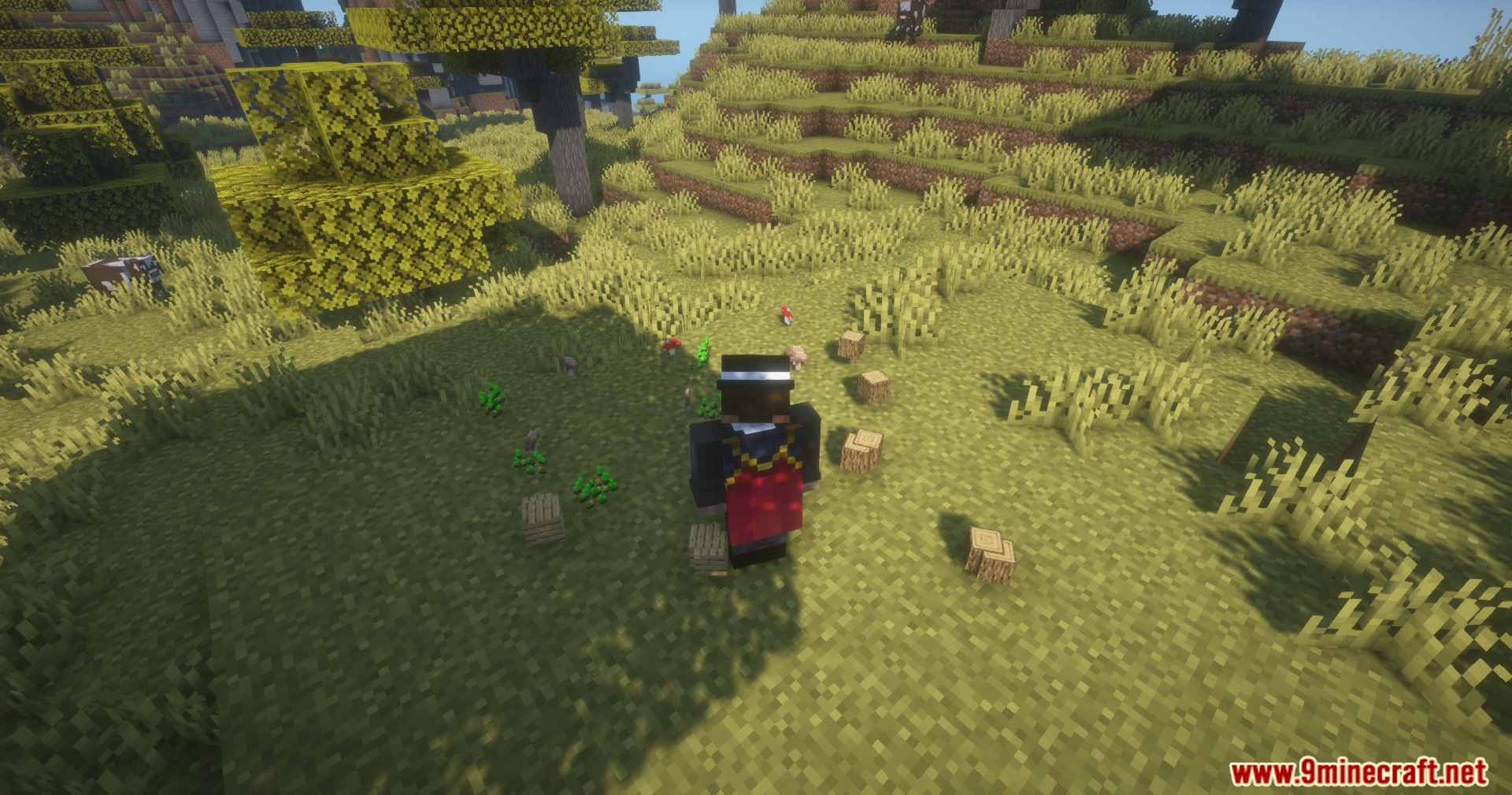
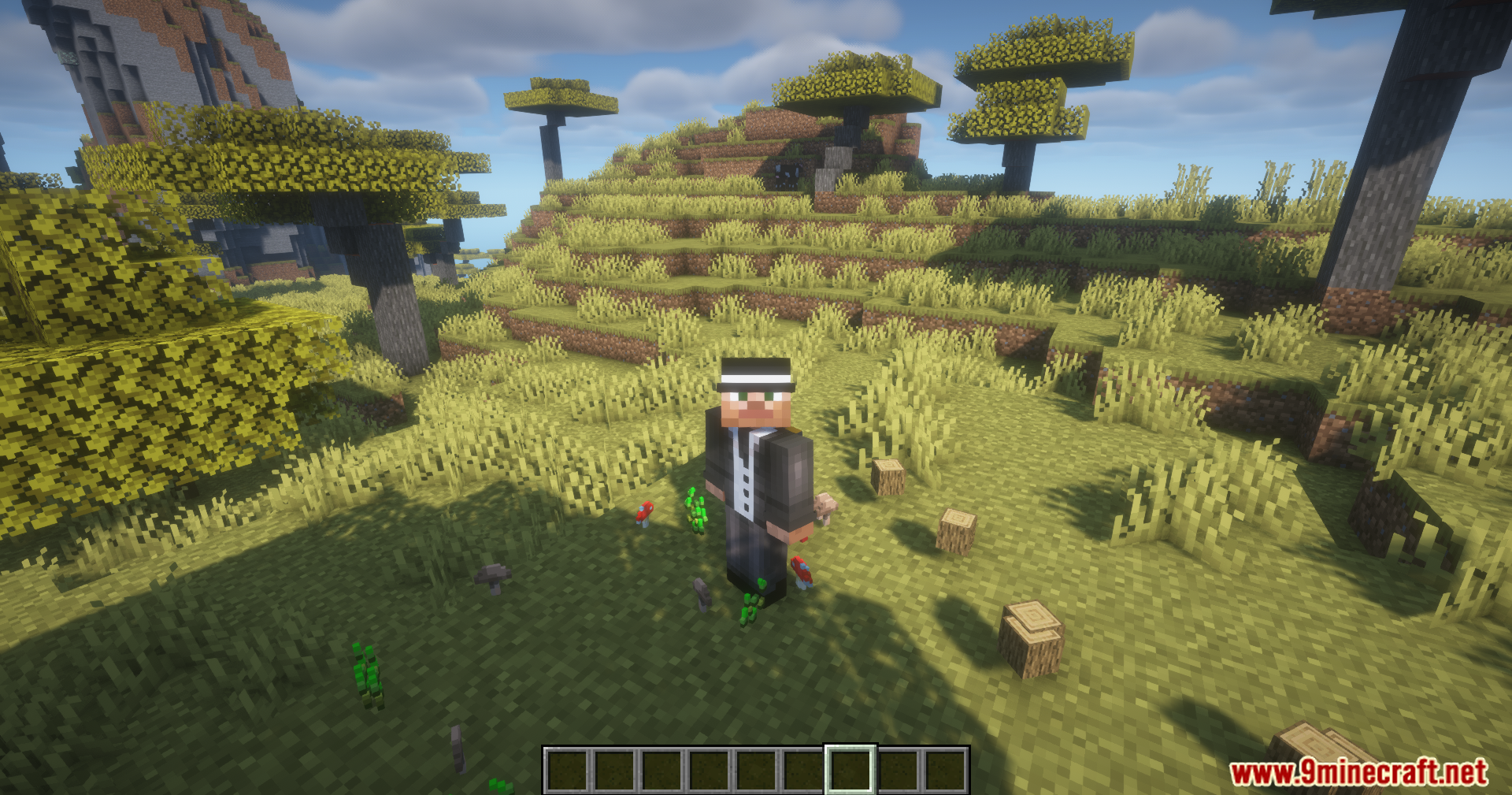
Screenshots:



How to Install:
New to Minecraft? Follow our step-by-step guide to install Mods on your PC.View Guide
Auto Pickup Filter Mod Download Links
All Files
4
| Version | Loader | File Name | Size | Date | Download |
|---|---|---|---|---|---|
| 1.21.1 | Neoforge | Auto-Pickup-Filter-Mod-NeoForge-1.21.1.jar | 26 KB | Apr 12, 2026 | |
| Fabric | Auto-Pickup-Filter-Mod-Fabric-1.21.1.jar | 28 KB | Apr 12, 2026 | ||
| 1.20.1 | Forge | Auto-Pickup-Filter-Mod-Forge-1.20.1.jar | 25 KB | Apr 12, 2026 | |
| Fabric | Auto-Pickup-Filter-Mod-Fabric-1.20.1.jar | 27 KB | Apr 12, 2026 |
4 files available
Click to rate this post!
[Total: 1 Average: 5]

1 Comment
What do you think? Your opinion means a lot — we'd love to hear from you.
You May Also Like































Luffy