


Bank Vault Mod (26.2, 1.20.1) – Replace Messy Chest Rooms with a Massive Shared

 0
0 

🌐 Good news — we've translated this article into other languages!
Or pick the one you like:
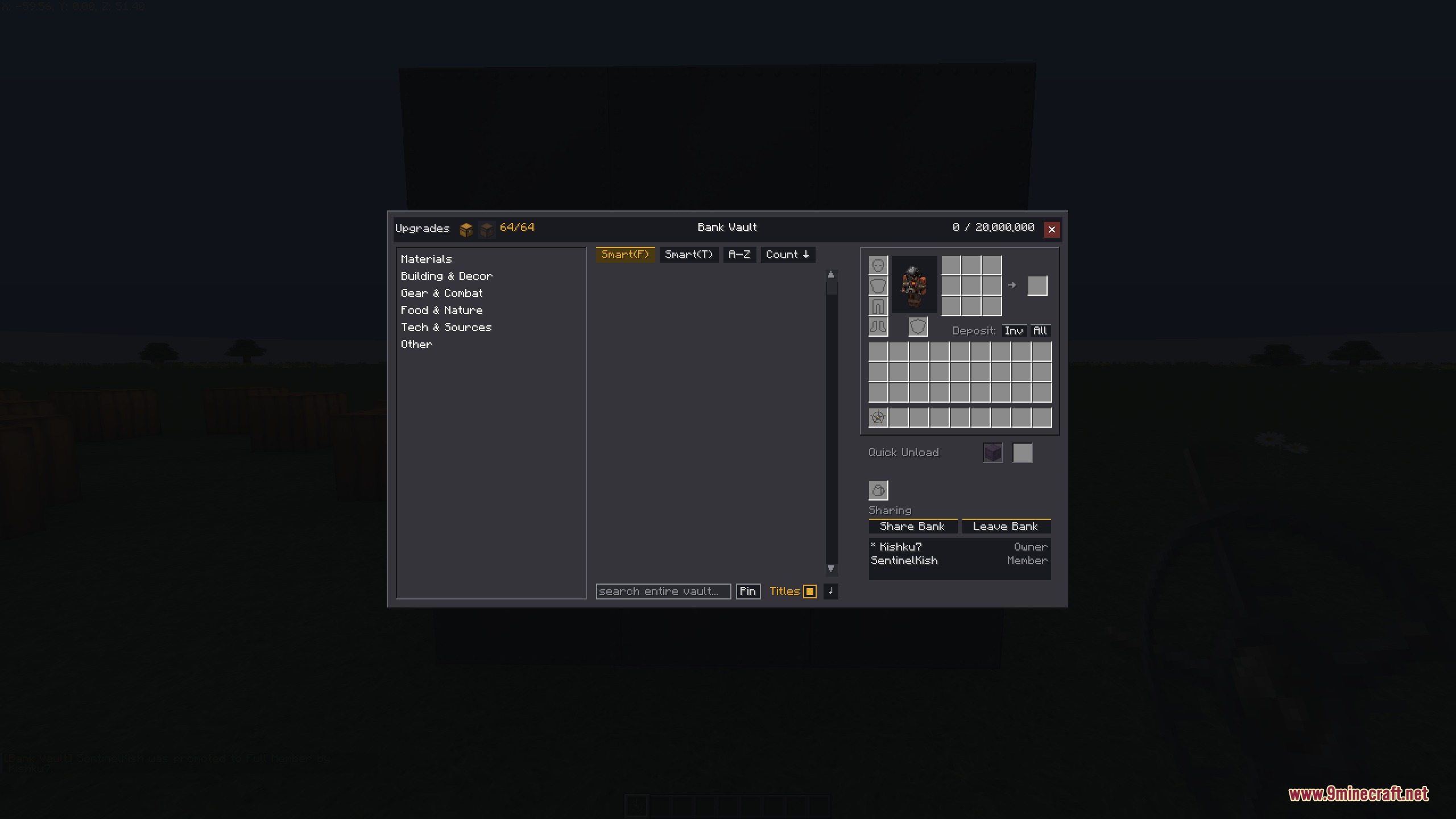
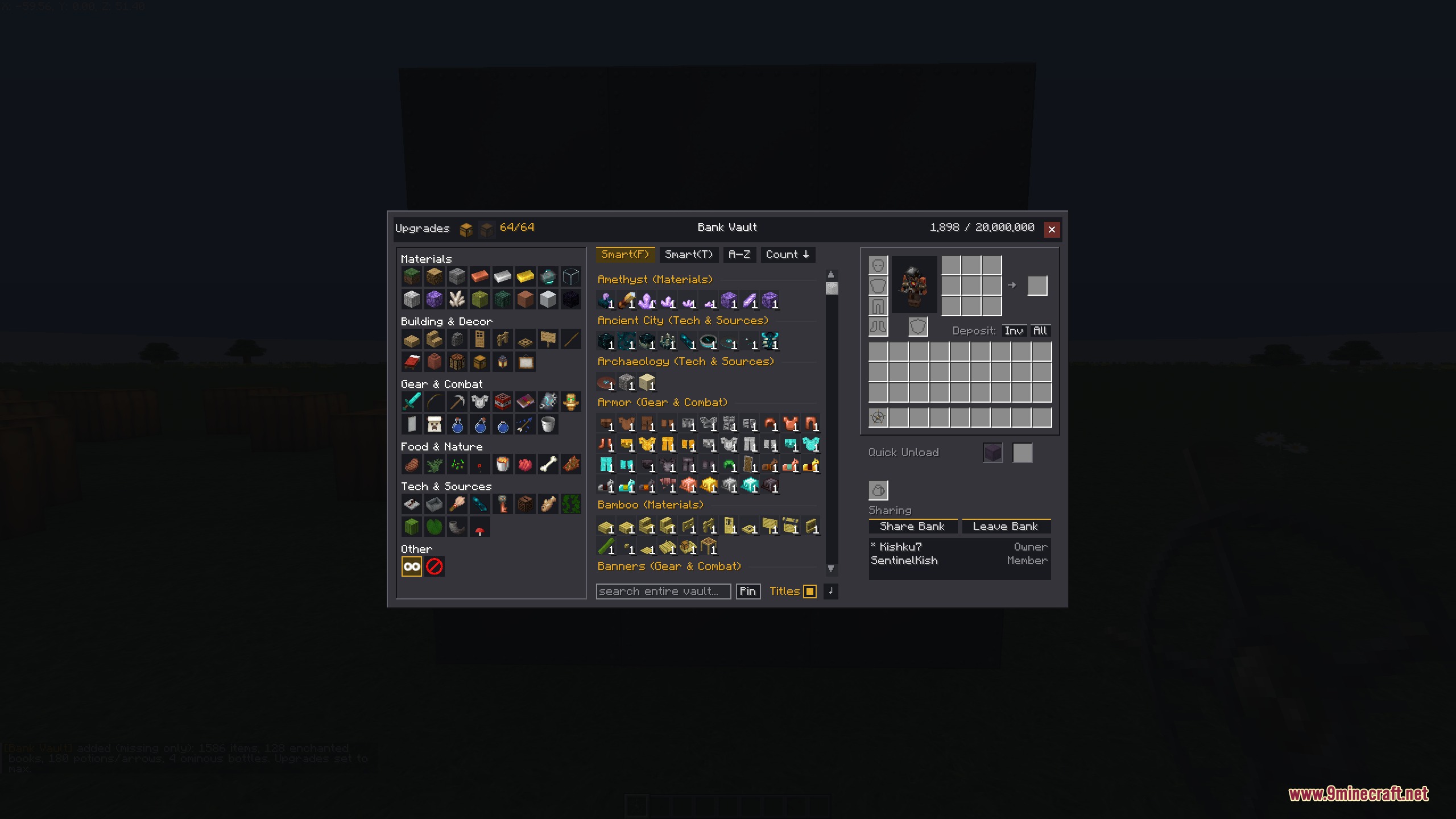
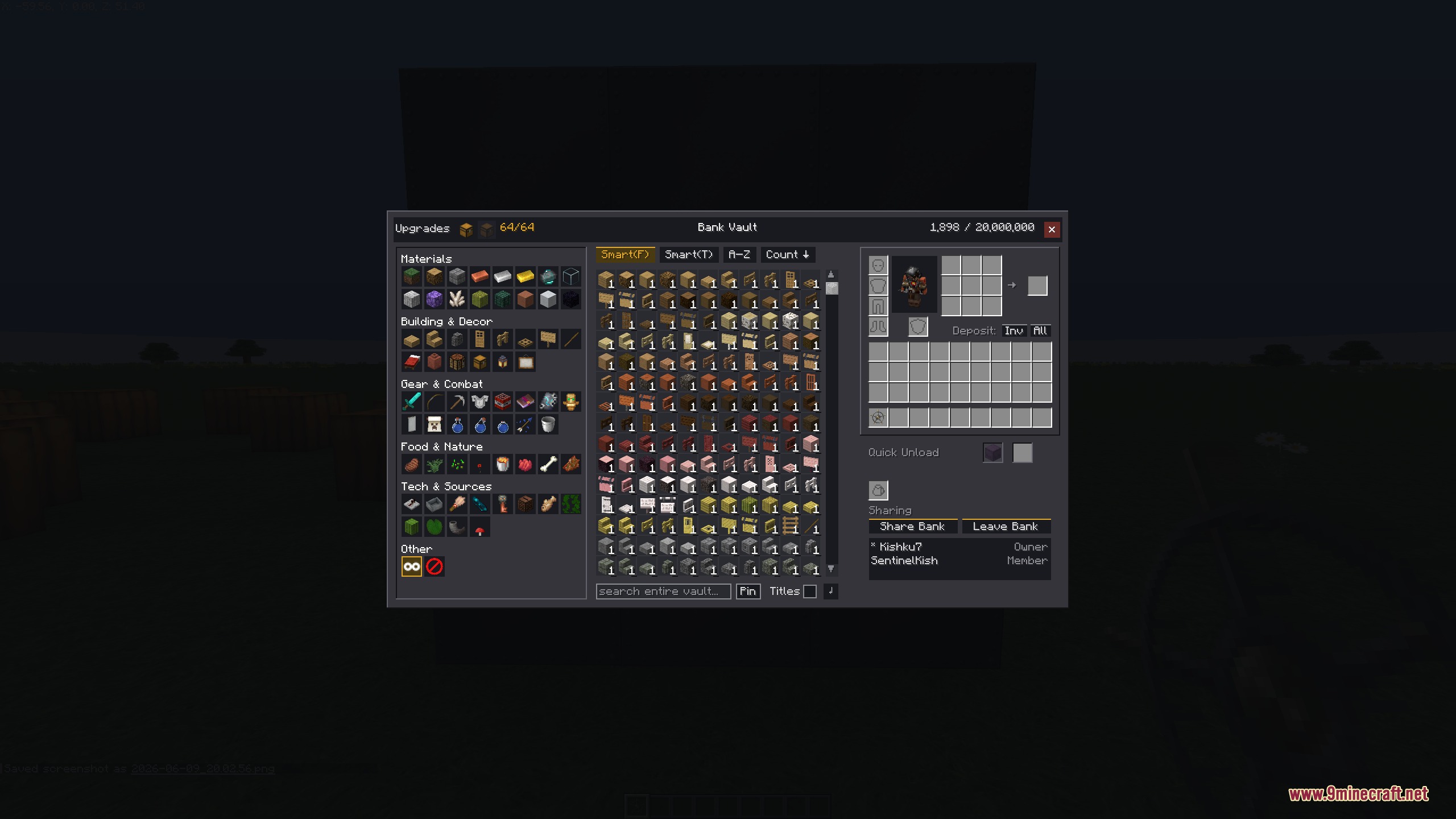
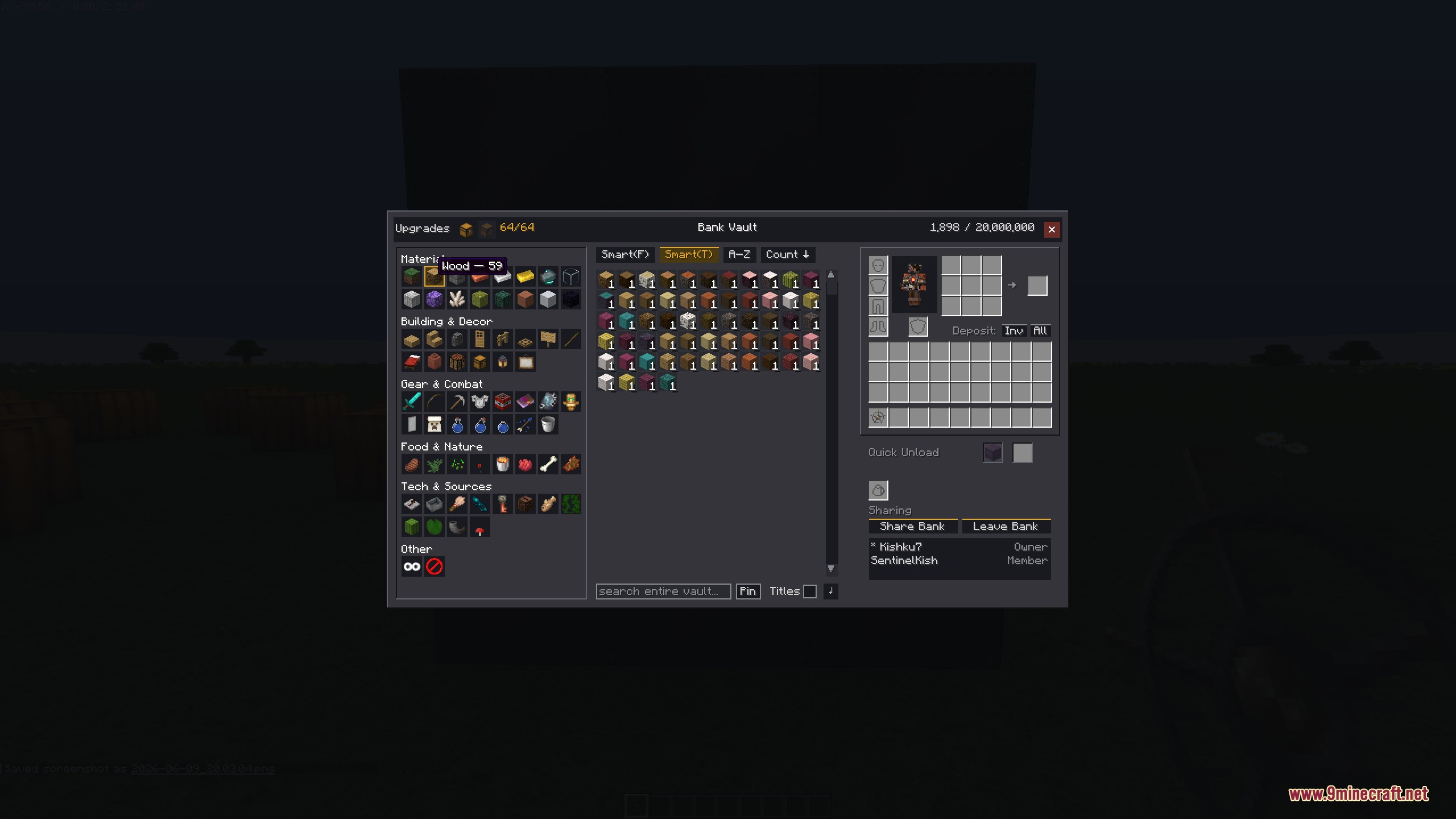
Bank Vault Mod lets you replace your messy chest rooms with one giant storage system. It adds large iron doors that open up into a massive, easy-to-use menu where you can keep everything you own. You can search through your items, sort them into tabs, and find exactly what you need without opening dozens of different boxes. This system grows with you as you play, holding more items as you upgrade it. You can even share your storage with friends on a server so everyone can pool their resources together.
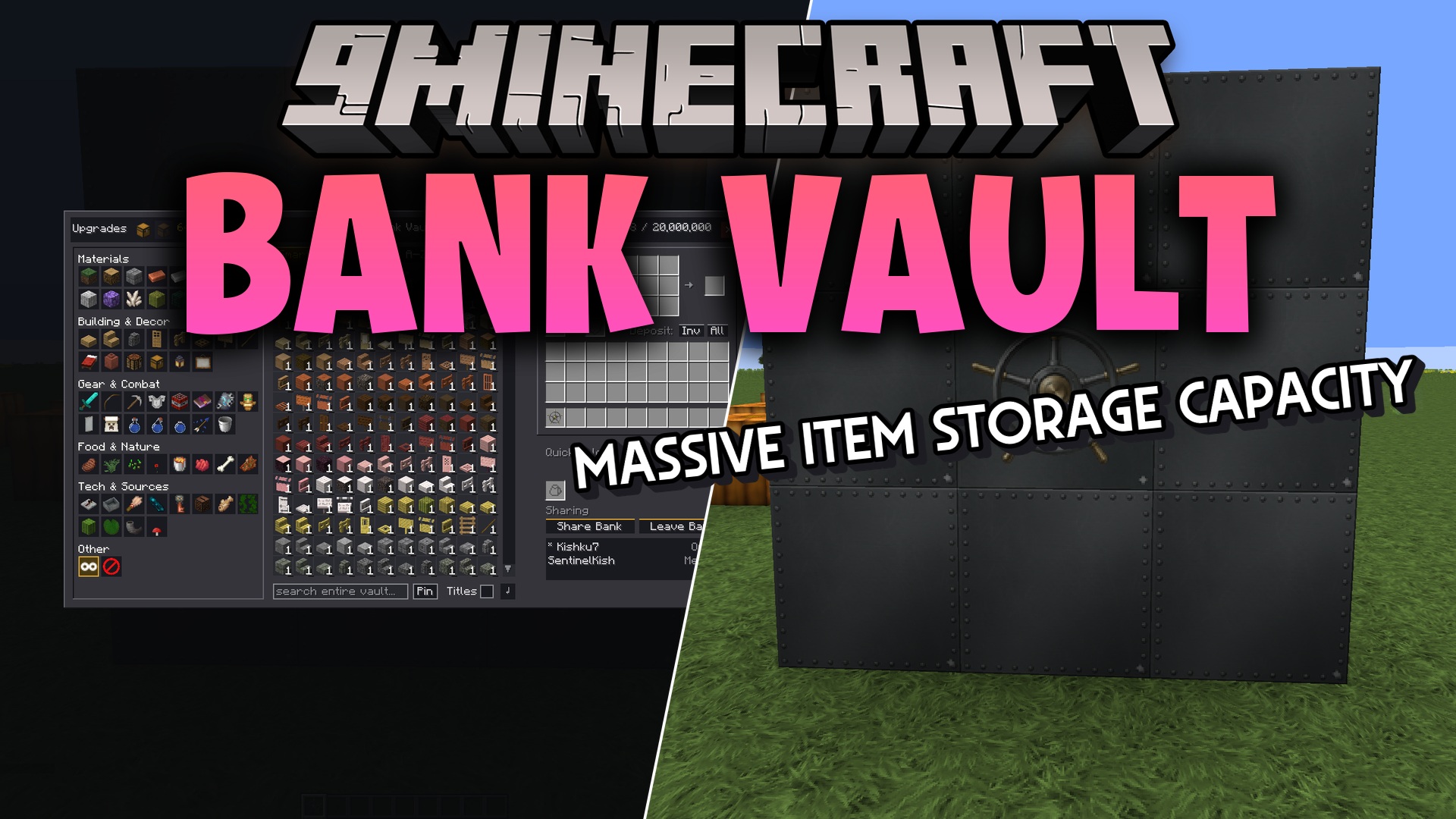
Features:
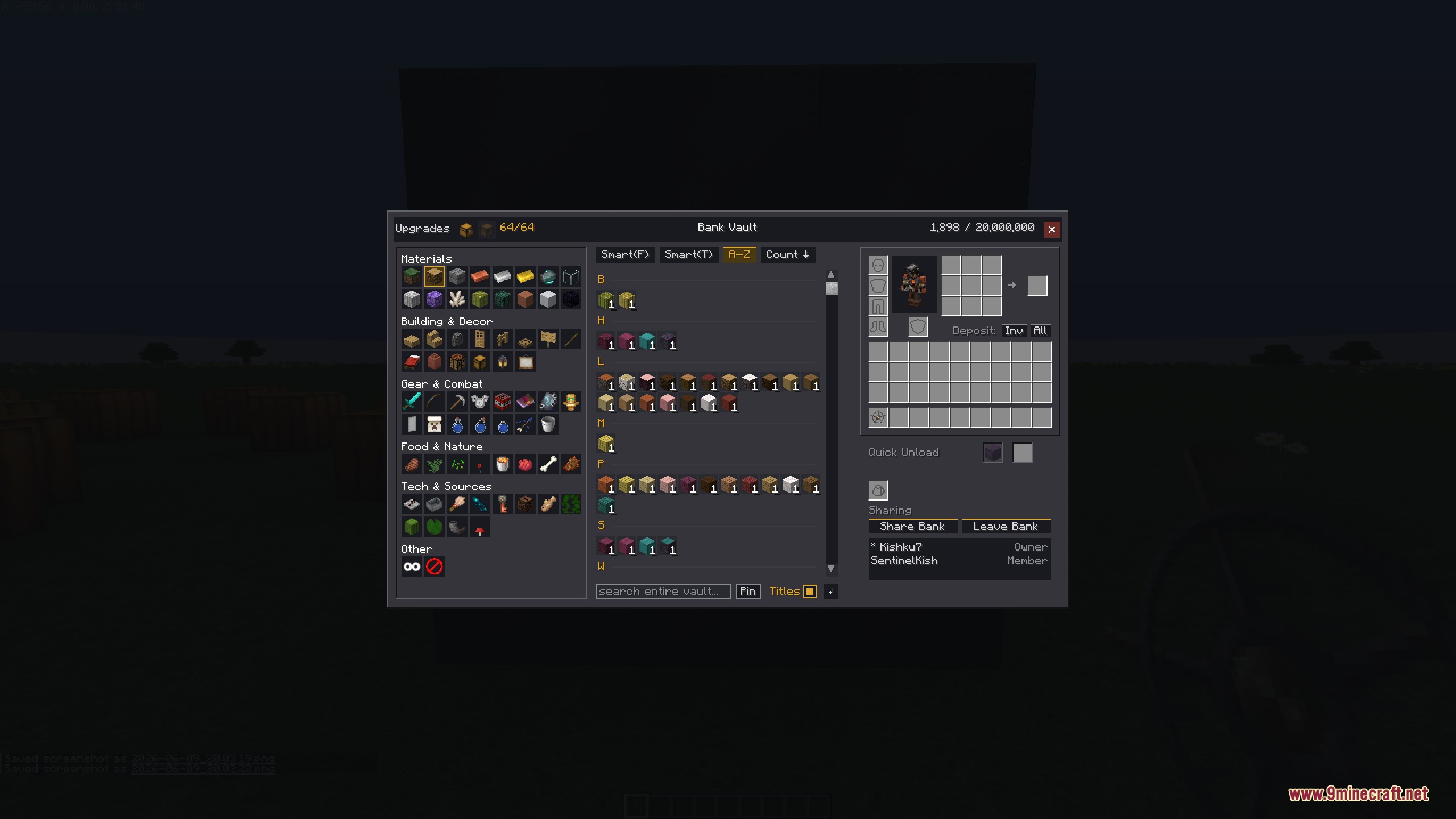
- Massive Storage: Gives you a single, giant screen to view and manage all your items at once.
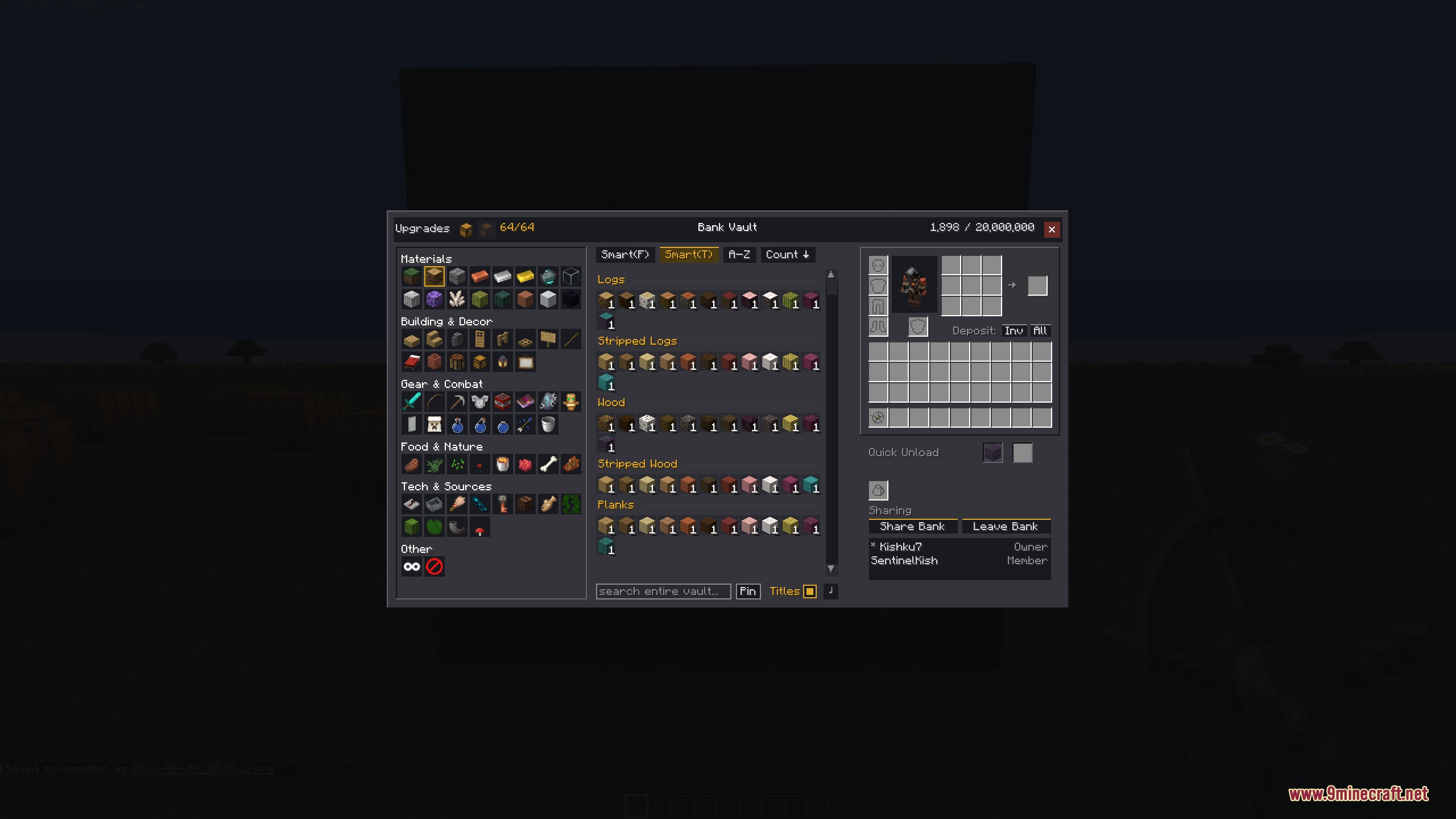
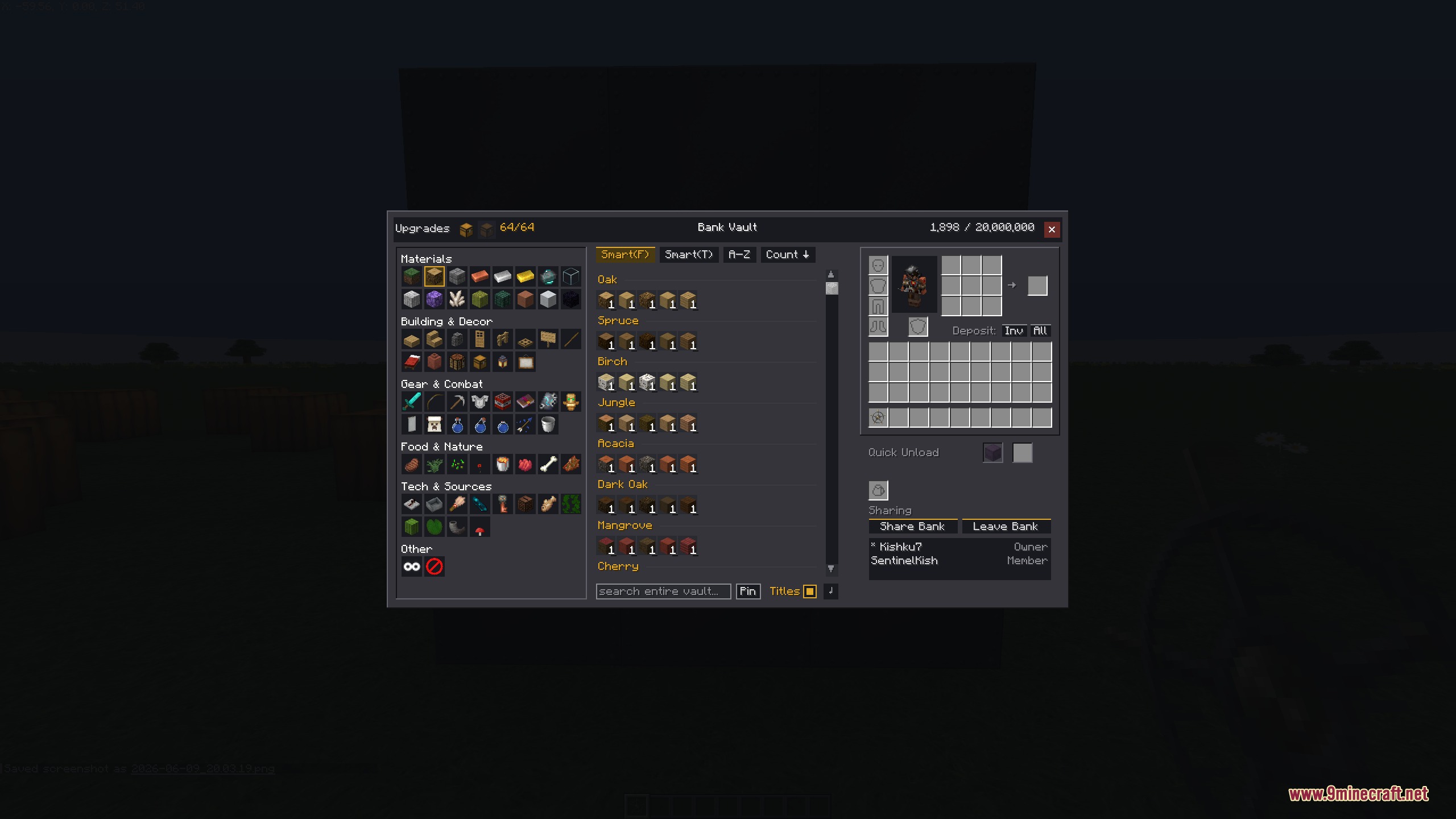
- Smart Sorting: Organizes your loot into categories and lets you sort by item type, family, or alphabetical order.
- Container Unloading: Lets you empty shulker boxes and other containers straight into the system with just one click.
- Expands its capacity when you feed it normal chests or use chat commands.
- Remembers your last viewed tab and sort settings every time you open the menu.
- Allows you to share your items with other players by creating a group or guild storage.
- Saves all item data safely in simple files on your computer or server.
Commands:
/bank list: shows your available storage groups./bank invite <player>: invites a friend to your shared storage./bank accept: accepts an invitation to join a group./bank decline: turns down an invitation./bank leave: removes you from a shared group./bank disband: deletes your shared group completely./bank upgrade: increases how many items the system can hold./bank withdraw: takes items out using commands.
How to Use:
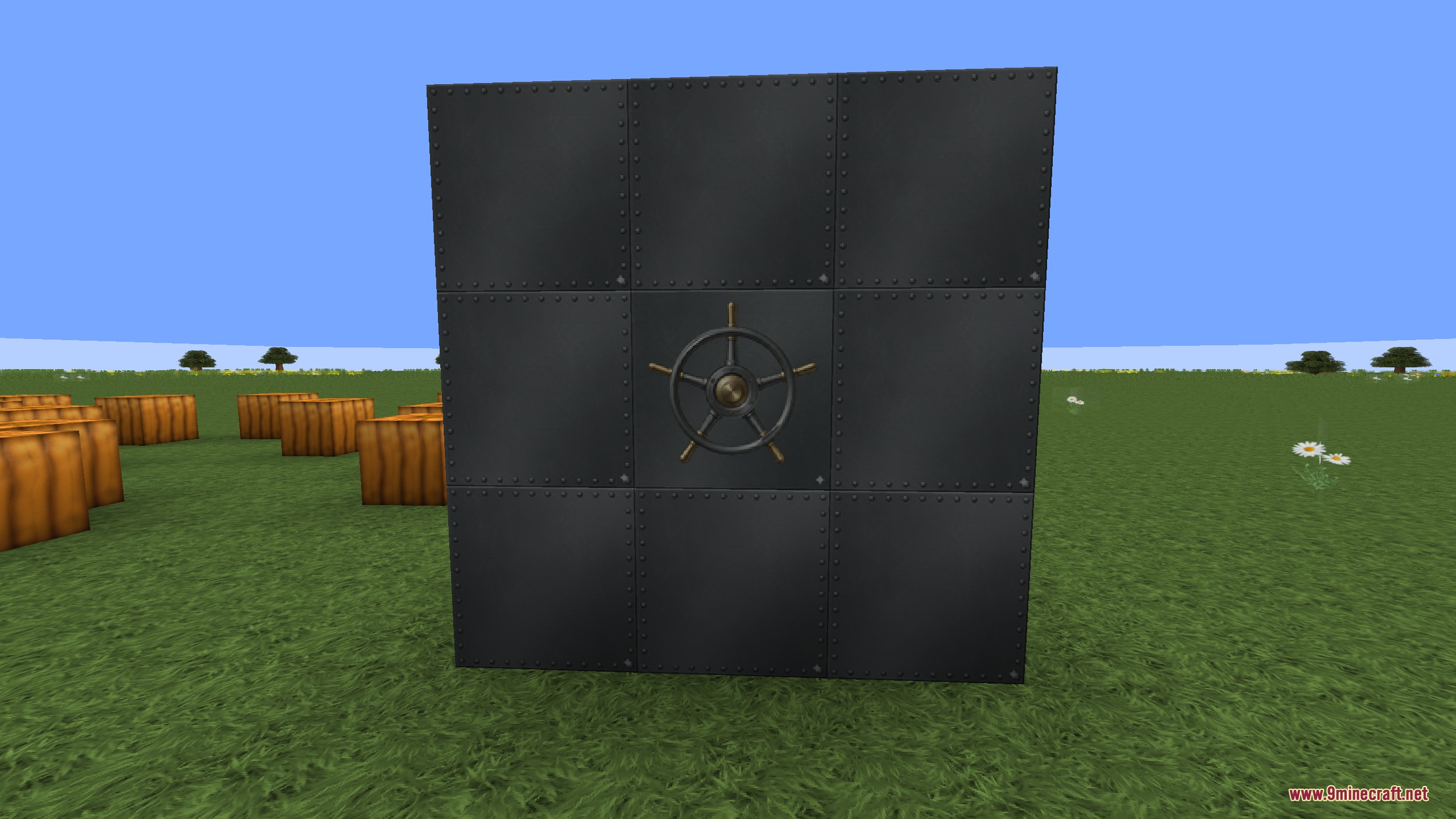
- Place the iron vault door blocks in a 3×3 square to build the structure.
- Finish placing the very last block to connect the system and make it ready to use.
- Right-click the door to open the full-screen menu and start putting your items inside.
- Throw normal chests into the system to give it more space for your loot.
Screenshots:
How to Install:
New to Minecraft? Follow our step-by-step guide to install Mods on your PC.View Guide
Requirements:
 NeoForge Required
 Fabric Loader Required
 Fabric API Required
Quilt Loader Required

Architectury API Required
Bank Vault Mod Download Links
For Minecraft 26.2
For Minecraft 26.1.2, 26.1.1, 26.1
For Minecraft 1.21.11
For Minecraft 1.21.10, 1.21.9
For Minecraft 1.21.8, 1.21.7, 1.21.6
For Minecraft 1.21.5
For Minecraft 1.21.4, 1.21.3, 1.21.2
For Minecraft 1.21.1, 1.21
For Minecraft
1.20.4,
1.20.3,
1.20.2
All Versions Covered
1.20.4
1.20.3
1.20.2
1.20.1
1.20
All Versions Covered
1.20.4
1.20.3
1.20.2
1.20.1
1.20
For Minecraft 1.20.1, 1.20
Click to rate this post!
[Total: 0 Average: 0]
You May Also Like









This post has no comments yet. Be the first — your comment will appear here.